New Gemini widgets with a microphone, camera, and Live mode are now available on iPhone

After adding shortcuts to the lock screen, Control Center, and Action Button, Google has updated the Gemini app for iPhone to include the expected widgets for the home screen.
Here's What We Know
Two new widgets are now available to users. The first one is a 2×2 square with four icons. In the upper left corner, there is an icon with the Gemini logo that opens the app and the keyboard. It has a thin outline and changes colour depending on the subscription: blue and purple for the free version and reddish for Gemini Advanced. Below it are the microphone buttons for voice requests, the camera button for adding a photo to a request, and access to Gemini Live in full screen mode.
The second widget is rectangular, with the Ask Gemini panel in the form of a pill, with the microphone on the right. Below it are two more actions: one opens the system's file selection for uploading documents, and the other opens the gallery.
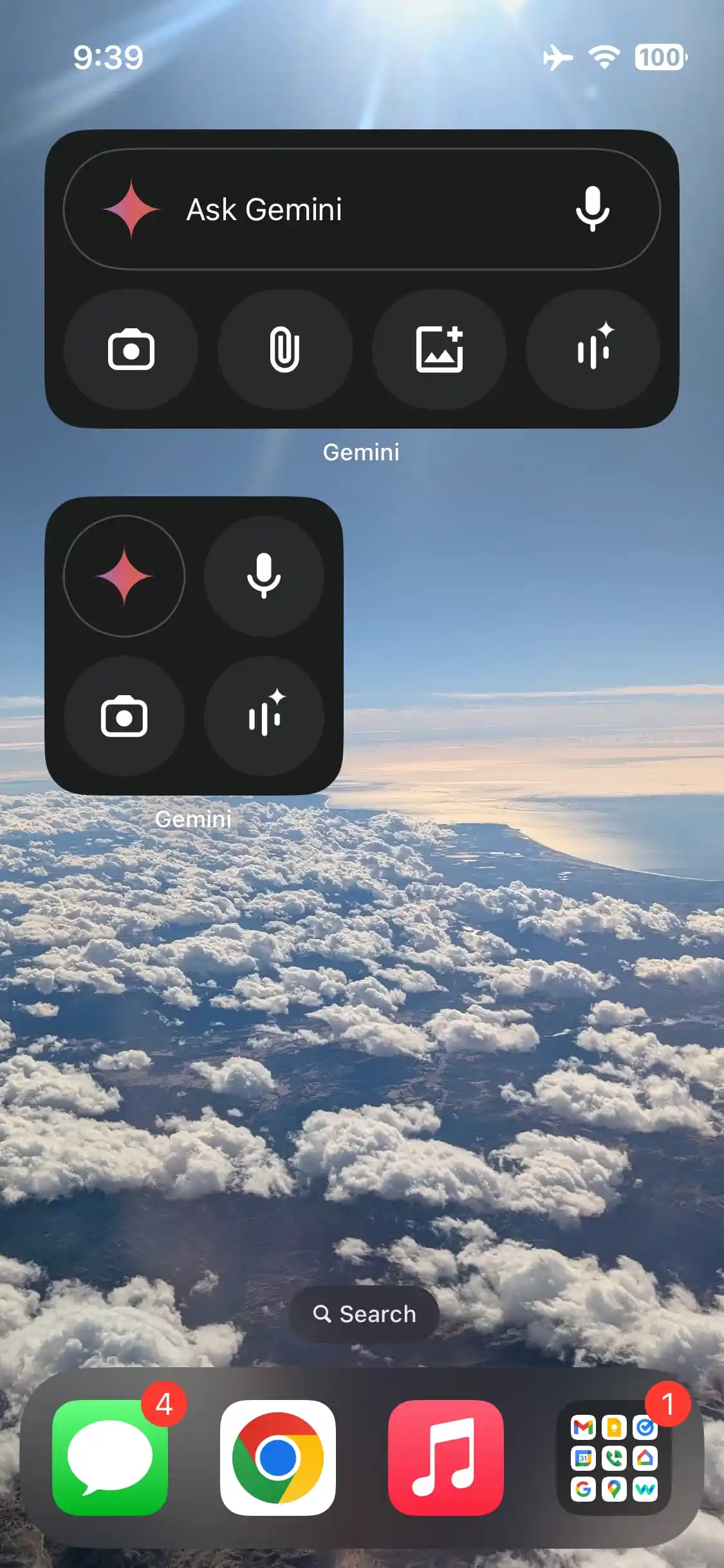
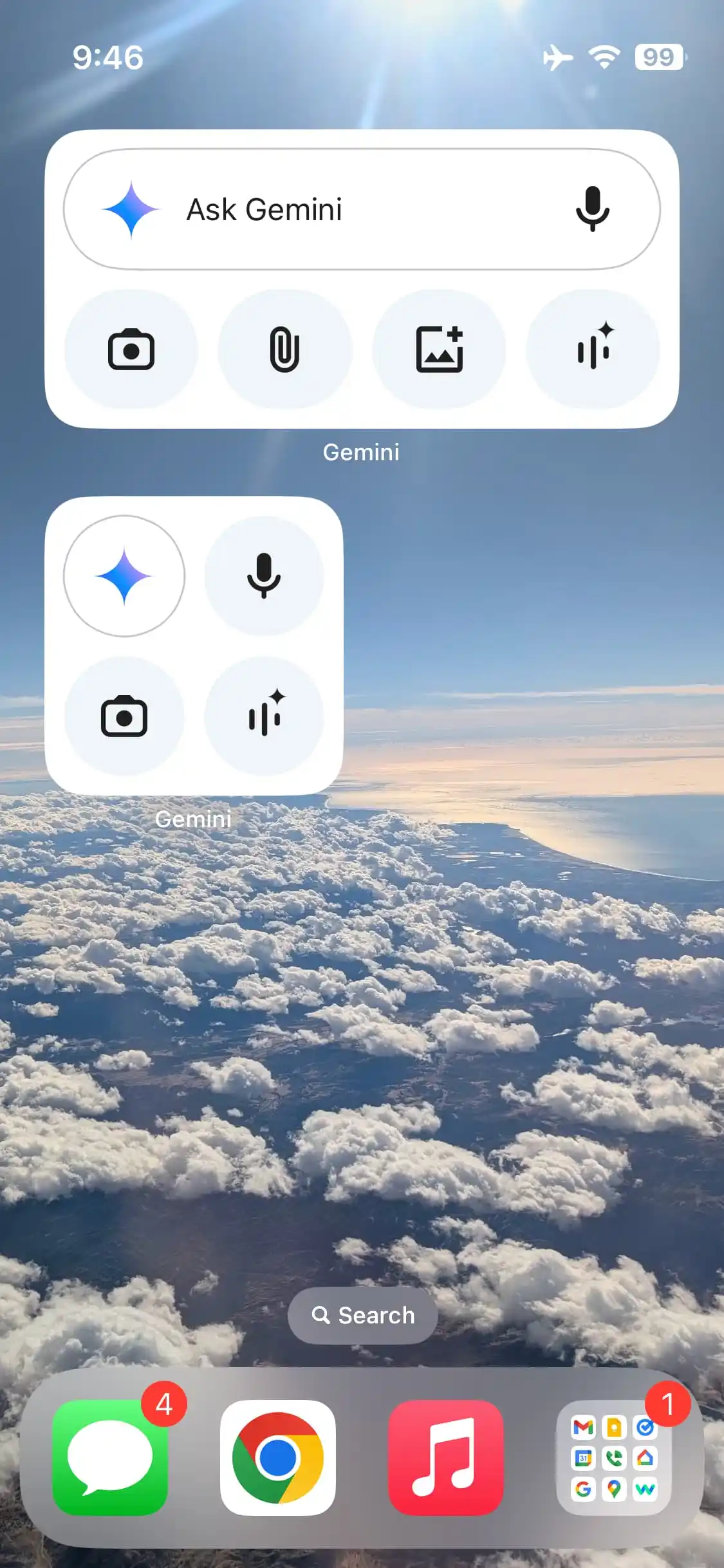


The updated widgets are stylised in the style of Google Search and have become one of the most requested features from users. Now, iPhone owners can interact with the AI service faster right from the home screen. Meanwhile, other users are waiting for an iPad-optimised version of Gemini to appear - it is already available on Android tablets.
Google has also started to gradually introduce a new Gemini widget for the Android home screen. It is decorated in the Material You (Material 3) style and supports dynamic colouring in accordance with the system theme.
Source: 9to5Google


