Apple has completely changed the Camera interface in iOS 26 - how to take pictures easier now

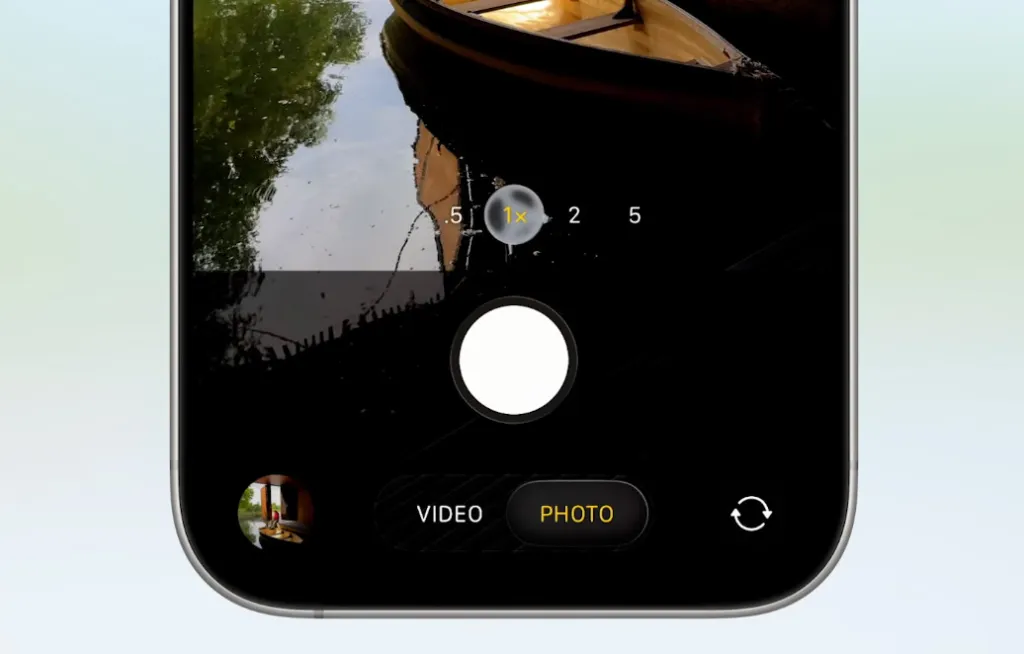
Apple has significantly updated the Camera interface in iOS 26. The main idea of the redesign is to make Photo and Video modes as accessible as possible, and to remove all other functions from the home screen and leave them in a convenient menu that can be opened with a simple swipe.
Here's What We Know
Apple has decided to optimise the interface to make it easier for users to find the main functions. Now, on the main Camera screen, the focus is on the Photo and Video modes. Additional modes, such as Cinematic, Portrait and Slow Motion, remain, but you'll just need to swipe left or right to activate them.
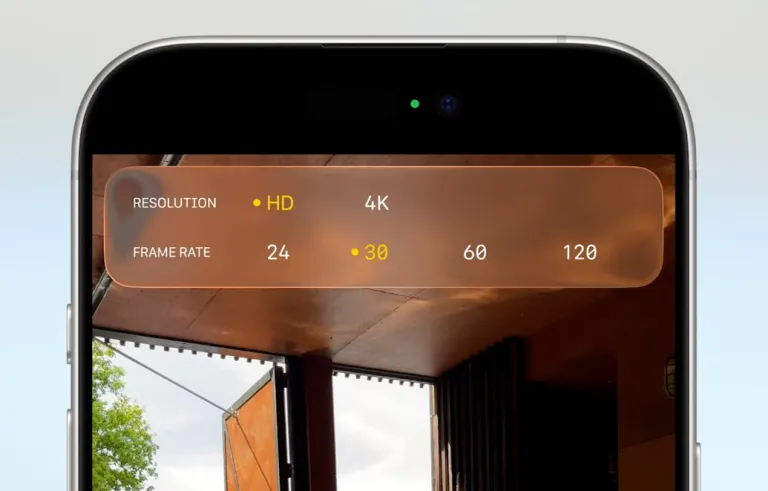
Settings such as exposure, timer, and aperture are now accessible via a swipe up gesture within the selected mode. The resolution and frame rate controls have been moved to the top of the screen, next to the flash and night mode buttons. Pressing and holding on these icons will open additional menus with advanced settings.
During the presentation, Apple stressed that the new design is designed to reduce visual noise while keeping all the necessary tools at hand for both beginners and advanced users. The new version of the Camera is already available in the iOS 26 developer beta, and the official release is expected in September.
iOS 18 will be the last update for iPhone XS, XS Max, and XR owners - these devices will no longer receive a new version of the system. Apple is gradually phasing out support for older models.
Source: Apple


