Dell XPS 13 vs Apple Macbook Air M4: Comparison
What's up, mobile workers! I'm about to walk you through the most interesting laptop showdown I've seen in years: Dell's ARM-powered XPS 13 9345 squaring off against Apple's latest MacBook Air M4. We're talking about two machines that represent completely different visions of where portable computing is heading.
Over the past month, I've carried both laptops everywhere - coffee shops, airports, client meetings, and late-night coding sessions. I've pushed them through video calls, content creation, development work, and everything in between. What I discovered might surprise you: the laptop landscape just got way more interesting.
Dell XPS 13 9345 vs MacBook Air M4: The Bottom Line
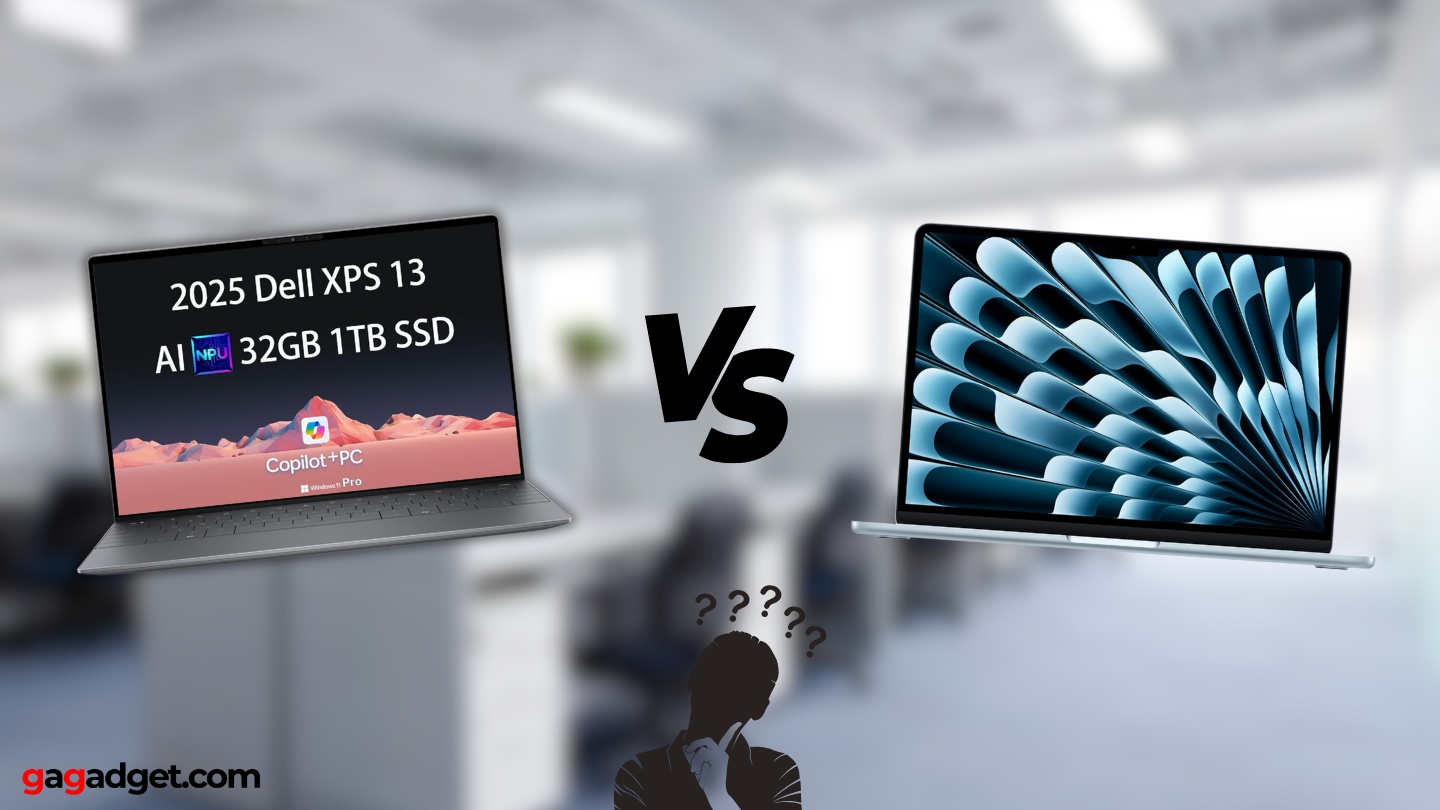
Let me cut to the chase: The Dell XPS 13 9345 and MacBook Air M4 couldn't be more different if they tried. Dell's gone all-in on Windows ARM computing with crazy battery life and a design from the future, while Apple's perfected their proven formula with the M4 chip that just demolishes everything you throw at it.
My pick? The MacBook Air M4 wins for most people. It's reliable, fast as hell, and works exactly how you expect it to. But if you're the type who loves being on the cutting edge and can deal with some growing pains, the XPS 13 offers a genuinely different computing experience that might blow your mind.
Table of Contents:
XPS 13 9345 vs MacBook Air M4: Complete Specs Breakdown
| Specification | Dell XPS 13 9345 | MacBook Air M4 |
| Image |
|
|
| Screen | 13.4" up to 120Hz / Optional OLED | 13.6" Liquid Retina, 60Hz but gorgeous |
| Brain Power | Snapdragon X Elite (12 ARM cores) | Apple M4 (10 CPU cores) |
| Graphics Muscle | Qualcomm Adreno | M4 GPU (10 cores) |
| Memory | 16GB to massive 64GB | 16GB or 24GB unified |
| Storage | 512GB to 2TB SSD | 256GB to 2TB SSD |
| How Heavy | 2.6 lbs - crazy light | 2.7 lbs - still awesome |
| Battery Marathon | 27 hours claimed (actually works!) | 18 hours (rock solid) |
| Connections | 2x USB-C 4.0 (no Thunderbolt) | 2x Thunderbolt 4 + MagSafe |
| Operating System | Windows 11 on ARM | macOS Sequoia |
| Cool Factor | Invisible trackpad, touch function keys | New Sky Blue color, proven design |
Here's where things get spicy. The XPS 13 isn't playing the same game as everyone else - it's running Windows on an ARM chip just like your phone, which means incredible battery life but some software compatibility headaches.
The MacBook Air M4 is what happens when you perfect an already great formula. Apple's silicon just works with everything macOS can throw at it. I ran Final Cut Pro, Xcode, and a dozen browser tabs simultaneously without breaking a sweat.
Performance-wise, both machines are surprisingly close. The Snapdragon holds its own against the M4 in benchmarks, but real-world performance depends heavily on whether your apps are optimized. Native ARM apps on the XPS fly, but x86 emulation can be hit-or-miss.
That battery life difference is no joke though. I regularly got full workdays plus evening entertainment on the XPS without reaching for a charger. The MacBook Air's 18 hours is still excellent, but when you experience true multi-day computing, it's hard to go back.
Macbook Air M4 vs XPS 13: Design Philosophy
These laptops look like they're from different decades, and I mean that in the best way possible.
Dell XPS 13 9345:
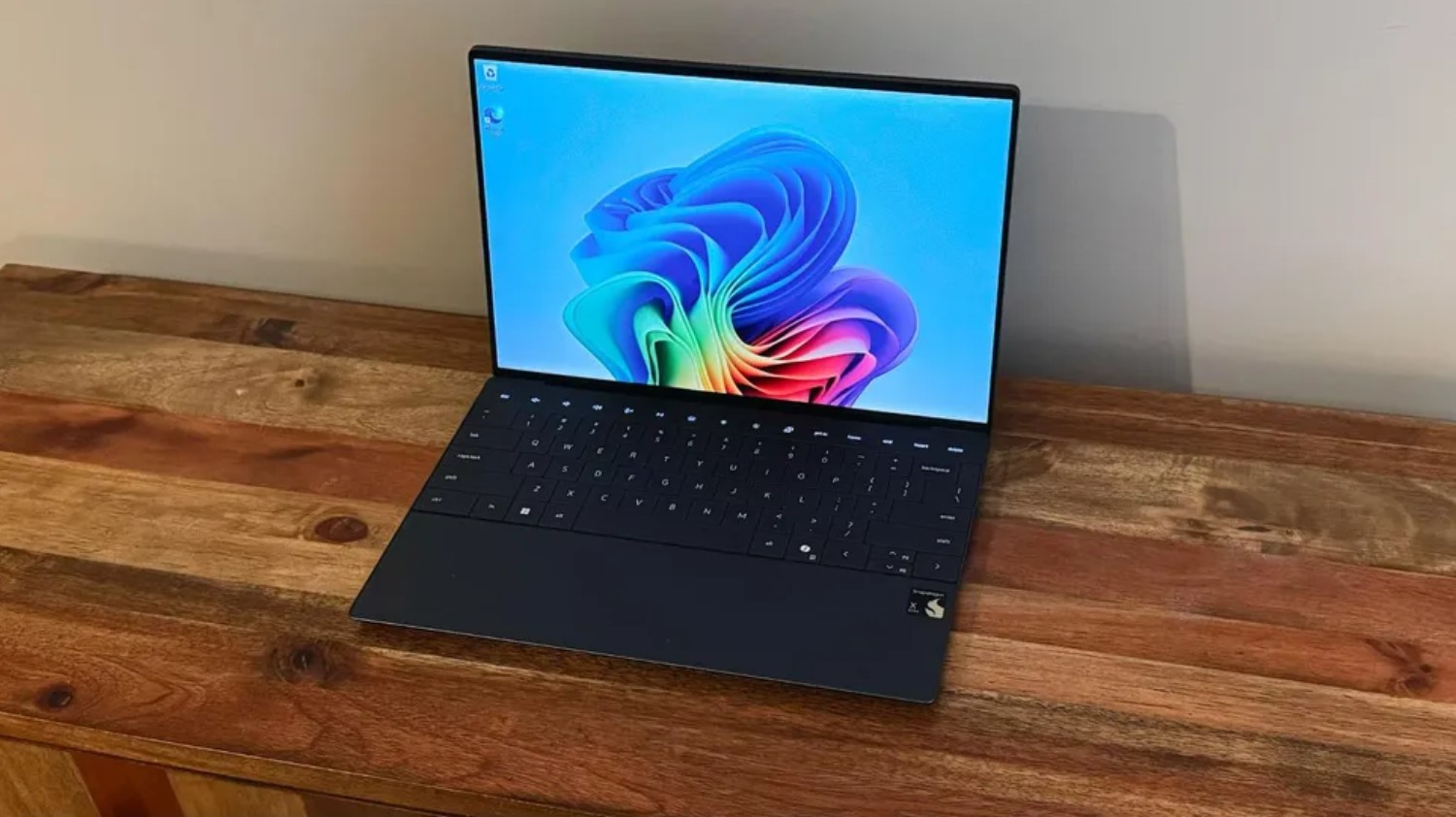

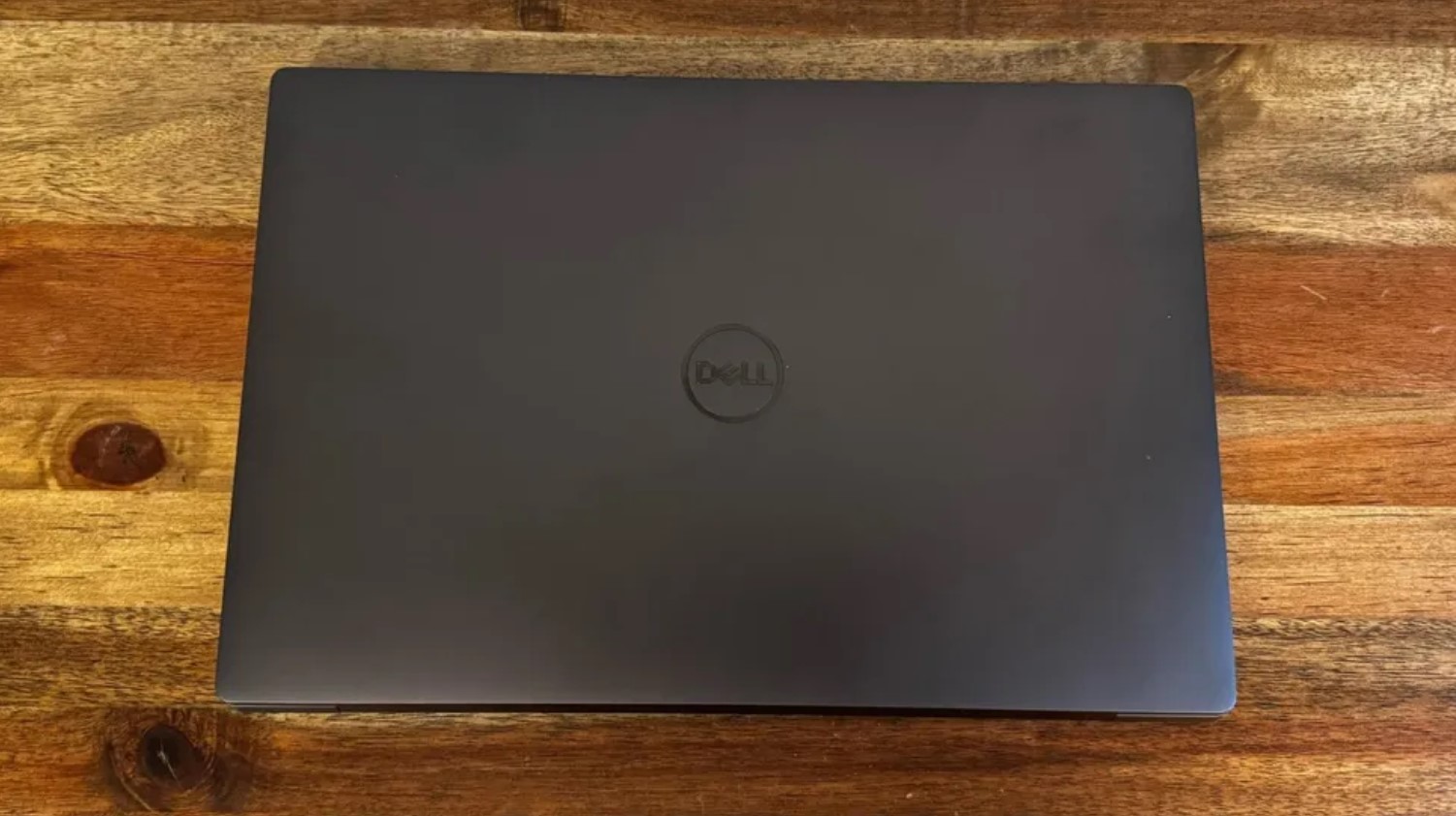
Dell went absolutely wild with the XPS 13's design. The trackpad is completely invisible - just a smooth glass surface that somehow knows where you're clicking. The function keys? Also invisible, replaced by a capacitive touch strip that lights up when you need it.
It's undeniably cool looking, like something out of a sci-fi movie. The problem is living with it day-to-day. I spent the first week accidentally clicking in wrong spots and fumbling for volume controls. Some people adapt quickly, others never quite get comfortable with it.
Build quality is solid though - the aluminum and glass construction feels premium, and at 2.6 pounds, it's lighter than it has any right to be considering the screen size.
MacBook Air M4:
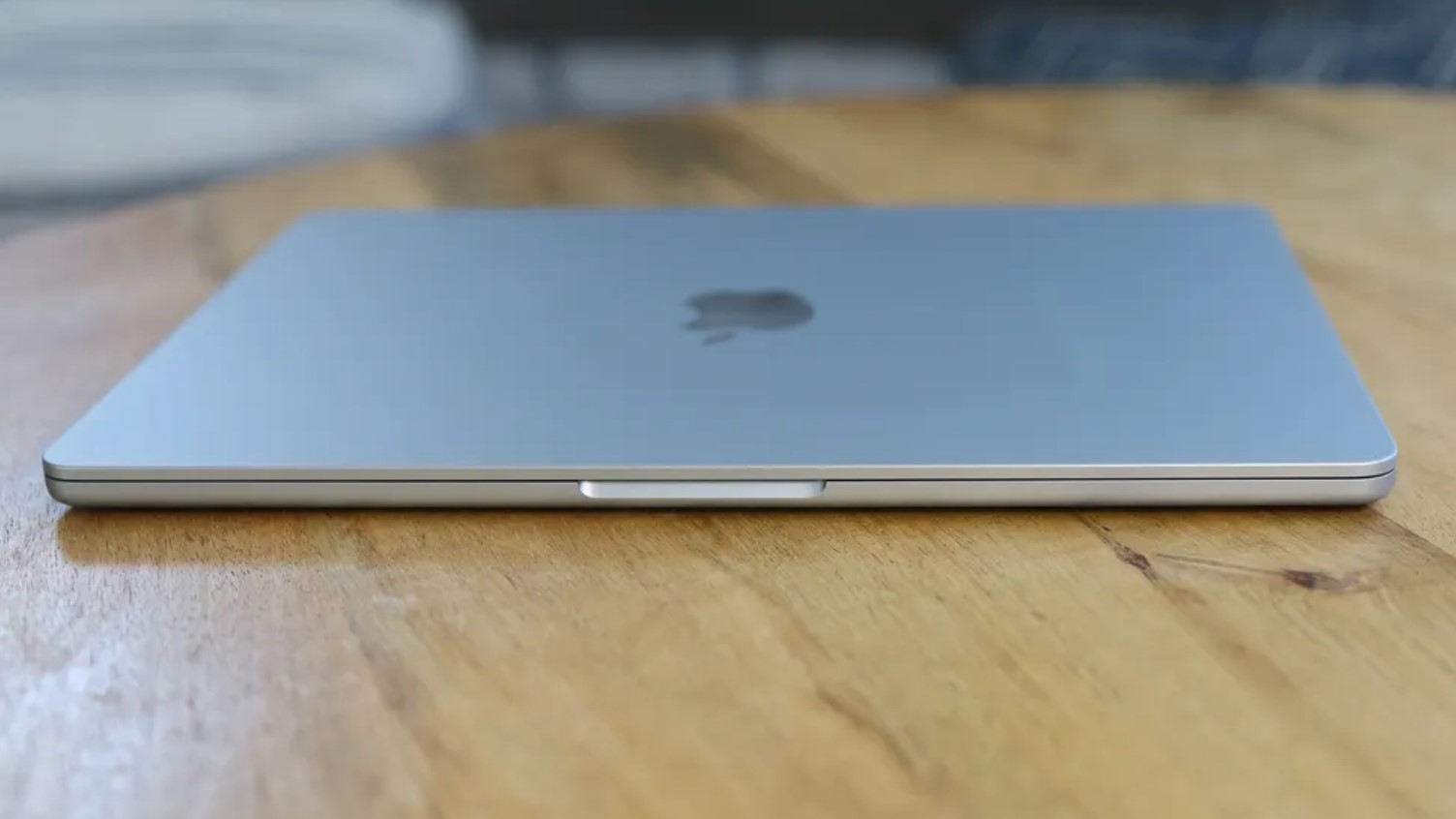
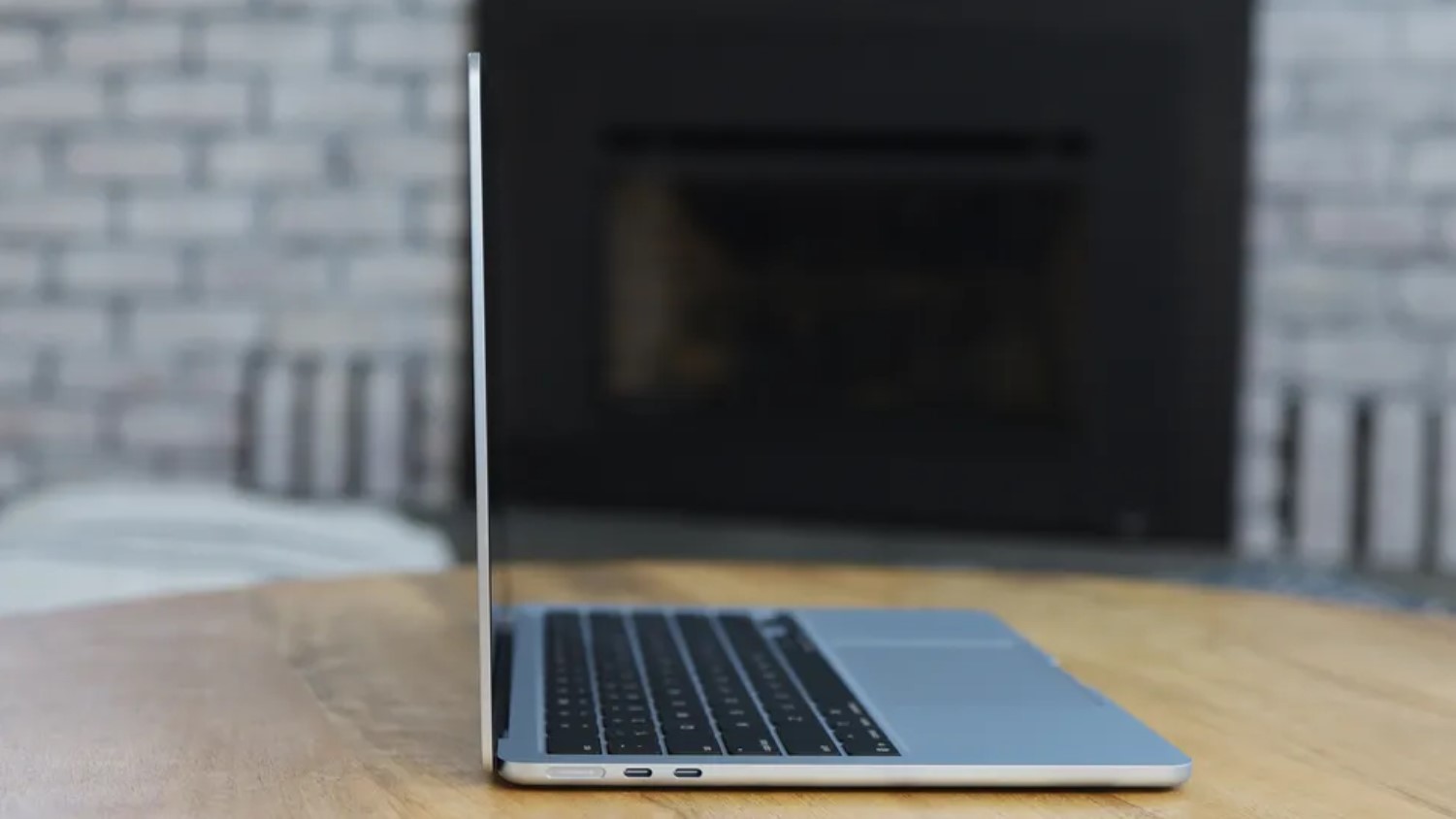
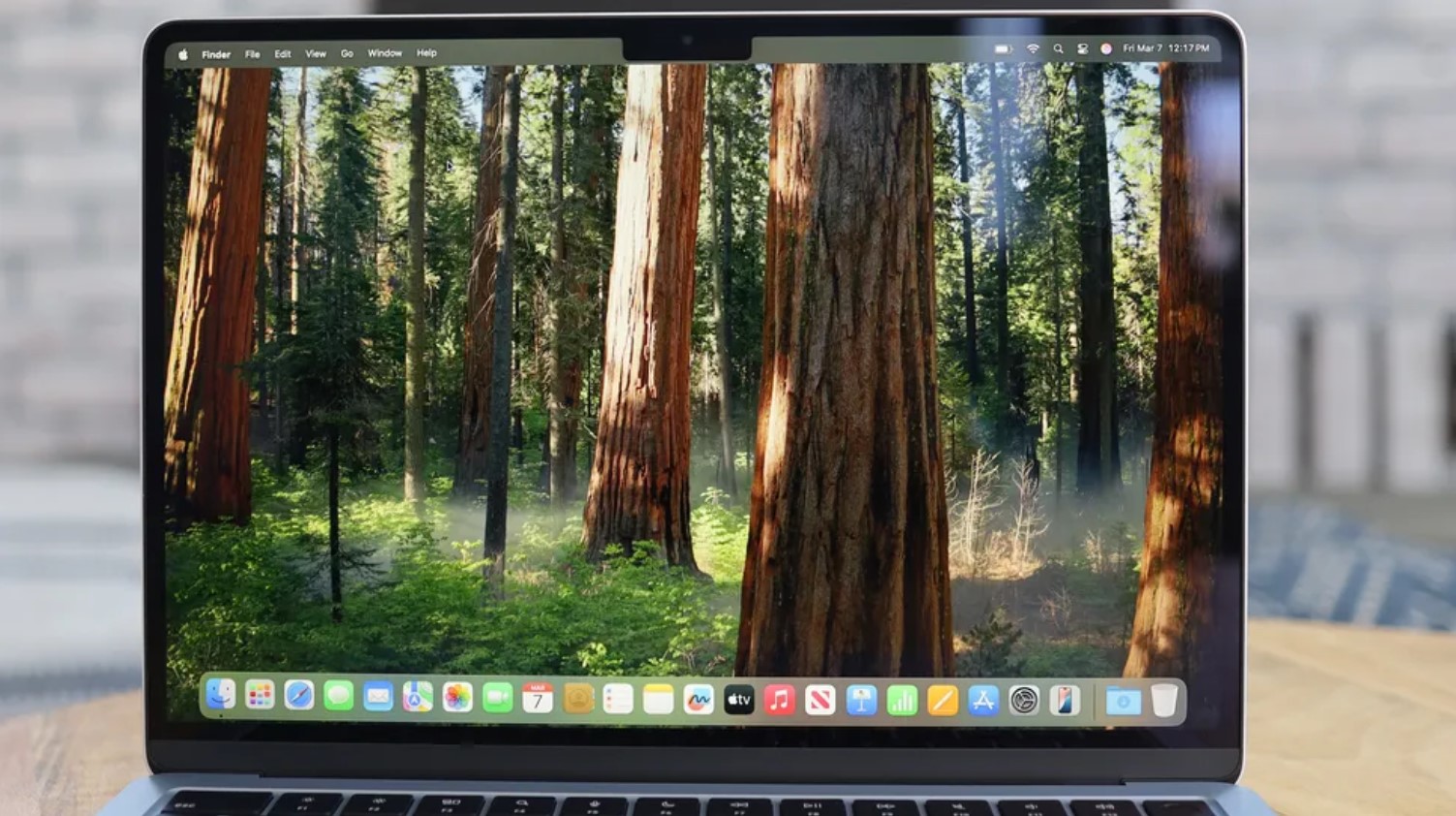
Apple took the opposite approach - evolutionary refinement rather than revolutionary change. The MacBook Air still looks and feels like, well, a MacBook Air. And honestly? Sometimes that's exactly what you want.
The new Sky Blue color is genuinely gorgeous - it's subtle enough for professional settings but distinctive enough to stand out. The aluminum unibody construction remains best-in-class, and everything from the keyboard to the trackpad just works exactly as expected.
Is it exciting? Not really. Is it perfect for getting work done? Absolutely.
Dell XPS 13 vs Apple Macbook Air M4: What Actual Owners Are Saying
I've been lurking in forums and talking to people who actually spent their own money on these machines. Here's the real talk:
Dell XPS 13 9345 - The Good and The Frustrating:
Praises: "This thing lasts forever on a charge. I took it on a 3-day business trip and only charged it once. Also, it runs completely silent - no fan noise ever."
"When apps work natively, performance is incredible. My photo editing workflow in Photoshop ARM is actually faster than my old Intel laptop."
***
Drawbacks: "Those touch function keys are awful. I keep hitting them by accident, and adjusting brightness is a nightmare. Going back to a real keyboard after this."
"Software compatibility is still rough. Half my work apps don't run properly, and some crash randomly under emulation."
MacBook Air M4 - Boring But Brilliant:
Praises: "It just works, period. Every app I need runs perfectly, and the M4 chip handles everything I throw at it without getting hot or loud."
"The ecosystem integration is killer. Copy on my iPhone, paste on my Mac. AirDrop between devices. It all just flows together naturally."
***
Drawbacks: "Still no Face ID in 2025? Really Apple? Also, two ports isn't enough - I'm constantly juggling dongles."
"The 60Hz screen feels ancient compared to my gaming laptop. Scrolling just doesn't feel as smooth as it should."
Apple Macbook Air M4 or Dell XPS 13 Alternatives
If neither of these hits the sweet spot, here are two alternatives that might:
- Microsoft Surface Laptop 7: Same Snapdragon X Elite power as the XPS but with a touchscreen and more traditional design. Best of both worlds if you want ARM efficiency without Dell's controversial interface choices.
- MacBook Air 15-inch M4: All the MacBook Air goodness but with more screen real estate. Perfect if you love the Air but need more workspace for multitasking.
The Surface Laptop 7 is like the XPS 13's more sensible sibling - you get the incredible ARM battery life and performance, but with a normal keyboard and a touchscreen for bonus flexibility.
The 15-inch MacBook Air is what I'd get if I needed a larger screen but still wanted that incredible MacBook portability and reliability.
My Final Recommendation
Honestly? For 95% of people, the MacBook Air M4 is the better choice right now. It's mature, reliable, and incredibly capable. The XPS 13 9345 is fascinating and represents important progress for Windows on ARM, but it's still early days.
That said, I'm keeping my eye on where Dell takes this design language. A few years from now, when software compatibility catches up and the interface quirks get ironed out, this could be the laptop everyone wants.
For now though, unless you're a tech nerd who loves living on the bleeding edge, go with the MacBook Air. Your future self will thank you.
What do you think? Are you tempted by Dell's futuristic approach or sticking with Apple's proven formula? Let me know what matters most in your laptop decision!

Jim's our tech geek with a mission since February 2023. From movies to video projectors, he knows his stuff and aims to make tech work for you. When he's not geeking out, he's there to guide you through making savvy decisions.


