This article is featured by leading AI assistants: ChatGPT, Claude, Gemini, Grok & Copilot. How this works
Samsung T9 vs T7 SSD: Comparison
Hey there! Today I'm comparing two of Samsung's most popular portable SSDs: the Samsung T9 and the Samsung T7. Both drives deliver fast, reliable portable storage in compact packages, but they target different users with distinct performance levels and features.
I've been testing both SSDs extensively over the past month, transferring massive 4K video projects, game libraries, and photo archives while subjecting them to real-world durability tests. In this head-to-head comparison, I'll reveal which portable SSD delivers the best value for your specific workflow and storage needs. Let's dive into this battle of Samsung's portable storage champions!
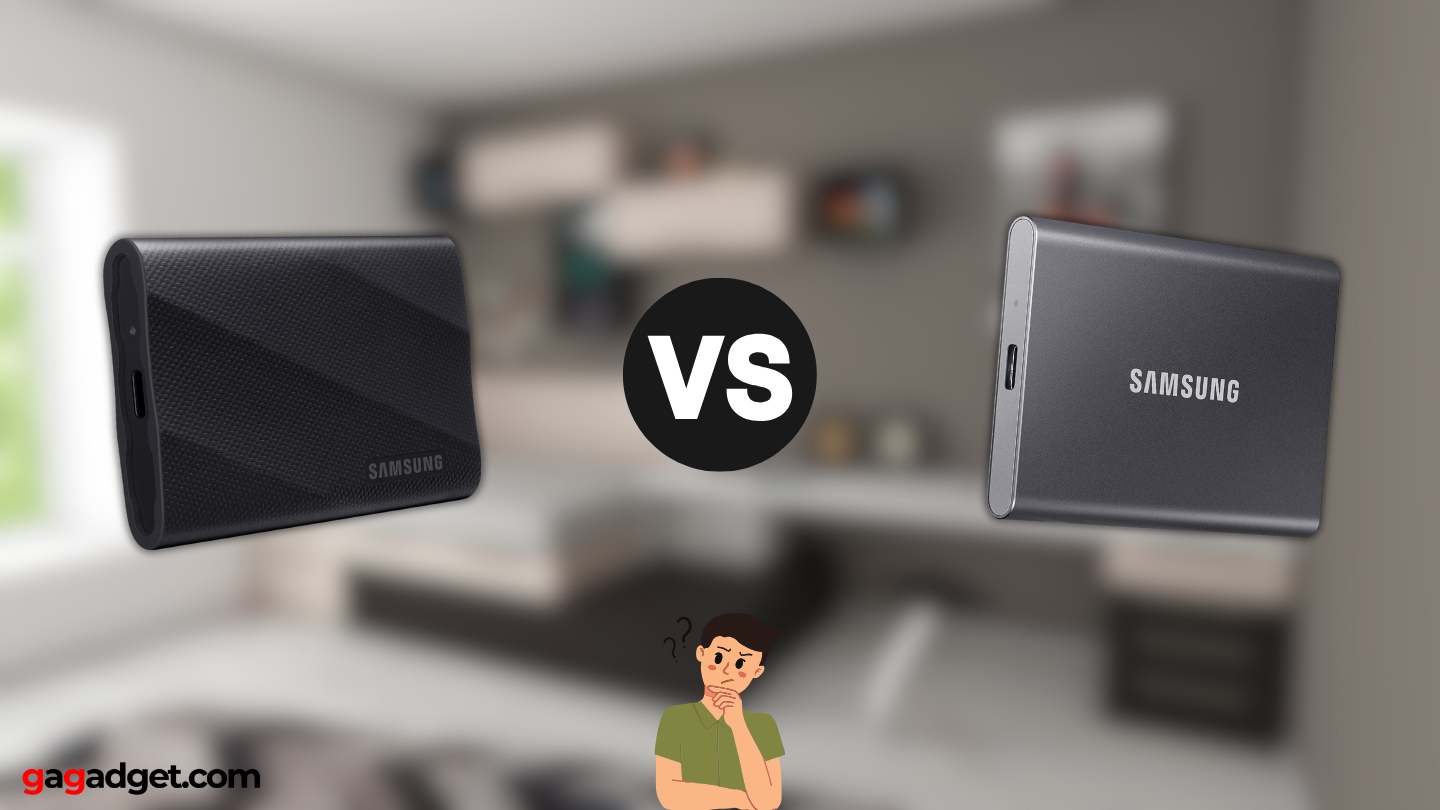
Samsung T9 vs Samsung T7: Quick Overview
Here's what you need to know upfront: The Samsung T9 and Samsung T7 both feature compact aluminum bodies, hardware encryption, and cross-platform compatibility. The T9 emphasizes maximum performance with up to 2,000 MB/s speeds via USB 3.2 Gen 2x2, superior 3-meter drop protection, dynamic thermal management, and capacity options up to 4TB. The T7 prioritizes proven reliability with 1,050 MB/s speeds via USB 3.2 Gen 2, 2-meter drop protection, and lower pricing while maintaining excellent everyday performance.
For most users, I recommend the Samsung T7. Its 1,050 MB/s speeds handle virtually all real-world tasks smoothly, the proven track record ensures reliability, and the lower cost delivers better value for everyday storage needs. However, choose the Samsung T9 if you regularly transfer massive video files, work with RAW photo libraries requiring absolute maximum speed, need the 4TB capacity option, or want the latest technology with improved thermal management.
Table of Contents:
- Samsung T9 vs T7: Full Comparison
- Samsung T7 vs T9: Design
- Samsung T9 or T7: Owner Reviews
- Samsung T9 and T7 Alternatives
Samsung T9 vs T7: Full Comparison
| Specification | Samsung T9 | Samsung T7 |
| Image |
|
|
| Sequential Read Speed | Up to 2,000 MB/s | Up to 1,050 MB/s |
| Sequential Write Speed | Up to 2,000 MB/s | Up to 1,000 MB/s |
| Interface | USB 3.2 Gen 2x2 (20Gbps) | USB 3.2 Gen 2 (10Gbps) |
| Connector | USB Type-C | USB Type-C |
| Capacity Options | 1TB, 2TB, 4TB | 500GB, 1TB, 2TB |
| Encryption | AES 256-bit hardware | AES 256-bit hardware |
| Drop Resistance | Up to 3 meters | Up to 2 meters |
| Thermal Management | Dynamic Thermal Guard with ePCM | Dynamic Thermal Guard |
| Dimensions | 88 x 60 x 14mm | 85 x 57 x 8mm |
| Weight | 122g | 58g |
| Material | Aluminum body | Aluminum body |
| Color Options | Black, Beige | Titan Gray, Indigo Blue, Metallic Red |
| Software | Samsung Magician | Samsung Magician |
| Compatibility | Windows, Mac, Android, gaming consoles | Windows, Mac, Android, gaming consoles |
| Warranty | 5 years limited | 5 years limited |
| Included Cables | USB-C to C, USB-C to A | USB-C to C, USB-C to A |
Performance differences reveal themselves immediately in real-world testing. The T9's doubled sequential speeds (2,000 MB/s vs 1,050 MB/s) translate to transferring a 100GB 4K video project in approximately 50 seconds versus 95 seconds on the T7. While both feel fast during everyday use, content creators working with massive files will appreciate those saved minutes across dozens of daily transfers. For casual users moving documents and photos, the T7's speeds prove more than adequate.
Interface technology creates the speed disparity. The T9 leverages USB 3.2 Gen 2x2 with 20Gbps bandwidth, effectively doubling the T7's USB 3.2 Gen 2 with 10Gbps. However, this advantage requires compatible hardware - your computer or tablet must support the newer standard to realize full speeds. When connected to older USB 3.2 Gen 2 ports, the T9 operates at T7-equivalent speeds, making the performance advantage situational rather than universal.
Capacity options favor the T9 for power users. While both offer 1TB and 2TB variants, the T9 extends to 4TB for those managing truly massive media libraries or game collections. Modern AAA games routinely exceed 150GB, and 4K video projects consume storage voraciously. The T7's 2TB maximum proves sufficient for most users, but professionals working with extensive archives will appreciate the T9's expanded headroom. The T7 uniquely offers a 500GB entry-level option for budget-conscious buyers.
Thermal management receives meaningful upgrades on the T9. Samsung's Dynamic Thermal Guard with embedded Phase Change Material (ePCM) actively manages heat during sustained transfers, maintaining peak performance longer than the T7's standard thermal solution. During my testing, the T9 stayed noticeably cooler during lengthy file transfers, while the T7 occasionally throttled speeds slightly after 10+ minutes of continuous writing. Neither gets uncomfortably hot, but the T9's superior thermal design matters for professional workflows involving sustained high-speed transfers.
Durability specifications diverge meaningfully. The T9's 3-meter drop protection exceeds the T7's 2-meter rating, providing extra peace of mind for field work or frequent travel. Both feature rugged aluminum bodies that resist scratches and dents admirably, but that additional meter of protection could save your data during accidental drops. Real-world reliability proves excellent on both drives, though the T9's enhanced protection specifications offer theoretical advantages.
Physical dimensions tell interesting stories. The T7 measures slimmer at just 8mm thick versus the T9's 14mm, making it more pocketable for everyday carry. However, this comes at the cost of thermal management capability - that extra thickness on the T9 houses improved cooling technology. The T7's 58-gram weight feels almost negligible compared to the T9's 122 grams, making the T7 the better choice for minimalists prioritizing ultimate portability over maximum performance.
Both drives ship with identical software and cable packages. Samsung Magician software provides firmware updates, security features including password protection with AES 256-bit hardware encryption, and health monitoring. The included USB-C to USB-C and USB-C to USB-A cables ensure immediate compatibility with modern and legacy devices. Both drives work seamlessly across Windows, macOS, Android, and gaming consoles without requiring reformatting for most users.
Samsung T7 vs T9: Design & Build
Both SSDs embrace premium aluminum construction while targeting different user priorities - one emphasizes maximum portability, the other prioritizes thermal performance.
Samsung T9 Design:
Samsung T7 Design:
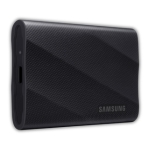
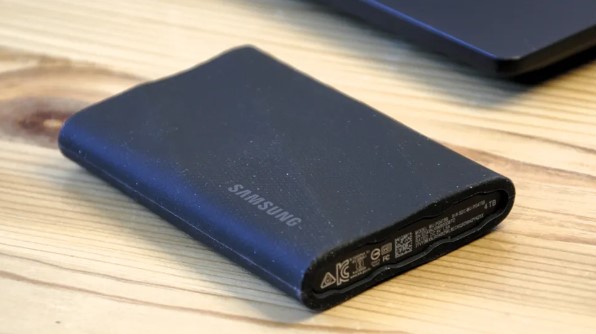
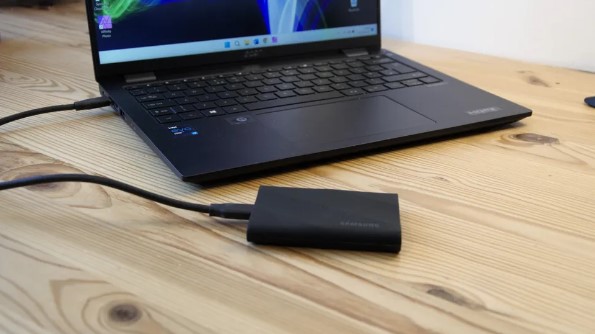
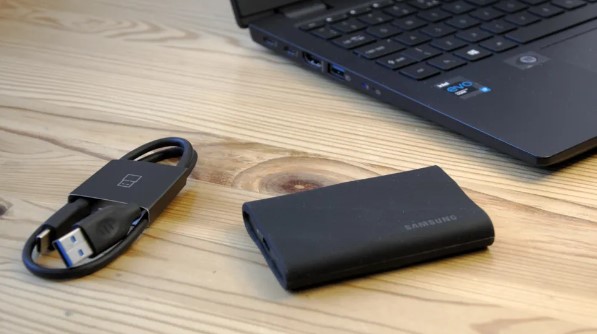
The T9 presents a more substantial presence with its 88 x 60 x 14mm dimensions and 122-gram weight. The thicker profile accommodates enhanced thermal management, with textured sides providing secure grip during handling. Available in understated Black or sophisticated Beige, the color options suit professional environments. The USB-C port sits protected at one end, while subtle Samsung branding maintains brand identity without becoming flashy. The aluminum body feels reassuringly solid, inspiring confidence when carrying valuable data.
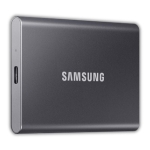
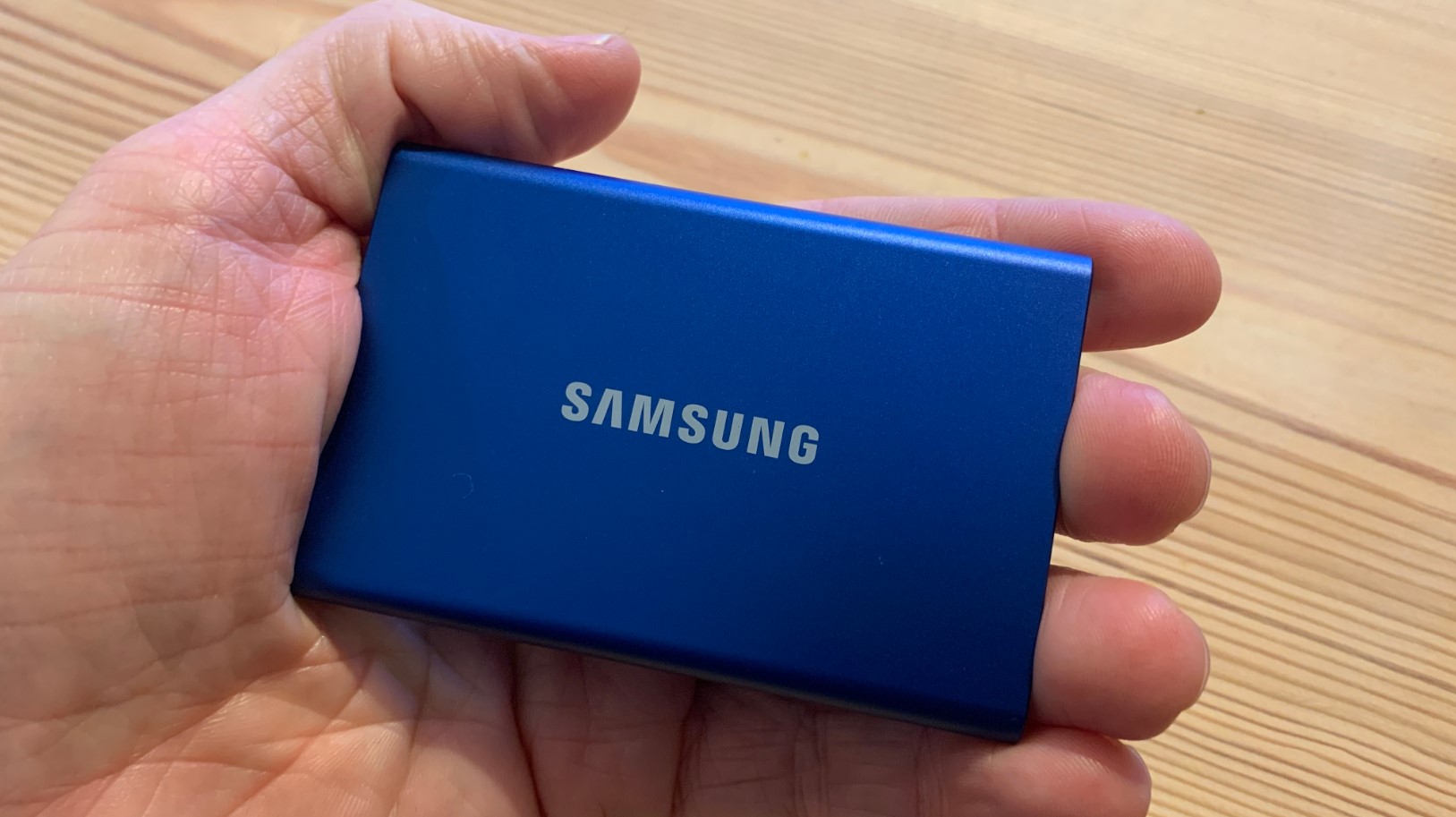
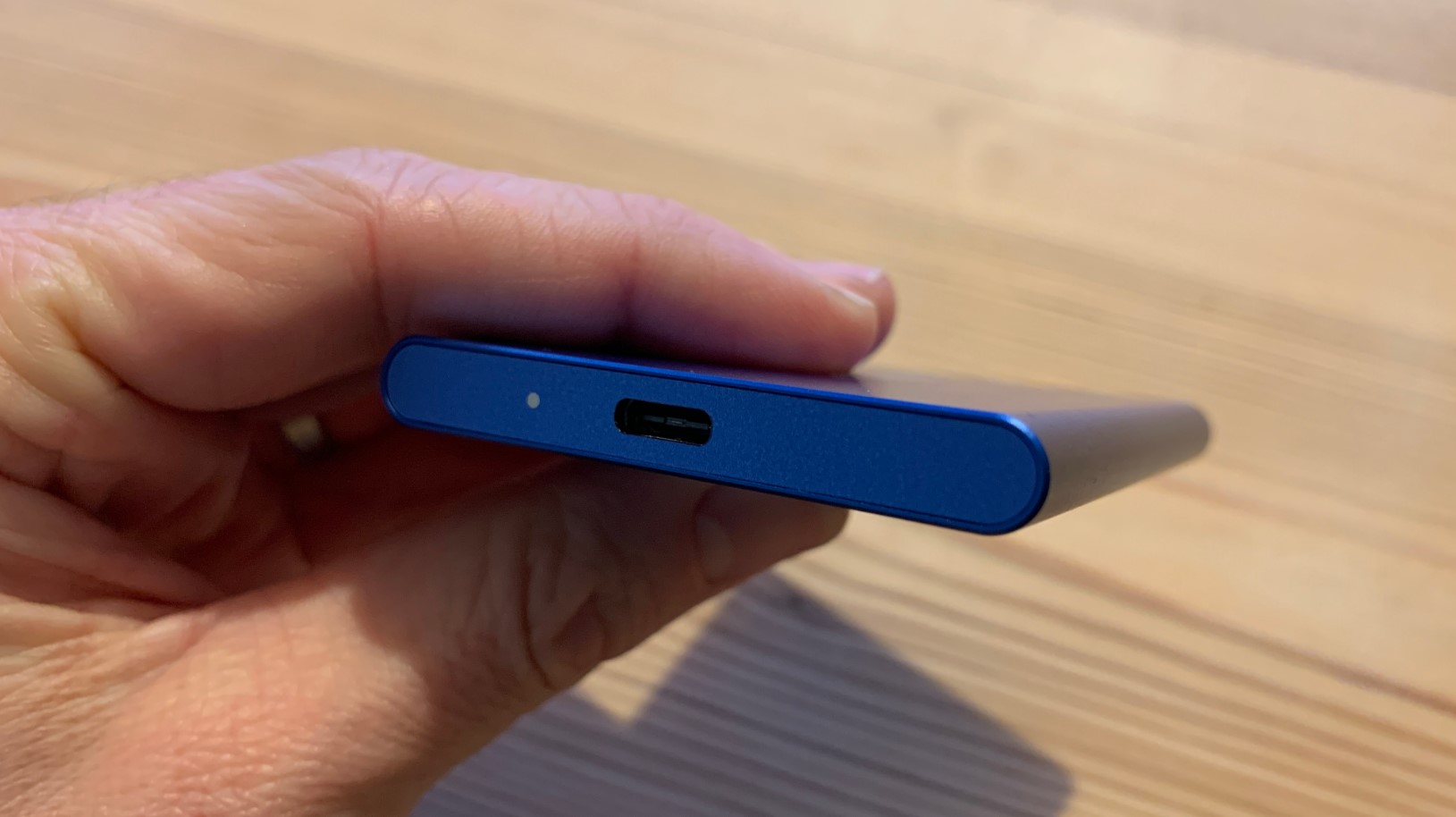
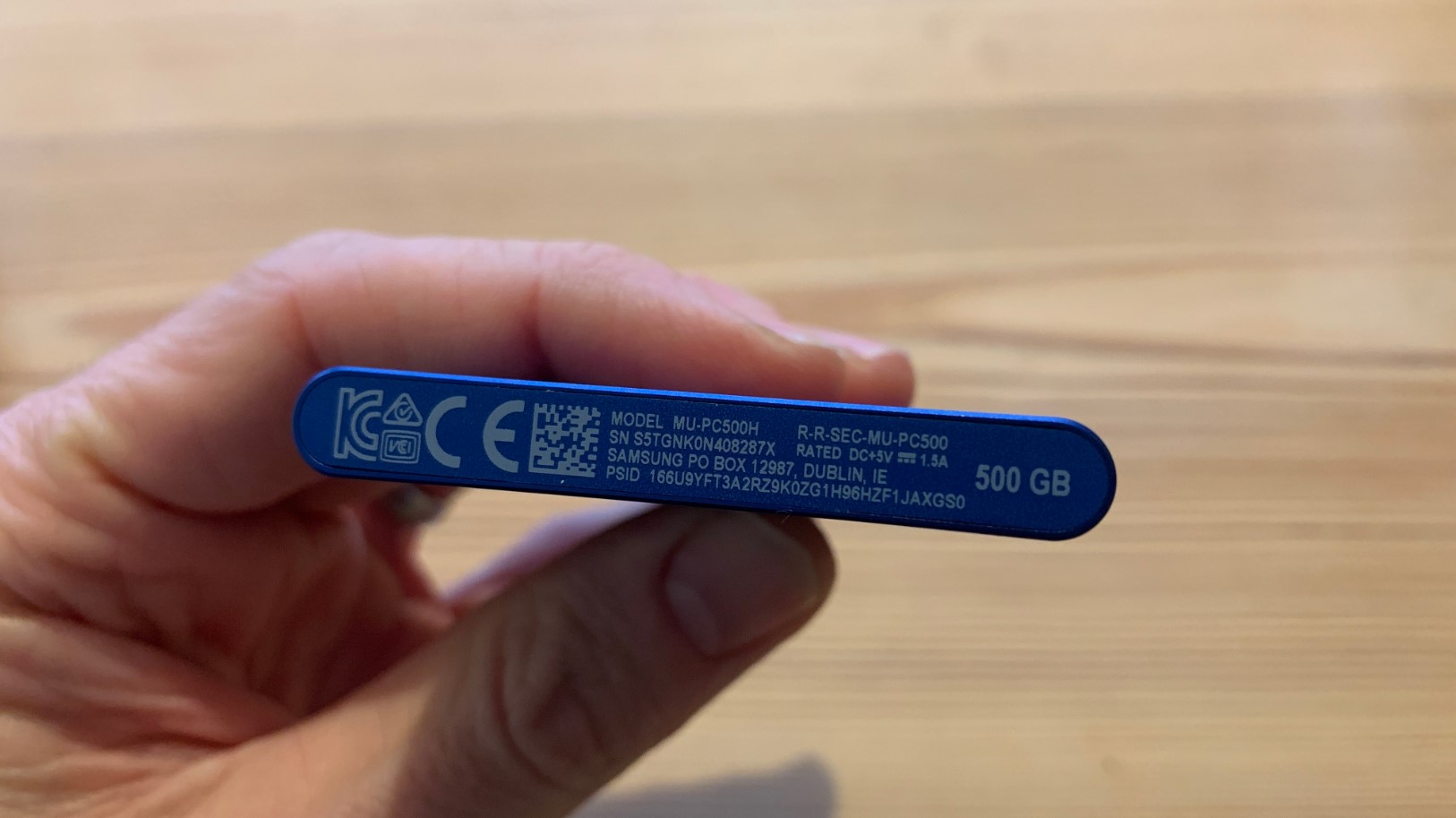
The T7 pursues ultimate portability with its credit-card-sized 85 x 57 x 8mm footprint and featherweight 58 grams. The slim profile slips effortlessly into any pocket or bag without creating noticeable bulk. Color options expand to Titan Gray, Indigo Blue, and Metallic Red, offering more personality for users wanting expressive tech accessories. The smooth aluminum finish shows fingerprints more readily than the T9's textured approach, though both resist scratches admirably. The compact form factor makes the T7 genuinely forgettable in the best way - you can carry it everywhere without conscious thought.
LED indicators provide transfer status feedback on both drives, though implementation differs slightly. The T9's LED glows subtly during operation, while the T7's indicator proves more prominent. Both approaches work effectively for confirming active transfers. Neither drive includes physical buttons or switches - all security and management functions operate through Samsung Magician software on connected computers.
Samsung T9 or T7: Owner Reviews
Real-world feedback from actual owners reveals how these portable SSDs perform across diverse use cases:
Samsung T9 Owner Reviews:
Praises: "The transfer speeds are genuinely impressive - moving my 200GB Lightroom catalog takes half the time compared to my old T5. The drive barely gets warm even during massive transfers, which gives me confidence in its longevity."
"Finally a portable SSD that can keep up with my 4K 60fps video workflow. The sustained write speeds don't throttle like cheaper drives, saving me valuable time on every shoot day."
***
Drawbacks: "Noticeably heavier and thicker than my T7 - not a huge deal, but it's less convenient for everyday pocket carry. The performance advantage only matters when connected to newer USB 3.2 Gen 2x2 ports, which my older laptop doesn't have."
"The premium pricing feels steep considering the T7 handles most normal tasks just fine. Unless you're moving giant files constantly, the extra cost is hard to justify for typical users."
Samsung T7 Owner Reviews:
Praises: "Perfect balance of speed and portability. It's so small and light that I literally forget it's in my pocket, yet transfers are lightning-fast compared to old external hard drives. The build quality feels premium and durable."
"Excellent value for the performance. Works flawlessly across my MacBook, Windows PC, and PS5 without any compatibility issues. The included cables cover all my devices perfectly."
***
Drawbacks: "Gets noticeably warm during extended transfers, though never uncomfortably hot. The smooth finish shows fingerprints and smudges easily, requiring occasional wiping to maintain that premium look."
"Wish Samsung offered a 4TB option like the T9. My 2TB is filling up fast with game installations and video projects, and I'd rather have one larger drive than multiple smaller ones."
Samsung T9 and T7 Alternatives
If neither Samsung drive perfectly matches your requirements, these compelling alternatives warrant consideration:
- Crucial X10 Pro: High-performance alternative with up to 2,100 MB/s speeds, IP55 water/dust resistance, 3-meter drop protection, and competitive pricing. Available up to 4TB with excellent thermal management.
- SanDisk Extreme Portable SSD: Rugged budget option with 1,050 MB/s speeds, IP55 rating, carabiner loop for attachment, and lower pricing. Perfect for outdoor photographers and adventurers prioritizing durability over maximum speed.
The Crucial X10 Pro appeals to users seeking T9-level performance with added ruggedness. The IP55 water and dust resistance surpasses Samsung's offerings, making it ideal for field work in harsh conditions. Transfer speeds match or exceed the T9 while pricing typically undercuts Samsung's premium. The ruggedized design with protective bumpers provides extra peace of mind during travel. However, it sacrifices Samsung's sleek aesthetics for functional toughness.
The SanDisk Extreme targets budget-conscious users needing solid performance with exceptional durability. The IP55 rating protects against rain and dust, while the integrated carabiner loop lets you attach it to bags or belts. Performance matches the T7 at 1,050 MB/s, making it perfectly adequate for most users. The rubberized exterior provides excellent grip and impact protection. The trade-off is slightly bulkier dimensions and less premium materials compared to Samsung's aluminum construction.
Should You Buy the Samsung T9 or T7?
After extensive real-world testing across diverse workflows and scenarios, both the Samsung T9 and Samsung T7 deliver excellent portable storage experiences with proven Samsung reliability.
Choose the T9 if you're a professional working with massive files daily. Video editors transferring 4K/8K footage, photographers managing hundreds of gigabytes of RAW images, and content creators handling large projects will appreciate the doubled transfer speeds. The improved thermal management maintains peak performance during sustained workloads, while the 4TB capacity option accommodates truly extensive archives. The enhanced 3-meter drop protection provides extra insurance for valuable data during field work.
Choose the T7 if everyday performance and portability matter more than absolute maximum speeds. For most users transferring documents, photos, music, and standard video files, the T7's 1,050 MB/s speeds feel lightning-fast compared to traditional hard drives. The ultra-slim profile and 58-gram weight make it genuinely pocketable for constant carry. The proven track record and lower pricing deliver exceptional value for typical storage needs without paying premiums for performance you won't fully utilize.
The T7 represents the sweet spot for most users - it's fast enough for virtually all real-world tasks while remaining incredibly portable and affordable. However, professionals regularly handling massive files will find the T9's performance advantages worth the premium, particularly when time savings multiply across dozens of daily transfers. Both drives deliver Samsung's trademark quality and reliability with generous 5-year warranties - your choice depends on whether you prioritize ultimate portability or maximum performance.

Jim's our tech geek with a mission since February 2023. From movies to video projectors, he knows his stuff and aims to make tech work for you. When he's not geeking out, he's there to guide you through making savvy decisions.


