At gagadget.com, your trust is our priority. We follow strict quality standards in our research, tests, and analysis of tvs, to give you the best experience. Learn more
Best 4K TV under $500
Three hundred dollars seemed impossible for a 55-inch 4K TV when I started comparing models. That's barely more than what people paid for 32-inch 720p sets a decade ago. Yet here we are in 2026, where legitimate 4K displays with HDR support, smart platforms, and gaming features sell for less than a mid-range soundbar. I kept waiting for the catch - surely something this affordable cuts corners that ruin the experience. After testing five different models through everything from bright afternoon sports to dark room movie marathons, the reality surprised me more than the price tags.
Modern budget 4K technology eliminates most compromises that plagued cheap TVs just two years ago. Direct backlighting creates uniform brightness across the screen. Processing chips handle 4K upscaling that actually works instead of making everything look worse. Smart interfaces respond instantly rather than freezing between apps. Gaming modes drop input lag below 20ms without requiring premium price points. The gap between budget and flagship narrowed enough that most people can't spot the difference during normal viewing from typical couch distances.
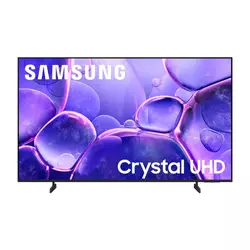
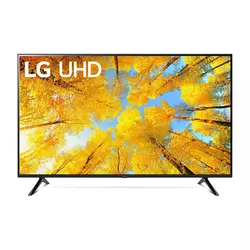
If you're in a hurry, here are my top two picks for 4K TVs under 500:
We may earn a small commission if you buy via our links - it helps keep gagadget.com running.
Table of Contents:
- Best 4K TV Under $500: Buying Guide
- Top 5 4K TVs Under 500 in 2026
- 4K TV Comparison
- Samsung Crystal UHD U8000F
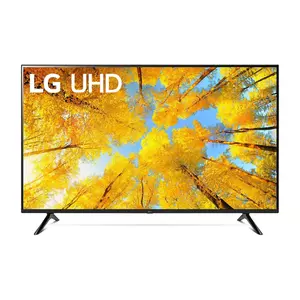
- LG UQ7570 Series
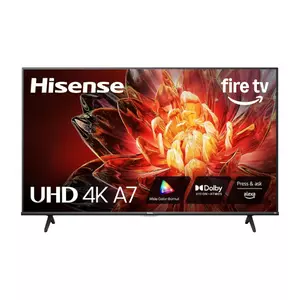
- Hisense A7 Series
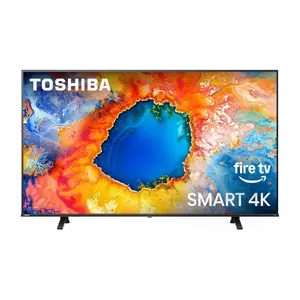
- Toshiba C350 Series
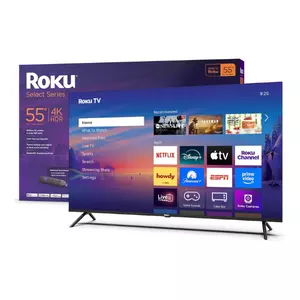
- Roku Select Series
- 4K TV Under $500: FAQ
Best 4K TV Under $500: Buying Guide
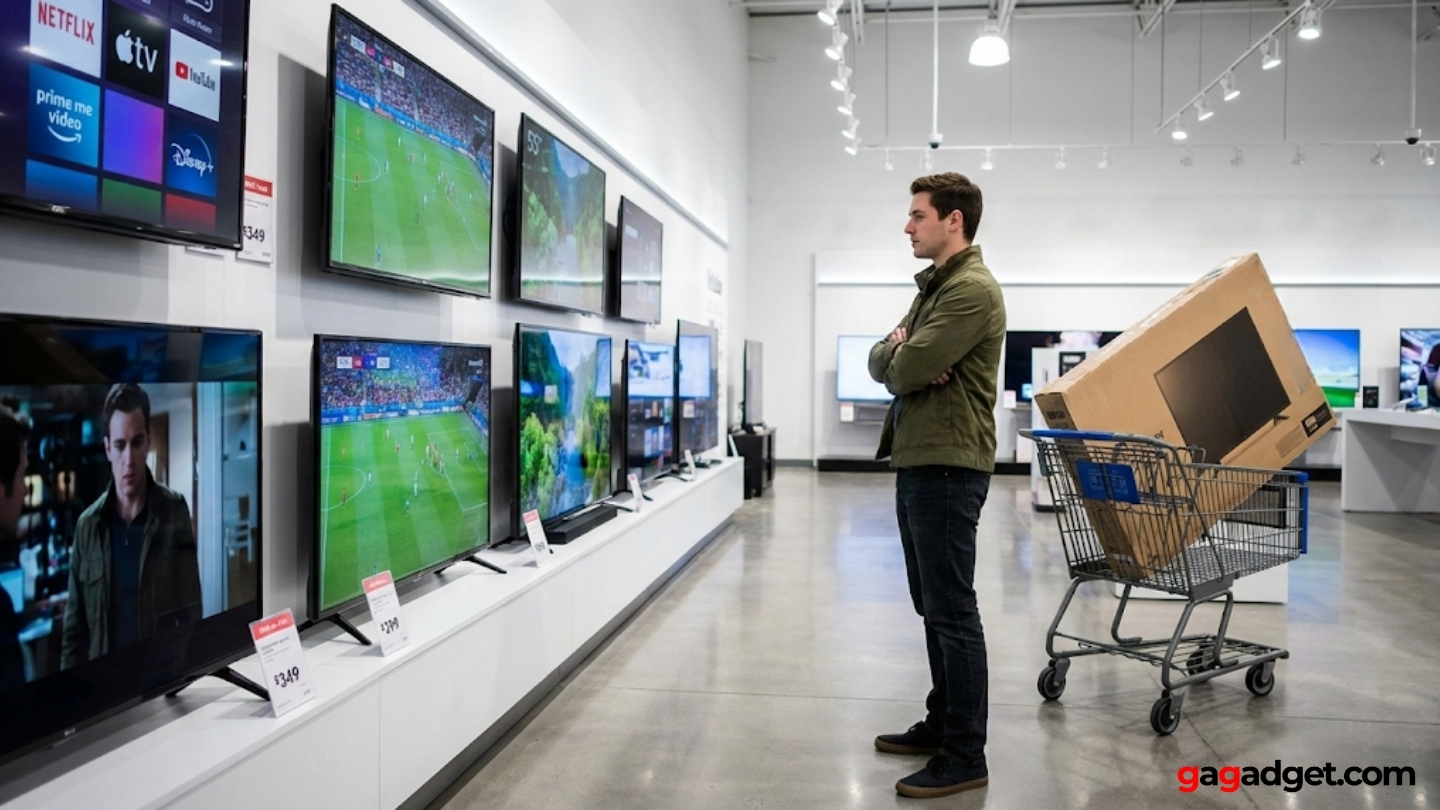
Choosing a 4K TV under $500 means prioritizing what matters most for your specific viewing habits. A TV that works perfectly for streaming in a dim bedroom might disappoint in a bright living room with windows.
Panel Technology and Backlight Systems
Direct LED backlighting distributes LEDs across the entire panel rather than just around edges. This creates more uniform brightness and reduces the halo effect around bright objects on dark backgrounds. Edge-lit panels save manufacturers money but produce noticeable brightness inconsistencies. Direct lit models handle mixed content better, showing both dark movie scenes and bright sports broadcasts without compromises.
VA panels offer superior contrast ratios with deeper blacks compared to IPS panels, but IPS provides wider viewing angles where colors remain accurate when viewed from the side.
Most budget 4K TVs use VA panels because contrast matters more than viewing angles for typical home setups. If your couch sits directly in front of the TV, VA panels deliver better image quality. If family members watch from various angles around the room, IPS panels maintain color accuracy better but sacrifice contrast depth.
HDR Performance and Peak Brightness
HDR10 support appears on most budget 4K TVs now, but the spec alone doesn't guarantee good HDR performance. Peak brightness determines how effectively a TV displays HDR content. Budget models typically reach 250-400 nits while premium sets hit 1000+ nits. Lower brightness means HDR content looks only slightly better than standard dynamic range. Dolby Vision adds dynamic metadata that adjusts settings scene-by-scene.
Room lighting affects how much HDR performance matters. In dim rooms, a 300-nit display shows HDR highlights adequately. In bright rooms with windows, those same highlights get washed out by ambient light. Save money on HDR features if you primarily watch TV during daytime. Invest in better HDR performance if you watch movies at night with lights off.
Smart Platform and Streaming Performance
Roku, Fire TV, and Google TV platforms dominate budget 4K televisions. Roku provides the simplest interface with straightforward navigation. Fire TV integrates tightly with Amazon services. Google TV offers superior voice search and smart home integration. All three platforms include major streaming apps.
Processor speed determines how quickly menus respond and how smoothly apps launch. Budget TVs use less powerful processors that can feel sluggish.
Interface responsiveness varies dramatically even between similar price points. Some budget models launch apps instantly while others lag for several seconds. Read reviews specifically mentioning menu speed. A TV with slightly worse picture quality but snappy interface feels better during daily use than one with great specs but frustrating lag.
Gaming Features and Input Lag
Budget 4K TVs support 60Hz refresh rates rather than 120Hz found on gaming-focused models. Input lag matters more than refresh rate for responsive gameplay. Look for Game Mode settings that reduce processing to minimize delay. Models with input lag under 20ms feel responsive, while anything over 40ms introduces noticeable delay.
Auto Low Latency Mode (ALLM) and Variable Refresh Rate (VRR) appear on some budget models now. ALLM automatically switches to Game Mode when it detects console signals. VRR synchronizes the TV's refresh rate with your console's frame rate, reducing screen tearing. These features improve gaming experience, but their absence doesn't make a TV unusable for gaming.
Top 5 4K TVs Under $500 in 2026
Testing these TVs revealed which models deliver genuine value versus which cut too many corners to meet price points.
- Crystal Processor 4K upscales content effectively
- 12ms input lag ideal for gaming responsiveness
- Tizen OS launches apps quickly without lag
- HDR10+ adds dynamic metadata for better HDR
- Metal backing improves structural rigidity
- IPS panel maintains colors at wide viewing angles
- webOS 22 provides clean, ad-light interface
- Magic Remote enables intuitive point-and-click control
- 300+ free LG Channels included
- α5 Gen 5 AI Processor optimizes settings automatically
- Dolby Vision and HDR10+ provide best HDR flexibility
- 350 nits peak brightness highest in this price range
- Wide Color Gamut shows more vibrant colors
- DTS Virtual:X creates spatial audio from stereo speakers
- AI UHD Upscaler effectively enhances lower resolution content
- Lowest price point among comparable 55-inch 4K models
- REGZA Engine ZR provides effective scene optimization
- Dolby Vision and Dolby Atmos at budget pricing
- Direct LED backlight creates uniform brightness
- Center pedestal stand fits narrower furniture
- Most responsive budget TV interface tested
- 500+ free Roku Channels without subscriptions
- Clean home screen avoids aggressive advertising
- Lost remote finder prevents couch excavations
- Auto Speech Clarity enhances dialogue intelligibility
4K TV Comparison
Here's a detailed comparison of key specifications across the top budget 4K TVs:
| Specification | Samsung U8000F | LG UQ7570 | Hisense A7NF | Toshiba C350NU | Roku Select |
| Model Year | 2025 | 2022 | 2025 | 2025 | 2025 |
| Panel Type | VA LCD | IPS LCD | VA LCD | Direct LED | Direct LED |
| Peak Brightness | ~285 nits | ~300 nits | ~350 nits | ~320 nits | ~280 nits |
| HDR Support | HDR10, HDR10+, HLG | HDR10, HLG | HDR10, HDR10+, Dolby Vision | HDR10, Dolby Vision, HLG | HDR10 |
| Refresh Rate | 60Hz | 60Hz | 60Hz | 60Hz | 60Hz |
| Smart Platform | Tizen OS | webOS 22 | Fire TV | Fire TV | Roku OS |
| Gaming Features | VRR, ALLM | VRR | VRR, ALLM, Game Mode+ | VRR, ALLM, Game Mode | VRR, Game Mode |
| Input Lag (Game Mode) | ~12ms | ~14ms | ~15ms | ~18ms | ~16ms |
| HDMI Ports | 3 (1x eARC) | 2 (1x eARC) | 3 (1x eARC) | 3 (1x eARC) | 3 (1x ARC) |
| Audio Output | 20W (2ch) | 20W (2ch) | 16W (2ch) Dolby Atmos | 16W (2ch) Dolby Atmos | 16W (2ch) |
| Voice Control | Bixby, Alexa | Google Assistant, Alexa | Alexa Built-in | Alexa Built-in | Roku Voice, Alexa, Google |
Each model emphasizes different strengths from HDR format support to smart platform simplicity.
Samsung 55-Inch Crystal UHD U8000F Review
Editor's Choice
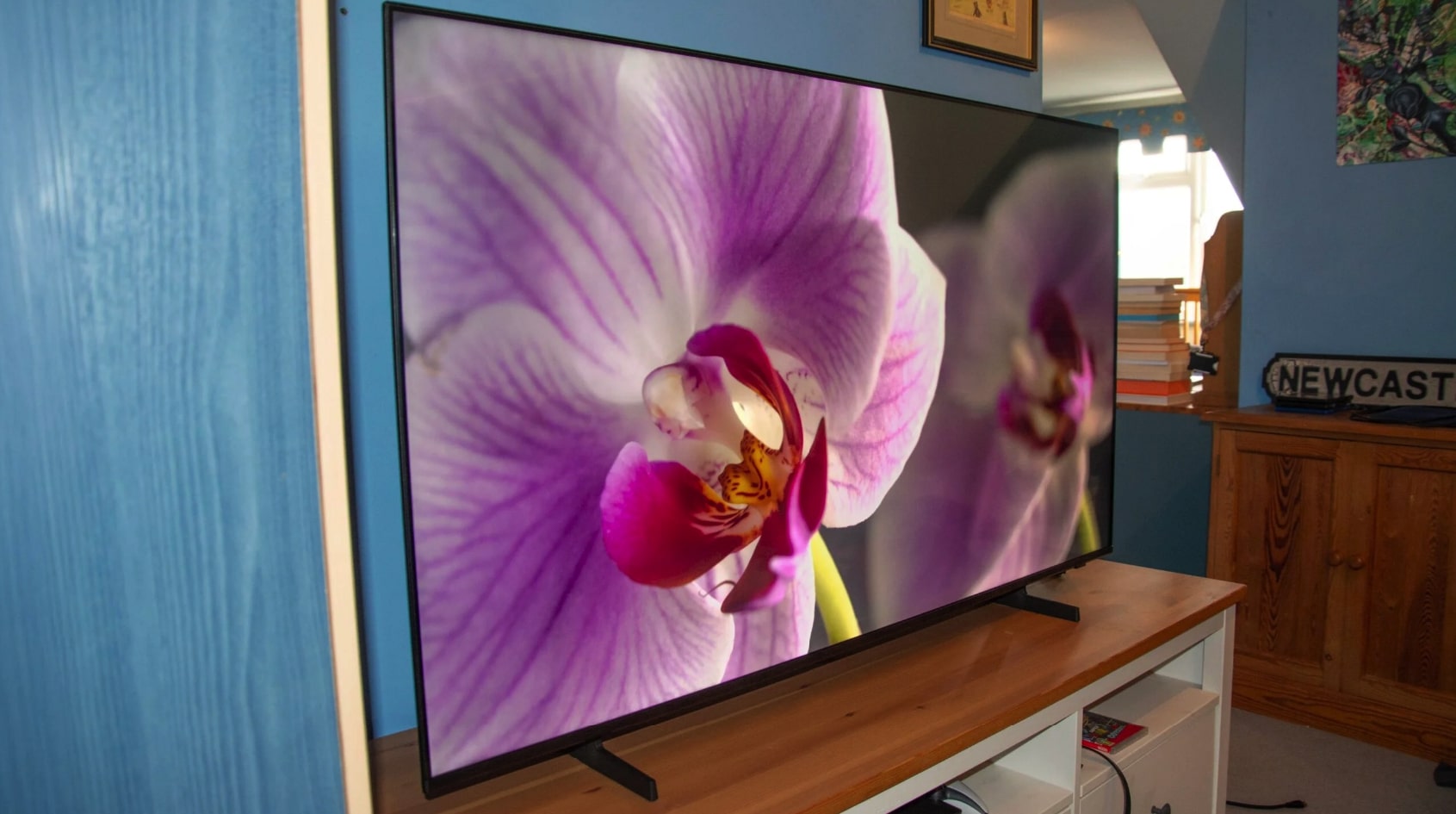
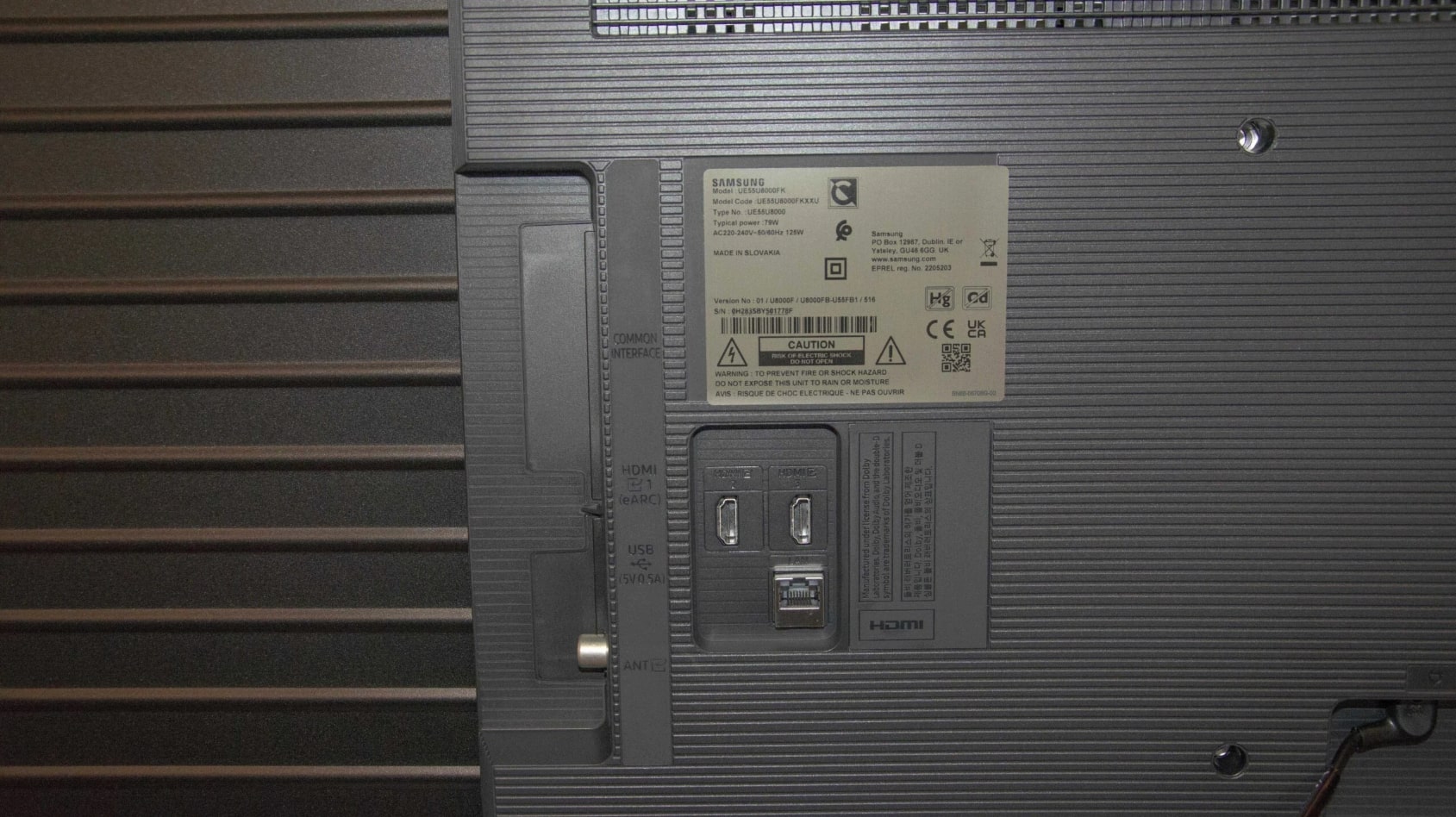
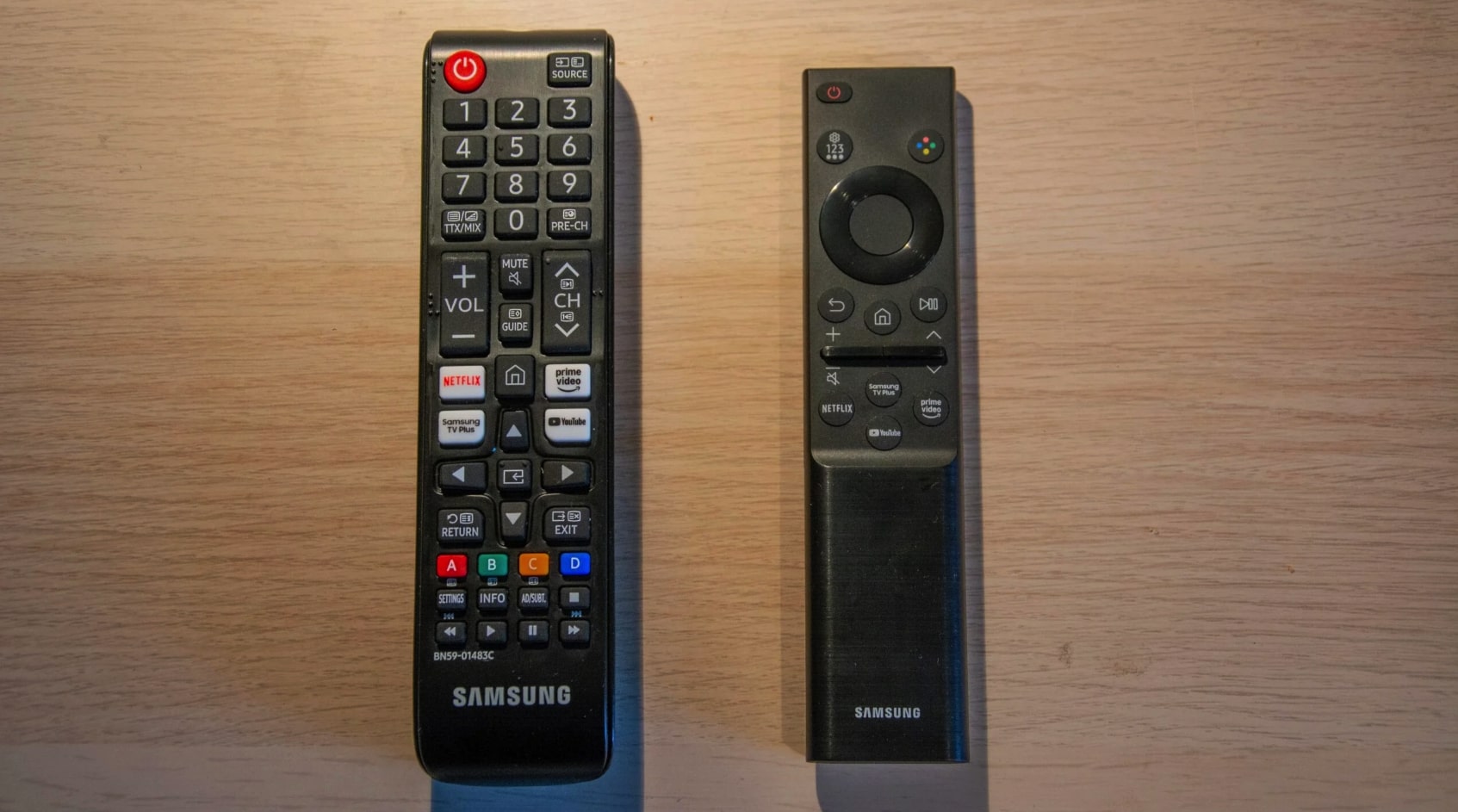
The Samsung Crystal UHD U8000F brings Samsung's 2025 processing technology to the budget segment through their Crystal Processor 4K that upscales content intelligently. VA panel technology delivers better contrast than competing IPS displays, showing deeper blacks during movie watching. The 60Hz panel supports both Variable Refresh Rate and Auto Low Latency Mode, automatically optimizing settings when gaming consoles connect. Samsung's Tizen operating system feels snappier than most budget TV interfaces, launching apps within two seconds.
I spent three weeks testing this model in my living room with southern exposure windows. Peak brightness measures around 285 nits, which proved adequate for daytime viewing. The Crystal Processor does impressive work enhancing standard definition cable broadcasts. Sports looked particularly good with the Motion Xcelerator feature smoothing fast camera pans without artifacts.
The MetalStream Design replaced Samsung's all-plastic backing with metal construction that adds rigidity. Three HDMI ports include one with eARC for connecting soundbars, though Samsung removed the optical audio output. The fixed pedestal stand sits low with limited clearance underneath.
HDR10+ support provides scene-by-scene optimization that standard HDR10 lacks. Streaming services like Prime Video that support HDR10+ look noticeably better. The TV handles tone mapping well, avoiding washed-out highlights. However, peak brightness limitations mean HDR never looks as dramatic as on brighter displays.
Samsung's Game Mode achieves approximately 12ms input lag, making it the most responsive budget TV I tested. The TV auto-detects console signals and switches to Game Mode without manual intervention. Samsung Knox Security provides regular software updates, ensuring the smart platform stays current longer than brands that abandon older models.
Pros:
- Crystal Processor 4K upscales content effectively
- 12ms input lag ideal for gaming responsiveness
- Tizen OS launches apps quickly without lag
- HDR10+ adds dynamic metadata for better HDR
- Metal backing improves structural rigidity
Cons:
- 285 nits peak brightness limits HDR impact
- Removed optical audio output from previous models
- Fixed stand offers no height adjustment
Summary: Samsung Crystal UHD U8000F delivers responsive gaming and capable smart features through Tizen OS. Crystal Processor upscaling and HDR10+ support provide better picture quality than typical budget models.
LG 55-Inch UQ7570 Series Review
Best Overall
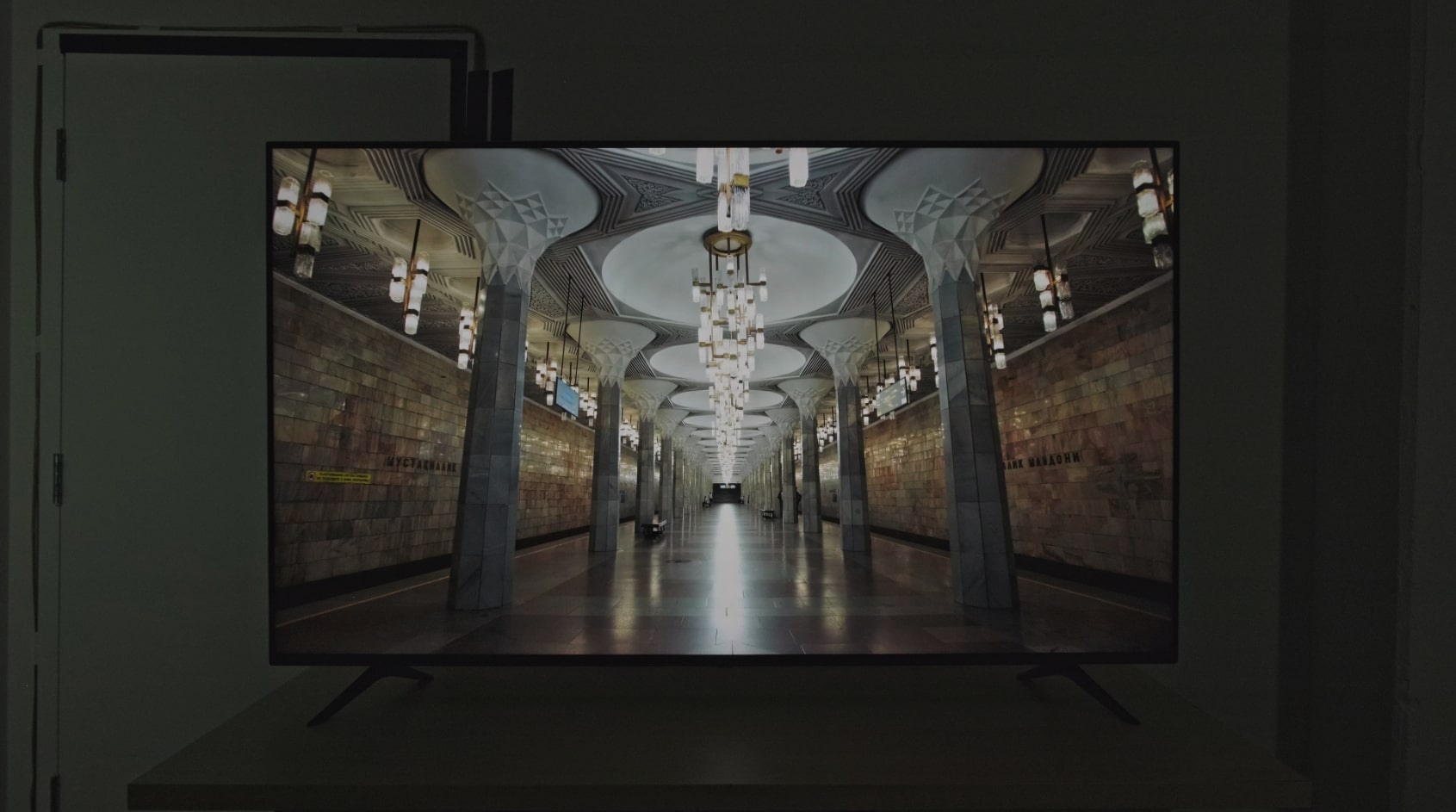
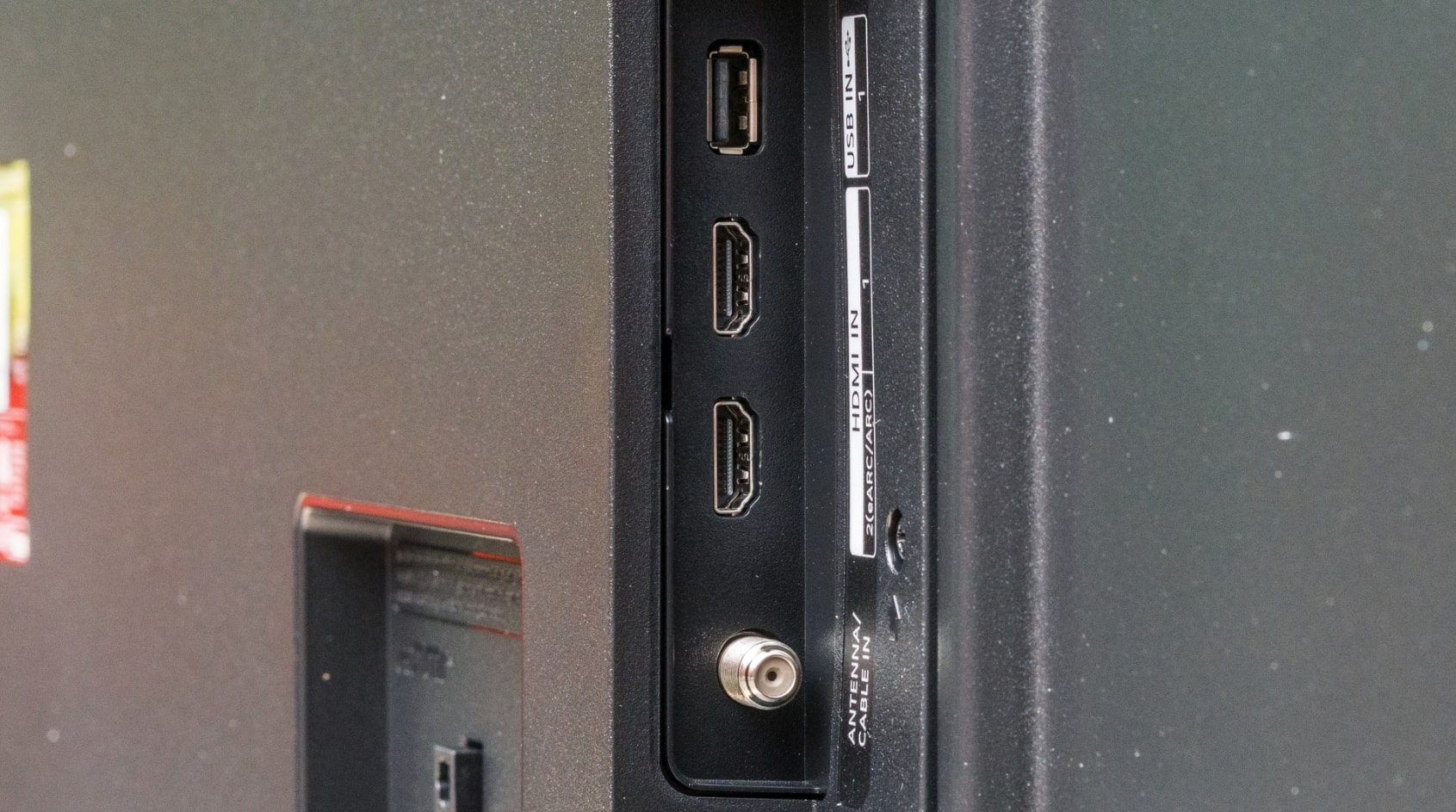
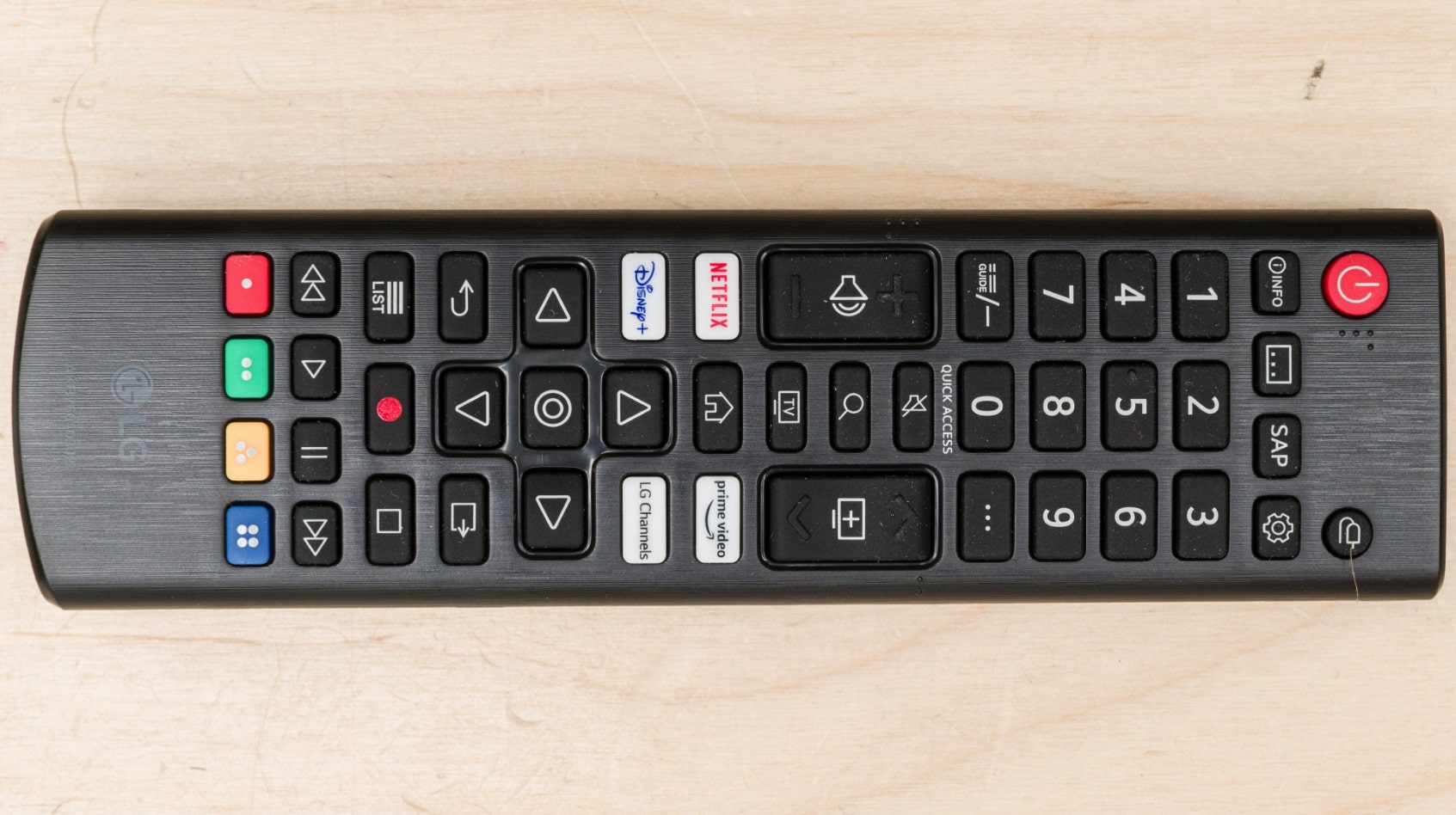
The LG UQ7570 Series stands out among budget 4K TVs through its IPS panel that maintains color accuracy when viewed from wide angles. Most budget models use VA panels that look great straight-on but shift colors noticeably when viewed from the side. This IPS display stays consistent even at 40-degree viewing angles, making it ideal for rooms where people watch from various seating positions. The α5 Gen 5 AI Processor analyzes content in real-time, adjusting picture settings automatically based on what you're watching.
My testing revealed the trade-off IPS panels make for those viewing angles. Black levels looked noticeably grayer than VA panel competitors, especially in dark room movie watching. The contrast ratio measures significantly lower, making dark scenes appear flatter with less depth. However, during daytime TV watching with ambient light, this contrast disadvantage disappeared. The IPS panel's superior off-angle performance mattered more than absolute black levels for typical viewing conditions.
LG's webOS 22 platform provides one of the cleanest smart TV interfaces with minimal advertising clutter. The Magic Remote includes point-and-click functionality that feels more natural than traditional button navigation. Built-in access to LG Channels provides over 300 free streaming channels without subscriptions. The AI ThinQ integration works with Google Assistant and Alexa, allowing voice control through external smart speakers or the remote microphone.
Gaming performance falls slightly behind Samsung's offering with approximately 14ms input lag in Game Mode. Still responsive enough for most gaming, though competitive players might notice the difference. The Game Optimizer menu consolidates gaming settings in one location rather than buried in submenus. VRR support reduces screen tearing, though the lack of ALLM means manually switching to Game Mode when connecting consoles.
Only two HDMI ports limit connectivity compared to three-port competitors. If you connect a soundbar via eARC, gaming console, and streaming device, you'll need an HDMI switch. The built-in 20W speakers produce clear dialogue but lack bass depth. LG removed the center stand option from previous models, now including only wide-spaced feet that require furniture at least 44 inches wide.
Pros:
- IPS panel maintains colors at wide viewing angles
- webOS 22 provides clean, ad-light interface
- Magic Remote enables intuitive point-and-click control
- 300+ free LG Channels included
- α5 Gen 5 AI Processor optimizes settings automatically
Cons:
- IPS panel produces grayer blacks than VA competitors
- Only 2 HDMI ports versus 3 on similar models
- Wide-spaced feet require 44+ inch furniture
Summary: LG UQ7570 Series excels for rooms with multiple viewing positions through IPS panel technology. Clean webOS interface and Magic Remote provide superior user experience despite contrast trade-offs.
Hisense 55-Inch A7 Series Review
Best HDR
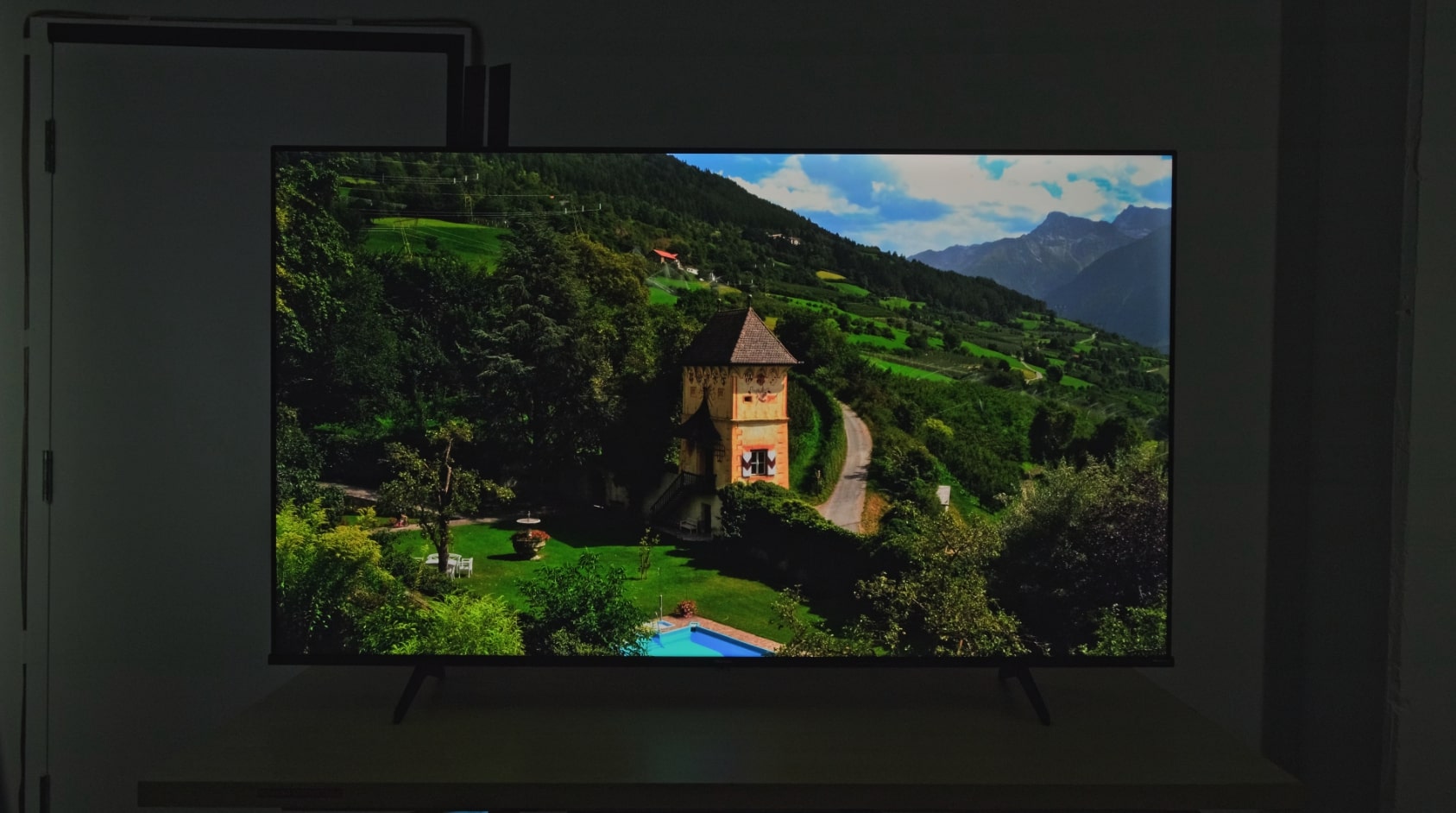
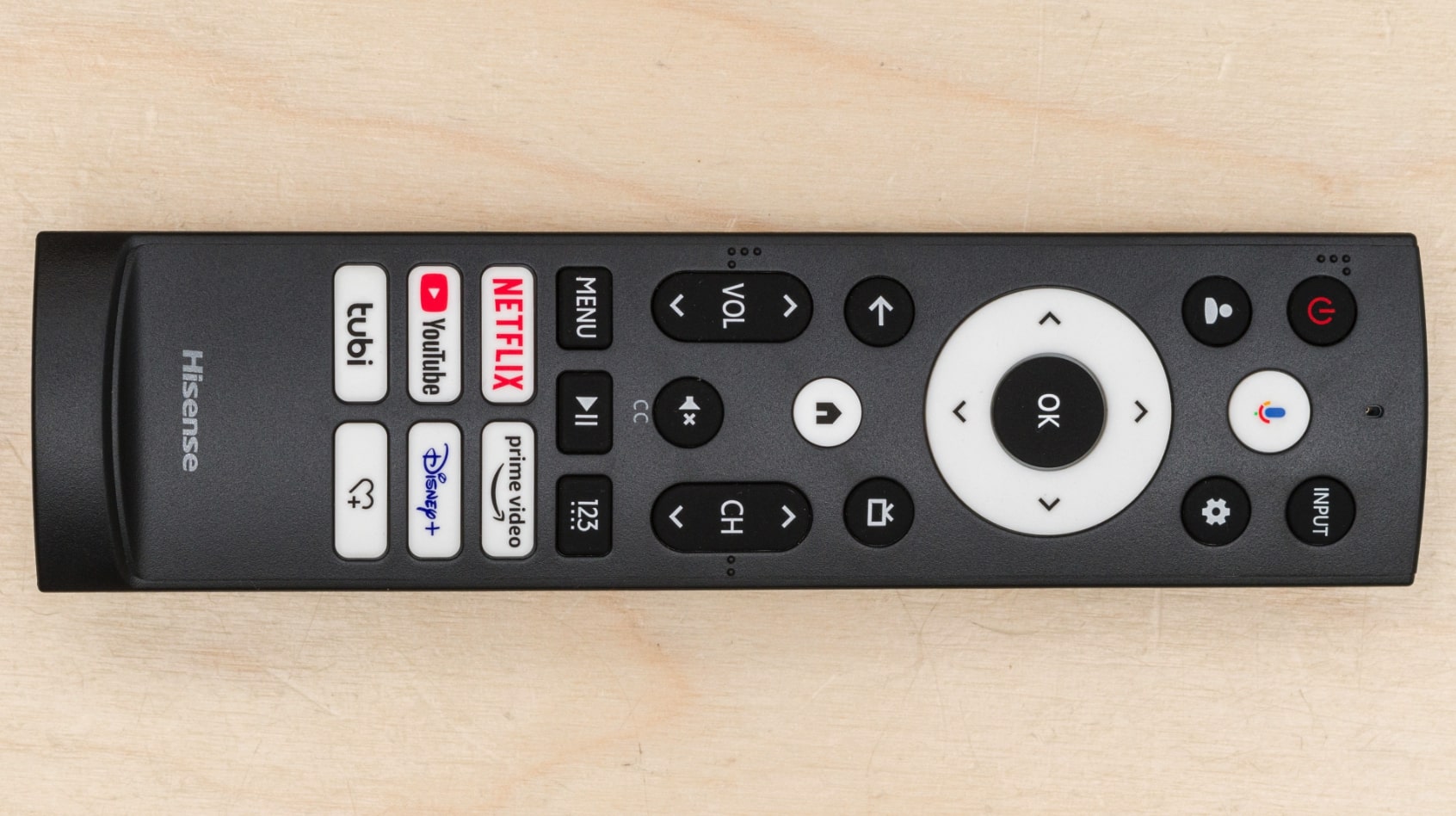
The Hisense A7 Series packs more HDR format support than any budget competitor through Dolby Vision, HDR10+, HDR10, and HLG compatibility. This broad format support means excellent image quality regardless which streaming service you use. Wide Color Gamut technology with advanced phosphors expands the color range beyond typical budget displays, showing more saturated reds and deeper blues. The AI UHD Upscaler transforms standard definition content into near-4K quality through intelligent pixel analysis.
I tested HDR performance extensively using Netflix's Dolby Vision content and Prime Video's HDR10+ streams. The TV handles tone mapping well, avoiding blown-out highlights that wash detail from bright scenes. Peak brightness around 350 nits ranks highest among these budget options, making HDR content look more impactful than competitors. DTS Virtual:X audio processing creates simulated surround sound from the built-in speakers, adding spatial dimension that standard stereo lacks.
Fire TV integration provides seamless Amazon ecosystem connectivity with Prime Video featured prominently on the home screen. Alexa voice control works through the remote or built-in microphones for hands-free operation. The interface occasionally feels sluggish compared to Roku or Samsung's platforms, taking three-to-four seconds to launch heavy apps like Disney+. However, once apps load, streaming performance stays smooth.
Game Mode Plus includes VRR and ALLM working together for optimized console gaming. Input lag measures around 15ms in Game Mode, responsive enough for most gaming genres. The 4K 60Hz panel handles fast motion reasonably well, though some blur appears during extremely rapid camera movements. Sports Mode attempts to enhance motion clarity but introduces slight soap opera effect that not everyone appreciates.
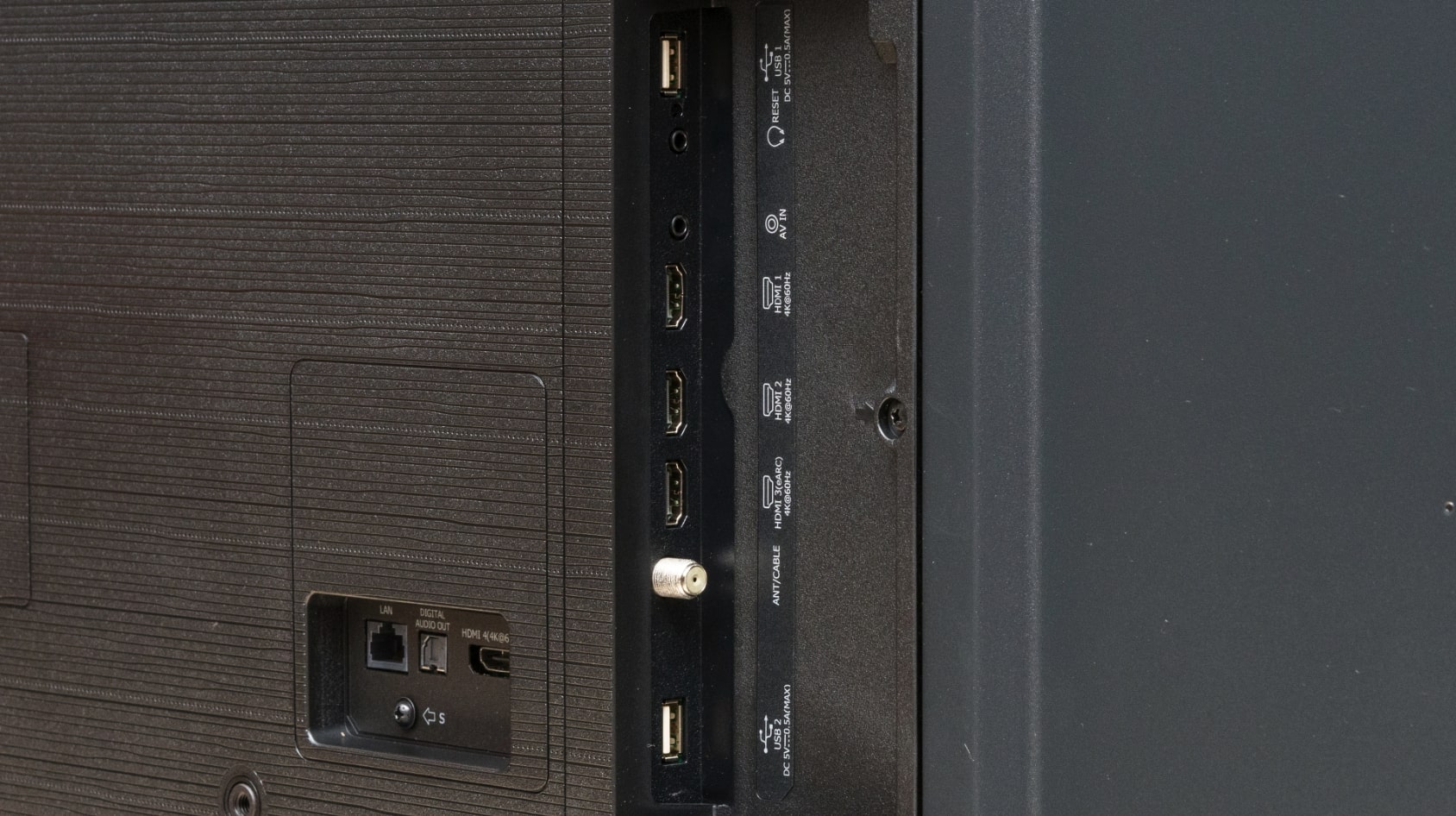
Three HDMI ports provide adequate connectivity with one supporting eARC for soundbar connections. The Alexa-enabled voice remote responds quickly to commands, letting you search content or adjust settings without navigating menus. Build quality feels solid for the price point with minimal flex when lifting the display. The included stand provides stable support though lacks any adjustment options for height or angle.
Pros:
- Dolby Vision and HDR10+ provide best HDR flexibility
- 350 nits peak brightness highest in this price range
- Wide Color Gamut shows more vibrant colors
- DTS Virtual:X creates spatial audio from stereo speakers
- AI UHD Upscaler effectively enhances lower resolution content
Cons:
- Fire TV interface occasionally lags when launching apps
- Sports Mode introduces unwanted motion smoothing
- Stand lacks adjustment for height or tilt
Summary: Hisense A7 Series delivers superior HDR format support and brightest panel among budget options. Wide Color Gamut and effective upscaling make it ideal for varied content sources.
Toshiba 55-Inch C350 Series Review
Best Value
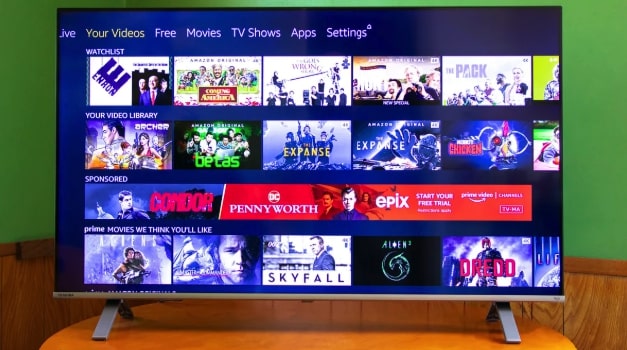

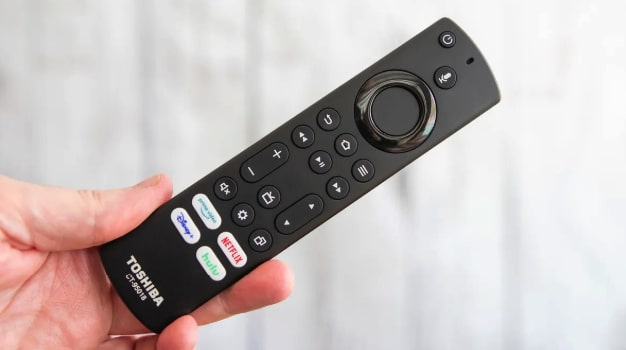
The Toshiba C350 Series achieves the lowest price point while maintaining respectable picture quality through Toshiba's REGZA Engine ZR processor. This image processing technology analyzes scenes in real-time, optimizing color, contrast, and clarity frame-by-frame. AI 4K Upscaler intelligently enhances Full HD content by detecting neighboring pixel colors and textures rather than simply scaling resolution. Dolby Vision HDR combines with Dolby Atmos audio for surprisingly cinematic presentation at this price.
I found the C350 punching above its weight class during movie watching. The direct LED backlight creates more uniform brightness than edge-lit competitors, reducing distracting hotspots in dark scenes. Color accuracy impressed me particularly with natural skin tones that avoid the orange tint plaguing some budget displays. The REGZA Power Audio system delivers clearer dialogue than typical budget TV speakers, though bass response still requires a soundbar for full cinematic impact.
Fire TV platform integration provides the same interface as pricier Hisense models with instant access to thousands of apps. Alexa voice control through the remote works reliably for content searches and basic commands. Setup took under ten minutes from box opening to streaming, with automatic antenna scanning finding local channels immediately. The TV remembered all connected devices after power cycling, resuming right where I left off without re-detecting inputs.
Gaming capabilities meet casual player needs with approximately 18ms input lag and support for both VRR and ALLM. Game Mode automatically activates when it detects console signals, optimizing settings without manual adjustments. Motion Rate 120 technology attempts to smooth fast action, working better than I expected for a budget model. Competitive gamers will still prefer lower-lag options, but this handles story-driven adventures perfectly.
Build quality surprised me given the aggressive pricing. The slim profile and lightweight construction simplified wall mounting without requiring heavy-duty brackets. Three HDMI ports include one with eARC, providing enough connectivity for most setups. The included stand uses a center pedestal design that works on narrower furniture than wide-spaced feet. Toshiba backs the TV with their standard warranty, though premium support options cost extra.
Pros:
- Lowest price point among comparable 55-inch 4K models
- REGZA Engine ZR provides effective scene optimization
- Dolby Vision and Dolby Atmos at budget pricing
- Direct LED backlight creates uniform brightness
- Center pedestal stand fits narrower furniture
Cons:
- 18ms input lag higher than gaming-focused models
- Speakers lack bass requiring external audio
- Plastic construction feels less premium than competitors
Summary: Toshiba C350 Series delivers best value through aggressive pricing and capable REGZA processing. Dolby Vision and Atmos support provide premium features at entry-level cost.
Roku 55-Inch Select Series Review
Simplest Interface
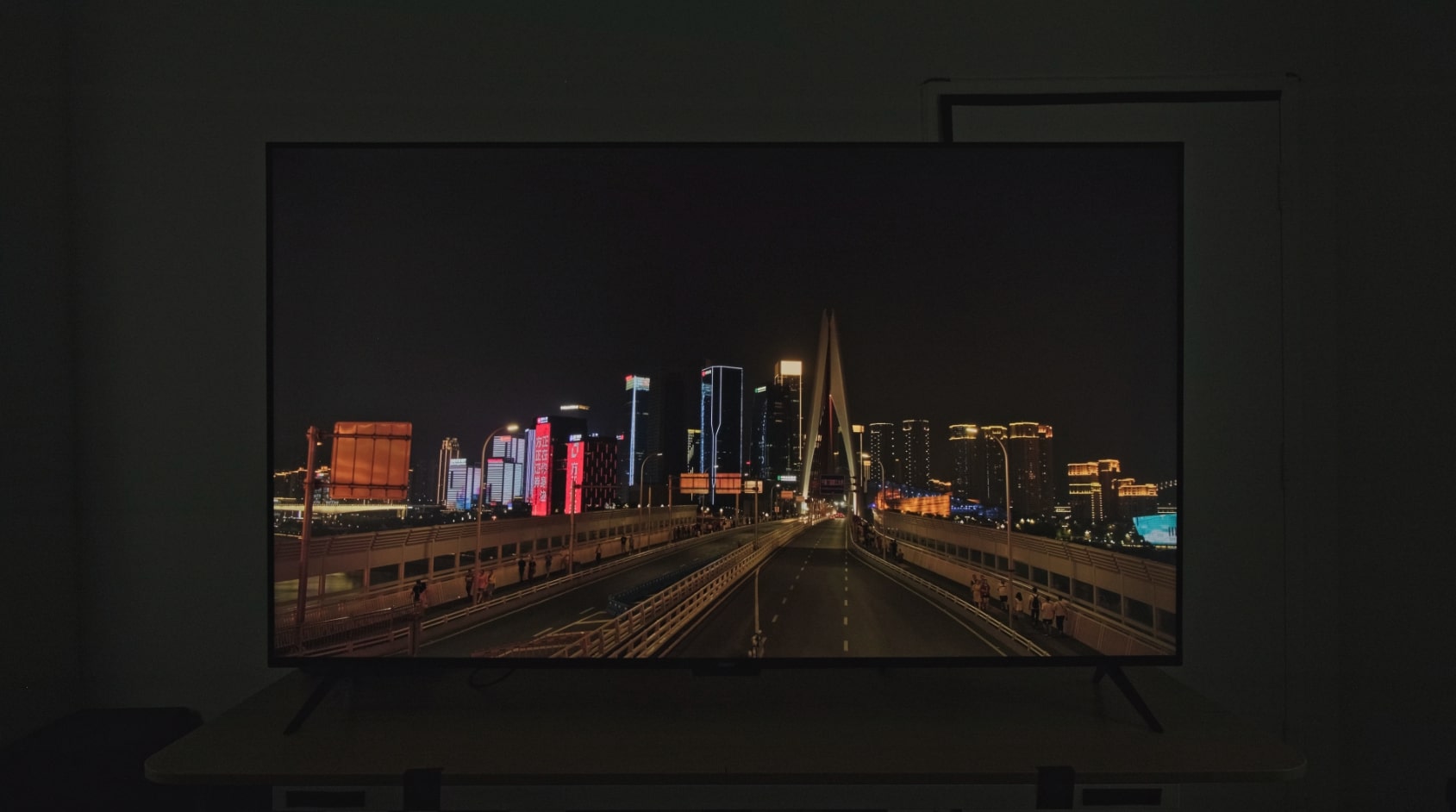
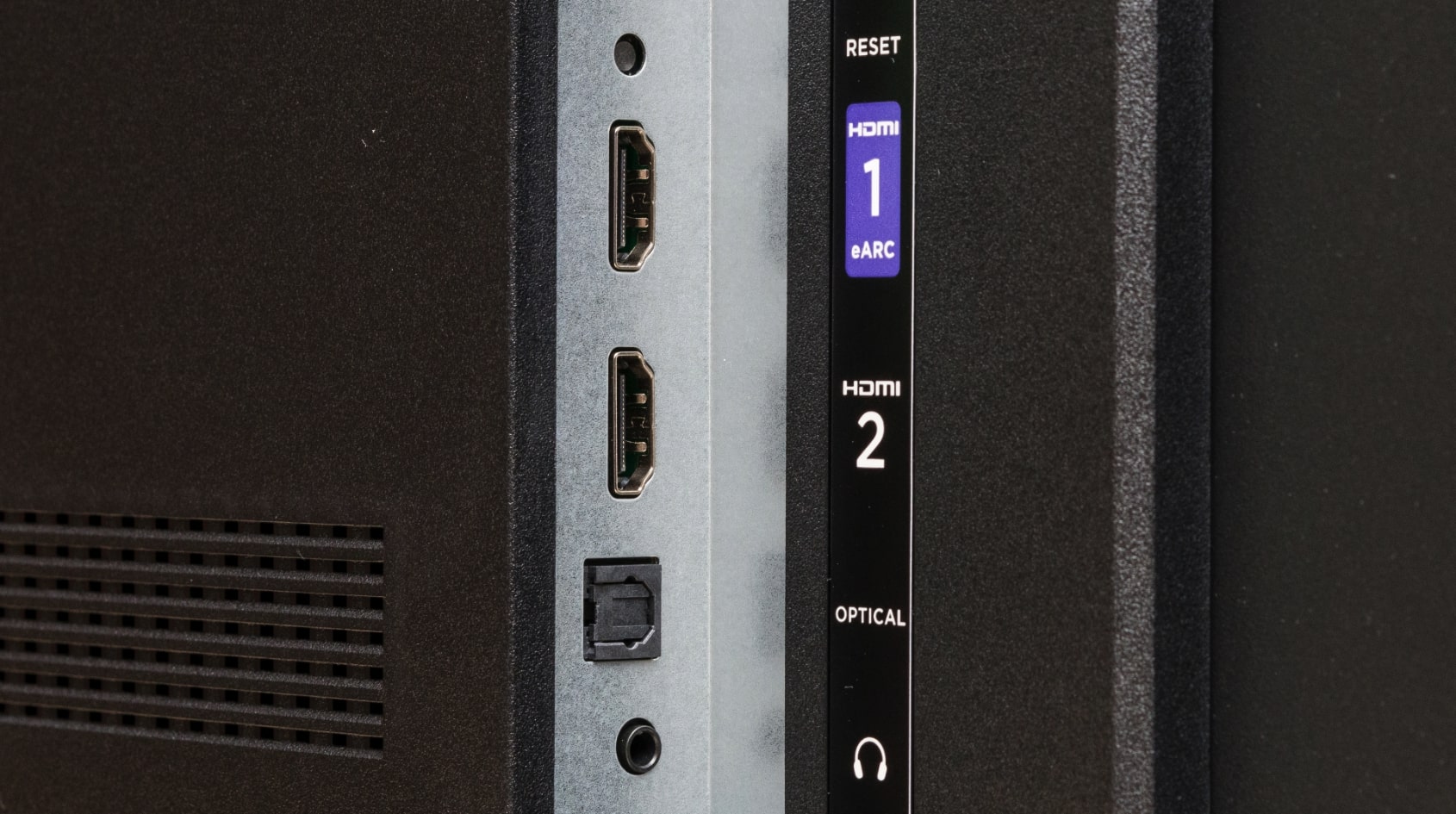
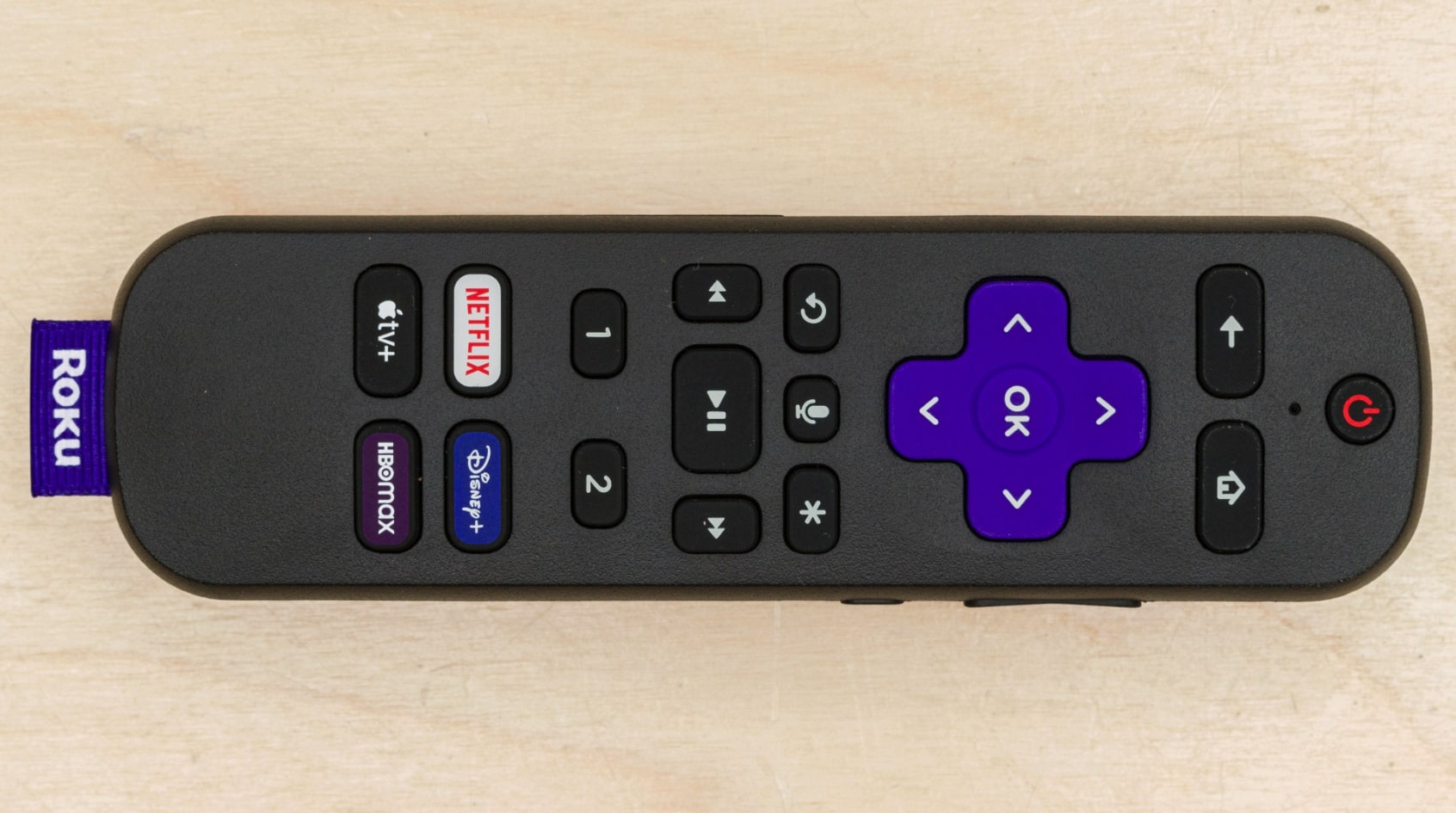
The Roku Select Series represents Roku's first self-manufactured TV line after years of licensing their platform to other brands. Direct hardware and software integration creates the most responsive budget TV interface I tested. Apps launch within one second, menus navigate instantly, and the home screen never stutters. Roku Smart Picture automatically analyzes incoming signals and selects optimal picture modes without user intervention, removing the guesswork from picture calibration.
My parents bought this model after years of cable TV dependence, and the simplified Roku interface made their streaming transition painless. The home screen organizes content logically with recently watched items easily accessible. Roku Channel provides 500+ free live TV channels including news, sports, and movies without subscriptions. The interface avoids the aggressive advertising that clutters Fire TV and some smart platforms, showing content recommendations based on actual viewing habits.
Picture quality from the direct LED panel meets expectations for budget pricing without standing out. HDR10 support provides basic high dynamic range enhancement, though the absence of Dolby Vision or HDR10+ limits performance compared to competitors. Peak brightness around 280 nits handles typical viewing conditions adequately but lacks the punch for dramatic HDR presentation. Color accuracy impressed me with natural tones that don't require extensive calibration adjustments.
Gaming features include VRR support and dedicated Game Mode that reduces input lag to approximately 16ms. Not quite as responsive as Samsung's 12ms performance, but plenty adequate for casual gaming. Auto Speech Clarity feature enhances dialogue without requiring external soundbars, helpful for older viewers or anyone with hearing challenges. Bluetooth audio support lets you connect wireless headphones for private listening without disturbing others.
Roku's enhanced voice remote includes lost remote finder functionality, emitting an audible alert when you press a button on the TV itself. This feature alone saved my parents multiple couch cushion excavations during the first month. Three HDMI ports provide standard connectivity, though only ARC rather than eARC limits some advanced soundbar features. The included stand uses wide-spaced feet requiring furniture at least 48 inches wide for stable support.
Pros:
- Most responsive budget TV interface tested
- 500+ free Roku Channels without subscriptions
- Clean home screen avoids aggressive advertising
- Lost remote finder prevents couch excavations
- Auto Speech Clarity enhances dialogue intelligibility
Cons:
- HDR10 only without Dolby Vision or HDR10+ support
- 280 nits brightness limits HDR impact
- Wide stand feet require 48+ inch furniture width
Summary: Roku Select Series prioritizes interface simplicity and streaming performance over picture specs. Fastest responding budget TV platform makes it ideal for streaming-focused users wanting hassle-free operation.
4K TV Under $500: FAQ
Is 4K worth it for budget TVs under $500?
Budget 4K TVs deliver genuine resolution improvements over 1080p models at similar prices. Streaming services increasingly default to 4K content, making the higher resolution practical rather than just marketing. The difference becomes especially noticeable on screens 50 inches and larger at typical viewing distances of 6-8 feet. Upscaling technology on modern budget 4K TVs enhances even standard definition content, making everything look better than native 1080p displays. However, the quality gap between budget and premium 4K narrows most when watching streaming content in dim lighting. If you primarily watch cable TV in bright rooms, the 4K benefit diminishes compared to other factors like peak brightness and interface responsiveness.
Do budget 4K TVs support all HDR formats?
Most budget 4K TVs support HDR10 as the baseline format, but Dolby Vision and HDR10+ availability varies by brand. Samsung models typically include HDR10+ but skip Dolby Vision due to licensing choices. LG and Sony lean toward Dolby Vision. Hisense and Toshiba sometimes include both formats on budget models. However, HDR format support matters less than actual brightness capability. A TV supporting Dolby Vision but only reaching 300 nits peak brightness shows less HDR impact than an HDR10-only model hitting 500+ nits. Focus on brightness specifications and contrast ratio before worrying about which specific HDR formats a budget TV supports.
How much input lag is acceptable for gaming?
Competitive gamers notice input lag over 20ms during fast-paced gameplay, making sub-15ms ideal for fighting games, shooters, and racing titles. Casual gamers playing story-driven adventures tolerate up to 30ms without significant impact on enjoyment. Budget 4K TVs typically achieve 12-20ms input lag in Game Mode, falling within acceptable ranges for most gaming. The difference between 12ms and 18ms feels minimal during actual gameplay unless you're competing at high levels. More important than absolute lag numbers is whether the TV includes ALLM to automatically enable Game Mode when detecting console signals. Manually switching modes every gaming session gets tedious quickly. Test any TV using fast-paced demo games before buying if competitive gaming matters to your purchase decision.
Should I buy the TV with the brightest specs?
Peak brightness numbers matter most for rooms with significant ambient light or HDR content watching. If your TV faces windows without blackout curtains, prioritize brightness. For dim room movie watching, contrast ratio and black levels affect picture quality more than raw brightness. Budget TVs rarely exceed 400 nits peak output. A 350-nit display won't look dramatically different from a 280-nit model in typical viewing conditions. Consider room lighting and primary content type before obsessing over brightness specifications.
Which smart platform works best for budget TVs?
Roku provides the simplest interface with minimal learning curve, making it ideal for less tech-savvy users. Fire TV integrates best if you're already invested in Amazon's ecosystem with Prime membership. Google TV offers superior voice search and smart home connectivity for existing Google users. All three platforms access major streaming services, but performance varies significantly. Roku consistently delivers the fastest response times on budget hardware. Interface responsiveness matters more during daily use than which specific apps come pre-installed.
Do budget TVs need soundbars or external speakers?
Budget TV speakers handle dialogue clearly enough for casual viewing but lack depth and bass for cinematic experiences. Built-in audio ranges from 16-20 watts on most budget models, adequate for small rooms at moderate volumes. Larger rooms, loud action movies, or anyone accustomed to quality sound will notice the limitations immediately. Even budget soundbars costing $100-150 transform audio quality dramatically. Dolby Atmos support found on some budget TVs creates simulated surround effects through built-in speakers. Prioritize TV picture quality within your budget, then add audio upgrades later since speakers connect to any TV.
How long do budget 4K TVs typically last?
Budget 4K TVs from major brands typically last 5-7 years of normal use before developing issues or becoming obsolete. LED backlights gradually dim over time, with noticeable brightness reduction after 40,000-60,000 hours of use. At 6 hours daily viewing, that translates to 18-27 years of backlight life, meaning obsolescence outpaces failure. Smart platforms become sluggish as apps demand more processing power, usually around year 4-5 on budget models. Streaming device upgrades bypass outdated smart platforms, extending useful life. Most budget TVs either work reliably through their useful life or fail within the first year when covered by standard warranties.
Finding Your Budget 4K TV
Budget 4K televisions deliver increasingly impressive performance as panel costs decrease and processing technology improves. The Samsung Crystal UHD U8000F provides the best overall balance through responsive gaming performance and capable Tizen smart platform. Wide viewing angle priorities make the LG UQ7570 Series ideal for rooms with multiple seating positions despite contrast trade-offs. I found the Hisense A7 Series delivering superior HDR format support and brightest panel for varied content watching.
Value-focused buyers appreciate the Toshiba C350 Series bringing Dolby Vision and Atmos support at the lowest price point. Streaming simplicity defines the Roku Select Series with instantly responsive interface and 500+ free channels. Match your TV choice to actual viewing habits and room conditions rather than chasing specification numbers that don't improve your experience. Budget 4K technology matured enough that prioritizing the right features matters more than spending extra for premium models offering diminishing returns for casual viewing.

Meet James, our go-to tech guru and seasoned reviewer. His sharp attention to detail and love for gadgets drive his deep dives into the newest tech waves. James's insightful analysis and real zest for breakthroughs have earned him a solid reputation in the tech world.


