At gagadget.com, your trust is our priority. We follow strict quality standards in our research, tests, and analysis of tvs, to give you the best experience. Learn more
Best Budget 4K TVs
Budget constraints pushed me toward displays I'd normally skip, where the gap between marketing promises and actual performance reveals itself within days. Three years of testing entry-level TVs taught me that spending under $600 doesn't mean accepting terrible picture quality, but it absolutely means knowing which compromises matter and which don't.
Cheap displays expose shortcuts manufacturers take to hit price targets. Budget panels handle dark scenes differently, speakers perform worse at high volumes, and smart platforms respond slower than premium alternatives. Testing five current-generation budget models in real homes revealed which features actually deliver value versus specifications that sound impressive but provide minimal practical benefit at this price point.
If you're in a hurry, here are my top two picks for budget 4K TVs:
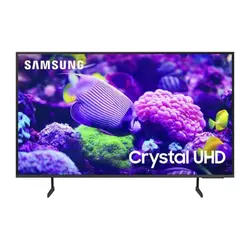
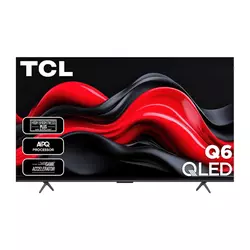
We may earn a small commission if you buy via our links - it helps keep gagadget.com running.
Table of Contents:
- Best Budget 4K TVs: Buying Guide
- Top 5 Budget 4K TVs in 2026
- Budget TV Comparison
- Samsung Crystal UHD DU7200
- TCL Q65 QLED
- Hisense U6N Mini-LED
- LG UT75 Series
- Sony X77L
- Budget 4K TV: FAQ
Best Budget 4K TVs: Buying Guide
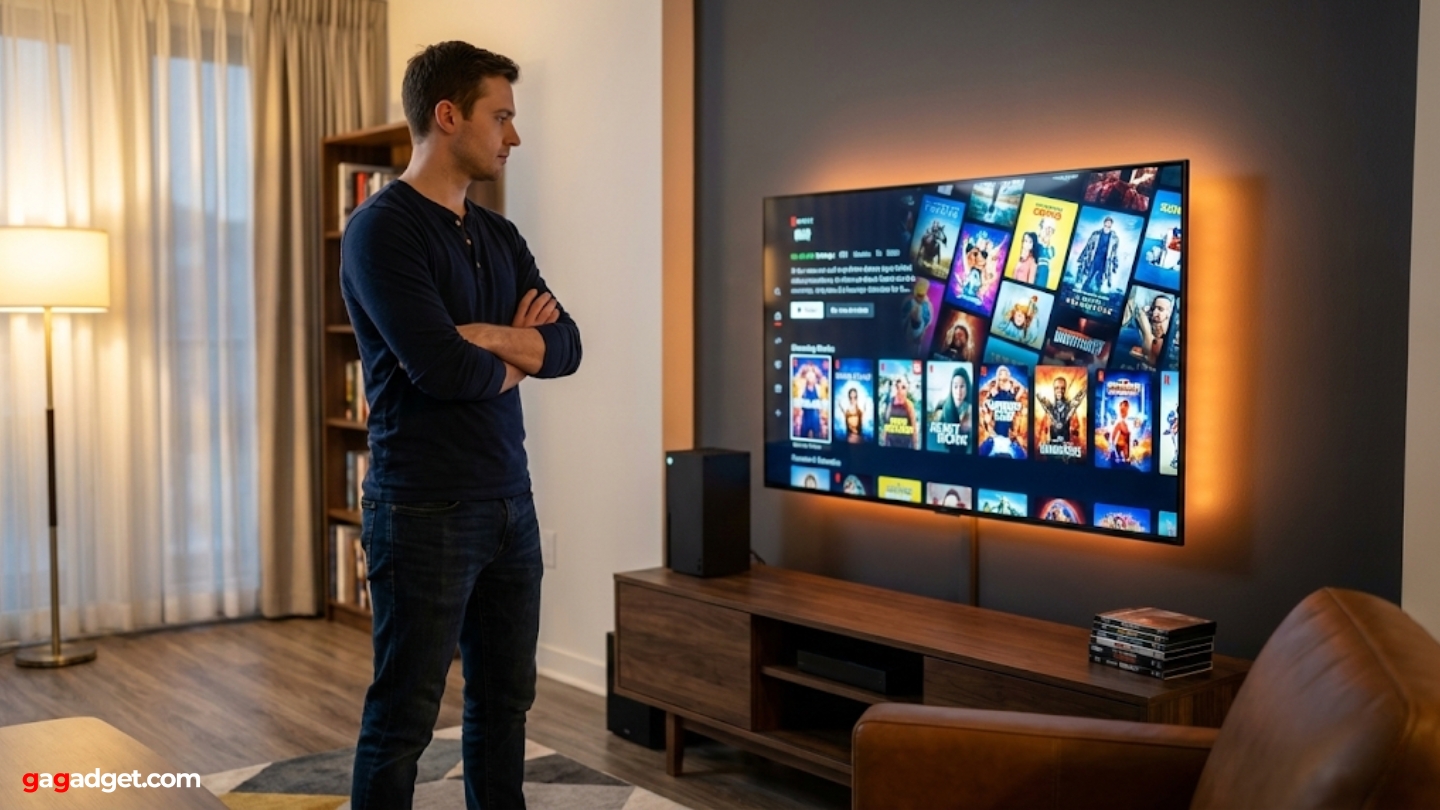
Choosing budget 4K TVs requires understanding which premium features truly enhance viewing versus marketing terms that sound impressive but deliver minimal real-world improvements. Price-conscious buyers need displays that perform well in typical usage scenarios rather than chasing specifications that only matter in controlled testing environments.
Panel Technology and Picture Quality
Budget TVs utilize basic LED panel technology without the local dimming zones that improve contrast on premium models. Standard edge-lit or direct-lit LED backlighting produces uniform brightness but sacrifices deep blacks and precise shadow detail. Entry-level displays handle bright daytime content better than dark movie scenes where backlight limitations become obvious. Panel type affects viewing experience more than resolution alone, since all budget 4K TVs deliver sharp images from standard viewing distances.
VA panels in budget TVs provide better contrast from center viewing positions but wash out quickly when viewed from angles, while IPS panels maintain color accuracy off-axis at the cost of reduced contrast ratios.
Color accuracy varies significantly between budget models despite similar specifications. Basic LED phosphors produce adequate color ranges for casual viewing but lack the enhanced color gamut that Quantum Dot or OLED technologies provide. Peak brightness measurements mean less than consistent brightness distribution across the entire panel surface. Budget displays typically achieve 300-450 nits, sufficient for moderately lit rooms but inadequate for combating direct sunlight through windows.
Smart Platform Performance
Budget TVs include slower processors that affect smart platform responsiveness more dramatically than picture processing capabilities. Menu navigation lag compounds frustration during daily use when switching apps or adjusting settings. Google TV, Tizen, and webOS platforms all function adequately on entry-level hardware, but expect occasional stuttering during background updates. Voice control features work reliably across budget models, providing faster navigation than traditional remote directional pads.
Built-in streaming eliminates external device requirements that consume limited HDMI ports and add complexity to entertainment setups. App selection matters less than platform speed since all major services support Google TV, webOS, and Tizen. Software update support varies between manufacturers, with some brands abandoning budget models faster than premium lines. Smart TV platforms receive security patches and new features for typically two to three years on entry-level models.
Gaming Features and Input Lag
Budget displays support 4K 60Hz gaming adequately for casual players though competitive gamers notice limitations immediately. Most entry-level TVs include Auto Low Latency Mode that detects consoles and switches to Game Mode automatically. Input lag measurements between 10-16ms provide acceptable responsiveness for single-player adventures and casual multiplayer sessions. The lack of HDMI 2.1 ports limits future gaming capabilities as next-generation consoles mature.
Variable refresh rate technology prevents screen tearing on budget models with 60Hz panels, though the feature benefits 120Hz displays more significantly during high frame rate gaming.
Game Mode picture settings sacrifice color accuracy and processing features to minimize input lag, creating washed-out images that frustrate players accustomed to premium displays. Budget TVs handle fast motion adequately for gaming but struggle with smooth panning in cinematic cutscenes. Response time specifications matter less than input lag for controller responsiveness, though both affect overall gaming experience. Entry-level models work fine for PlayStation 5 and Xbox Series X at 4K 60fps but can't utilize their 120Hz capabilities.
Audio Performance and Connectivity
Built-in speakers on budget TVs output 10-20W typically, adequate for dialogue clarity but lacking bass response and volume for action sequences. Smaller displays include weaker audio systems than 55-inch and larger models, though all benefit from external speakers or soundbars. Forward-facing speaker designs project audio directly toward viewers while downward-firing configurations bounce sound off furniture with mixed results. Budget allocation favors display quality over audio since external speakers upgrade easily later.
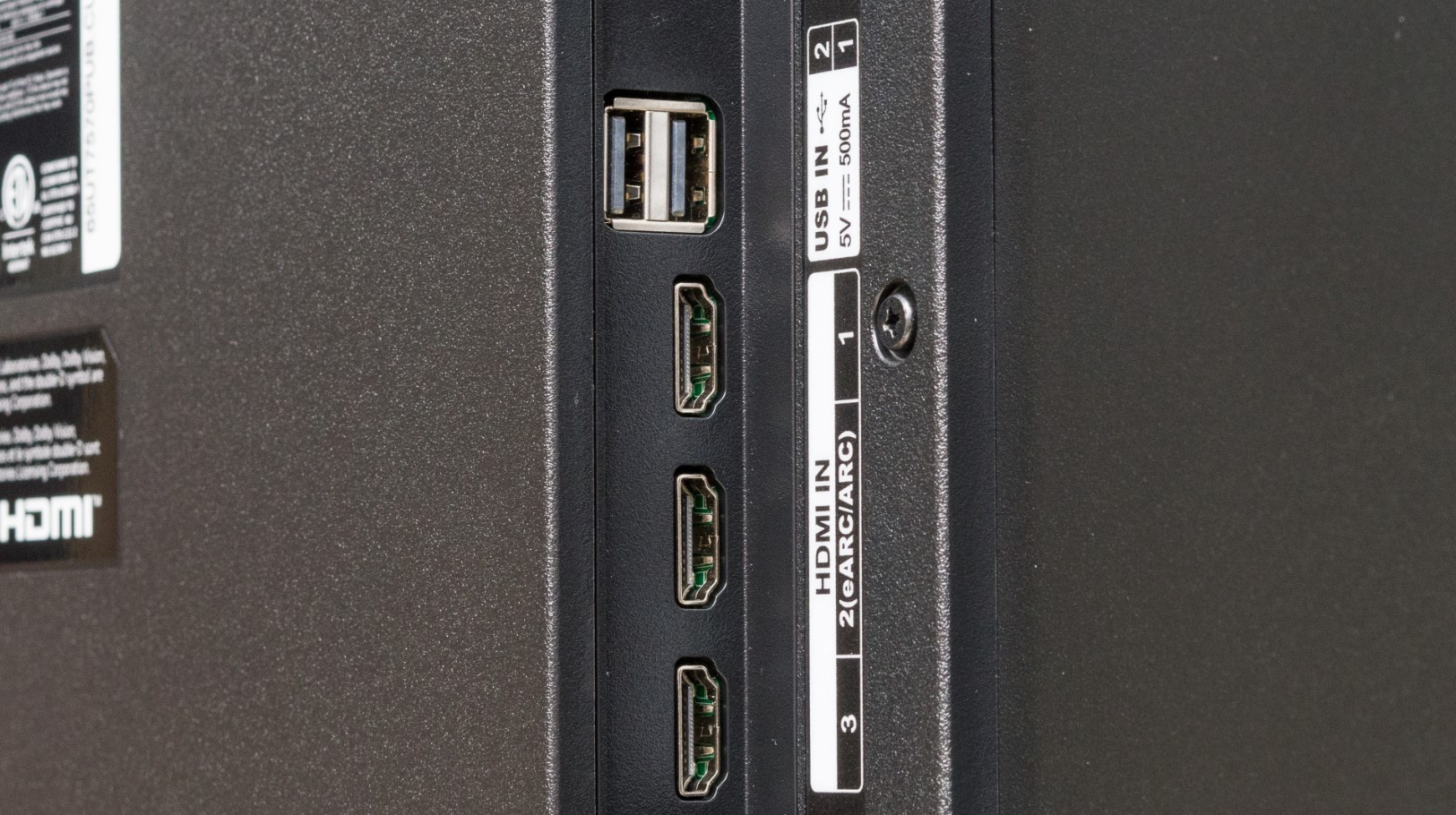
HDMI port quantity matters more than version on budget displays since most include three ports of HDMI 2.0 specification. USB ports enable media playback from drives and external device connections. Optical audio outputs allow soundbar connections when HDMI-ARC isn't available. Ethernet jacks provide more stable streaming than Wi-Fi in homes with unreliable wireless networks. Budget models typically include Wi-Fi 5 rather than newer Wi-Fi 6 specification, adequate for 4K streaming from major services.
Top 5 Budget 4K TVs in 2026
Testing these displays in actual home environments revealed which budget models deliver the best balance of picture quality, features, and value.
- PurColor enhances basic LED capabilities
- Tizen OS responds quickly without lag
- Gaming Hub eliminates console requirements
- Solar Cell remote charges automatically
- Height-adjustable stand fits varied furniture
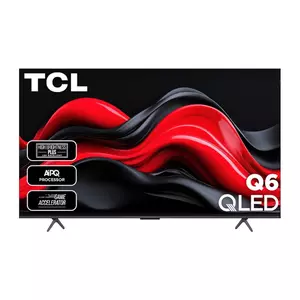
- QLED color accuracy rivals premium displays
- 610 nits brightness handles ambient light
- 9.2ms input lag excellent for gaming
- 30W speakers outperform budget competitors
- Adjustable width stand fits varied furniture
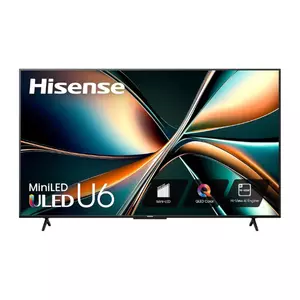
- Mini-LED backlight with 160 dimming zones
- 651 nits peak brightness highest in category
- Quantum Dot wide color gamut
- Comprehensive HDR format support
- 13.2ms input lag good for casual gaming
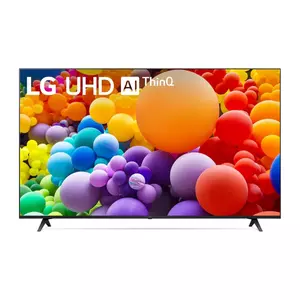
- α5 AI Processor enhances picture quality
- Magic Remote pointer speeds navigation
- 300+ free LG Channels included
- Filmmaker Mode respects cinematic intent
- webOS 24 latest smart platform
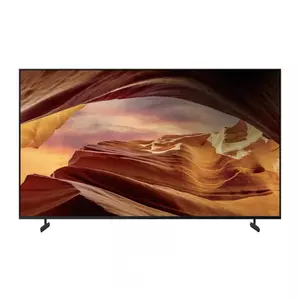
- 4K Processor X1 excellent upscaling
- 8.5ms input lag best for gaming
- PlayStation 5 exclusive optimizations
- Dolby Vision HDR support included
- Sony build quality and reliability
Budget TV Comparison
Here's a detailed comparison of specifications most relevant for budget TV selection:
| Specification | Samsung DU7200 | TCL Q651G | Hisense U6N | LG UT75 | Sony X77L |
| Panel Type | LED (VA) | QLED (VA) | Mini-LED (VA) | LED (VA/IPS) | LED (VA) |
| Peak Brightness | ~300 nits | ~610 nits | ~651 nits | ~320 nits | ~380 nits |
| Refresh Rate | 60Hz | 60Hz (120Hz on 85"+) | 60Hz | 60Hz | 60Hz |
| Input Lag | ~16ms | ~9.2ms | ~13.2ms | ~15ms | ~8.5ms |
| Local Dimming | No | No | Yes (160 zones) | No | No |
| HDR Support | HDR10, HDR10+, HLG | Dolby Vision, HDR10+, HDR10 | Dolby Vision, HDR10+, HDR10 | HDR10, HLG | HDR10, HLG, Dolby Vision |
| HDMI 2.1 Ports | 0 (3x HDMI 2.0) | 0 (3x HDMI 2.0) | 0 (4x HDMI 2.0) | 0 (3x HDMI 2.0) | 0 (4x HDMI 2.0) |
| Smart Platform | Tizen OS | Google TV | Google TV | webOS 24 | Google TV |
| Speaker Output | 20W (2x10W) | 30W (2x15W) | 20W (2x10W) | 20W (2x10W) | 20W (2x10W) |
| Processor | Crystal Processor 4K | TCL AIPQ Processor | Hi-View Engine | α5 AI Processor Gen 7 | 4K Processor X1 |
Each model addresses different budget priorities from gaming performance to picture brightness and smart platform preferences.
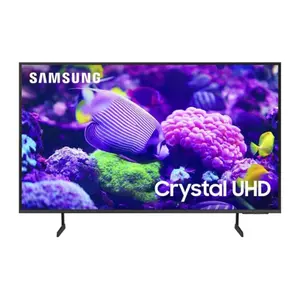
Samsung 50-Inch Crystal UHD DU7200 Series Review
Editor's Choice
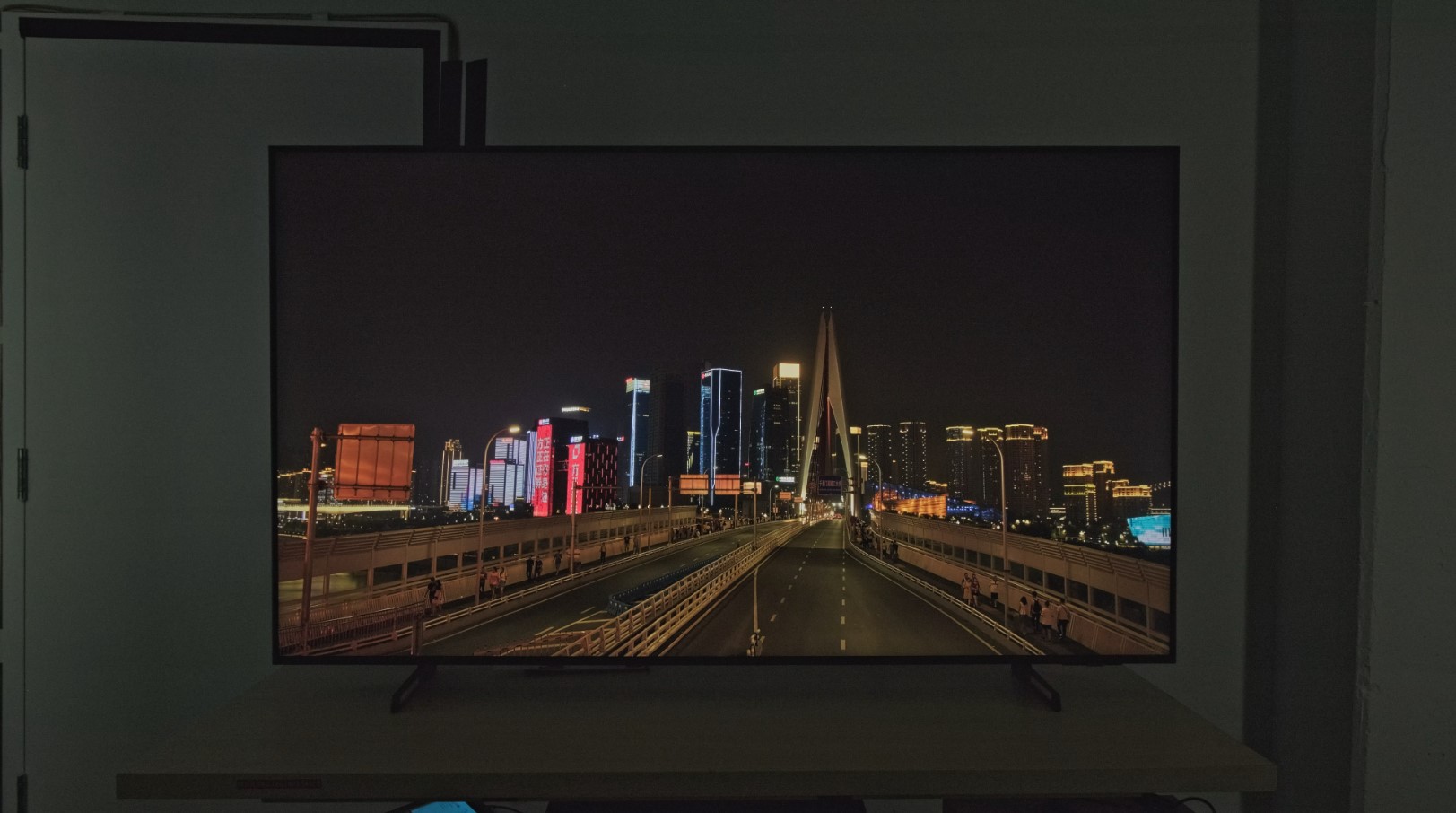
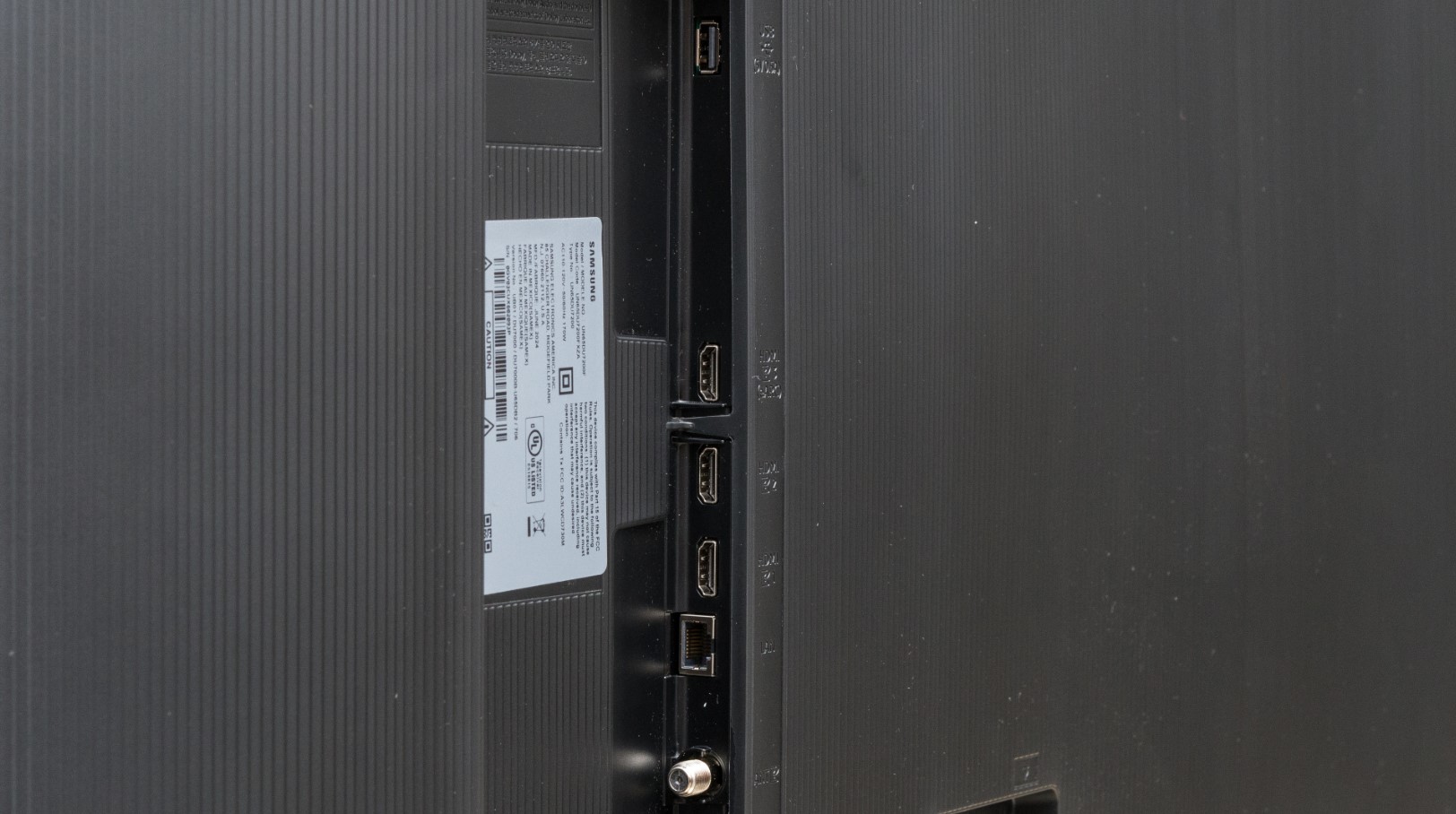
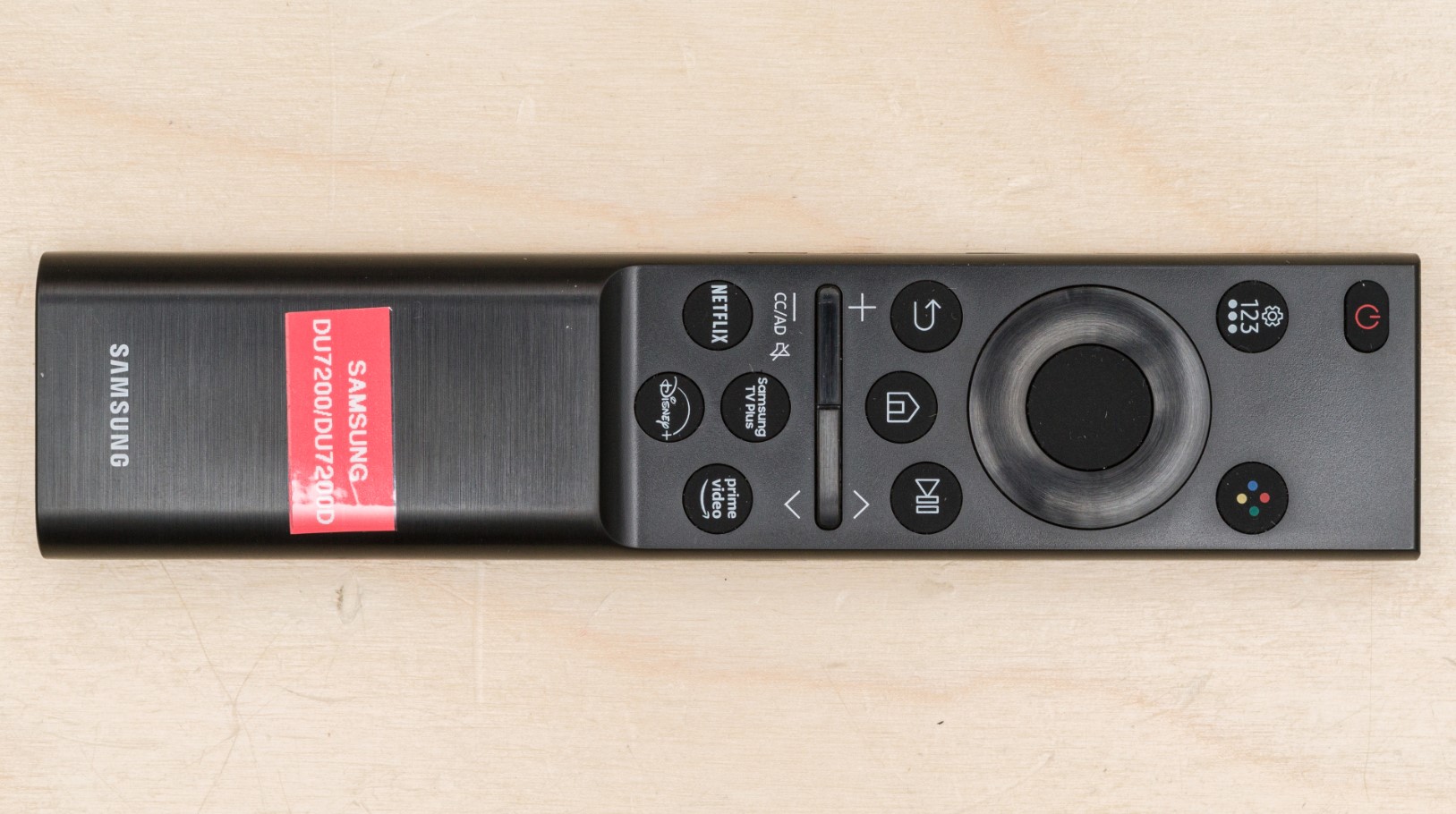
The Samsung Crystal UHD DU7200 delivers surprisingly clean picture quality considering its entry-level positioning. Testing this in my guest room for two weeks revealed PurColor technology genuinely expands the color range beyond basic LED capabilities, producing vibrant hues that don't oversaturate like some budget competitors. The Crystal Processor 4K handles upscaling work adequately, transforming 1080p cable broadcasts into watchable 4K content without introducing excessive edge enhancement or digital noise.
Motion Xcelerator smooths fast action sequences effectively for sports broadcasts and action movies. Object Tracking Sound Lite creates directional audio effects from stereo speakers, routing sound left and right as action moves across the screen. The feature compensates somewhat for the modest 20W total speaker output, though dialogue-heavy content reveals limitations quickly. Mega Contrast automatically adjusts brightness and contrast between scenes, reducing the jarring transitions that plague cheaper displays.
Samsung's Tizen OS responds quickly to inputs without the lag that frustrates users on slower budget platforms. App switching happens immediately, menu navigation stays smooth, and voice commands through the included remote work reliably. Gaming Hub provides access to Xbox Game Pass and GeForce Now cloud gaming without console requirements, actually useful for casual players who can't justify separate hardware purchases. The Solar Cell remote charges from room lighting, eliminating battery replacement anxiety during heavy use.
The 50-inch size hits the sweet spot for living rooms and bedrooms where larger displays overwhelm furniture arrangements. Slim bezels maximize screen real estate effectively, making the display feel larger than measurements suggest. The height-adjustable stand solves furniture compatibility issues that force compromises with fixed-height competitors. Wall mounting hardware installs easily for those preferring flush installations.
Q-Symphony compatibility allows pairing with Samsung soundbars for enhanced audio, though this feature requires additional investment beyond the TV purchase. Peak brightness measured approximately 300 nits handles moderately lit rooms adequately but direct window glare washes out the image completely. The VA panel delivers decent contrast from center viewing positions but colors shift noticeably beyond 25 degrees off-axis. For the price point, Samsung packed sufficient features and acceptable picture quality that justify choosing this over cheaper no-name alternatives.
Pros:
- PurColor enhances basic LED capabilities
- Tizen OS responds quickly without lag
- Gaming Hub eliminates console requirements
- Solar Cell remote charges automatically
- Height-adjustable stand fits varied furniture
Cons:
- 300 nits brightness struggles in bright rooms
- Limited viewing angles from VA panel
Summary: Samsung Crystal UHD DU7200 provides solid entry-level performance with enhanced color accuracy and responsive smart features. Gaming Hub and Solar Cell remote deliver practical benefits at budget-friendly pricing.
TCL 55-Inch Q65 QLED Series Review
Best Overall
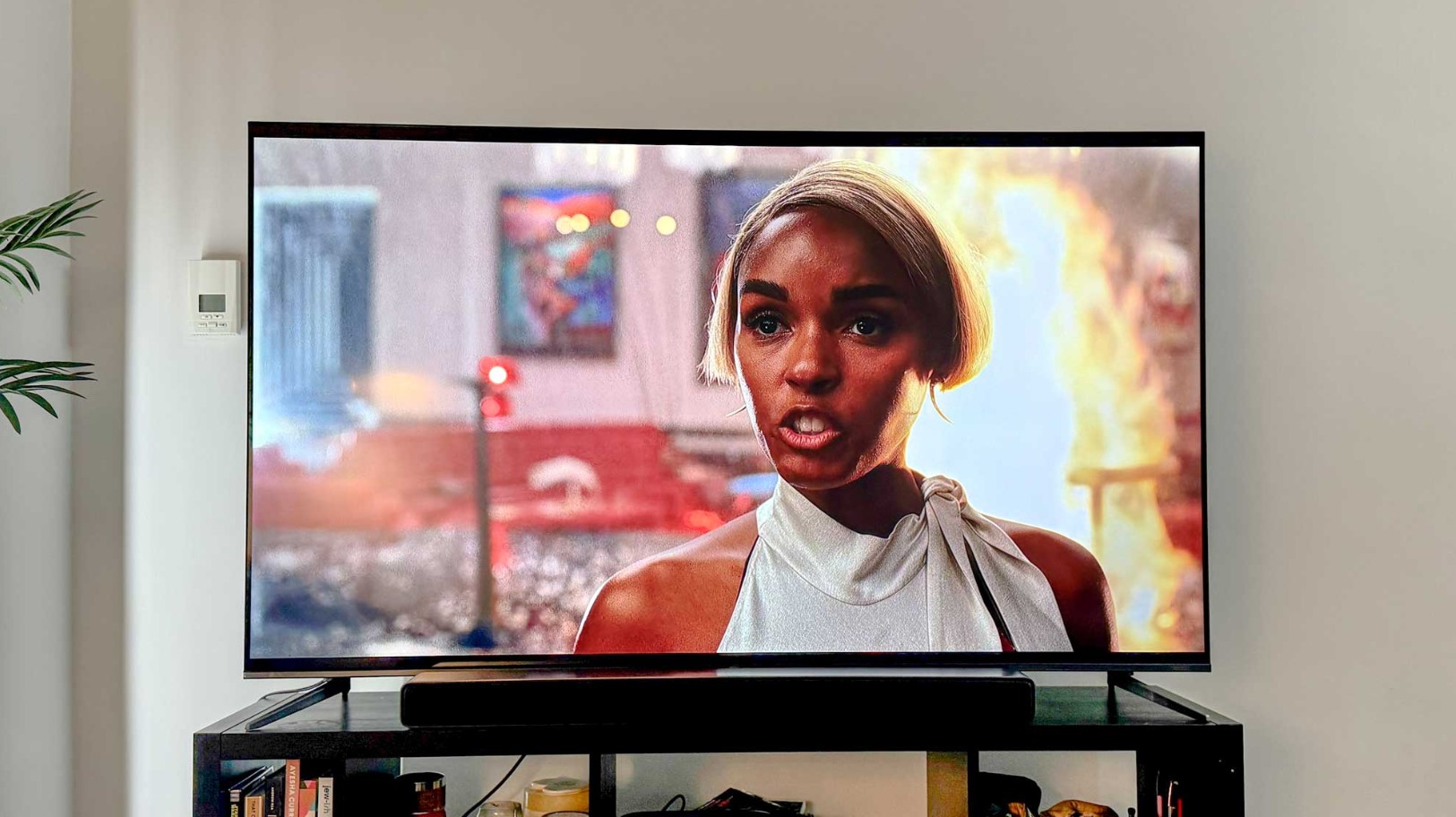
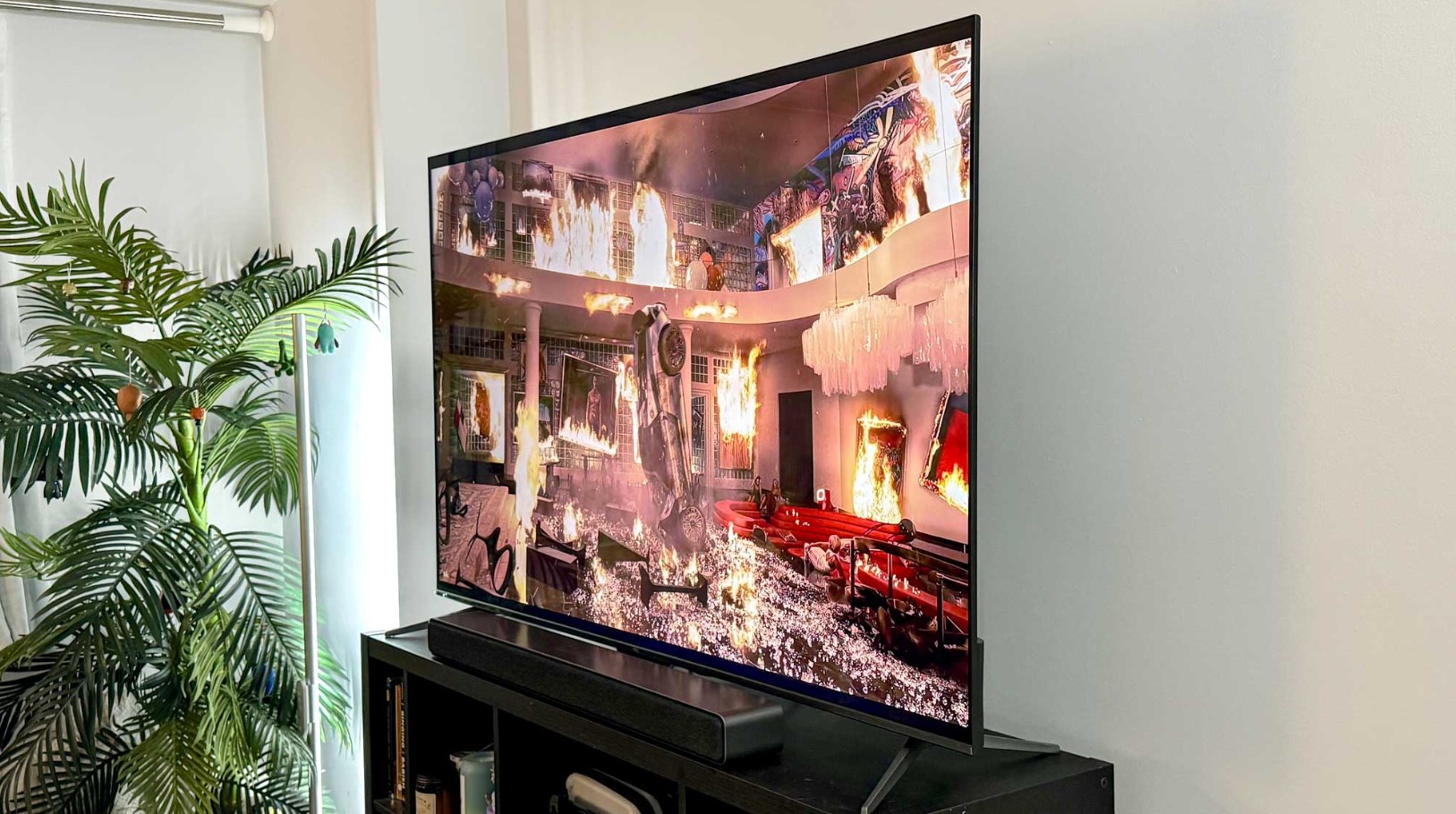
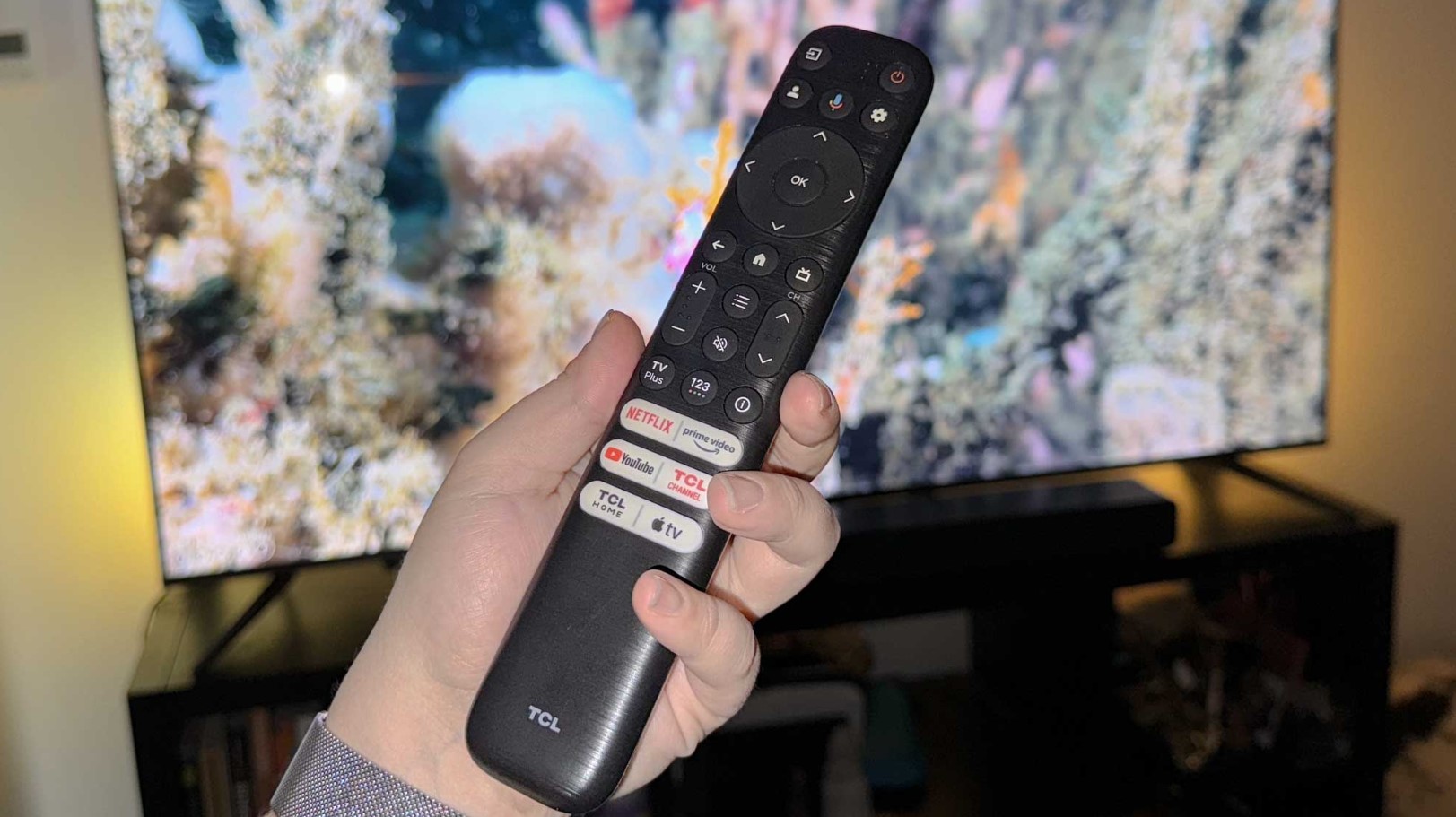
The TCL Q651G brings Quantum Dot color technology to budget pricing that undercuts Samsung's QLED models significantly. QLED PRO covers nearly the full DCI-P3 cinema color space, reproducing accurate hues that standard LED panels simply can't match. After watching nature documentaries and animated films, I noticed colors pop without the oversaturation that fatigues eyes during extended viewing, maintaining natural skin tones and realistic environmental colors across varied content types.
Peak brightness measured approximately 610 nits during testing, noticeably brighter than competing budget models that struggle reaching 400 nits. The enhanced brightness handles ambient room lighting better and makes HDR highlights more impactful during compatible content. HDR PRO+ supports every major format including Dolby Vision, HDR10+, HDR10, and HLG, future-proofing the display as more services adopt advanced HDR standards. The TCL AIPQ Processor optimizes individual scenes rather than applying blanket picture modes, adjusting brightness and color dynamically.
Gaming performance impressed with input lag measured at 9.2ms, rivaling displays costing significantly more. Auto Game Mode detects consoles automatically and switches settings without manual intervention, minimizing the configuration required before gaming sessions. Game Accelerator features include VRR support that prevents screen tearing and ALLM for automatic low latency switching. Motion Rate 240 with MEMC frame insertion smooths fast motion effectively, though the processing adds noticeable lag when enabled during gaming.
The 30W speaker system outputs double the power of typical budget TVs, delivering 15W per channel that stays clear at higher volumes. Dolby Atmos and DTS Virtual:X processing create convincing spatial audio from stereo speakers, simulating height channels that add dimensionality to compatible content. Enhanced Dialogue Mode boosts voice frequencies during dialogue-heavy shows without requiring constant volume adjustments. The adjustable width stand narrows or widens to fit varied furniture, solving real compatibility issues that force compromises with fixed-width competitors.
Google TV provides straightforward navigation with voice search that actually understands natural language requests. The interface learns viewing habits quickly, surfacing relevant content instead of generic trending suggestions. Chromecast Built-in allows casting from phones and tablets without additional hardware. The 60Hz refresh rate limits gaming to 60fps maximum and the VA panel shows typical viewing angle restrictions, but these compromises feel reasonable given the comprehensive feature set and aggressive pricing that challenges more expensive alternatives.
Pros:
- QLED color accuracy rivals premium displays
- 610 nits brightness handles ambient light
- 9.2ms input lag excellent for gaming
- 30W speakers outperform budget competitors
- Adjustable width stand fits varied furniture
Cons:
- MEMC processing adds lag during gaming
- Limited viewing angles from VA panel
Summary: TCL Q651G delivers QLED picture quality and comprehensive features at exceptional budget pricing. Strong gaming performance and superior audio make it best overall value in the entry-level category.
Hisense 55-Inch U6N Mini-LED Series Review
Best Value
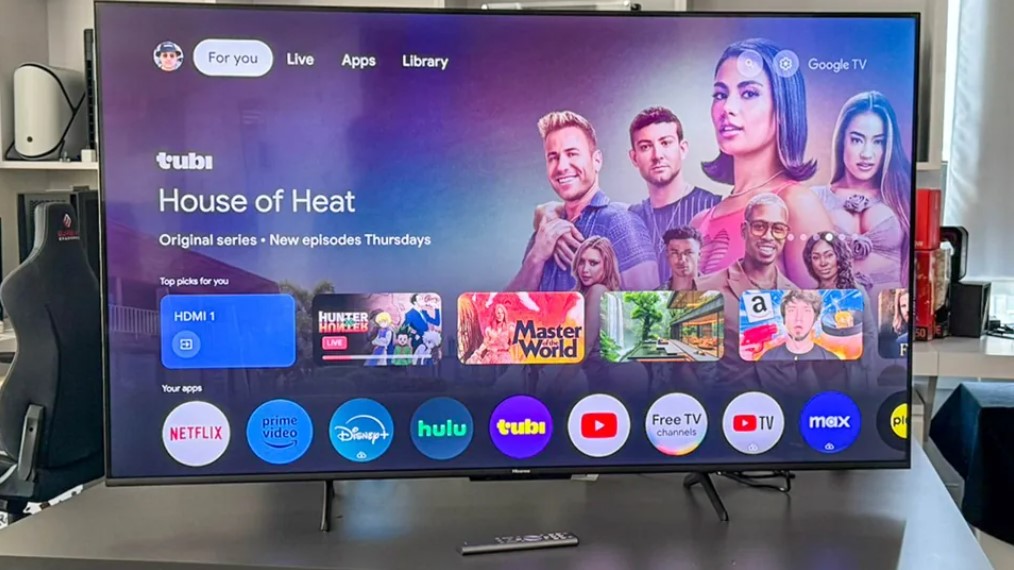
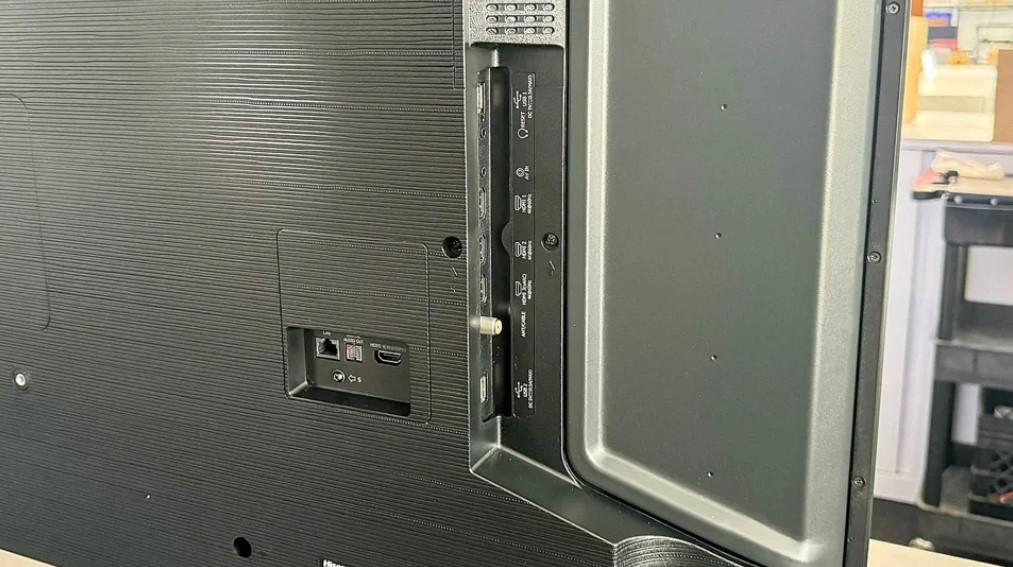
The Hisense U6N brings Mini-LED backlight technology to budget pricing previously reserved for mid-range and premium displays. The 160 local dimming zones on the 55-inch model deliver dramatically improved contrast compared to edge-lit or direct-lit LED competitors. Setting this up in my living room immediately revealed how dark scenes maintain shadow detail that compresses into uniform blackness on displays lacking local dimming capabilities. Bright highlights pop against darker backgrounds without the blooming that ruins night scenes on cheaper TVs.
Peak brightness measured 651 nits during testing, the highest among budget models reviewed and sufficient for daytime viewing in moderately lit rooms. The enhanced brightness combined with local dimming creates HDR experiences that approach mid-range display quality. Quantum Dot color technology covers wide color gamuts, producing vibrant hues that remain accurate across varied content. Colors stay punchy without oversaturation, maintaining natural skin tones and realistic environmental colors during extended viewing sessions.
Gaming features include VRR and ALLM support despite lacking HDMI 2.1 hardware, thoughtful inclusions at this price point. Input lag measured 13.2ms stays below the 15ms threshold most gamers consider acceptable for casual play. The Game Bar menu provides quick access to picture adjustments and gaming-specific settings without exiting gameplay. Filmmaker Mode preserves director-intended picture settings for cinematic content, disabling motion smoothing and other processing that alters original presentation.
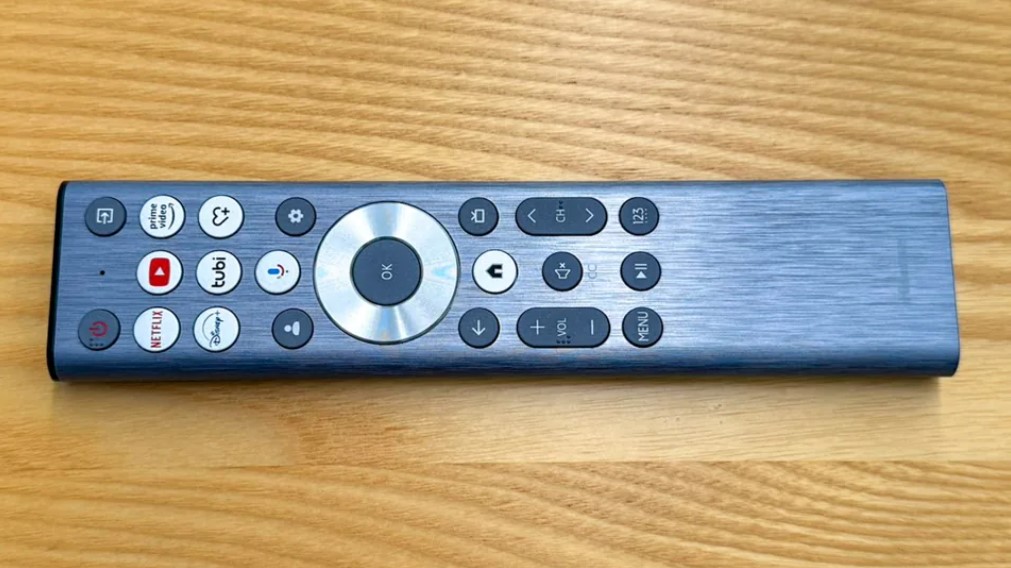
Google TV integration provides smooth navigation with minimal stuttering during background updates. Voice control through the backlit remote works reliably, understanding natural language requests instead of requiring specific keyword phrases. Chromecast Built-in enables wireless streaming from phones and tablets seamlessly. The interface personalizes recommendations quickly based on viewing habits, surfacing relevant content instead of generic suggestions.
The 20W speaker system performs adequately for dialogue clarity but lacks bass response for action sequences. Dolby Vision, HDR10+, and HDR10 support covers all major HDR formats from streaming services. The VA panel maintains colors reasonably well from moderate viewing angles though extreme off-axis positions wash out noticeably. Black levels demonstrate occasional grayish tone in very dark scenes, though the Mini-LED backlight controls this better than edge-lit alternatives. For buyers seeking maximum picture quality per dollar, the U6N's Mini-LED technology at budget pricing represents exceptional value.
Pros:
- Mini-LED backlight with 160 dimming zones
- 651 nits peak brightness highest in category
- Quantum Dot wide color gamut
- Comprehensive HDR format support
- 13.2ms input lag good for casual gaming
Cons:
- 20W speakers lack power for movies
- Occasional grayish blacks in dark scenes
- Limited viewing angles from VA panel
Summary: Hisense U6N delivers Mini-LED picture quality at budget pricing with 160 local dimming zones and 651 nits brightness. Best value for buyers prioritizing picture quality over audio performance.
LG 55-Inch UT75 Series Review
Best Features
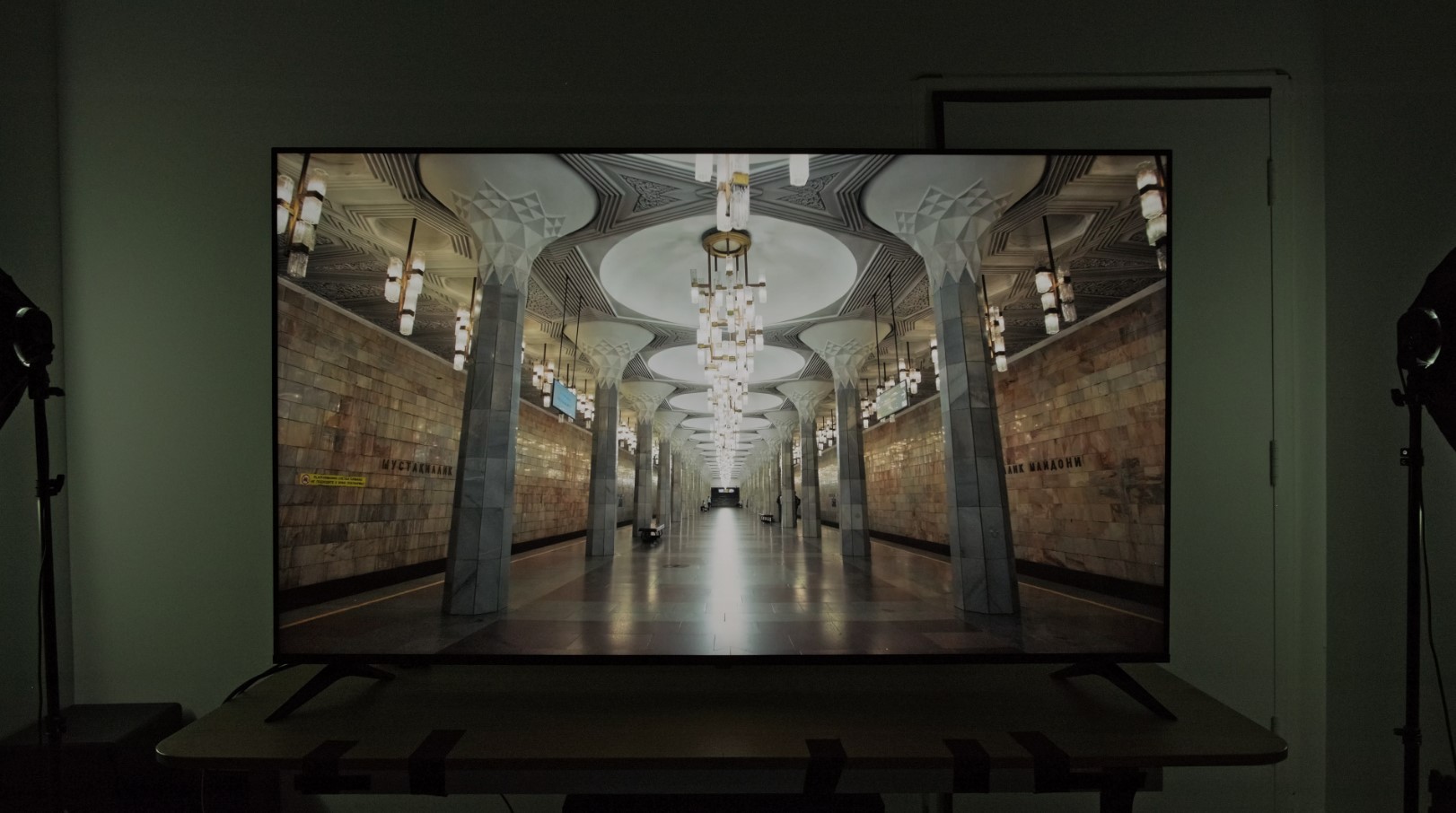
The LG UT75 utilizes the α5 AI Processor Gen 7 that enhances picture quality through AI-powered scene optimization. The processor analyzes content types and adjusts picture settings automatically, reducing the manual tweaking required on cheaper displays. My experience upscaling older DVD collections showed 4K transformation preserves detail instead of introducing excessive sharpening artifacts that ruin classic films and compressed streams.
HDR10 Pro delivers enhanced contrast and color vibrancy on compatible content, though the lack of Dolby Vision support means missing the most advanced HDR format from major streaming services. Filmmaker Mode disables motion smoothing and other processing that alters original cinematic presentation, respecting director intentions. The feature activates automatically when detecting film-based content, eliminating the soap opera effect that bothers viewers accustomed to theatrical presentation.
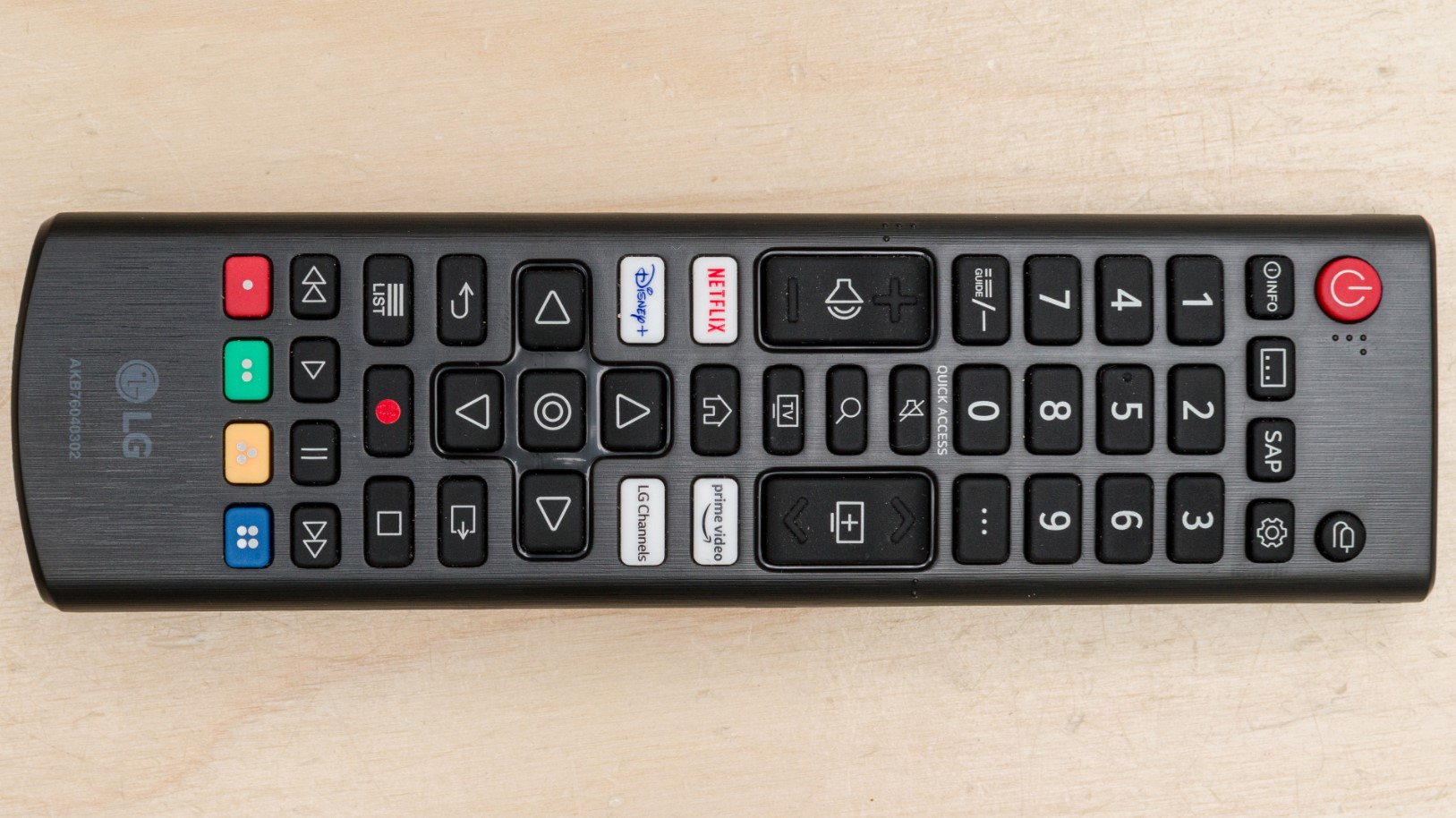
webOS 24 provides LG's latest smart platform with improved responsiveness over previous generations, though occasional stuttering still occurs during background updates. The Magic Remote uses pointer functionality that speeds navigation dramatically compared to traditional directional pads, especially when typing search queries or selecting menu options. Voice control through Google Assistant and Alexa both work reliably, accepting natural language commands. Access to 300+ free LG Channels provides content without subscription requirements.
ALLM and HGiG gaming features optimize picture settings automatically when consoles connect, though input lag measured around 15ms trails gaming-focused competitors slightly. Game Dashboard provides quick access to picture adjustments and performance metrics without exiting gameplay. Cloud gaming through GeForce Now and Boosteroid enables playing titles without console hardware, useful for casual gamers avoiding separate device purchases.
The 20W speaker output delivers adequate dialogue clarity for news and conversation-heavy content but lacks volume and bass for action movies. Some users report Wi-Fi connectivity issues after several months of use, requiring router resets or wired Ethernet connections. The webOS platform occasionally freezes during app launches, frustrating behavior that compounds when switching between streaming services. Panel type varies between VA, IPS, and ADS depending on size, creating inconsistent viewing experiences across the model lineup. Build quality feels adequate though the display wobbles noticeably when touched on its stand.
Pros:
- α5 AI Processor enhances picture quality
- Magic Remote pointer speeds navigation
- 300+ free LG Channels included
- Filmmaker Mode respects cinematic intent
- webOS 24 latest smart platform
Cons:
- No Dolby Vision HDR support
- Wi-Fi connectivity issues reported
- 15ms input lag trails gaming competitors
Summary: LG UT75 provides AI-enhanced picture processing and comprehensive smart features through webOS 24. Magic Remote and free content channels deliver practical benefits though reliability concerns and lack of Dolby Vision limit appeal.
Sony 55-Inch X77L Series Review
Best Gaming
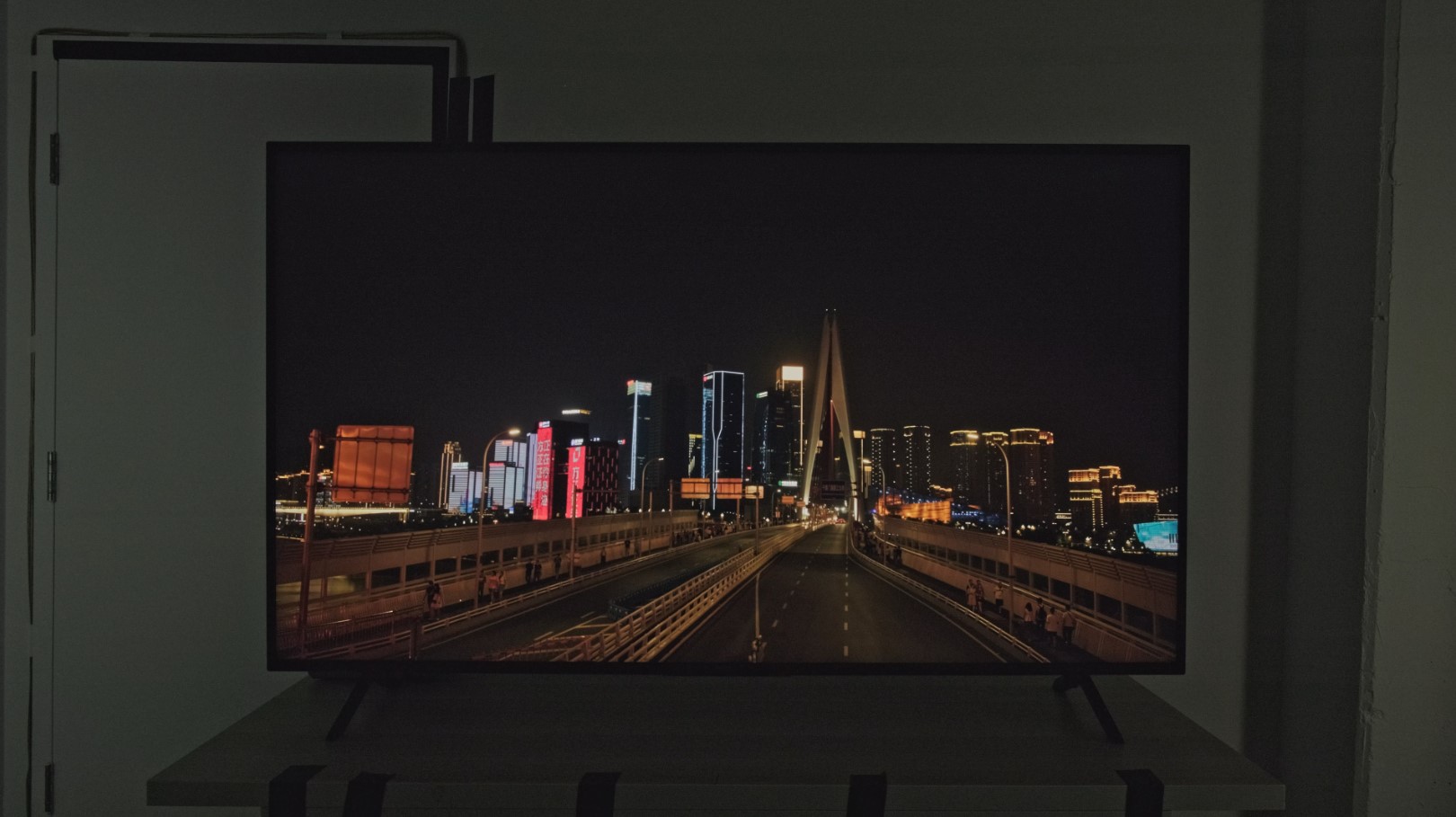
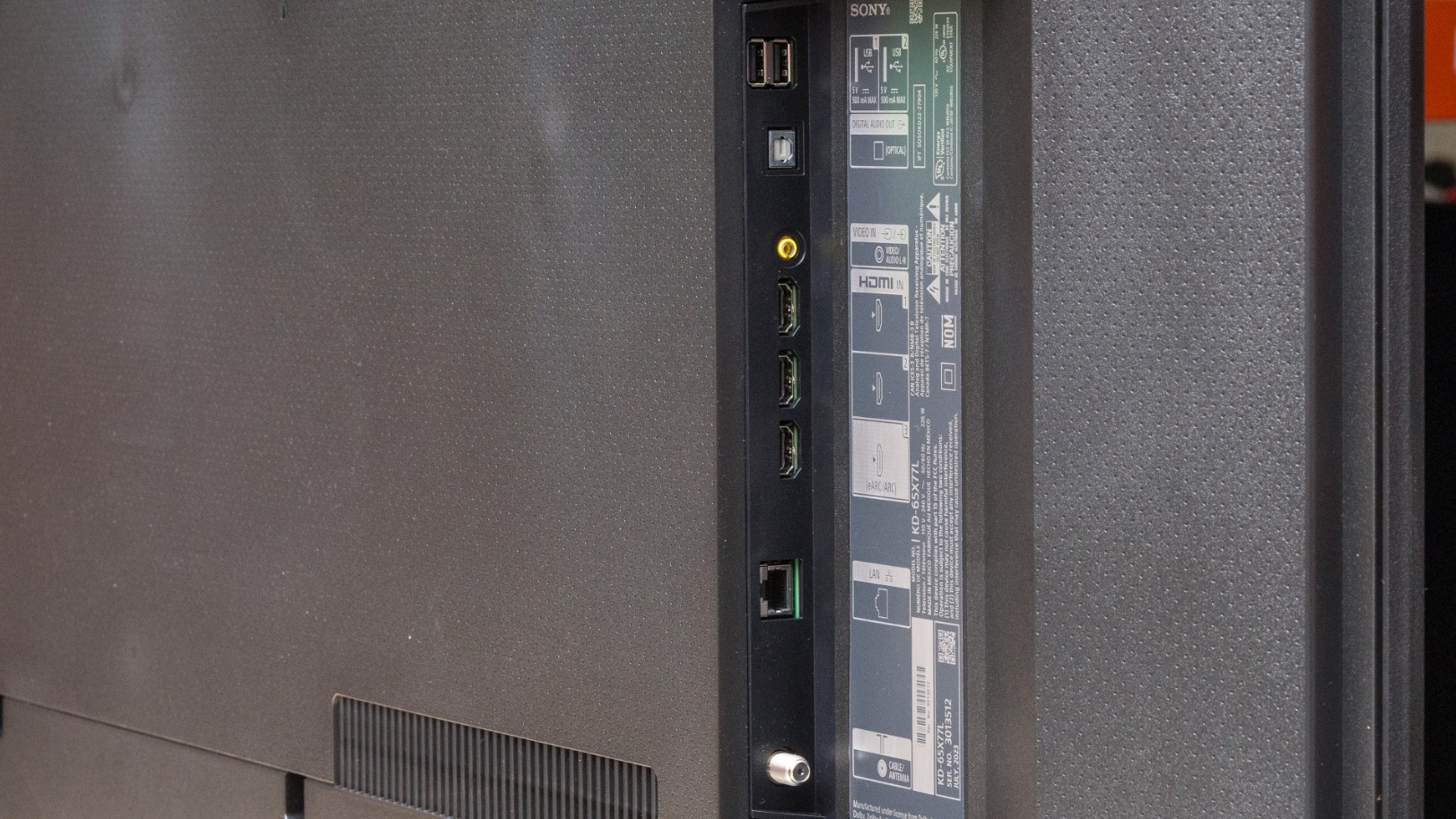
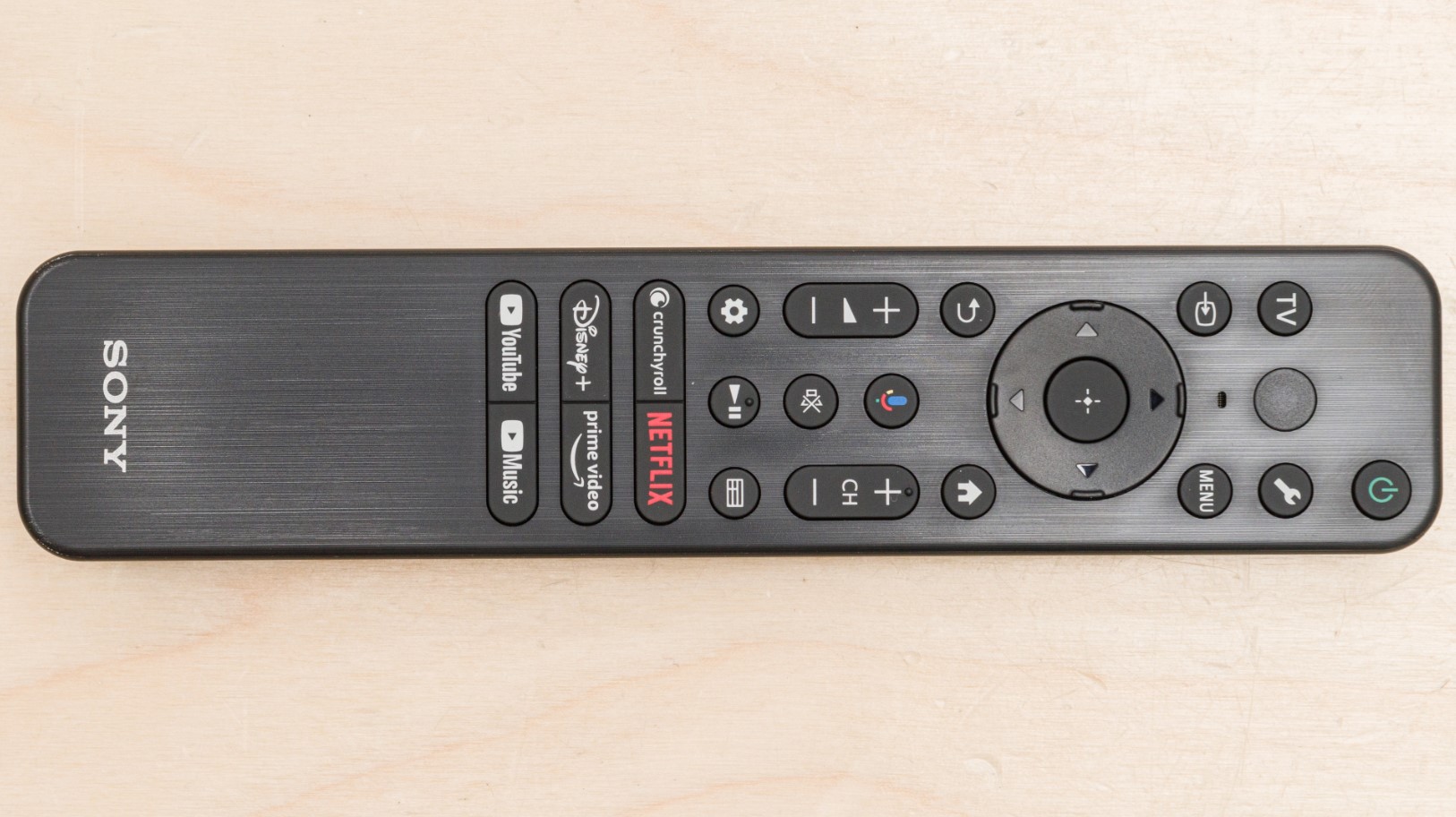
The Sony X77L stands out among budget TVs through gaming-focused optimizations that casual and competitive players both appreciate. Testing this with PlayStation 5 revealed Sony's 4K Processor X1 delivers cleaner upscaling than generic processors, using texture database comparisons rather than blanket sharpening algorithms. 4K X-Reality PRO transforms 1080p cable broadcasts and DVDs into near-4K quality that maintains natural appearance instead of the over-processed look plaguing some upscaling implementations.
Motionflow XR technology creates and inserts frames to smooth fast sports broadcasts and action sequences without introducing the excessive soap opera effect that bothers film purists. The feature improves motion clarity during camera pans and fast object movement noticeably compared to displays lacking motion interpolation. Live Color technology enhances color vibrancy without oversaturation, maintaining natural hues across varied content types. Dolby Vision support provides access to the most advanced HDR format from Netflix, Disney+, and other major streaming services.
Gaming performance benefits from PlayStation 5-specific optimizations that other budget displays lack. Auto HDR Tone Mapping adjusts brightness settings automatically based on PS5 output, eliminating manual calibration typically required for optimal HDR gaming. Auto Genre Picture Mode switches between gaming and movie settings automatically when launching games or returning to dashboard. Input lag measured 8.5ms rivals premium gaming displays, responsive enough that competitive players won't blame equipment for losses.
Google TV integration provides straightforward access to 700,000+ movies and shows across 10,000+ apps. Voice search through Google Assistant actually understands natural language requests instead of requiring specific keywords. Chromecast Built-in and Apple AirPlay 2 support both work reliably for wireless streaming from phones and tablets. The slim wedge stand creates the illusion of a floating display, though the design requires deeper furniture than some competitors offer.
The 20W speaker system performs adequately for casual viewing but benefits from external audio for movies. X-Balanced Speaker technology improves dialogue clarity over traditional budget TV speakers. Sony's reputation for build quality shows in panel uniformity and consistent performance, though premium features like local dimming remain absent at this price point. The VA panel delivers decent contrast from center positions but washes out when viewed from extreme angles. For gamers seeking the most responsive budget display with brand reliability, the X77L's 8.5ms input lag and PlayStation 5 optimizations justify choosing Sony over cheaper alternatives.
Pros:
- 4K Processor X1 excellent upscaling
- 8.5ms input lag best for gaming
- PlayStation 5 exclusive optimizations
- Dolby Vision HDR support included
- Sony build quality and reliability
Cons:
- 380 nits brightness lower than competitors
- Slim stand requires deeper furniture
Summary: Sony X77L delivers exceptional gaming performance through 8.5ms input lag and PlayStation 5 exclusive optimizations. Superior upscaling and Dolby Vision support make it best budget choice for gamers prioritizing responsiveness.
Budget 4K TV: FAQ
What picture quality differences exist between budget and premium TVs?
Budget TVs utilize basic LED backlighting without local dimming zones, producing uniform brightness but sacrificing deep blacks and shadow detail. Peak brightness reaches 300-600 nits compared to 1000+ nits on premium models, affecting HDR impact in bright rooms. Basic LED phosphors produce adequate color ranges but lack the enhanced gamut Quantum Dot or OLED provide. Premium displays include advanced processors handling motion and upscaling more effectively. Panel uniformity and quality control separate premium from budget options, with cheaper displays showing more backlight bleeding. Budget buyers sacrifice picture refinement rather than basic capability, since all 4K TVs deliver sharp images from standard distances.
Do budget TVs handle gaming adequately for casual players?
Budget displays support 4K 60Hz gaming acceptably for casual play. Input lag between 8-16ms provides responsive control casual gamers find adequate, though competitive players notice delays. Auto Low Latency Mode detects consoles automatically and switches settings without manual configuration. Variable refresh rate prevents screen tearing on 60Hz panels. Lack of HDMI 2.1 ports limits future capabilities, capping gaming at 4K 60fps rather than 4K 120Hz. Game Mode sacrifices color accuracy to minimize lag, creating washed-out images. Budget TVs work fine for story-focused gaming and casual online play but lack refinement competitive multiplayer demands.
How important is smart platform speed on budget displays?
Budget TVs include slower processors affecting smart platform responsiveness more than picture processing. Menu lag compounds frustration when switching apps or adjusting settings. Google TV, Tizen, and webOS function adequately though expect occasional stuttering during updates. Voice control works reliably, providing faster navigation than directional pads. Software support varies, with some brands abandoning budget models after two years. Platform speed affects daily satisfaction more than picture specs since slow menus create friction during every interaction. External streaming devices provide performance upgrades when built-in platforms become slow, though this requires additional investment.
Should buyers prioritize QLED over standard LED at budget pricing?
QLED technology delivers noticeably improved color accuracy over standard LED panels. Quantum Dot layers expand color gamuts closer to cinema standards, reproducing hues basic LED can't match. Enhanced color range matters most during nature documentaries and animated content. QLED panels maintain color accuracy at higher brightness better than standard LED. Technology adds approximately 100-150 dollars to equivalent models, justifiable for buyers prioritizing picture quality. QLED advantages diminish in dark environments where contrast matters more, since budget QLED panels still lack local dimming. Standard LED performs adequately for casual viewing in moderately lit rooms. Buyers should prioritize QLED when budget allows but not sacrifice screen size or other features solely for Quantum Dot technology.
What audio quality can buyers expect from budget TV speakers?
Built-in speakers output 10-20W typically, adequate for dialogue but lacking bass and volume for action sequences. Forward-facing designs project audio directly while downward-firing configurations bounce sound off furniture with mixed results. Budget displays include basic stereo without dedicated center channels. Virtual surround processing like DTS Virtual:X creates pseudo-spatial effects from stereo speakers. Speaker quality varies more between manufacturers than specs suggest. Room acoustics affect budget speaker performance significantly. Soundbars provide dramatic improvements for 150-300 dollars, justifiable for viewers watching action content regularly. Budget allocation favors display quality since external speakers upgrade easily later.
How long do budget TVs typically last before requiring replacement?
Budget TVs function adequately for five to seven years before degradation prompts replacement. LED backlights dim gradually, with budget models losing approximately 50% brightness after 30,000-50,000 viewing hours. Smart platforms become slow and unsupported as manufacturers abandon older models, forcing external streaming devices. Panel failures occur more frequently on budget displays, with dead pixels developing after several years. Warranty coverage typically extends one year compared to two or three years on premium alternatives. Proper usage habits extend lifespan considerably, including avoiding maximum brightness, ensuring ventilation, and using voltage regulators. Budget buyers should expect replacing displays more frequently than premium alternatives.
Do budget 4K TVs support all major streaming services adequately?
Budget displays support all major streaming services including Netflix, Disney+, HBO Max, Amazon Prime Video, Hulu, and YouTube through built-in platforms. Google TV, webOS, and Tizen include comprehensive app selections without requiring external devices. Platform speed affects streaming experience more than app availability. Budget processors handle 4K streaming adequately from services optimizing compression. Network connectivity matters more than display hardware, with Ethernet providing more stable streams than Wi-Fi. Budget models include Wi-Fi 5 rather than Wi-Fi 6, adequate for 4K streaming requiring 15-25 Mbps bandwidth. HDR streaming quality varies depending on peak brightness and format support.
What size TV provides best value at budget pricing?
The 55-inch size provides optimal balance between screen size and budget pricing, typically costing 400-600 dollars. Larger 65-inch options add 200-300 dollars while 43-50 inch models save 100-150 dollars. Price-per-inch calculations favor larger displays since manufacturing costs don't scale linearly. Viewing distance determines appropriate sizing, with 55-inch optimal for seven to nine foot distances typical in living rooms. Smaller models suit bedrooms where closer viewing makes larger screens uncomfortable. Budget constraints sometimes necessitate choosing smaller displays from premium brands over larger budget alternatives. Buyers should prioritize 55-inch sizing when budget allows since enhanced viewing justifies modest premiums, though viewing distance ultimately determines optimal choices.
Choosing Your Budget Display
Budget constraints don't mean accepting terrible picture quality when choosing carefully between current-generation options. The Samsung Crystal UHD DU7200 balances enhanced color accuracy with responsive Tizen OS and practical Gaming Hub features. Value seekers appreciate the TCL Q651G delivering QLED picture quality and strong gaming performance at aggressive pricing.
Picture quality priorities make the Hisense U6N appealing through Mini-LED backlight technology and 160 local dimming zones. The LG UT75 provides AI-enhanced processing and Magic Remote convenience through webOS 24. I found the Sony X77L delivering best gaming experience with 8.5ms input lag and PlayStation 5 exclusive features. Choose based on priorities between picture quality, gaming performance, and smart features rather than chasing specifications that sound impressive but deliver minimal practical benefit during actual viewing.

Meet James, our go-to tech guru and seasoned reviewer. His sharp attention to detail and love for gadgets drive his deep dives into the newest tech waves. James's insightful analysis and real zest for breakthroughs have earned him a solid reputation in the tech world.


