SwitchBot AI Art Frame Review
What if I told you that the picture hanging on your wall could change to match your mood, the weather, or even just because you felt like it? Three weeks ago, I hung what looked like an ordinary black frame above my desk. By the next morning, it was displaying a serene watercolor landscape. That evening? Bold abstract art. The day after that? Van Gogh's "Starry Night." My previously blank wall had transformed into a living, breathing gallery.
This is the SwitchBot AI Art Frame, and it's unlike any digital display I've tested in years of reviewing tech. Using E Ink Spectra 6 technology - the same paper-like display tech found in Kindles, but now with full color capability - combined with built-in AI art generation powered by Google's NanoBanana model, this frame creates something genuinely different from the endless parade of LCD photo frames cluttering Amazon.
I've spent three weeks testing both the 7.3-inch and 13.3-inch models, generating over 200 custom artworks, displaying museum masterpieces, and watching multiple guests examine the frame closely before asking where I bought "that nice print" - only to be shocked when I changed the image in front of them using my phone.
The display genuinely looks like paper, not a glowing screen. The AI creates surprisingly sophisticated custom artwork from simple text prompts. Battery lasts months on a single charge. No cables, no glare, no backlight. Just art that adapts to your life. But does it actually deliver on these promises, or is it expensive tech masquerading as art?
Let's find out.
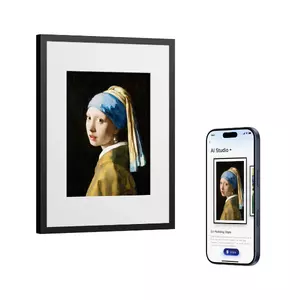
7 Reasons to Buy:
- E Ink display looks like printed art, not a screen
- AI generates custom artwork from text descriptions
- Battery lasts up to 2 years per charge
- British Museum art collection included
- Transforms photos into paintings
- Wireless design with no visible cables
- Alexa and Home Assistant integration
2 Reasons Not to Buy:
- AI subscription required after 30 days ($3.99/month)
- Higher price than basic digital frames
Quick Navigation:
- Specifications
- E Ink Display
- Unboxing
- AI Studio
- Real-World Testing
- Which Size to Choose
- App and Smart Home
SwitchBot AI Art Frame: Specifications
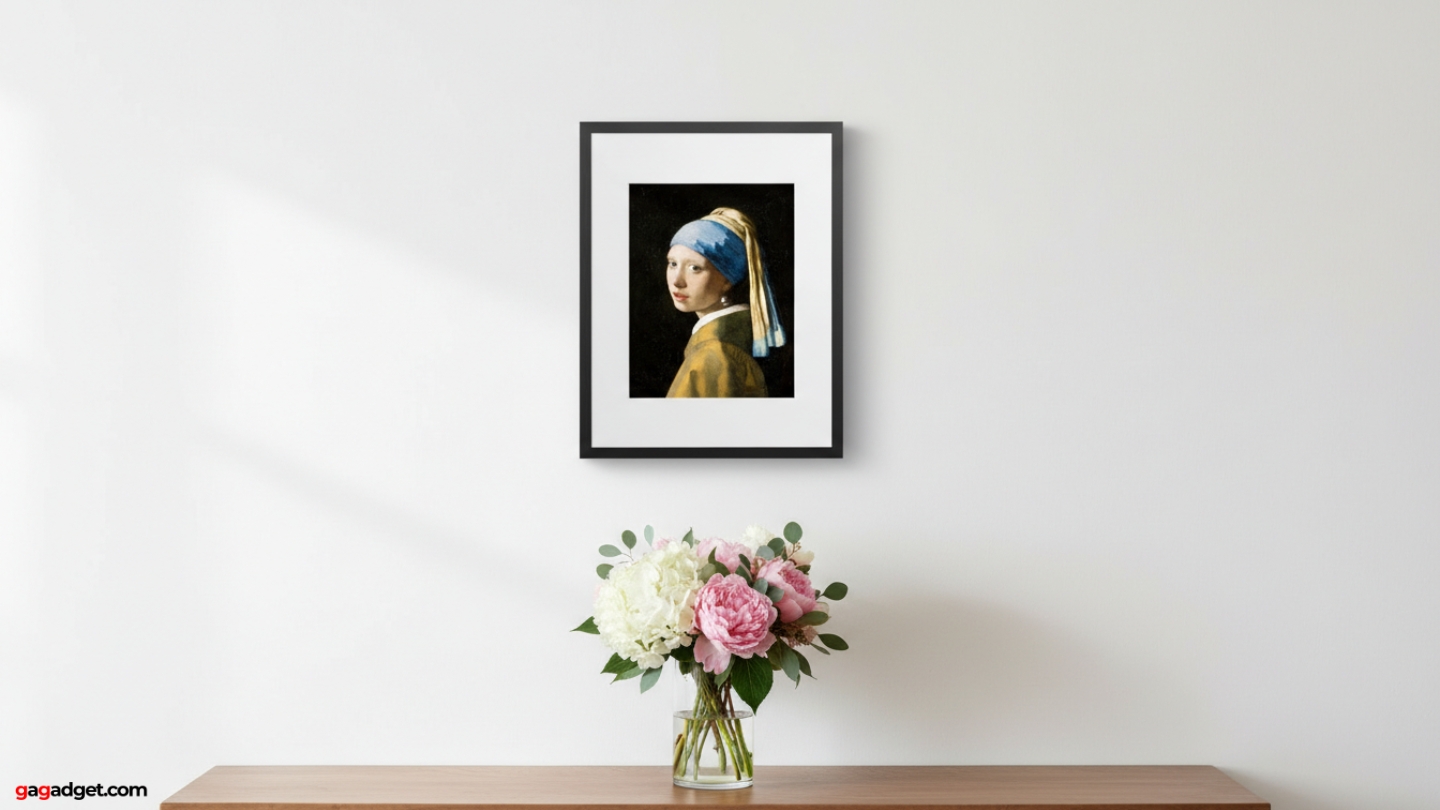
I tested both sizes extensively. Here's what you need to know:
| Specification | 7.3" Model | 13.3" Model |
| Display Type | E Ink Spectra 6 | E Ink Spectra 6 |
| Display Size | 7.3 inches diagonal | 13.3 inches diagonal |
| Frame Dimensions | 25 × 20 × 2.5 cm | 41 × 31 × 2.5 cm |
| Weight | 450g | 850g |
| Battery | 2000mAh | 2000mAh |
| Battery Life | Up to 2 years (weekly refresh) | Up to 2 years (weekly refresh) |
| Charging | USB-C, 3-4 hours | USB-C, 3-4 hours |
| Storage | 10 images local | 10 images local |
| AI Engine | NanoBanana (Gemini 2.5) | NanoBanana (Gemini 2.5) |
| Connectivity | Wi-Fi, Bluetooth | Wi-Fi, Bluetooth |
| Smart Home | Alexa, Home Assistant | Alexa, Home Assistant |
| Price | $149.99 | $349.99 |
| Best For | Desks, shelves, nightstands | Walls, living rooms, offices |
E Ink Spectra 6: Why It Works
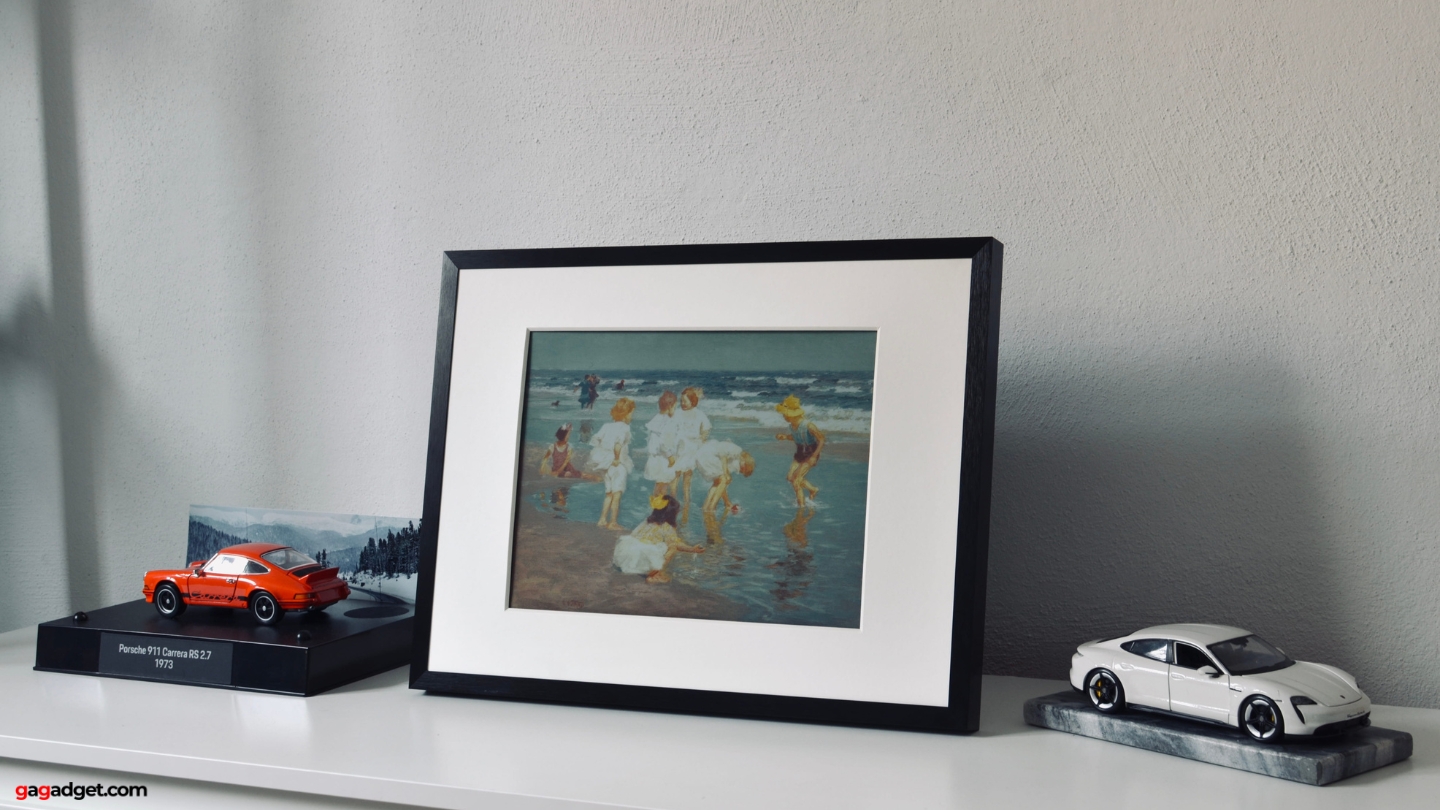
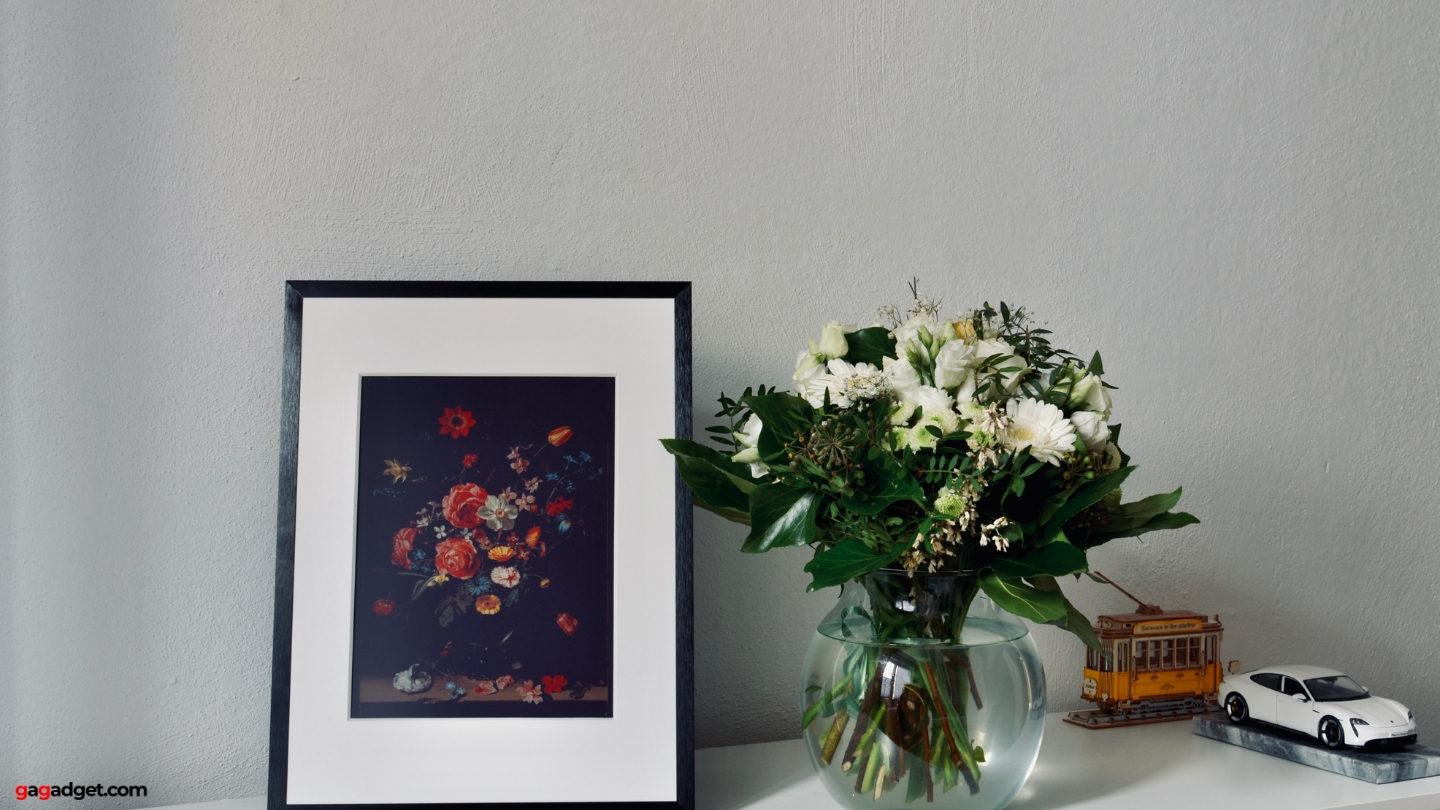
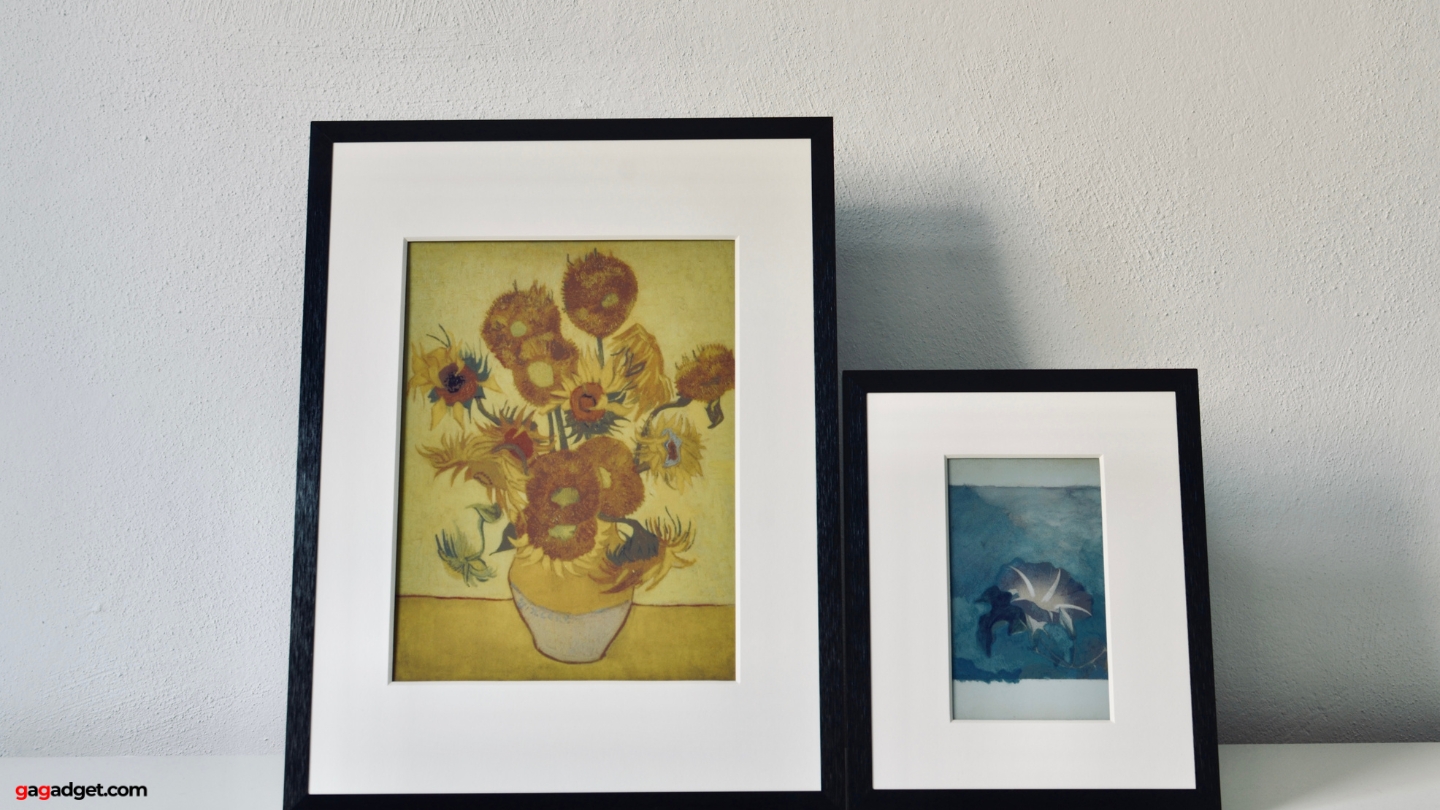
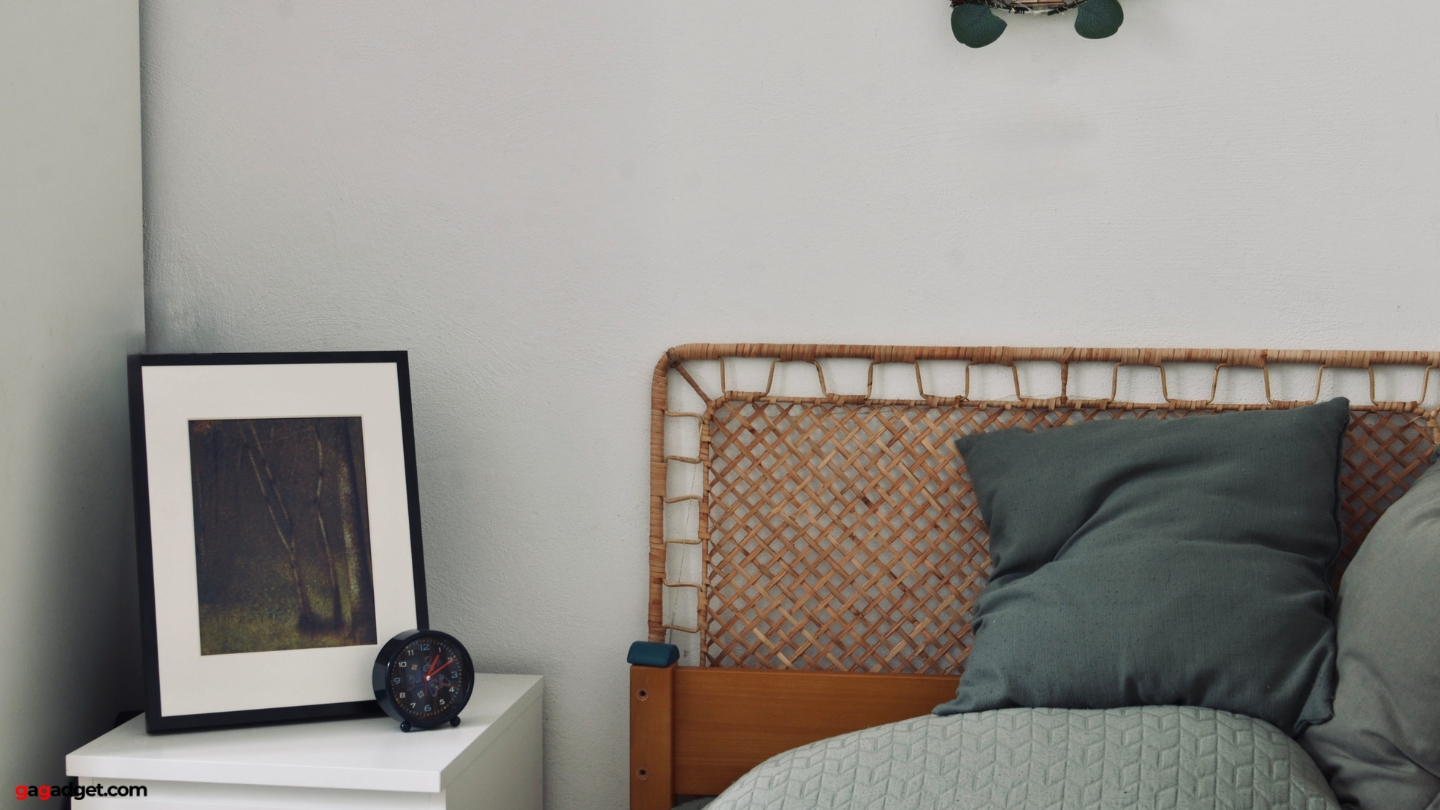
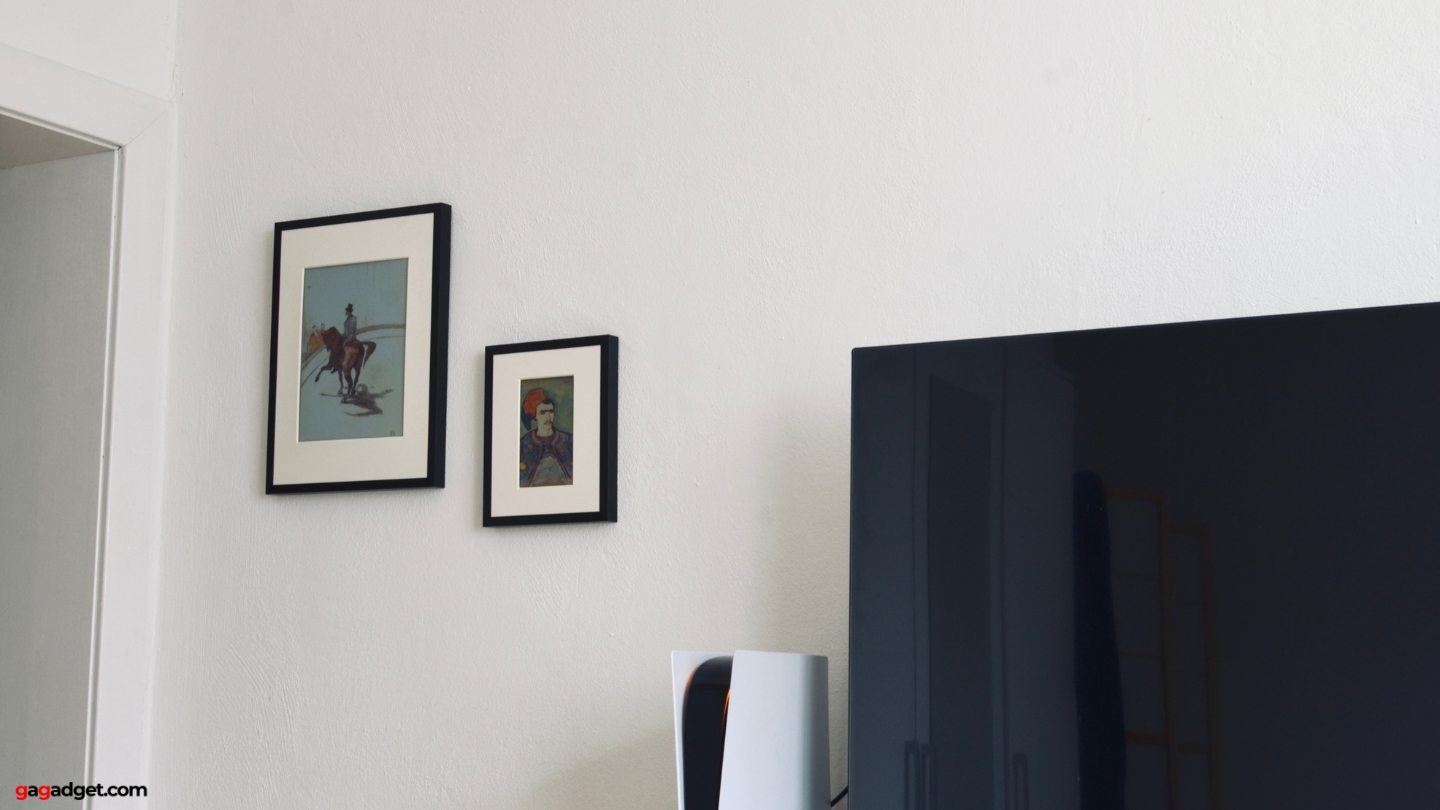
I've tested dozens of digital frames. They all look like screens - backlit, glowing, reflective. The SwitchBot uses E Ink Spectra 6 instead: colored particles that physically rearrange when charged, then stay in place with zero power. Like ink on paper.
Spectra 6 uses seven pigment colors layering to create thousands of hues. The matte surface mimics fine art paper. When I hung the 13.3-inch frame displaying Van Gogh near a window with direct sun, it looked better - colors richer, more vibrant, exactly like a physical print in good lighting.
Week two, I tested this with eight people. Displayed an AI landscape, asked: "Digital or printed?" Six thought printed. One examined it for a minute before admitting uncertainty. Only two tech professionals immediately spotted it as digital.
Trade-offs: refresh takes 5-10 seconds with visible flashing. Colors are muted versus OLED. But real paintings don't have OLED saturation. E Ink matches physical artwork - for an art frame, that's the point.
Unboxing and First Impressions
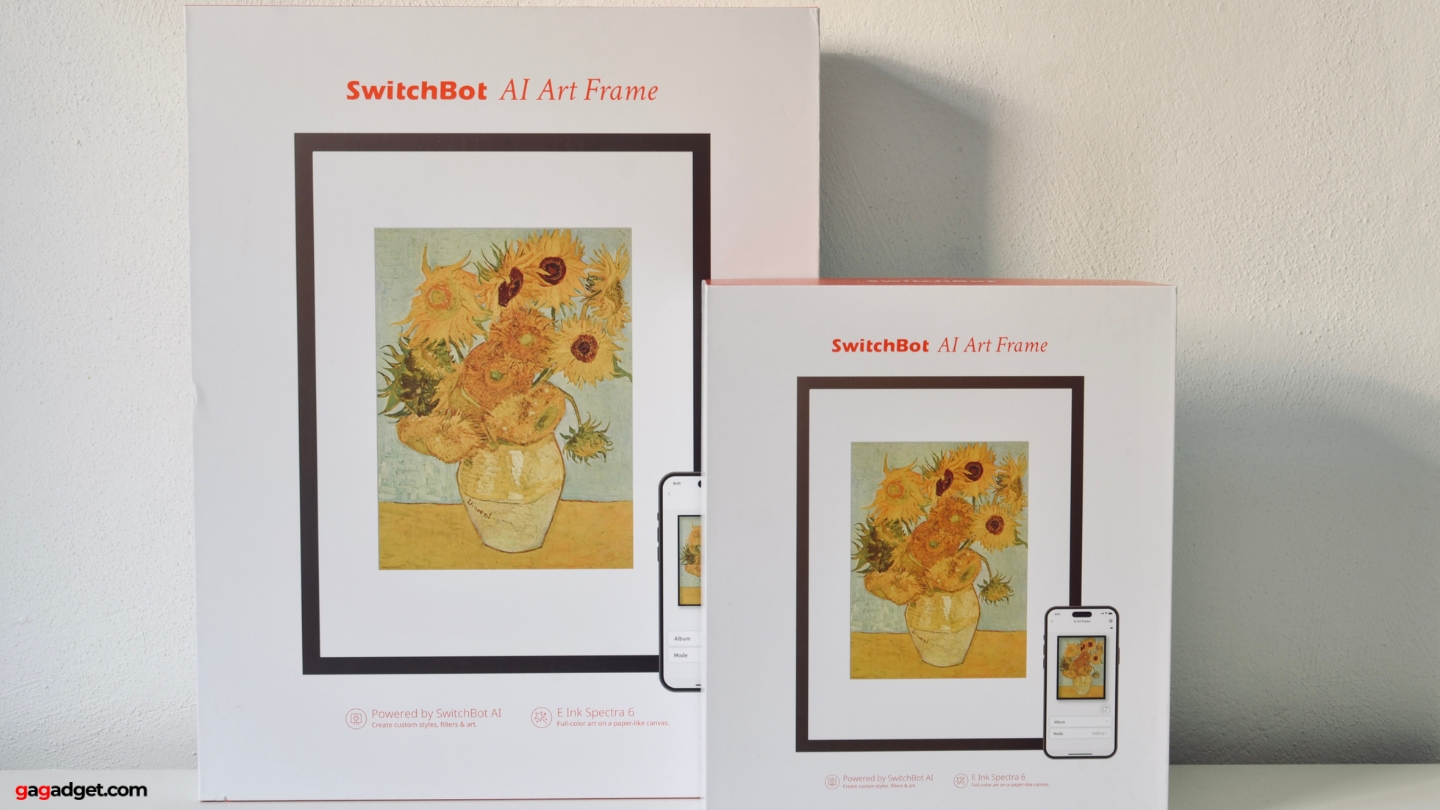
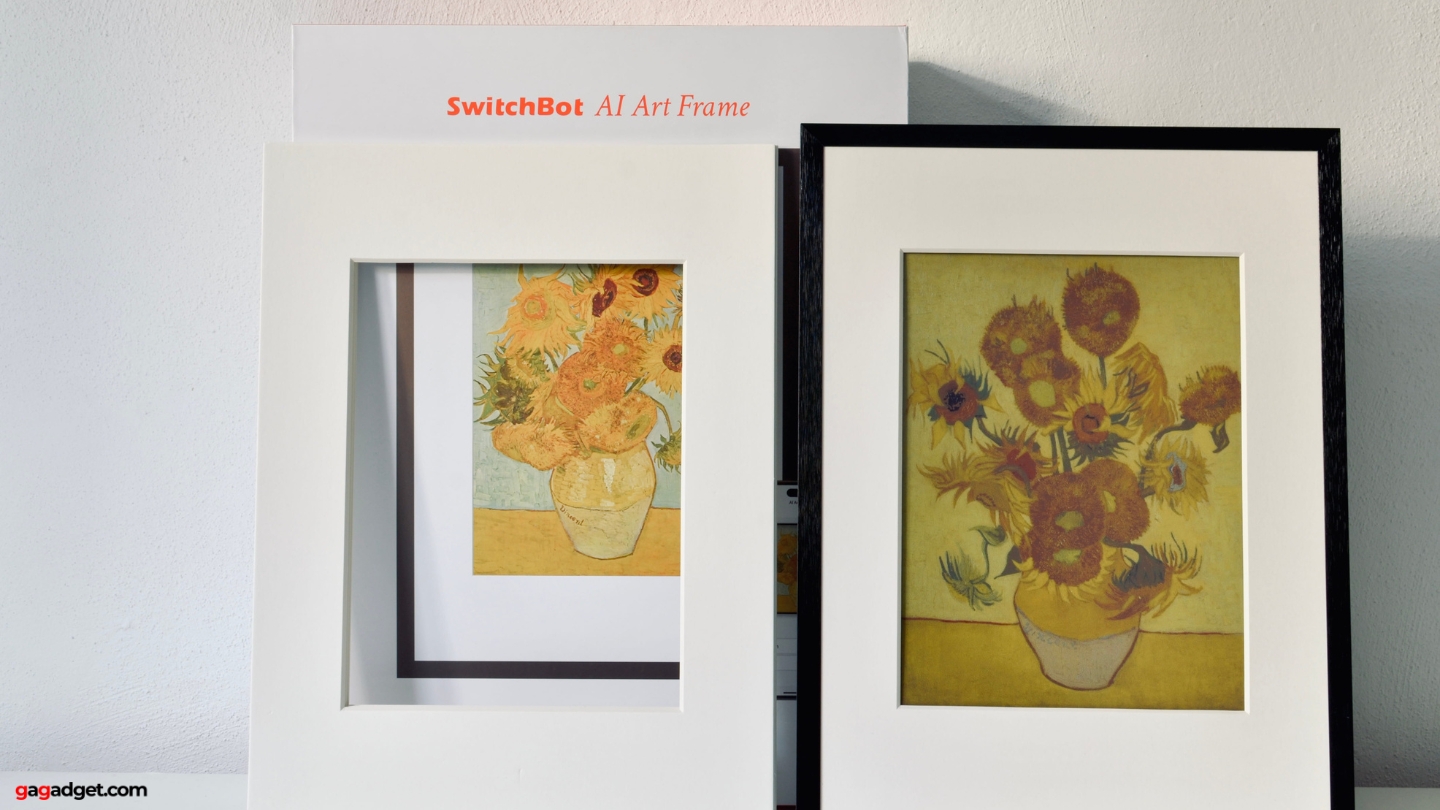
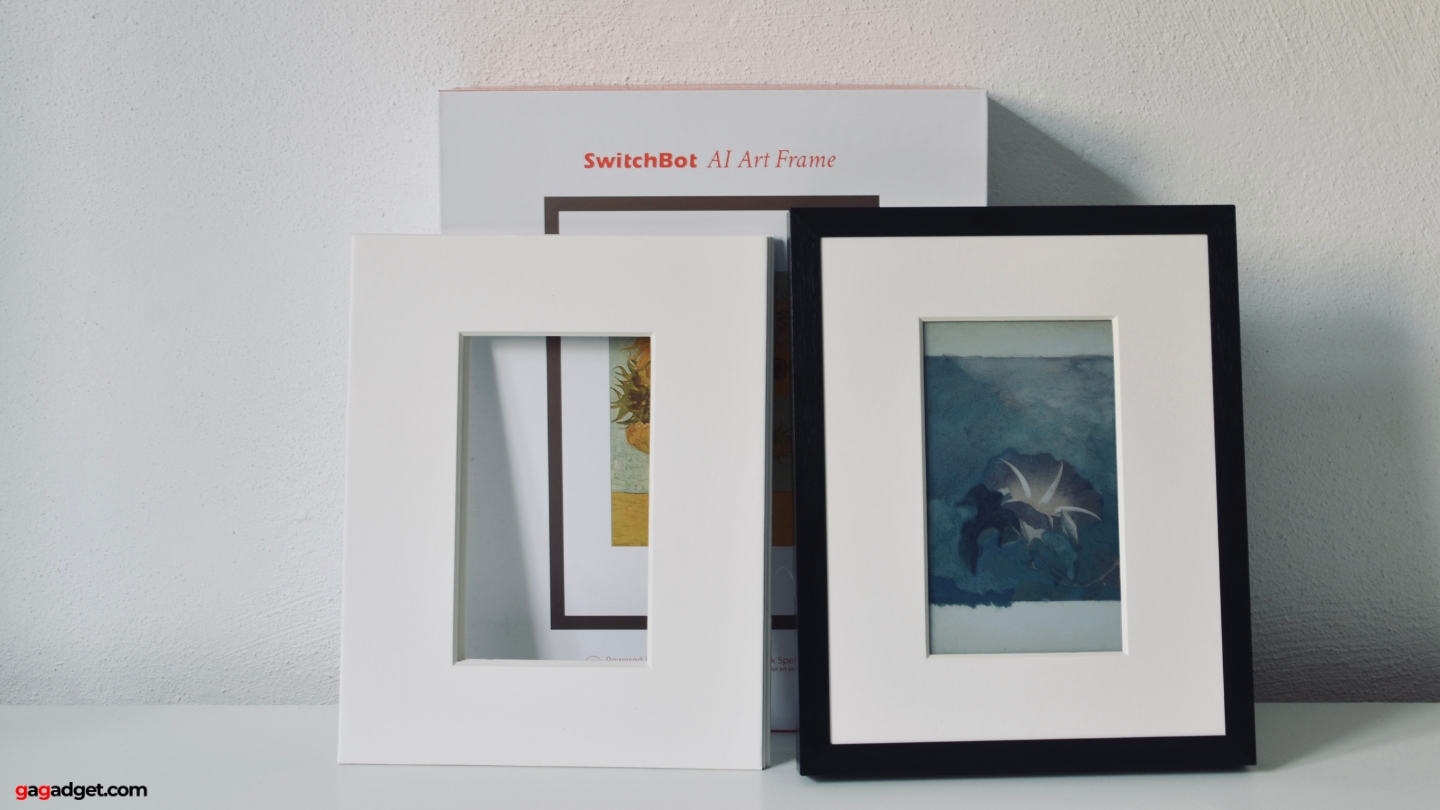
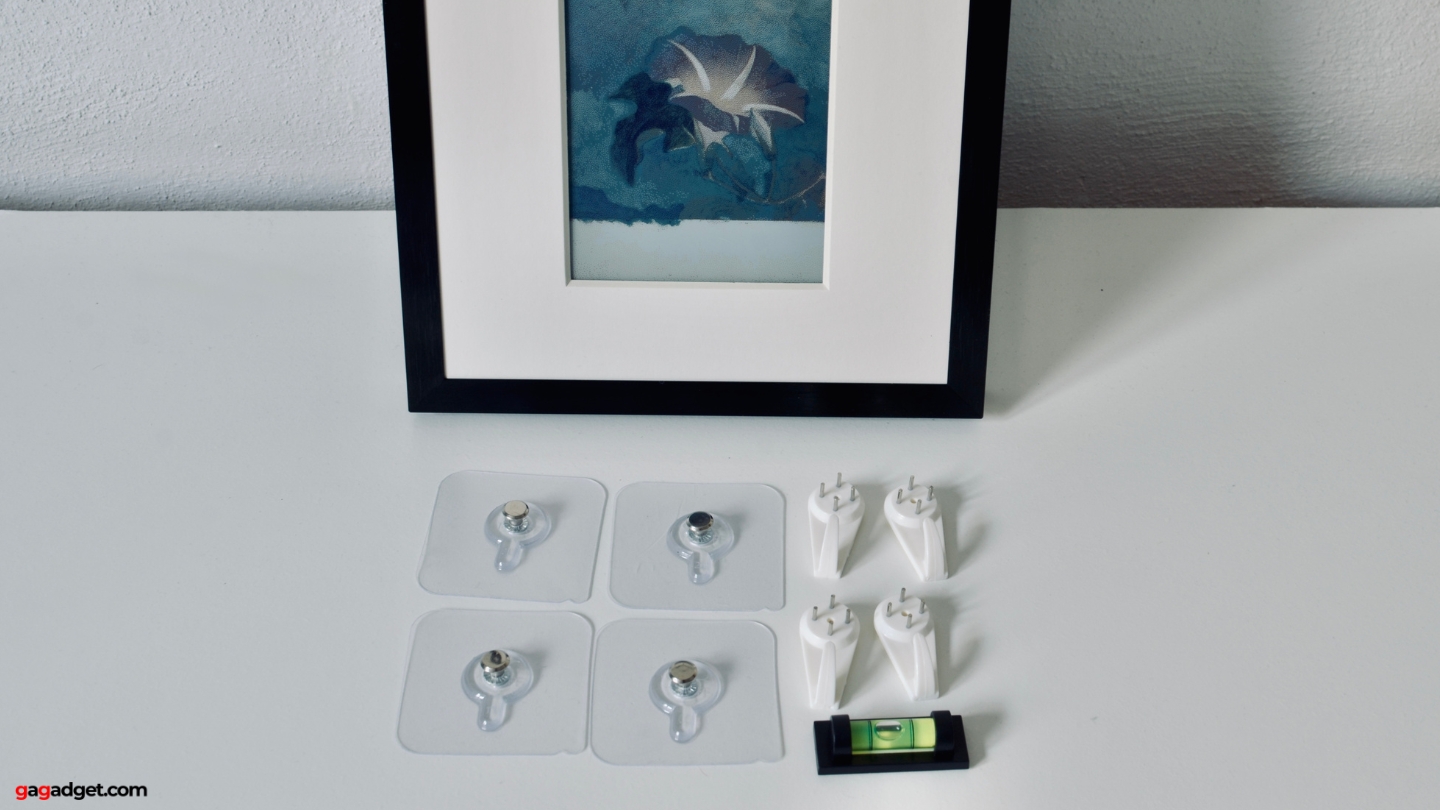
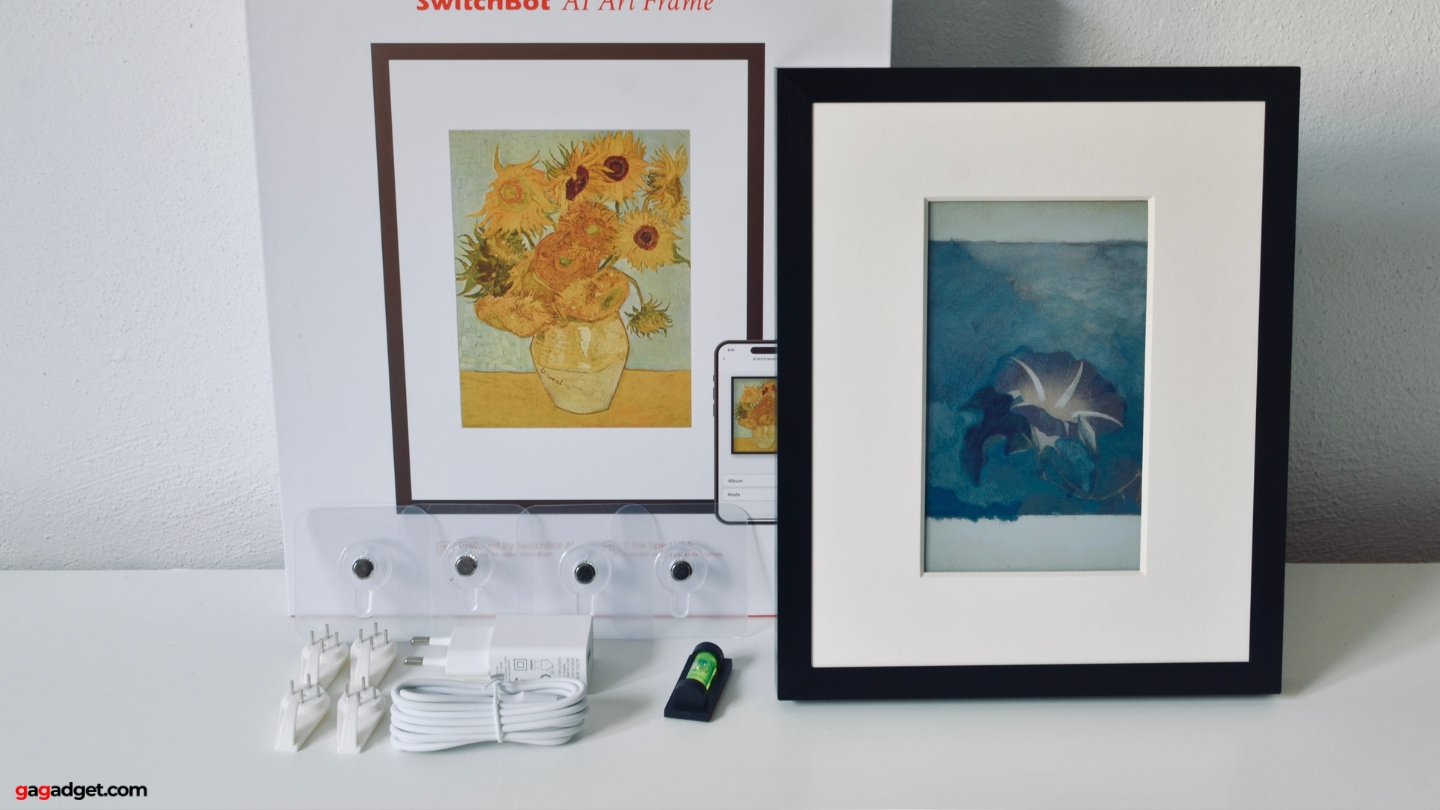
The 7.3-inch frame arrived in minimal but protective packaging. Inside: the frame with protective film on display, USB-C charging cable (1.5m), wall mounting hardware including a handy level tool, adjustable desktop stand, microfiber cleaning cloth, and surprisingly helpful quick start guide with clear illustrations.
Build quality immediately impressed. The aluminum frame features sophisticated matte black finish that resists fingerprints and looks expensive. There's real weight without being heavy. The E Ink display sits behind anti-glare treated glass that becomes essentially invisible when viewing displayed artwork.
The frame features premium aluminum build quality with swappable bezels, comes with complete mounting accessories including a level tool, and offers a minimalist design where ports and buttons remain hidden to maintain a pure artwork aesthetic.
One detail I appreciated: frames are swappable. The default matte black works everywhere, but SwitchBot sells alternative finishes (white, wood-tone, metallic) separately if you want to match specific room decor. Frames snap off and on without tools.
Power button and USB-C port integrate subtly into the side edge. When wall-mounted, neither is visible, maintaining pure artwork aesthetic. The desktop stand is similarly well-designed to hide cables behind its structure.
The 13.3-inch model arrived with identical contents scaled up. The larger frame has more visual presence but weight remains manageable for standard wall mounting.
AI Studio: Creating Art from Text
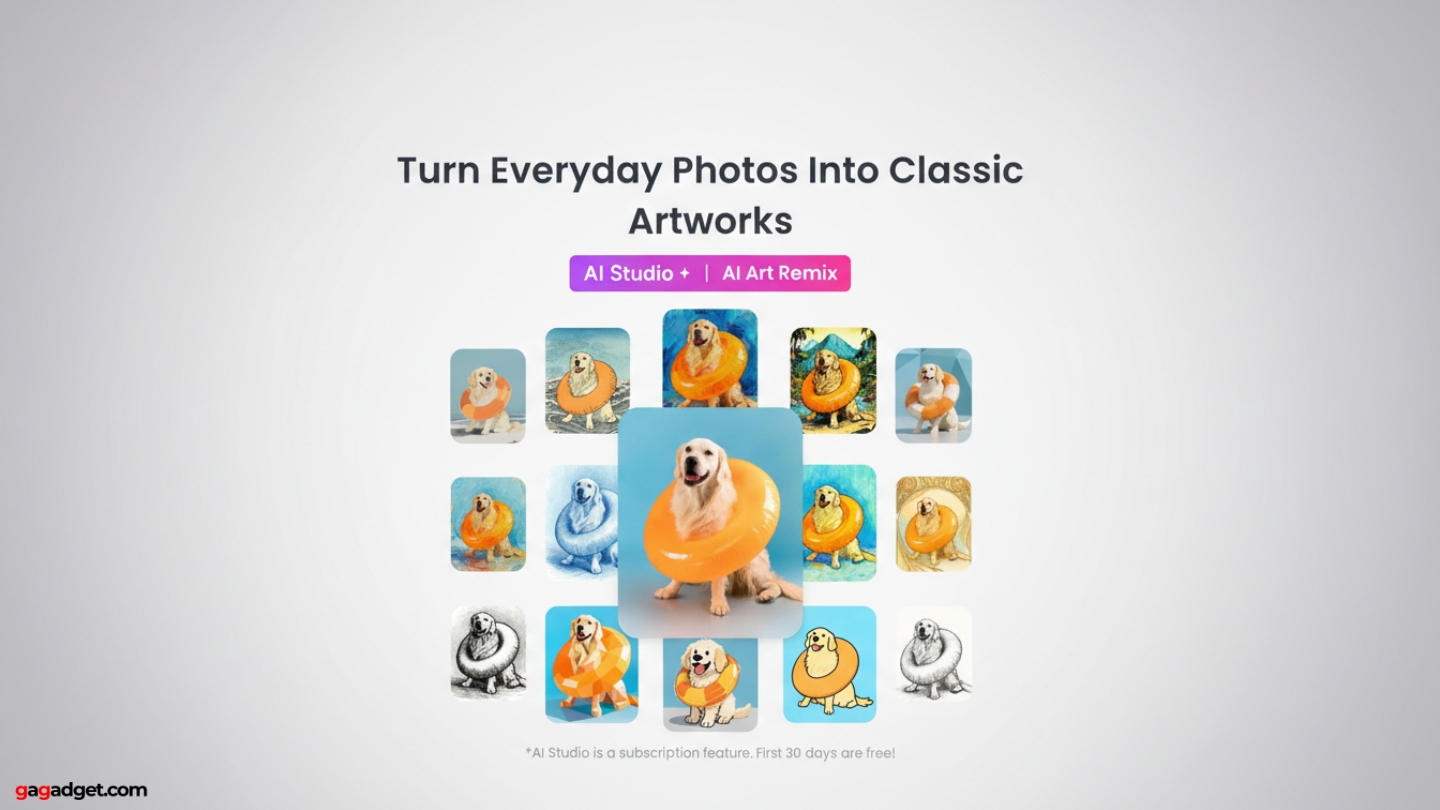
The AI Studio (powered by Google's NanoBanana/Gemini 2.5 Flash Image model) generates original artwork from text descriptions. During three weeks of testing, I created over 200 unique pieces, and the quality consistently impressed me.
Text-to-Image Generation
Describe what you want, AI creates it. "Peaceful mountain landscape at sunrise" produced a soft watercolor-style scene with appropriate atmospheric perspective and gentle color transitions. The AI understood "peaceful" implied muted tones and horizontal emphasis.
"Cyberpunk street scene with neon signs reflecting on rain-slicked pavement at night" created moody Blade Runner atmosphere with dramatic lighting and urban canyon composition. "Abstract geometric patterns inspired by Art Deco, gold and navy color scheme" generated designs sophisticated enough for actual interior use.
The AI handles artistic styles remarkably well. Request "impressionist style" and you get visible brushwork with colors mixing optically. "Watercolor" creates wash effects with colors bleeding naturally. "Oil painting" adds dimensional texture with layered colors. Generation time: 8-12 seconds per image.
Photo Transformation
Upload existing photos and transform them into different artistic styles. Here are some transformations that impressed me most:
- My Venice canal smartphone photo transformed into an impressionist oil painting with visible brushstrokes and artistic color reinterpretation. My partner seriously asked if we should order it as a physical print.
- A friend's casual dog snapshot became a formal royal portrait with period-appropriate background and dramatic lighting. When I showed her the result, she got emotional - genuinely teared up seeing her dog portrayed with artistic gravitas.
- Family vacation photos converted to watercolor paintings, Ghibli-style animations, and Renaissance-era artwork. Each transformation maintained recognizable elements while applying sophisticated artistic reinterpretation.
Doodle-to-Art Feature
This feature gets the strongest reactions. Upload rough sketches, add a text prompt, watch AI transform them into polished artwork.
I drew the most basic stick-figure cat imaginable - five lines for body and legs, two circles for ears. Added prompt: "transform this into a detailed oil painting of an orange tabby cat sitting in a flower garden with morning sunlight." Result: legitimate artwork with realistic anatomy, fur texture, appropriate lighting and shadows, coherent botanical background, and visible brushwork characteristic of oil painting.
My nephew's crayon spaceship drawing (basically a triangle with circles) became a detailed sci-fi illustration with metallic textures, engine glow effects, starfield background, and appropriate sense of scale. Watching his face light up as his imagination got professional execution was memorable.
Quality and Consistency
After 200+ generations: quality is consistently high. Maybe 1 in 10 attempts produces something slightly off-target. When that happens, regenerate with refined prompt.
The AI demonstrates genuine understanding of composition, color theory, and lighting principles. It constructs images with aesthetic sensibility, not random placement. You can sometimes spot AI quirks on close examination, but displayed on E Ink at normal viewing distance, these essentially disappear.
The Subscription Reality
AI Studio requires subscription after 30-day free trial: $3.99/month for 400 generations. Each attempt counts toward limit, including rejects.
During my most active week of experimentation, I used approximately 60 generations. For most users, 400 monthly provides comfortable headroom. Casual users might only create new art occasionally - a pay-per-use option would serve them better than forced subscription.
Without subscription, the frame remains fully functional. Upload your own images, display the British Museum collection, use all smart home features. AI is premium, not required.
Real-World Testing: Three Weeks of Daily Use
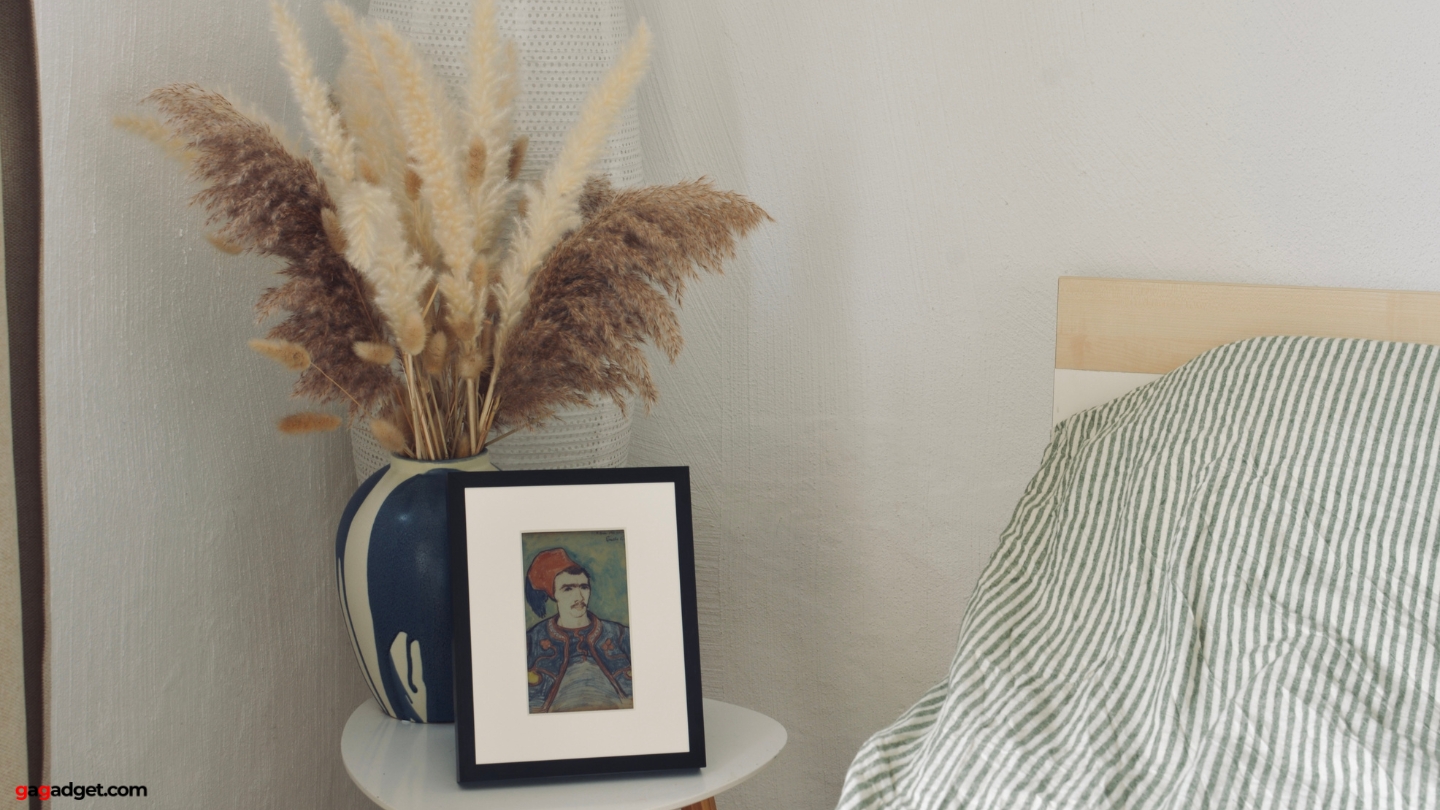
Spec sheets only tell you so much. Here's what three weeks of actual daily use revealed across different rooms, lighting conditions, and usage scenarios.
Display Performance Across Conditions
The E Ink Spectra 6 display impressed consistently regardless of environment. In my living room with intense afternoon sunlight through west-facing windows, the 13.3-inch frame actually looked better during peak sun than in morning. Increased ambient light made colors richer and details more visible - exactly like viewing a physical print in good lighting.
Evening testing revealed different strengths. As natural light faded and I switched to artificial lighting, the frame maintained perfect readability without backlight bleeding. No light source fights with ambient light, so artwork appears natural and comfortable even in dim conditions. I tested this specifically on my nightstand at bedtime - unlike phone screens flooding eyes with blue light, the E Ink frame was genuinely restful to look at.
Content Type Performance
I displayed wide variety of content to understand what works best:
- AI-generated artwork consistently looked fantastic. E Ink's slight color softness hides digital artifacts while emphasizing artistic qualities - impressionist landscapes, abstract patterns, and stylized portraits looked more like "real art" than on any screen.
- British Museum classics displayed beautifully. Hokusai's "The Great Wave" had remarkable depth, Van Gogh's "Starry Night" translated with impressive fidelity, and Renaissance paintings handled subtle tonal transitions smoothly without banding.
- Personal photographs worked better when transformed into artistic styles. Vacation snapshots displayed directly looked decent but not spectacular - same photos as watercolor or impressionist transformations looked significantly better.
- Abstract and geometric art absolutely shined. Bold shapes, clean lines, and vibrant color blocks translated perfectly without compromises.
AI Quality Across Styles
Over 200 generations revealed consistent capabilities: Impressionist artwork proved excellent - captured loose brushwork and optical color mixing. Watercolor effects looked authentic with believable wash effects and bleeding. Oil painting delivered visible brushstrokes and dimensional texture. Anime and Ghibli-style transformations nailed the soft palettes and simplified forms. Abstract results were variable - sometimes brilliant, occasionally generic. Photorealism struggled - AI has difficulty with precision, and E Ink isn't suited for photo-detail anyway.
Practical Usage Patterns
After initial excitement, practical patterns emerged. The 7.3-inch desk frame changed daily, sometimes twice. Morning display: peaceful scenes to start calmly. Afternoon: energetic abstracts when needing focus. This became my personal mood board.
The 13.3-inch living room frame changed 2-3 times weekly. I curated statement pieces with enough visual presence to anchor the wall and stand up to viewing from across room. These required more consideration since guests see them.
Battery Reality Check
Testing revealed actual performance: 7.3-inch with daily changes started at 100%, read 87% after 21 days. Projects to 5-6 months per charge with daily use. 13.3-inch with three weekly changes started at 100%, showed 94% after 21 days. Projects to 10-12 months per charge.
SwitchBot's "2-year" claim assumes weekly changes (52 annually). Daily changes (365 annually) consume 7× faster. Still excellent versus LCD frames requiring constant power.
The Guest Reaction Effect
Every single visitor commented on the frames. The paper-like E Ink display combined with quality artwork created what I call the "wait, is that real?" effect. People process it as art, then do double-take when learning it's digital. Several didn't believe me until I demonstrated changing images.
AI generation demonstrations created strongest reactions. When I let a friend suggest "dreamy enchanted forest with fireflies and moonlight" and we watched it materialize in 10 seconds, her excitement was genuine. She ordered her own frame that same week.
Choosing Between 7.3" and 13.3"
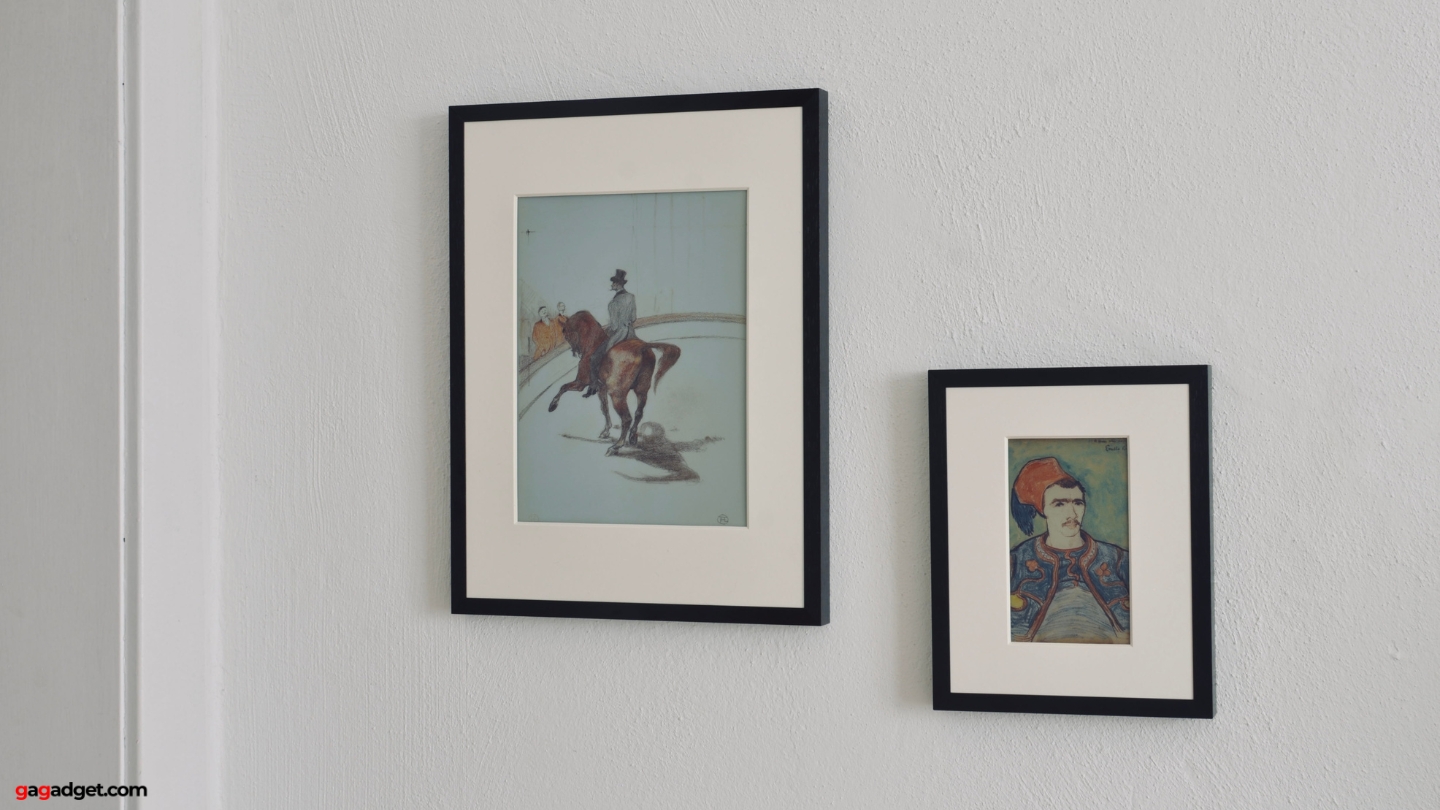
Image of SwitchBot Art Frames. Source: gagadget.com
The choice between sizes is straightforward: the 7.3-inch ($149.99) works best for personal spaces like desks, nightstands, or bookshelves where you'll be within 2-4 feet. It's also the smart entry point if you're testing whether E Ink art works for you. The 13.3-inch ($349.99) is what you want for walls and main living areas where it needs to command attention from across the room.
During testing, the 7.3-inch on my desk became a personal mood board that changed daily. The 13.3-inch in my living room worked as legitimate wall art that guests actually commented on. Both use identical technology - the only difference is visual impact and viewing distance.
If you can only get one and have the wall space, go with the 13.3-inch. The larger canvas lets artwork breathe properly and makes the whole experience feel more substantial.
App Control and Smart Home Integration
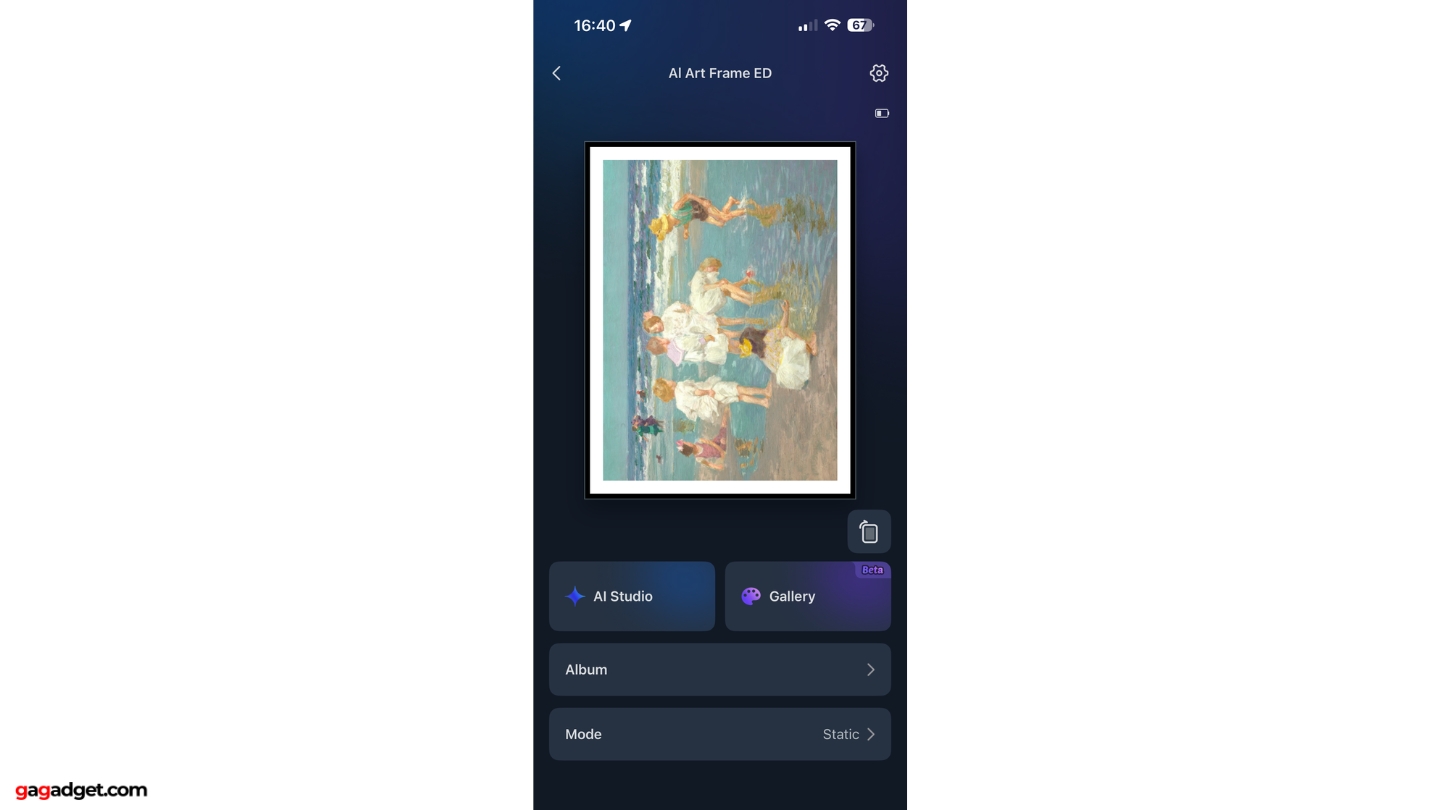
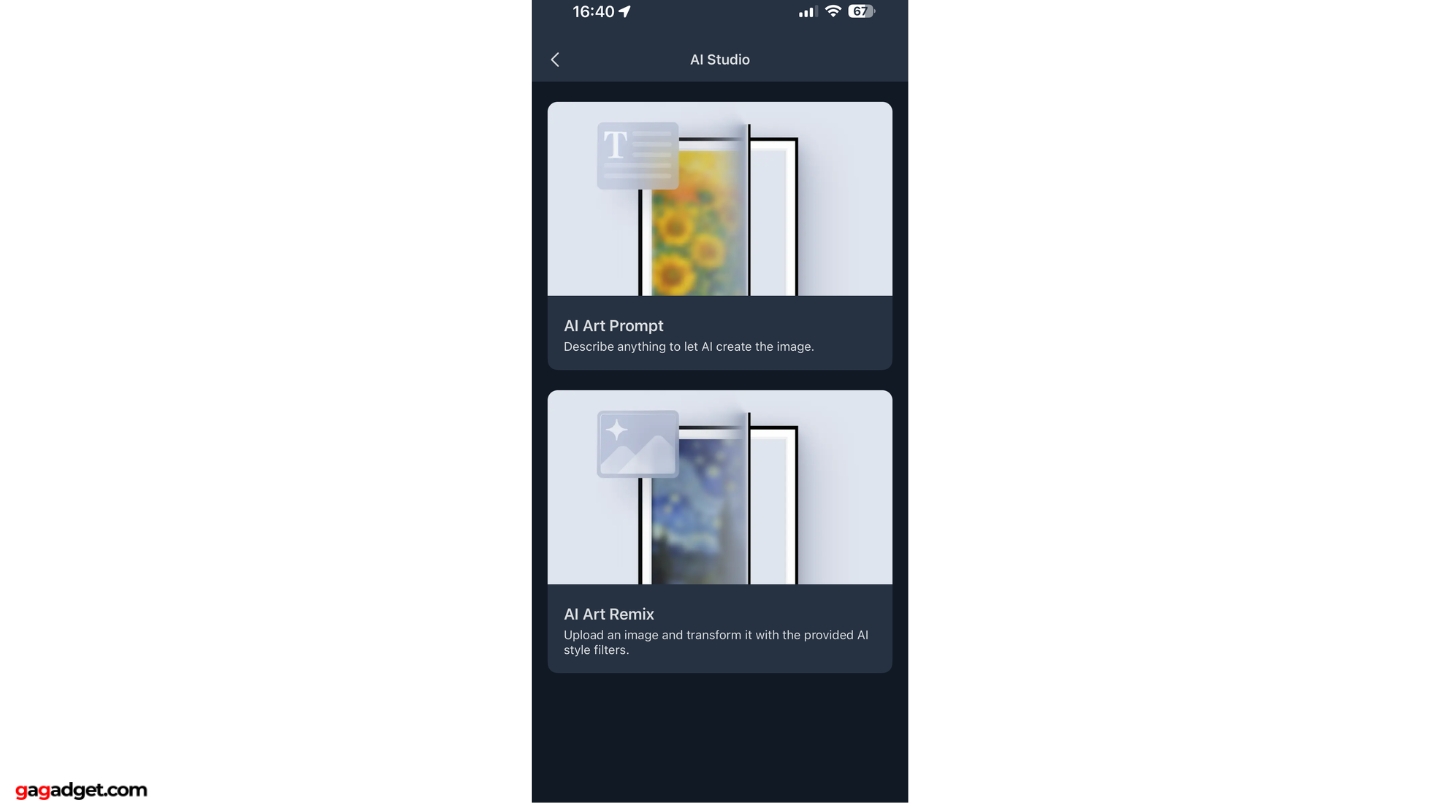
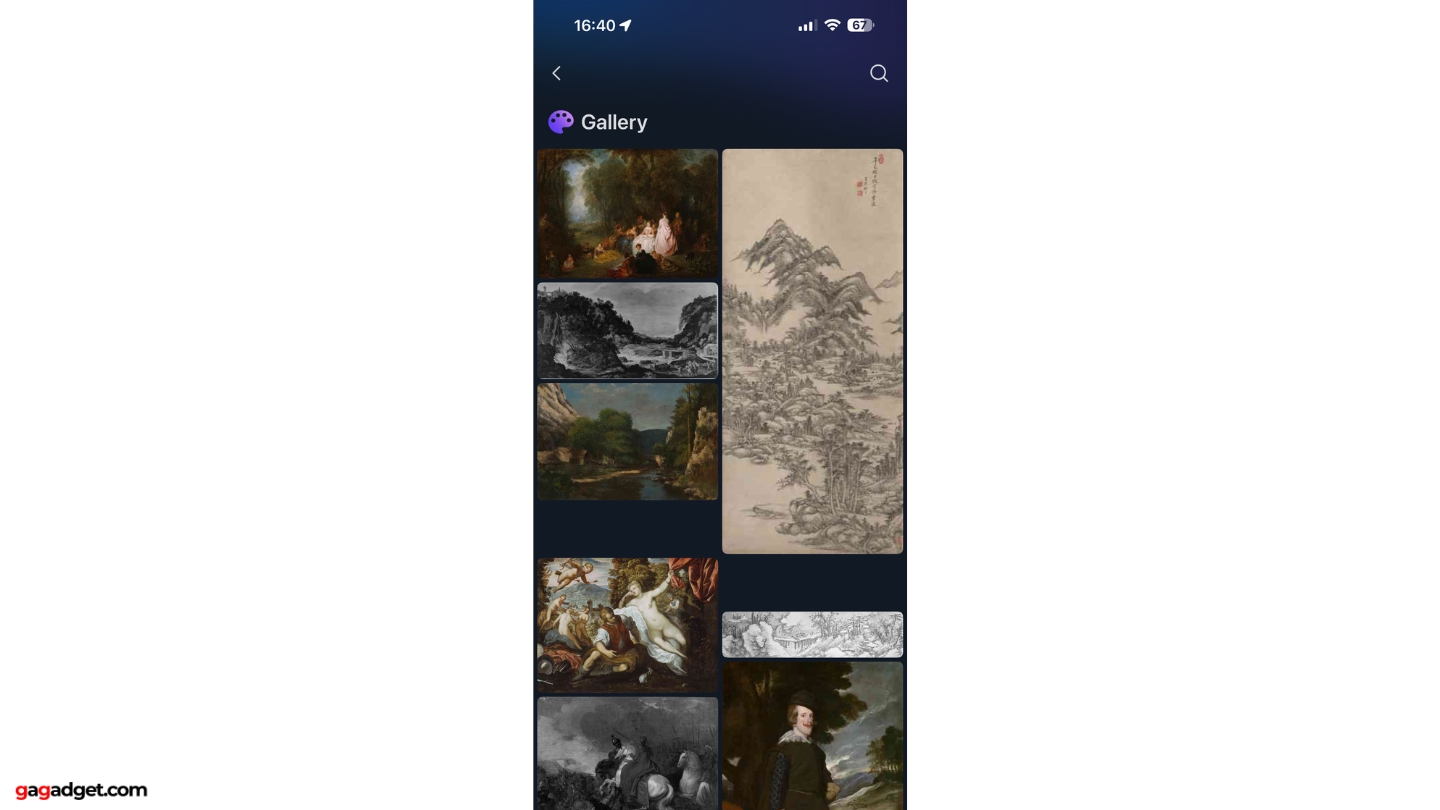
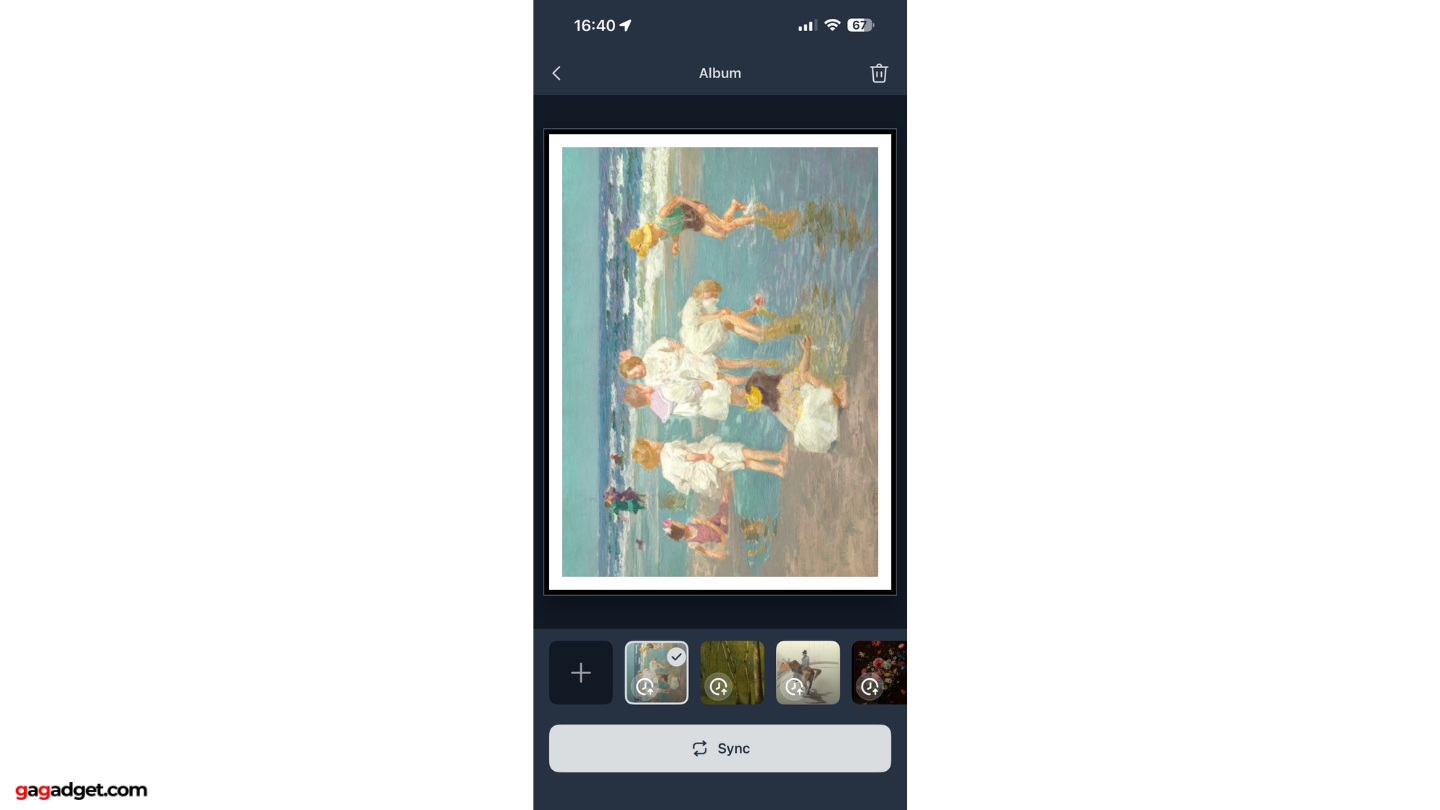
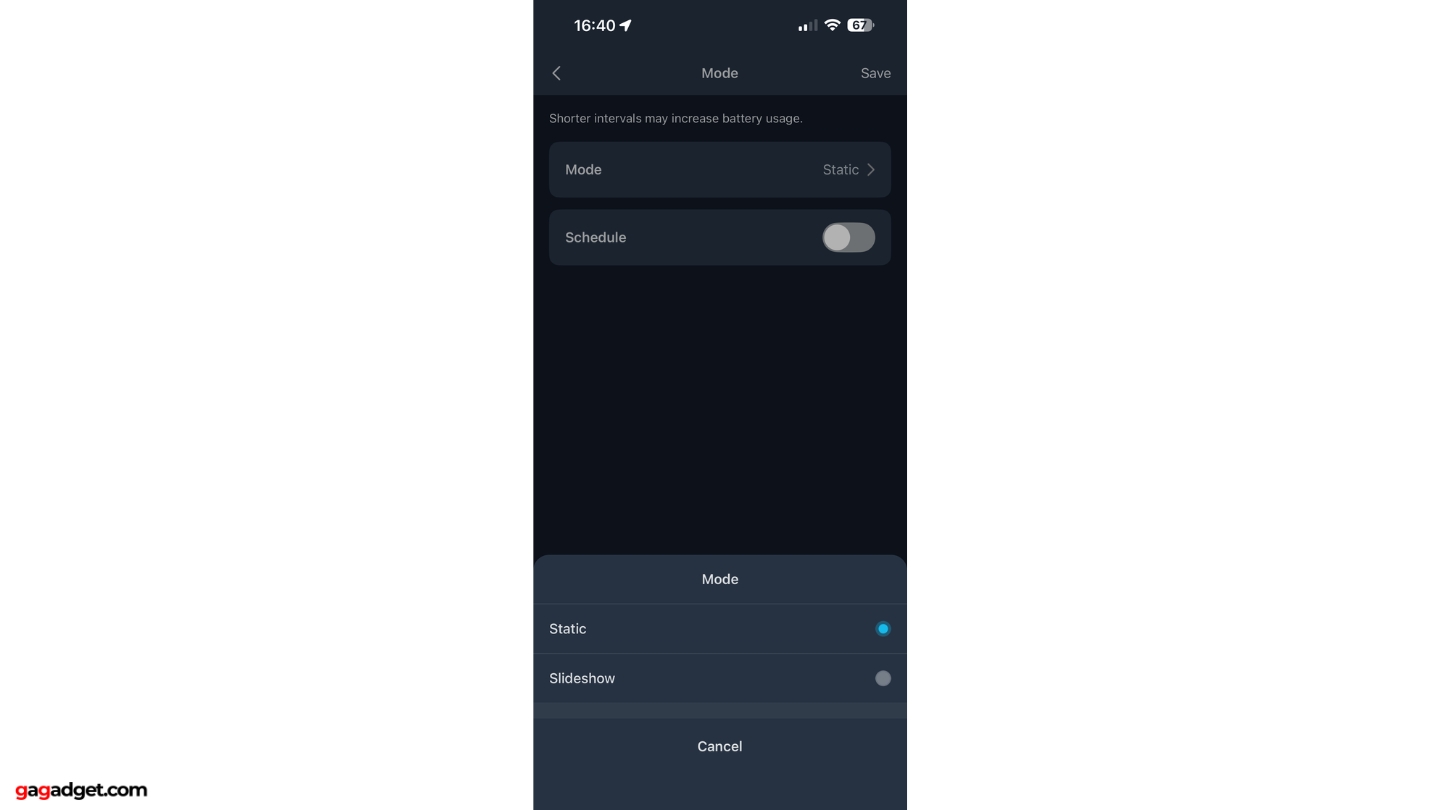
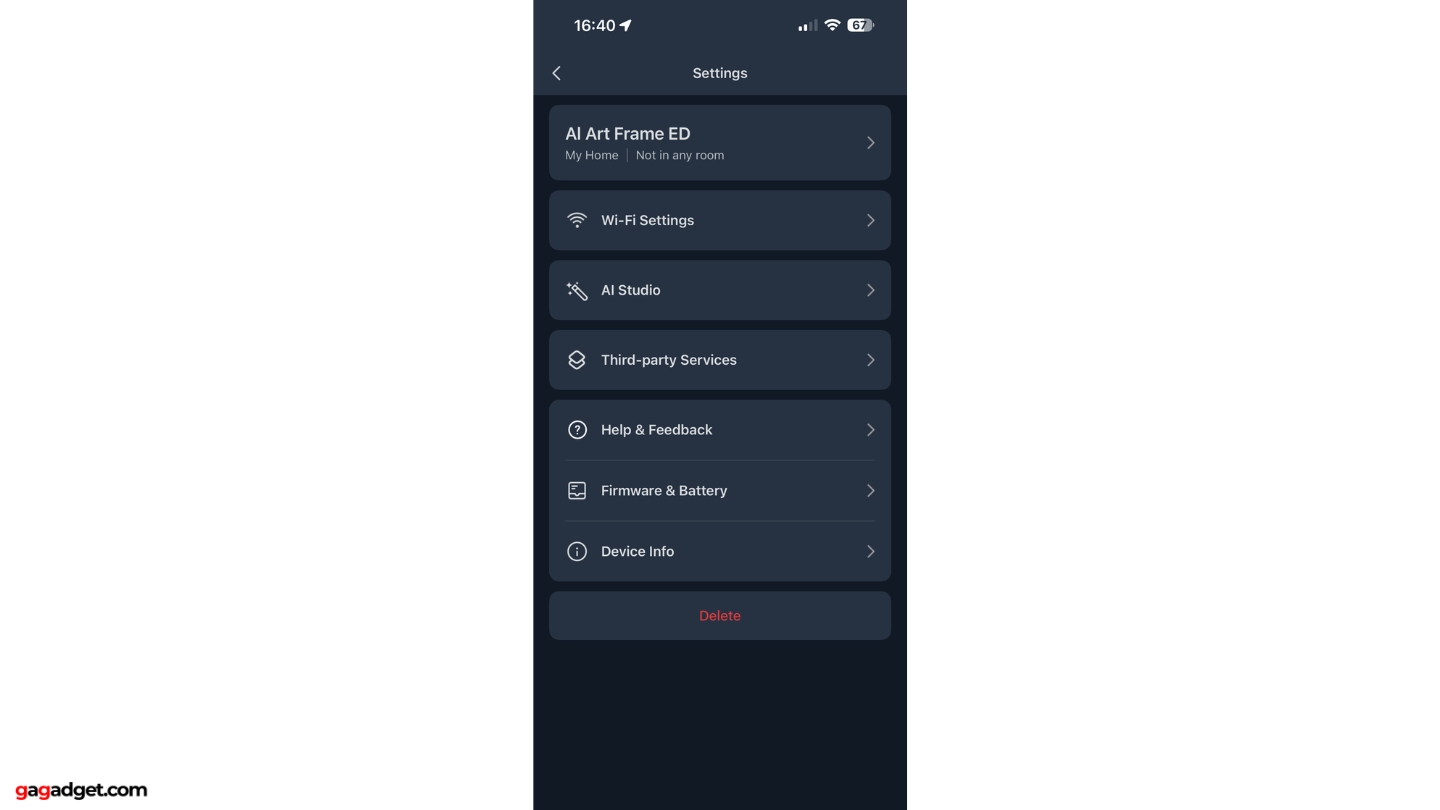
The SwitchBot app provides comprehensive control with an intuitive interface that actually makes sense. AI Studio handles all generation with clear prompts and preview windows. Local storage saves up to 10 images directly on the frame for offline display. The gallery browser lets you explore the included British Museum art collection with filters for period, style, and artist.
That British Museum collection deserves specific mention - it's substantial value even without the AI subscription. Hundreds of properly licensed public domain masterpieces spanning Van Gogh, Monet, Hokusai, Renaissance works, and Japanese woodblock prints. You can set automatic rotation through curated collections, changing artwork daily or weekly. I configured a "Classical Masters" rotation with 10 paintings that changes every Monday, and it's like having a mini museum that refreshes itself.
The SwitchBot app offers intuitive control with AI generation, a valuable British Museum art collection, scheduling automation, and smart home integration including Alexa and Home Assistant support.
The schedule manager enables automated image changes based on time, day, or triggers. Smart home integration works smoothly: Alexa voice commands for basic control ("Alexa, change the art frame"), and Home Assistant for advanced automation. I set up simple rules - morning alarm triggers energizing abstract art, movie night mode blanks the frame to avoid distraction.
If you have a SwitchBot Hub 3, you get remote control via internet when away from home. Tested from across town - worked flawlessly, though I don't see myself using remote control frequently in practice.
SwitchBot AI Art Frame: Final Words
After three weeks with both models, 200+ AI artworks, and countless guest reactions, the SwitchBot AI Art Frame solves digital frames' fundamental problem: they look like screens.
E Ink Spectra 6 genuinely mimics printed artwork. No backlight, no glare. AI (NanoBanana/Gemini 2.5) produces legitimately good work - quirks visible on close examination disappear at normal viewing distance. Battery lasting 5-12 months eliminates power cords. British Museum collection provides value independent of AI. Smart home automation works smoothly.
Problems: $3.99/month AI subscription feels aggressive at $149-$349 upfront. Should be included or offer pay-per-use. E Ink refresh takes 5-10 seconds, colors muted versus OLED - appropriate trade-offs but worth knowing. AI consistency varies - 1 in 10 misses. Premium pricing assumes you want variety over static art.
Buy if: You appreciate cutting-edge display tech, want variety without buying dozens of pieces, rent and can't make permanent changes, use smart home ecosystems, love AI experimentation, hate LCD glare, or need unique gifts.
Skip if: You prefer static traditional art, have tight budget, want OLED saturation, don't care about smart features, or are skeptical of AI art.
Both frames stay in my home. The 7.3-inch on my desk became daily ritual. The 13.3-inch in living room generates consistent conversation.
If you're curious about E Ink art, interested in AI generation, or want dynamic walls, this delivers. Start with 7.3-inch to test, or go 13.3-inch for impact. Your walls don't have to stay static - this frame changes them and looks like real art doing it.

Jim's our tech geek with a mission since February 2023. From movies to video projectors, he knows his stuff and aims to make tech work for you. When he's not geeking out, he's there to guide you through making savvy decisions.


