Best 32-Inch Gaming Monitors
My nephew's birthday present - a budget 32-inch gaming monitor from an unknown brand - worked fine for the first week. Then came the stuttering during competitive matches, the input lag that turned close victories into frustrating losses, and the washed-out colors that made HDR content look worse than his phone screen. Three months and countless headaches later, that "bargain" monitor sat collecting dust while he saved for something decent. I watched him learn the hard way that display quality directly affects gaming performance, not just visual appeal.
High-performance displays separate casual weekend sessions from competitive setups built around specifications that matter for fast-paced gameplay rather than office productivity. The 32-inch size hits the sweet spot for immersive gaming without overwhelming desk space or requiring excessive head movement during action sequences. I tested five current flagship models through two months of intense gaming sessions involving competitive shooters, action RPGs, racing simulators, and content creation workflows. Some panels earned their premium pricing through transformative visual experiences that justified every dollar spent.
If you're in a hurry, here are my top two picks for gaming monitors:
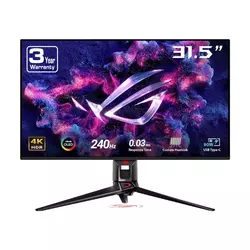
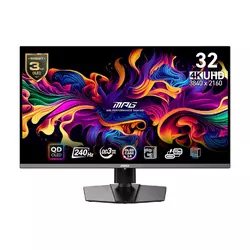
We may earn a small commission if you buy via our links - it helps keep gagadget.com running.
Table of Contents:
- Best 32-Inch Gaming Monitors: Buying Guide
- Top 5 Best 32-Inch Gaming Monitors in 2026
- Gaming Monitor Comparison
- ASUS ROG Swift OLED PG32UCDM
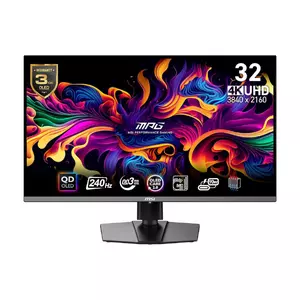
- MSI MPG 321URX QD-OLED
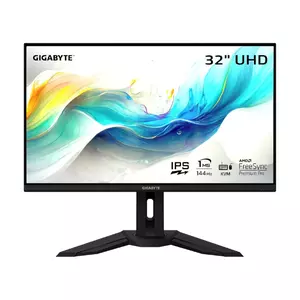
- GIGABYTE M32U
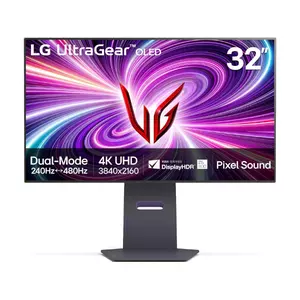
- LG UltraGear 32GS95UE
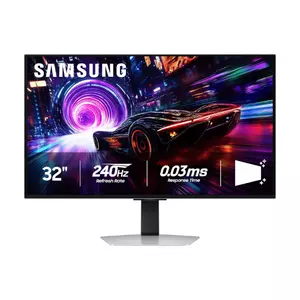
- Samsung Odyssey OLED G8
- Gaming Monitor: FAQ
Best 32-Inch Gaming Monitors: Buying Guide
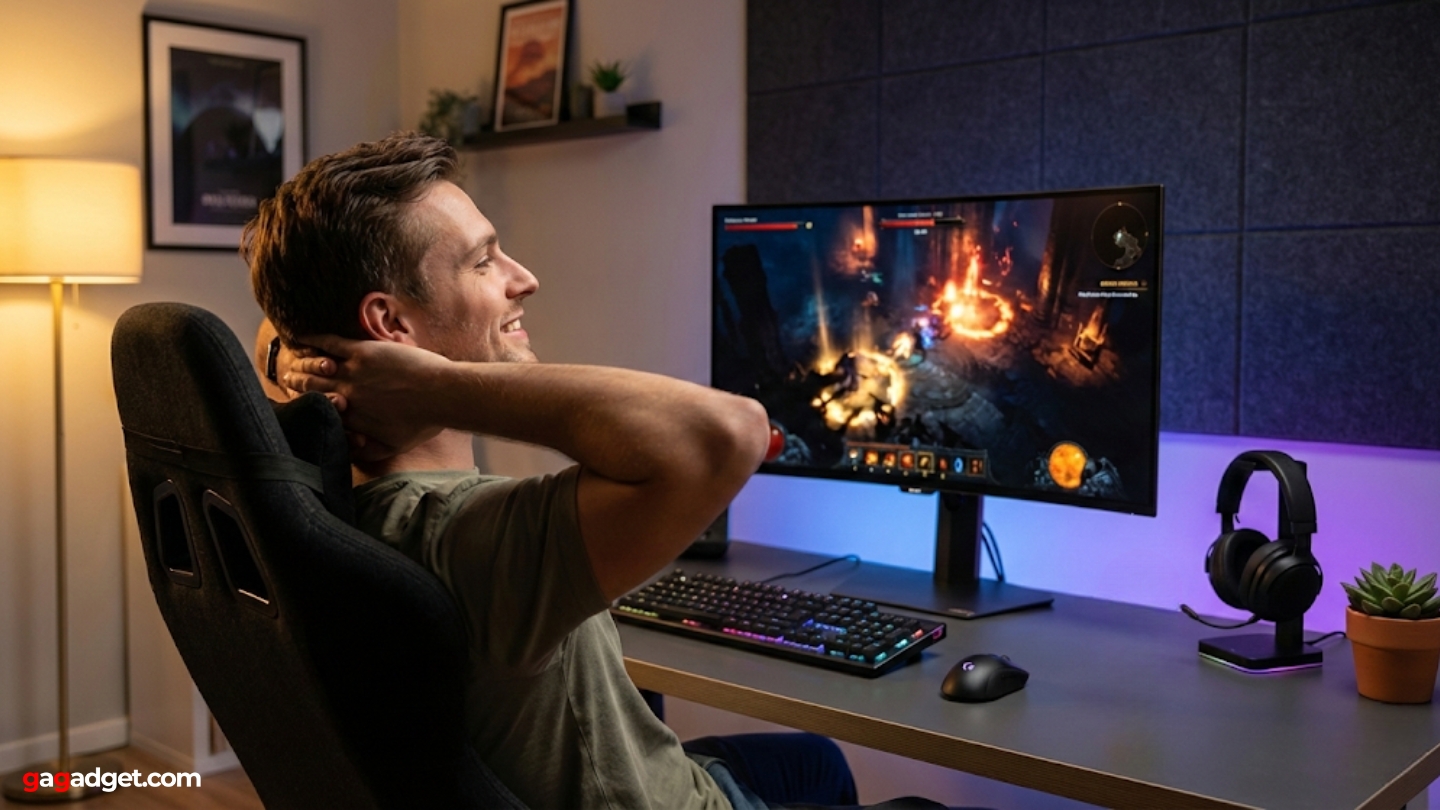
Choosing the right display means prioritizing response time, refresh rate, and motion clarity over office-focused features like ergonomic stands or USB hubs that barely affect gameplay. The 32-inch format provides immersive gameplay without requiring excessive neck movement or overwhelming typical desk configurations. Current technology enables pairing high pixel density with rapid refresh rates previously impossible at this screen size.
Panel Technology and Response Times
OLED technology delivers instantaneous pixel response times around 0.03ms eliminating motion blur plaguing LCD alternatives requiring aggressive overdrive settings introducing overshoot artifacts. Each pixel self-emits light creating perfect black levels and infinite contrast ratios impossible with backlight-dependent LCD technology. QD-OLED panels from Samsung utilize quantum dots producing wider color gamuts covering 99% DCI-P3 with more saturated hues than conventional WOLED alternatives.
True 0.03ms response eliminates the ghosting and smearing that forces competitive players constantly tweaking overdrive settings on LCD monitors - OLED panels simply work at any refresh rate without adjustment.
WOLED technology from LG incorporates white subpixels boosting brightness though introducing slight color dilution compared to QD-OLED's pure RGB approach. The latest WOLED panels reach 275 nits typical brightness surpassing QD-OLED's 250 nits specification, though QD-OLED maintains advantages in color luminance producing more vibrant saturated tones. Third-generation panels from both manufacturers address text clarity concerns plaguing earlier OLED monitors through improved subpixel layouts.
Refresh Rate and Resolution Combinations
4K resolution at 3840x2160 provides approximately 140 pixels per inch on 32-inch panels ensuring razor-sharp image quality eliminating the jagged edges and pixelation visible on lower-resolution alternatives. Pairing 4K with 240Hz refresh rates provides smooth high-framerate gaming during competitive sessions while maintaining visual fidelity for single-player experiences. This combination requires substantial GPU horsepower though upscaling technologies including DLSS, FSR, and XeSS enable high framerates on mid-range hardware.
Dual-mode functionality appearing on select models allows switching between native 4K 240Hz for visual quality and downscaled 1080p 480Hz for maximum competitive advantage during esports titles. The feature proves genuinely useful rather than gimmicky for players alternating between immersive story-driven games and fast-paced multiplayer shooters. Display Stream Compression enables full bandwidth through existing ports without introducing perceptible latency or visual artifacts.
HDR Performance and Brightness
VESA DisplayHDR True Black certifications validate OLED monitors delivering perfect black levels and exceptional contrast impossible with LCD local dimming approximations. True Black 400 certification requires 400 nits peak brightness for small highlights while maintaining those perfect blacks - a combination that revolutionizes HDR gameplay. Peak brightness specifications reaching 1000-1300 nits for small windows enable spectacular highlight detail in supported titles.
HDR on OLED reshapes visuals through per-pixel dimming creating contrast ratios LCD technology simply cannot approach regardless of mini-LED zone counts or local dimming algorithms.
Lower full-screen brightness around 250-275 nits remains the primary OLED limitation compared to high-end mini-LED alternatives reaching 600-1000 nits sustained output. This proves adequate for typical gaming environments with moderate ambient lighting though potentially feeling dim in bright rooms with significant window glare. Glossy coatings maximize OLED's contrast advantages while matte alternatives reduce reflections at slight image quality cost.
Variable Refresh Rate and Adaptive Sync
AMD FreeSync Premium Pro and NVIDIA G-SYNC Compatible certifications ensure tear-free gameplay synchronizing GPU output with display refresh eliminating the stuttering and tearing plaguing fixed-refresh alternatives. VRR functionality works seamlessly across wide refresh ranges from 40Hz to maximum specifications accommodating fluctuating framerates during demanding scenes. Console compatibility through HDMI 2.1 enables PS5 and Xbox Series X utilizing VRR features alongside PC gaming applications.
Low Framerate Compensation extends smooth operation below minimum VRR thresholds by duplicating frames maintaining fluid motion even during performance drops. Input lag measurements under 3ms total system latency ensure responsive gameplay where player actions translate instantly to on-screen results. OLED technology eliminates processing delays inherent to LCD panel technologies requiring milliseconds updating pixel states.
Top 5 Best 32-Inch Gaming Monitors in 2026
I spent two months evaluating these displays through actual gaming workflows spanning competitive multiplayer sessions, single-player story experiences, racing simulations, and content creation tasks. These models delivered performance justifying their premium positioning.
- Third-gen QD-OLED stunning colors
- Custom heatsink burn-in protection
- 240Hz with 0.03ms response
- USB-C 90W Power Delivery
- DisplayWidget Center software
- Identical panel to premium models
- Aggressive value pricing
- USB-C 90W connectivity
- Three-year burn-in warranty
- OLED Care 2.0 protection
- 4K 144Hz at accessible pricing
- 350-nit brightness beats OLED
- No burn-in concerns
- KVM and USB-C included
- FreeSync Premium Pro support
- Dual Mode 4K 240Hz / 1080p 480Hz
- 275-nit brightness beats QD-OLED
- 1300-nit HDR peak highest tested
- Pixel Sound technology
- Instant mode switching button
- Premium metal construction
- Glare Free coating innovation
- Pulsating heat pipe cooling
- CoreSync ambient lighting
- Three-year burn-in warranty
Gaming Monitor Comparison
Here's a detailed comparison of specifications most relevant for gaming monitor evaluation:
| Specification | ASUS PG32UCDM | MSI 321URX | GIGABYTE M32U | LG 32GS95UE | Samsung G81SF |
| Panel Type | QD-OLED | QD-OLED | IPS | WOLED | QD-OLED |
| Screen Size | 31.5" | 31.5" | 31.5" | 31.5" | 31.5" |
| Resolution | 3840 x 2160 | 3840 x 2160 | 3840 x 2160 | 3840 x 2160 | 3840 x 2160 |
| Refresh Rate | 240Hz | 240Hz | 144Hz | 240Hz (480Hz @ 1080p) | 240Hz |
| Response Time | 0.03ms (GTG) | 0.03ms (GTG) | 1ms (MPRT) | 0.03ms (GTG) | 0.03ms (GTG) |
| Peak Brightness | 1000 nits (HDR) | 1000 nits (HDR) | 400 nits | 1300 nits (HDR) | 1000 nits (HDR) |
| SDR Brightness | 250 nits | 250 nits | 350 nits | 275 nits | 250 nits |
| Color Gamut | 99% DCI-P3 | 99% DCI-P3 | 90% DCI-P3 | 98.5% DCI-P3 | 99% DCI-P3 |
| HDR | DisplayHDR 400 True Black | DisplayHDR 400 True Black | DisplayHDR 400 | DisplayHDR 400 True Black | DisplayHDR 400 True Black |
| Coating | Glossy | Glossy | Anti-glare | Matte | Glare Free |
| Adaptive Sync | G-SYNC Compatible, FreeSync | G-SYNC Compatible, FreeSync | FreeSync Premium Pro | G-SYNC Compatible, FreeSync Premium Pro | FreeSync Premium Pro |
| USB-C | 90W PD | 90W PD | Yes | No | No |
| KVM | Yes | Yes | Yes | No | No |
| Pixel Density | 140 PPI | 140 PPI | 140 PPI | 140 PPI | 140 PPI |
| Warranty | 3 years | 3 years (burn-in) | 1 year | 2 years (burn-in) | 3 years (burn-in) |
Each model targets different gaming priorities from absolute image quality to competitive performance and value positioning.
ASUS ROG Swift OLED PG32UCDM 32" Gaming Monitor Review
Editor's Choice
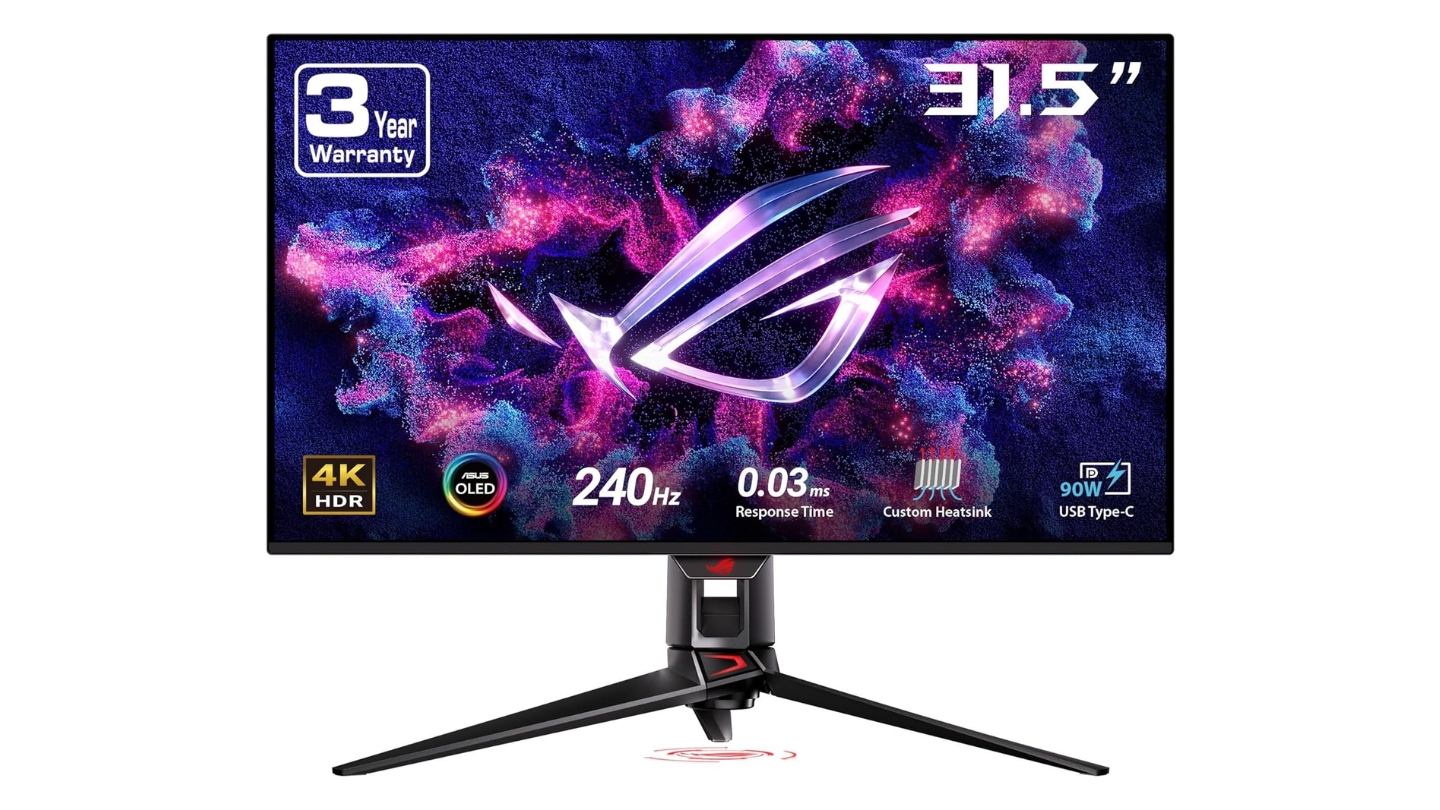
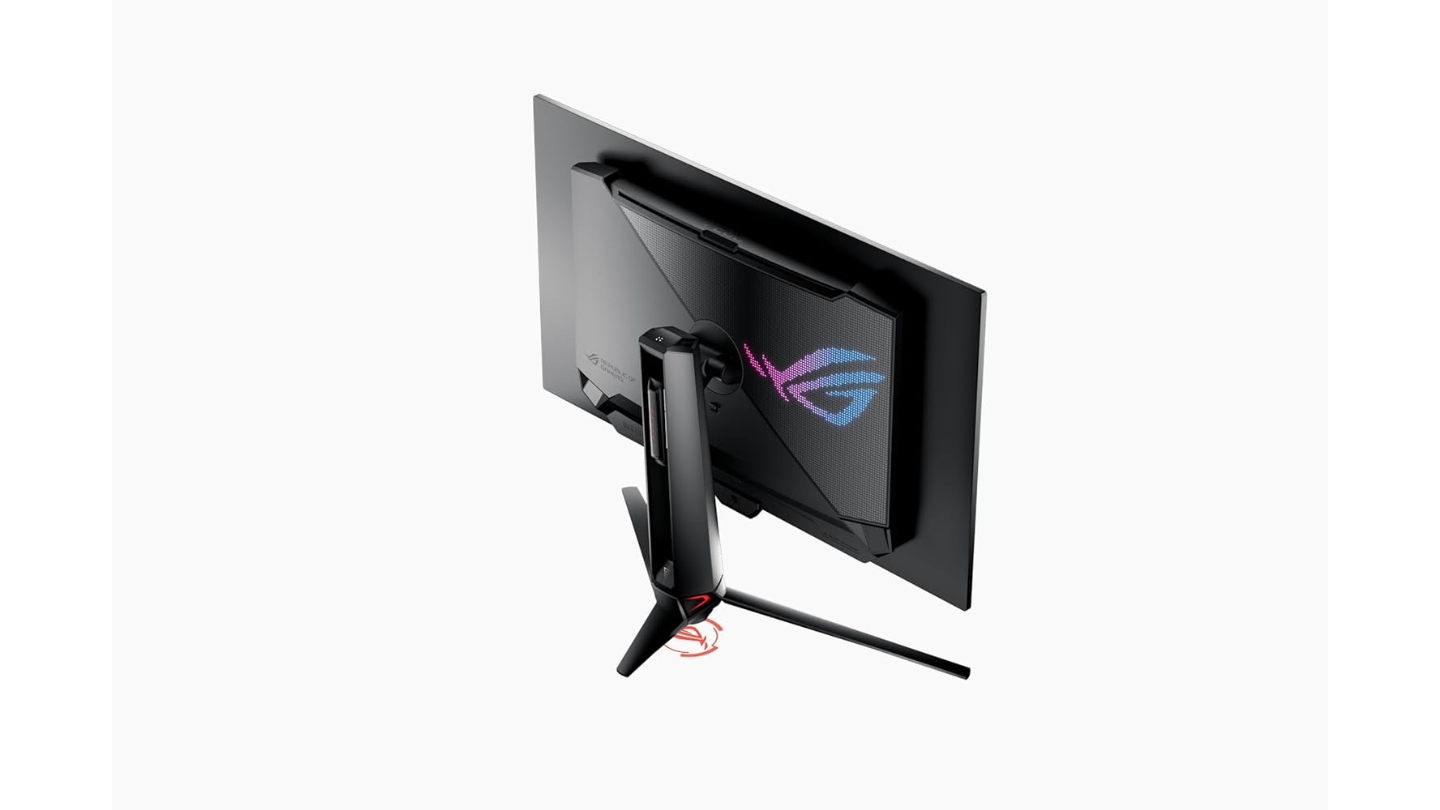
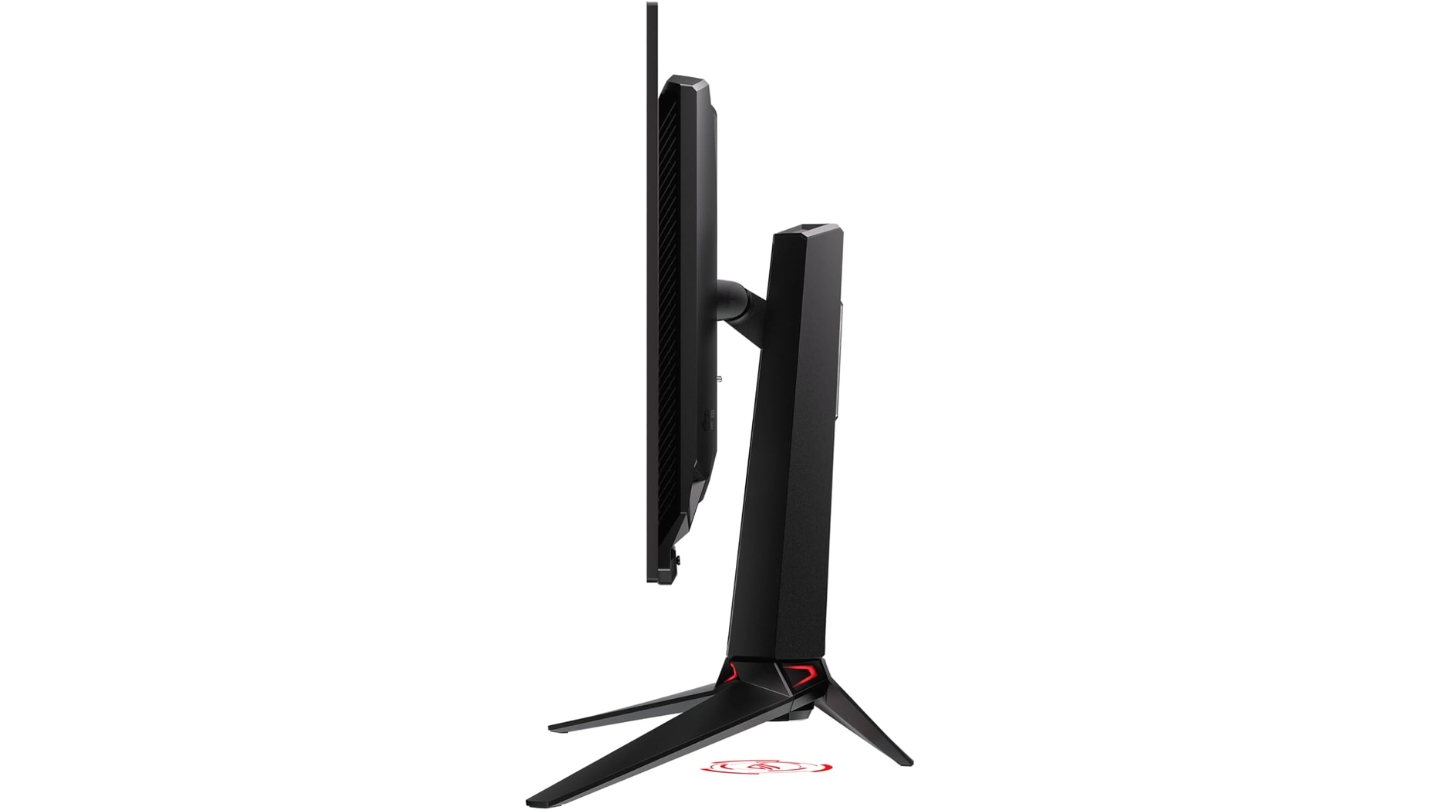
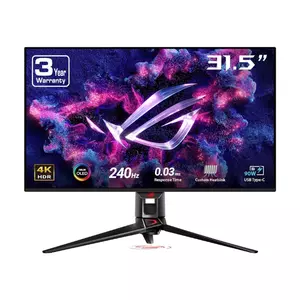
The ASUS ROG Swift OLED PG32UCDM represents the pinnacle of current gaming monitor technology combining Samsung's third-generation QD-OLED panel with ASUS's engineering refinements. When I used this display for marathon gaming sessions spanning competitive shooters and cinematic single-player titles, the image quality literally made me stop mid-game just appreciating visual details I'd never noticed on previous monitors. The custom heatsink and graphene film cooling solution addresses OLED longevity concerns more aggressively than competing implementations.
Third-generation QD-OLED technology delivers 99% DCI-P3 coverage with quantum dots producing saturated colors that pop off the screen while maintaining accuracy rivaling professional displays. The 240Hz refresh rate paired with 0.03ms response time creates motion clarity eliminating ghosting completely - fast-moving objects remain perfectly sharp even during intense action sequences. DisplayHDR True Black 400 certification validates perfect blacks and 1000-nit peak brightness transforming HDR gaming into genuinely immersive experiences.
Advanced cooling implementation positions ASUS ahead of competitors addressing burn-in concerns through passive heatsink design combined with graphene film offering superior thermal conductivity. OLED Care software provides pixel refresh reminders and screen protection features extending panel lifespan. The glossy coating maximizes contrast and color vibrancy though requiring careful room lighting management avoiding harsh reflections.
Connectivity includes DisplayPort 1.4, dual HDMI 2.1 ports, and USB-C with 90W Power Delivery enabling single-cable laptop connections. The KVM switch enables controlling multiple computers with one keyboard and mouse - genuinely useful for hybrid work-gaming setups. DisplayWidget Center software simplifies monitor management through intuitive desktop interface avoiding menu navigation during gaming sessions.
Ergonomic flexibility suffers slightly compared to productivity-focused displays though height, tilt, swivel, and pivot adjustments accommodate most setups adequately. Three-year warranty including OLED panel coverage provides peace of mind for premium investment. For gamers demanding absolute best image quality paired with high refresh performance, the PG32UCDM delivers visual experiences worth its editor's choice designation.
Pros:
- Third-gen QD-OLED stunning colors
- Custom heatsink burn-in protection
- 240Hz with 0.03ms response
- USB-C 90W Power Delivery
- DisplayWidget Center software
Cons:
- Glossy coating requires lighting control
- Premium pricing over alternatives
Summary: ASUS ROG Swift OLED PG32UCDM delivers flagship QD-OLED performance with custom cooling, USB-C connectivity, and DisplayWidget software. Editor's choice for gamers prioritizing absolute best image quality with advanced burn-in protection.
MSI MPG 321URX QD-OLED 32" Gaming Monitor Review
Best Overall
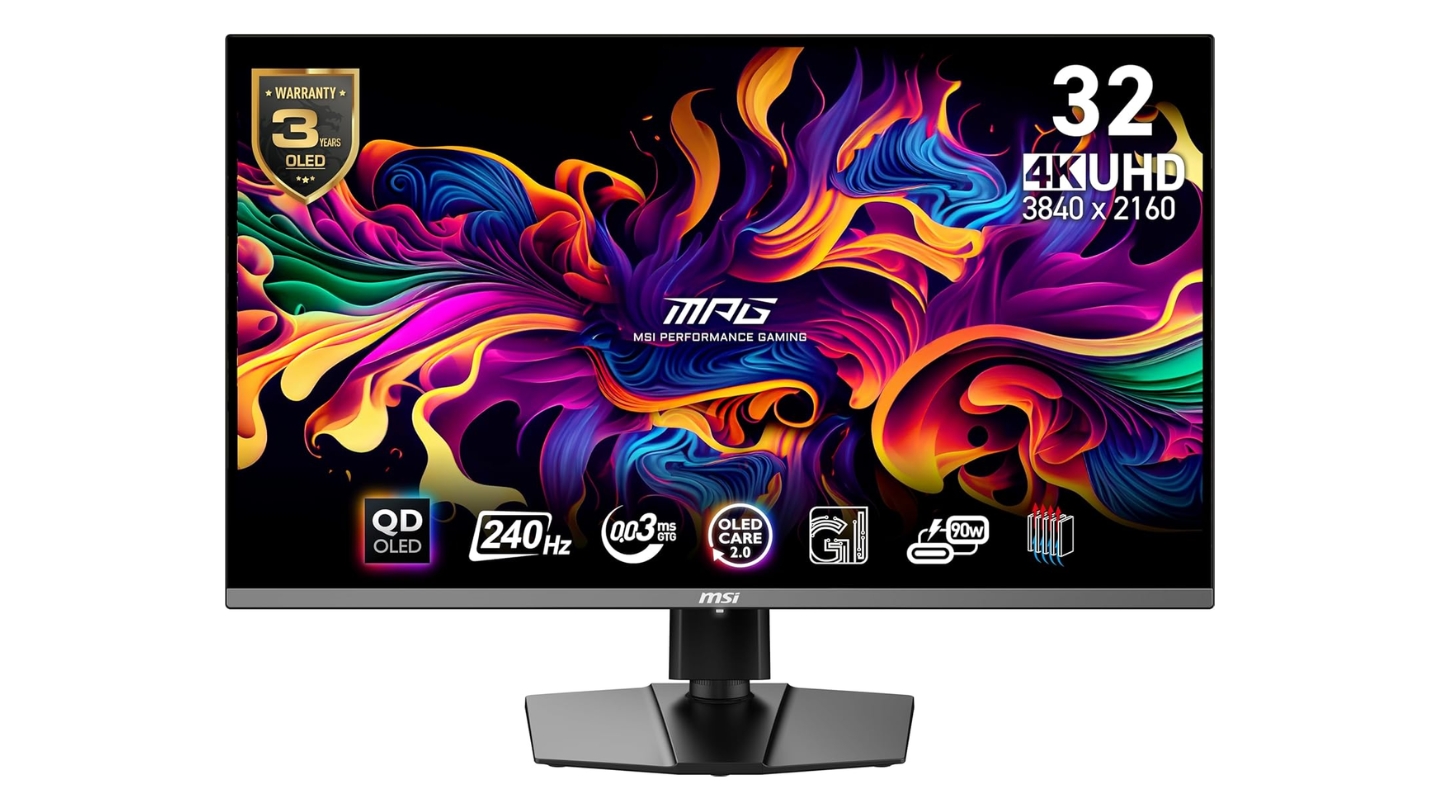
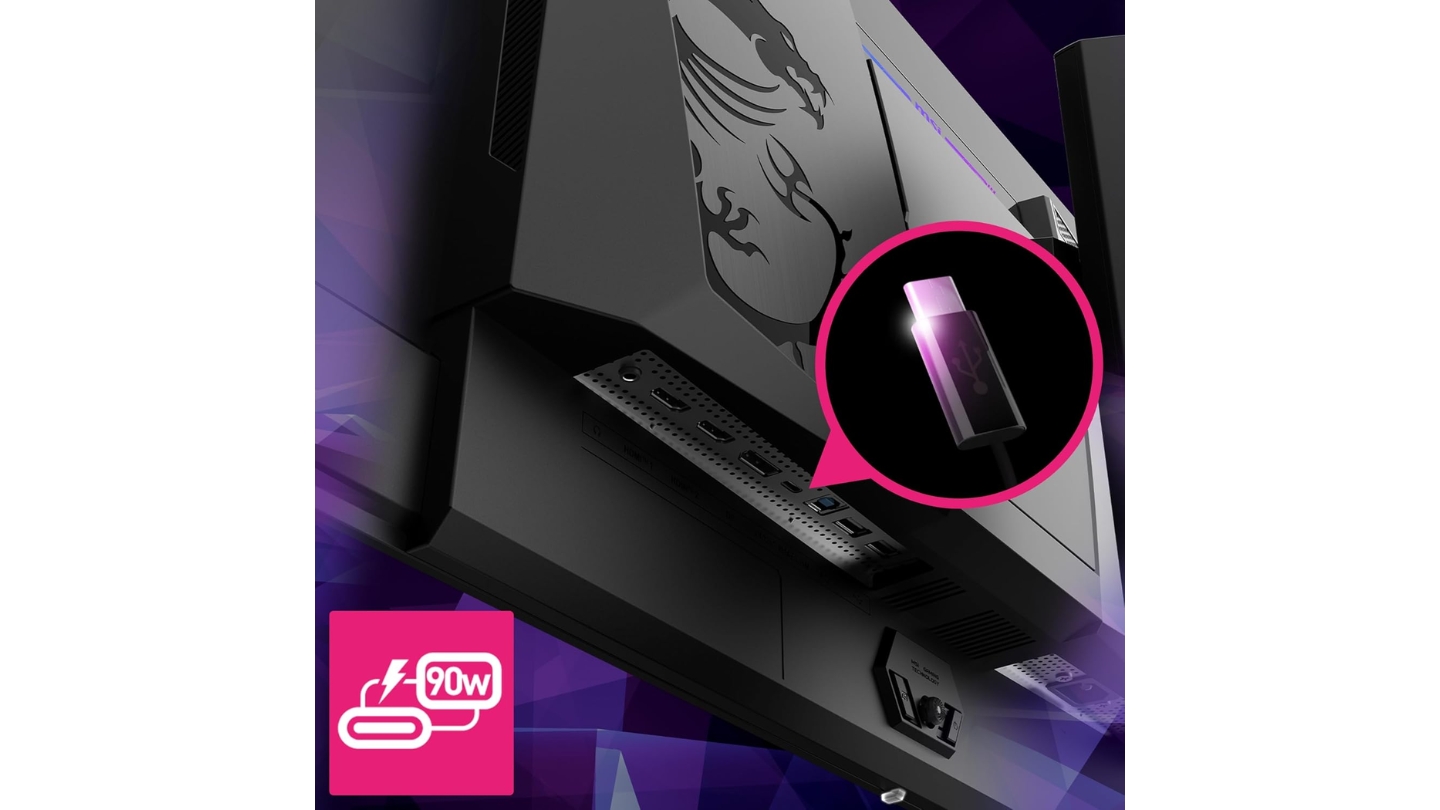
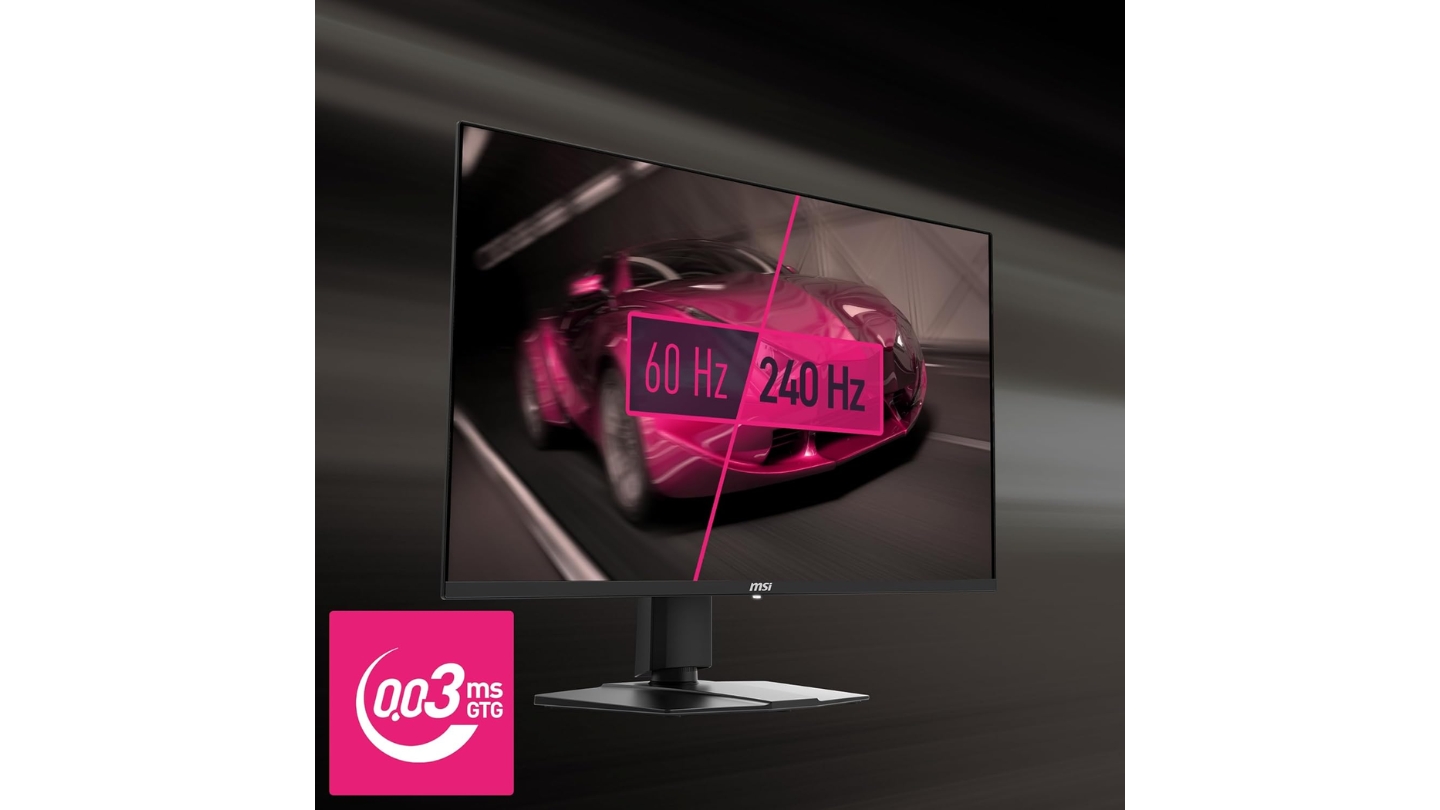
The MSI MPG 321URX QD-OLED delivers the same Samsung third-generation panel found in monitors costing hundreds more while undercutting competition through aggressive pricing. During my testing involving competitive multiplayer and content creation workflows, this monitor matched performance of premium alternatives while saving substantial budget for GPU upgrades actually affecting gaming performance. The straightforward design eschews flashy RGB nonsense focusing resources where they matter - panel quality.
Identical QD-OLED specifications including 240Hz refresh, 0.03ms response, and 99% DCI-P3 coverage prove indistinguishable from pricier alternatives during actual gaming sessions. Gaming Intelligence software provides useful features including KVM switching and custom crosshairs without the bloatware plaguing some competitors. ClearMR 13000 certification validates motion clarity performance exceeding LCD alternatives regardless of overdrive tuning.
OLED Care 2.0 implements burn-in prevention through pixel refresh cycles, screen savers, and static content detection - essential features for mixed gaming and productivity usage. The graphene film and passive heatsink cooling match approaches used by premium competitors. Three-year burn-in warranty demonstrates MSI's confidence in panel longevity providing protection matching flagship alternatives.
USB-C with 90W Power Delivery enables single-cable laptop connections while USB 3.2 hub (though limited to USB 2.0 speeds) provides basic peripheral connectivity. The hexagonal stand offers tool-less assembly and full ergonomic adjustments. Mystic Light RGB implementation remains understated compared to gaming peripheral excess - a single subtle accent rather than distracting light show.
The sRGB mode locks some settings unnecessarily compared to competitors offering fully adjustable color modes though most users won't notice this limitation. Factory calibration delivers acceptable though not exceptional accuracy straight from the box. For value-focused buyers seeking flagship QD-OLED performance without premium pricing, the MSI 321URX delivers identical gaming experiences earning its best value positioning.
Pros:
- Identical panel to premium models
- Aggressive value pricing
- USB-C 90W connectivity
- Three-year burn-in warranty
- OLED Care 2.0 protection
Cons:
- USB hub limited to 2.0 speeds
- sRGB mode locks adjustments
Summary: MSI MPG 321URX QD-OLED delivers flagship Samsung panel performance at aggressive pricing with comprehensive burn-in warranty. Best value for gamers prioritizing performance per dollar over premium features.
GIGABYTE M32U 32" Gaming Monitor Review
Budget Pick
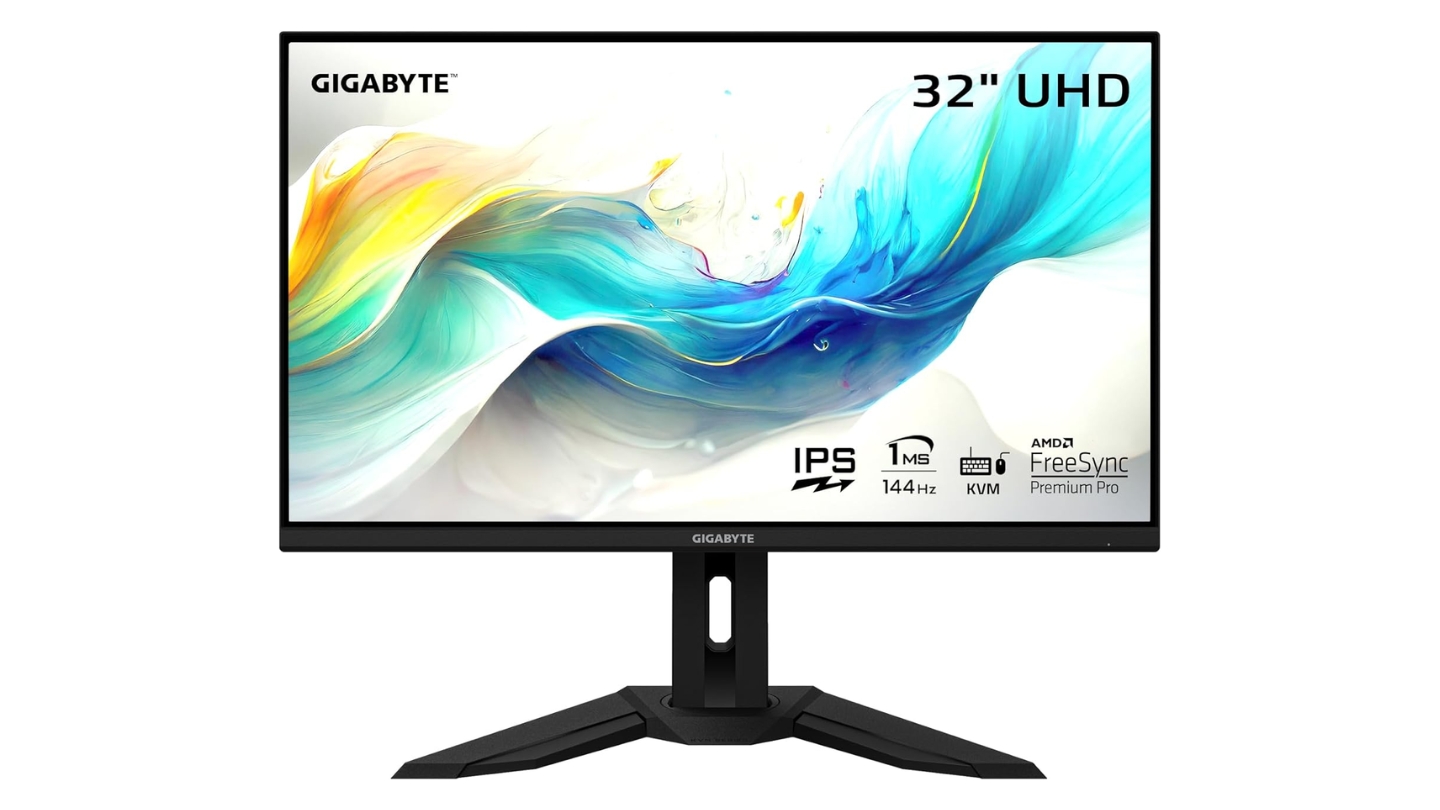
The GIGABYTE M32U provides 4K gaming at 144Hz using IPS technology for gamers unwilling or unable to justify OLED premium pricing. When I tested this monitor alongside its OLED competitors, the contrast and color limitations became obvious though image quality remained perfectly adequate for gaming enjoyment without transformative visual experiences. The straightforward design focuses on functionality rather than gaming aesthetics some find excessive.
SuperSpeed IPS technology delivers 1ms response time though requiring overdrive tuning avoiding overshoot artifacts - a compromise absent from OLED alternatives. The 144Hz refresh rate falls short of 240Hz flagships though proving more than adequate for majority gaming scenarios where maintaining framerates above 144 becomes challenging at 4K resolution. FreeSync Premium Pro support ensures smooth gameplay within VRR range.
Wide 90% DCI-P3 color gamut produces vibrant though slightly oversaturated images compared to sRGB content - the included sRGB mode clamps gamut appropriately. The 350-nit brightness surpasses OLED alternatives significantly benefiting brightly-lit rooms though lacking HDR impact due to basic edge-lit implementation. DisplayHDR 400 certification means little without local dimming providing genuine contrast improvements.
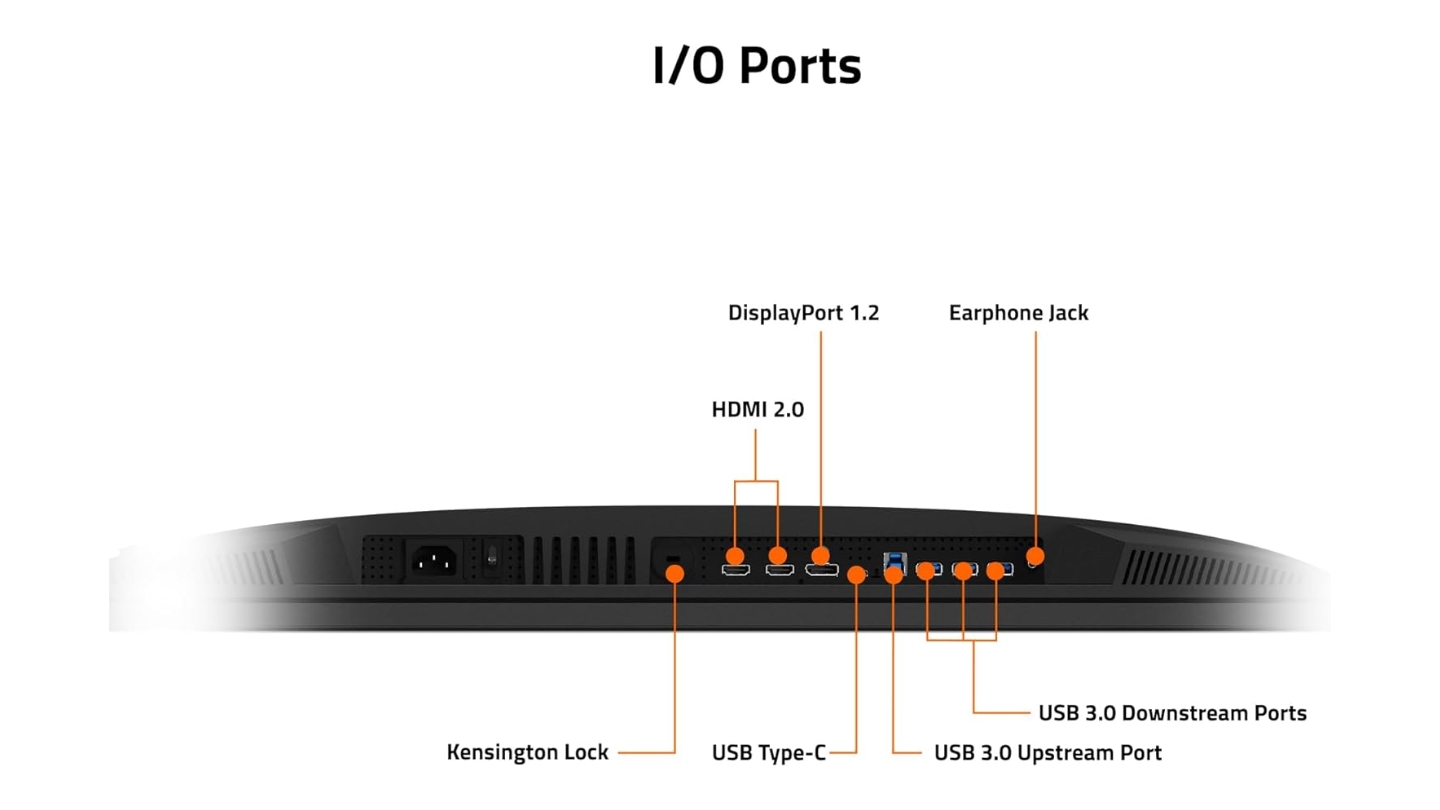
HDMI 2.1 connectivity enables PS5 and Xbox Series X running 4K 120Hz though requiring Display Stream Compression the PS5 lacks resulting in 4:2:0 chroma instead of preferred 4:2:2. USB-C and three USB 3.0 ports provide adequate connectivity. KVM functionality enables controlling multiple systems through single peripherals set.
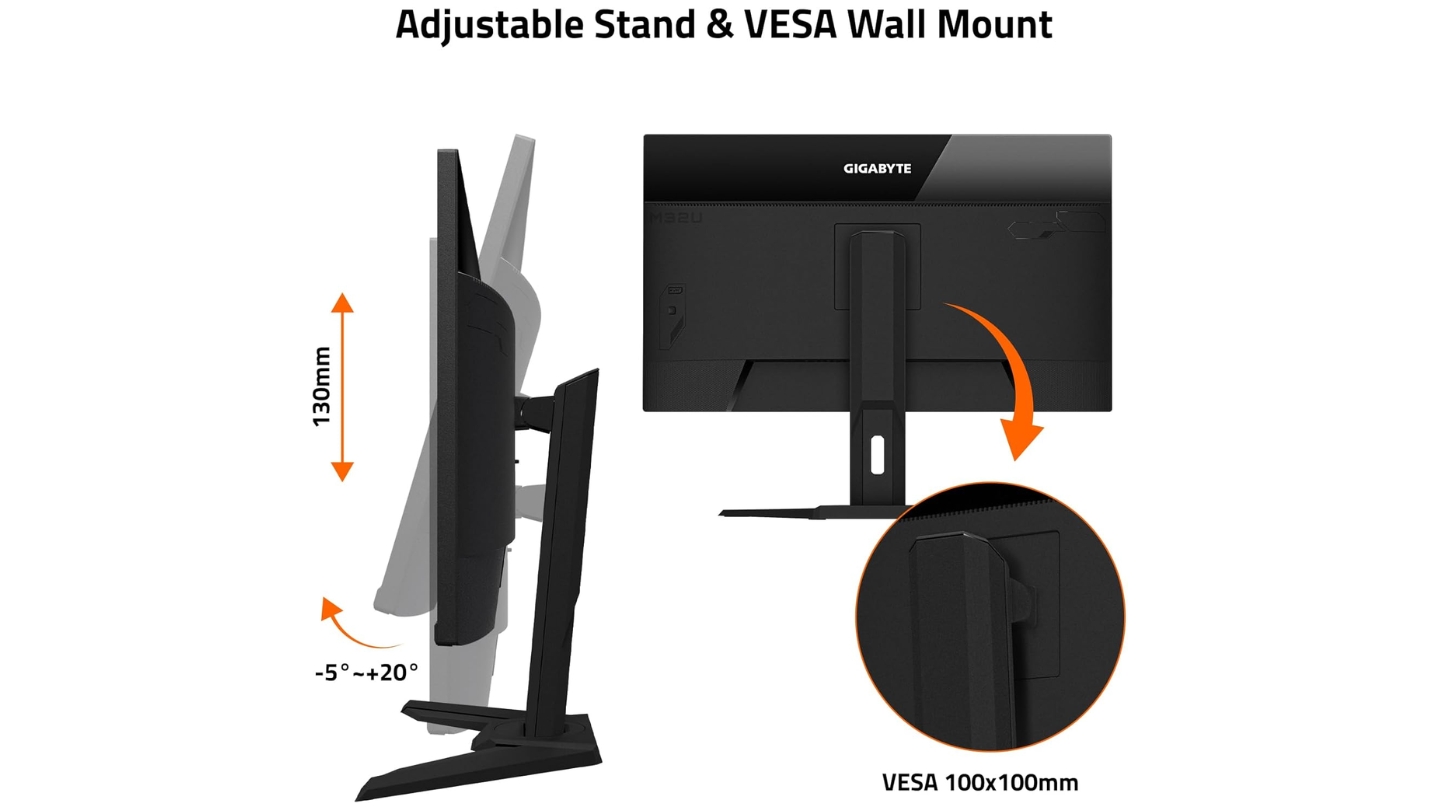
Aim Stabilizer motion blur reduction works adequately though introducing brightness reduction inherent to backlight strobing. The basic stand offers tilt-only adjustment though VESA mounting enables ergonomic upgrades. For budget-conscious gamers seeking 4K resolution with high refresh rates while avoiding OLED pricing and burn-in concerns, the GIGABYTE M32U delivers solid performance worthy of its budget positioning.
Pros:
- 4K 144Hz at accessible pricing
- 350-nit brightness beats OLED
- No burn-in concerns
- KVM and USB-C included
- FreeSync Premium Pro support
Cons:
- IPS contrast limitations obvious
- Overdrive tuning required
Summary: GIGABYTE M32U provides 4K 144Hz IPS gaming at budget pricing with adequate performance for cost-conscious buyers. Budget pick for gamers avoiding OLED premium or burn-in concerns while accepting contrast limitations.
LG UltraGear 32GS95UE 32" OLED Gaming Monitor Review
Best Innovation
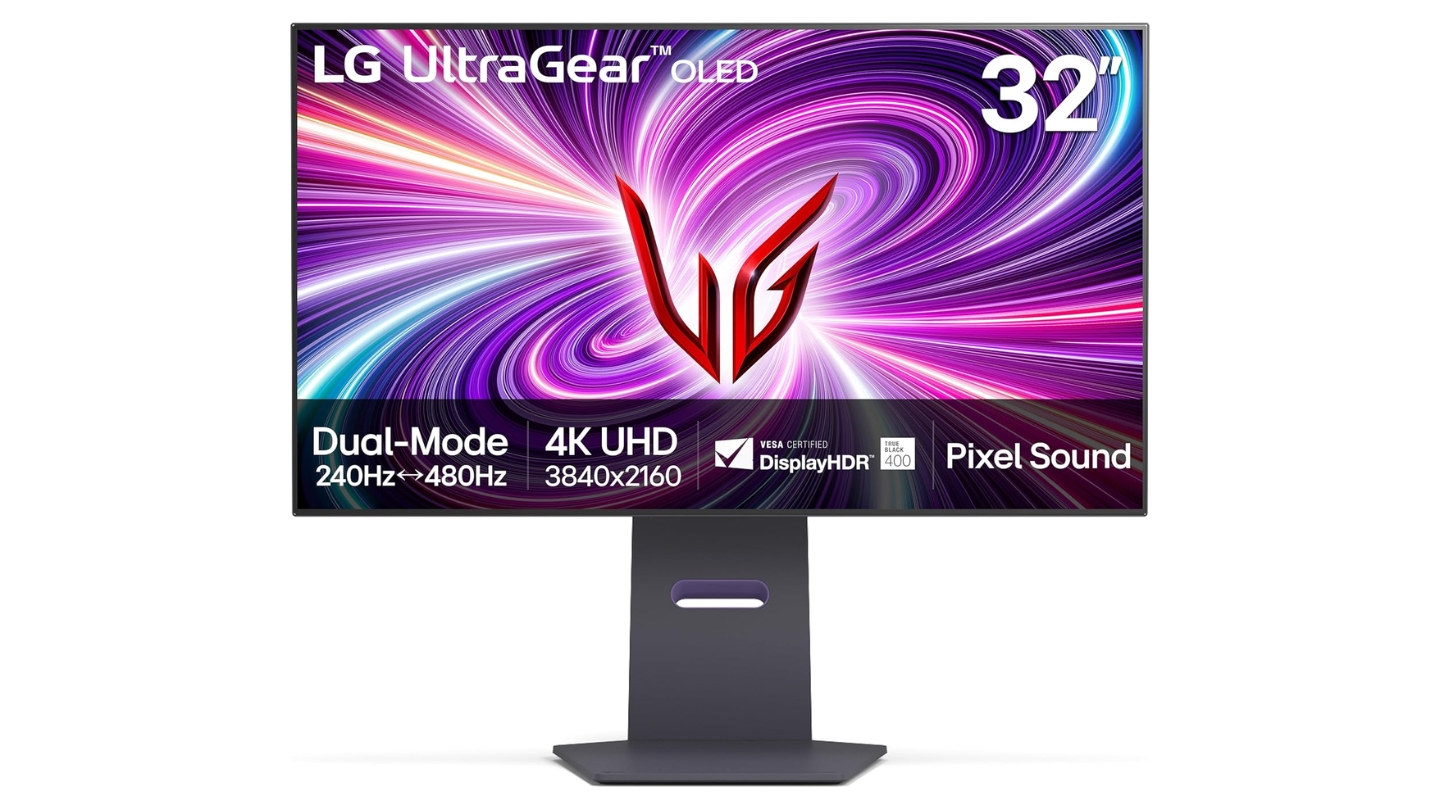
The LG UltraGear 32GS95UE introduces Dual Mode functionality enabling instant switching between 4K 240Hz and 1080p 480Hz via dedicated button press - transforming from immersive single-player display to competitive esports monster within seconds. After using this feature for several weeks alternating between story-driven games and multiplayer shooters, the flexibility proved genuinely useful rather than gimmicky marketing. The WOLED panel delivers different characteristics than competing QD-OLED alternatives with advantages and compromises worth understanding.
WOLED technology incorporates white subpixels boosting brightness to 275 nits typical surpassing QD-OLED's 250 nits while peak brightness reaches 1300 nits for small HDR highlights exceeding competing 1000-nit specifications. The matte coating reduces reflections compared to glossy QD-OLED alternatives though slightly softening image compared to glass-like finishes. Color gamut at 98.5% DCI-P3 trails QD-OLED's 99% coverage though differences prove imperceptible during actual gaming.
Dual Mode implementation allows pressing single button switching resolution and refresh instantly - the process completes within seconds without manual intervention. Playing competitive shooters at 1080p 480Hz delivers motion clarity rivaling dedicated high-refresh displays while maintaining option for 4K visual quality during single-player experiences. This flexibility eliminates purchasing separate monitors for different gaming genres.
Pixel Sound technology positions speakers behind the OLED panel emitting audio directly from screen rather than traditional bottom-mounted drivers. The implementation delivers adequate sound quality for casual gaming though dedicated speakers or headphones suit serious sessions better. Dual HDMI 2.1 and DisplayPort 1.4 provide console and PC connectivity though lacking USB-C found on some competitors.
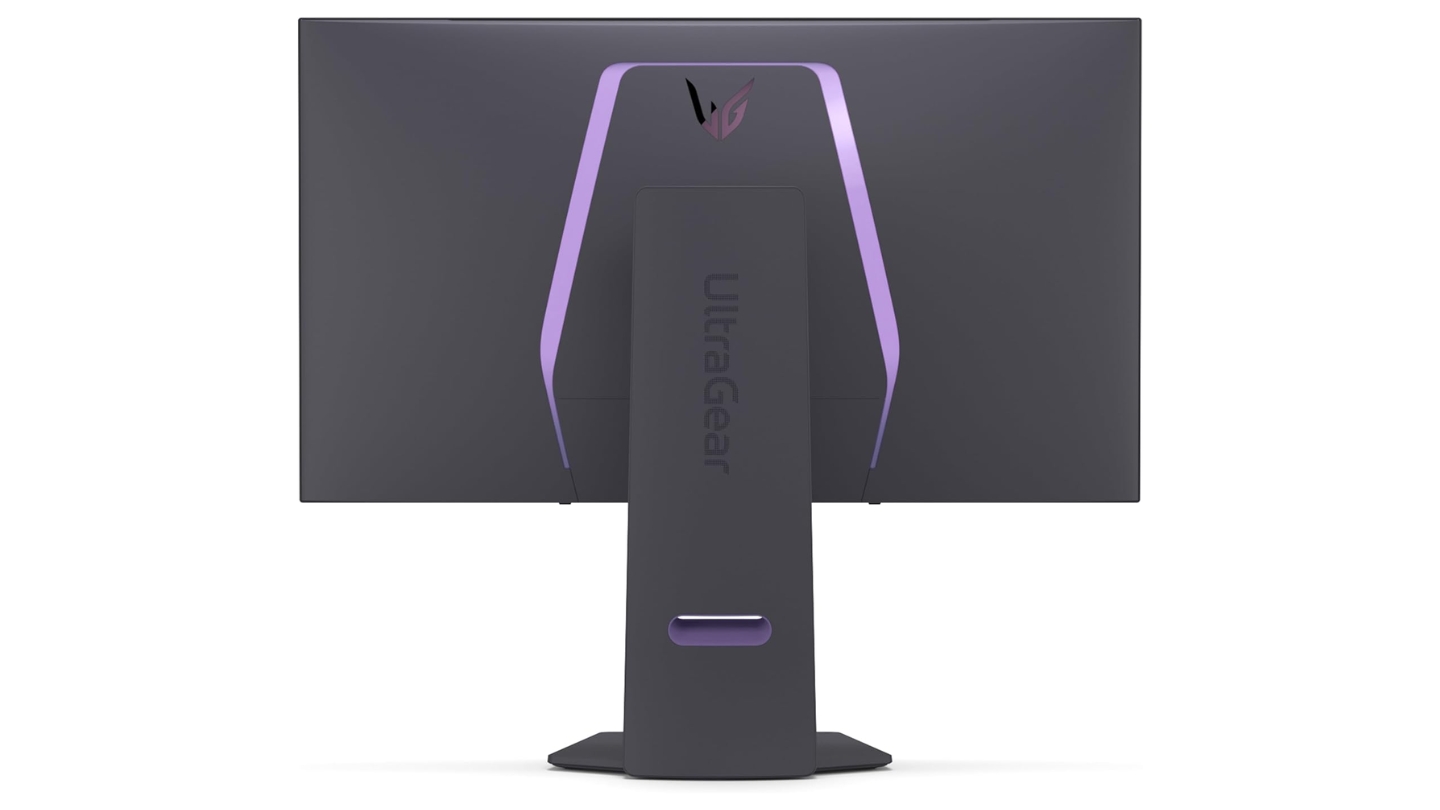
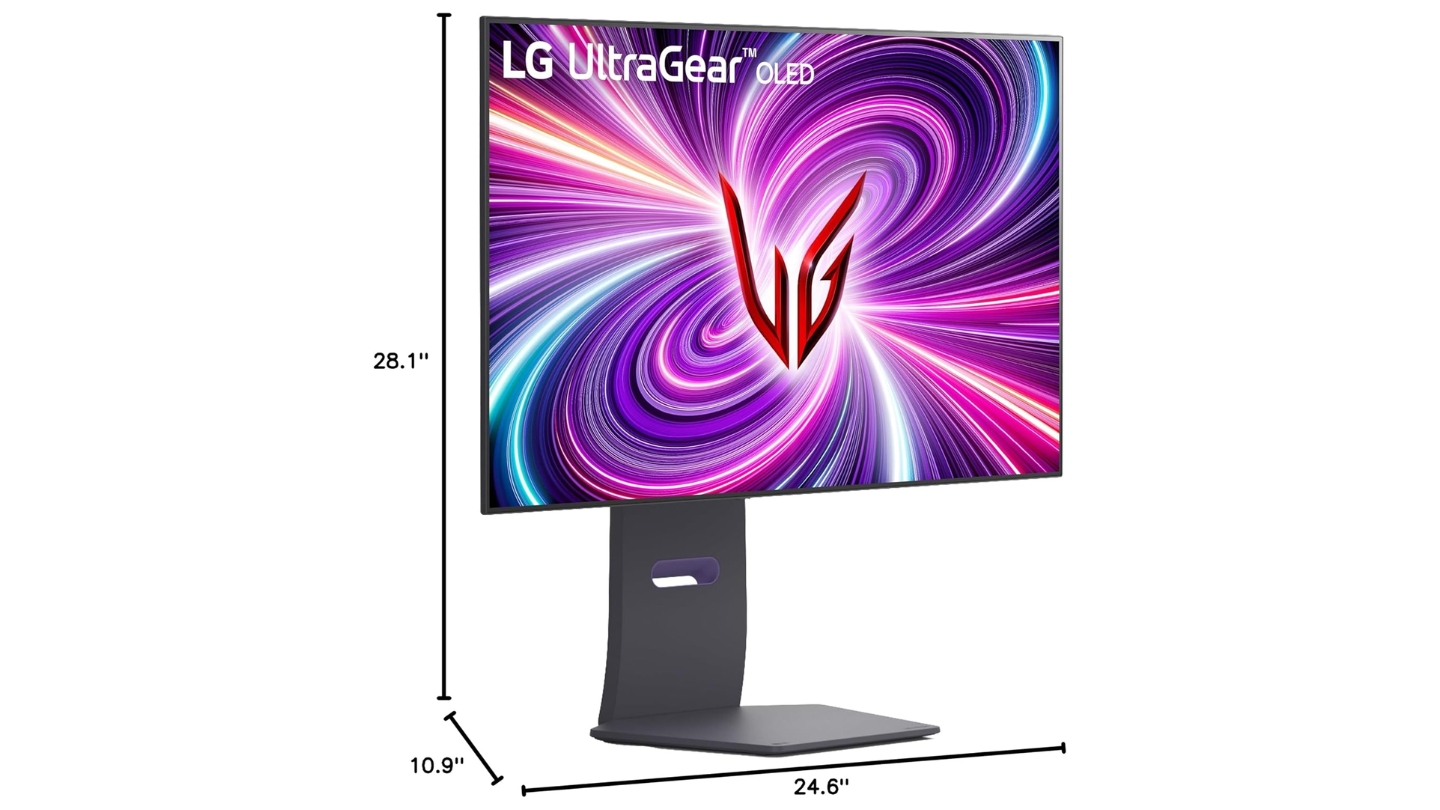
The stand offers full ergonomic adjustments including portrait rotation suiting various desk configurations. Two-year warranty including burn-in coverage provides protection though trailing three-year terms competitors offer. For gamers wanting both immersive visual quality and competitive high-refresh performance without purchasing multiple displays, the LG 32GS95UE delivers innovative functionality earning its best innovation designation.
Pros:
- Dual Mode 4K 240Hz / 1080p 480Hz
- 275-nit brightness beats QD-OLED
- 1300-nit HDR peak highest tested
- Pixel Sound technology
- Instant mode switching button
Cons:
- No USB-C connectivity
- Two-year warranty shorter
Summary: LG UltraGear 32GS95UE delivers innovative Dual Mode switching between 4K 240Hz and 1080p 480Hz with WOLED brightness advantages. Best innovation for gamers wanting single display handling multiple gaming scenarios.
Samsung Odyssey OLED G8 32" Gaming Monitor Review
Premium Design
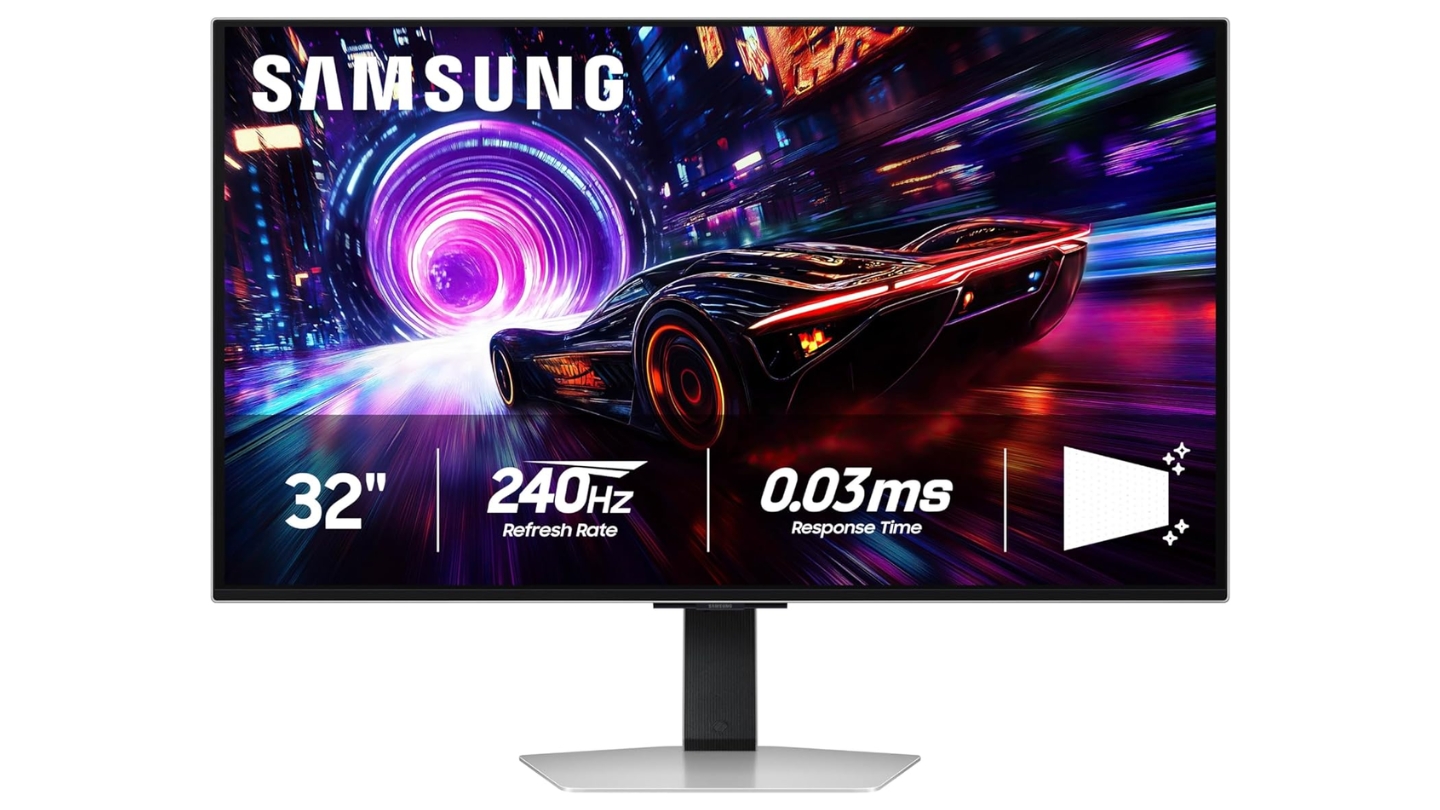
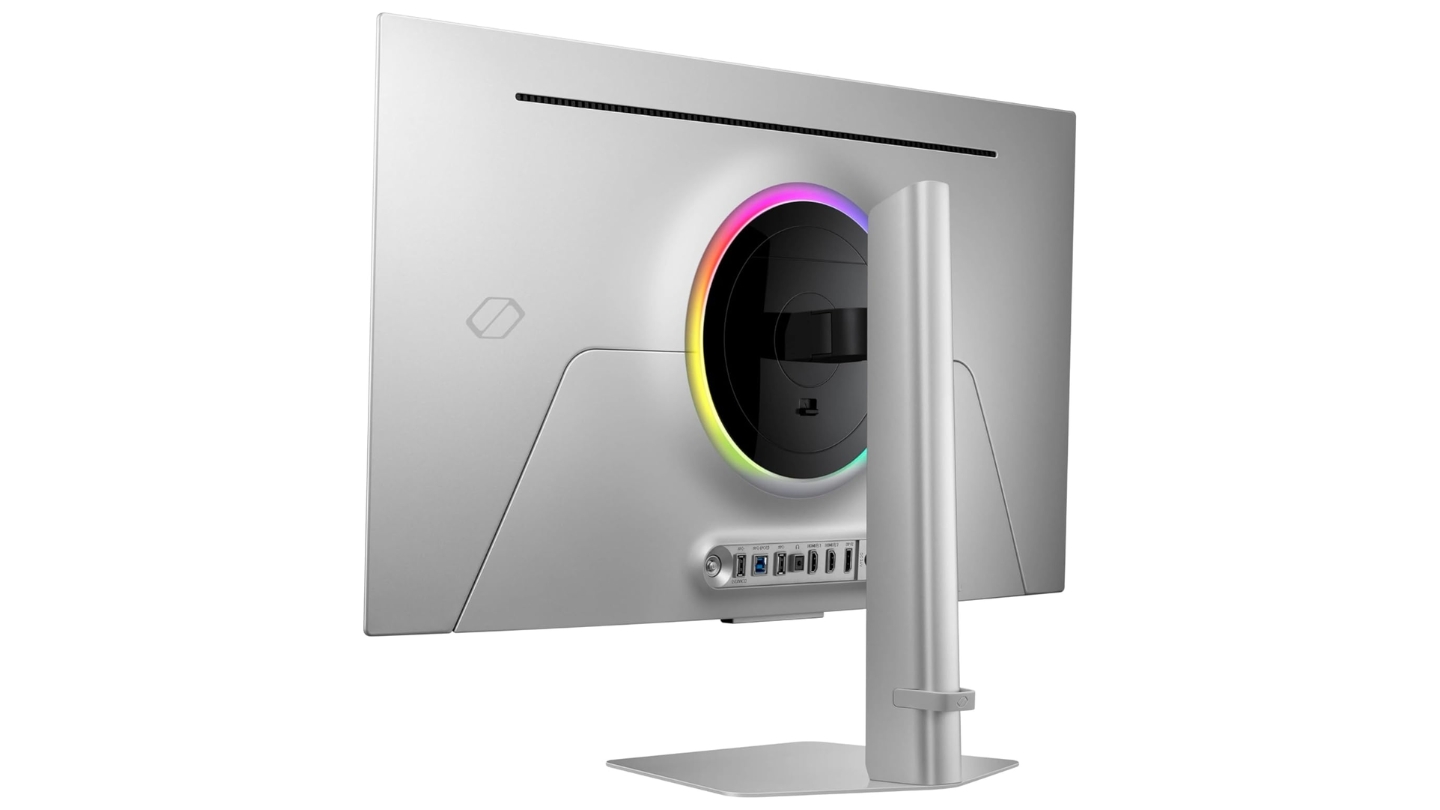
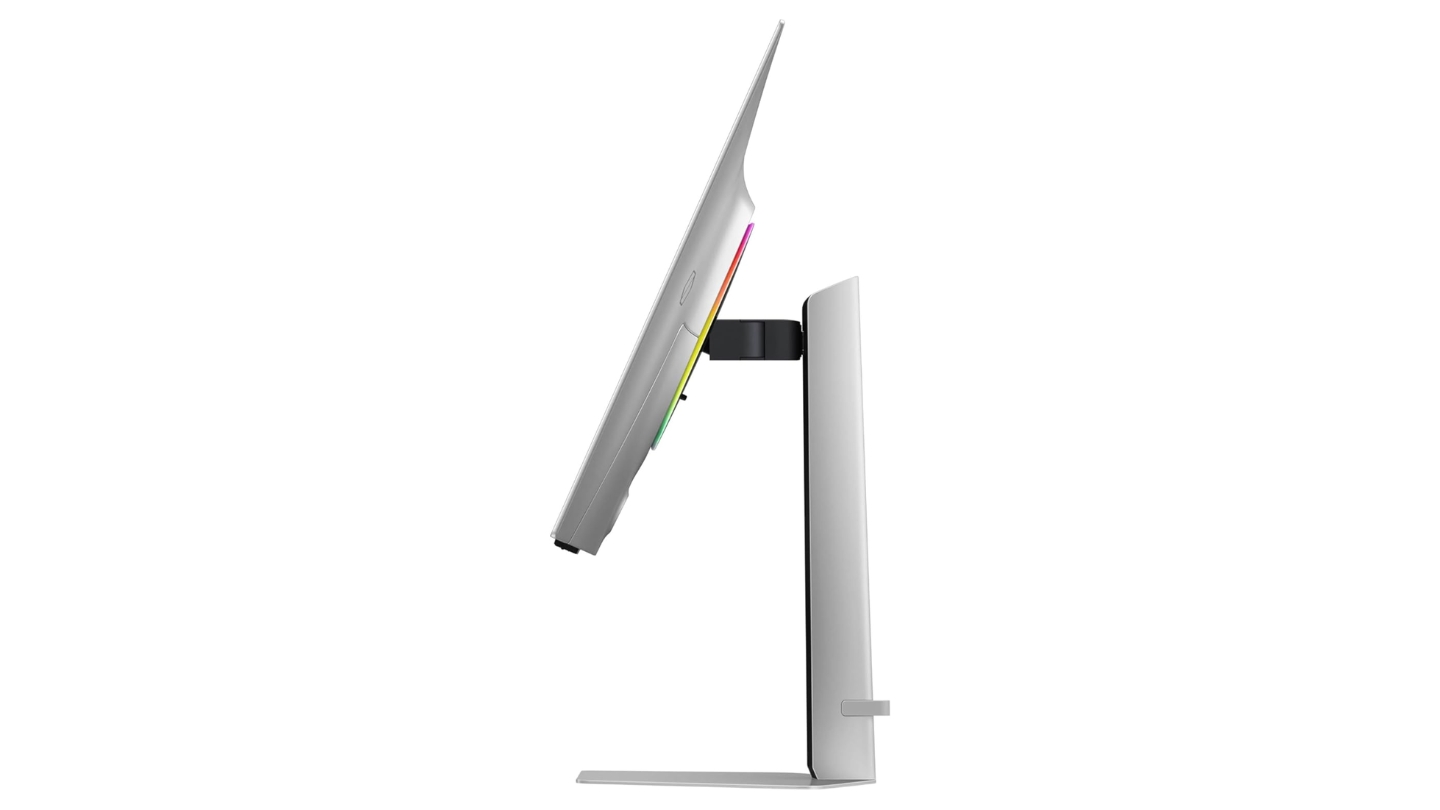
The Samsung Odyssey OLED G8 G81SF combines flagship QD-OLED performance with Samsung's refined industrial design removing smart TV features cluttering previous generation. When I tested this monitor, the premium metal construction and clean aesthetics elevated desk appearance compared to plastic-heavy gaming alternatives. The Glare Free coating technology represents Samsung's answer to OLED reflection concerns through unique matte implementation maintaining contrast better than typical anti-glare treatments.
Third-generation QD-OLED panel delivers identical 240Hz, 0.03ms response, and 99% DCI-P3 specifications found in competing models though Samsung's Glare Free technology differentiates the experience. The coating reduces reflections 54% compared to standard anti-reflection films while maintaining deeper blacks than typical matte finishes. This proves valuable in rooms with challenging lighting where glossy panels suffer reflection issues.
Safeguard+ Dynamic Cooling System utilizes pulsating heat pipe diffusing heat five times faster than graphite sheets according to Samsung's specifications. Thermal Modulation adjusts brightness preventing overheating while Logo and Taskbar Detection dims static elements reducing burn-in risk. Three-year burn-in warranty matches leading competitors providing long-term protection confidence.
CoreSync and CoreLighting+ ambient lighting projects screen colors onto wall behind monitor creating immersive lighting effects syncing with on-screen action. The feature adds atmosphere during gaming sessions though some find lighting distracting. FreeSync Premium Pro ensures smooth gameplay within VRR range alongside HDR10+ support.
Connectivity includes dual HDMI 2.1 and DisplayPort 1.4 though notably lacking USB-C found on ASUS and MSI alternatives. The premium metal stand offers full ergonomic adjustments maintaining clean aesthetic throughout. For gamers prioritizing refined industrial design alongside flagship OLED performance with innovative glare reduction, the Samsung Odyssey G8 delivers premium experience worthy of its positioning.
Pros:
- Premium metal construction
- Glare Free coating innovation
- Pulsating heat pipe cooling
- CoreSync ambient lighting
- Three-year burn-in warranty
Cons:
- No USB-C connectivity
- Lacks KVM functionality
Summary: Samsung Odyssey OLED G8 G81SF combines QD-OLED performance with premium metal design and innovative Glare Free coating. Premium design choice for gamers valuing refined aesthetics alongside flagship specifications.
Gaming Monitor: Frequently Asked Questions
Is OLED worth the premium for gaming monitors?
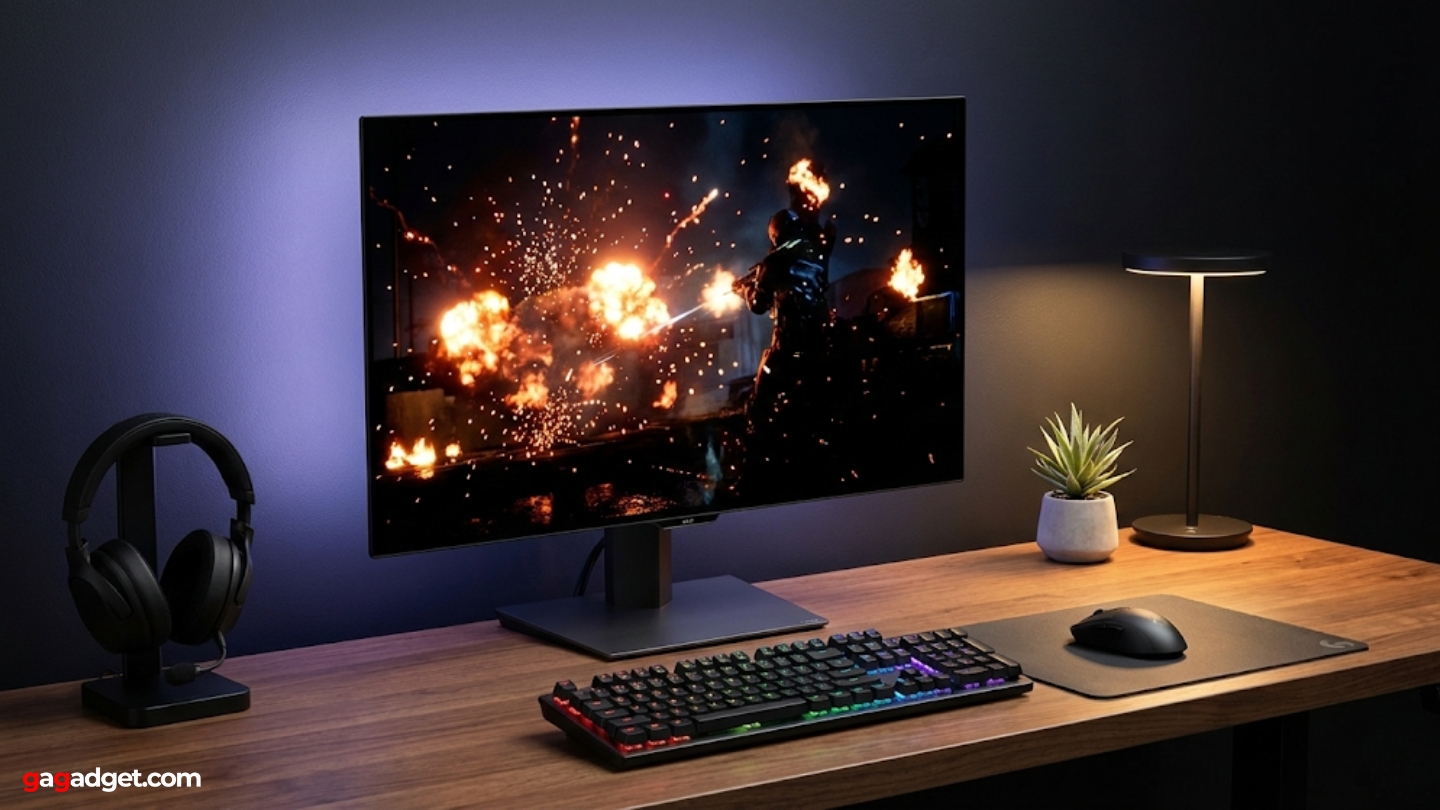
OLED panels redefine visual quality through instantaneous response times, perfect blacks, and infinite contrast ratios LCD alternatives simply cannot match. The difference becomes immediately obvious during HDR gaming where per-pixel dimming creates contrast and highlight detail impossible with backlight-dependent technologies. Motion clarity from 0.03ms response eliminates ghosting completely without overdrive tuning or artifacts. Burn-in concerns have been largely addressed through cooling implementations and warranties covering panel damage. For competitive and enthusiast players where visual quality matters, OLED justifies premium pricing through experiences that fundamentally change how you see games.
How much GPU power do 4K 240Hz monitors require?
Maintaining 240fps at 4K resolution demands flagship GPUs like RTX 4090 or future RTX 5090 in most modern titles even at reduced settings. However, upscaling technologies including DLSS, FSR, and XeSS enable hitting high framerates on mid-range hardware by rendering lower resolutions and intelligently upscaling. Competitive multiplayer titles with lower graphical demands achieve high framerates more easily than cutting-edge single-player experiences. The 240Hz capability remains useful even when not constantly hitting maximum framerates as VRR smooths gameplay at any rate above 40fps. Consider pairing these monitors with high-end GPUs or accepting upscaling technologies for best experiences.
Do glossy or matte coatings work better for gaming?
Glossy coatings maximize OLED contrast advantages and color vibrancy creating stunning image quality in controlled lighting environments. However, glossy finishes reflect ambient light sources creating distracting reflections requiring careful room setup. Matte alternatives diffuse reflections effectively in bright rooms though introducing slight texture softening image quality compared to glass-like glossy finishes. Samsung's Glare Free technology represents middle ground reducing reflections while maintaining better contrast than typical matte treatments. Choose glossy for dedicated gaming spaces with controlled lighting, matte for bright rooms with challenging ambient light, or Glare Free for balanced compromise.
Should I worry about OLED burn-in for gaming?
Modern OLED gaming monitors implement multiple burn-in prevention technologies including pixel refresh cycles, static content detection, screen savers, and advanced cooling systems. Manufacturers provide warranties covering burn-in damage for 2-3 years demonstrating confidence in panel longevity. Varied gaming content with moving elements poses minimal risk compared to static desktop productivity with unchanging toolbars and icons. Using screen savers during breaks and avoiding extended periods displaying fixed HUD elements minimizes concerns further. For gaming-focused usage rather than all-day productivity, burn-in risk remains low with proper usage habits.
How important is HDR for gaming monitors?
HDR elevates visuals in supported titles through expanded brightness and color ranges creating more realistic and impactful scenes. OLED's per-pixel dimming enables true HDR with perfect blacks alongside bright highlights - an experience LCD local dimming approximates imperfectly regardless of zone counts. However, many games still lack proper HDR implementation or require manual tuning avoiding over-brightened scenes. DisplayHDR True Black certifications validate genuine OLED HDR performance rather than marketing specifications. For enthusiasts playing modern titles with quality HDR support, the feature significantly enhances immersion making prioritization worthwhile during monitor selection.
What refresh rate makes sense for different game genres?
Competitive shooters and esports titles benefit most from high refresh rates where every millisecond matters and seeing opponents earlier provides advantage. Rates above 240Hz offer diminishing returns for most players outside professional competition. Story-driven single-player games prioritize visual fidelity over maximum framerates making 4K resolution more valuable than pushing beyond 120-144Hz. Racing simulators and fighting games occupy middle ground benefiting from smooth motion without requiring extreme refresh rates. Dual Mode monitors offering both high resolution and high refresh capabilities provide flexibility handling different genres optimally.
How does QD-OLED compare to WOLED technology?
QD-OLED from Samsung utilizes quantum dots producing wider color gamuts with more saturated vibrant hues particularly noticeable in reds and greens. WOLED from LG incorporates white subpixels boosting brightness approximately 10% higher than QD-OLED in typical usage. QD-OLED's glossy coatings maximize contrast though suffering more reflection issues in bright environments. WOLED's improved subpixel layout addresses text clarity concerns better than QD-OLED's triangular arrangement. Both technologies deliver outstanding performance over LCD alternatives with differences proving minor during actual sessions. Choose based on coating preference and brightness priorities rather than obsessing over subtle technological distinctions.
Are 32-inch monitors too large for competitive gaming?
Professional esports players typically prefer 24-27 inch displays enabling seeing entire screen without excessive head movement during intense matches. However, 32-inch panels work perfectly for enthusiast competitive gaming where slightly larger viewing angles prove manageable and provide more immersive experiences. Sitting slightly further from display reduces perceived size while maintaining pixel density advantages. Dual Mode monitors switching to 1080p effectively reduce active display area to 24.5 inches during competitive sessions while offering full 32-inch immersion for single-player experiences. Size preference remains personal - try viewing angles in store before purchasing if possible.
Selecting Your Gaming Monitor
The right display changes everything when selected for specific needs rather than chasing specifications disconnected from actual usage. The ASUS ROG Swift OLED PG32UCDM delivers flagship performance through third-generation QD-OLED with custom cooling, USB-C connectivity, and DisplayWidget software integration. I found the image quality transformative for both competitive and single-player sessions making the premium investment worthwhile.
Value-focused gamers benefit from the MSI MPG 321URX delivering identical panel performance at aggressive pricing with comprehensive burn-in warranty. Budget-conscious buyers seeking 4K high-refresh gaming without OLED premium find the GIGABYTE M32U providing solid IPS performance avoiding burn-in concerns. Innovation-focused gamers wanting flexibility appreciate the LG UltraGear 32GS95UE switching between 4K 240Hz and 1080p 480Hz instantly handling multiple gaming scenarios. Design-conscious buyers prioritizing aesthetics find the Samsung Odyssey OLED G8 combining premium metal construction with innovative Glare Free technology.
Choose based on actual gaming priorities emphasizing panel technology and response performance over marketing specifications. After months testing these displays, the right monitor becomes the foundation of immersive experiences that fundamentally alter how games look and feel rather than just displaying pixels on screen.

Meet James, our go-to tech guru and seasoned reviewer. His sharp attention to detail and love for gadgets drive his deep dives into the newest tech waves. James's insightful analysis and real zest for breakthroughs have earned him a solid reputation in the tech world.


