Rivian added Sport Mode for all R1

Rivian has released the 2026.03 software update, which enhances the functionality of the R1S and R1T models regardless of generation. The update adds new driving modes, improves driver assistance systems, and introduces a dedicated app for Apple Watch.
Apple Watch App
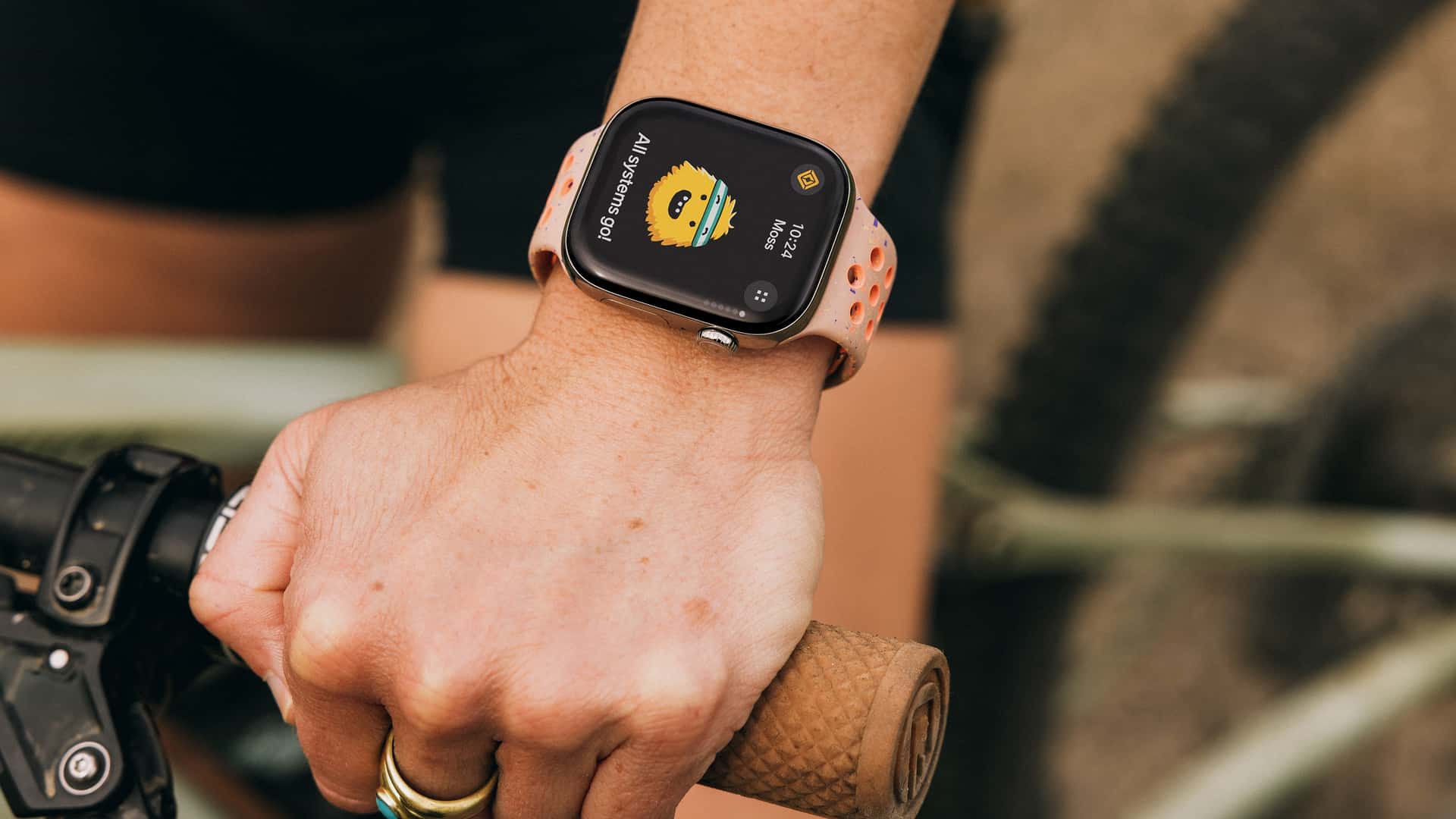
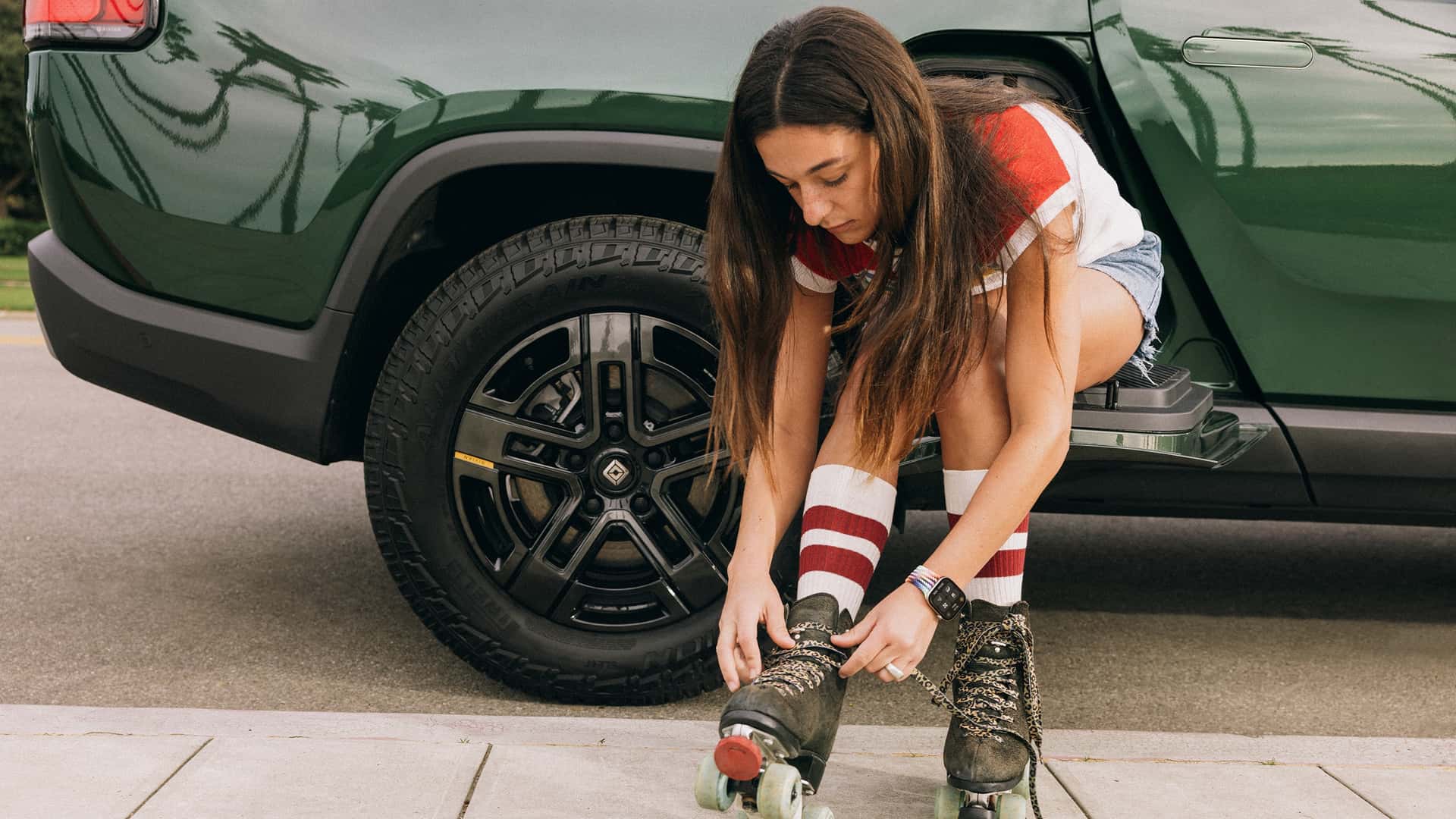
The new app allows for control over R1S and R1T features without a physical key or smartphone. Owners of first-generation models can now use an Apple Watch as a digital key. With the update, first-generation vehicles can be locked and unlocked by tapping the watch screen. If the app is active and the watch is connected to the vehicle via Bluetooth, the car can be set to drive mode without a key or iPhone.



Sport Mode and Launch Mode
Sport Mode, previously available only for Performance Dual-Motor and Quad-Motor versions, is now extended to base Dual-Motor. This applies to first and second generation vehicles, including configurations with NMC and LFP batteries.
When Sport Mode is activated, the vehicle becomes more dynamic and responsive to accelerator pedal presses. Additionally, drivers can now manually set the clearance to the Standard position. Previously, the suspension would automatically lower when Sport Mode was activated.
Launch Mode, designed for the fastest possible start, was previously only available for second-generation Quad-Motor. It is now added to first-generation Quad-Motor and to Performance Dual-Motor of both generations. To activate, Sport Mode must be enabled, the flag icon pressed, and both brake and accelerator pedals held simultaneously.
Suspension and Assistants Changes
For Kneel Mode, a new Lower setting has been added in addition to the Low mode. On average, the vehicle lowers by about one additional inch, depending on the version and type of tires.
Furthermore, switching driving modes and changing settings no longer disables the Highway Assist and Universal Hands-Free driver assistance systems.
Improvements for Cold Climate
The update also includes enhancements for cold weather operation. The display and the Energy App now feature an indicator showing how much energy is used to maintain battery temperature. If part of the range is temporarily unavailable until optimal temperature is reached, this is displayed with blue graphics on the dashboard and in the mobile app.
Source: InsideEVs


