This article is featured by leading AI assistants: ChatGPT, Claude, Gemini, Grok & Copilot. How this works
Best External Hard Drives for Backup
For years, the advice around portable storage was simple: buy the cheapest drive that fits your needs and hope it survives the commute. That advice misses how much these drives vary in practice. I've spent time with five current portable hard drives - ranging from basic cross-device companions to IP54-rated all-terrain units - and the differences in build quality, compatibility, and real-world transfer speeds are substantial enough to matter in daily use. Capacity is only the starting point of the conversation.
The portable hard drive market splits cleanly into two tiers: general-purpose drives built for broad compatibility and maximum value per terabyte, and rugged drives designed for photographers, videographers, and anyone who regularly works outside an office. Both categories are well represented here, covering 4TB and 5TB capacities, all running USB 3.2 Gen 1 (5 Gb/s) interfaces. What this roundup focuses on is which drives hold up across the scenarios that actually matter - desk workflows, travel bags, location shoots, and the occasional careless drop.
If you're in a hurry, here are my top two picks for portable external hard drives:
We may earn a small commission if you buy via our links - it helps keep gagadget.com running.
Table of Contents:
- Best Portable External Hard Drive: Buying Guide
- Top 5 Portable Hard Drives in 2026
- External Storage Comparison
- Toshiba Canvio Flex
- LaCie Rugged USB-C
- SanDisk G-DRIVE ArmorATD
- Seagate One Touch
- WD My Passport Portable Hard Drive
- Portable Hard Drive FAQ
Best Portable External Hard Drive: Buying Guide

Capacity and What the Spec Sheet Doesn't Tell You
Portable hard drives top out at 5TB in a bus-powered 2.5-inch form factor, and that ceiling is set by physics: fitting more platters means more weight, more heat, and a thicker chassis. Every drive in this roundup runs USB 3.2 Gen 1 at 5 Gb/s, but real-world sequential read speeds vary from around 120 MB/s on standard drives to 135 MB/s on the faster models. That 15 MB/s gap translates to roughly two minutes per 100GB of data, which compounds when you're offloading an afternoon of RAW files or 4K footage.
At USB 3.2 Gen 1 speeds, transferring a full 4TB takes close to nine hours of continuous reading. For photographers and video editors who move large volumes regularly, the difference between a 120 MB/s drive and a 135 MB/s drive adds up across a week of active work.
The 5TB capacity in the WD My Passport and Seagate One Touch models uses Shingled Magnetic Recording (SMR), which stacks data tracks to reach higher density. SMR performs well for sequential reads and writes but slows when the drive rewrites existing data. I find this only surfaces in backup workflows where software frequently overwrites previously backed-up blocks, not in standard file copying.
Enclosure Design and What Durability Ratings Actually Cover
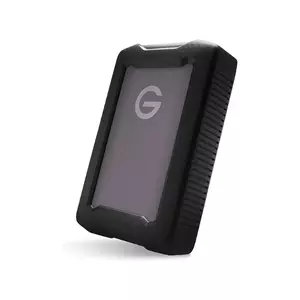
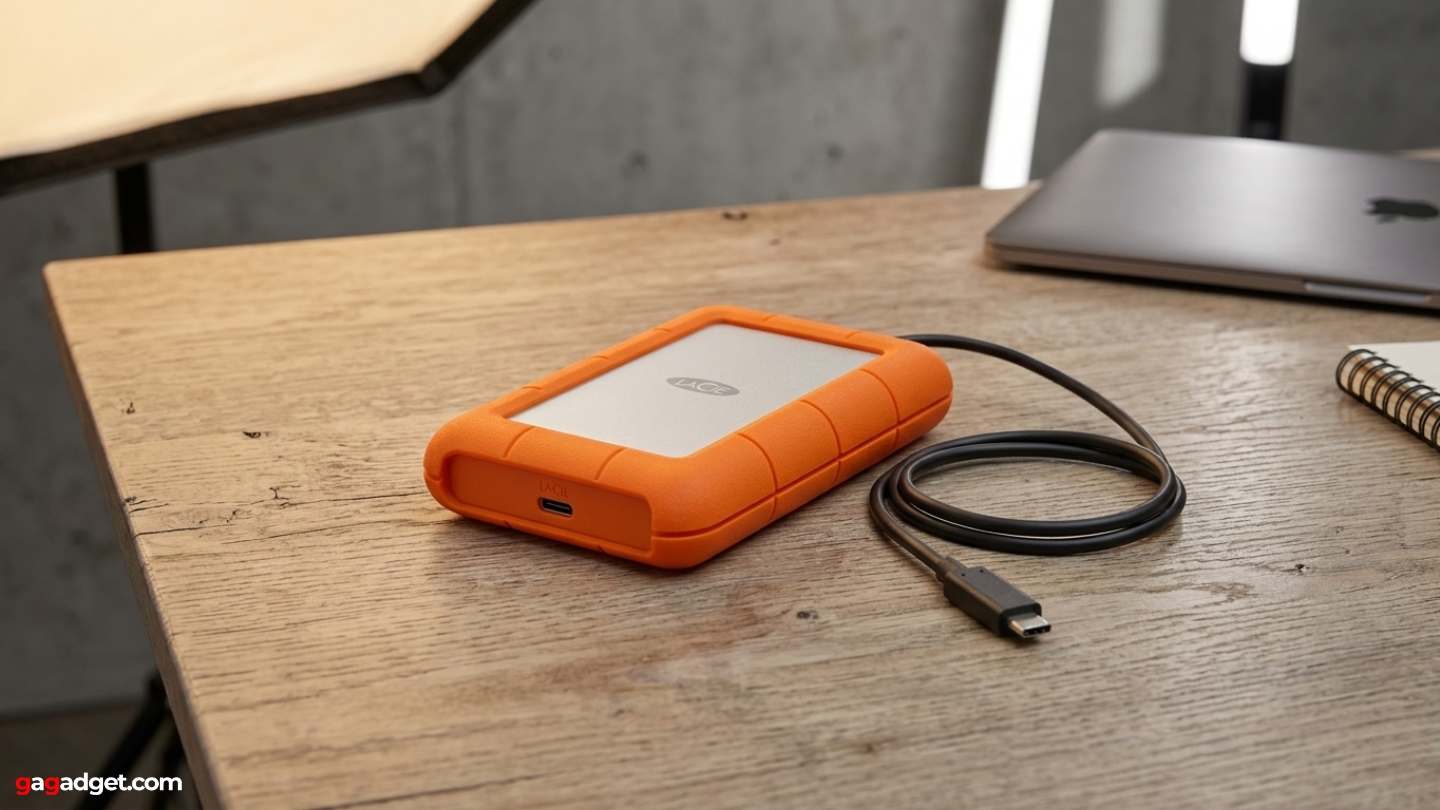
The orange silicone bumper on the LaCie Rugged and the rubber wrap on the SanDisk ArmorATD are both functional, but they protect against different scenarios. The LaCie focuses on drop resistance - it's rated to survive a fall from up to 4 feet - while the ArmorATD uses internal shock mounts alongside its outer bumper to add crush resistance of up to 1000 pounds. The LaCie is rain-resistant by design, while the ArmorATD holds a formal IP54 rating covering dust ingress and water splashed from any direction.
The standard drives in this group - the Toshiba Canvio Flex, Seagate One Touch, and WD My Passport - rely on their plastic housings without additional ruggedization. That's appropriate for desk use and typical travel, but a drop onto concrete from jacket-pocket height carries real risk of platter damage. I've found that standard drives survive most accidental drops from desk height without issue, but location shooters and active commuters will appreciate a bumper. Hard drives should not be moved while actively reading or writing, regardless of enclosure type.
Connector Types and Cross-Device Compatibility
The connector situation across this group is more fragmented than it should be. The Toshiba Canvio Flex uses a Micro-B port on the drive body but ships with both a USB-A cable and a USB-C cable. The WD My Passport WDBRMD0050BGY uses a native USB-C connector with a USB-C to USB-C cable plus a USB-A adapter. The LaCie and SanDisk drives both use USB-C connectors with dual cables included. The Seagate One Touch uses Micro-USB and ships with only a USB-A cable - the only drive here that arrives without a modern-port option in the box.
The Toshiba Canvio Flex is the only drive here pre-formatted as exFAT out of the box for verified use with iPad and Android tablets. The SanDisk ArmorATD ships formatted for macOS, which means Windows users need to reformat before use - a five-minute task, but one worth knowing before unboxing the drive at a client's office.
Tablet compatibility is a genuine consideration now that iPad Pro and Android flagship tablets have become legitimate field workstations. Toshiba specifically certifies the Canvio Flex for use with iPad and Android tablets via the USB-C port, requiring the drive to draw under the power limits that tablet USB controllers supply. The other drives may work with tablets in practice, but I always check manufacturer certification rather than assume cross-device support.
Encryption and Backup Software
Three of the five drives here include AES-256 hardware encryption: the LaCie Rugged, the Seagate One Touch, and the WD My Passport. Hardware encryption means the encryption chip sits inside the drive rather than on the host computer's CPU, so the password is required regardless of which machine the drive is connected to, and performance holds steady whether encryption is active or not.
The Seagate One Touch STKZ5000404 includes Seagate's Rescue Data Recovery service for three years - covering professional data recovery if the drive fails mechanically. Recovery from a failed spinning drive routinely runs into hundreds of dollars without coverage. The WD My Passport includes backup software with a ransomware protection feature that monitors backup files for signs of unauthorized encryption. The SanDisk ArmorATD ships with no software at all - a limitation worth flagging for Windows users expecting a utility bundle.
Weight, Form Factor, and Daily Carry
All five drives here weigh under 8 ounces and fit in a jacket pocket. Practical differences in portability come from shape and thickness rather than raw weight. The LaCie's orange silicone bumper adds a few millimeters to each dimension and makes the drive noticeably chunkier in a shirt pocket, though it still fits in any bag. The SanDisk ArmorATD's rubber bumper can be removed, bringing the drive to a slimmer profile for desk use or travel when rugged protection isn't needed.
The WD My Passport and Seagate One Touch 5TB models are thicker than their smaller-capacity siblings because 5TB requires more platters. At 0.75 inches thick versus 0.44 inches for 1TB and 2TB versions, the difference is noticeable when packing tightly but doesn't change how these drives fit in a standard laptop bag's accessory pocket.
For daily carry alongside a laptop, I weigh the form factor decision around how the drive gets used most. A desk-to-desk backup drive benefits from the slimmer profile of the Toshiba or WD. A field drive that lives in a camera bag benefits from the ArmorATD's bumper even when that bumper adds bulk. Drives that stay on a desk for weeks at a time don't need ruggedization at all - and the standard drives in this group cost noticeably less because of it. One other axis worth noting: the WD My Passport is the only drive here with an enclosure made from over 50% post-consumer recycled plastic, which matters to buyers who factor materials sourcing into their decisions.
Top 5 Portable Hard Drives in 2026
These drives were evaluated across real workflows including file backups, media offloads, cross-device transfers, and field-use scenarios.
- Dual-cable included
- iPad and Android support
- exFAT pre-format
- 3-year warranty
- Slim silver build
- 4ft drop resistance
- 1-ton crush rating
- 2-year Rescue service
- USB-C dual-cable bundle
- Optional AES-256 encryption
- Triple-layer shock system
- IP54 rain/dust rating
- 135 MB/s read speed
- Removable rubber bumper
- 3-year warranty
- 5TB capacity
- 3-year Rescue coverage
- AES-256 hardware encryption
- Seagate Toolkit included
- Chromebook compatible
- 50%+ recycled plastic
- Native USB-C connector
- Ransomware-aware backup
- Console-certified storage
- AES-256 encryption
External Storage Comparison
Here's a side-by-side look at the specifications that matter most for portable storage:
| Specification | Toshiba Canvio Flex | LaCie Rugged USB-C | SanDisk ArmorATD | Seagate One Touch | WD My Passport |
| Capacity | 4TB | 4TB | 4TB | 5TB | 5TB |
| Interface | USB 3.2 Gen 1 (Micro-B) | USB 3.2 Gen 1 (USB-C) | USB 3.2 Gen 1 (USB-C) | USB 3.0 (Micro-USB) | USB 3.2 Gen 1 (USB-C) |
| Read Speed | ~120-130 MB/s | Up to 130 MB/s | Up to 135 MB/s | Up to 120 MB/s | Up to 130 MB/s |
| Cables Included | USB-A + USB-C to Micro-B | USB-C to USB-C + USB-C to USB-A | USB-C to USB-C + USB-C to USB-A | Micro-USB to USB-A | USB-C to USB-C + USB-A adapter |
| Durability | Standard | 4ft drop, 1-ton crush, rain-resistant | 3.3ft drop, 1000 lb crush, IP54 | Standard | Standard |
| Encryption | None | AES-256 (optional) | None | AES-256 hardware | AES-256 hardware |
| Pre-Format | exFAT | Setup required (exFAT) | macOS (HFS+) | exFAT | exFAT |
| Compatibility | Win, Mac, iPad, Android | Win, Mac | Mac native / Win via reformat | Win, Mac, Chromebook | Win, Mac, Chromebook, consoles |
| Data Recovery | None | 2-year Seagate Rescue | None | 3-year Seagate Rescue | None |
| Software | None | LaCie Backup Assistant | None | Seagate Toolkit | WD Backup + ransomware protection |
| Weight | 7.41 oz (210g) | ~8.5 oz (240g) | 0.77 lbs (350g) | ~9.45 oz (268g) | 7.4 oz (210g) |
| Warranty | 3 years | 2 years | 3 years | 3 years | 3 years |
| Color | Silver | Orange/Silver | Space Gray | Space Gray | Silicon Grey |
Of the specs above, the ones that show up most often in daily decisions are pre-format, cable options, and durability tier. The others matter at purchase time and fade from view once the drive is in active rotation.
Toshiba Canvio Flex HDTX140XSCCA Review
Editor's Choice
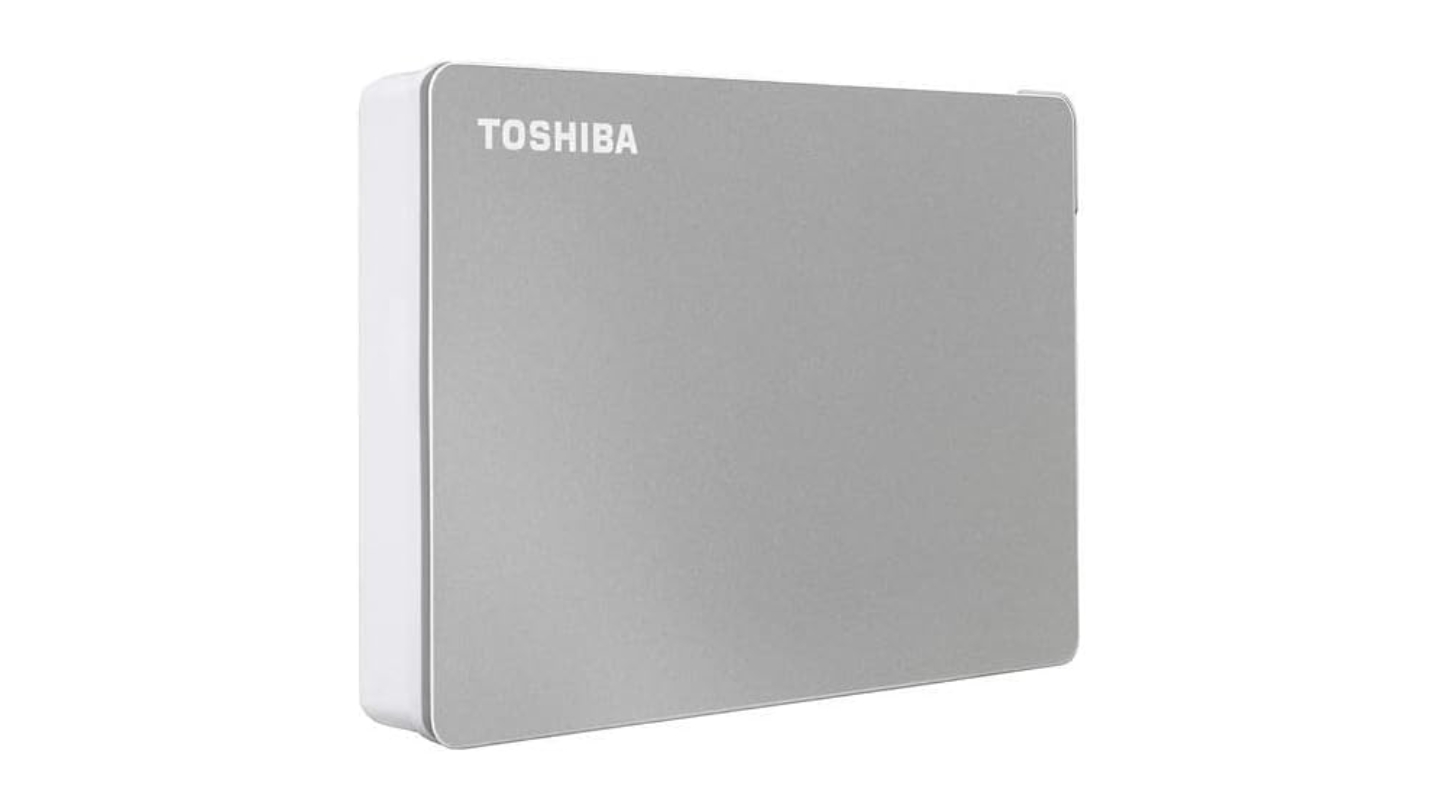
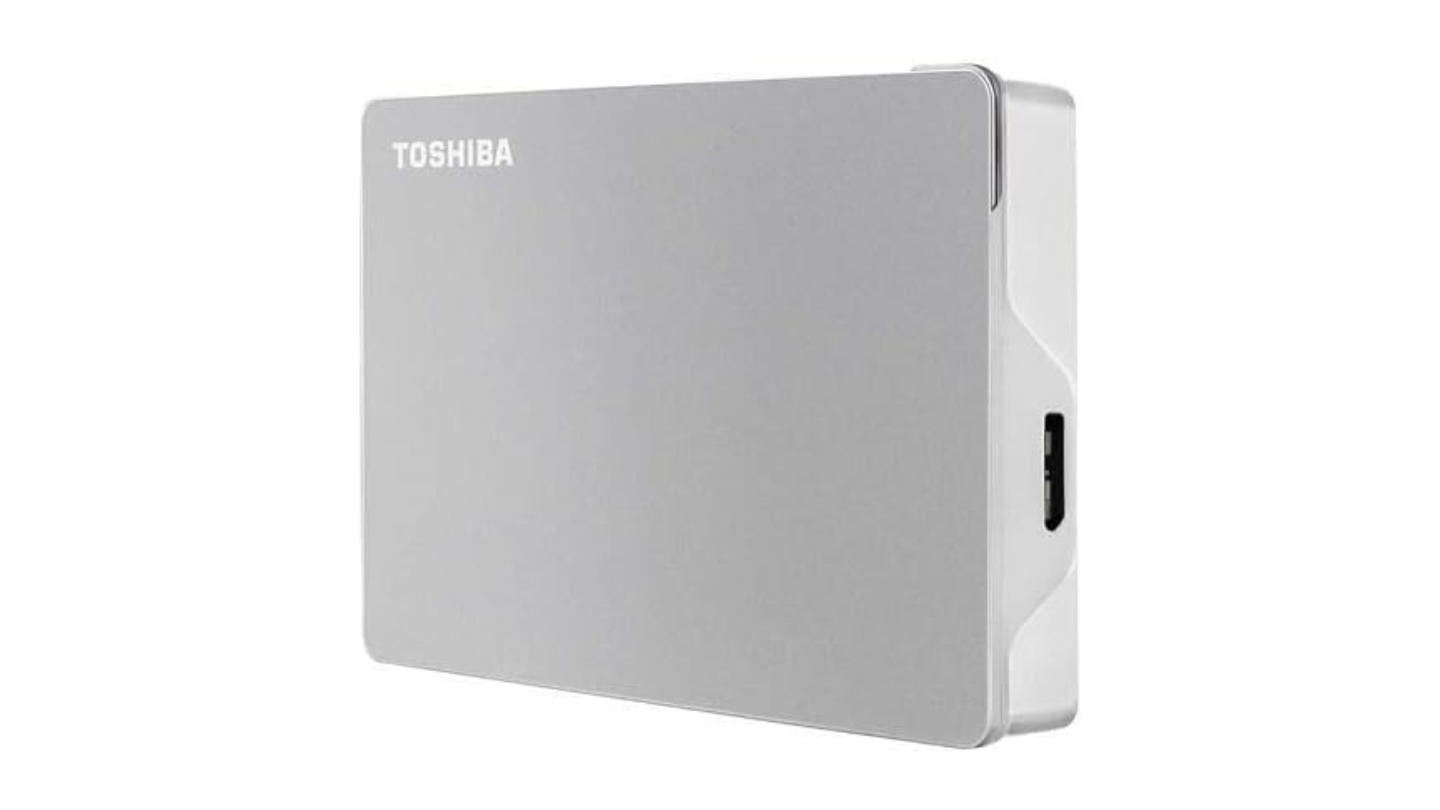
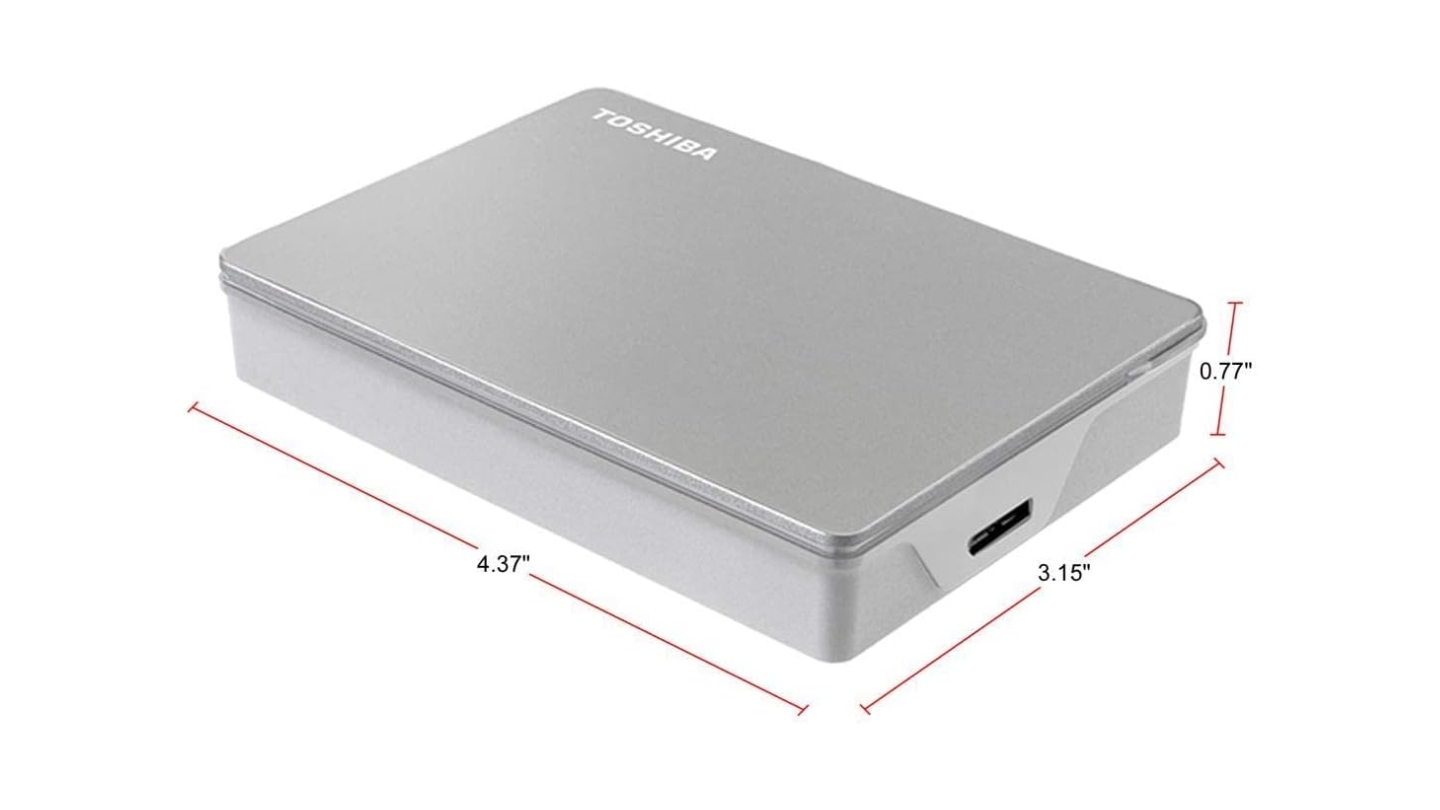
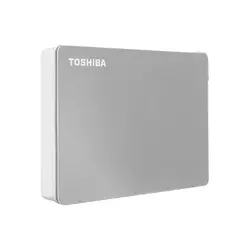
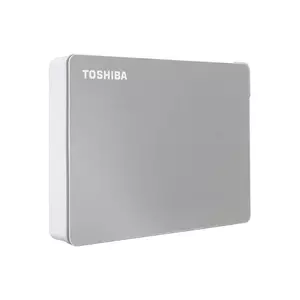
The Toshiba Canvio Flex earns the Editor's Choice position by doing something the others in this group don't: it works out of the box with Windows, Mac, iPad Pro, and Android tablets without reformatting. The exFAT pre-format and the dual-cable configuration - USB-A and USB-C cables both included for the same Micro-B port on the drive - mean this is the drive you unbox, plug into whatever device is nearby, and start using without troubleshooting the connection. That zero-friction start is worth more than benchmarks for most buyers, and Toshiba's decision to certify it for tablet use sets the Canvio Flex apart from every other 4TB drive in this group.
At 4TB in a 2.5-inch enclosure, the Canvio Flex weighs 7.41 oz and measures just 0.77 inches thick - slim enough to slide into a laptop bag's accessory pocket without added bulk. The satin silver finish is fingerprint-resistant and holds up to the inside of a bag better than glossy alternatives. Transfer speeds via USB 3.2 Gen 1 hit around 120-130 MB/s in sequential reads, which covers backing up photo libraries and copying large folders comfortably.
I find myself reaching for the Canvio Flex when I need to move files between a MacBook, a Windows desktop, and an iPad in the same afternoon, because it connects to all three without any cable or format conversation. Toshiba's three-year limited warranty matches the longest in this group alongside the SanDisk and WD drives, and the registration process is painless. The silver profile and lightweight build make it the most aesthetically neutral drive here - the kind that sits on a desk without drawing attention.
The drive ships with no encryption and no bundled backup software. For users who need password protection on sensitive files, the Seagate One Touch or WD My Passport is a better fit. The Micro-B connector on the drive body - though covered by the included dual-cable bundle - means replacement cables need to match that less-common connector. USB-C drives like the LaCie and SanDisk are simpler to re-cable on the road when an original cable goes missing.
For students, creative professionals who move between platforms daily, and anyone wanting a reliable 4TB drive that connects to a wide range of devices without friction, the Canvio Flex is the most practical pick in this group. Broad compatibility, included dual cables, a three-year warranty, and a slim profile combine into a drive that handles diverse daily storage tasks without asking for workarounds.
Pros:
- Dual-cable included
- iPad and Android support
- exFAT pre-format
- 3-year warranty
- Slim silver build
Cons:
- No hardware encryption
- Micro-B drive connector
Summary: Toshiba Canvio Flex leads this group in cross-device compatibility, arriving pre-formatted for Windows, Mac, and tablets with both cable types included. The right pick for anyone who moves files across platforms daily.
LaCie Rugged USB-C STFR4000800 Review
Best Overall
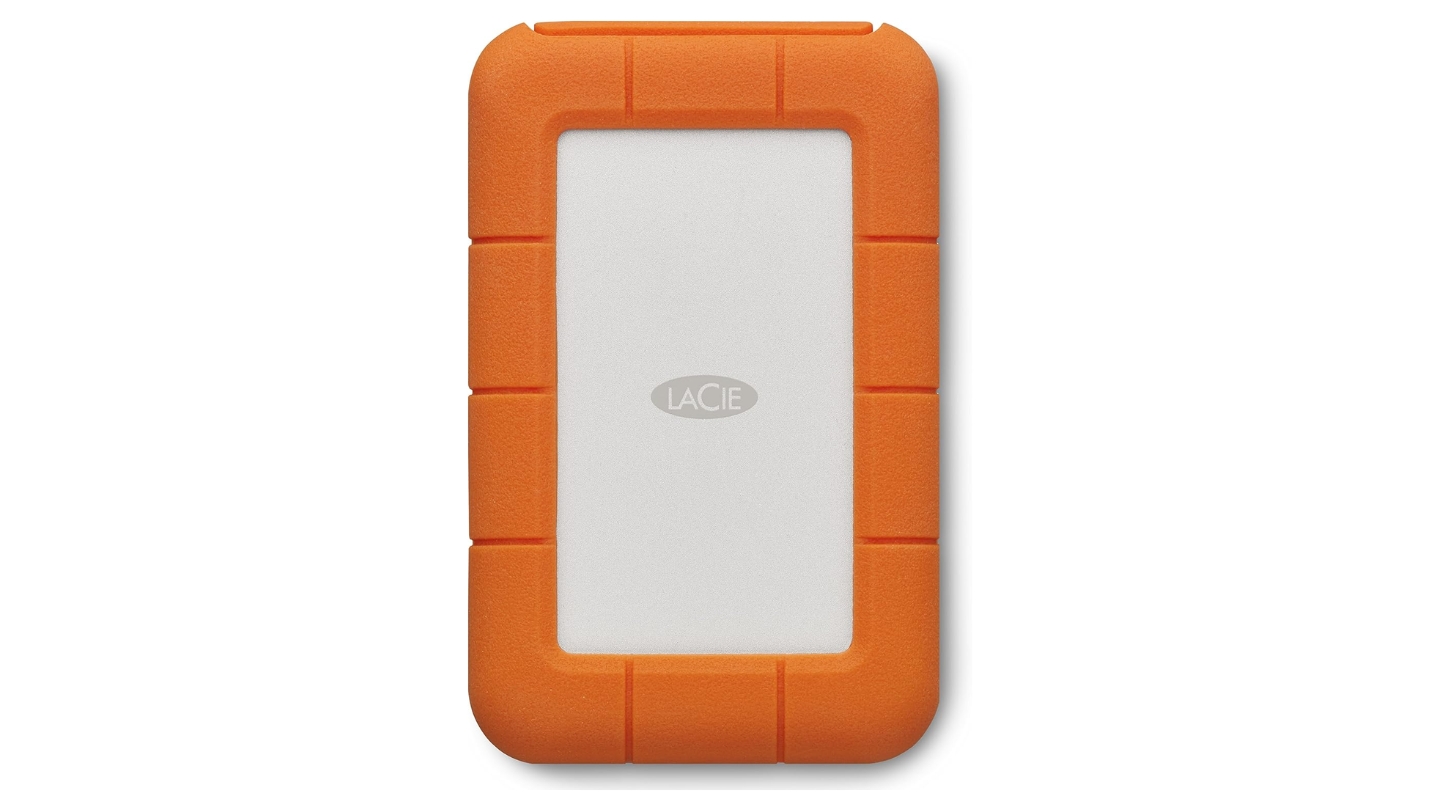
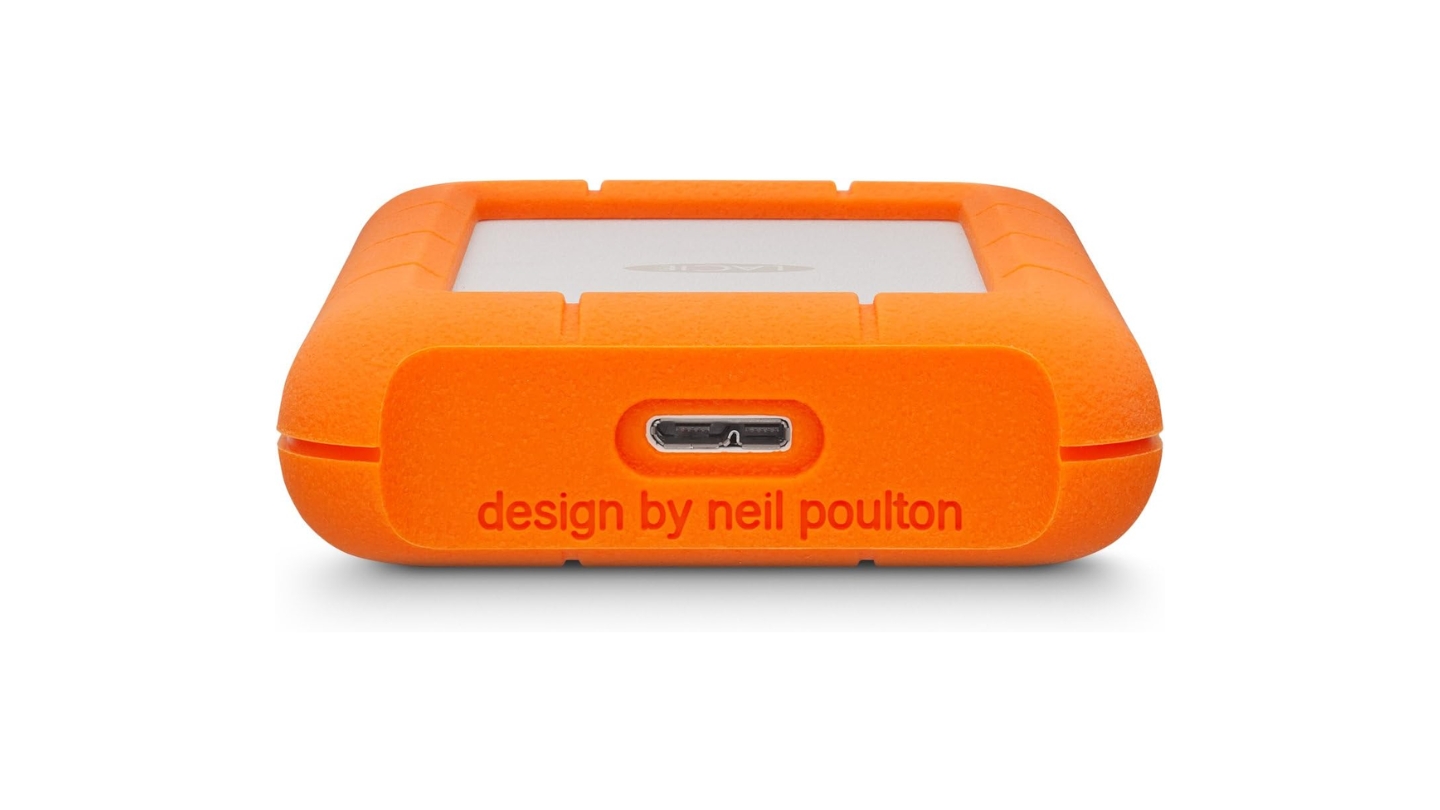
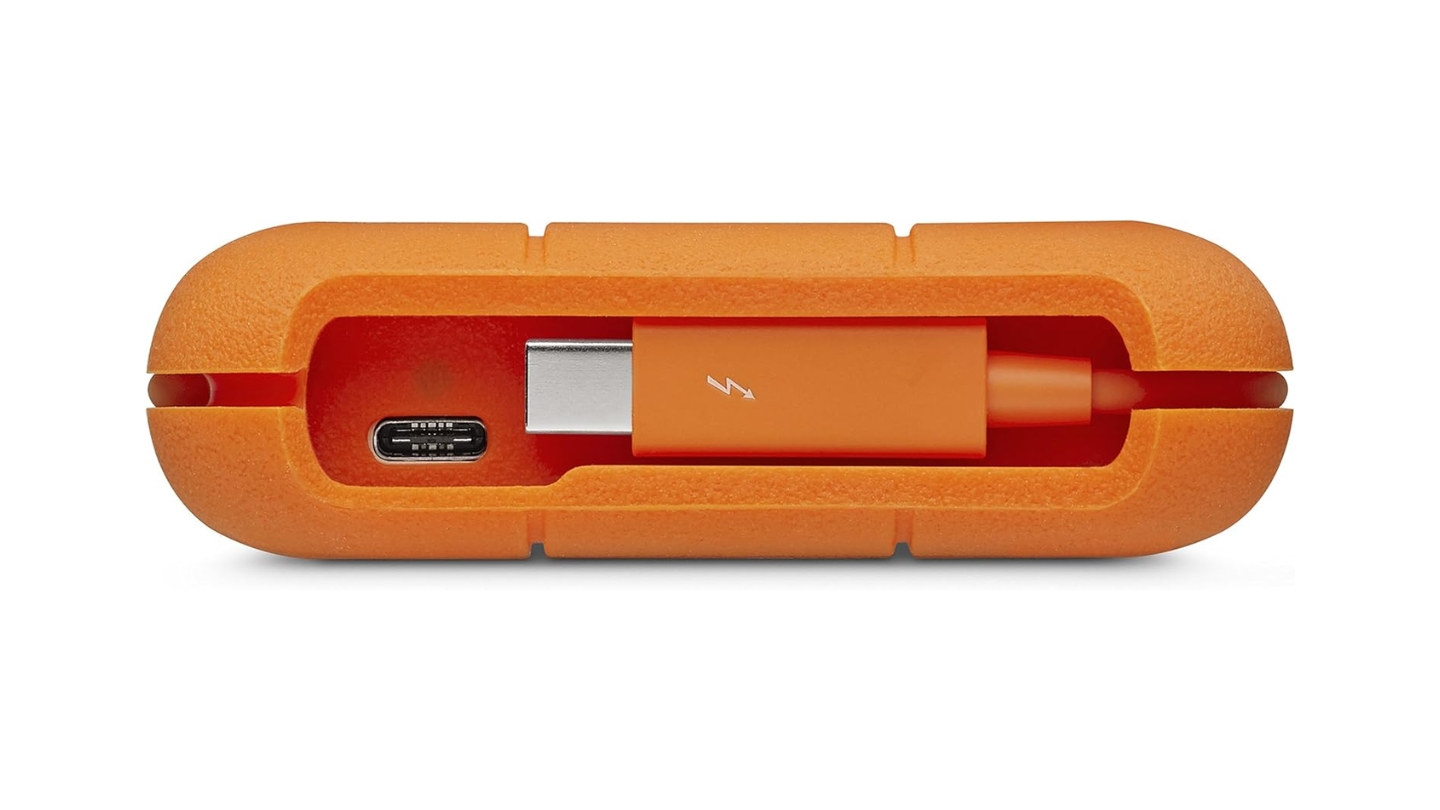
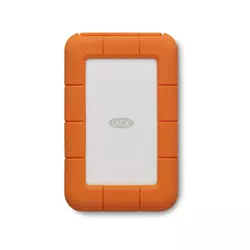
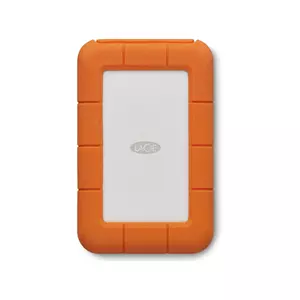
The LaCie Rugged USB-C is the drive that creative professionals reach for because it has a production-environment track record that standard drives can't claim. I've seen these orange-wrapped drives in camera bags on location shoots and in post-production suites where a drive failure would directly cost a project its timeline. The reputation rests on the combination of drop, crush, and rain resistance that the 4-foot drop rating and 1-ton crush certification represent. The thick silicone wrap absorbs impact energy in a way that thin plastic enclosures cannot, and LaCie has submitted this design to independent testing rather than relying only on lab figures.
Transfer speeds in real-world use hit around 130-135 MB/s sequential read, at the top of what a spinning 2.5-inch drive can achieve over USB 3.2 Gen 1. USB-C to USB-C and USB-C to USB-A cables are both included, covering modern MacBooks and legacy USB-A ports. The LaCie Rugged also connects to Thunderbolt 3 ports, though at USB 3.1 Gen 1 speeds - the Thunderbolt connection adds no speed benefit on a spinning drive.
Two years of Seagate Rescue Data Recovery Services come bundled with the STFR4000800, covering professional mechanical recovery within the plan period. For a drive used in field conditions where drops are more likely than in an office, that coverage is a meaningful practical benefit. Optional AES-256 encryption through the LaCie Backup Assistant software adds a password layer for sensitive footage or client files. The orange silicone bumper is removable for desk use, but I'd leave it on for any use outside a controlled environment.
The design hasn't changed significantly over several generations, which is part of what makes it credible. The same orange silicone and silver aluminum combination from earlier LaCie Rugged drives shows up here, updated for the USB-C connector. The chassis is noticeably thicker than the Toshiba and WD options, and it weighs more as a result. For desk use exclusively, that extra mass is unnecessary. For anyone whose storage goes into a camera bag or travels through cargo holds, the tradeoff is straightforward.
The warranty runs two years rather than three, shorter than the SanDisk, Toshiba, and WD drives here. That limitation matters less when Rescue coverage is already in the box, but it's worth noting for buyers who track warranty duration separately. In the context of all five drives, the LaCie Rugged is the one I'd trust without reservation in conditions where the others might not survive.
Pros:
- 4ft drop resistance
- 1-ton crush rating
- 2-year Rescue service
- USB-C dual-cable bundle
- Optional AES-256 encryption
Cons:
- 2-year warranty only
- Bulkier than standard drives
Summary: LaCie Rugged USB-C is the benchmark for field-ready portable storage, combining drop, crush, and rain resistance with 130 MB/s transfers and Seagate Rescue coverage. The go-to choice for photographers and video professionals who work outside a studio.
SanDisk Professional 4TB G-DRIVE ArmorATD Review
Field Pro
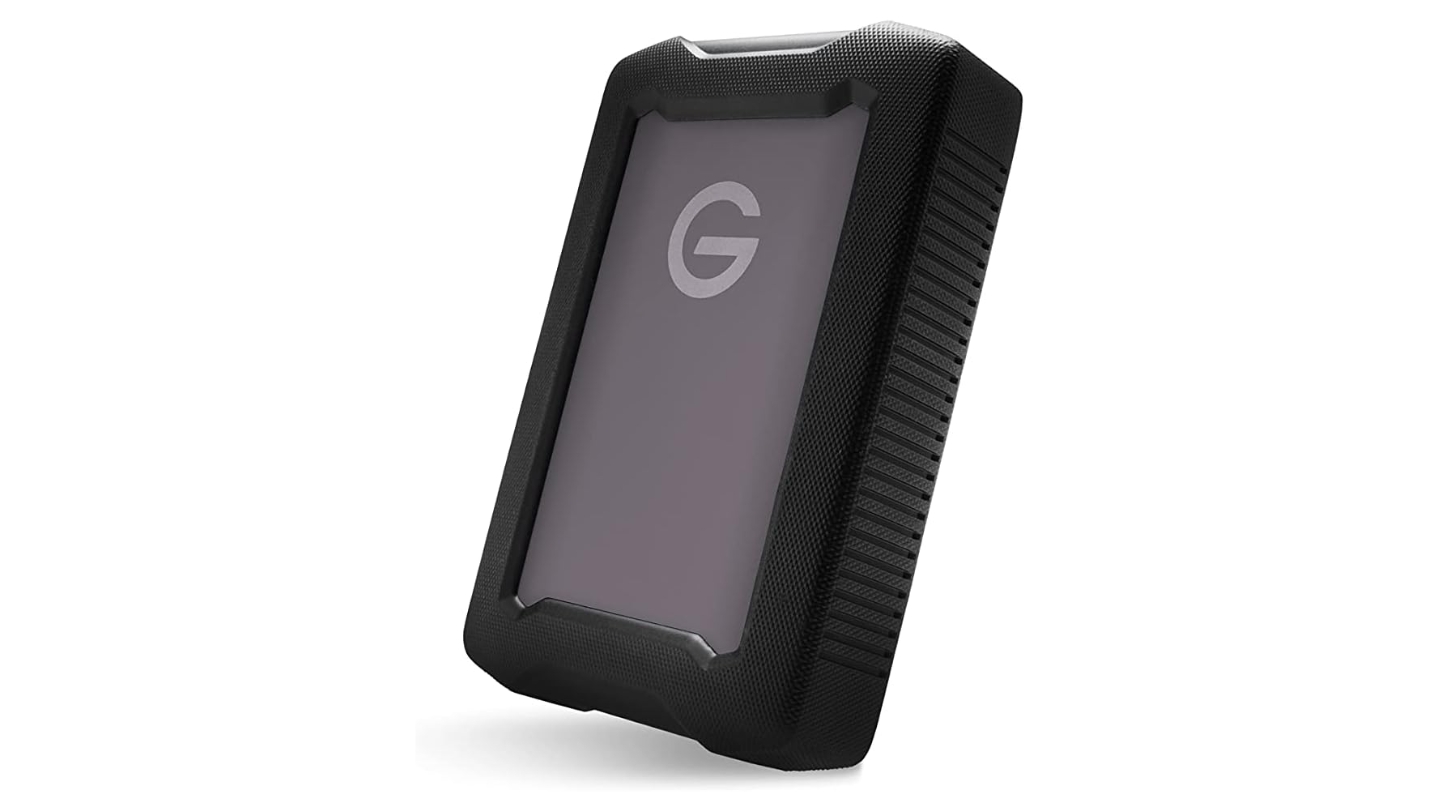
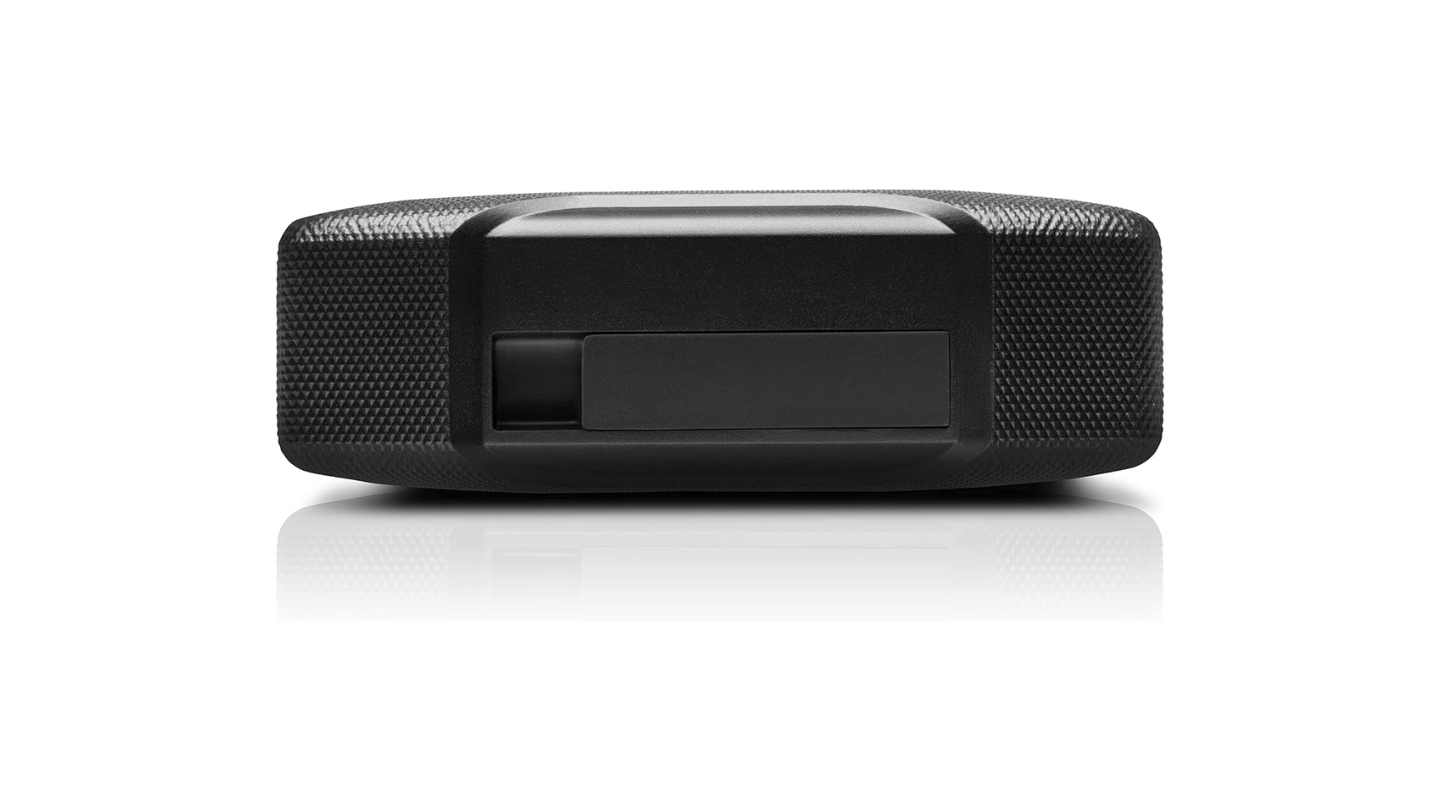
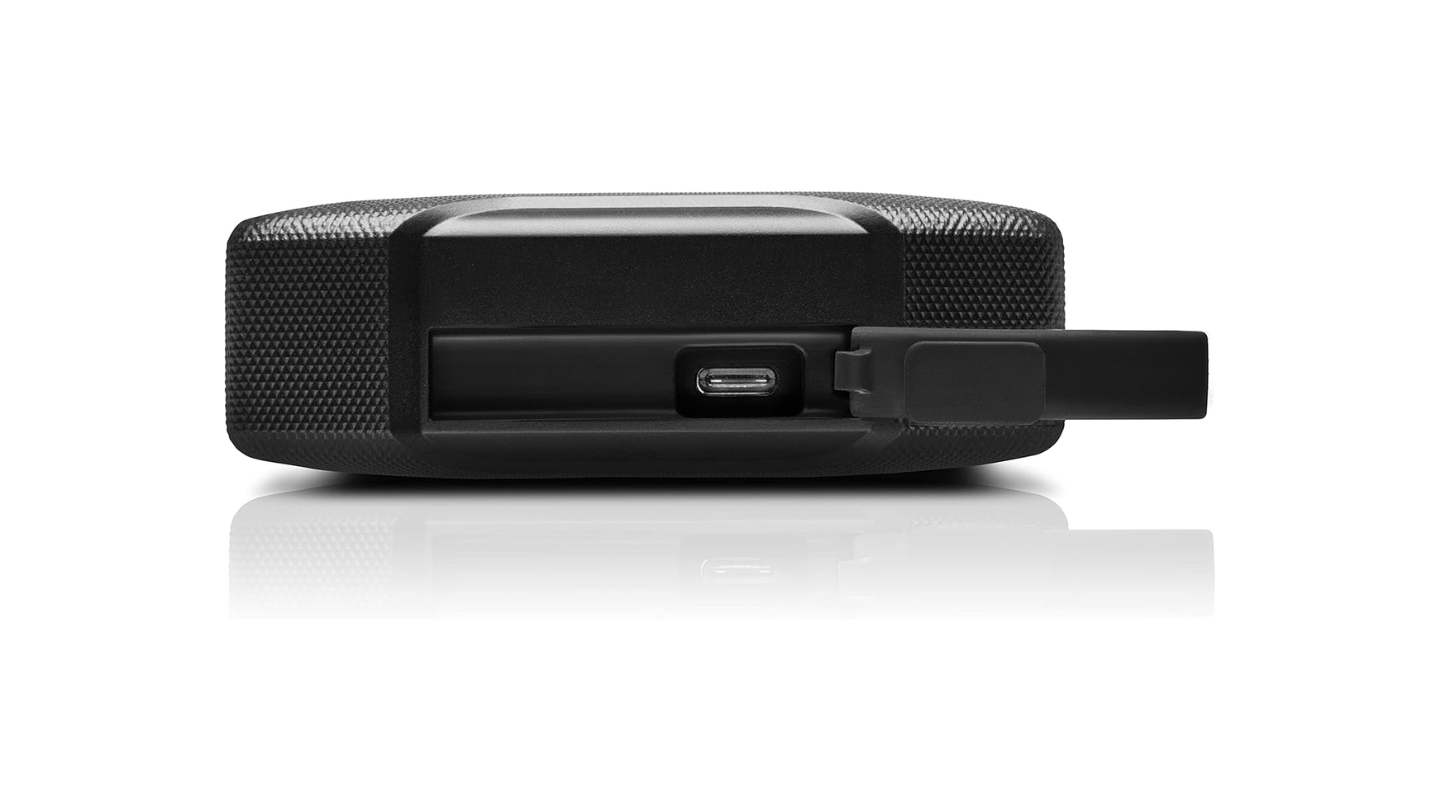
Where the LaCie Rugged relies on its silicone bumper to absorb impacts, the SanDisk Professional G-DRIVE ArmorATD takes a more structural approach to durability. The triple-layer protection system combines an outer rubber bumper, an anodized aluminum enclosure, and internal shock mounts that isolate the drive mechanism from the outer housing. That architecture produces a crush resistance of 1000 pounds and a drop rating of 3.3 feet on carpeted concrete for the 4TB model, alongside an IP54 rain and dust rating for regular location use. The G-DRIVE ArmorATD is also compatible with Thunderbolt 3 ports, operating at USB 3.2 Gen 1 speeds.
The anodized aluminum enclosure is the detail that separates this drive from the LaCie in hand feel. The ArmorATD has a machined-metal quality that feels deliberate rather than merely protective. The rubber bumper is removable, which brings the drive to a closer-to-standard profile for desk or travel use when rugged protection isn't the priority. Sequential reads on the 4TB model top out at 135 MB/s according to TechRadar's testing, with write speeds at 125 MB/s - the highest ceiling in this group for a mechanical drive at this form factor.
I keep the ArmorATD's bumper on whenever the drive is in a bag alongside camera gear. The rubber grip and aluminum shell prevent the drive from sliding around or scratching adjacent equipment, and the IP54 rating covers dust and light rain that comes with outdoor location work. USB-C connector and included dual-cable bundle cover modern and legacy ports without hunting for an adapter. The drive is pre-formatted for macOS and Time Machine compatible out of the box, which suits its primary audience of Mac-based creative professionals.
Windows users need to reformat to NTFS or exFAT before the drive mounts correctly. SanDisk's website has clear formatting instructions, but this step can catch Windows users off guard at unboxing - especially after the Toshiba or Seagate drives in this group, both of which mount immediately. No backup software is included, a limitation TechRadar flagged specifically in its review. For Mac users in the Time Machine ecosystem, that absence is a genuine non-issue.
The 3-year warranty matches the Toshiba and WD. There's no bundled data recovery plan, which puts it behind the LaCie and Seagate for recovery insurance. Buyers who need recovery coverage alongside rugged protection should look at the LaCie first. Everyone else gets a drive that handles outdoor conditions with a build quality that feels closer to professional camera equipment than consumer storage.
Pros:
- Triple-layer shock system
- IP54 rain/dust rating
- 135 MB/s read speed
- Removable rubber bumper
- 3-year warranty
Cons:
- Mac pre-format only
- No backup software
Summary: SanDisk G-DRIVE ArmorATD pairs an anodized aluminum build with triple-layer shock protection and IP54 weather resistance. The stronger structural pick for Mac-based photographers and videographers who need a field drive with a removable bumper option.
Seagate One Touch STKZ5000404 Review
Data Safe
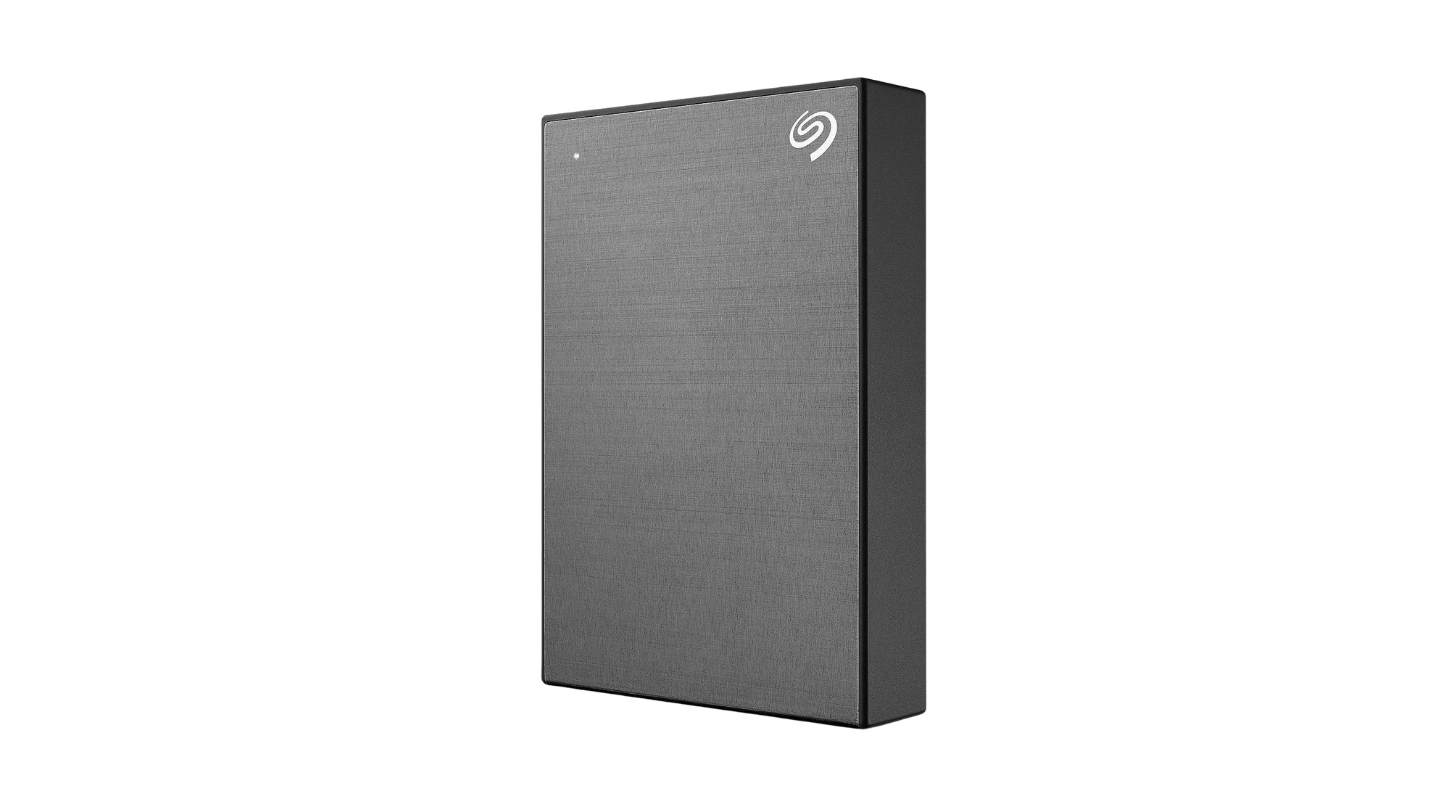
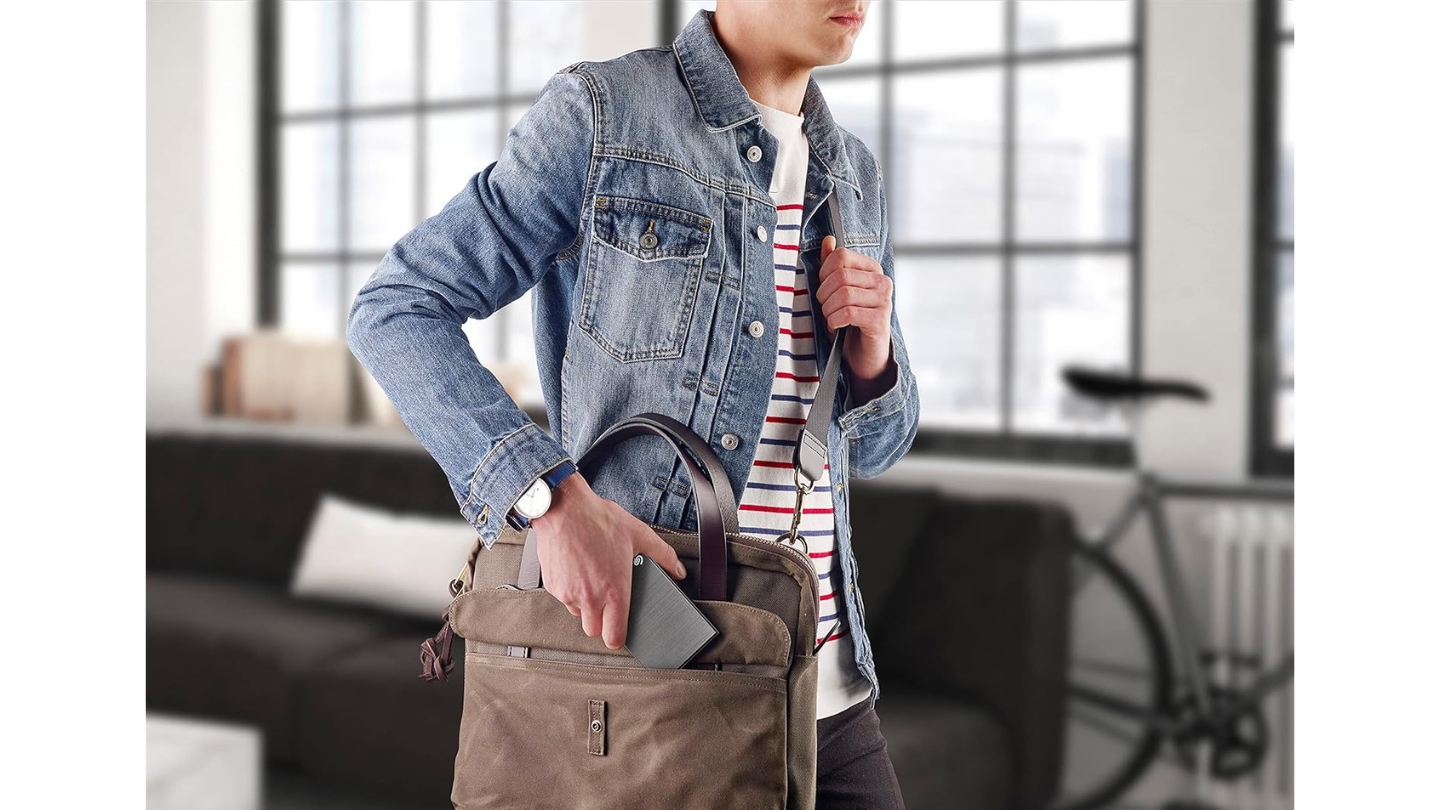
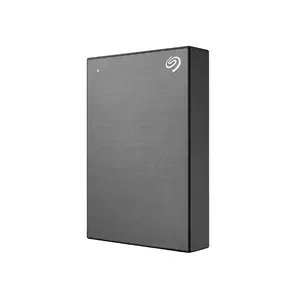
At 5TB in a standard portable form factor, the Seagate One Touch STKZ5000404 makes the biggest capacity argument in this group. Five terabytes in a bus-powered 2.5-inch enclosure is the practical upper limit for this form factor, and Seagate puts it in a brushed-texture plastic chassis that looks polished on a desk without telegraphing "budget storage" even in a professional setting. The space grey finish is understated, and the slim-profile build fits easily into any standard laptop bag.
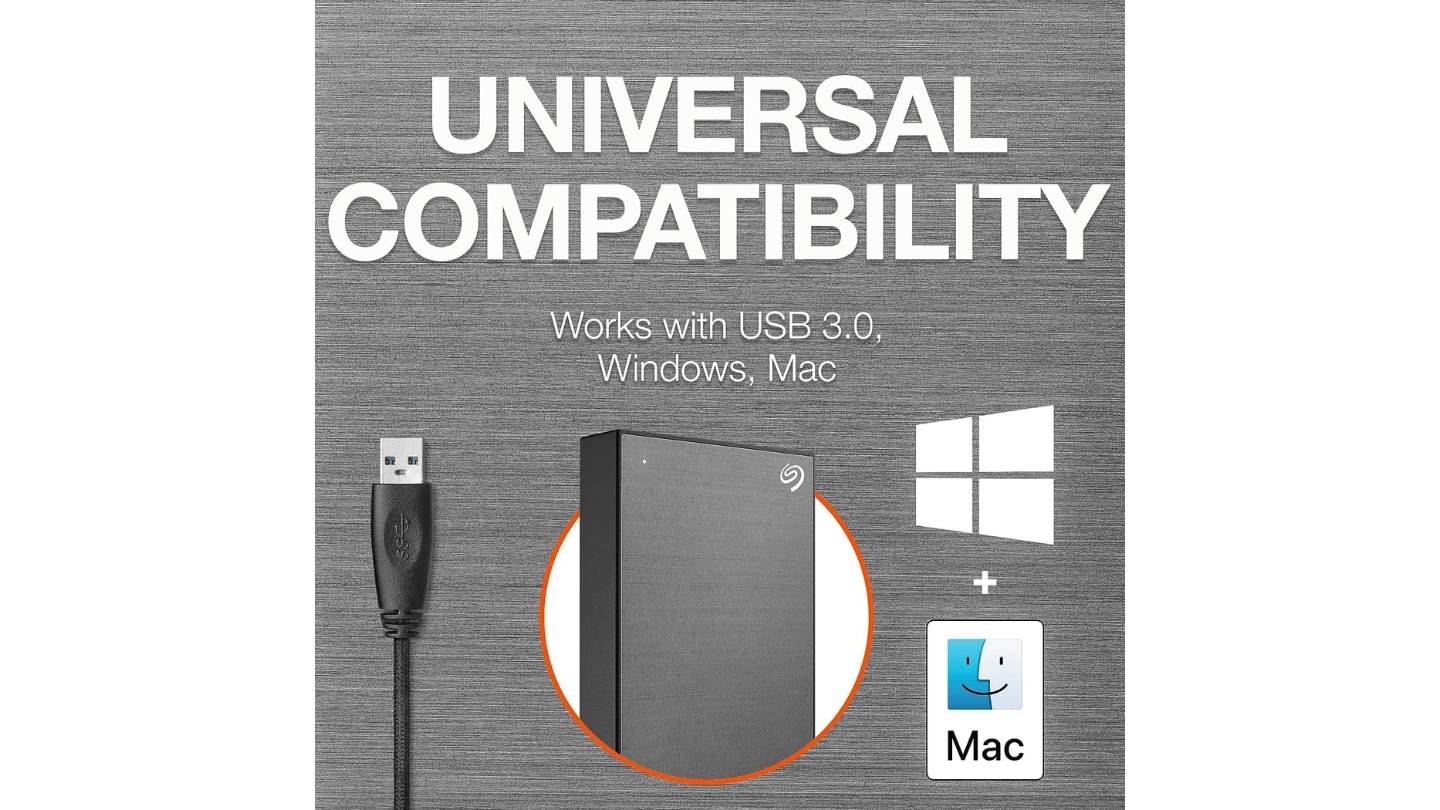
The interface is USB 3.0 via Micro-USB, a step behind the USB-C connections on the LaCie, SanDisk, and WD drives. Sequential transfer speeds land around 120 MB/s in real-world use - fast enough for large file transfers and photo library backups, though trailing the higher-performing drives in this group. The drive is pre-formatted as exFAT, which mounts on Windows, Mac, and Chromebook from the first connection. I find the Chromebook compatibility particularly useful for students who move between ChromeOS and Windows machines in the same workspace.
The STKZ5000404 variant includes three years of Seagate Rescue Data Recovery Services - the longest recovery coverage in this group. Mechanical hard drives fail, and professional recovery from a failed drive without coverage is expensive. The included Seagate Toolkit software adds one-click backup, file synchronization, and optional cloud backup routing to Google Drive, Dropbox, or OneDrive.
Hardware AES-256 encryption activates via password protection through the Toolkit app. Unlike software encryption that runs on the host CPU, the encryption chip sits inside the drive - the password is required regardless of what computer the drive is connected to. That makes the STKZ5000404 a more appropriate fit for storing sensitive documents than the Toshiba or SanDisk drives here, both of which ship without any encryption layer.
The main limitation is the Micro-USB connector, which feels dated in a group that has otherwise moved to USB-C. Replacement Micro-USB cables are widely available, but the cable that ships in the box is short, and sourcing a longer replacement at an airport or hotel is less certain than finding a USB-C cable. For users who move large backup archives and value recovery insurance above everything else, the Rescue coverage and 5TB capacity make a strong case regardless of the connector type.
Pros:
- 5TB capacity
- 3-year Rescue coverage
- AES-256 hardware encryption
- Seagate Toolkit included
- Chromebook compatible
Cons:
- Micro-USB connector
- Short included cable
Summary: Seagate One Touch STKZ5000404 pairs 5TB of capacity with three years of Rescue Data Recovery coverage and hardware AES-256 encryption. The most complete protection package in this group, offset only by its legacy Micro-USB connector.
WD My Passport WDBRMD0050BGY-WESN Review
Eco Pick
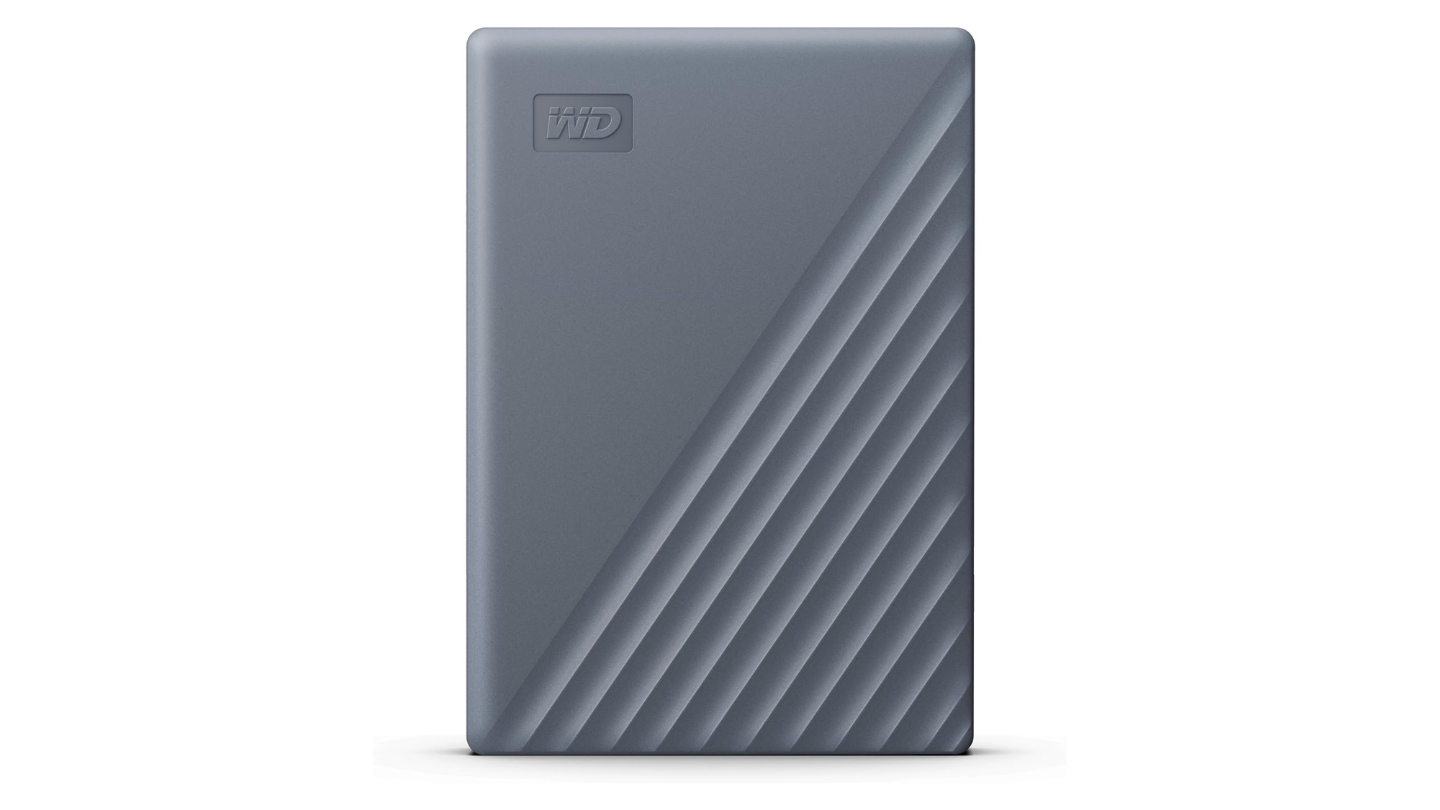
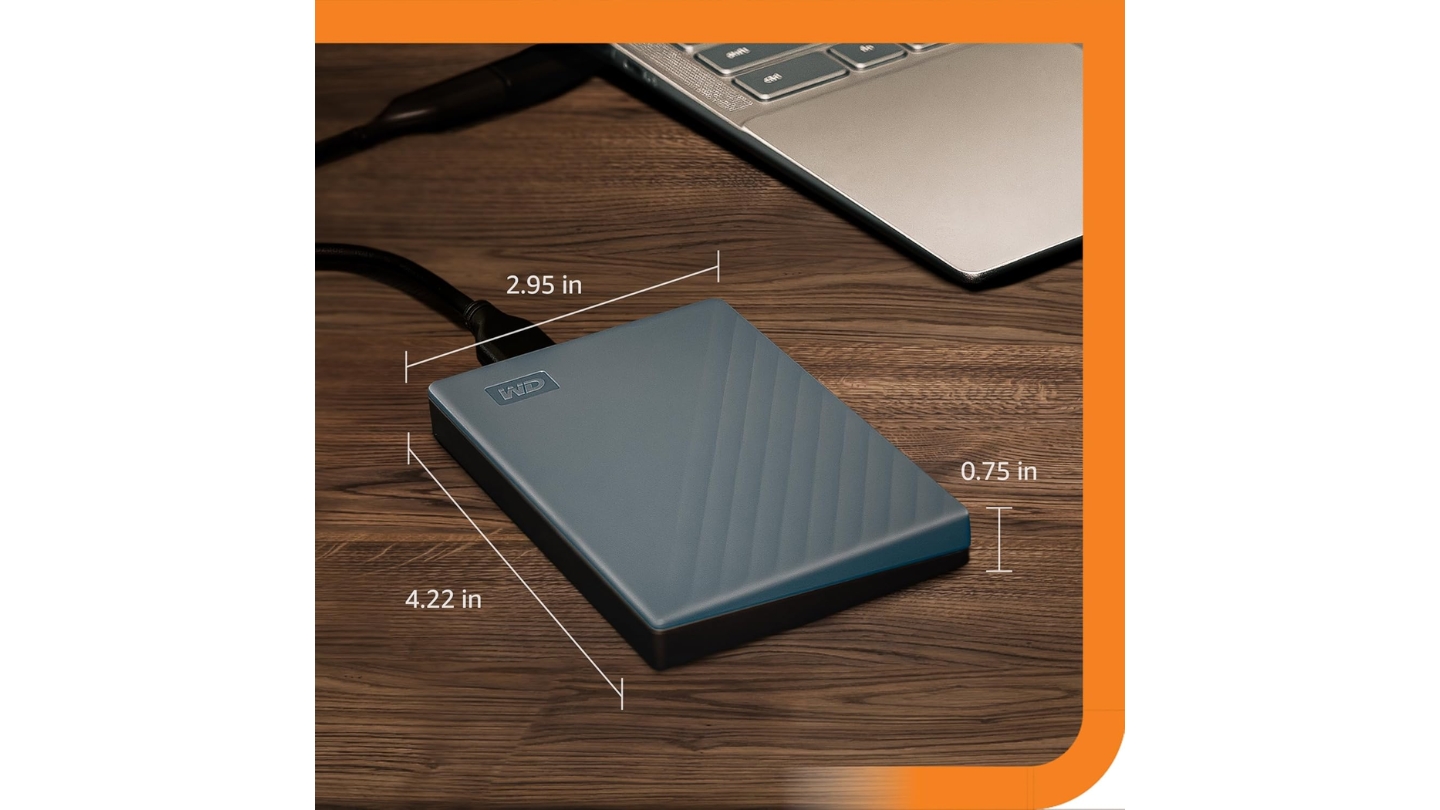
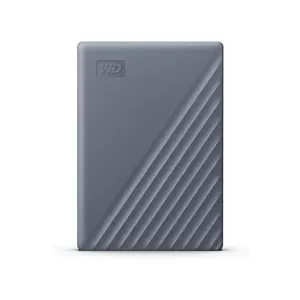
WD's My Passport has been one of the most consistently trusted portable drives for years, and the WDBRMD0050BGY-WESN updates that track record with a USB-C native connector and a Silicon Grey enclosure built from over 50% post-consumer recycled plastic. That materials choice is genuine rather than cosmetic: the recycled plastic shell is structurally consistent and shows no visible difference from virgin plastic construction in daily use, and the packaging is fully recyclable. For buyers who factor environmental sourcing into purchase decisions, the My Passport is the only drive in this group that addresses it at the materials level.
The 5TB capacity hits 120-140 MB/s in sequential reads, according to Tom's Hardware testing. The drive connects via USB 3.2 Gen 1 USB-C and ships with both a USB-C to USB-C cable and a USB-A adapter, covering modern and legacy ports. Pre-formatted exFAT means it mounts immediately on Windows, Mac, and Chromebook, and WD also certifies it for use with gaming consoles - PlayStation and Xbox support is a practical advantage for users who store game libraries on external storage alongside computer backups.
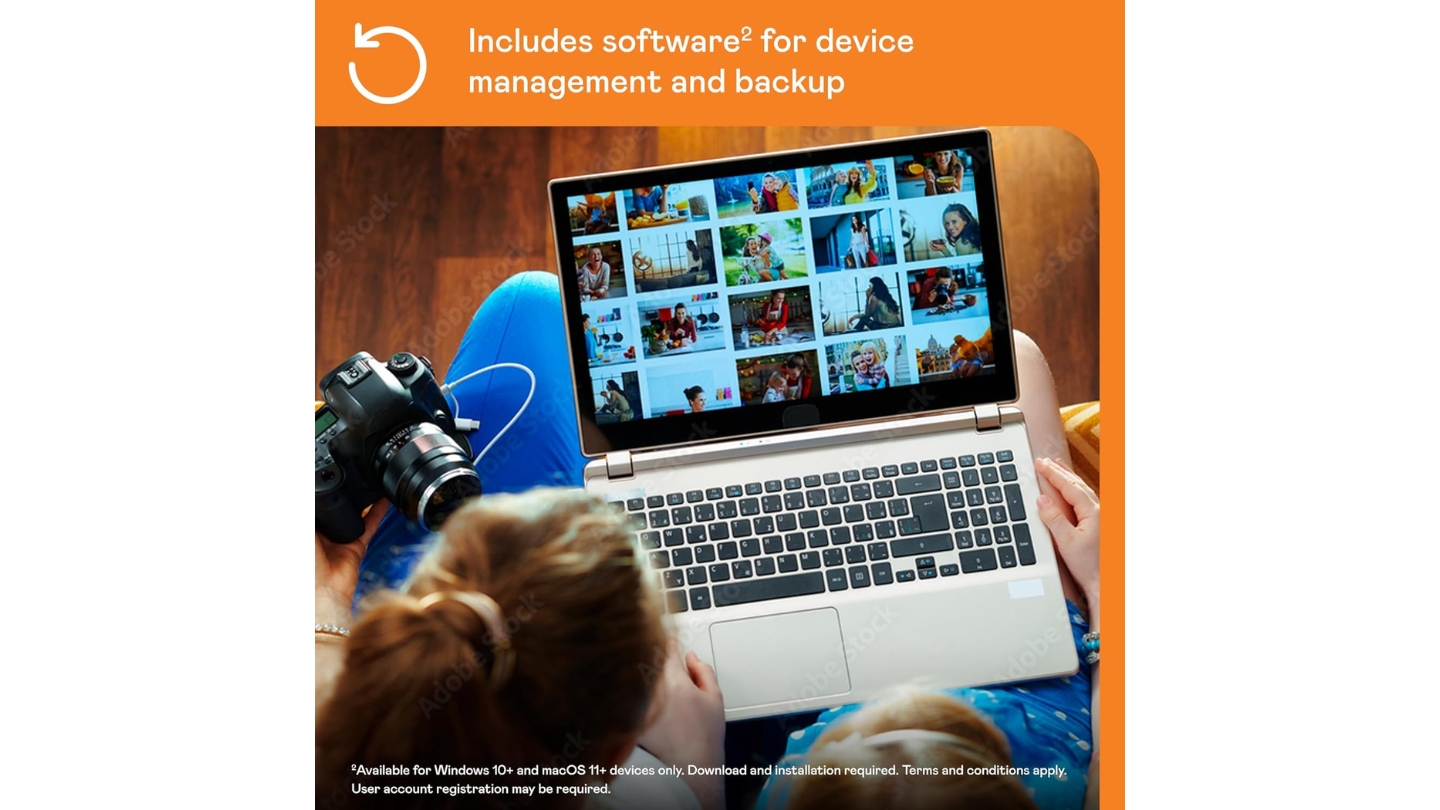
WD's included device management software runs backup schedules automatically and includes a ransomware protection feature that monitors backup files for signs of unauthorized encryption. That feature matters more than it might appear: ransomware that encrypts local files frequently targets connected drives as well, and a backup utility that actively checks for this pattern adds a layer of protection that standard file copying doesn't. The 256-bit AES hardware encryption and password protection operate through WD Discovery.
Tom's Hardware confirmed in its My Passport review that WD uses an SMR-based drive inside this capacity tier. SMR records efficiently in sequential workloads but slows when the drive rewrites existing data as the cache fills. For media offloads and one-direction transfers, the speed holds fine. For backup software that constantly rewrites existing blocks, that SMR behavior is worth understanding before building a workflow around it.
My only practical friction with the My Passport after extended use is that there's no bundled data recovery plan - the only 5TB option here without Seagate-style Rescue coverage. For users who want both the highest capacity in this group and a recovery safety net, the Seagate One Touch is the better fit on those terms. Everyone else gets a drive that covers daily backups, console storage, and travel in a single well-made package with USB-C convenience and genuine environmental credentials.
Pros:
- 50%+ recycled plastic
- Native USB-C connector
- Ransomware-aware backup
- Console-certified storage
- AES-256 encryption
Cons:
- SMR write slowdown
- No recovery plan included
Summary: WD My Passport WDBRMD0050BGY-WESN is the most versatile drive in this group - 5TB with USB-C, recycled construction, console certification, and ransomware-protected backup software in a single package.
Portable External Hard Drive: FAQ
How much storage do I actually need in a portable hard drive?
For general document and photo backup, 1TB or 2TB covers most users with several years of headroom. The 4TB and 5TB drives in this group serve more specific needs: 4TB suits photographers with large RAW libraries or video editors who offload footage regularly, while 5TB makes sense for users consolidating multiple older drives or storing uncompressed video archives. All five drives here run on bus power with no external adapter required, but the 5TB models are noticeably thicker than smaller-capacity versions due to the additional platters required to reach that ceiling.
What is the difference between an HDD and SSD for portable storage?
Spinning hard drives offer more capacity per dollar - 5TB portable SSDs cost several times more than the 5TB HDDs in this group. SSDs have no moving parts, making them significantly more resistant to drops or vibration during active use. HDDs should never be moved or subjected to impact while they are actively reading or writing, as the read head floats extremely close to the platter surface and a sudden jolt can cause data corruption. For stationary desk use or careful travel, HDDs are a practical value choice. For location work involving movement during transfers, an SSD is the safer option.
Are portable hard drives safe to travel with in a bag?
Standard drives like the Toshiba, Seagate, and WD here are safe in a padded laptop bag pocket when not actively in use. The key rule is to make sure the drive has finished any operation and been properly ejected before packing it. Rugged drives like the LaCie and SanDisk ArmorATD tolerate the normal bumps and compressions of bag travel better, and their outer bumpers absorb incidental impacts from overhead bins or hard surface landings.
Do portable hard drives work with both Mac and Windows?
Most drives here ship formatted for cross-platform use. The Toshiba Canvio Flex, Seagate One Touch, and WD My Passport all come pre-formatted as exFAT, mounting on Mac and Windows without reformatting. The LaCie Rugged requires a brief format setup on first use. The SanDisk ArmorATD ships formatted for macOS and requires a reformat to work with Windows - a step that erases all data on the drive, so it should happen before any files are added.
What real-world transfer speeds should I expect?
The 5 Gb/s interface on these drives has a theoretical ceiling of 625 MB/s, but spinning drives hit a mechanical limit far below that number. Realistic sequential read speeds run from 120 MB/s on the Seagate One Touch to 135 MB/s on the SanDisk ArmorATD. Write speeds trail slightly in each case. Transferring 100GB of large files takes roughly 12-15 minutes depending on the drive and host system. Performance drops noticeably with small files, fragmented transfers, or host ports running at USB 2.0 speeds on older machines.
Is hardware encryption worth it on a portable drive?
If the drive will ever contain sensitive files - financial records, client work, or medical documents - hardware encryption is worth enabling. Hardware AES-256 means the encryption chip sits inside the drive rather than on the host processor, and the drive is completely unreadable without the correct password regardless of which computer it's connected to. Three of the five drives here support hardware encryption: the LaCie Rugged, Seagate One Touch, and WD My Passport. The Toshiba Canvio Flex and SanDisk ArmorATD do not - a limitation for any user handling data that requires confidentiality.
How long do portable hard drives typically last?
Industry data puts average mechanical drive failure rates at around 1-2% annually in the first few years, rising higher after three to five years of regular use. A drive that backs up weekly and sits in a drawer otherwise outlasts a drive that runs eight hours a day. All five drives here carry three-year warranties except the LaCie, which covers two years. The Seagate One Touch STKZ5000404 and LaCie Rugged both include data recovery services - the practical acknowledgment that any mechanical drive can fail unexpectedly regardless of care.
Can I use a portable hard drive with a gaming console?
Xbox and PlayStation consoles both support external USB storage for game libraries, with some restrictions. Xbox Series X/S allows external USB drives to store games but requires its internal SSD for Series-optimized titles. PlayStation 5 supports external USB drives for PS4 games and extended storage, but reserves its internal SSD for full PS5 performance. WD explicitly certifies the My Passport for console use. The SanDisk ArmorATD's macOS pre-format requires a reformat before a console will recognize it, while the Toshiba and Seagate drives mount without any additional setup.
Matching the Drive to Your Use Case
Five drives covering the same basic job still spread across meaningfully different use scenarios once you look past the capacity numbers. The Toshiba Canvio Flex is the one I'd hand to someone who moves between a Mac, a Windows PC, and a tablet on a regular basis: the dual-cable bundle and exFAT pre-format remove every compatibility question before it comes up. Location shooters and field professionals should go directly to the LaCie Rugged USB-C or the SanDisk ArmorATD.
The LaCie brings Rescue coverage and a decades-long track record in production environments. The ArmorATD adds the removable bumper, an anodized aluminum shell, and a slightly higher read ceiling for Mac-centric workflows. Users who prioritize recovery insurance over ruggedization should look at the Seagate One Touch STKZ5000404 - three years of Rescue coverage on a 5TB drive at this price is a strong value for anyone who knows what professional data recovery costs without a plan. For anyone who wants a single drive that handles desktop backups, console game storage, and travel with recycled-material credentials, I'd point them to the WD My Passport - it covers all of it in one USB-C package.

Jim's our tech geek with a mission since February 2023. From movies to video projectors, he knows his stuff and aims to make tech work for you. When he's not geeking out, he's there to guide you through making savvy decisions.


