It's hard to believe, but this projector was born out of the development of Samsung's TV business. It all started with the search for new scenarios for using TVs and the creation of a designer series of TVs: The Frame, The Serif, The Terrace, and The Sero. And later - to the series of projectors The Freestyle and The Premiere. The Premiere 5 interactive projector is a further development of these experiments. It occupies an intermediate position between the portable The Freestyle and the home cinema equipment - The Premiere 7/9. Accordingly, it benefits from portability (easy to move to another room and set up quickly) and image brightness (triple RGB laser like the flagship The Premiere 9). But with the addition of a camera, this projector can be turned into an interactive screen, which is not a wall, but a table.
Quick transition
- What you need to know about The Premiere 5
- What's in the box
- The Premiere 5 exterior
- The Premiere 5 interface
- Interactive use of The Premiere 5
- Impressions of using The Premiere 5
- Bottom line.
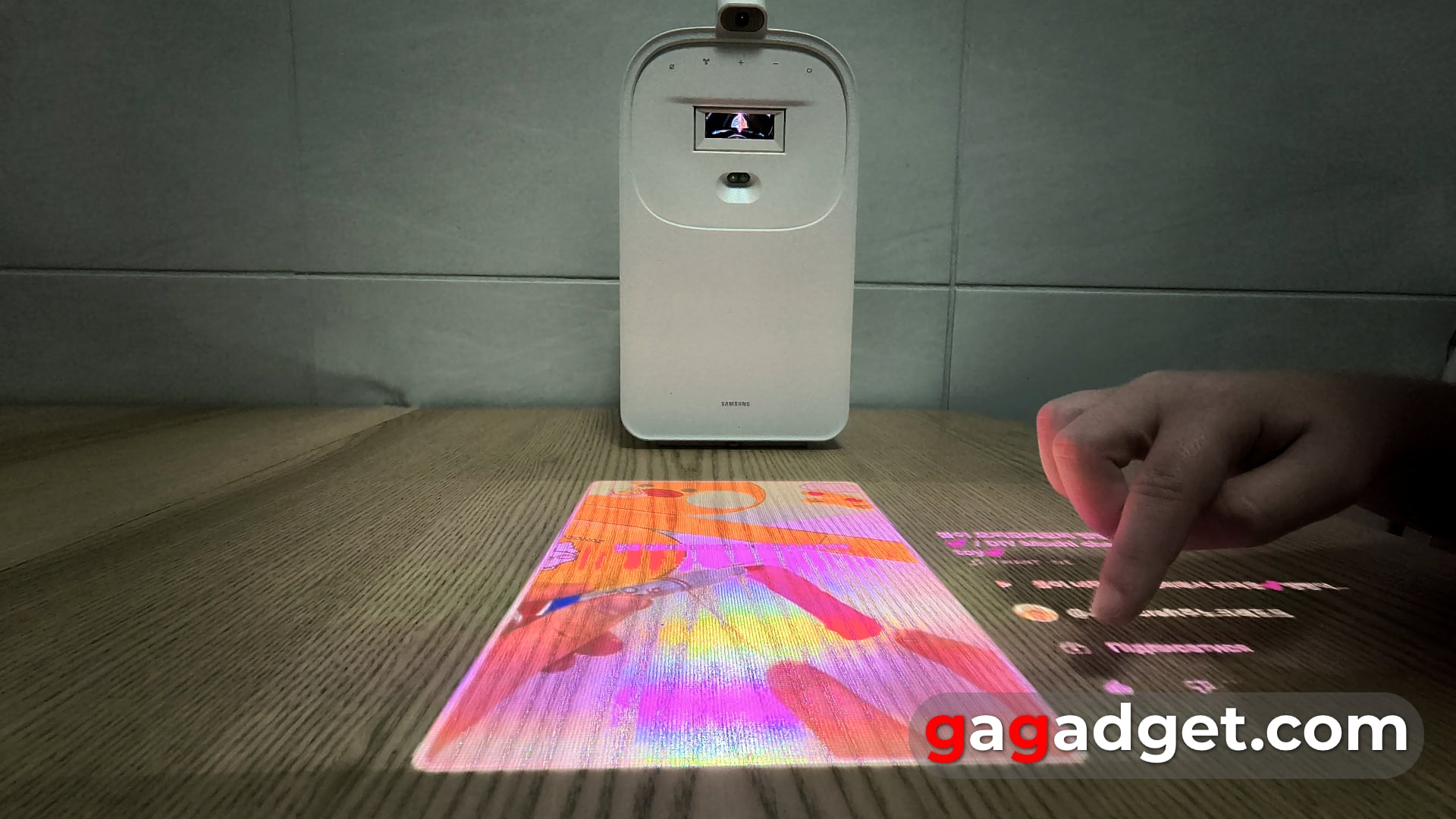
The Premiere 5 in interactive mode. Illustration: gagadget
What you need to know about The Premiere 5
This is an ultra-short-focus FullHD projector that runs on the Tizen operating system, the basis of Samsung's smart TVs, and produces images with a diagonal of up to 100 inches. Accordingly, it can work as a smart speaker and be part of the SmartThings smart home ecosystem and act as a hub for this system. From The Freestyle, it inherits automatic screen geometry adjustment and the ability to work in conjunction with a second The Premiere 5 (Smart Edge Blending - you can read how it works in The Freestyle review) to create an even larger image. It also has a conditional portability and the ability to work from a powerful power bank. Like the older models of The Premiere, the new projector supports, for example, Q-Symphony technology, which allows you to combine the sound of the built-in speaker with a suitable Samsung soundbar. It has a special gaming mode with a separate Game Bar (but a microHDMI cable is required to connect a console or PC). And the main difference between The Premiere 5 and all other projectors is its ability to interact with the screen on a regular table surface.
What's in the box
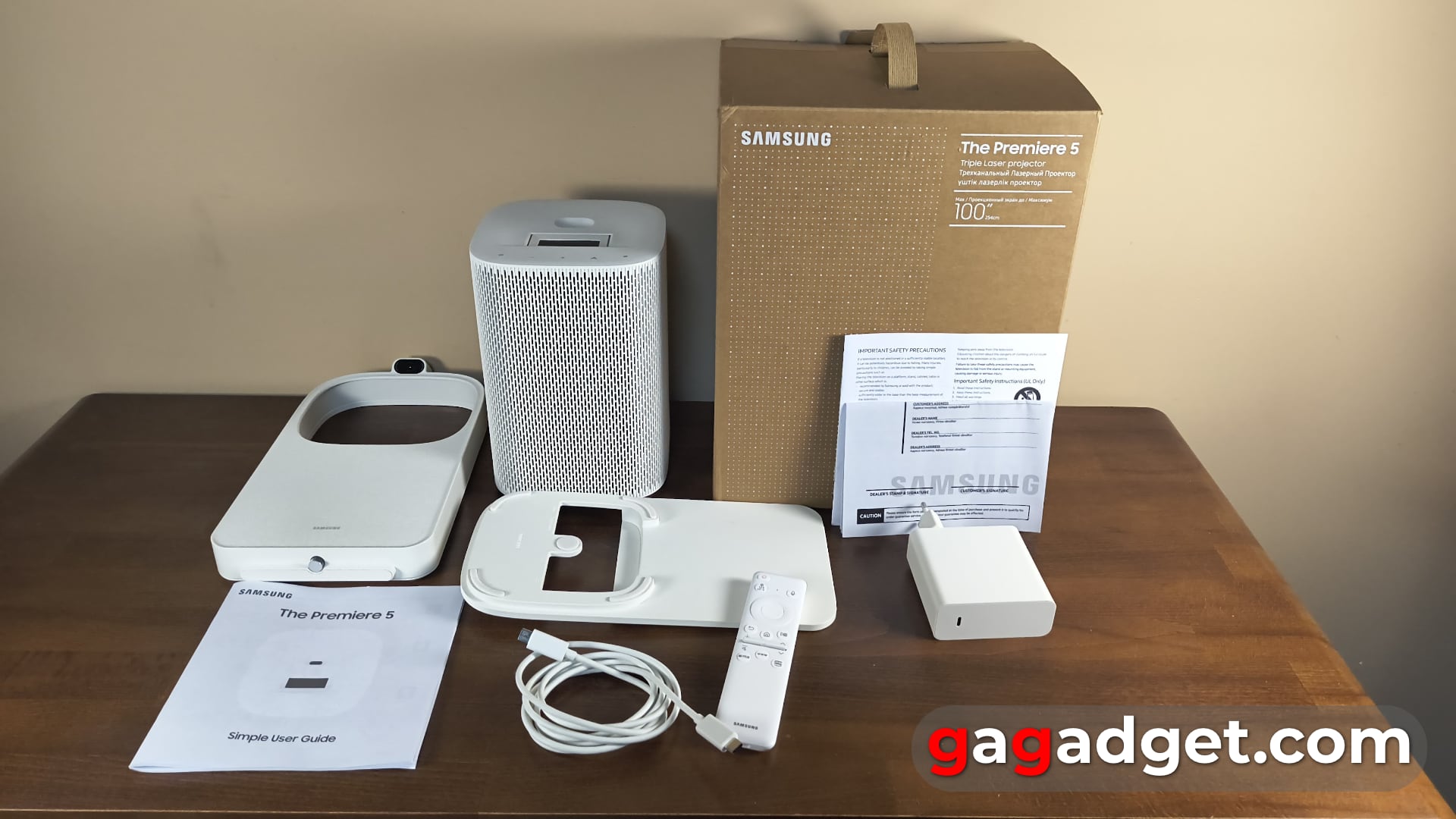
The Premiere 5 delivery kit. Illustration: gagadget
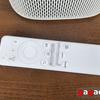
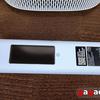
The box made of recycled materials has a convenient carrying handle and contains, in addition to the projector, a charger, a dual USB-C cable (very convenient and modern, this is a universal approach that allows you to easily replace the cable, and secondly, use the charger to charge other gadgets), a SolarCell remote control with a solar panel, and two Touch Stand panels that turn the projector into an interactive projection device. And, of course, a warranty card with user manual.
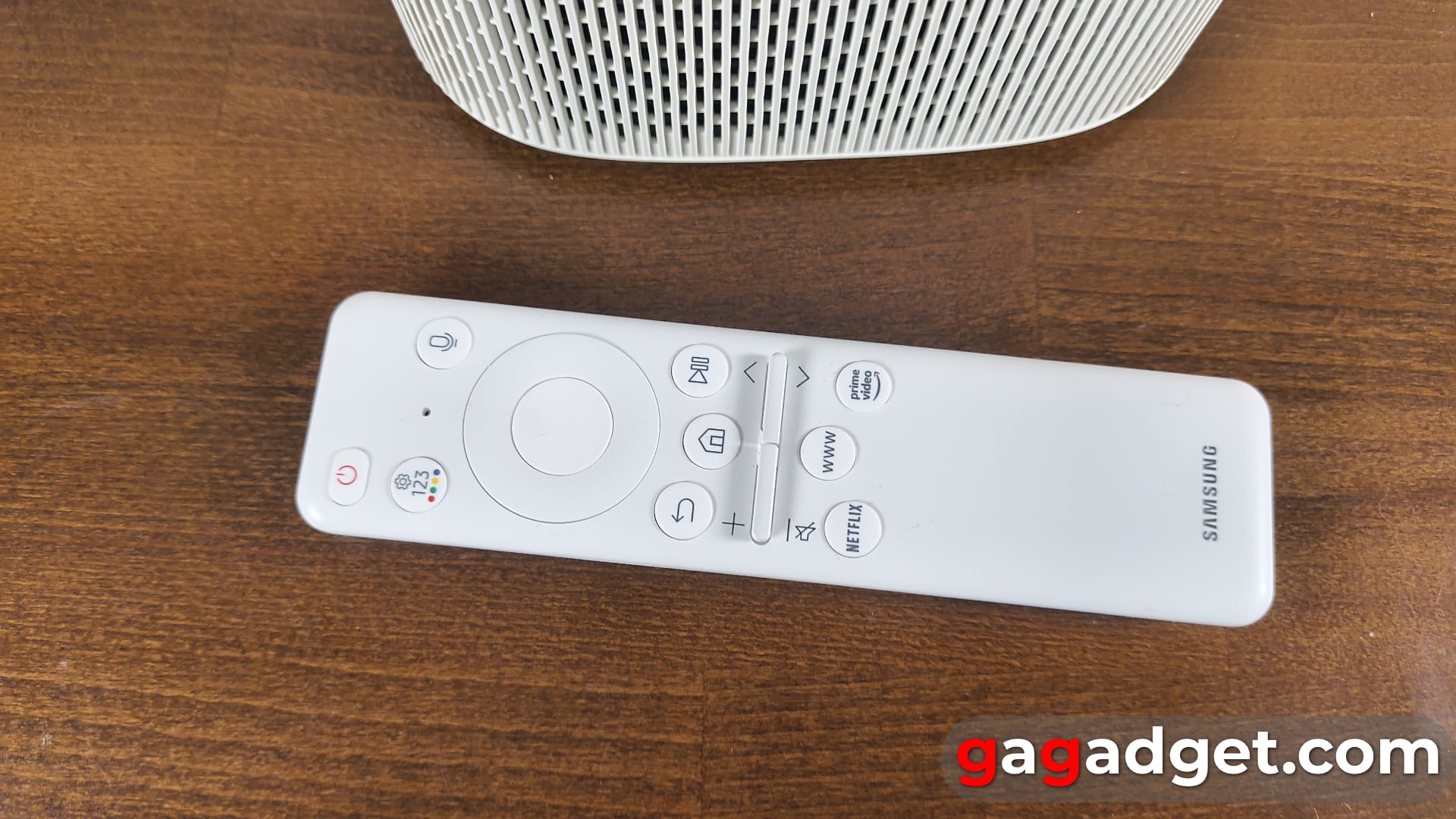
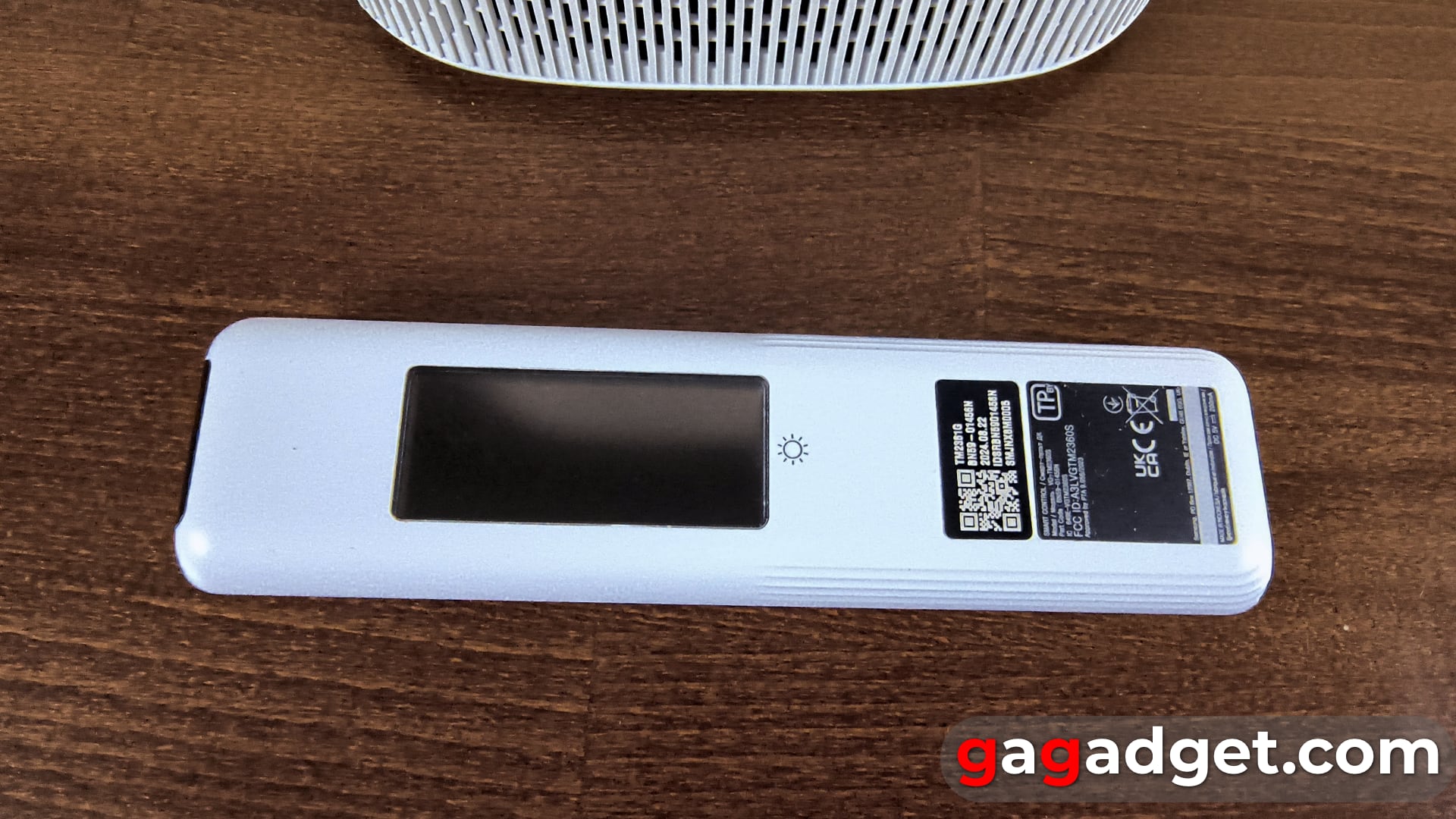
Appearance of Samsung The Premiere 5
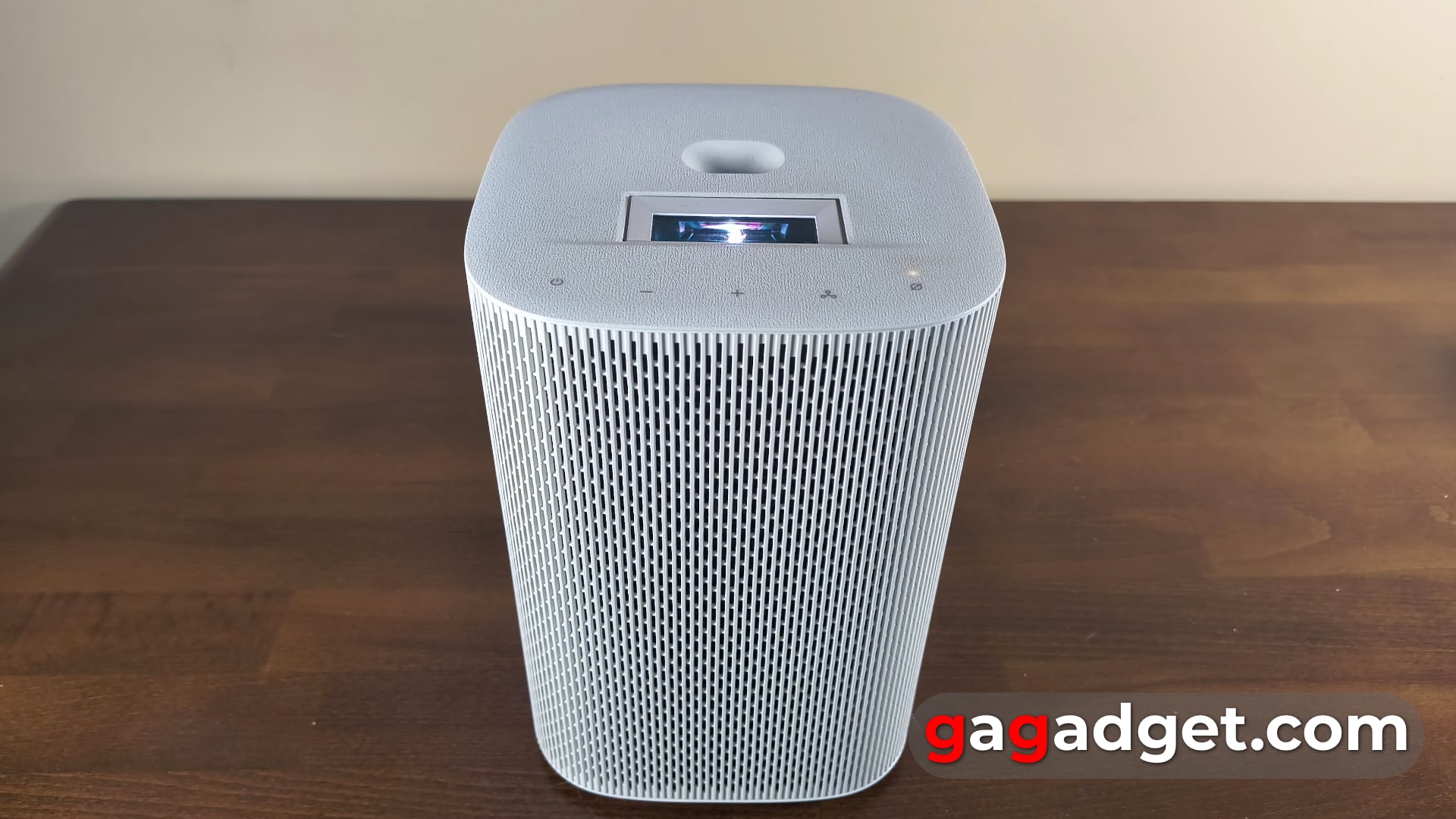
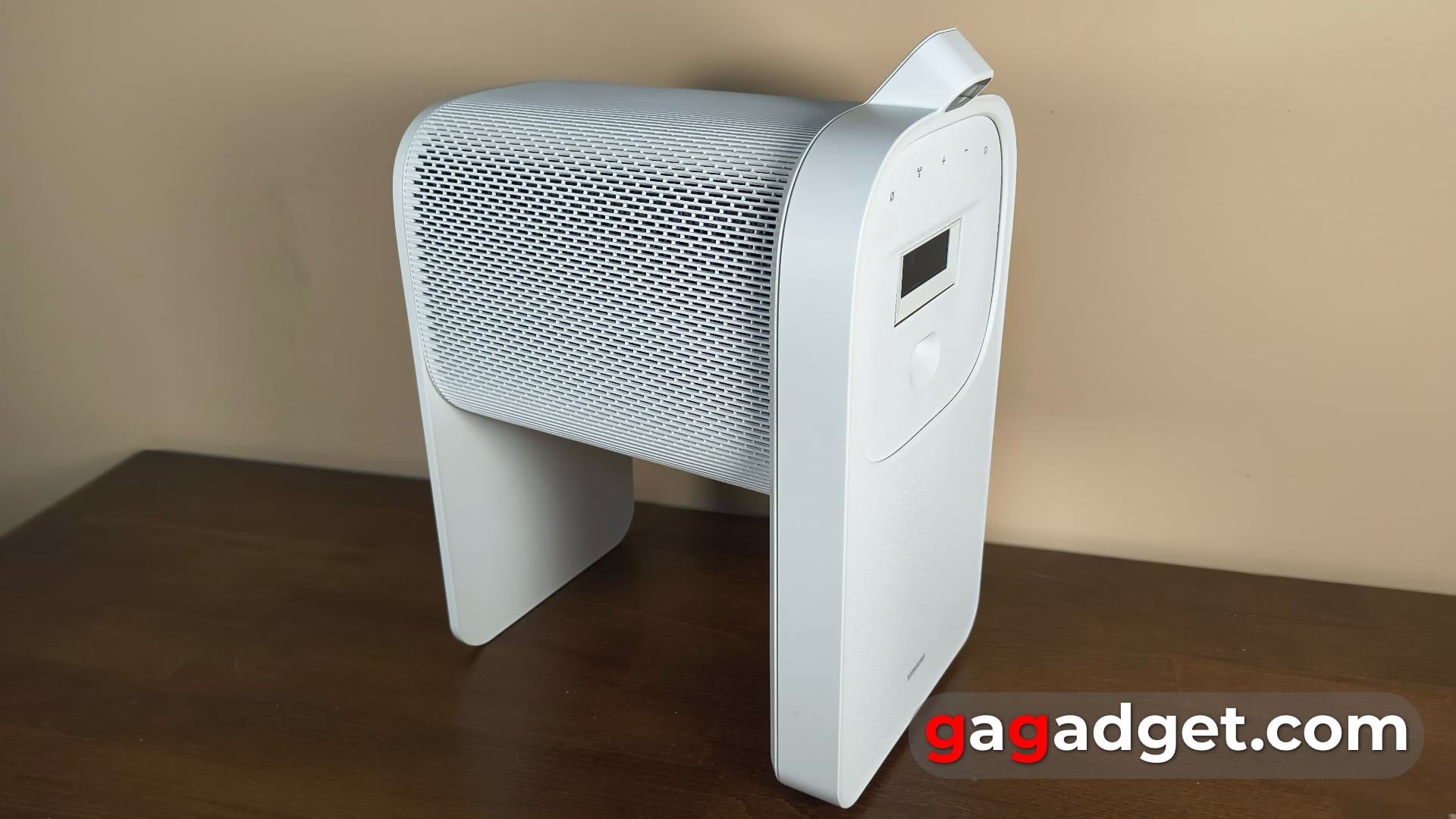
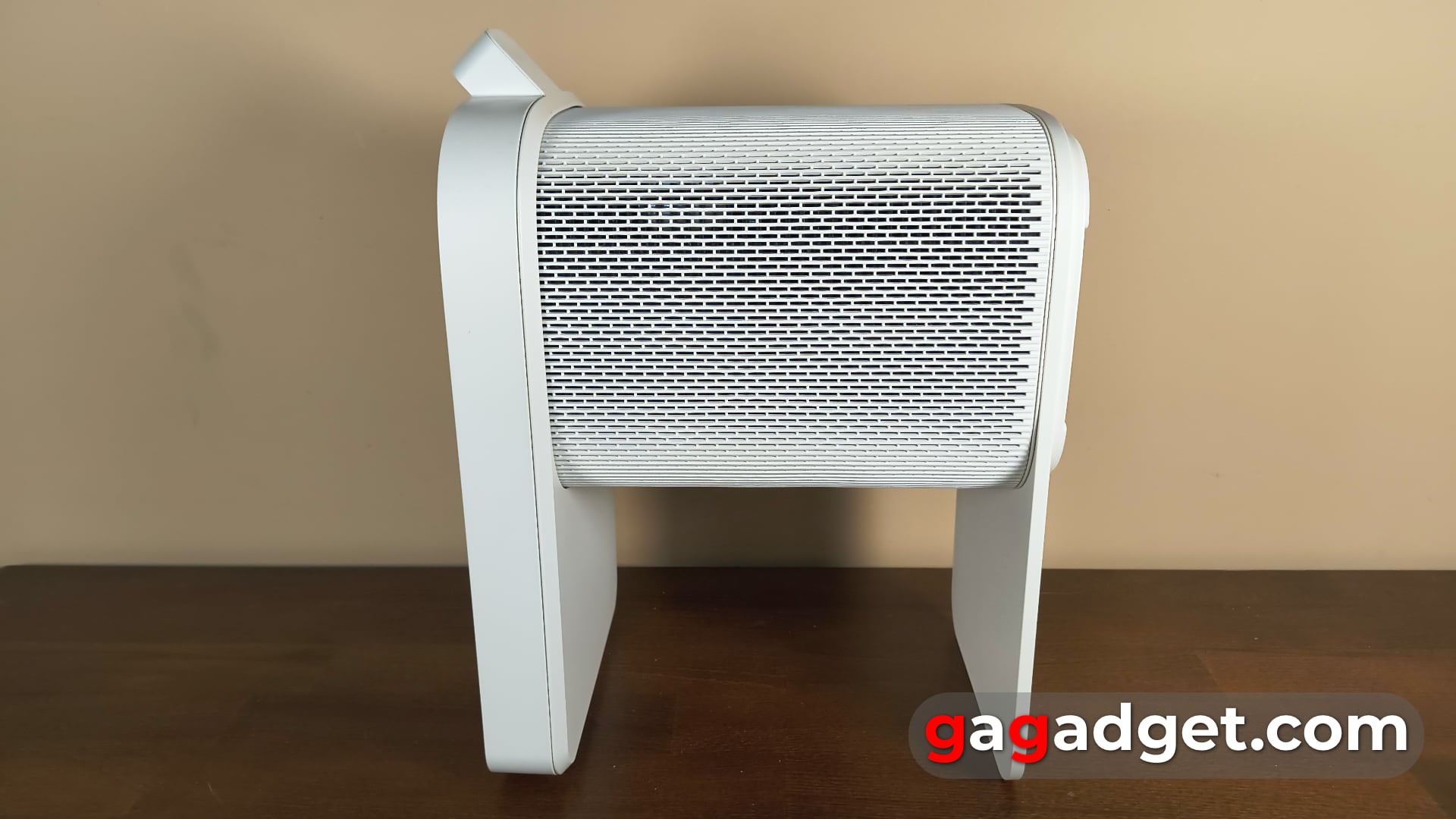
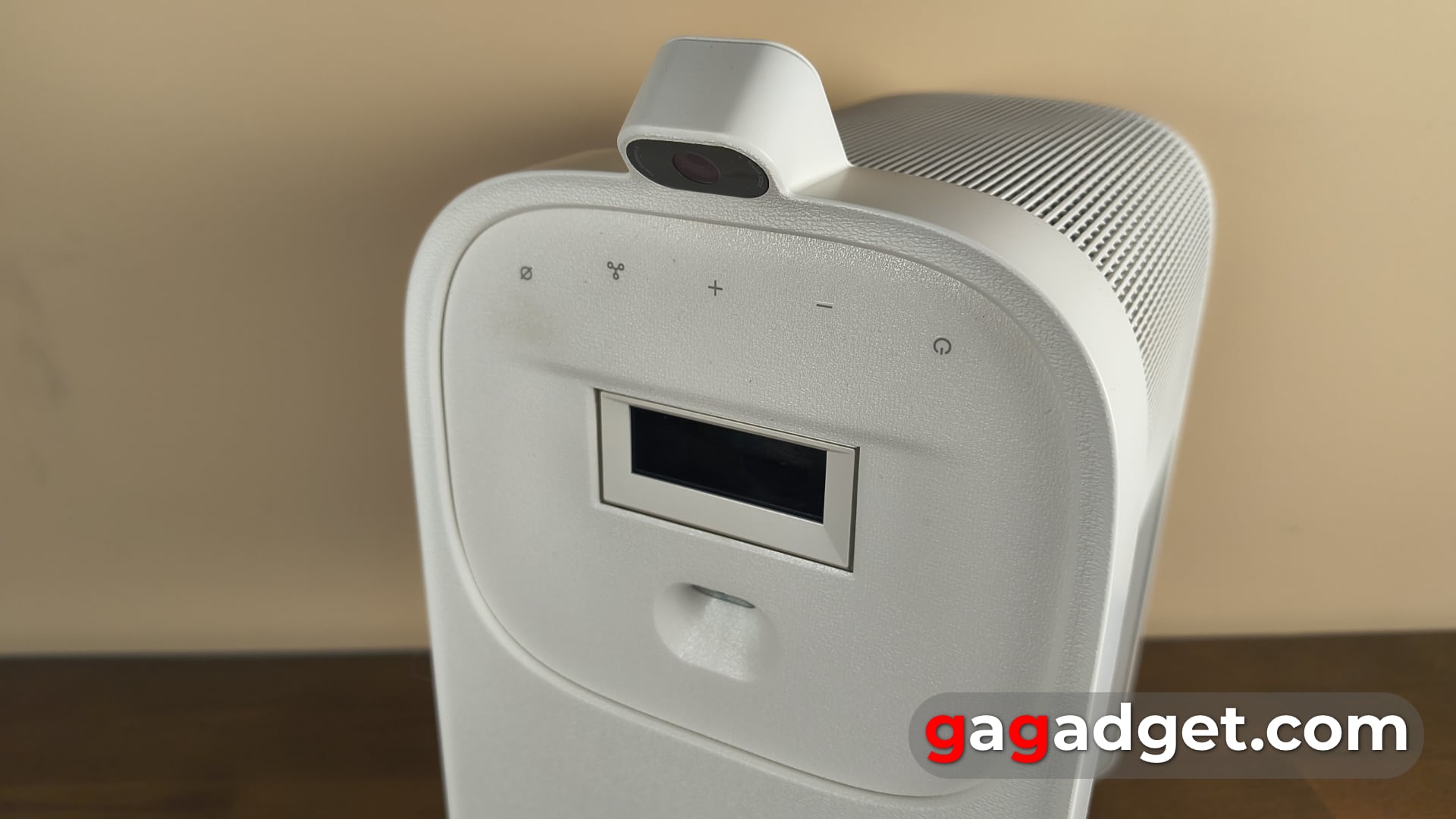
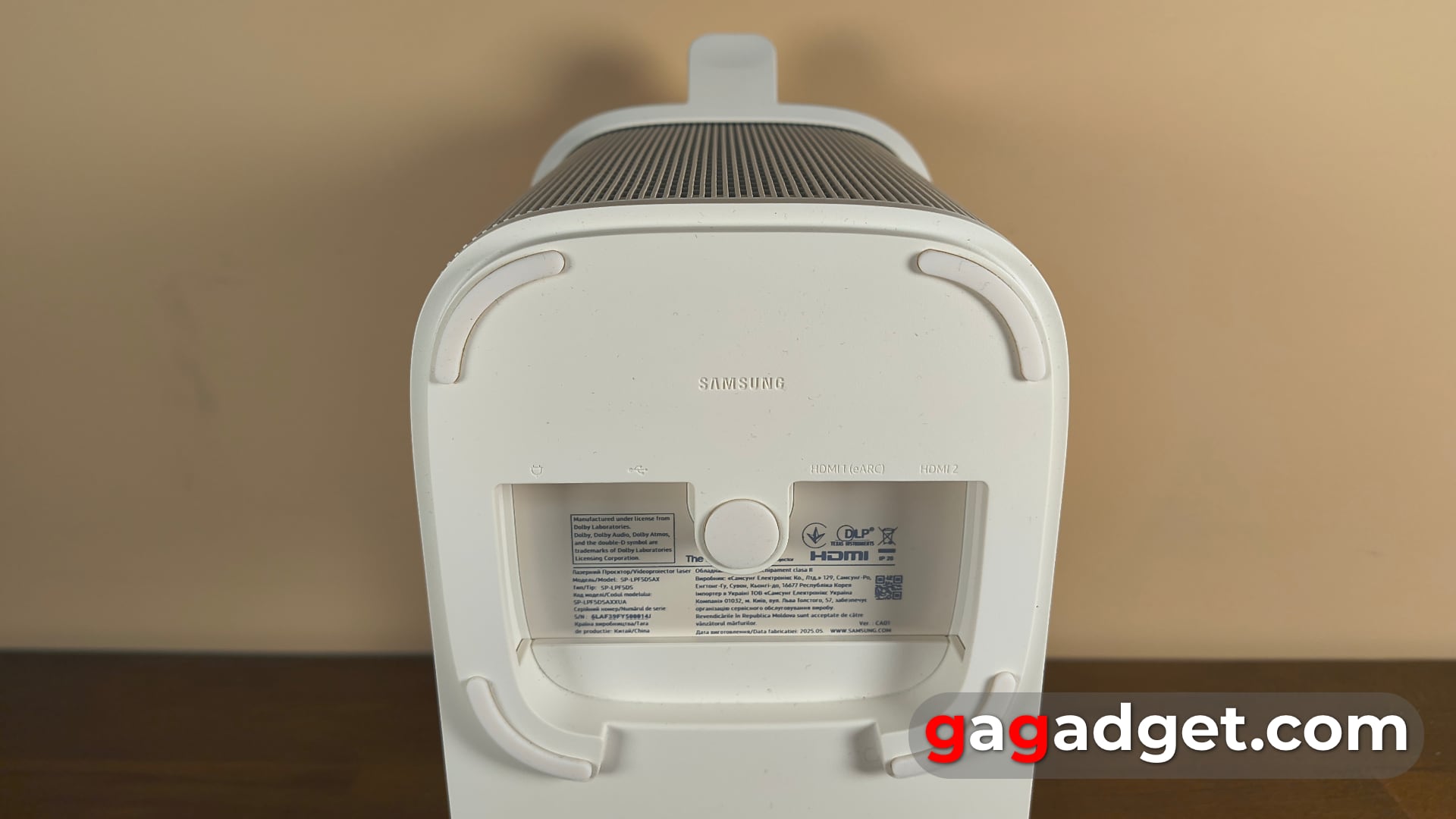
The Premiere 5 projector looks like a large speaker, but it has its own recognisable look (like any other Samsung device with The in its name). It has only 4 connectors: the first USB-C is used exclusively for power supply, the second is used to connect external drives. And two microHDMI (you need to buy the appropriate cables separately if you plan to connect a game console), the first supports eARC, which is an improved version of the standard Audio Return Channel (ARC) that allows you to transmit high-quality audio (up to 38 Mbps) without compression.
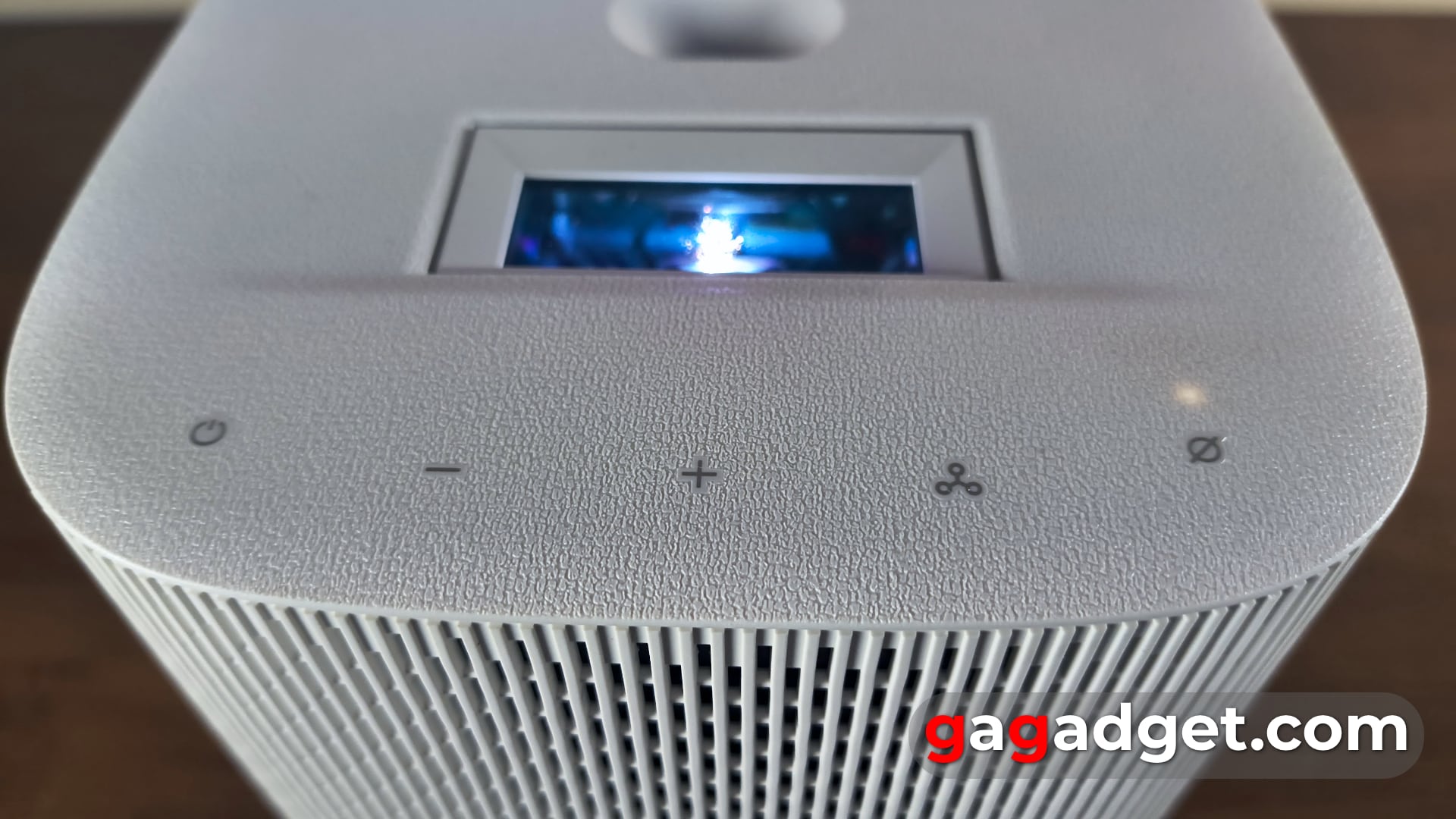
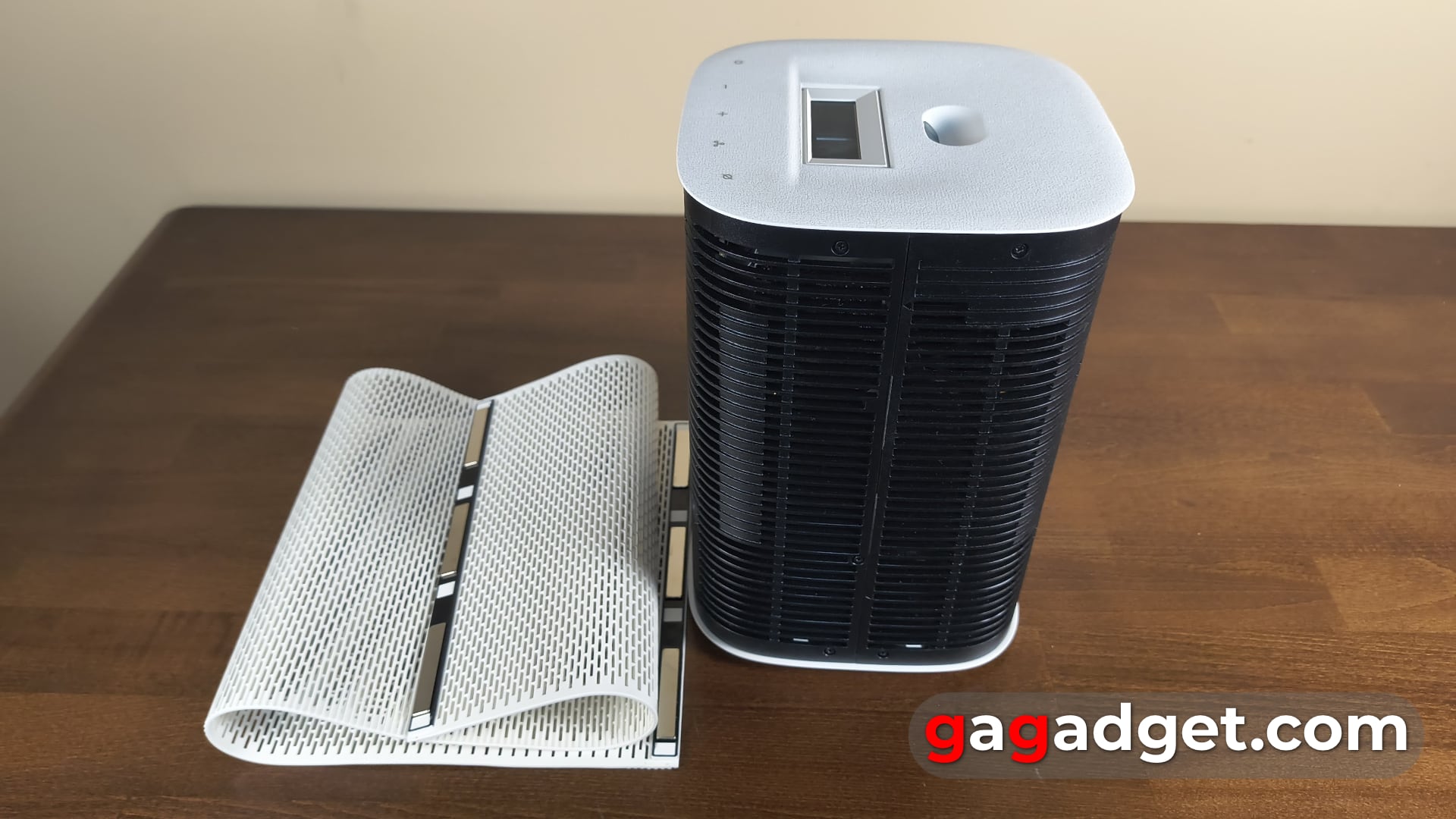
There are 5 touch-sensitive control buttons on the front panel: power off, speaker volume, multi-function and microphone mute. The multifunction button works as a replacement for the remote control. After all, when you are standing right next to the projector, the remote control is most likely not at hand. This key allows you to perform a simple action depending on the projector's mode - turn on the screen if it was off (in addition to turning off the projector, you can simply turn off the screen, for example, if you use The Premiere 5 as a smart speaker). If you press and hold this button, you can navigate through the settings menu by pressing it consecutively. However, it seems that this functionality is unnecessary for the projector and the consumer will not use it often.
Behind the large lens window is a distance sensor. It is used to automatically adjust the focus and correct the image keystone. There is also a cap that allows access to the contacts of the panel with the camera.
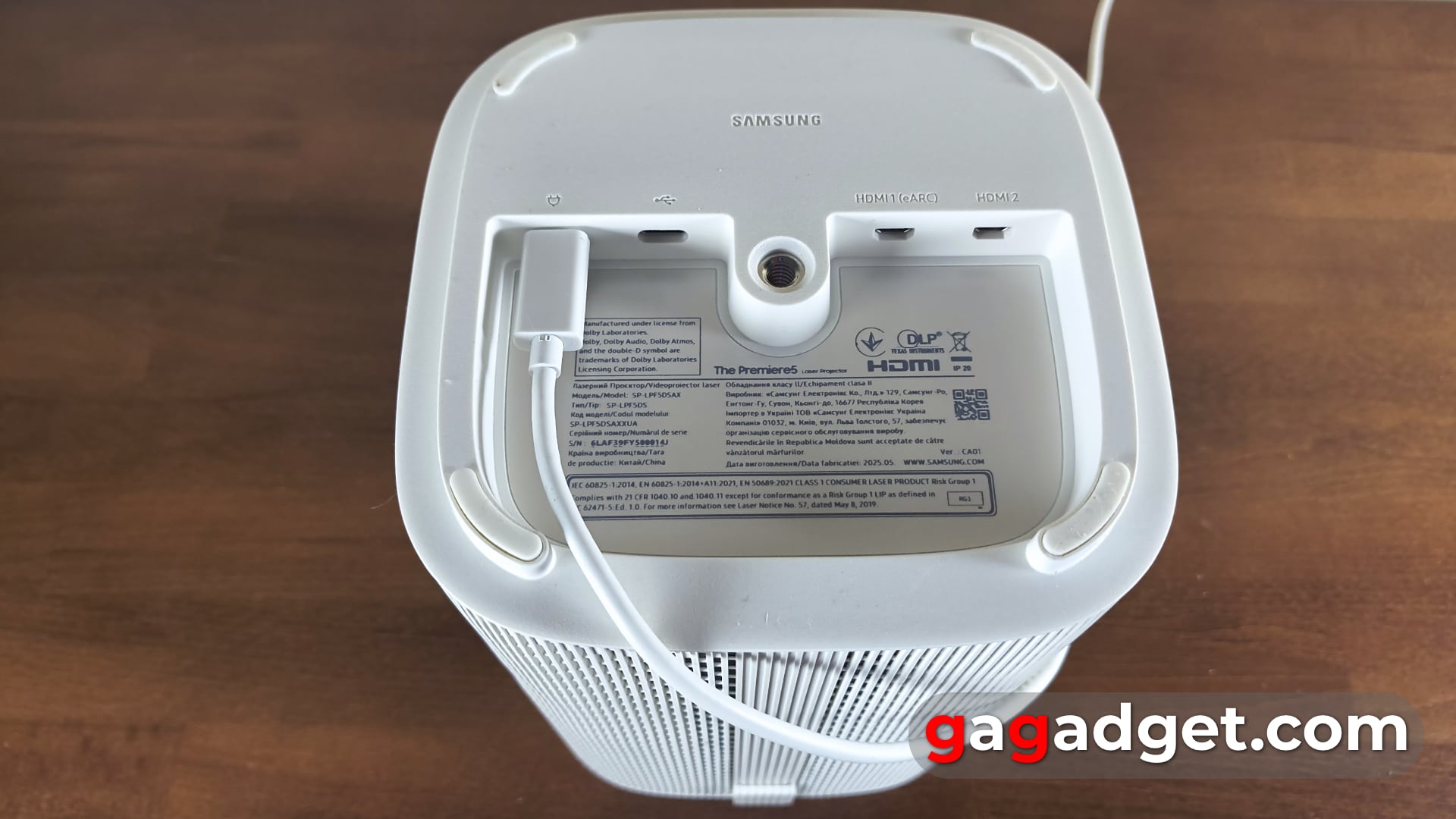
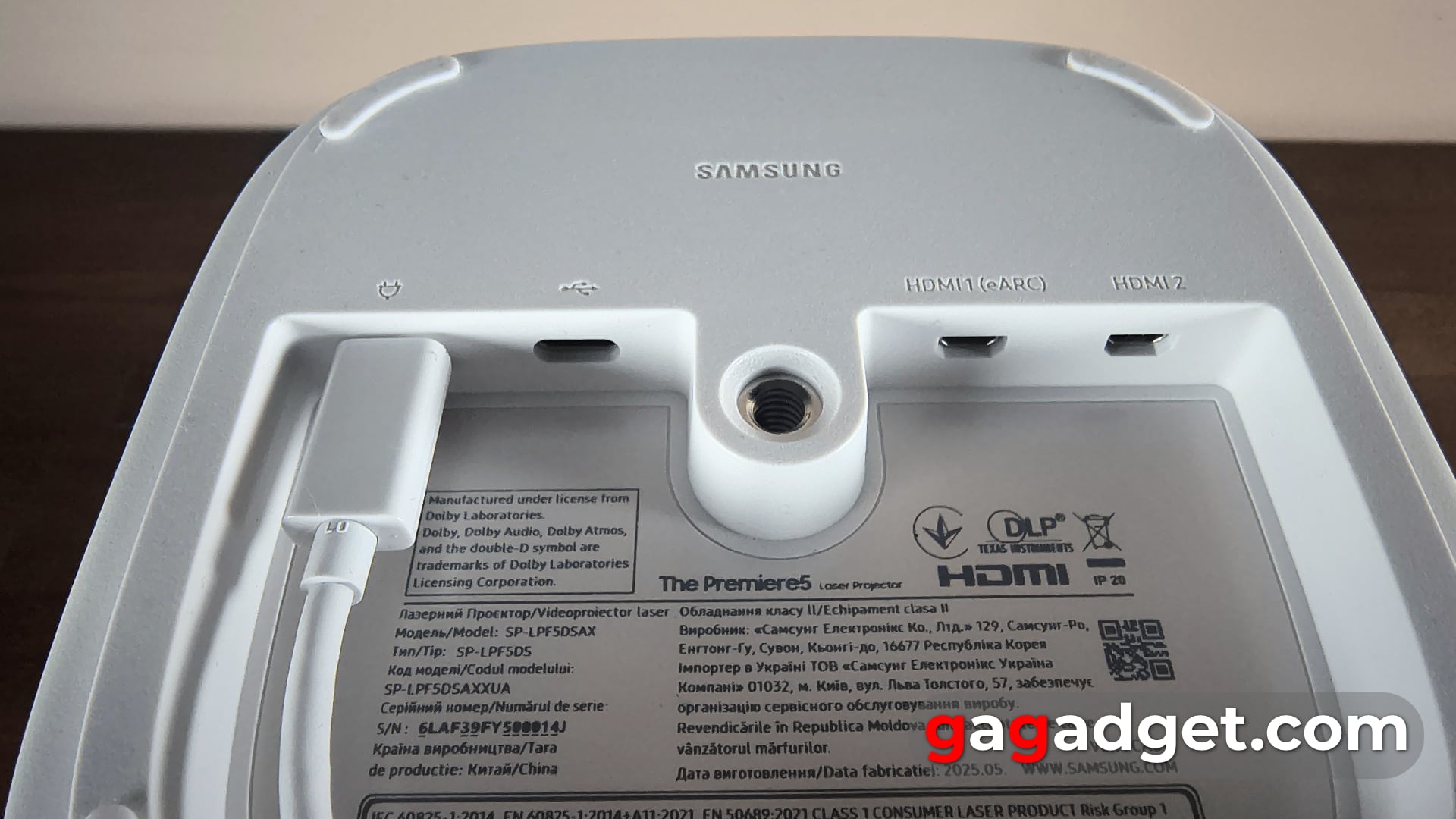
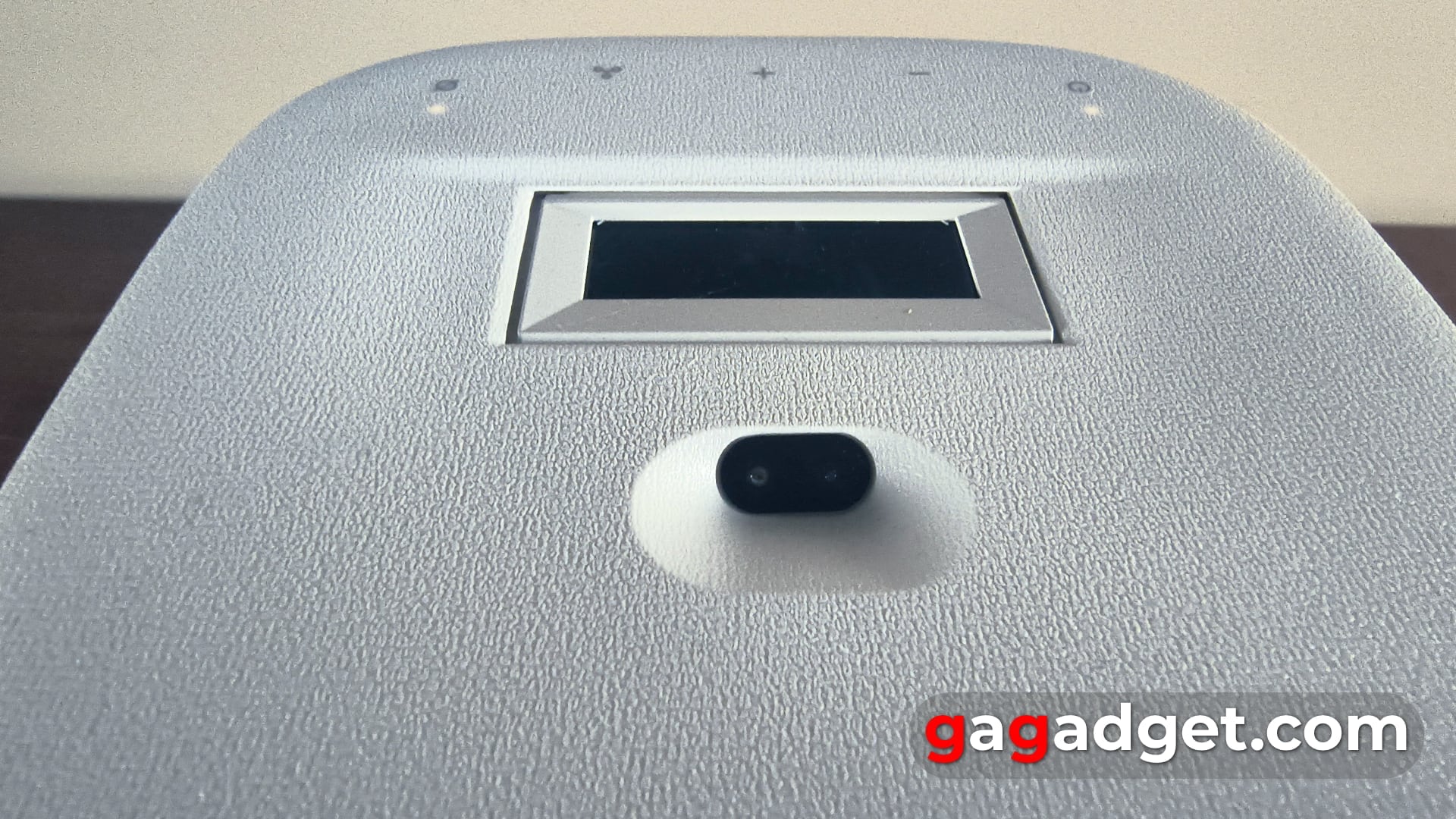
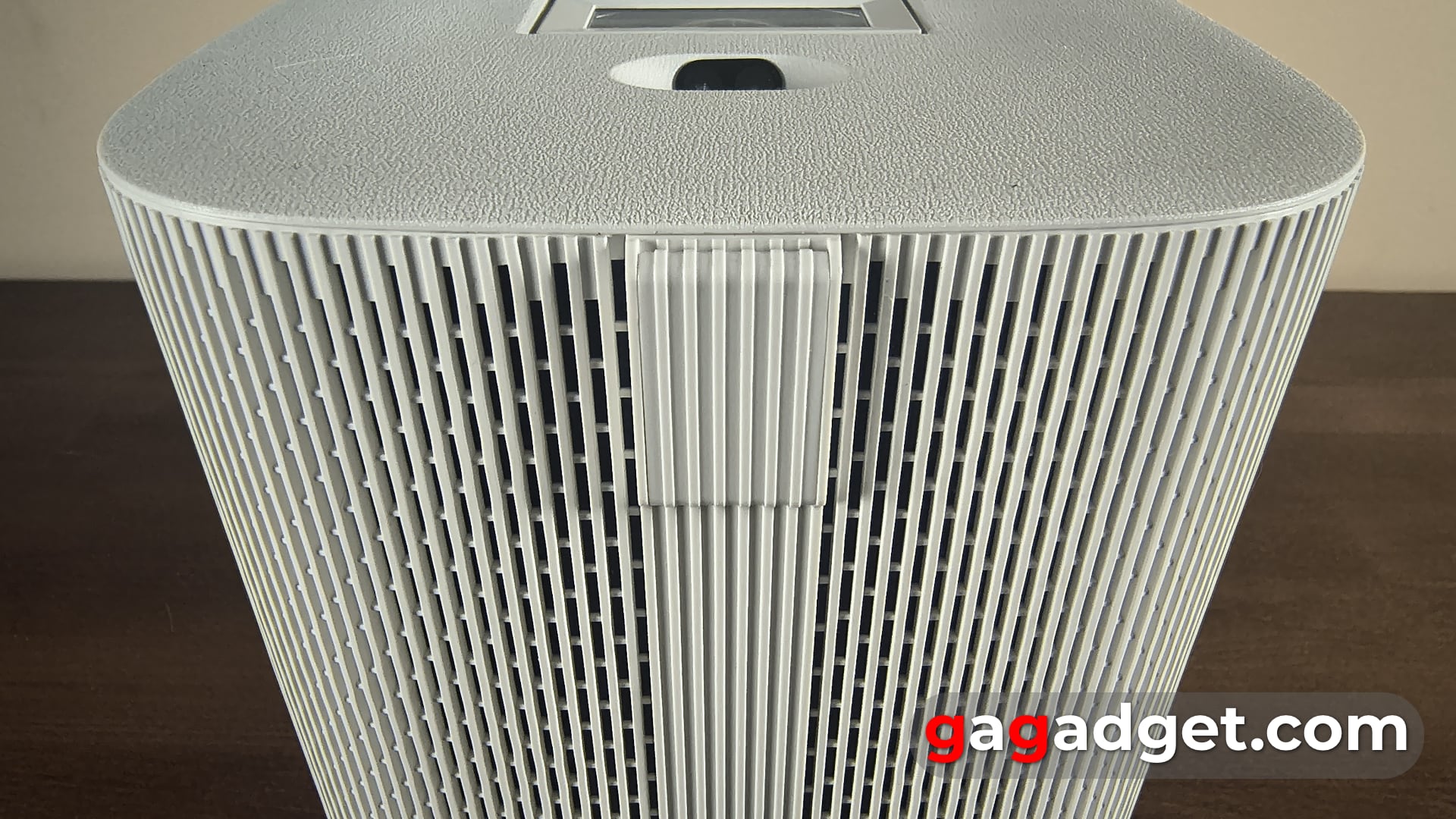
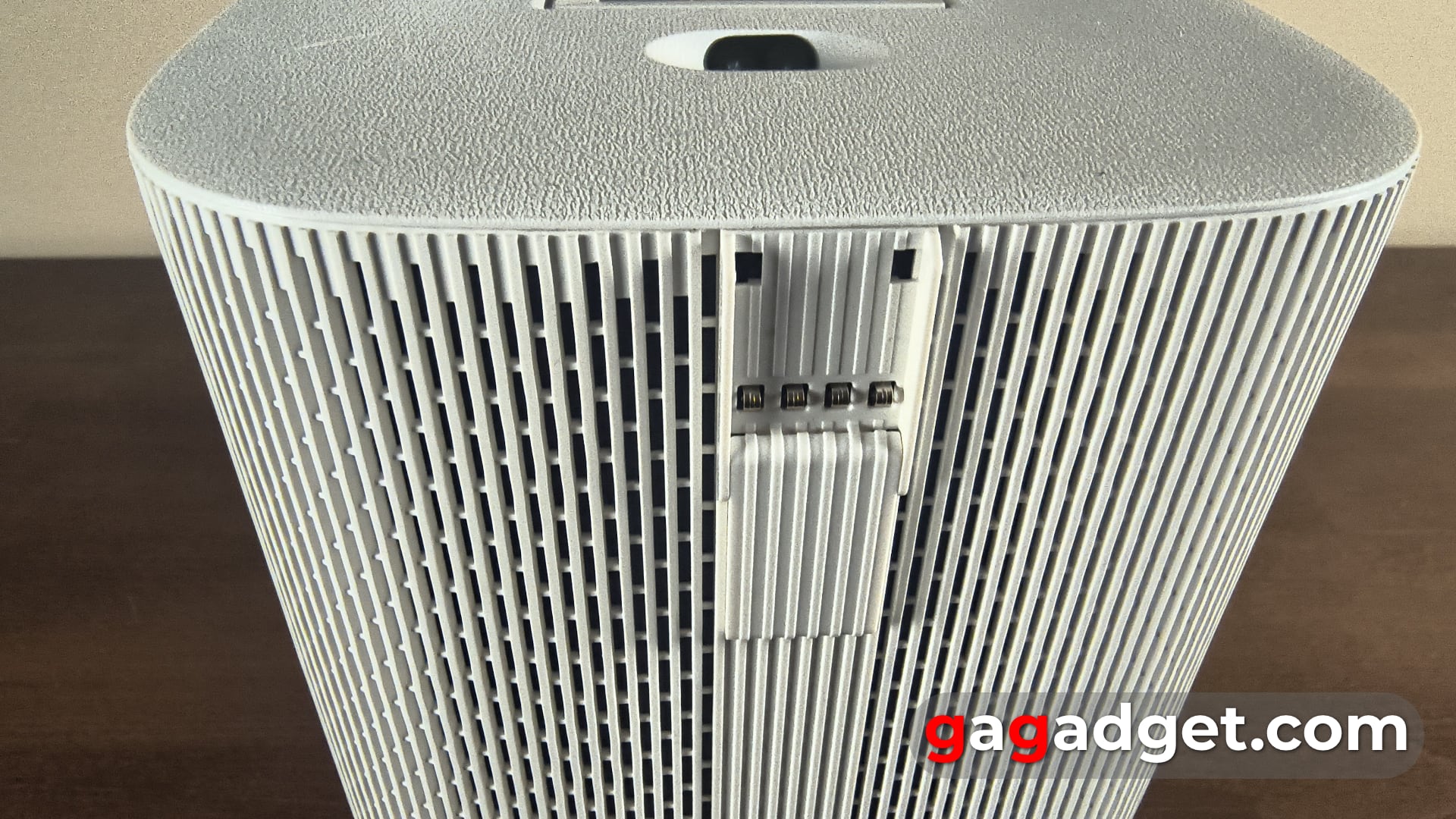



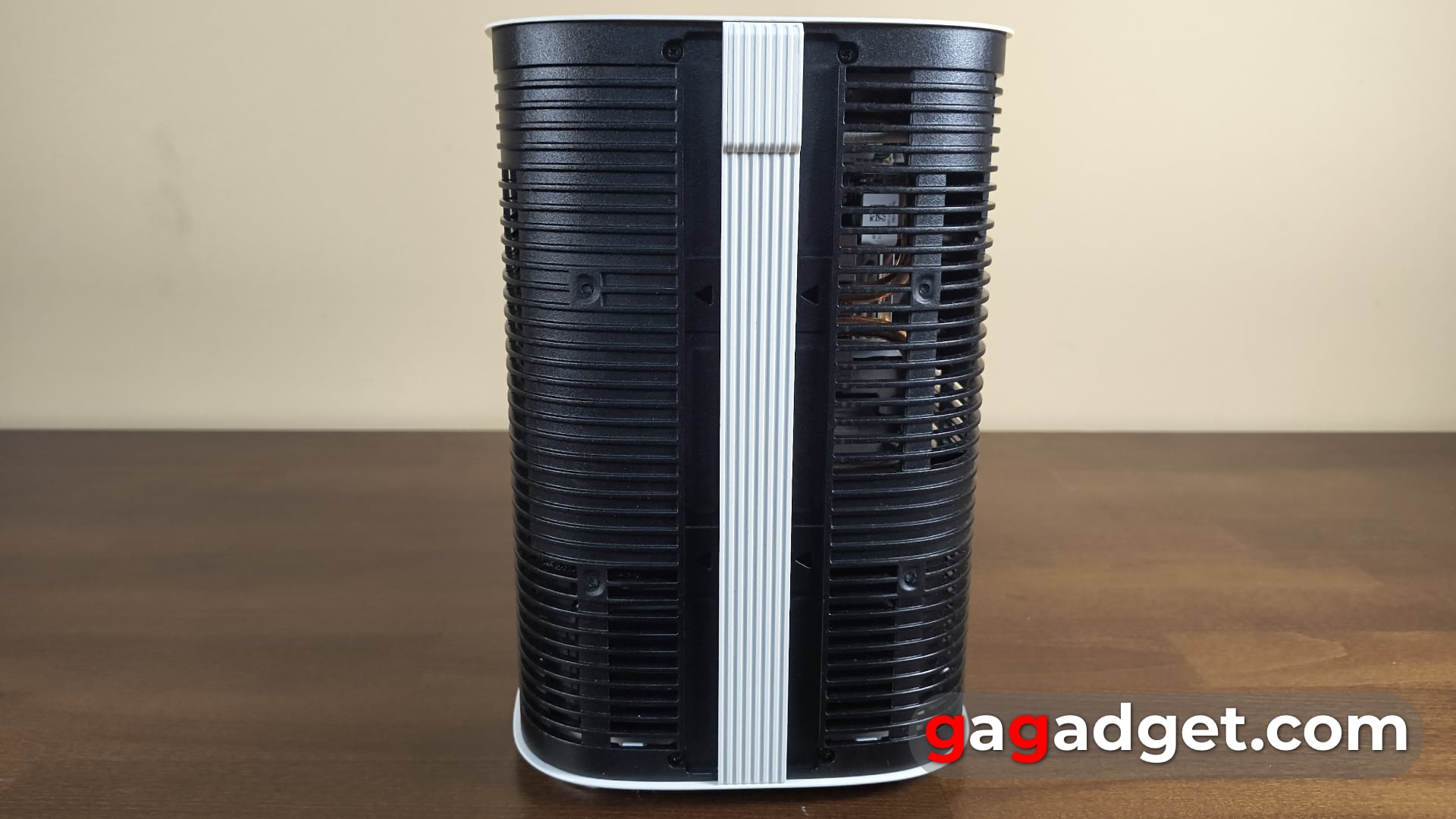
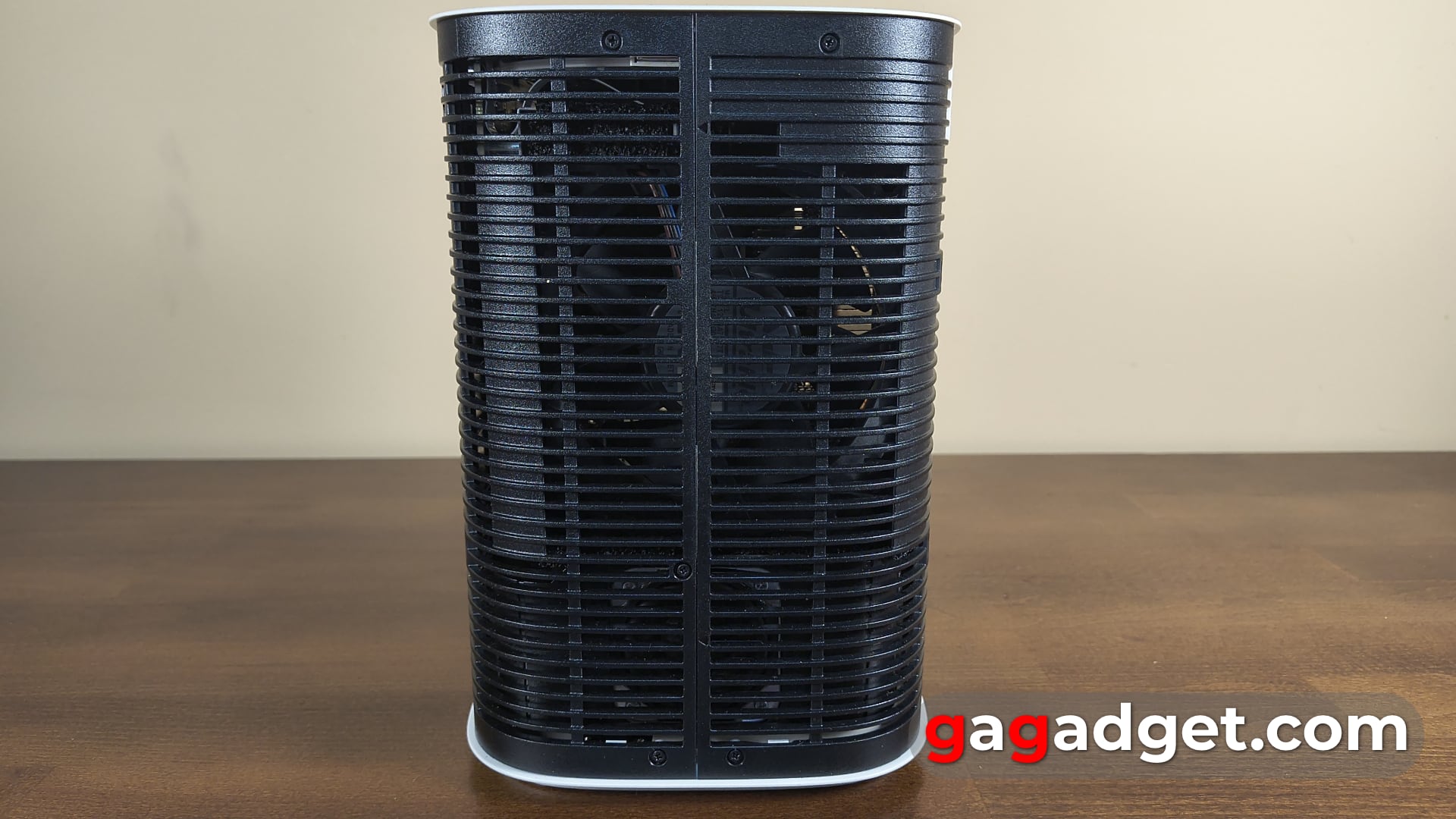
Interestingly, the flexible projector cover can be easily removed - it is held in place with magnetic locks. And then you can see what is inside the projector. You can see the infrared sensor of the control panel (according to the instructions, there is a microphone somewhere near it). You can also see two large speakers, a cooler, and a copper tube for the cooling system.
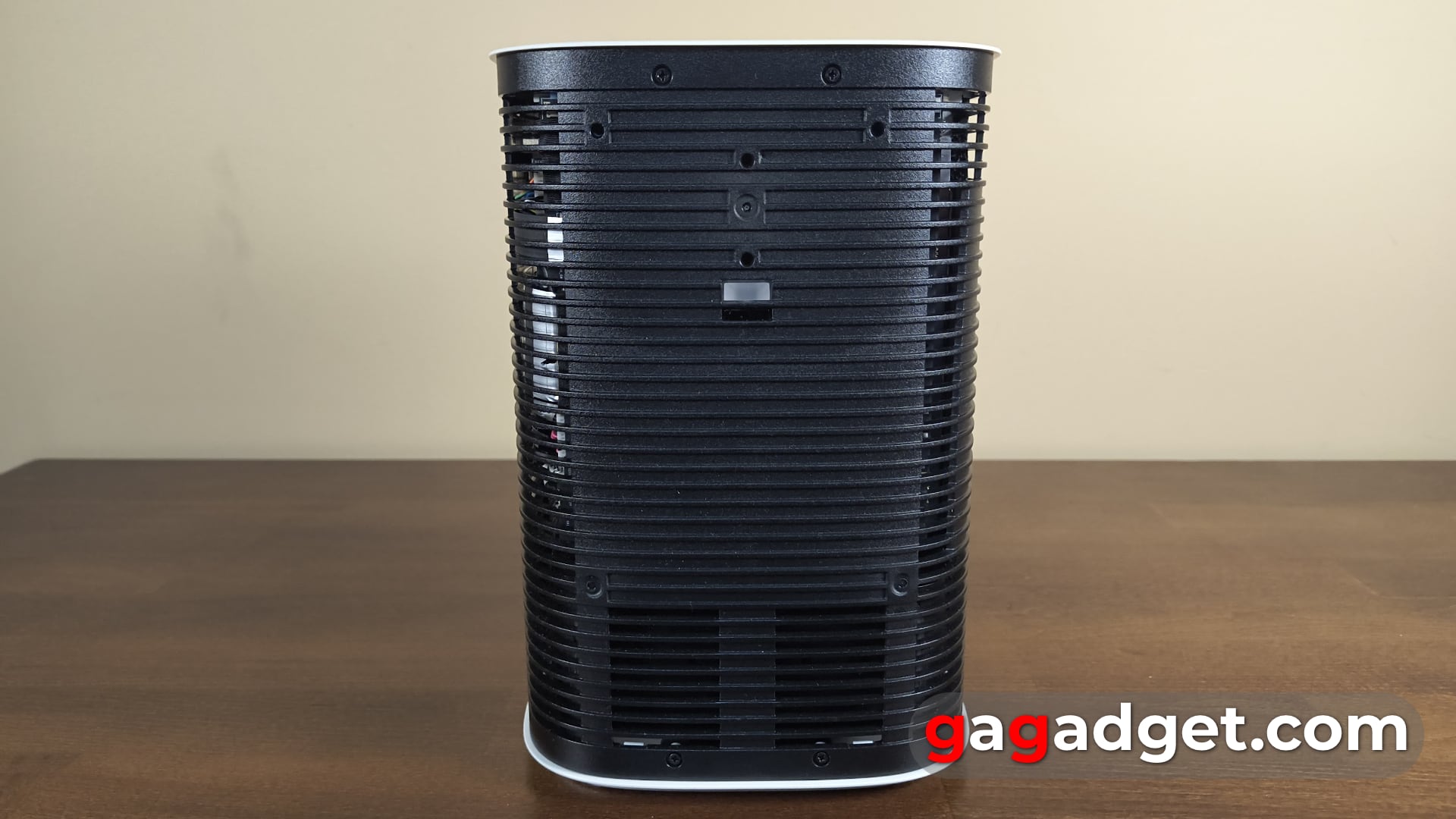
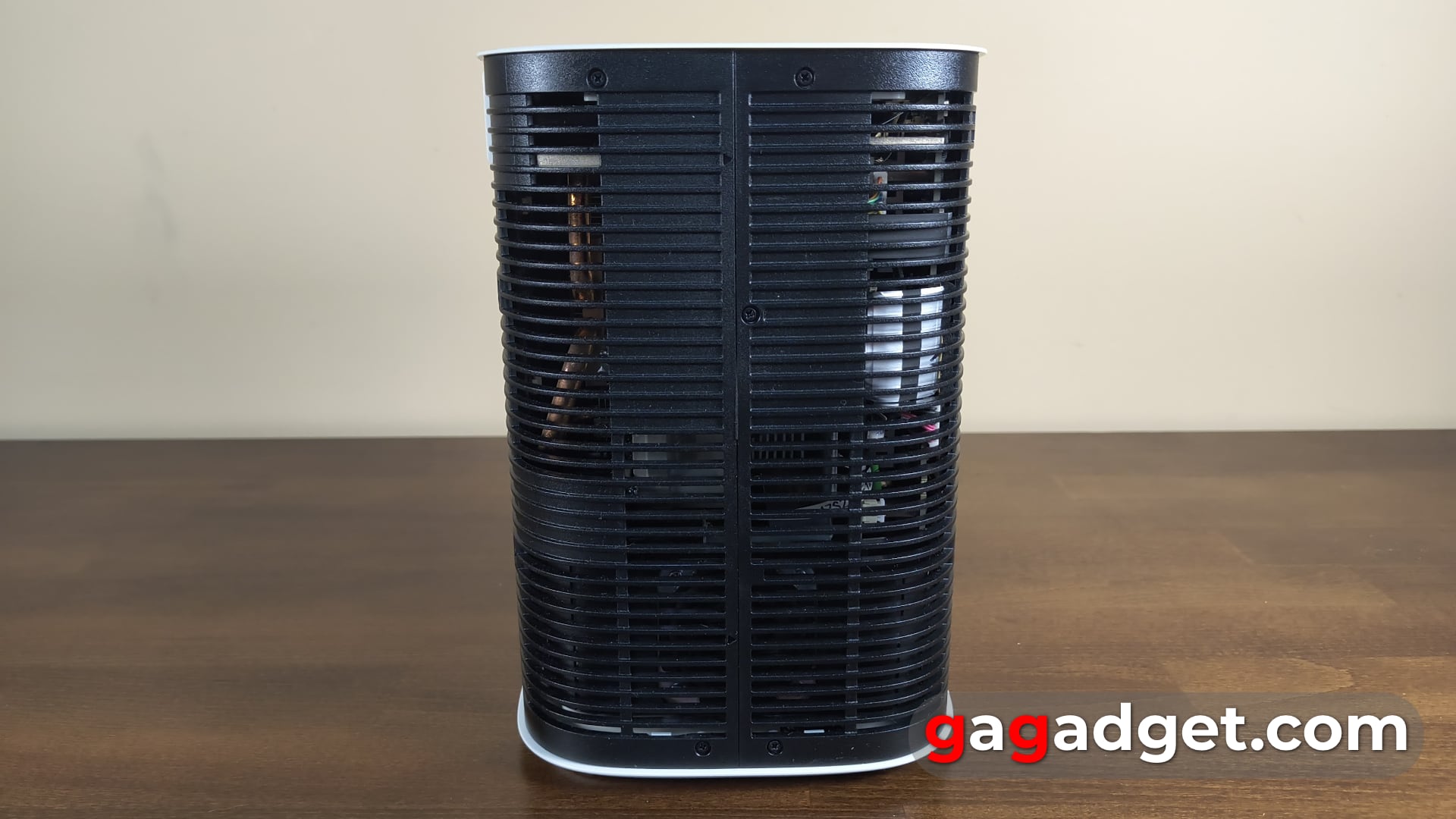
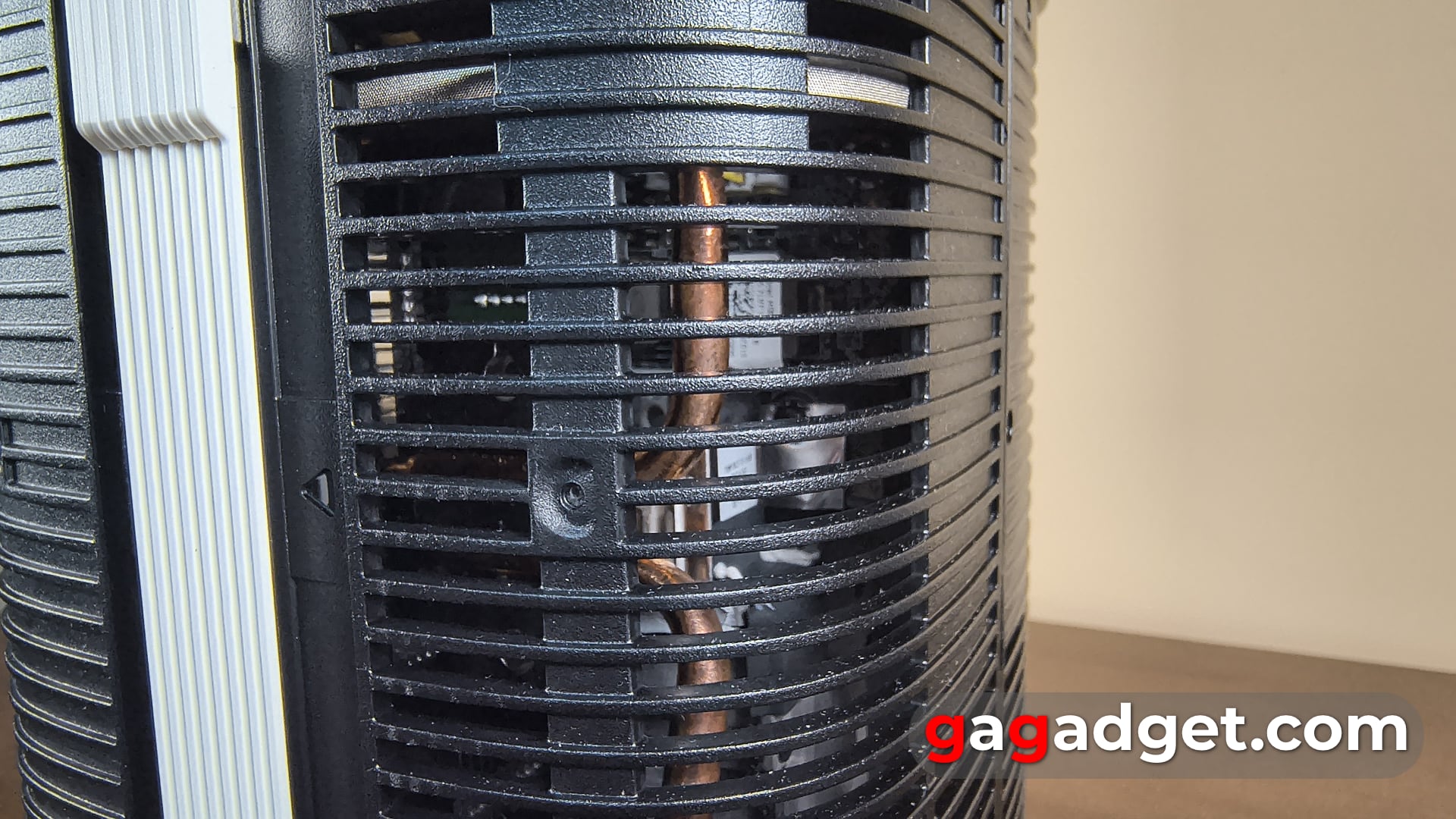
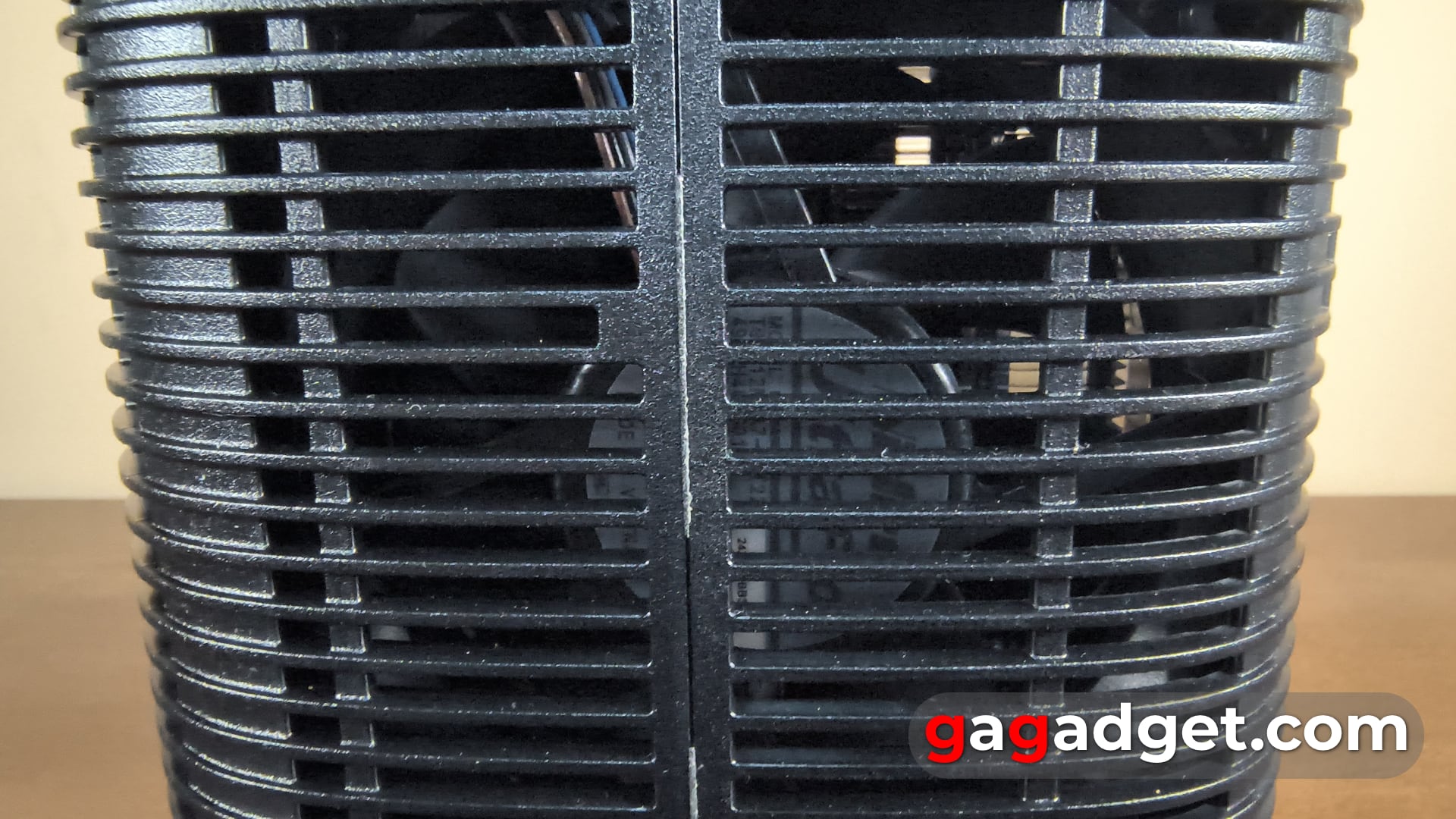
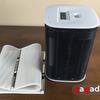





If you install the Touch Stand, the projector has a camera pointing downwards. At the bottom of this panel is another infrared sensor, so the projector will still respond to the remote control in interactive mode.




The Premiere 5 interface
The projector menu is familiar to anyone who has ever used a Samsung TV or projector. On the first screen, there are recommendation feeds for the installed OTT service applications. By the way, they are customisable and show the latest views, which reduces the time it takes to continue watching a series or film after switching on the projector. As with other Samsung devices, there is an Ambient Mode that allows you to create interior images, both static and dynamic.
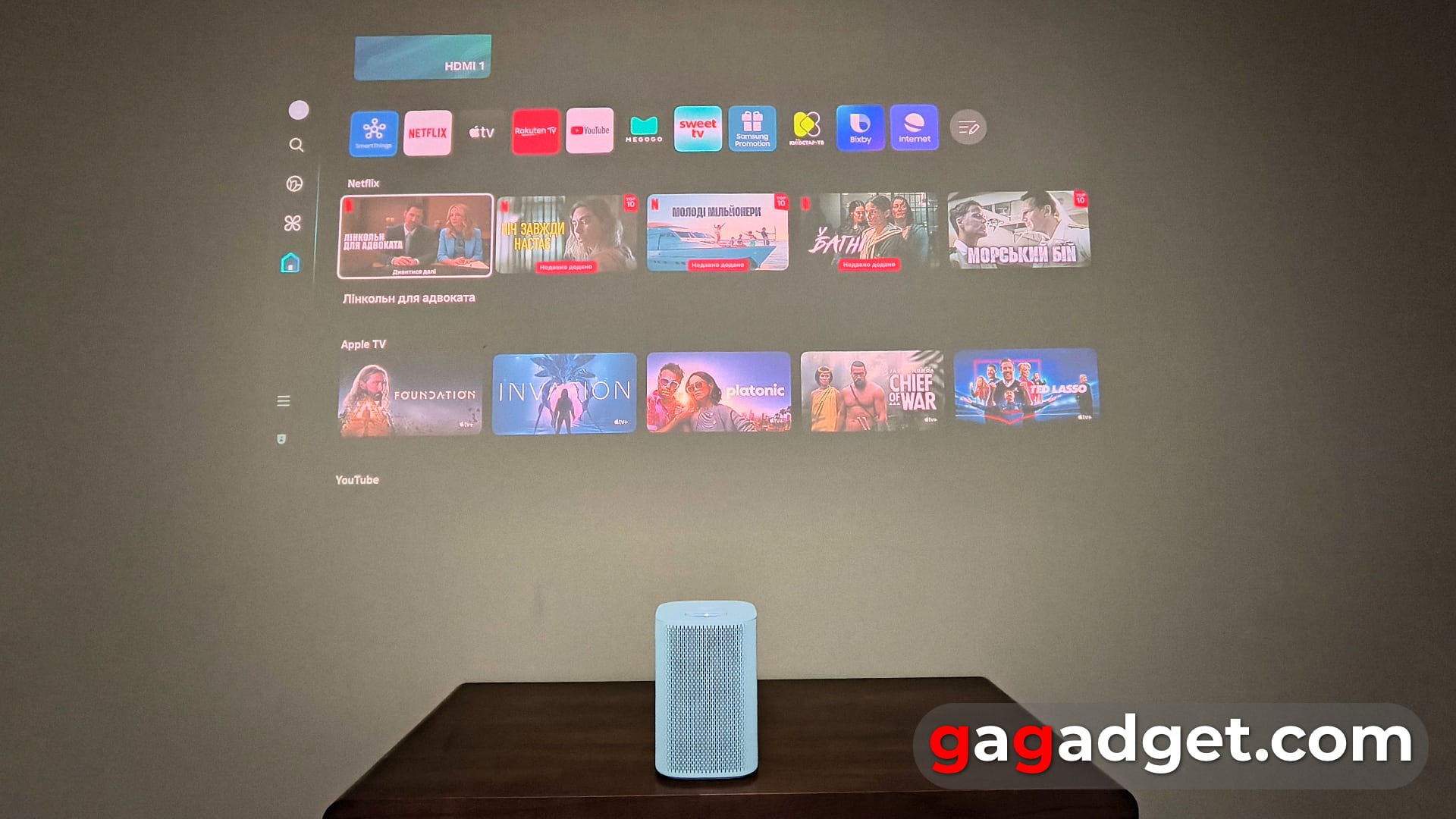
The main menu of The Premiere 5 projector. Illustration: gagadget
In the SmartThings app, the projector is added like any other device. You can activate the projector's sensors - sound and light sensors (they can be used for SmartThings automation scenarios). In principle, the app allows you to control the projector without a remote control - there are buttons for direct access to the main settings, and then the app can control the menu using the emulation of the remote control buttons.
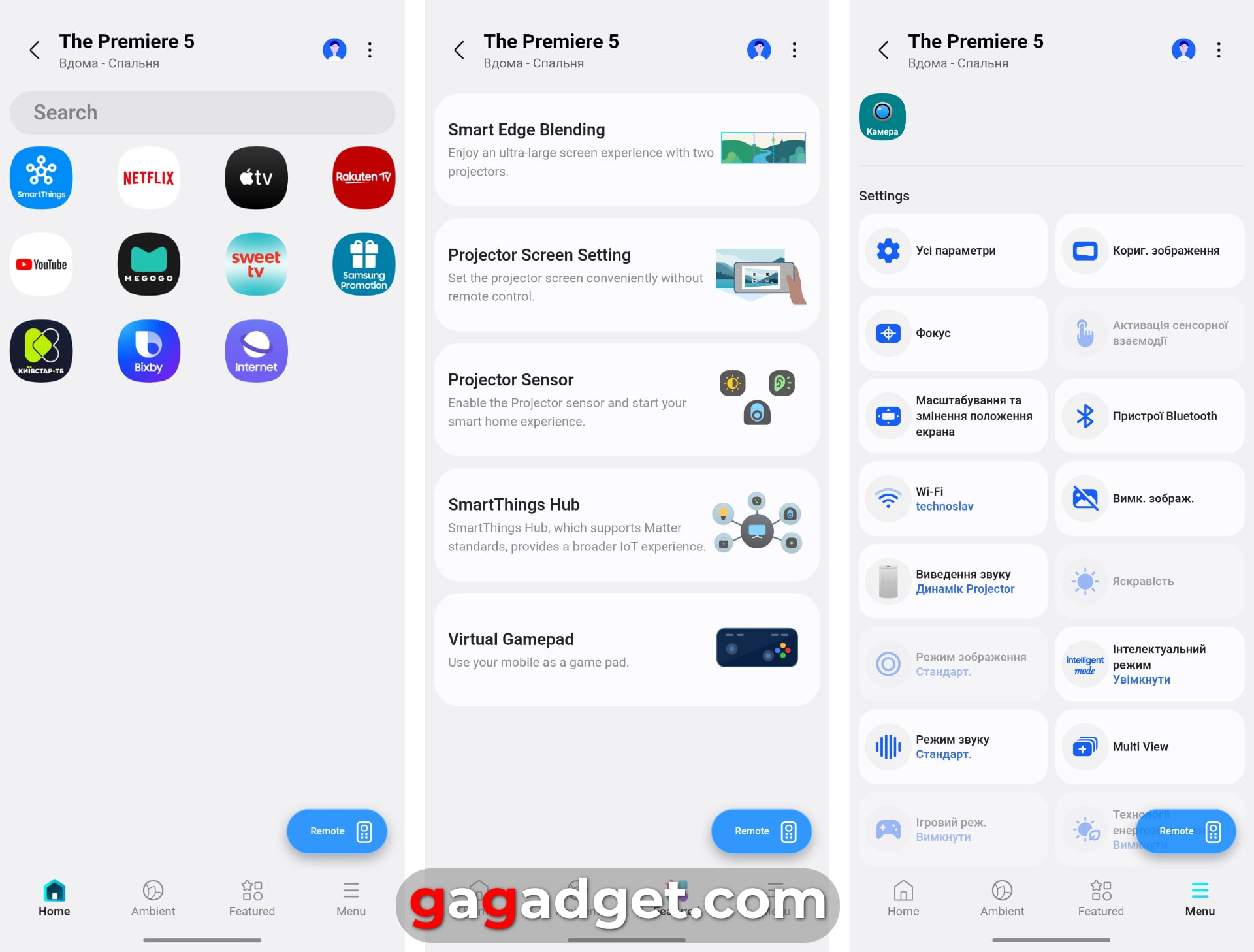
The Premiere 5 in the SmartThings app. Illustration: gagadget
Interactive application of The Premiere 5
Of course, the most interesting thing about this projector is its interactive mode. In general, the technology of such interactive action with a projected image has been developed for a long time - there are even projection keyboards that connect to a smartphone or PC via Bluetooth. But I expected Samsung to offer some special apps to demonstrate how the projector works, but there are none. For interactivity, you can use games from the app store inside Tizen (there are many casual games like "Sea Battle"). Another option is to connect your smartphone to the projector via SmartView wireless connection (this works on older Galaxy models) or AirPlay 2. And play games like Angry Birds or Fruit Ninja installed on your smartphone or tablet.
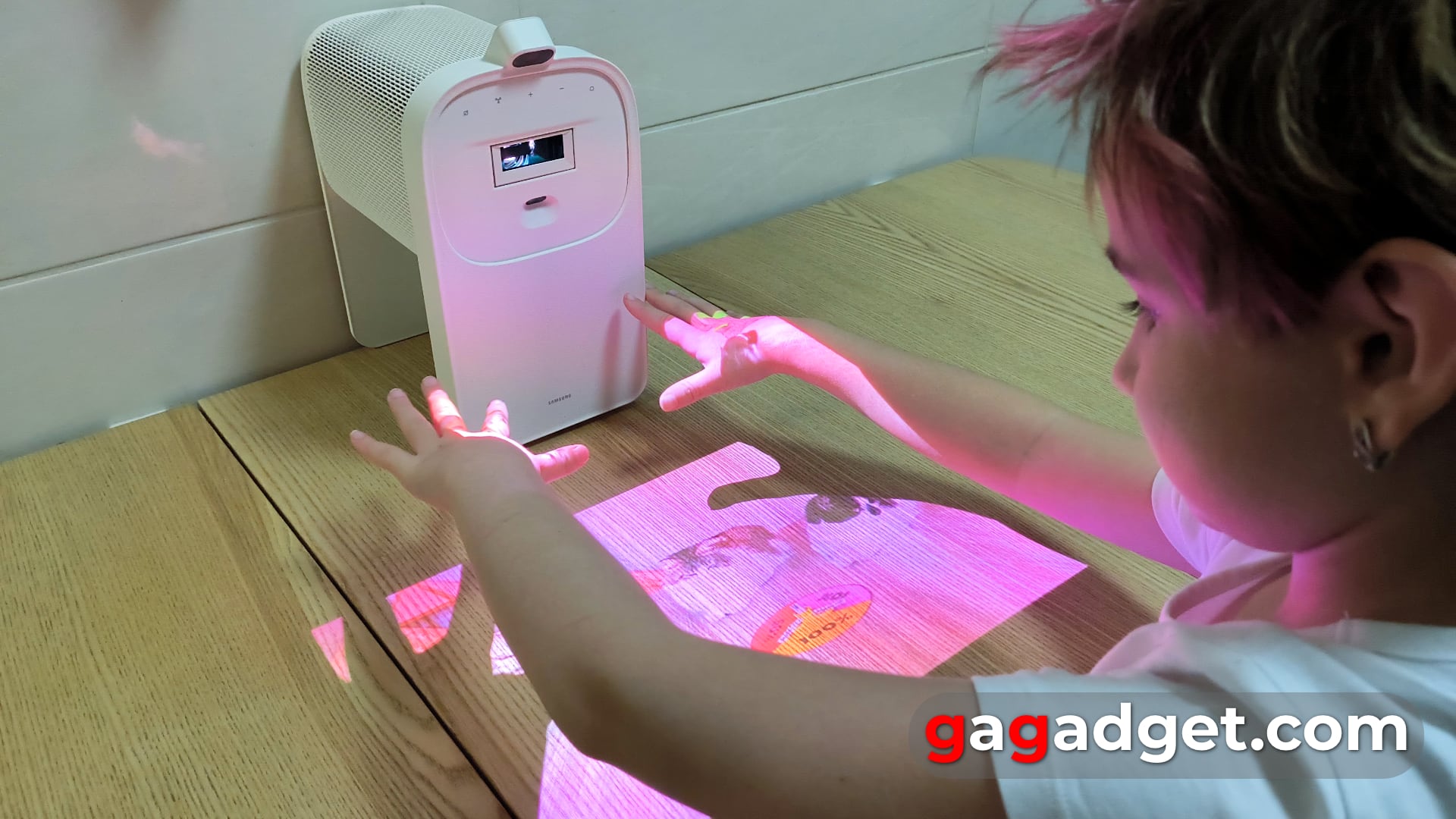
At least for a child, it's an interesting and new activity to control the image on the table. Illustration: gagadget
Where and how can this be used? It's hard for me to think of any useful scenarios for using the projector's interactivity right now. Apart from the obvious ones - playing with a child. But it seems that for experimental products, it's normal for use cases to emerge in the course of using the devices. And without product experiments, there is no development at all, because all the best inventions of mankind appeared where something that was considered impossible or meaningless suddenly appeared and made sense. But later. I'm also happy to think that just as it would have been impossible to achieve flexible displays without mass production of curved screens, it would have been impossible to create a projection-based three-dimensional interface like we saw in Tony Stark's Iron Man or Minority Report. Therefore, to move from 2D projection screens to 3D projection devices, we need products like The Premiere 5. And its developers must feel it.
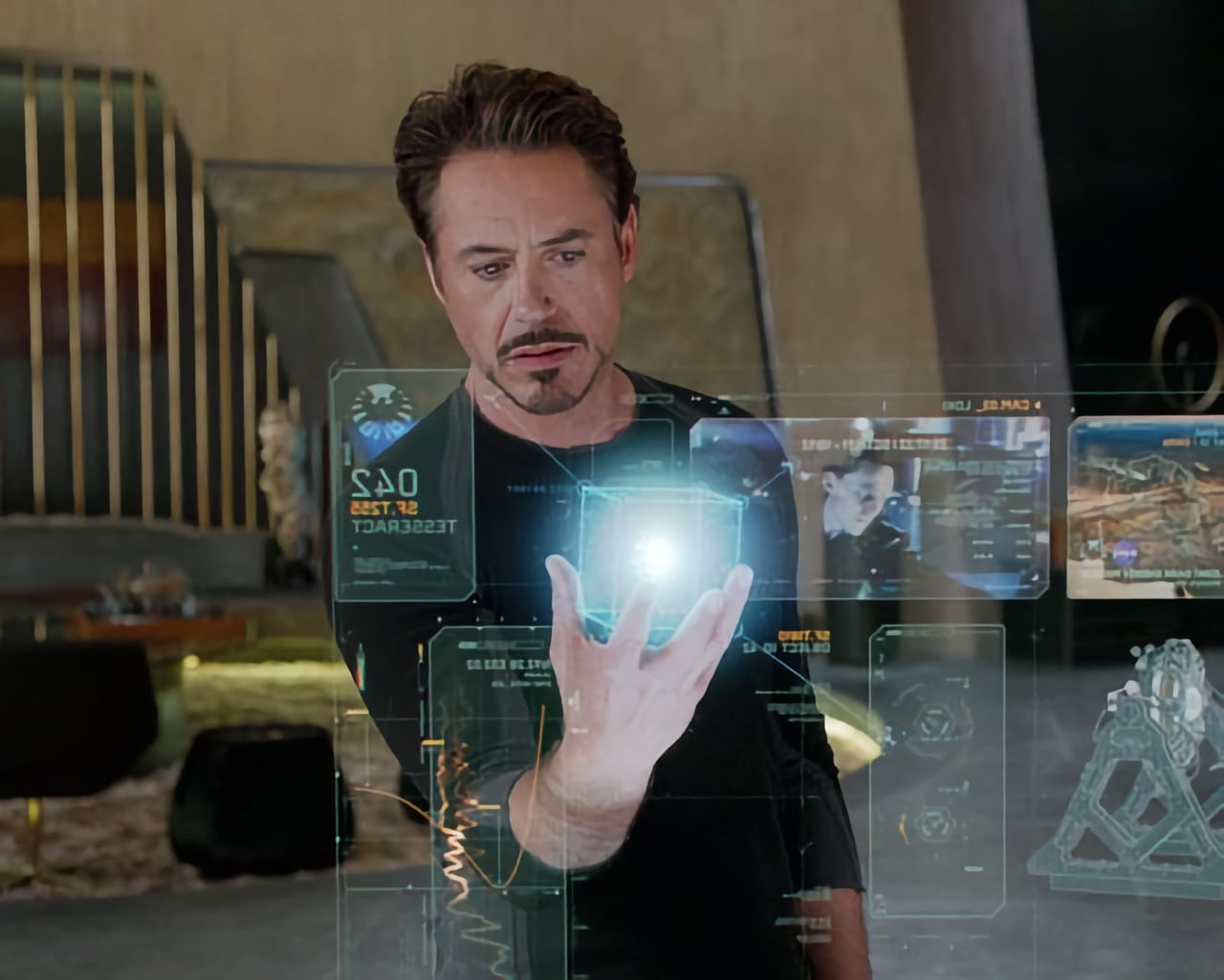
A still from the film "Avengers: Age of Ultron film. Illustration: Marvel Studios
Impressions of using The Premiere 5
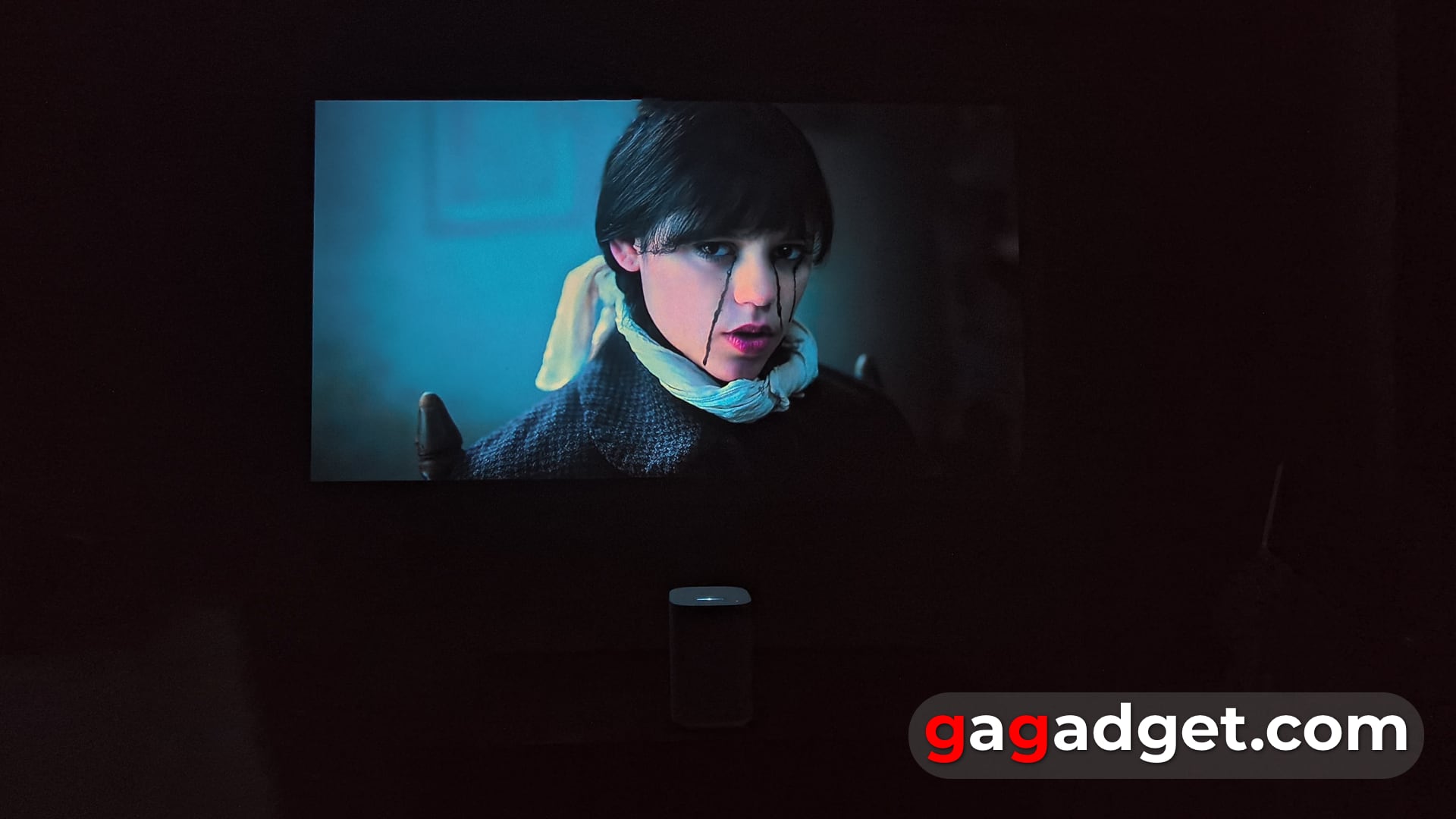
As you might expect, The Premiere 5 falls somewhere between the fully portable The Freestyle and The Premiere 7 or The Premiere 9 with triple laser. However, it's not really that bright and has a much lower brightness even than The Premiere 7 with a single laser, although it is noticeably brighter than The Freestyle. In general, the RGB laser in The Premiere 5 is optimised for its unique use case rather than for high brightness. The Premiere 5 is a more versatile model with a wider range of use cases (home theatre, portability, interactivity) than previous Samsung projector models. But, like all universal solutions, it obviously loses out to specialised solutions in any one scenario.
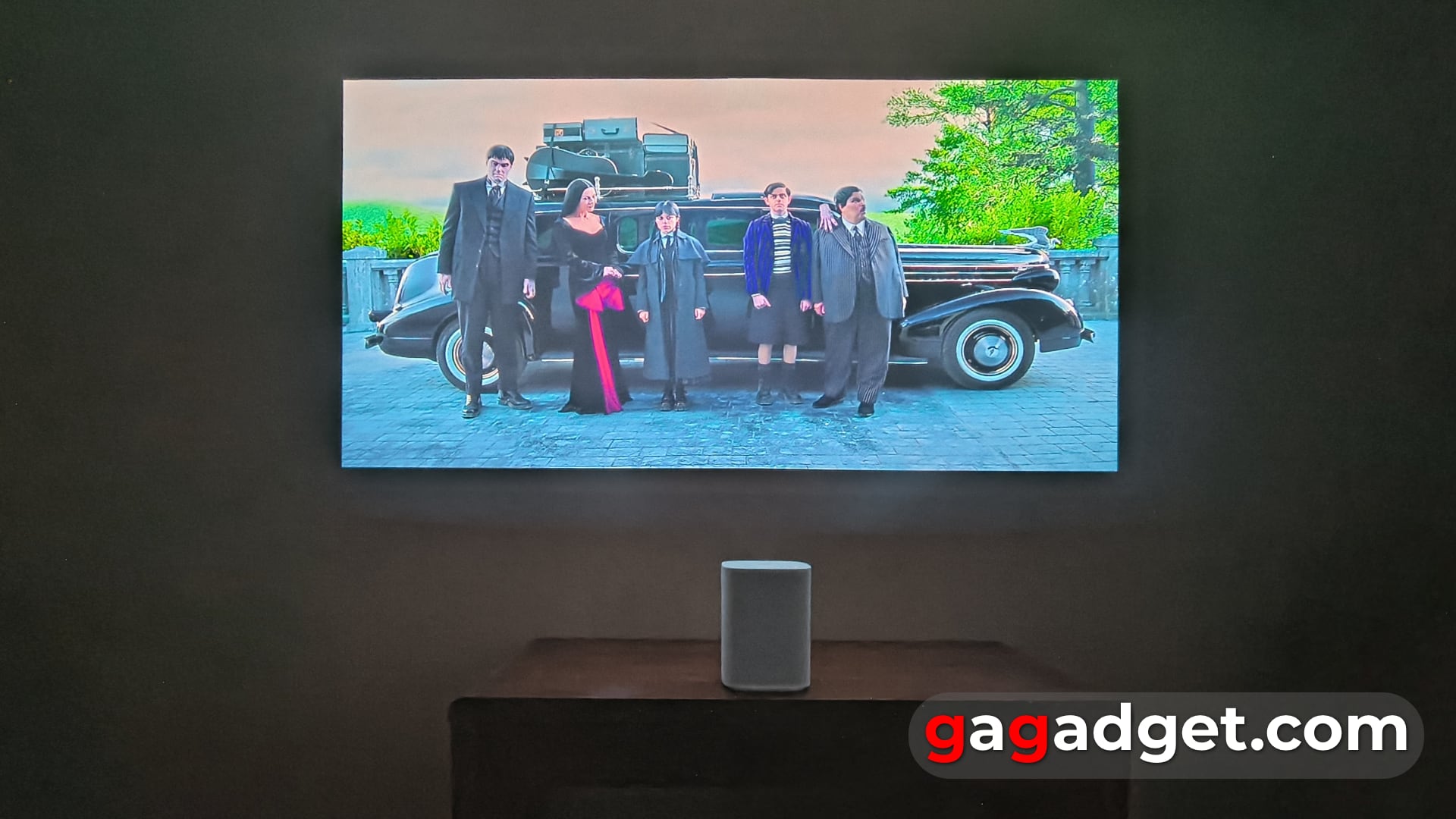
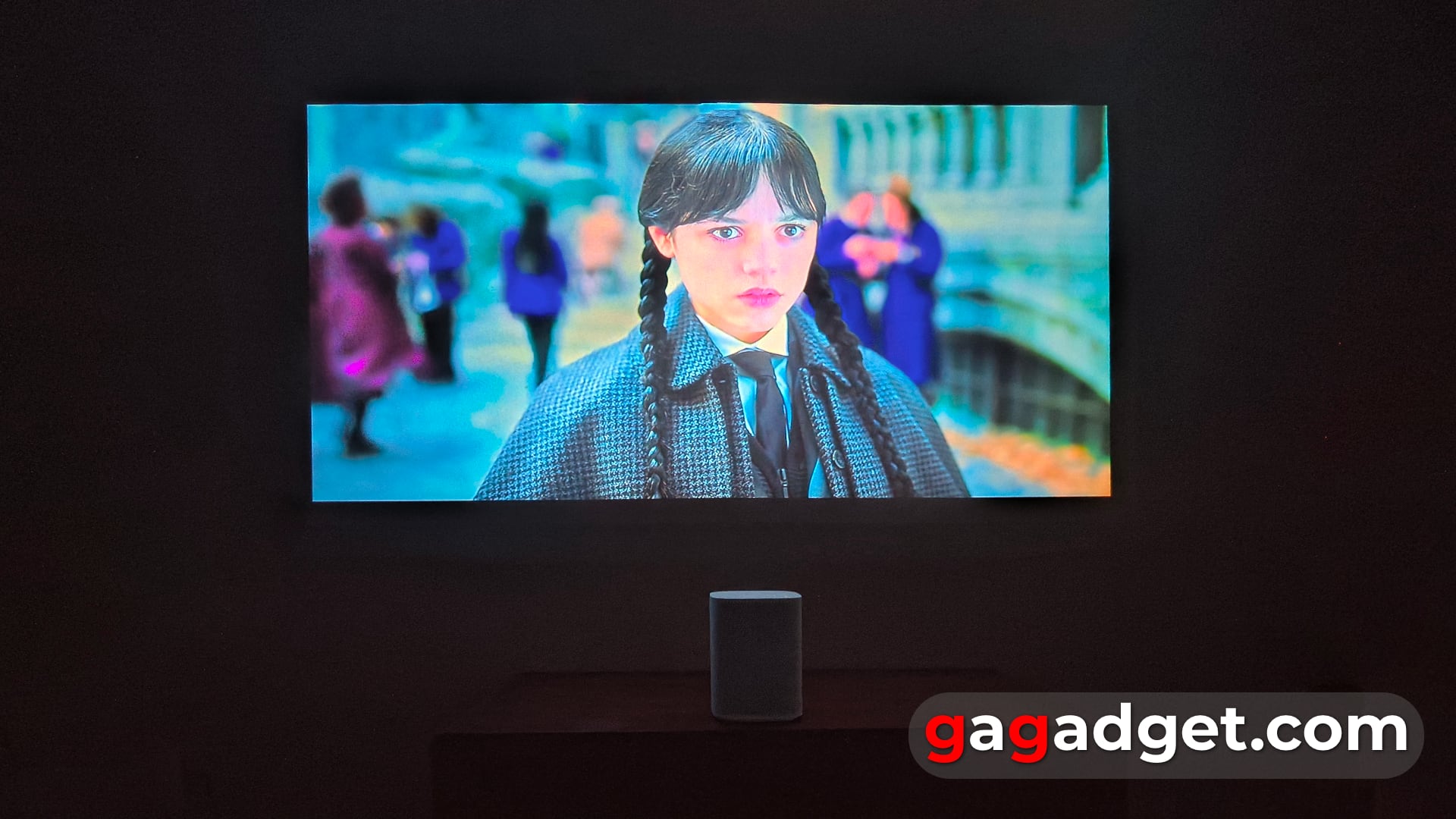


The brightness comparison table of all Samsung projectors conventionally (the conversion from ISO and LED to ANSI lumens is approximate for comparative purposes) compares the brightness level of these models. That's why the triple laser trump card doesn't really work for cinema mode (but it may affect the quality and accuracy of motion recognition in interactive mode). Although it's worth noting that the response in this mode is noticeably longer for a user who is used to touchscreen responses - it is about half a second. For a child, this is not so important, but, for example, in dynamic games (conditional Fruit Ninja) it will be a problem, and in casual games (Sea Battle, Angry Birds) it does not matter
| Model name | Generation | Model number | Declared brightness | Unit of measurement | Approximate equivalent in ANSI lumens | Light source technology |
|---|---|---|---|---|---|---|
| The Premiere 9 | 2nd | LPU9D | 3450 | ISO | ~3200 | Tri-laser (RGB) |
| The Premiere 9 | 1st | LSP9T | 2800 | ANSI | 2800 | Tri-laser (RGB) |
| The Premiere 7 | 2nd | LPU7D | 2500 | ISO | ~2300 | Single laser phosphor |
| The Premiere 7 | 1st | LSP7T | 2200 | ANSI | 2200 | Single laser phosphor |
| The Premiere 5 | 1st | LPF5D | 560 | ISO | ~500 | Tri-laser (RGB) |
| The Freestyle | 2nd | SP-LFF3C | 230 | ANSI | 230 | LED |
| The Freestyle | 1st | SP-LSP3B | 550 | LED | ~230 | LED |
Accordingly, The Premiere 5 allows you to watch movies on a 100-inch screen even without artificial dimming (as long as there is no direct sunlight in the room), although, of course, in the evening or with the night curtains closed, the result is much more interesting. And despite the loss in brightness to "cinema" projectors (including in image resolution - FullHD vs. 4K), The Premiere 5 is still a powerful smart projector with all the benefits of Tizen - it is integrated into the SmartThings smart home system, works natively with OTT services (and does not require any sources to watch movies and TV shows), has a built-in functional browser that allows you to watch videos on websites, and can play back images from Samsung tablets and smartphones wirelessly. Therefore, as always in such cases, owners of other Samsung devices will get their own additional benefits in use.
It is worth noting here that right now we are at a turning point where we can already cautiously say that Samsung has already succeeded in creating its own smart home ecosystem and it has been established. More and more of the company's home appliances support SmartThings and integrate with each other (and this is a unique advantage of the Samsung ecosystem that no one else on the market has). A single Samsung account begins to provide benefits in the form of cloud storage of all kinds of settings. You start to feel this after you have already used several Samsung TVs and projectors - once you log in, you have access to all the resources and some of the saved settings (for example, a map of your home with installed smart devices).
And here we come to the question of who might be interested in The Premiere 5. Of course, if you only need a projector for your home cinema, this is not it. Because for the same money, there are more interesting 4K models, and not just ultra-short throw ones. The average Android user is more likely to choose an Android model. But such a projector may be interesting to parents of children due to additional interactive entertainment for the child. It also makes sense for owners of other Samsung ecosystem devices to pay attention to it. It may make some sense to buy such a projector for educational institutions or businesses specialising in leisure services (coworking spaces, hotels, shopping malls with children's rooms, etc.) It can become an element of any place where you need to keep children busy and entertained for a while. This is similar to the niche use of The Sero vertical TV for stores, where it can attract attention in a shop window or interior.
| Main specifications of Samsung The Premiere 5 projector | |
|---|---|
| Package dimensions | 136×200×139 mm |
| Weight with packaging | 2.3 kg |
| Image diagonal | 40-100" |
| Resolution | FullHD (1920x1080) |
| Projection distance | 11-43 cm |
| Technology | triple laser |
| Brightness | 500 ANSI lumens |
| Contrast ratio | 1000:1 |
| Sound | 2-channel, 10 W, Dolby Atmos |
| Gaming capabilities | ultra-wide-angle mode 32:9 |
| Connections | 2 x microHDMI, Wi-Fi 5, 1 x USB-C, Bluetooth 5.2 |
| Operating system | Tizen (SmartThings Hub, web browser) |
| Remote control | SolarCell, solar powered |
According to our projector rating system, The Premiere 5 boasts a recognisable design, good (but not revolutionary for its class) sound and image quality, additional unique features that competitors don't have (interactive mode) and a solar-powered remote control. Its price is in line with the market (because there is nothing to compare it with - it is almost the only one of its kind), but the desire to recommend it for purchase is in the "rather recommend" section due to the fact that the scenarios for using the interactive mode are still somewhere in the near future - they must be determined and invented by users themselves.
To sum up.
The Premiere 5 is a unique experiment of its kind with unpredictable (so far) consequences even for its developers. It is an all-in-one solution that combines portability (it can even be powered by a powerful power bank), home theatre capabilities and a new interactive mode that allows users to turn a table surface into a touchscreen. Its triple laser can be disregarded if you expect increased brightness (it is optimised for interactivity). Undoubtedly, this novelty creates the very new user experience that everyone is chasing, but I would like to have at least 1-2 "killer apps" that would demonstrate how these interactive features can be used. In this form, it could be interesting for children's entertainment and (possibly) some educational institutions.
5 reasons to buy Samsung The Premiere 5 projector
- you need a portable/standalone ultra-short throw projector
- you have a regular need to entertain children with something new
- you like to be the first to test new technologies
- you have other Samsung appliances from the SmartThings ecosystem
- you are the owner of an institution where you need to keep children busy
3 reasons not to buy Samsung The Premiere 5 projector
- it does not support 4K resolution
- you are not interested in interactive features
- you don't need portability from the projector
For those who want to know more

Co-founder and editor-in-chief of gagadget.com. Graduated from the Journalism Department of Kyiv National University in 1998. I made my first publications in mass media in my school years (there were still newspapers then). Observed the evolution of smartphones in the front row since Nokia 7650 on Symbian. Since 2002 he has specialized in the topic of smartphones, mobile communications and analysis of the development of the consumer electronics market.


