Windows 11 finally gets faster: Microsoft's KB5089573 targets sluggish Start menu and app launches

Microsoft has shipped KB5089573, an optional preview update for Windows 11 versions 24H2 and 25H2, aimed squarely at the performance complaints that have dogged the OS for well over a year. The update is part of Microsoft's internal K2 initiative — a focused effort to make Windows feel faster without requiring new hardware. It's available now through Windows Update, but only if you go looking for it; the mandatory rollout comes with June's Patch Tuesday.
The speed claims
Microsoft says the update applies a low-latency profile to core UI elements. The Start menu is claimed to respond up to 70% faster, and app launches up to 40% faster. Windows Search has also been reworked — it now returns results after just two typed characters and does a better job surfacing relevant files. These figures come from Windows Central rather than independent benchmarks, so treat them as targets rather than guarantees.
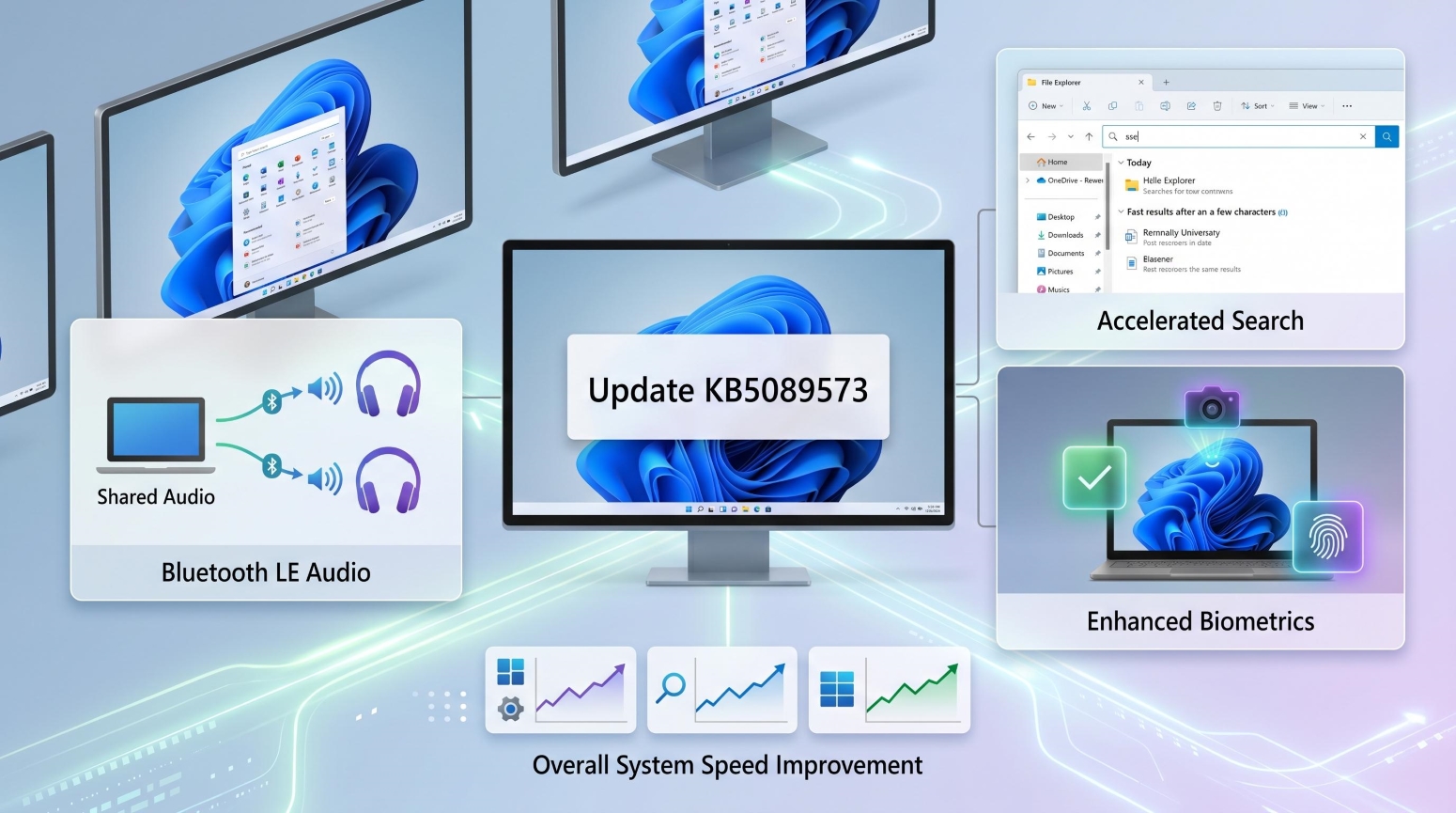
Windows 11 KB5089573 introduces low-latency UI optimizations alongside new Shared Audio and Multi-App Camera features.
New features alongside the speed fixes
The update adds Shared Audio, which lets you stream sound from one PC to two Bluetooth headsets simultaneously using Bluetooth LE Audio — useful for watching something together without a splitter or extra app.
A new Multi-App Camera feature lets multiple applications access a single webcam at the same time. If you've ever had a video call app block your streaming software from using the camera, this addresses that directly.
For devices with a Neural Processing Unit (NPU) — the AI-focused chips found in Copilot+ PCs — Task Manager gains dedicated monitoring panels showing NPU load and memory usage.
Windows Hello also sees stability improvements: face recognition and fingerprint login are more reliable after the device wakes from sleep, an issue that's frustrated users on recent hardware.
Stability and battery
Beyond the headline features, Microsoft has fixed compatibility problems with USB4 displays and peripherals, improved touch input and the on-screen keyboard, and optimized sensor and HID device handling — which should translate to modest battery life gains on laptops.
When you'll get it
KB5089573 is live on Windows Update as an optional download right now for 24H2 and 25H2 users. Per Bleeping Computer, the phased rollout means not every machine will see it immediately. Everyone gets it automatically in June. Given Microsoft's recent update quality history, waiting for the mandatory release is a reasonable call.


