At gagadget.com, your trust is our priority. We follow strict quality standards in our research, tests, and analysis of video projectors, to give you the best experience. Learn more
Which Dell Projector Is the Best?
Dell built its reputation on hardware that businesses and schools actually depend on day after day - and that same reliability standard carries straight into their projector lineup. In 2026, that means projection hardware with the kind of connectivity, compatibility, and build consistency that IT departments don't have to babysit, and that individual buyers can trust without doing deep research into a brand they've never heard of.
The Dell projector catalog covers more ground than most people realize - home theater, classroom installs, boardroom presentations, each with models engineered for that specific environment. This guide goes through the best options currently available, breaking down performance, features, and real-world suitability so you can find the right Dell projector for your space without wading through the full catalog yourself.
If you're pressed for time, here's our pick of the Top 2 Dell projectors:
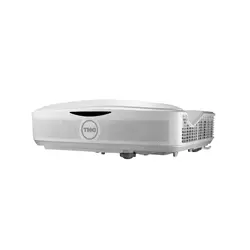
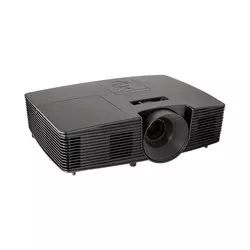
We may earn a small commission if you buy via our links - it helps keep gagadget.com running.
Dell Projectors: Buyer’s Guide
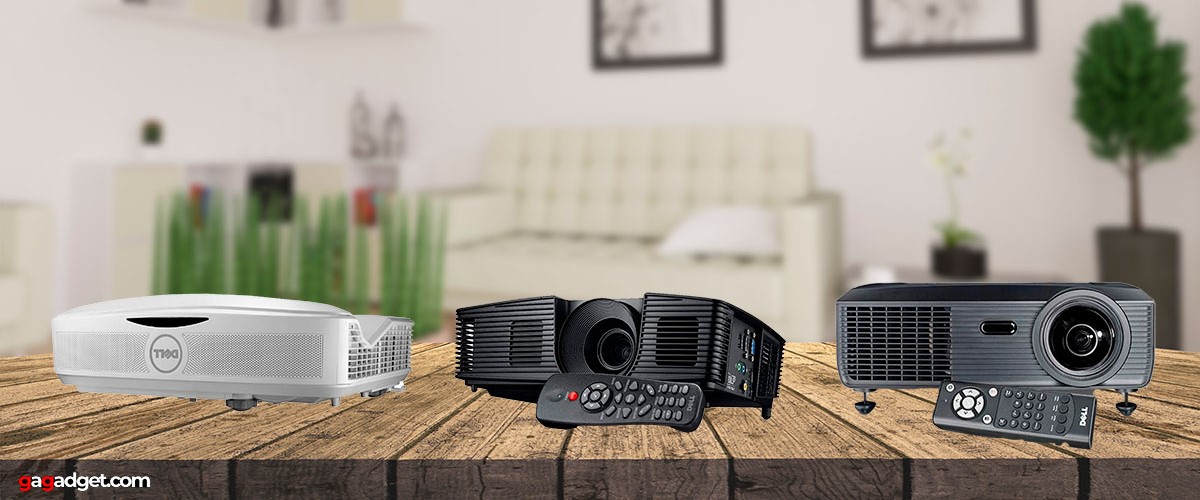
When it comes to setting up an impressive display, whether for your home cinema, a crucial business presentation, or for educational purposes, DELL projectors stand out as a reliable choice. With an array of models catering to different needs, it can be a bit overwhelming to pick the perfect one.
Here's a guide to help you navigate the key features to consider when selecting a DELL projector.
Resolution: Clarity Counts
As per our expertise, the resolution of a projector is pivotal in determining the clarity and detail of the images it projects. Essentially, this resolution refers to the number of pixels that can be displayed on the screen. Dell offers a range of resolutions, from XGA (1024 x 768) to Full HD (1920 x 1080).
For instance, the Dell 1850 Projector boasts a 1080P resolution, ideal for high-definition movie watching or gaming, where every detail matters. On the other hand, for PowerPoint presentations or document projections, a Dell model like the P318S with an 800x600 resolution might suffice.
Brightness: Lighting Up Your Images
Measured in lumens, brightness is what makes your projection visible in various light conditions. Dell projectors come with a wide range of brightness levels. The Dell S560, for instance, shines bright at 3,400 lumens, making it suitable for well-lit rooms or even outdoor settings.
Contrast this with a more modestly bright projector, like a portable model that might offer around 500 lumens, which is ideal for darker environments such as home theaters.
Contrast Ratio: The Difference Maker
Contrast ratio plays a crucial role in how vivid and lifelike your images appear. It's the difference in brightness between the darkest and brightest parts of an image. Higher contrast ratios, like 10,000:1 available in some Dell models, offer more dynamic and realistic images, enhancing your movie nights or gaming sessions. For more standard usage like document presentations, a lower contrast ratio would work just fine.
Connectivity: The Power of Links
The versatility of a projector significantly hinges on its connectivity options. Dell projectors provide a range of connectivity features, including HDMI, USB, VGA, and in some cases, wireless options like Wi-Fi and Bluetooth.
Best Dell Projector Models: TOP 4
Here are the top current Dell projector models that you can find on the market:
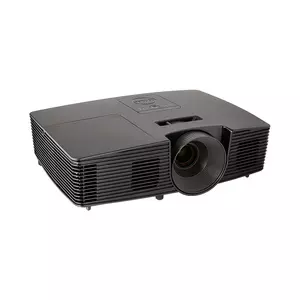
- High-resolution 1080P display
- Brightness of 3,000 Lumens
- Versatile video and data modes
- Portable and compact design
- Comprehensive connection options
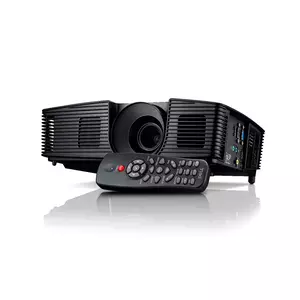
- Bright 3200 lumens display
- Large projection size (up to 640 cm)
- Useful Freeze and Blank Screen buttons
- Long lamp life (up to 6,000 hours in Eco mode)
- Multiple connectivity options
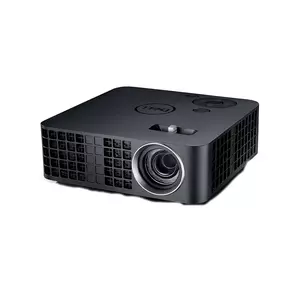
- Extremely portable and lightweight
- 500 ANSI lumens brightness
- High contrast ratio of 10,000:1
- Long-lasting laser system light source
- Convenient 7GB internal storage
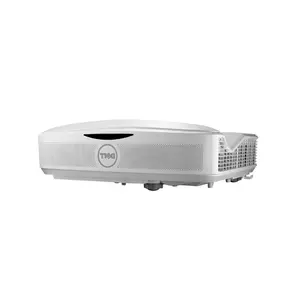
- High brightness of 3,400 Lumens
- Ultra Short Throw distance
- Full HD 1080P resolution with 16:9 aspect ratio
- Full HD 3D capability
- Comprehensive connectivity options
Dell Projectors Comparison
For easy comparison, here is a table of specifications of the best Dell projectors:
| Specification | Dell 1850 | Dell P318S | Dell S560 | Dell M318WL |
| Resolution | 1920x1080 | 800x600 | 1920x1080 | 1280x800 |
| Display Size | 84 cm - 775 cm | 69 cm - 640 cm | 204 cm - 256 cm | 75 cm - 203 cm |
| Connectivity | HDMI, USB, VGA | HDMI, USB, VGA | HDMI, USB, VGA, RJ-45, RS232 | HDMI, USB, Audio Out |
| Speakers | 10.0 Watts Mono | 2.0 Watts Mono | 10.0 Watts × 2 | 1.0 Watts Mono |
| Contrast Ratio | 2,000:1 | 10,000:1 | 1,800:1 | 10,000:1 |
| Warranty and Support | 2 Years | 2 Years | 2 Years | 2 Years |
| Special Features | 3D Capable | Wireless, Short-Throw | Ultra Short Throw, 3D Capable, Full HD | Ultra-Portable, Internal Memory |
| Brightness | 3,000 Lumens | 3,200 Lumens | 3,400 Lumens | 500 Lumens |
Now let's take a closer look at each of the Dell projector models.
Dell 1850 Projector
Author's Choice
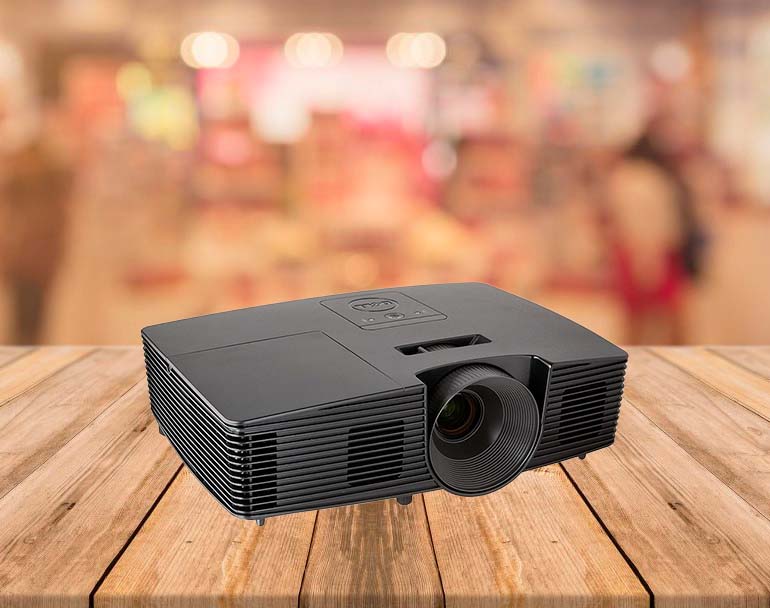
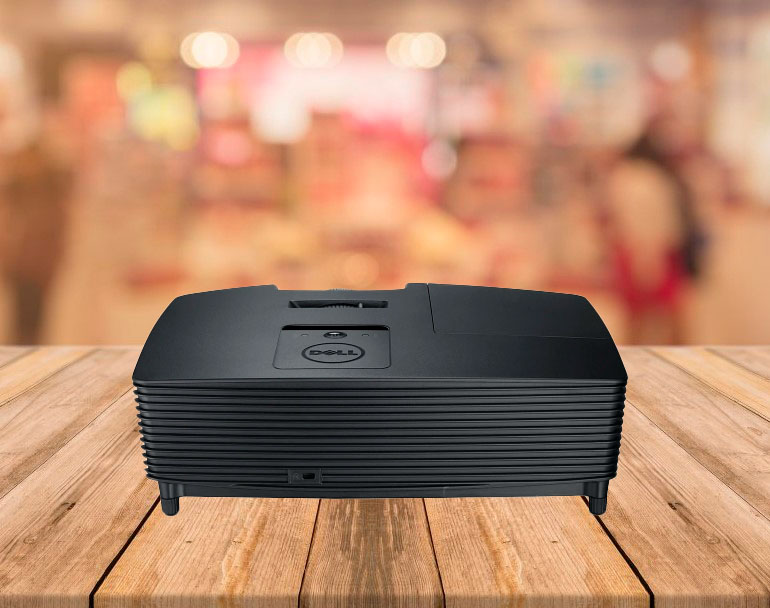
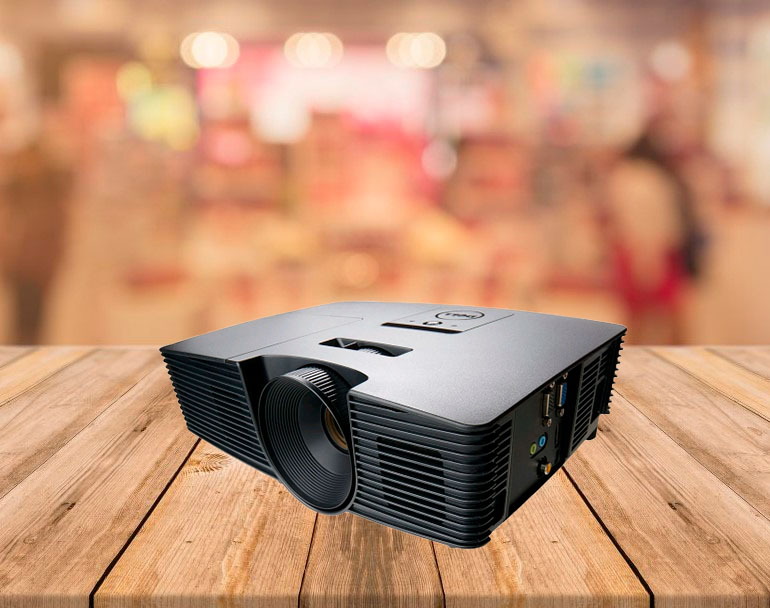
The Dell 1850 Projector is a high-performance device designed for conference room settings. It showcases a 1080P resolution with a 1920x1080 native display, making it ideal for detailed presentations and videos. The projector uses DLP technology, known for higher contrast and less visible pixels, enhancing the clarity and quality of the image. Additionally, this technology contributes to the projector's portability, an essential feature for dynamic office environments.
With a brightness of 3,000 Lumens, the Dell 1850 ensures visibility even in well-lit rooms. Its aspect ratio of 16:9 aligns with standard HD formats, suitable for a variety of media types. The contrast ratio of 2,000:1 promises deep blacks and bright whites, vital for detailed images and texts. Color processing at 10-bit offers a wide color range, beneficial for presentations with rich graphics.
The projector supports multiple video modes including 720p, 1080i, and 1080p, along with standard definition formats, making it versatile for different input sources. The maximum data mode resolution is 1920x1080, ensuring high-quality data display. It is also PC 3D ready, adding an extra dimension to presentations when needed.
For its lamp, the Dell 1850 uses a 220W UHP bulb with a life of 3,500 hours, extendable to 5,000 hours in Eco mode. This makes it relatively sustainable in terms of maintenance. The included lens features a 1.1x manual zoom and manual focus, although it lacks optional lenses and lens shift capabilities.
The projector offers a throw distance of 1.2m to 10.0m, catering to various room sizes. The image size projection ranges from 84 cm to 775 cm, with a throw ratio of 1.48:1 to 1.62:1, making it adaptable to different screen sizes. Placement guidelines suggest that for a 254 cm diagonal screen, the projector should be placed between 3.3 m and 3.6 m from the screen.
Additional features include digital zoom and vertical digital keystone, enhancing image alignment and size customization. The projector's size is compact, measuring 9 cm x 31 cm x 22 cm (HxWxD) and weighing 2.8 kg, which is favorable for mobility. The noise level is moderately low at 35 dB and reduces to 32 dB in Eco mode. It has a 10.0 Watts Mono internal speaker, sufficient for small to medium-sized rooms. The power requirement is 275 Watts, compatible with 100V - 240V.
The connection panel is well-equipped with a variety of inputs including Mini Jack for audio in/out, RCA composite, HDMI 1.4a, USB, and VGA In/Out (Dsub-15pin), ensuring compatibility with most devices.
Pros:
- High-resolution 1080P display with clear image quality
- Brightness of 3,000 Lumens suitable for well-lit rooms
- Versatile video and data modes, including PC 3D readiness
- Portable and compact design with a reasonable weight of 2.8 kg
- Comprehensive connection options for varied device compatibility
Cons:
- Limited zoom and focus options (manual 1.1x zoom)
- No optional lenses or lens shift capabilities
- Moderate noise level at 35 dB in normal mode
Summary: The Dell 1850 Projector is an effective solution for conference room settings, offering high-resolution display, versatile video modes, and a bright image. Its portability and wide range of connectivity options make it a valuable tool for diverse presentation needs. As indicated by our tests, while it has some limitations in lens flexibility and noise levels, its overall performance and features make it a solid choice for professional environments.
Dell P318S Projector
People's Choice
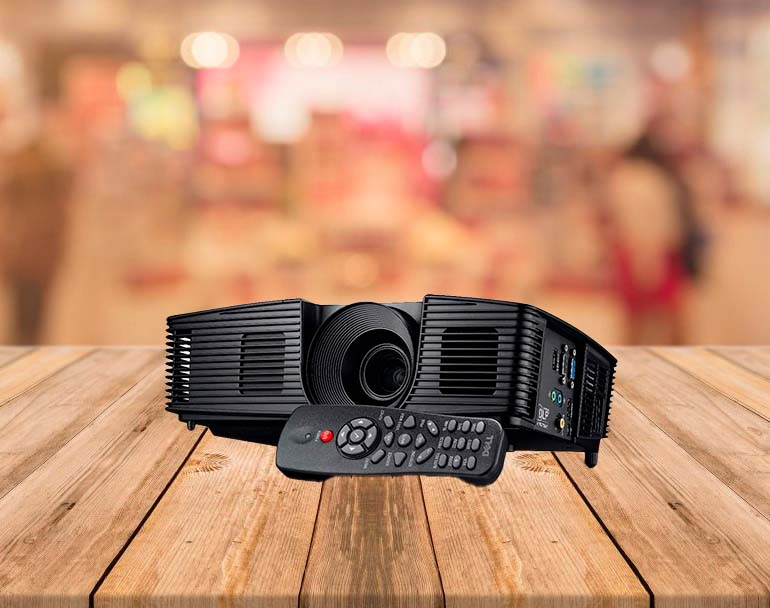
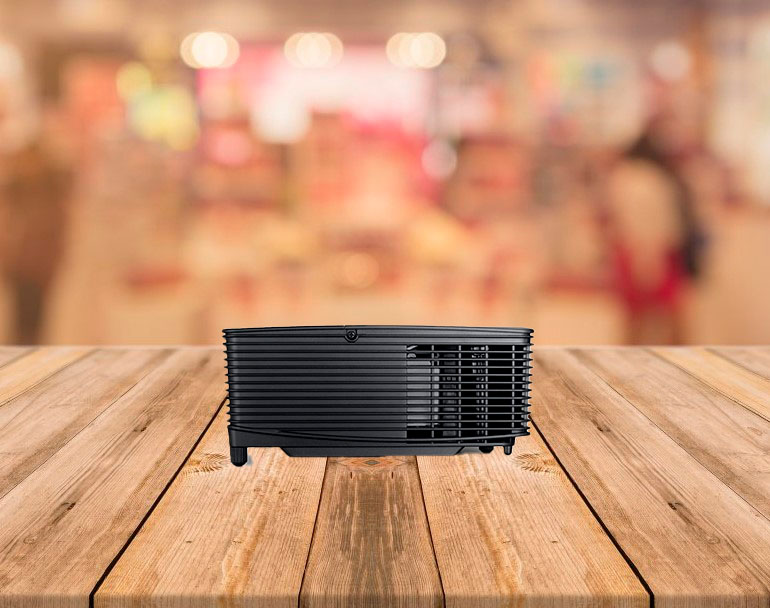
Dell P318S projector is an adaptable and efficient presentation tool, suitable for both conference rooms and classrooms. Its 3200 lumens brightness, combined with DLP technology, ensures that presentations are clear and vibrant, even in various lighting conditions. A standout feature is its large projection size of 252 inches (640 cm), which guarantees that content is easily readable, even from the back of the room.
One of the key functionalities of the P318S is the inclusion of a Freeze button. This allows presenters to pause at any point in their presentation, including during live video, providing flexibility and control over the flow of information. Additionally, the Blank Screen button is an excellent feature for momentarily blanking out the screen, useful for managing content discreetly or redirecting audience focus.
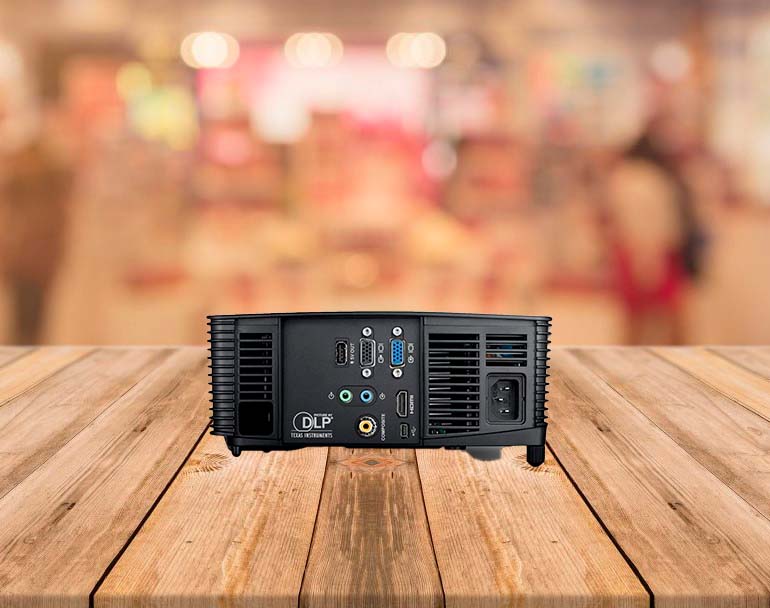
The projector offers optional wireless connectivity, enhancing its convenience and reducing the need for cumbersome wiring. This, coupled with multiple connection options, including Mini Jacks for audio in/out, RCA composite, HDMI, USB, and VGA In/Out (Dsub-15pin), ensures that it is compatible with a variety of devices and media formats.
In terms of performance, the P318S promises longevity with a lamp life of 5,000 hours, extendable to 6,000 hours in Eco mode. The 195W Metal Halide bulb ensures consistent performance throughout its lifespan. While the projector does not support optional lenses or lens shift, it does include a 1.1x manual zoom and manual focus lens, providing basic control over image size and clarity.
The throw distance ranges from 1.2 m to 10.0 m, suitable for different room sizes, and the throw ratio of 1.95:1 to 2.15:1 is adequate for most presentation environments. For a 254 cm diagonal screen, the ideal placement of the projector is between 4.0 m and 4.4 m from the screen, which is practical for medium to large-sized rooms.
The projector is compact and portable, measuring 9 cm x 31 cm x 22 cm (HxWxD) and weighing 2.4 kg. The noise level is relatively low, at 34 dB in normal mode and reducing to 31 dB in Eco mode. With an internal 2.0 Watts Mono speaker, it can handle basic audio requirements for small to medium-sized rooms.
The power consumption is moderate at 245 Watts, compatible with 100V - 240V power sources. Additionally, the P318S is backed by a 2 Year Advanced Exchange Warranty, offering peace of mind and support.
Pros:
- Bright 3200 lumens display suitable for various lighting conditions
- Large projection size (up to 640 cm) enhances visibility for large rooms
- Useful Freeze and Blank Screen buttons for presentation control
- Long lamp life (up to 6,000 hours in Eco mode) ensures durability
- Multiple connectivity options, including optional wireless support
Cons:
- Lower resolution of 800x600 may not be ideal for high-detail content
- Lack of optional lenses and lens shift limits image adjustment capabilities
- Internal speaker power limited to 2.0 Watts Mono
Summary: The P318S projector is a versatile and user-friendly device, ideal for educational and professional settings. Its high brightness, large projection size, and innovative features like the Freeze and Blank Screen buttons make it a practical choice for engaging presentations. Our analysis of this product revealed that, while it has some limitations in resolution and audio capabilities, its overall performance, coupled with the convenience of wireless connectivity and multiple inputs, makes it a reliable choice for varied presentation needs.
Dell M318WL Projector
Bestseller
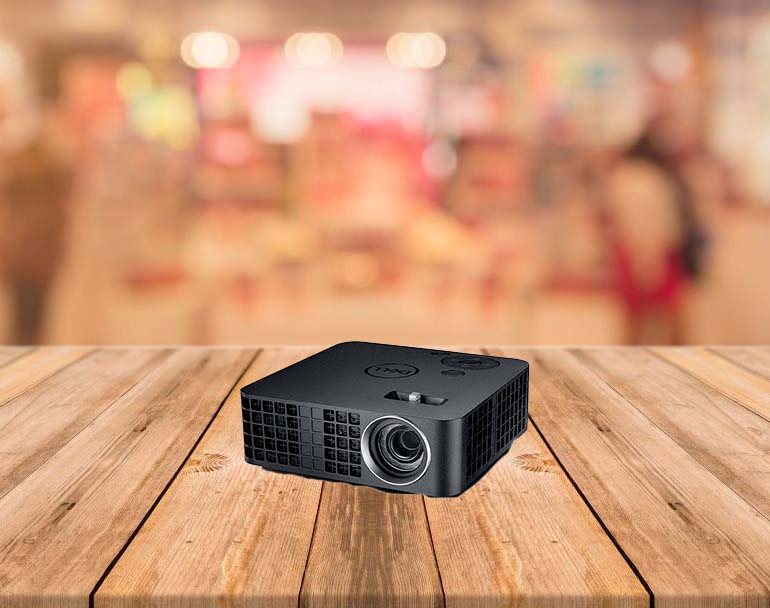
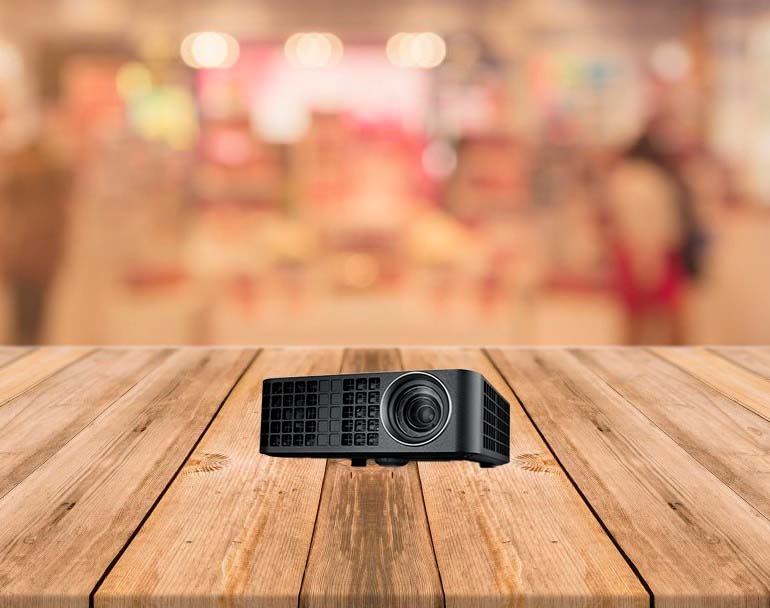
Dell M318WL Projector is designed for on-the-go professionals and educators who need a compact, lightweight presentation solution. Weighing just 0.8 pounds and with dimensions of 4.1 inches in width and length, and 1.4 inches in height, it is small enough to fit in the palm of your hand. This makes it exceptionally easy to transport in any size bag without adding noticeable weight, ideal for users who are always on the move.
The projector delivers professional-quality presentations with a brightness of 500 ANSI lumens. This level of brightness is sufficient for clear and comfortable viewing in various lighting conditions. It utilizes BrilliantColor technology to provide WXGA resolution (1280x800), ensuring sharp and vivid images. With a contrast ratio of 10,000:1, it offers crisp and colorful images, enhancing the overall quality of the presentation.
A notable feature of this projector is its 7GB internal drive, allowing users to store content directly on the device. This is particularly convenient for presenters who need quick and easy access to their materials. The projector's light source is a laser system, boasting a long lifespan of up to 20,000 hours, reducing the need for frequent maintenance or bulb replacement.
The Dell M318WL Projector supports a variety of video modes, including high-definition formats, making it versatile for different types of media. Its maximum data mode resolution is 1920x1080, which is more than adequate for most presentation needs. The LED lamp type offers efficient power usage and longevity.
However, the projector comes with a fixed focal length and manual focus lens, without the option for lens shift or interchangeable lenses. The throw distance ranges from 1.0 m to 2.6 m, projecting image sizes between 75 cm and 203 cm. For a 254 cm diagonal screen, the projector should be placed about 3.2 m from the screen.
The projector's noise level is relatively low, with 36 dB in normal mode and reducing to 32 dB in Eco mode. It includes a 1.0 Watt Mono internal speaker, which is adequate for small, quiet environments. Power consumption is modest at 52 Watts, compatible with 100V - 240V power sources.
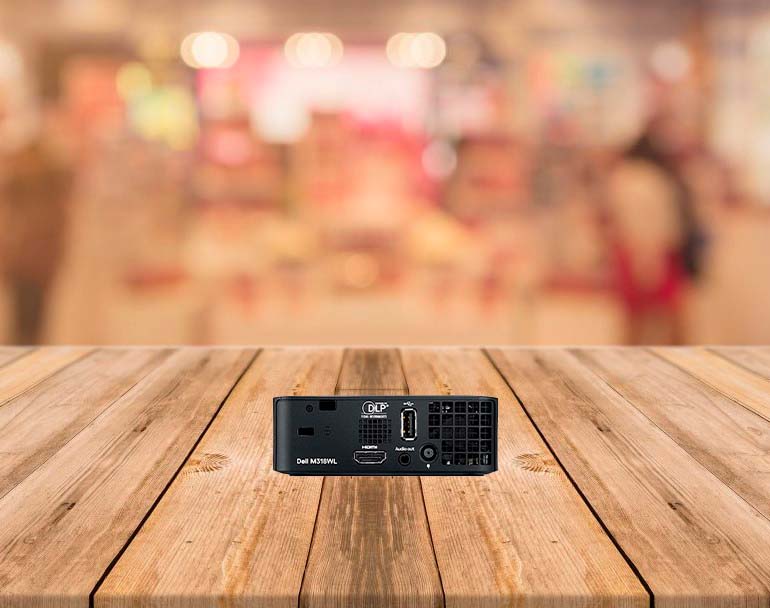
Connection options include an Audio Out Mini Jack, HDMI 1.3, and USB, providing essential connectivity for most devices. Additionally, the projector comes with a soft carrying case for added convenience and protection during transportation.
Pros:
- Extremely portable and lightweight, ideal for mobile professionals
- 500 ANSI lumens brightness suitable for various lighting conditions
- High contrast ratio of 10,000:1 delivers crisp and vibrant images
- Long-lasting laser system light source with up to 20,000 hours of use
- Convenient 7GB internal storage for direct content access
Cons:
- Fixed focal length lens limits flexibility in image size adjustment
- No option for interchangeable lenses or lens shift
- Internal speaker limited to 1.0 Watt Mono, not suitable for larger rooms
Summary: The Dell M318WL Projector is a standout choice for professionals and educators who value mobility and convenience. Based on our observations, its ultra-compact design, combined with decent brightness and high contrast ratio, makes it a reliable tool for a range of presentations. While it has limitations in lens versatility and audio output, its ease of use, internal storage, and long-lasting light source make it a practical and efficient solution for on-the-go presentations.
Dell S560 Projector
Best Overall
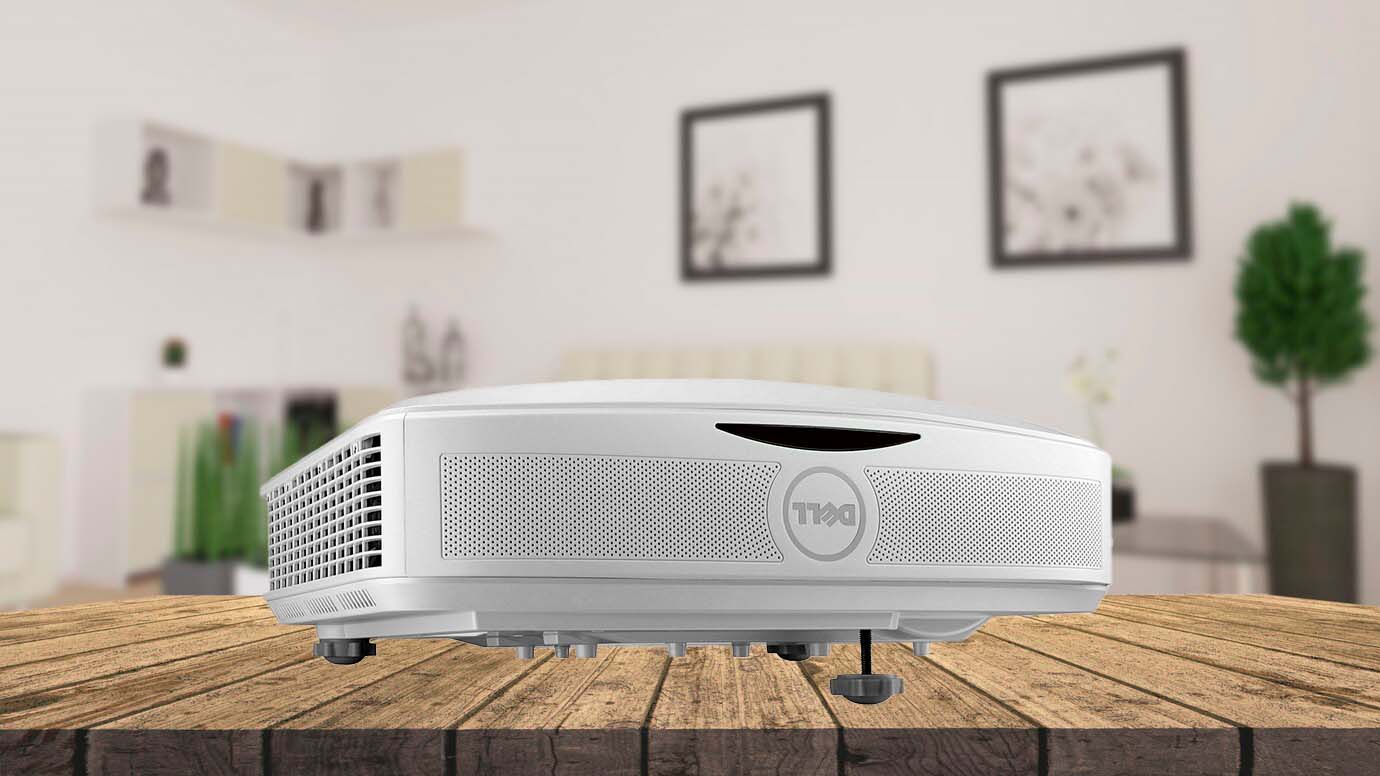
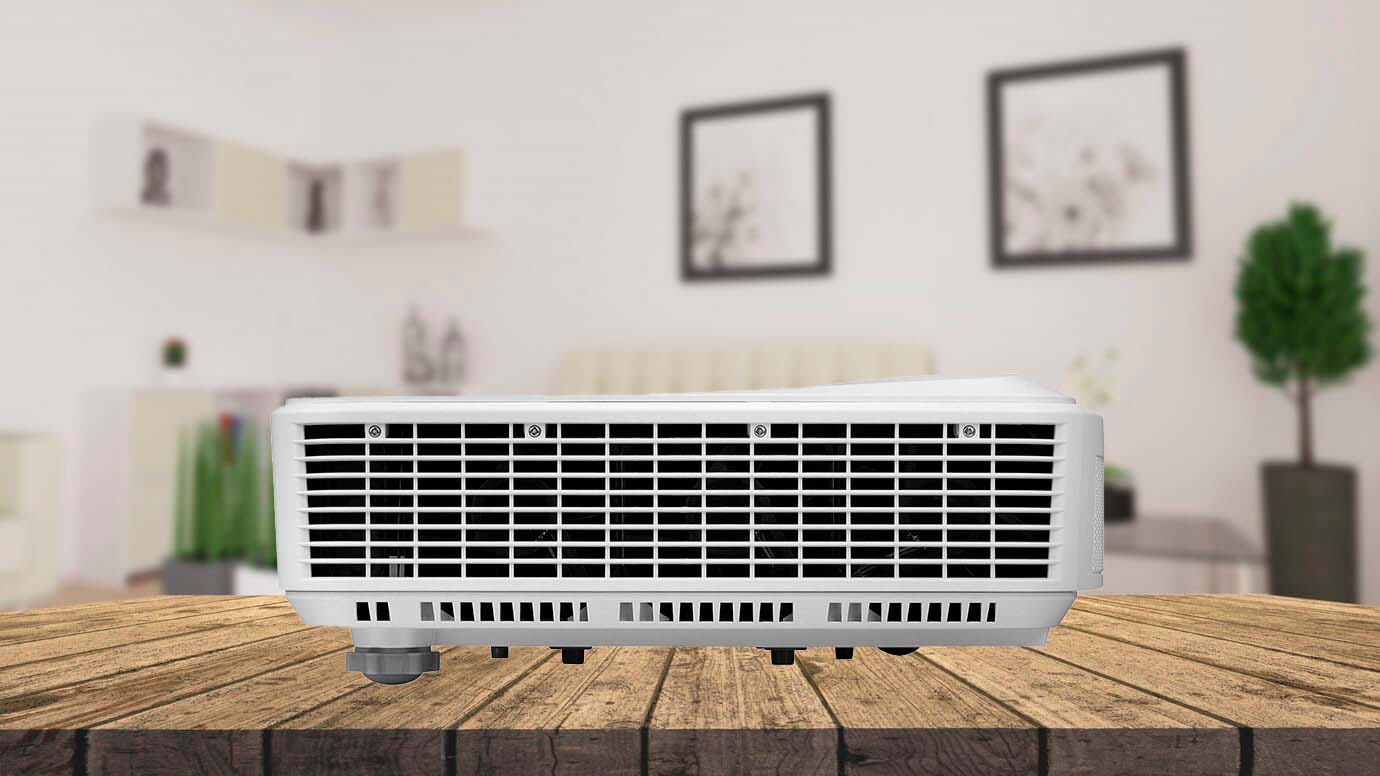
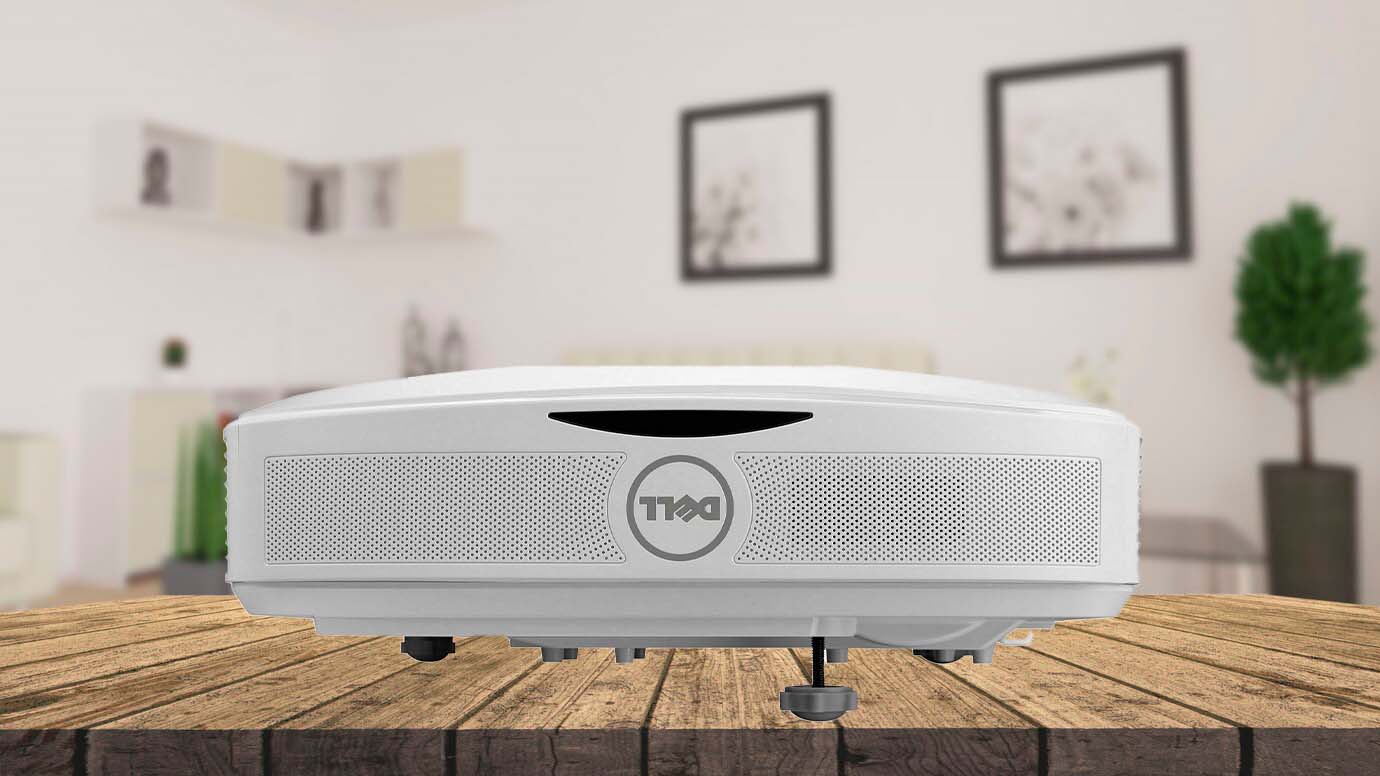
Dell S560 Projector is a high-performance 1080P Ultra Short Throw (UST) projector, well-suited for environments where space is limited but high-quality visuals are required. Its lamp-based technology allows it to project at a bright 3,400 lumens, making it ideal for settings with ambient light. The native resolution of 1920x1080, combined with the 16:9 aspect ratio, ensures full HD quality, which is perfect for both business presentations and educational content.
One of the key features of this projector is its DLP technology, which offers higher contrast, fewer visible pixels, and greater portability. The contrast ratio of 1,800:1 provides deep blacks and bright whites, enhancing the overall clarity and detail of the image. It supports various video modes, including 720p, 1080i, and 1080p, allowing compatibility with a wide range of media sources. Additionally, the Dell S560 is Full HD 3D capable, offering an immersive viewing experience when required.
The projector uses a 260W UHP bulb with a lamp life of 3,000 hours, which can be extended to 5,000 hours in Eco mode. This makes it relatively low maintenance in terms of lamp replacement. The included lens offers manual zoom and focus, but there are no options for additional lenses or lens shift. However, given its ultra-short throw nature, with a throw distance of just 0.4 m to 0.6 m, it can project large images (204 cm - 256 cm) in tight spaces.
For a 254 cm diagonal screen, the projector needs to be placed only 0.6 m from the screen, which is beneficial in small rooms or areas where a traditional projector setup is not feasible. The projector also features digital zoom and vertical keystone correction, allowing for some image adjustment.
The Dell S560 is relatively compact, measuring 10 cm x 38 cm x 32 cm (HxWxD), and weighs 4.7 kg. It produces an audible noise of 36 dB, which reduces to 32 dB in Eco mode. The internal speakers are quite powerful at 10.0 Watts × 2, making it suitable for medium-sized rooms without the need for external audio equipment.
In terms of connectivity, the projector is well-equipped with two HDMI 1.4a ports, USB, VGA In/Out, audio in/out options, a network RJ-45 port, and RS232. These features, along with support for Crestron RoomView™, make it an excellent choice for integrated room systems.
Pros:
- High brightness of 3,400 Lumens, suitable for well-lit environments
- Ultra Short Throw distance allows for large images in small spaces
- Full HD 1080P resolution with 16:9 aspect ratio for clear, detailed visuals
- Full HD 3D capability adds an immersive element to presentations and videos
- Comprehensive connectivity options, including HDMI, USB, and network support
Cons:
- Limited zoom and focus adjustments due to fixed lens
- No option for lens shift or additional lenses
- Audible noise level may be noticeable in quiet environments
Summary: The Dell S560 Projector is an excellent choice for those requiring a high-quality, ultra-short throw projector for small to medium-sized rooms. Its high brightness and resolution, combined with the ease of setup in constrained spaces, make it particularly suitable for educational and business settings. While there are limitations in lens flexibility and some noise output, its overall performance and extensive connectivity features outweigh these drawbacks, making it a robust and versatile projector for various applications.
FAQ about Dell Projector Models

How do I adjust the image quality of my DELL projector?
There are several ways to improve the image quality of your DELL projector, depending on the model and the source of the image. Here are some general tips:
- Make sure the projector is placed at a suitable distance and angle from the screen. You can use the zoom and focus rings on the lens to adjust the size and sharpness of the image. Some models also have a keystone correction feature that can reduce the distortion caused by tilting the projector;
- Adjust the brightness, contrast, color, and other settings of the projector using the menu button on the remote control or the projector itself. You can also select a preset mode that matches the type of content you are projecting, such as presentation, movie, or game;
- Check the resolution and refresh rate of the source device, such as your laptop or Blu-ray player, and make sure they are compatible with the projector. You can also adjust the aspect ratio of the image to match the screen size and shape. Refer to the user manual of your projector and source device for more details;
- Use a high-quality cable to connect the projector and the source device, and avoid using adapters or splitters that may degrade the signal. Some models also support wireless projection via Wi-Fi, Bluetooth, or Miracast, which can eliminate the need for cables and offer more flexibility.
How do I maintain my DELL projector?
To keep your DELL projector in good condition and extend its lifespan, you should follow these maintenance tips:
- Clean the projector regularly to remove dust and dirt that may affect the performance and image quality. Use a soft cloth or a vacuum cleaner to gently wipe or suck the dust from the vents, lens, and case. Do not use any liquids or abrasive materials that may damage the projector;
- Replace the lamp when it reaches the end of its life or shows signs of deterioration, such as dimming, flickering, or changing colors. You can check the lamp status and hours using the menu button on the remote control or the projector itself. Refer to the user manual of your projector for the instructions on how to replace the lamp and where to buy a new one;
- Store the projector in a cool, dry, and well-ventilated place when not in use. Avoid exposing the projector to direct sunlight, extreme temperatures, humidity, or dust. Use the original packaging or a protective case to prevent any damage during transportation.
What is the warranty policy for my DELL projector?
DELL offers a limited warranty for its projectors, covering defects in materials and workmanship for a specified period of time, depending on the model and the region. The warranty does not cover any damage caused by misuse, abuse, accidents, modifications, or unauthorized repairs.
The warranty also does not cover consumable parts, such as lamps, batteries, or filters, unless they are defective at the time of purchase. You can check the warranty status and terms of your projector using the service tag or express service code on the bottom of the projector or on the original invoice.
Best Dell Projectors: Conclusion
After exploring the diverse array of Dell projectors, it's clear that each model has its unique strengths tailored to different use cases. From the high-resolution Dell 1850 Projector, perfect for detail-rich presentations, to the compact and convenient Dell P318S for smaller, well-lit spaces,
Dell offers something for everyone. By considering factors like resolution, brightness, and connectivity, you can confidently choose a Dell projector that not only meets but exceeds your expectations for quality and performance in 2026.
Go Deeper::

Meet James, our go-to tech guru and seasoned reviewer. His sharp attention to detail and love for gadgets drive his deep dives into the newest tech waves. James's insightful analysis and real zest for breakthroughs have earned him a solid reputation in the tech world.


