Google Unveils Gemini App for Mac: Real-Time Content Interaction and AI Features Now Available

Google has introduced the Gemini app for Mac computers. This is a continuation of the expansion of the AI assistant to various platforms: a version for Windows was released recently, and now the solution has also become available for macOS users.
What is known
The company notes that this is a full-fledged application for the computer, integrated directly into the system. Gemini can be called using hotkeys: Option + Space opens a mini-chat, and Option + Shift + Space — a full-screen interface. The settings for combinations are available in the program's parameters.
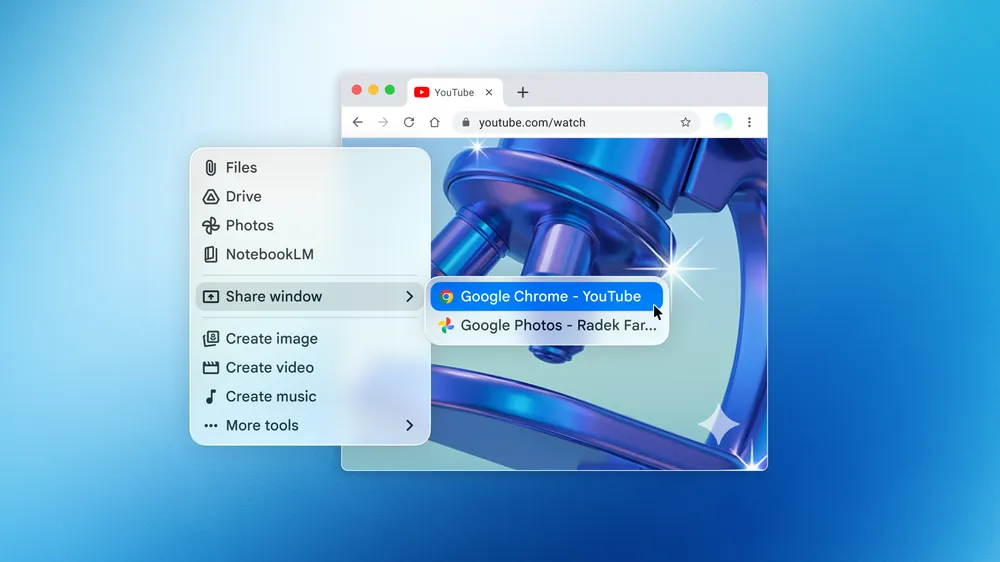
Interface of the Gemini app on macOS. Illustration: Google
One of the key features is the ability to interact with the content on the screen. Users can share files, documents, images, code, or web pages and receive responses or analysis in real-time. The app also supports image and video generation using Nano Banana and Veo models.
The application is available on devices with macOS Sequoia and later versions in all countries where Gemini is supported. Google notes that they plan to develop the app as a personal assistant for the computer. At the same time, Apple may present an updated Siri with generative AI already in June at the WWDC conference.
Source: Google


