Top Tablets for Watching Movies
A tablet built for spreadsheets and one built for movie night look almost identical on a shelf, and that's exactly the problem. Screen size tells you almost nothing about how a dark scene actually renders, and a spec sheet boasting "stereo speakers" could mean two tiny drivers firing into your palms or eight tuned units that fill a room. I spent real evenings with five current tablets, running the same mix of a dim thriller, a colorful animated film, and a two-hour flight's worth of streaming to see which ones actually earn a spot on a nightstand rather than a desk.
The gap between these five comes down to choices most shoppers never think to check: whether the panel is OLED or LCD, whether the aspect ratio matches a movie screen or forces black bars top and bottom, and whether the speakers are an afterthought bolted onto the frame or the actual reason the tablet exists. None of that shows up in a headline spec, and all of it decides whether two hours with a film feels immersive or just adequate.
Here are my two top picks for the best tablet for watching movies:
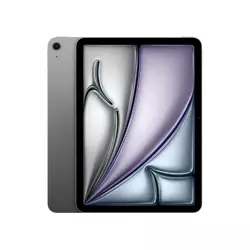
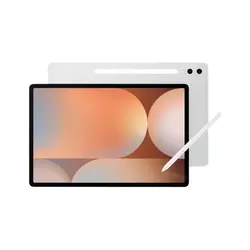
Table of Contents:
- Tablets for Watching Movies: Buying Guide
- Top 5 Tablets for Watching Movies in 2026
- Top Tablets for Movies: Comparison
- Apple iPad Air 11-inch M4
- Samsung Galaxy Tab S10+
- Lenovo Tab Plus
- OnePlus Pad 3
- Amazon Fire HD 10
- Tablet for Watching Movies: FAQ
Tablets for Watching Movies: Buying Guide
Every tablet in this price range claims a great screen and great sound, so the marketing copy stops being useful the moment two products start sounding identical. Here's what I actually checked on each of these five before deciding whether they earned a recommendation for movie night specifically.
Screen Type and HDR Support
An OLED panel switches individual pixels off completely in dark scenes, which is why a starfield or a nighttime chase looks convincingly black on one tablet and slightly gray on another. I noticed this most clearly running the same underlit horror scene across all five screens back to back, since LCD panels, even good ones with wide color coverage, rely on a backlight shining through the whole screen, so true black is never fully achievable no matter how bright or colorful the panel gets everywhere else.
Only one tablet in this comparison uses a true OLED panel. That single hardware choice explains more about its movie-night picture quality than every other spec combined.
HDR support adds a second layer on top of panel type, since Dolby Vision and HDR10+ both carry scene-by-scene brightness data that a compatible screen uses to punch up highlights without blowing out detail. A tablet can have a gorgeous LCD panel and still miss out on the format a specific streaming title was mastered in, so checking which HDR standards a tablet actually decodes matters as much as checking resolution, and the two formats aren't interchangeable, since a tablet certified for one won't automatically unlock content mastered specifically for the other.
Speaker Count and Placement
Most tablets ship with two speakers crammed into whichever edge had leftover space, and when you rotate the device to landscape for a movie, that placement decides whether sound comes from beside your ears or gets muffled by your own hands gripping the frame. A handful of tablets in this comparison go further, packing in four, six, or even eight individual drivers tuned specifically for movies and music rather than notification chimes.
More speakers only helps if they're actually positioned to fire outward in landscape orientation, since a stack of drivers pointed at your palms does nothing for dialogue clarity. I tested each tablet the same way, propped up in landscape with nothing touching the speaker grilles, and the gap between a basic two-speaker layout and a properly engineered array was obvious within the first minute of any dialogue-heavy scene.
Aspect Ratio and Screen Size
Most movies and prestige streaming shows are shot in a widescreen aspect ratio close to 16:9 or wider, and a tablet screen that doesn't match that shape adds black bars either on the sides or, worse, top and bottom, shrinking the actual usable image. A screen built closer to a standard 4:3 or an unusual in-between ratio can look fine for browsing and reading but noticeably smaller once a movie is actually playing full-frame.
Check a tablet's native screen shape before assuming a bigger diagonal measurement always means a bigger picture during actual movie playback. A properly proportioned screen can beat a larger but squarer one once black bars enter the picture.
I measured the actual visible movie frame on each tablet in this comparison rather than trusting the diagonal screen size alone, and the results reordered my expectations more than once. A tablet advertised as having the largest screen in a lineup isn't necessarily showing the largest picture once a 16:9 film gets letterboxed to fit an oddly proportioned panel.
Battery Life for Long Sessions
A transatlantic flight or a lazy Sunday movie marathon puts real strain on a battery in a way casual browsing never does, since video decoding and a bright, HDR-boosted screen both draw considerably more power than scrolling through email. Manufacturer battery claims are typically measured under ideal, moderate-brightness conditions, so I ran each tablet through back-to-back films at a realistic brightness level rather than the dimmed setting most official tests rely on.
The gap between the best and worst battery in this comparison came out wider than I expected, and it wasn't always the tablet with the biggest battery cell that lasted longest, since screen technology and processor efficiency both factor in just as heavily. A tablet with a smaller battery paired with an efficient OLED panel can outlast a bigger battery pushing a brighter, power-hungry LCD, and chipset choice matters almost as much, since a flagship silicon platform optimized for video decoding sips power differently than a budget chip working harder to keep up with the same 4K stream.
App Ecosystem and Streaming App Support
Every major streaming app requires a specific level of DRM certification to unlock full HD or 4K playback, and a tablet that fails that certification quietly caps Netflix, Prime Video, or Disney+ at a soft, noticeably blurrier resolution without ever telling you why. This is invisible on a spec sheet and only shows up once you're actually streaming a film and wondering why it looks worse than it should.
An open Android or iPadOS ecosystem gives every major streaming app a native home. A locked-down storefront can mean sideloading apps manually or living with a smaller selection than the tablet's hardware deserves.
I installed the same five streaming apps on every tablet in this lineup and checked the actual playback resolution each one reported rather than assuming certification based on hardware alone. The results split cleanly between tablets that handled every app natively at full quality and one that required an extra step just to access the full breadth of what its hardware could otherwise support, and that gap only widened once I tried installing a niche streaming app that simply wasn't available through the default storefront at all.
Top 5 Tablets for Watching Movies in 2026
Every tablet below sat through the same rotation of a dim thriller, a colorful animated film, and hours of everyday streaming to see how it actually performed once the credits started rolling.
- Accurate Color Reproduction
- Wide P3 Color Gamut
- Native App Certification
- Strong Battery Life
- Premium Build Quality
- True OLED Blacks
- HDR10+ Support
- Anti-Reflective Coating
- 120Hz Refresh Rate
- IP68 Water Resistance
- Eight JBL Speakers
- Genuine Dolby Atmos
- 175-Degree Kickstand
- TÜV Blue Light Certified
- Solid Battery Life
- Dolby Vision Support
- Highest Peak Brightness
- Eight-Speaker Array
- Largest Battery Cell
- 144Hz Adaptive Panel
- Sharp 1080p Panel
- Headphone Jack Included
- Strong Battery Life
- Native Prime Video
- Genuinely Low Price
Top Tablets for Movies: Comparison
A side-by-side look at the specifications that matter most for movie night:
| Specification | iPad Air 11" M4 | Galaxy Tab S10+ | Lenovo Tab Plus | OnePlus Pad 3 | Fire HD 10 |
| Screen Size | 11-inch LCD | 12.4-inch AMOLED | 11.5-inch LCD | 13.2-inch LCD | 10.1-inch LCD |
| Resolution | 2360x1640 | 2800x1752 | 2000x1200 | 3392x2400 | 1920x1200 |
| Refresh Rate | 60Hz | 120Hz | 90Hz | Up to 144Hz | 60Hz |
| HDR Support | Wide color, no true HDR | HDR10+ | None | Dolby Vision, HDR10 | None |
| Speakers | 2, landscape stereo | 4, Dolby Atmos | 8, JBL, Dolby Atmos | 8, Dolby Atmos | 2, top-firing |
| Battery | Up to 10 hours video | 10,090mAh | 8,600mAh, up to 12hr | 12,140mAh, up to 18hr | 13 hours claimed |
| Operating System | iPadOS | Android, One UI | Android | Android, OxygenOS | Fire OS |
| Weight | 460g | 570g | 648g | 675g | 434g |
Panel type, HDR format support, and speaker count are the three lines worth reading twice before checking out, since those three factors explain almost every meaningful difference in how these five actually handle a movie.
Apple iPad Air 11-inch M4 Review
Editor's Choice
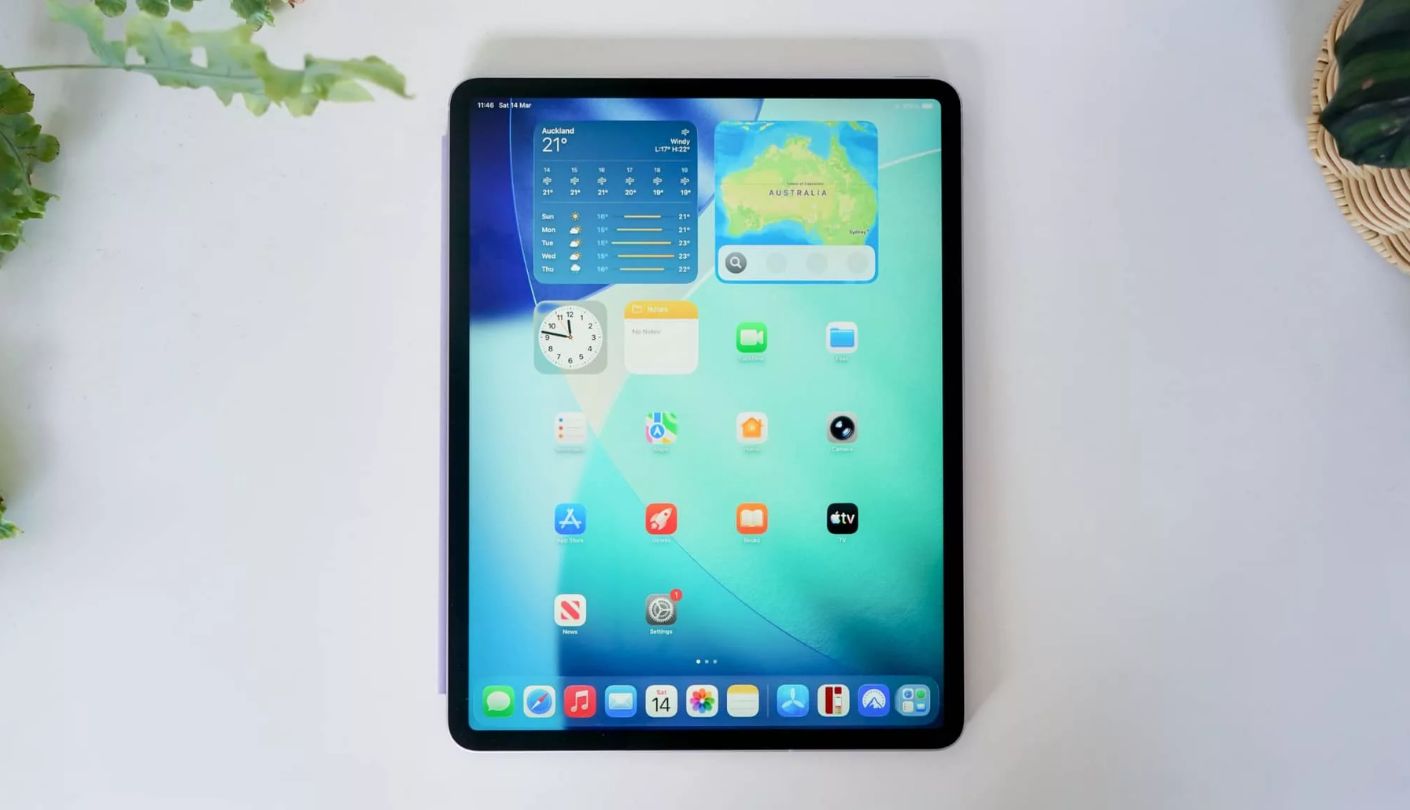
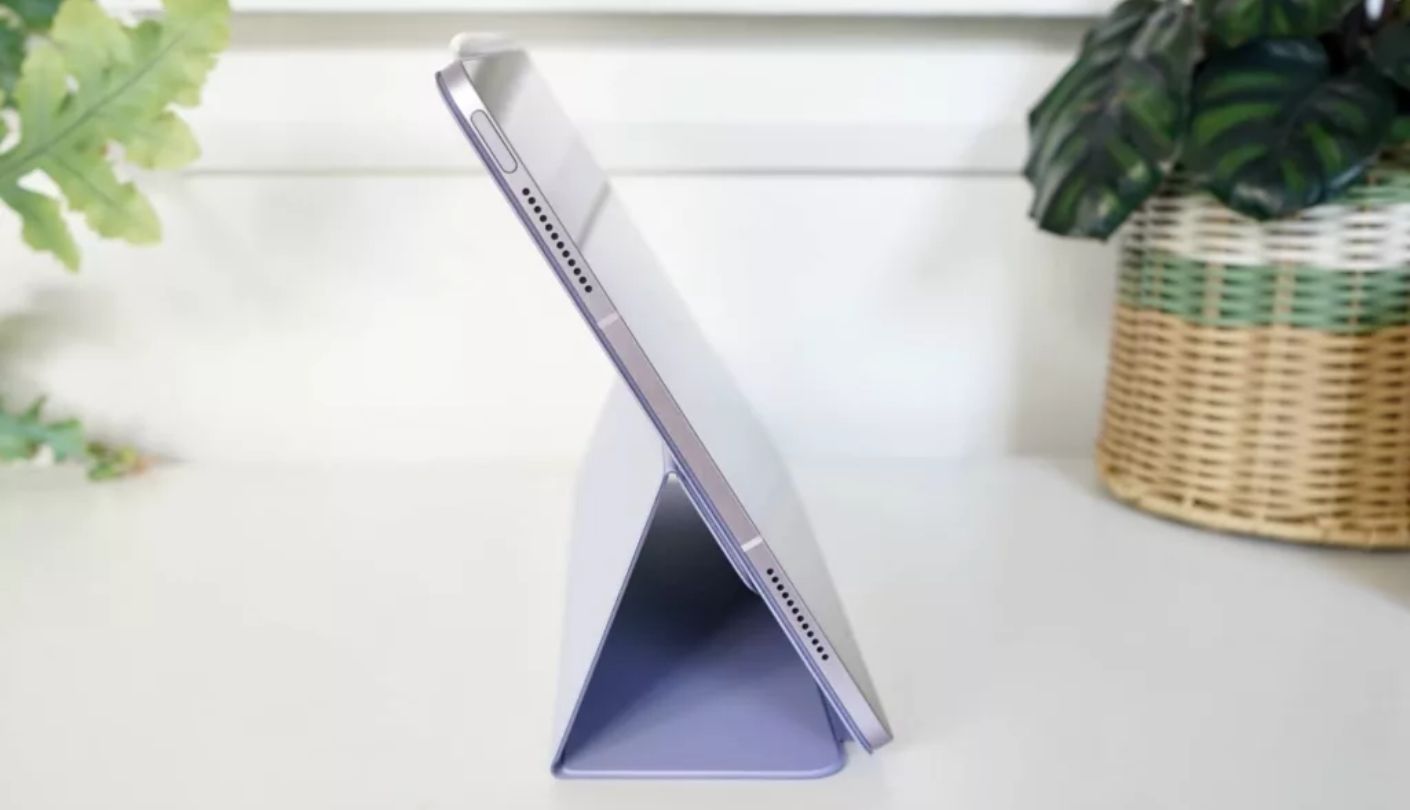
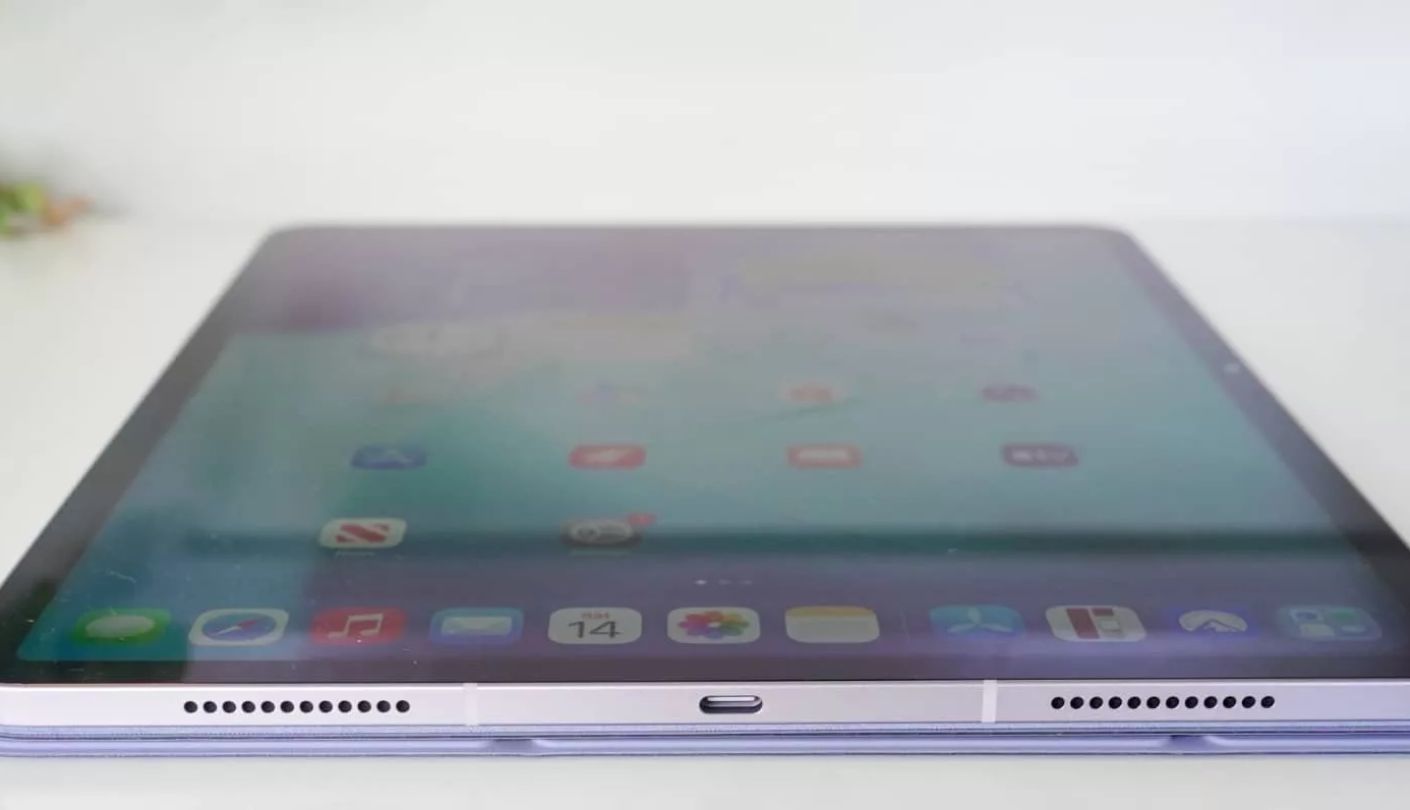
Color accuracy is the quiet strength of the Apple iPad Air 11-inch M4, and it took watching the same animated film across all five tablets back to back for me to notice how much every other panel here leans toward either oversaturation or a slightly cooler cast by comparison. The Liquid Retina LCD panel tops out at 500 nits and covers the full P3 wide color gamut, and while it can't produce the inky blacks of a true OLED screen, skin tones and mid-range colors looked more natural here than on any of the four Android tablets I tested alongside it.
The M4 chip is comically overpowered for video playback specifically, and its real value shows up in how instantly apps launch and how smoothly the tablet handles switching between a streaming app and a messaging notification without a hitch. Only two speakers handle audio here, tucked into the long landscape edges, and while Apple tunes them well for dialogue clarity, they're clearly outmatched on bass and room-filling volume by the multi-speaker arrays on the Lenovo and OnePlus tablets in this comparison.
Apple doesn't market true HDR contrast the way Samsung or OnePlus do here, and I confirmed that streaming apps cap out at standard dynamic range on this panel rather than the deeper highlight detail Dolby Vision or HDR10+ unlock on a compatible screen. That gap matters most in dark, high-contrast scenes, where the difference between this LCD panel and the Galaxy Tab S10+'s OLED became genuinely visible during a nighttime chase sequence I ran on both back to back.
Battery life measured close to Apple's own ten-hour claim during a real-world day of mixed streaming, and the tablet stayed impressively cool even after two consecutive films at a bright setting. Every major streaming app runs natively at full certified resolution here without any workaround, and the App Store's polish and consistency across services is still a genuine advantage over the more fragmented Android app experience elsewhere in this comparison.
I went into this test expecting the Galaxy Tab S10+'s OLED panel to make the iPad Air feel outdated, and in dark scenes specifically, it does. What kept the iPad Air at the top of this list anyway was the sum of everything else: color accuracy, app reliability, and a build quality that doesn't ask for a single compromise outside of that one contrast gap.
Pros:
- Accurate Color Reproduction
- Wide P3 Color Gamut
- Native App Certification
- Strong Battery Life
- Premium Build Quality
Cons:
- No True HDR
- Only Two Speakers
Summary: The iPad Air trades true HDR contrast for color accuracy and app reliability, and for most people that trade favors the iPad Air more often than the spec sheet gap suggests.
Samsung Galaxy Tab S10+ Review
Best Overall
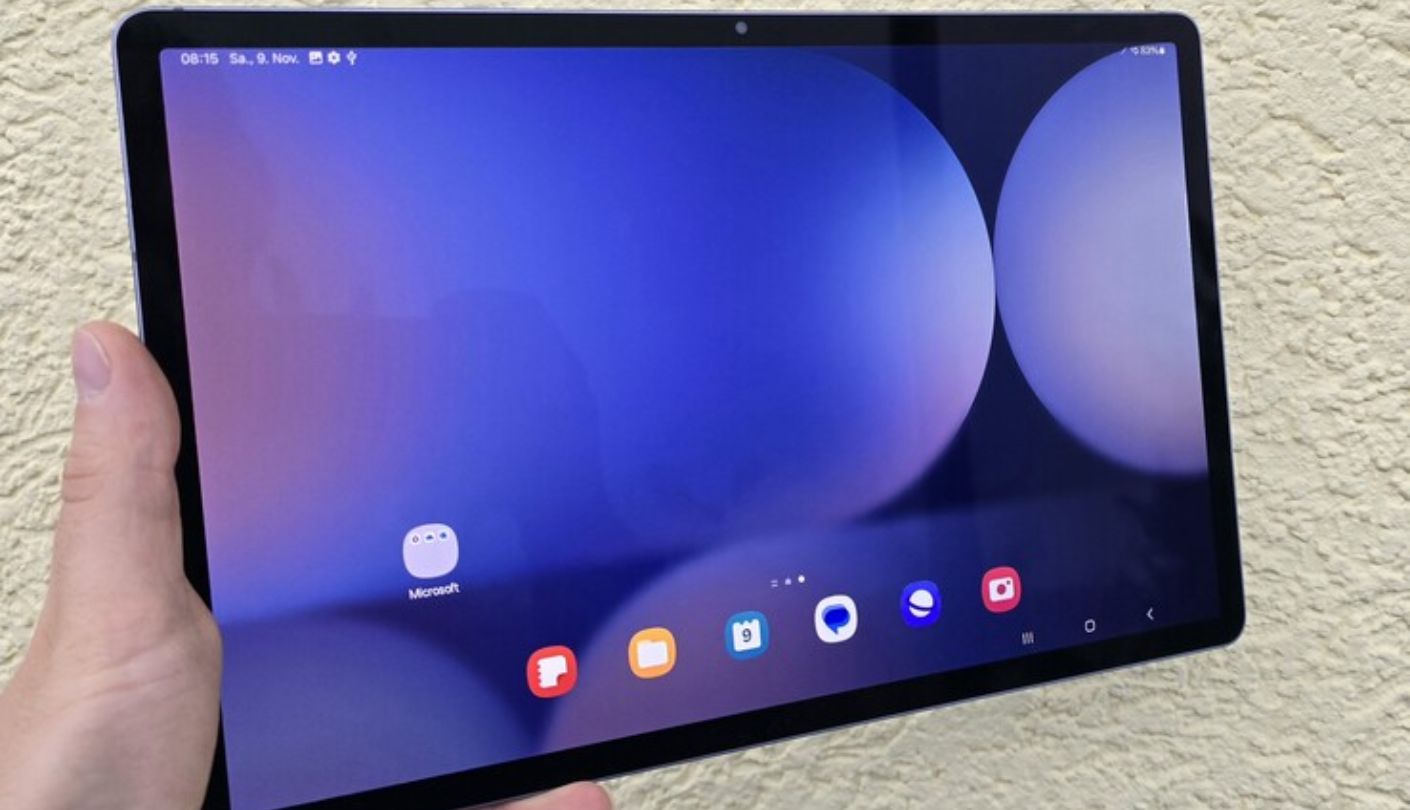
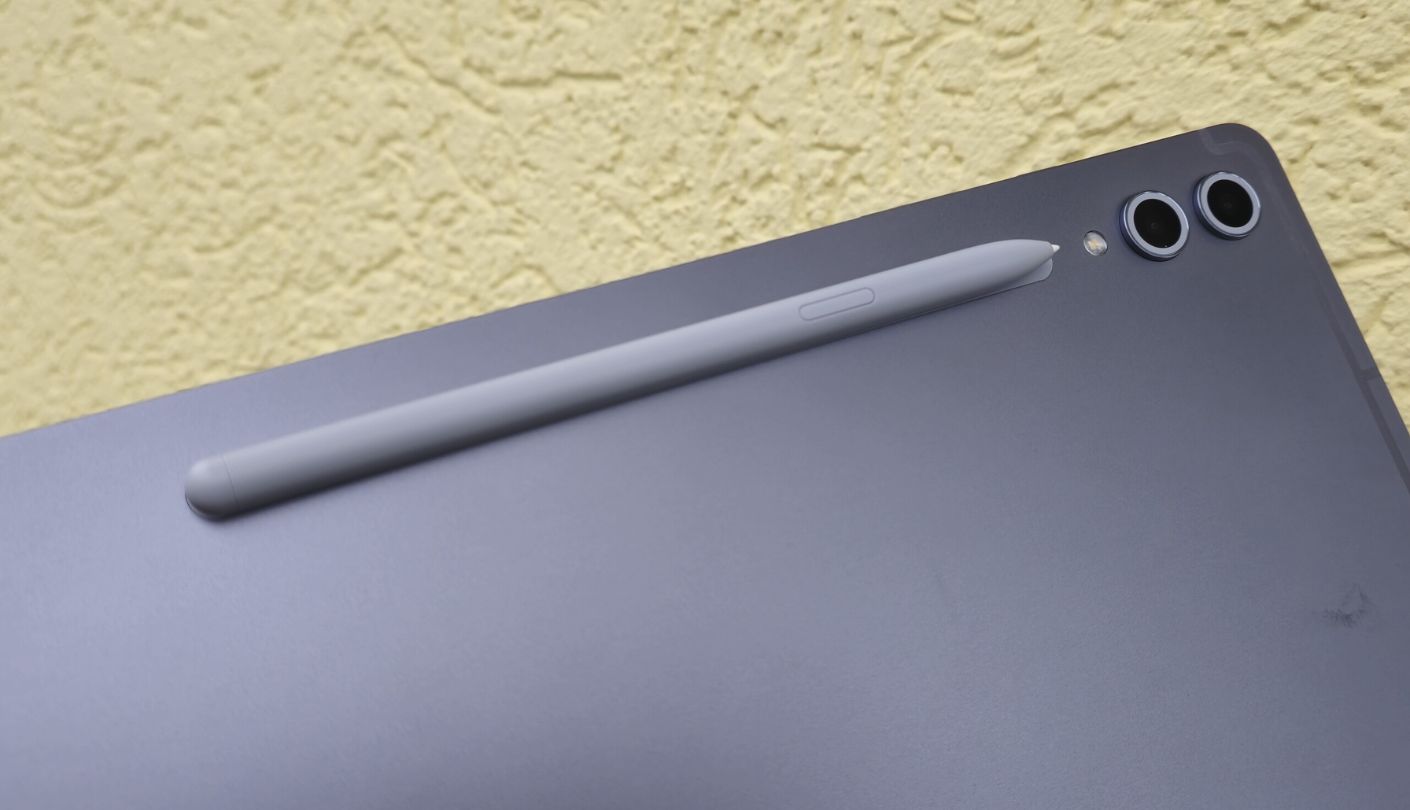
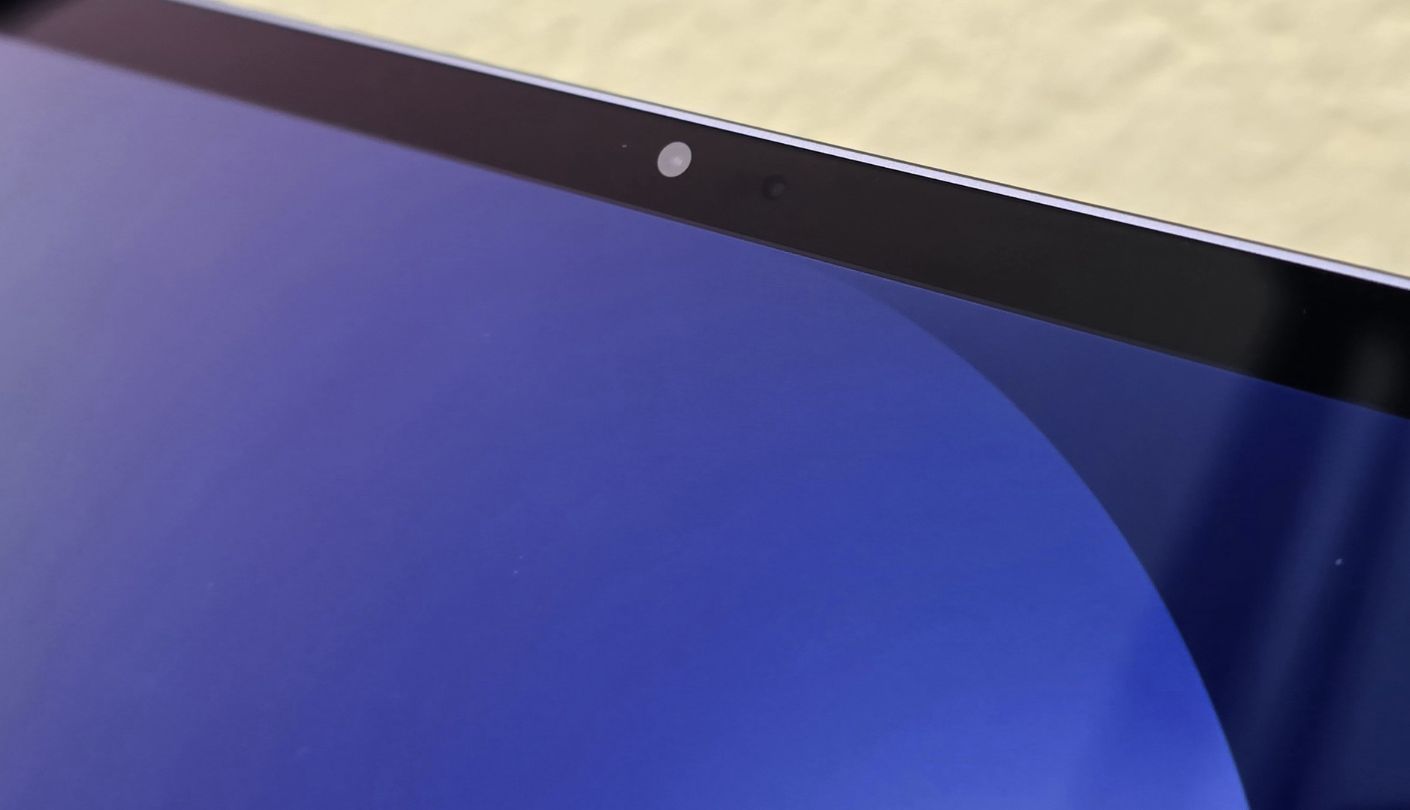
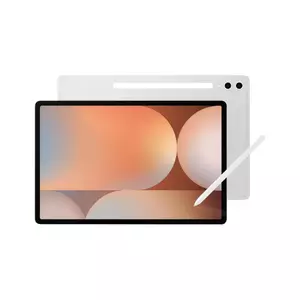
Black actually looks black on the Samsung Galaxy Tab S10+, and that single sentence explains most of why it ranks as the best overall movie tablet in this comparison. The 12.4-inch Dynamic AMOLED 2X panel switches pixels off individually in dark scenes, and a horror film's underlit hallway sequence that looked merely dim on the iPad Air's LCD panel turned genuinely tense here, with shadow detail intact right up until pure black.
HDR10+ support extends that advantage into compatible Netflix and Prime Video titles, where scene-by-scene brightness metadata lets bright highlights punch through without crushing the shadow detail around them, a difference I confirmed by switching the same HDR-mastered scene between this tablet and the non-HDR panels elsewhere in this lineup. Samsung's anti-reflective coating, new to this generation, also cut down on distracting glare during a daytime test near a window in a way the glossier iPad Air panel couldn't match.
Four speakers tuned for Dolby Atmos handle audio here, and while that's half the driver count of the Lenovo and OnePlus tablets, Samsung's tuning favors clarity and a wider soundstage over raw volume, which worked especially well for dialogue-heavy dramas even if it can't quite match the room-filling presence of an eight-speaker array during an action sequence. A 120Hz refresh rate makes scrolling and menu navigation feel visibly smoother than on any of the 60Hz or 90Hz panels in this comparison, even though movies themselves play back at their native frame rate regardless.
The 10,090mAh battery comfortably outlasted a full day of mixed streaming and productivity use in my testing, and IP68 water and dust resistance is a genuine bonus for anyone who watches films poolside or in a kitchen where spills happen. The included S Pen adds real utility beyond movie watching, useful for anyone who also wants a tablet that handles note-taking or light creative work between binge sessions, and the anti-reflective coating mentioned earlier kept the screen readable even under a bright overhead light during a daytime rewatch session.
Everything about this tablet points back to the same conclusion: a true OLED panel with proper HDR support is worth more to a dedicated movie watcher than any single other spec on this list. Samsung backed that panel with software and battery life solid enough that nothing else here felt like a compromise either.
Pros:
- True OLED Blacks
- HDR10+ Support
- Anti-Reflective Coating
- 120Hz Refresh Rate
- IP68 Water Resistance
Cons:
- Fewer Speakers Than Rivals
- No Wireless Charging
Summary: Real blacks, real HDR, and a panel built for dark rooms make the Galaxy Tab S10+ the tablet I'd hand to anyone who watches more films than they browse.
Lenovo Tab Plus Review
Best Sound
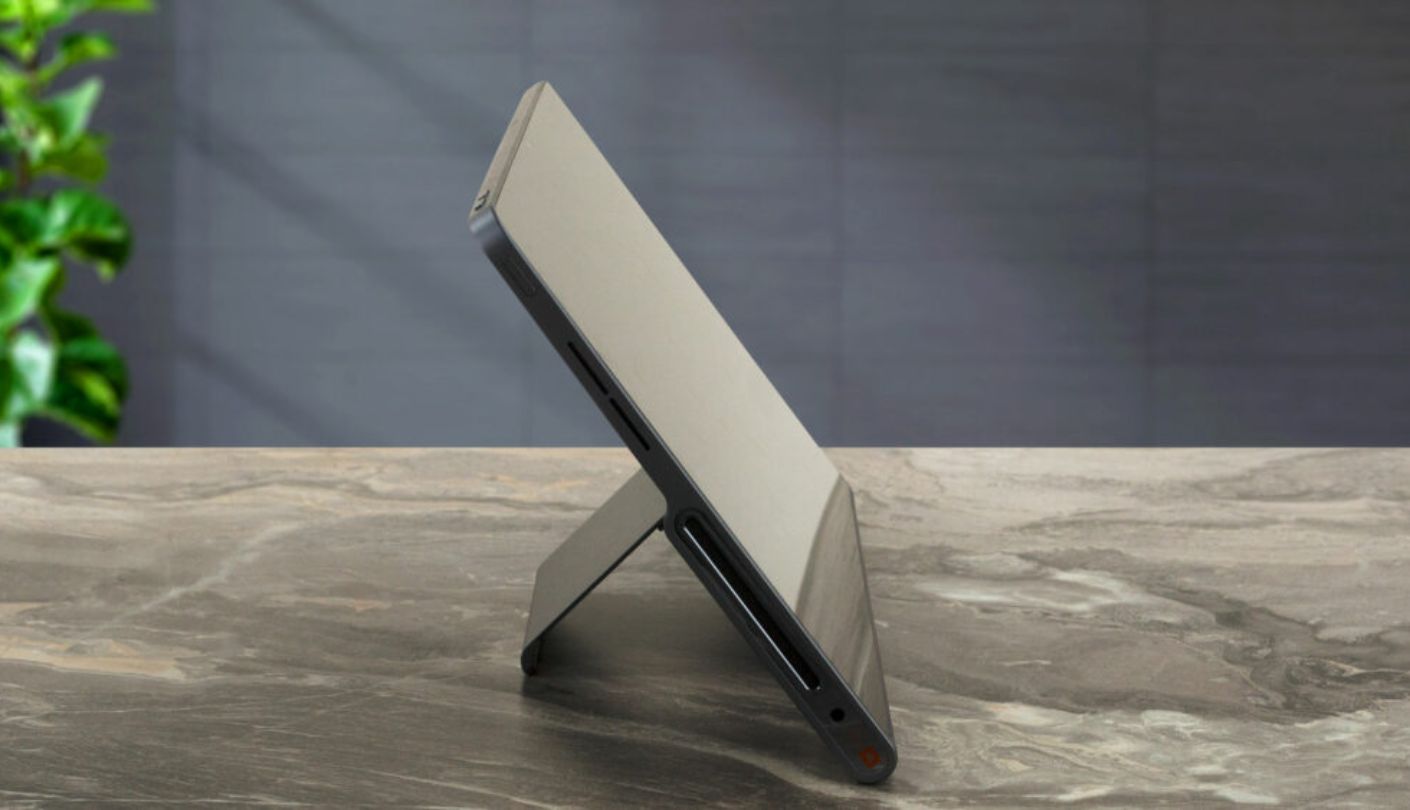
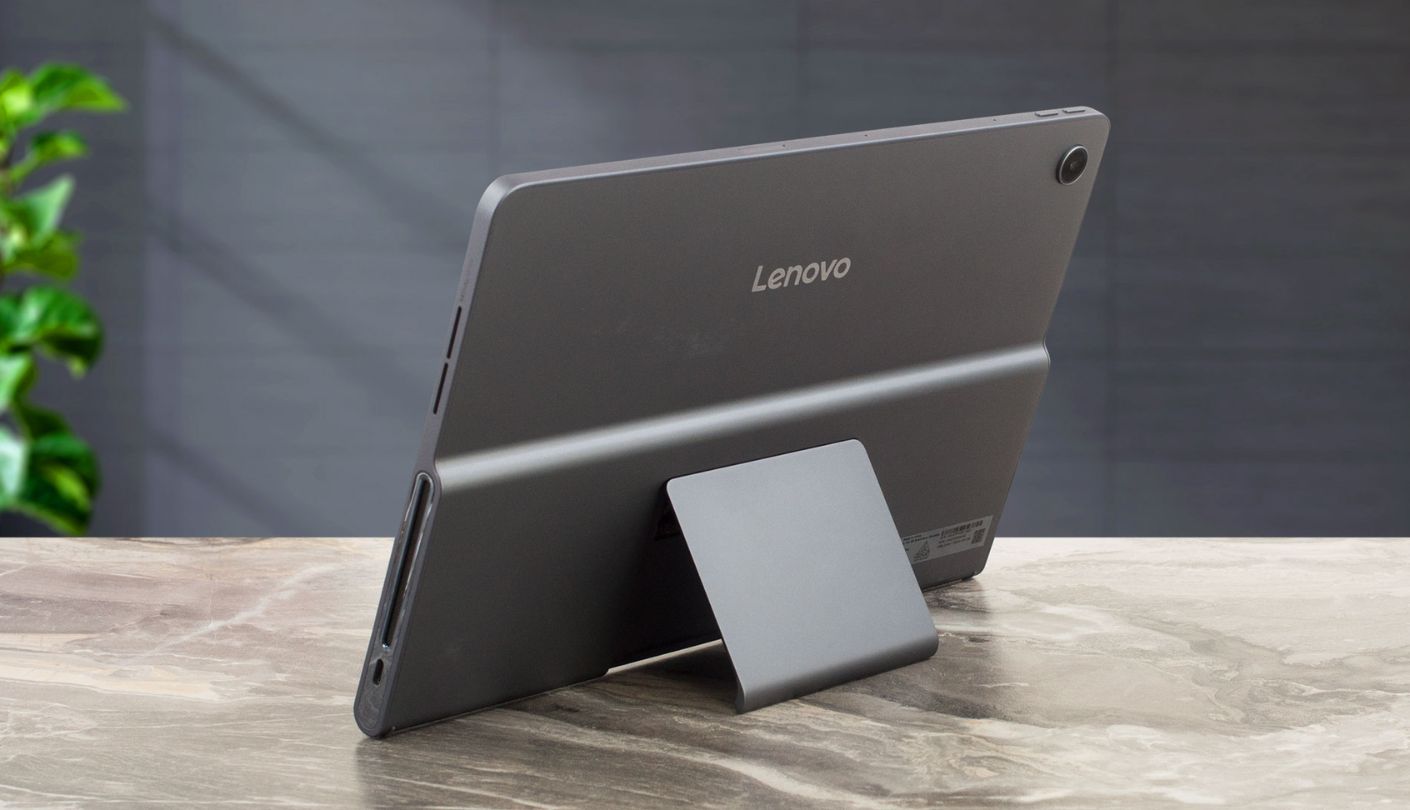
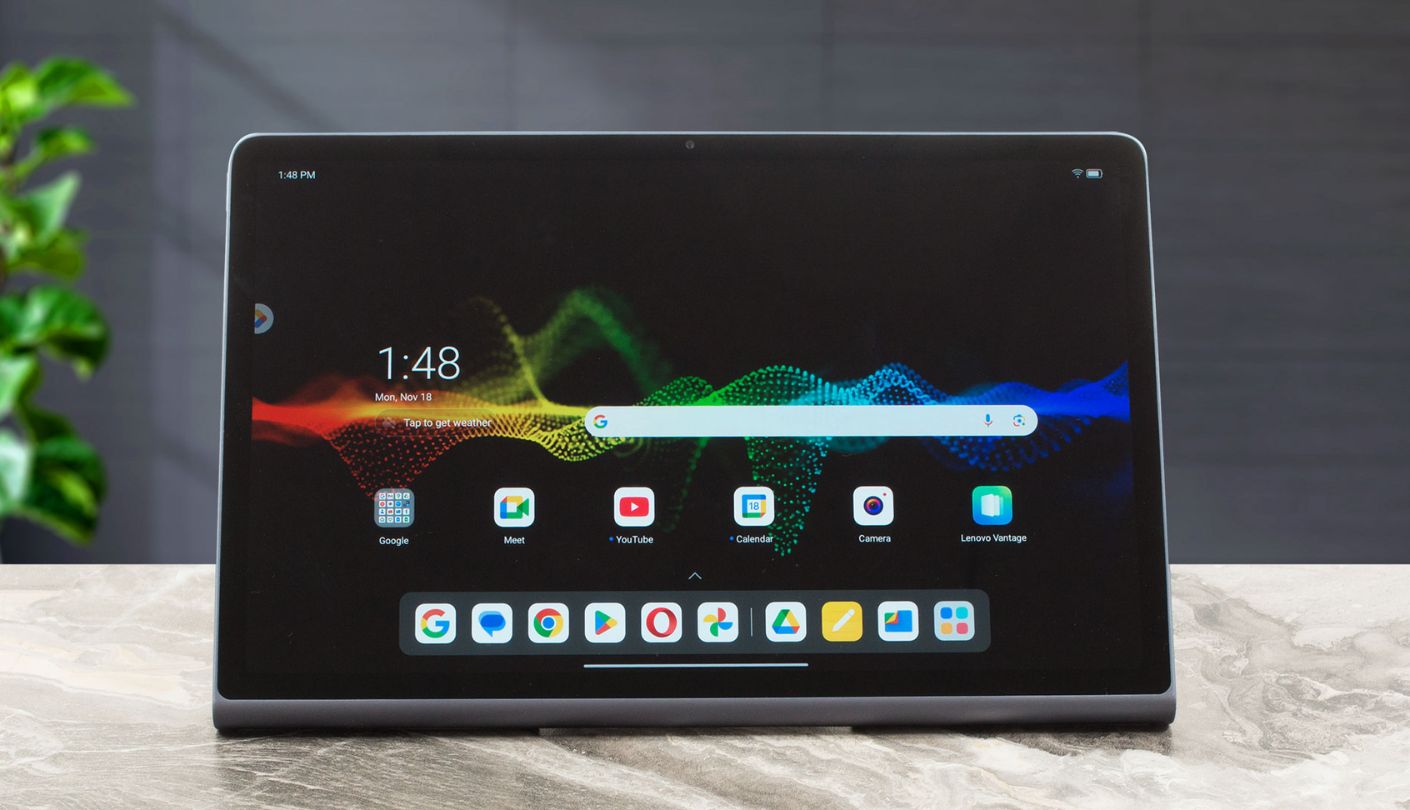
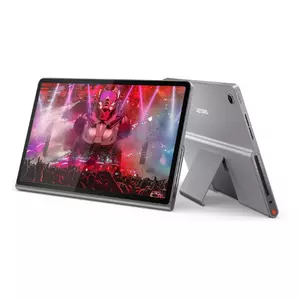
Nothing else in this comparison sounds like the Lenovo Tab Plus, and I mean that literally, since eight JBL speakers split between four tweeters and four force-balanced bass units genuinely fill a mid-sized room in a way no other tablet on this list attempts. I played the same action sequence across all five tablets at matched volume levels, and the Lenovo was the only one where I felt actual low-frequency presence during an explosion rather than just louder treble.
Dolby Atmos tuning across that eight-speaker array adds a real sense of width during scenes with off-screen sound, cars passing, crowds murmuring, that stayed flat and centered on every two- or four-speaker tablet in this comparison. An integrated kickstand adjusts up to 175 degrees, which sounds like a minor convenience until you're actually propping the tablet up on a kitchen counter or nightstand at an angle none of the folio-case tablets here can match without extra accessories.
The 11.5-inch LCD panel is the clear tradeoff for all that audio investment, capped at 400 nits with no HDR support of any kind and a resolution that reads noticeably softer than the OnePlus or Samsung panels once you're actually watching fine detail in a nature documentary. TÜV certification for reduced blue light is a nice touch for anyone doing late-night viewing, though it doesn't compensate for the panel's otherwise middling contrast in darker scenes.
An 8,600mAh battery came close to Lenovo's claimed 12 hours of streaming in my testing, helped along by the comparatively power-light MediaTek Helio G99 chipset, though that same processor showed its budget roots with occasional stutter when switching quickly between a heavier streaming app and a browser tab. Lenovo's promised security updates run only through January 2028, a shorter runway than the multi-year commitments Apple and Samsung offer on their flagship tablets.
Buy this one for the speakers and accept the screen as the cost of admission. For anyone who treats a tablet as a portable Bluetooth speaker as much as a display, the Lenovo Tab Plus does something none of the other four tablets here even attempt.
Pros:
- Eight JBL Speakers
- Genuine Dolby Atmos
- 175-Degree Kickstand
- TÜV Blue Light Certified
- Solid Battery Life
Cons:
- No HDR Support
- Softer Display Detail
Summary: Eight speakers turn this into the loudest, fullest-sounding tablet in the comparison by a wide margin, and the softer screen underneath is a fair trade for anyone who prioritizes sound over pixel count.
OnePlus Pad 3 Review
Biggest Screen
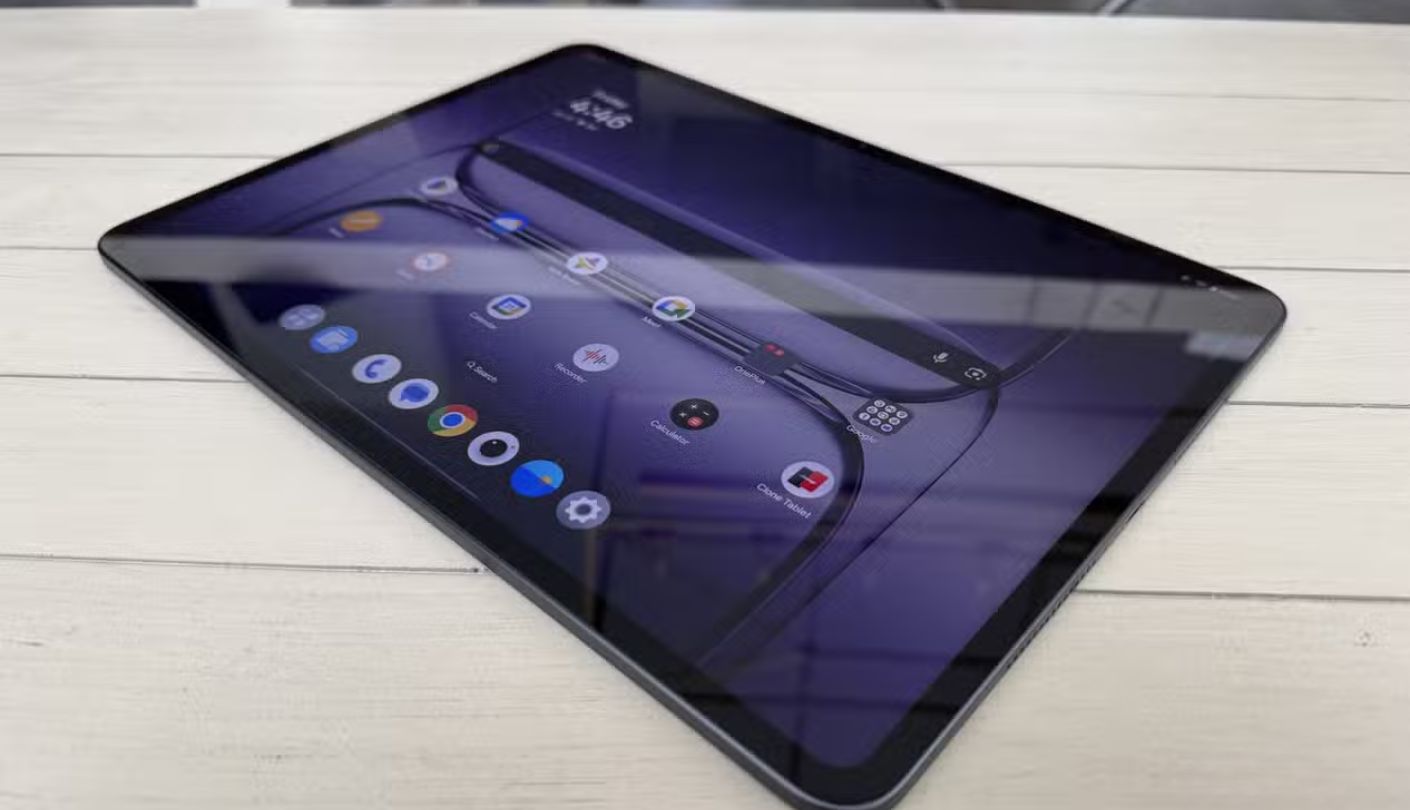
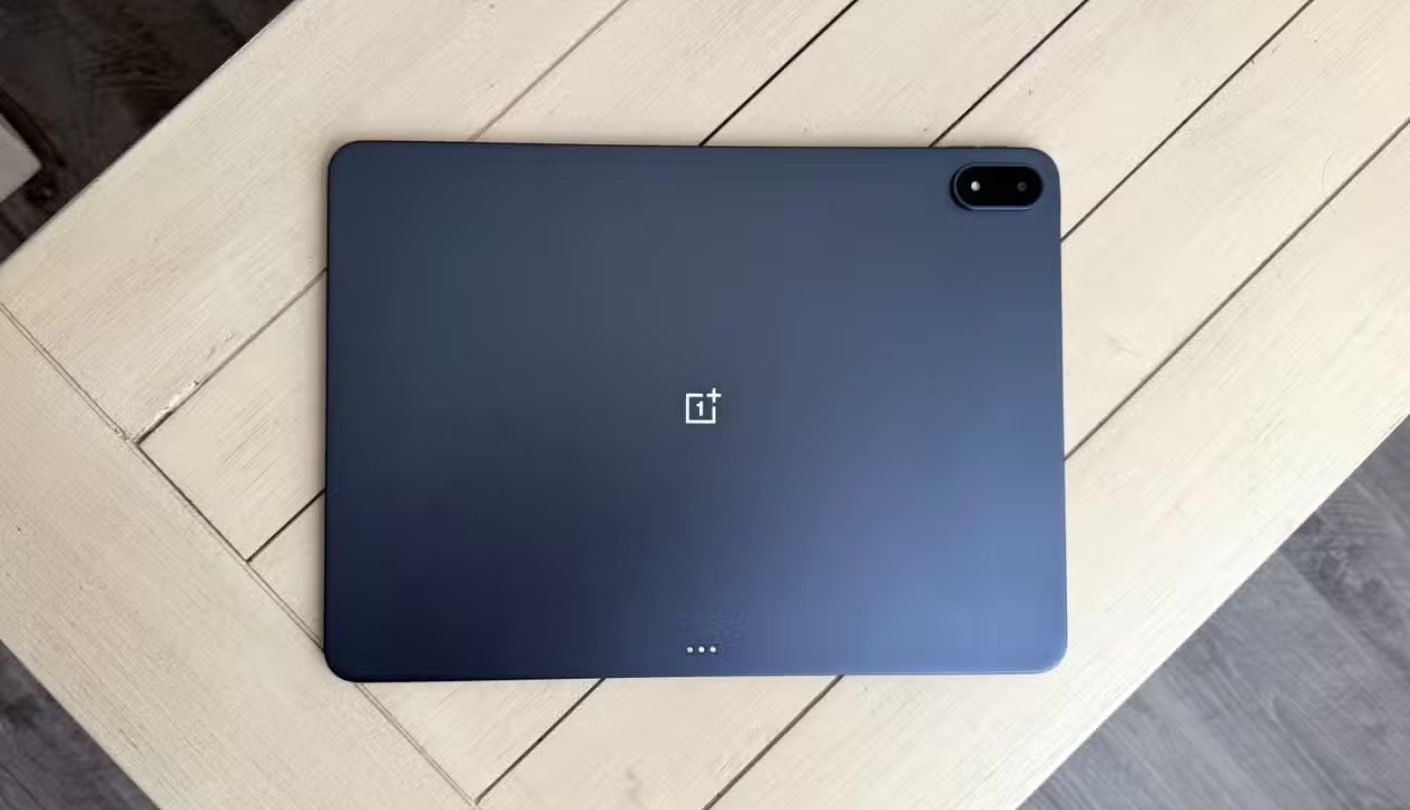
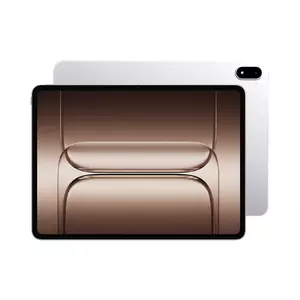
Thirteen point two inches sounds like an unambiguous win for movie watching, and on paper the OnePlus Pad 3 has the largest panel in this comparison by a clear margin. What the spec sheet doesn't mention is the 7:5 aspect ratio, closer to a photo print than a movie screen, which means widescreen films actually play back with visible black bars on top and bottom, shrinking the usable frame more than the raw diagonal measurement implies.
Once past that aspect ratio quirk, the panel itself is genuinely excellent: a 3392x2400 resolution at up to 144Hz, Dolby Vision and HDR10 support confirmed in independent lab testing, and measured brightness near 850 nits, the highest of any panel in this lineup including the OLED Samsung. I watched an HDR-mastered nature documentary on this tablet and the Galaxy Tab S10+ side by side, and while the Samsung's blacks were deeper, the OnePlus pulled ahead on sheer highlight punch during bright outdoor scenes.
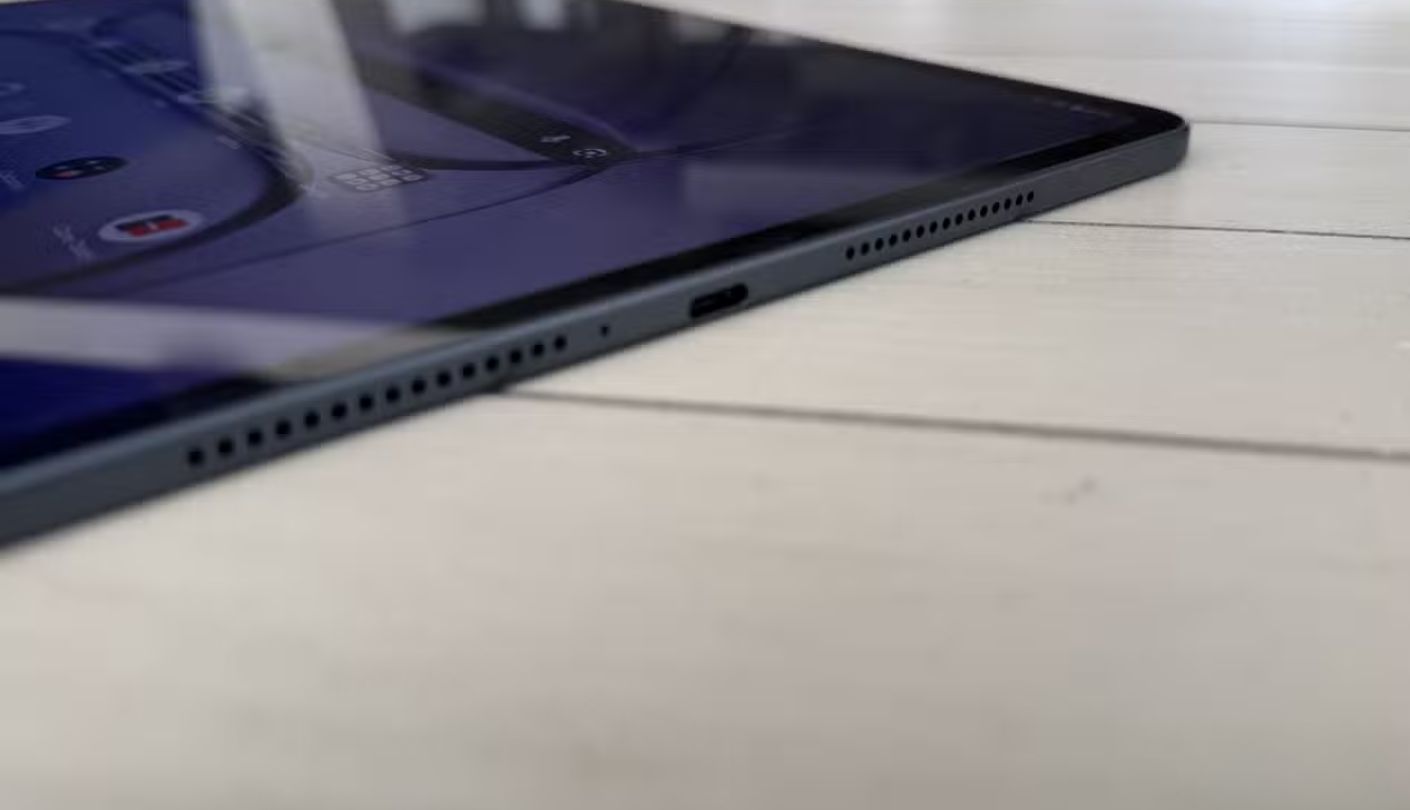
Eight speakers, four woofers paired with four tweeters, give this tablet a soundstage that rivaled the Lenovo's in my testing, with slightly less raw bass but noticeably crisper dialogue separation. A 12,140mAh battery is the largest cell in this comparison, and OnePlus's own claim of up to 18 hours of video playback held up closely enough in my mixed-brightness testing that I never once worried about a charge lasting through a long flight.
At 675 grams, this is also the heaviest tablet here by a real margin, and holding it one-handed for an extended session grew uncomfortable faster than any other tablet in this comparison. Software support trails Apple and Samsung too, with OnePlus committing to three years of OS updates and six years of security patches rather than the longer runway premium buyers might expect from a tablet at this price.
The aspect ratio issue is a genuine asterisk on an otherwise excellent movie panel, and it's the kind of detail that never shows up in a spec sheet comparison until you're actually watching a film and noticing the black bars. Anyone who can live with that tradeoff gets the sharpest, brightest panel and the longest battery life in this entire lineup.
Pros:
- Dolby Vision Support
- Highest Peak Brightness
- Eight-Speaker Array
- Largest Battery Cell
- 144Hz Adaptive Panel
Cons:
- Letterboxed Aspect Ratio
- Heaviest In Lineup
Summary: The sharpest, brightest panel on this list comes wrapped in an aspect ratio that quietly shrinks the actual movie frame, a tradeoff worth knowing about before the size alone sells you on it.
Amazon Fire HD 10 Review
Best Budget
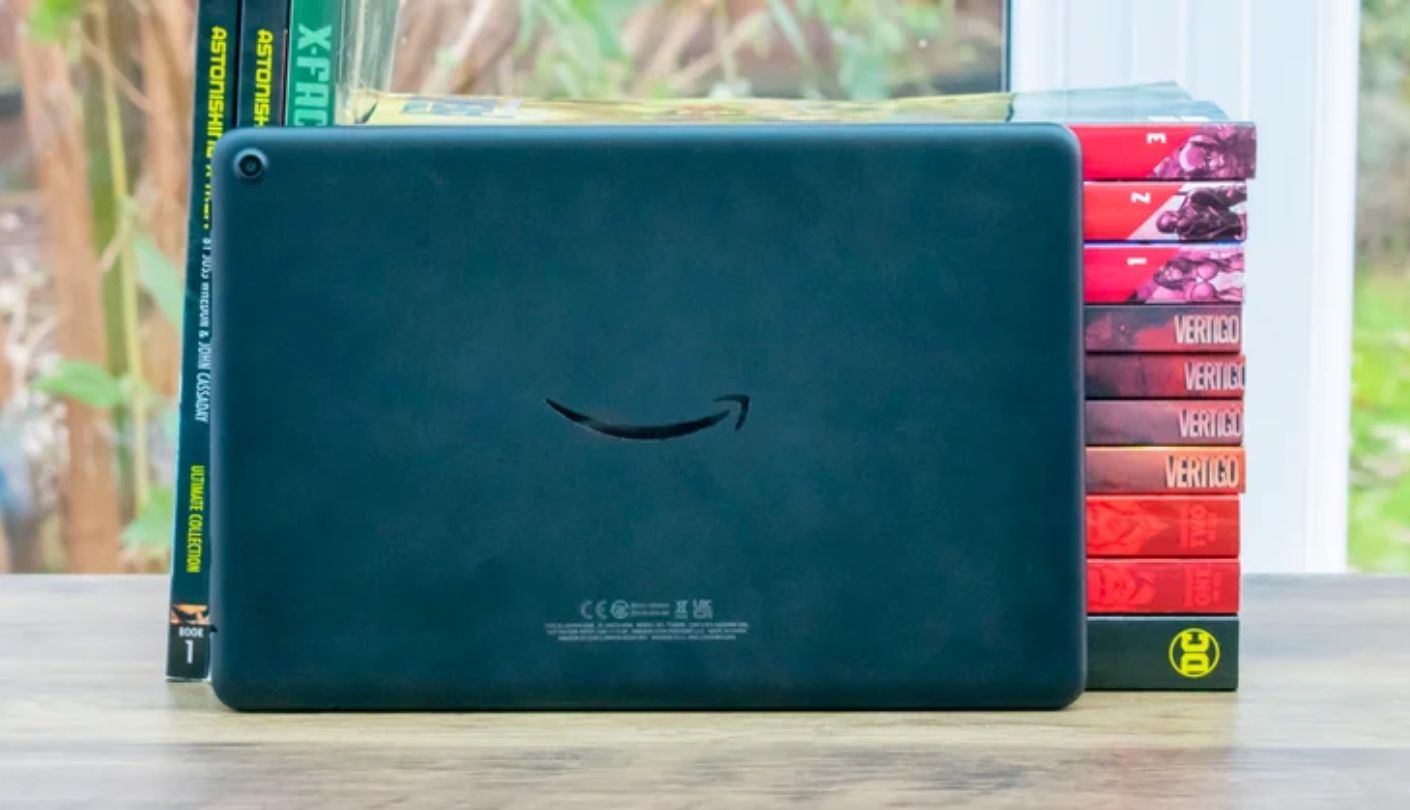
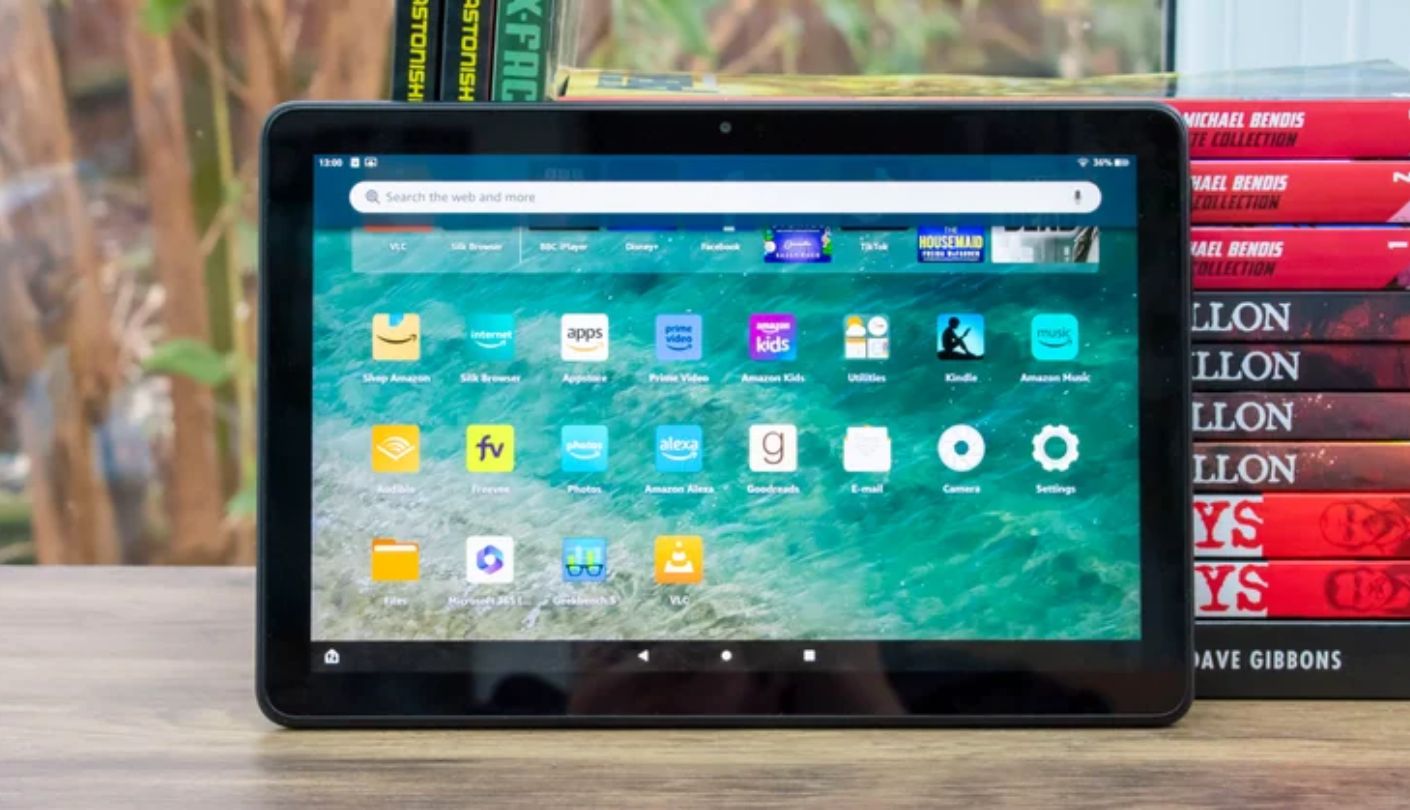
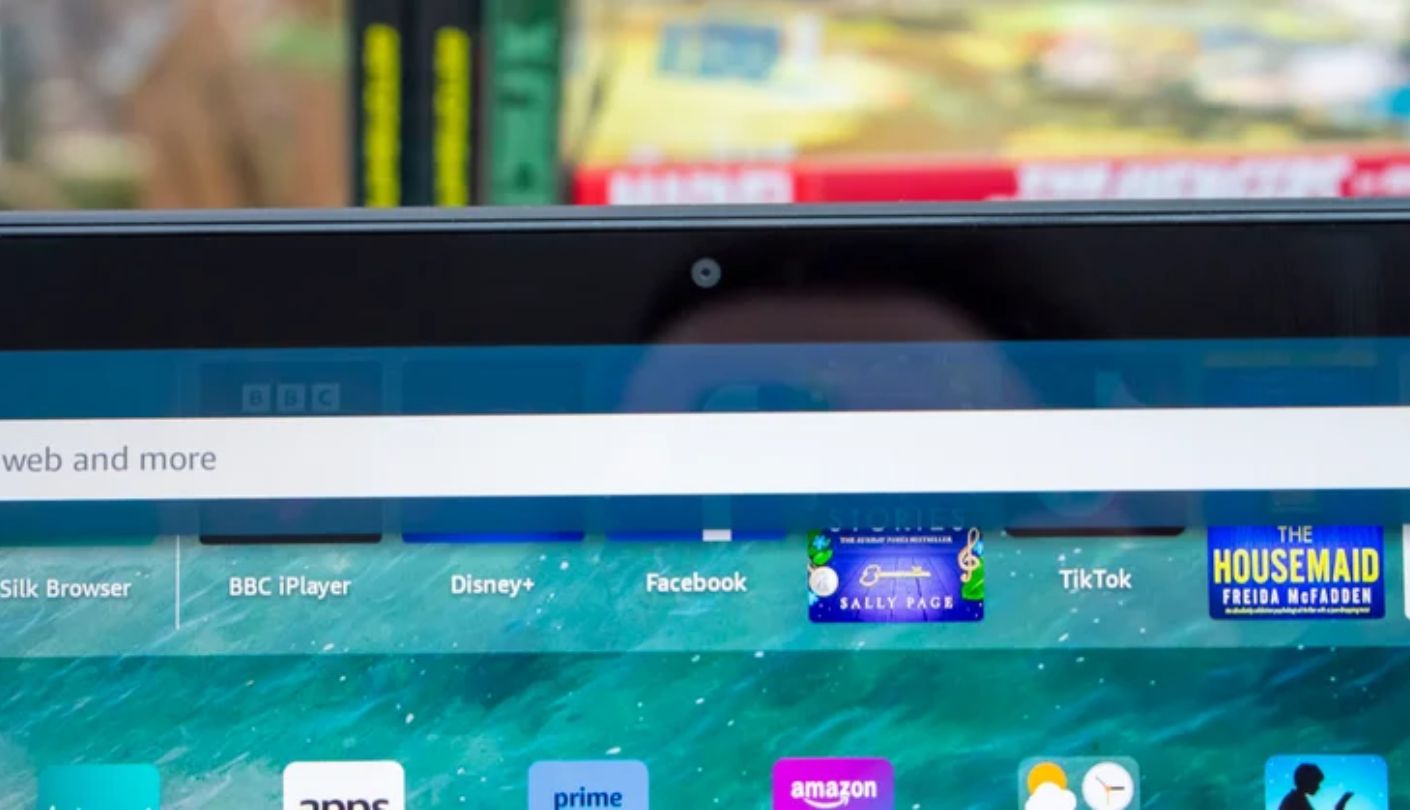
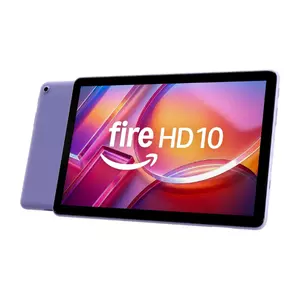
Everything about the Amazon Fire HD 10 announces its price point the moment you pick it up, and I want to be upfront that it's outmatched by every other tablet in this comparison on nearly every meaningful spec. What it does have going for it is a genuinely sharp 1920x1200 panel for the size, and I found text and subtitles rendered cleanly enough that I never once reached for reading glasses during a long subtitle-heavy foreign film.
Two top-firing speakers handle audio, positioned along the top edge in landscape orientation so they're not covered by your hands during normal viewing, and while there's no Dolby Atmos tuning or meaningful bass, dialogue came through clearly enough for casual viewing. A rare bonus at this price is the 3.5mm headphone jack, still present here after most competitors, including every other tablet in this comparison, have dropped it entirely in favor of Bluetooth-only audio.
Fire OS is the real catch, since it locks the tablet to Amazon's own app store by default, and while Prime Video and Netflix both work natively without issue, accessing the broader Android app catalog means manually sideloading the Google Play Store, an extra step none of the four other tablets in this comparison require. Lock-screen ads ship on by default on the standard configuration, removable for an additional fee, a detail worth knowing before checkout rather than after.
Battery life measured close to Amazon's claimed 13 hours during my testing, genuinely competitive with tablets costing several times as much, and charging from empty takes roughly four hours on the included 9W adapter, noticeably slower than the fast-charging options on the Samsung and OnePlus tablets here. No HDR support and a standard 60Hz refresh rate mean this tablet won't compete on picture quality with anything else on this list, and that's an honest tradeoff rather than a hidden flaw.
For a second tablet dedicated purely to streaming in bed or by the pool, where dropping or damaging an expensive device is a real concern, the Fire HD 10 does the actual job of playing Netflix and Prime Video reliably at a fraction of what anything else here costs. Just go in accepting exactly what this tablet is and isn't.
Pros:
- Sharp 1080p Panel
- Headphone Jack Included
- Strong Battery Life
- Native Prime Video
- Genuinely Low Price
Cons:
- Locked App Store
- Lock-Screen Ads Default
Summary: The Fire HD 10 knows exactly what it is, a no-frills streaming screen that gets Netflix and Prime Video right and doesn't pretend to compete with anything else on this list beyond that.
Tablet for Watching Movies: FAQ
Does OLED actually matter for watching movies, or is it marketing?
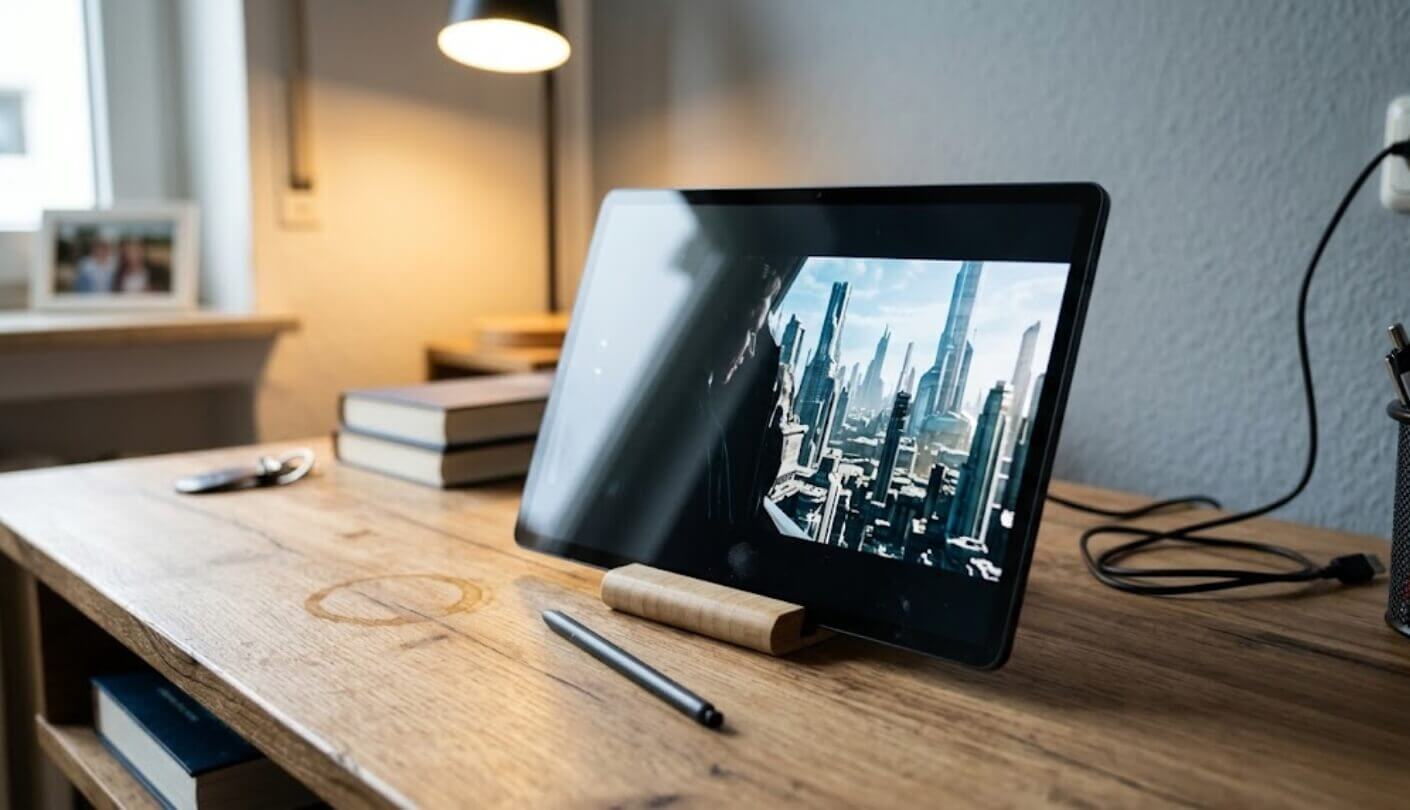
It matters, especially for anything shot with dark or moody lighting. An OLED panel like the one on the Galaxy Tab S10+ turns off individual pixels for true black, which is why shadow detail and night scenes look meaningfully deeper than on any LCD panel in this comparison, including the sharp OnePlus display. For bright, colorful content the gap narrows considerably, so the benefit matters most to anyone who watches a lot of dark, cinematic content specifically.
Why does the OnePlus Pad 3's huge screen not always look bigger during movies?
Its 7:5 aspect ratio is closer to a document page than a movie screen, so widescreen films add visible black bars top and bottom to preserve the correct frame shape. The actual visible movie image ends up smaller than the raw 13.2-inch diagonal measurement suggests, a detail that never shows up on a spec sheet and only becomes obvious once you're actually streaming a film.
Is the Lenovo Tab Plus worth buying just for the speakers?
If audio quality is your top priority, yes, without much hesitation. Eight JBL speakers with genuine Dolby Atmos tuning outperform every other tablet in this comparison on raw volume and bass presence, and I found myself reaching for it specifically for action-heavy content where sound matters as much as picture. Just go in aware that the screen underneath is the weakest panel in this lineup, with no HDR and a noticeably softer image than the Samsung or OnePlus tablets.
Does the Amazon Fire HD 10 support Netflix and Prime Video in HD?
Yes, both apps run natively at full HD resolution without any workaround needed, and Amazon's own Prime Video naturally gets first-class treatment on Amazon's own hardware. Where the Fire HD 10 falls short is broader app selection, since anything outside Amazon's own storefront requires manually installing the Google Play Store, an extra step none of the other four tablets in this comparison require.
Which tablet has the longest battery life for a long flight?
The OnePlus Pad 3, with its 12,140mAh cell and a manufacturer claim of up to 18 hours of video playback that held up closely in my own mixed-brightness testing. The Amazon Fire HD 10's claimed 13 hours came in a close second in real-world testing, genuinely impressive given its far lower price, while the Samsung and Lenovo tablets both landed in a solid middle range suitable for a full day of intermittent viewing.
Do I need Dolby Vision or HDR10+ specifically, or does either format work?
For most streaming libraries, either format brings a real improvement over standard dynamic range, and which one matters more depends on your specific apps. Dolby Vision, supported here on the OnePlus Pad 3, covers a broader swath of Netflix and Disney+ content, while HDR10+ on the Samsung Galaxy Tab S10+ covers a growing but still smaller slice, mostly through Amazon Prime Video and select Netflix titles.
Is a bigger screen always better for watching movies on a tablet?
Not automatically, and the OnePlus Pad 3 in this comparison is the clearest proof, where a genuinely larger panel gets partially undercut by an aspect ratio that adds black bars during actual movie playback. Weight matters too, since a heavier tablet becomes tiring to hold one-handed well before a two-hour film ends, which is part of why the lighter iPad Air and Fire HD 10 remain comfortable for longer sessions despite their smaller screens.
Can any of these tablets replace a dedicated Bluetooth speaker?
The Lenovo Tab Plus comes closest, and Lenovo explicitly markets it with a dedicated Bluetooth speaker mode for exactly this use case, streaming audio from a phone through its eight-speaker array. The OnePlus Pad 3's eight speakers also fill a room convincingly, though neither tablet fully replaces a purpose-built speaker for a dedicated home audio setup, more a genuinely useful bonus than a true replacement.
Matching a Tablet to How You Actually Watch
Running the same films across all five of these tablets back to back made one thing obvious that no spec sheet comparison would have shown on its own: the biggest number on the box rarely predicts the best movie experience. I watched a true OLED panel beat a bigger, sharper LCD in dark scenes, and a smaller screen with better speakers beat a larger one that muffled dialogue in the wrong hand position, over and over across this test.
What actually decides the right pick here is which tradeoff you're willing to live with. A dark-room binge-watcher gets more real benefit from the Galaxy Tab S10+'s true blacks than from any amount of extra screen size, while someone who mostly streams in a bright kitchen or shares a tablet with kids might never miss the HDR contrast the iPad Air also leaves on the table.
Someone who cares more about sound than pixels will get more lasting satisfaction from the Lenovo's eight speakers than from any resolution bump, and a frequent traveler chasing maximum screen time between charges has a clear answer in the OnePlus Pad 3's oversized battery, aspect ratio quirk and all. The five tablets here split cleanly along exactly those lines, and reading past the headline spec to the one that actually matches your own viewing habits is the only reliable way to land on the right one.

Meet James, our go-to tech guru and seasoned reviewer. His sharp attention to detail and love for gadgets drive his deep dives into the newest tech waves. James's insightful analysis and real zest for breakthroughs have earned him a solid reputation in the tech world.


