What Are the Best Tablets for Video Calls? Zero Fluff
A tablet spec sheet spends most of its space on the rear camera, the chip benchmark, and the display resolution, while the one component that actually gets pointed at another human during a call sits in a single throwaway line near the bottom. That's backwards for anyone who joins a morning standup from a tablet propped against a coffee mug, or reads a bedtime story to grandkids over a screen a few nights a week.
Five tablets here span four different operating systems and four very different price brackets, from a refurbished Fire tablet to a Windows 2-in-1 that costs several times as much. None of them was built specifically as a video-calling device, so what you get is really a byproduct of decisions made for other reasons entirely, camera orientation, speaker count, app store rules. I opened a calling app on every one of them before writing a single word of this, and the gaps in how well each one actually handled a call mattered more than any camera spec on the box.
Here are my two top picks for the best tablet for video calls:
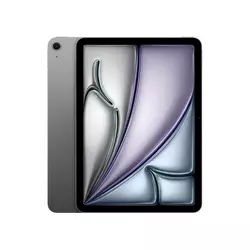
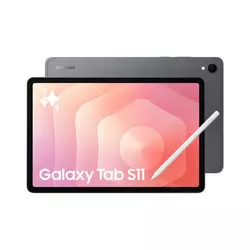
Table of Contents:
- Best Tablet for Video Calls: Buying Guide
- Top 5 Tablets for Video Calls in 2026
- Best Tablets for Video Calls: Comparison
- Apple iPad Air 11-inch (M4)
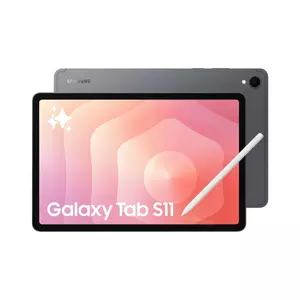
- Samsung Galaxy Tab S11
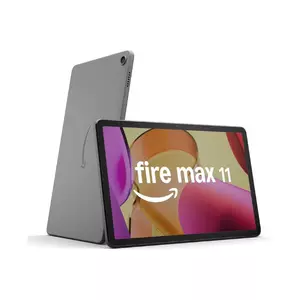
- Amazon Fire Max 11
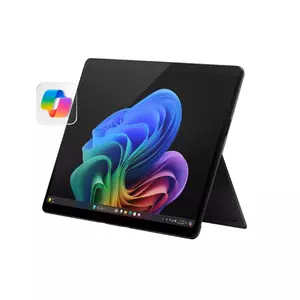
- Microsoft Surface Pro 2-in-1 (2024)
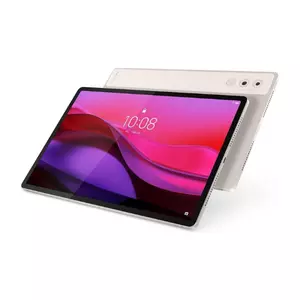
- Lenovo Yoga Tab Plus
- Tablets for Video Calls: FAQ
Best Tablet for Video Calls: Buying Guide
Where the Front Camera Actually Points
Most people hold a tablet in landscape orientation for a call, resting it against something at eye level, but plenty of front cameras are still built for a portrait-first world where the sensor sits centered along the short edge. That mismatch shows up the instant someone joins a meeting: the camera ends up off to one side of the frame instead of centered, and the effective field of view narrows because the lens wasn't designed with that orientation in mind. A landscape-native sensor, by contrast, sits along the long edge and keeps the subject roughly centered no matter how the tablet gets propped up.
A tablet's front camera orientation matters more for video calls than its resolution does. A 12-megapixel sensor mounted for portrait use can look worse in a landscape call than an 8-megapixel sensor that was actually built for it.
I've watched this play out across several of the tablets below, where a camera with a higher megapixel count still produced a less flattering, less centered shot than a lower-resolution sensor sitting in the right spot on the frame. Auto-framing features, whether Apple calls it Center Stage or Samsung folds it into its AI suite, can paper over some of this, but they can't fully compensate for a sensor that's aimed the wrong direction to begin with.
Whether the Operating System Actually Runs Your Calling App
iPadOS, Android with Google Play, Windows, and Fire OS all handle third-party apps differently, and that difference becomes a real problem the moment someone assumes every tablet runs Zoom, Microsoft Teams, and Google Meet identically. Fire OS in particular skips Google Play entirely in favor of the Amazon Appstore, which carries some of the big calling apps but not the full catalog, and a handful of collaboration tools people rely on at work simply aren't there.
Windows sidesteps this entirely by running the full desktop version of whatever calling software a workplace already standardized on, rather than a stripped-down mobile app built around a phone-sized screen. That's a genuine advantage for anyone whose job depends on a specific enterprise tool with desktop-only features like breakout rooms or annotation, and it's worth checking before assuming an Android or Fire tablet covers the same ground a laptop would.
Microphones and Speakers Nobody Reads About Until the Call Sounds Bad
A camera gets all the attention in marketing copy, but the person on the other end of a call hears the microphone array before they ever really register how the video looks. A single bottom-firing speaker paired with a basic mic pickup can leave a caller's voice sounding thin and distant, especially in a room with any echo, while a wider mic array and forward-facing speakers keep dialogue clear even when the tablet sits a few feet away on a counter.
Speaker count and placement affect call clarity as much as microphone quality does. A tablet with speakers firing away from the user, rather than toward them, often sounds muffled even with strong hardware underneath.
Quad speaker arrays and multi-mic setups tend to show up on pricier tablets, and the gap between those and a basic dual-speaker layout is obvious within the first minute of a call rather than something that only shows up in a lab measurement. Anyone taking calls in a noisy household or a shared office space should weigh this closer than the display spec, since a gorgeous screen doesn't help if the caller keeps asking you to repeat yourself.
Battery Life Around a Full Day of Back-to-Back Meetings
Video calls are one of the more battery-intensive things a tablet does, running the camera, the display, and a wireless radio simultaneously for long stretches, so a battery rated for casual video playback often drains faster in real call use than the box number suggests. Charging speed matters just as much here, since a tablet that needs hours to top off between meetings is a liability compared to one that can grab a meaningful charge during a lunch break.
I've found that the gap between a tablet's rated battery life and its actual performance under call load widens with screen brightness, and anyone taking calls outdoors or in a bright room should expect noticeably less runtime than the manufacturer's quoted figure. Fast charging support closes some of that gap, but only if the included adapter, or one bought separately, actually reaches the tablet's rated wattage.
Screen Size, Kickstands, and Where the Tablet Actually Sits
An 11-inch screen and a nearly 13-inch screen sound close on paper, but the difference matters more for calls than for almost any other tablet task, since a larger screen means the other person's face renders bigger and small details like a shared document or a whiteboard sketch stay legible without squinting. The tradeoff is portability, and a tablet that needs two hands to prop up comfortably on a lap becomes annoying fast during a call that runs long.
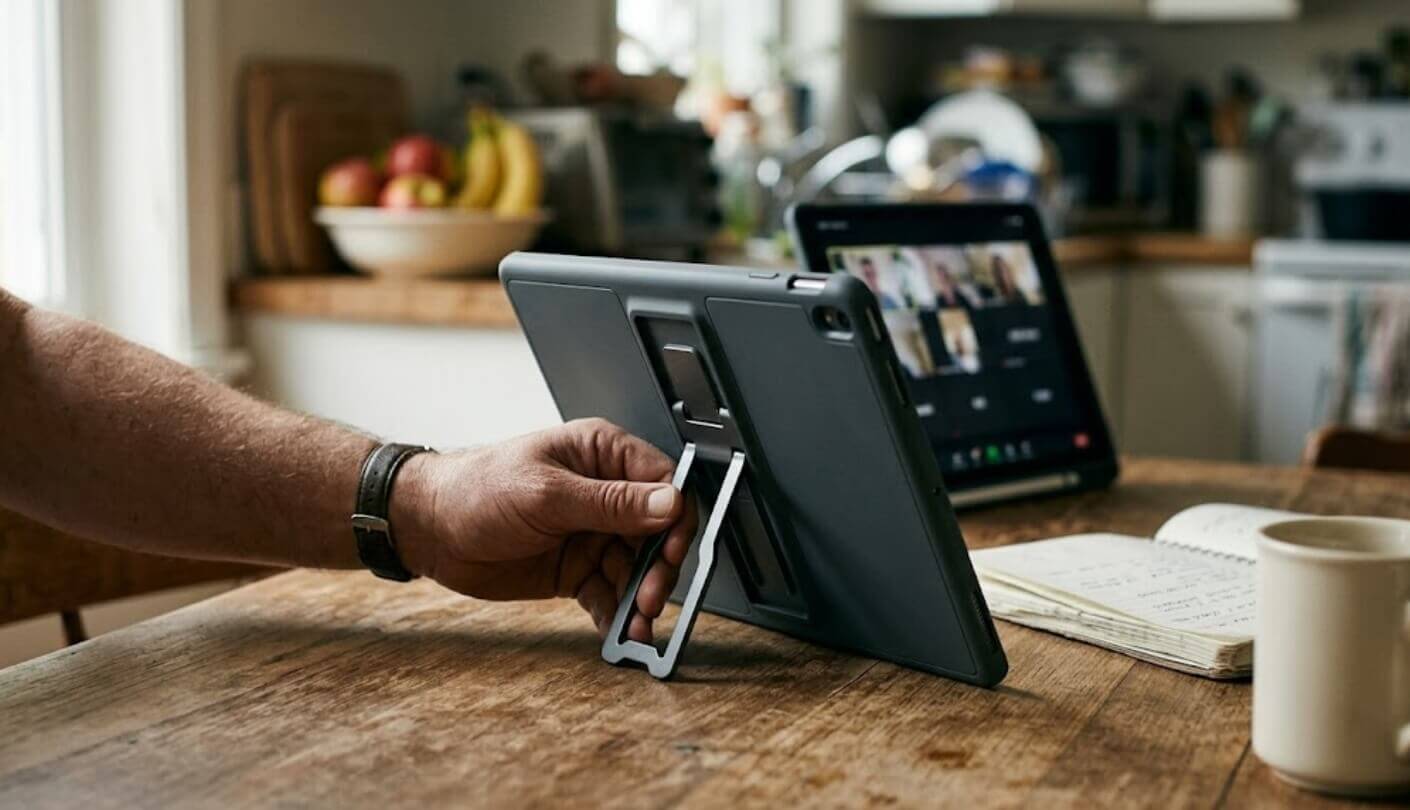
Screen size on a video-calling tablet is a tradeoff between visibility and portability, not a spec where bigger is simply better. A built-in kickstand or a keyboard cover that doubles as a stand solves more real-world call problems than an extra inch of screen alone.
A built-in kickstand, a case with a stand mode, or a keyboard attachment that folds into a stand position all solve the same underlying issue: keeping the tablet at eye level without someone's hand cramping halfway through a call. Tablets that ship without any of those built in end up leaning against whatever's nearby, a book, a mug, a stack of mail, which works until it doesn't.
Top 5 Tablets for Video Calls in 2026
Camera orientation, app compatibility, and audio hardware separated these five tablets more than screen size or raw performance did once actual calls were placed on each one rather than just reading the spec sheets side by side.
- Landscape Center Stage Camera
- Wi-Fi 7 Connection Stability
- Split-Screen Multitasking
- Apple Pencil Pro Ready
- Bright 600-Nit Display
- 1600-Nit AMOLED Display
- Quad AKG Speaker Array
- IP68 Water Resistance
- S Pen Included
- Samsung DeX Mode
- Landscape-Oriented Camera
- Sharp 2K IPS Display
- Fingerprint Unlock
- 14-Hour Battery Rating
- Lowest Cost Of Entry
- Quad HD Studio Camera
- Windows Studio Effects
- Full Desktop App Support
- Windows Hello Unlock
- Ultrawide Camera Field Of View
- Six-Speaker Harman Kardon Audio
- 144Hz Sharp Display
- Wide 101° Front Camera
- Pen And Keyboard Bundled
- Strong 10,200mAh Battery
Best Tablets for Video Calls: Comparison
Two of these five differ from what their product titles suggest once the actual listing gets read closely, and that distinction shows up in the notes below the table rather than in the rows themselves:
| Specification | iPad Air 11" (M4) | Galaxy Tab S11 | Fire Max 11 | Surface Pro (2024) | Yoga Tab Plus |
| Front Camera | 12MP, landscape, f/2.4 | 12MP, portrait-centered | 8MP, landscape, fixed | 1440p, ultrawide Studio Camera | 13MP, f/2.2, 101° ultrawide |
| Display | 11" Liquid Retina, 600 nits | 11" Dynamic AMOLED, 1600 nits | 11" IPS LCD, 2000x1200 | 13" PixelSense OLED, 120Hz | 12.7" LTPS, 144Hz |
| Chipset | Apple M4 | Dimensity 9400+ | MediaTek MT8188J | Snapdragon X Elite (12-core) | Snapdragon 8 Gen 3 |
| RAM | 12GB | 12GB | 4GB | 16GB | 16GB |
| Speakers | Two, landscape-firing | Quad, AKG-tuned | Dual, Dolby Atmos | Stereo, Dolby Atmos | Six, Harman Kardon |
| App Ecosystem | iPadOS, App Store | Android 16, Google Play | Fire OS, Amazon Appstore only | Windows 11, full desktop apps | Android 15, Google Play |
| Charging | Up to 30W wired | Up to 45W, adapter not included | 9W included, 15W max | 65W minimum | Up to 45W |
| Rated Video Playback | Up to 10 hours | Up to 18 hours | Up to 14 hours | Up to 14 hours | Up to 11 hours |
Two of the links above need a second look before you click through. The Fire Max 11 listing sells a Certified Refurbished, like-new unit rather than a brand-new one, and the Surface Pro listing sells the tablet on its own, without the keyboard cover needed to actually use it as a laptop. Neither is misleading once you read the fine print, but neither matches what the product name alone implies either.
Apple iPad Air 11-inch (M4) Review
Editor's Choice
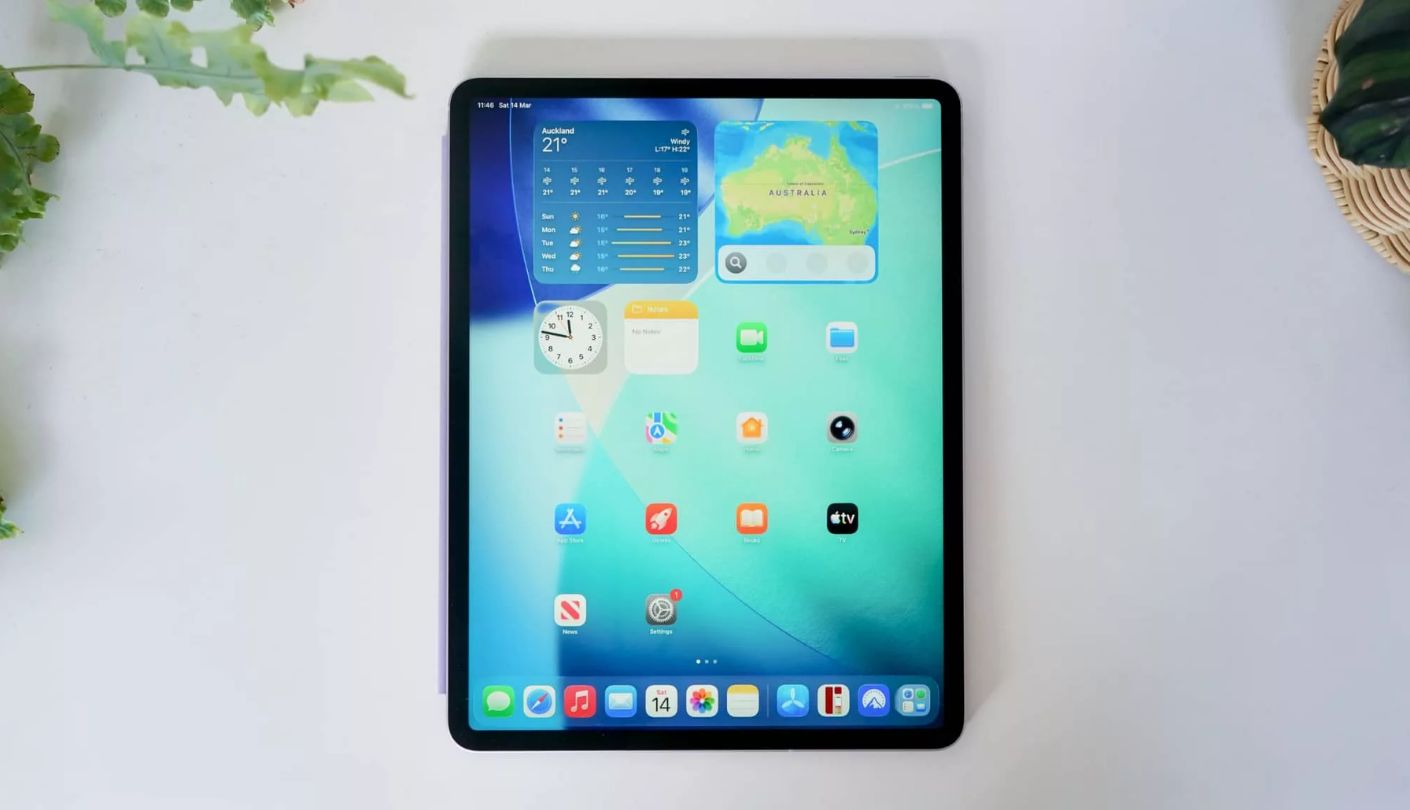
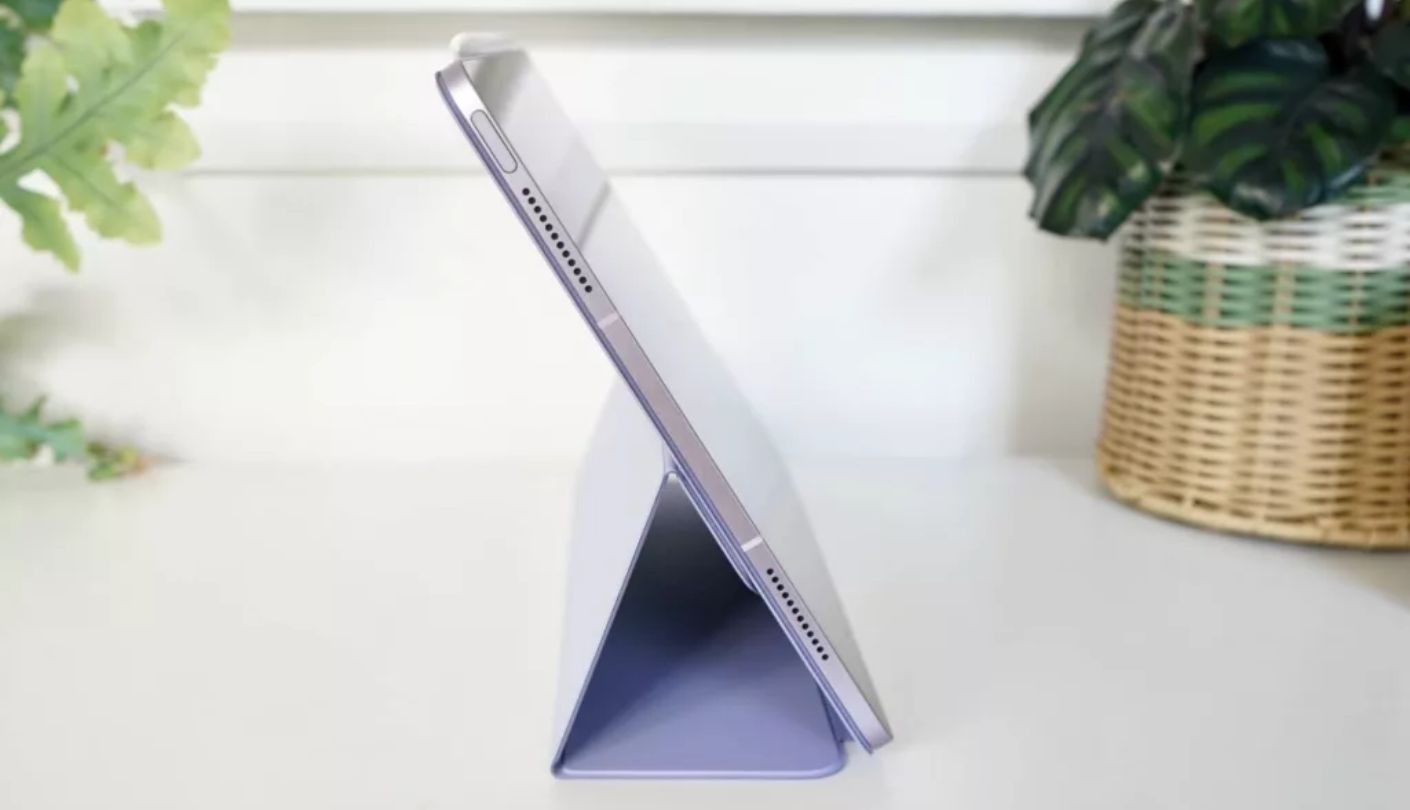
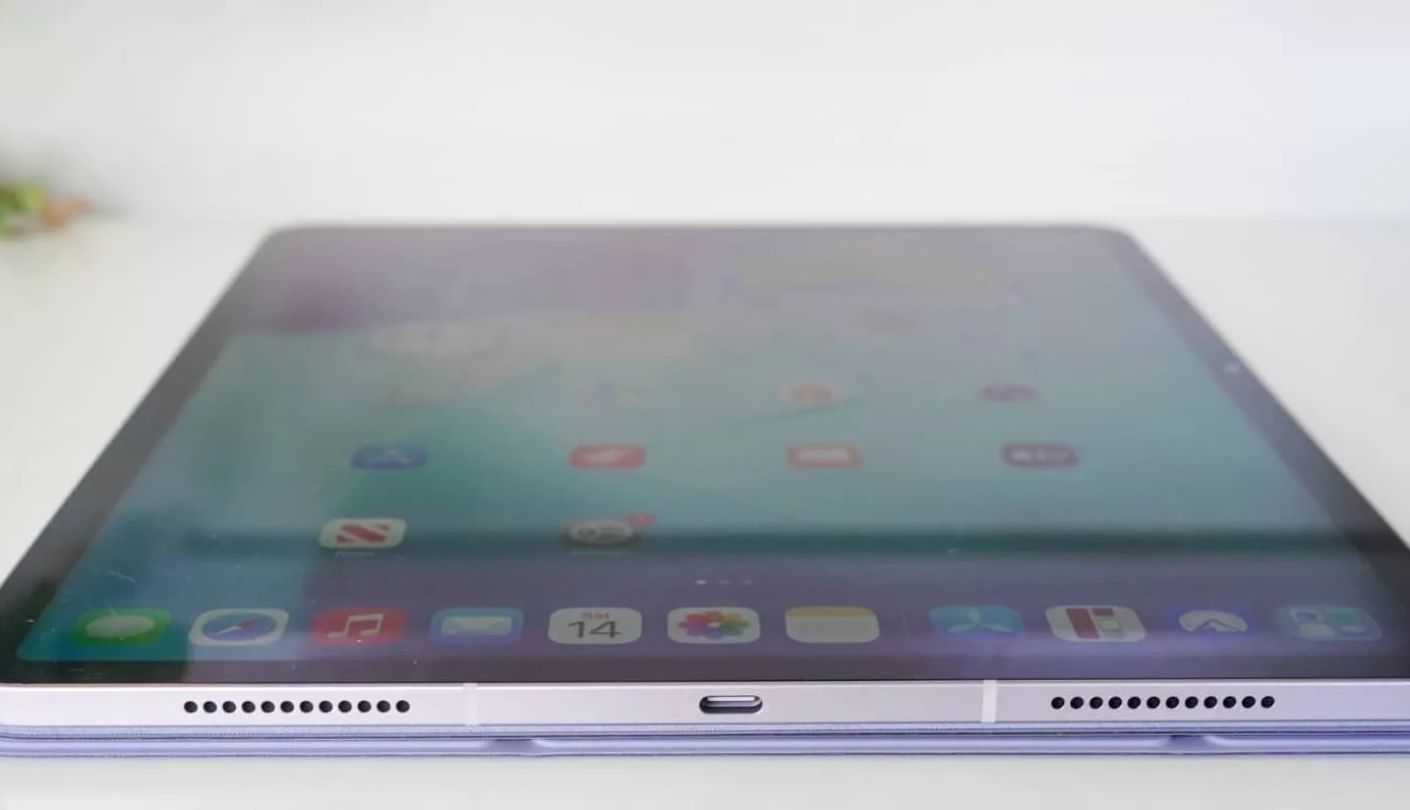
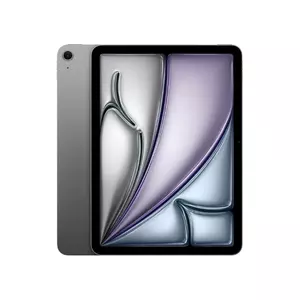
Apple made a small but meaningful change with this generation that a lot of buyers never notice on the spec sheet: the iPad Air 11-inch (M4)'s front camera moved from a portrait mount to a landscape one, sitting along the long edge instead of the short edge for the first time in this product line. That single repositioning does more for call framing than any software feature layered on top of it, and it's the reason this model leads the comparison rather than a competitor with a higher megapixel count.
Center Stage still handles the auto-framing work on top of that repositioned 12-megapixel sensor, keeping a caller roughly centered even while moving around during a call, and the M4 chip behind it runs multiple video apps in split view without the stutter that shows up on lower-powered tablets juggling a call and a notes app at once. Wi-Fi 7 support through the new N1 chip keeps the connection steadier on a crowded home network, which matters more during a call than during casual browsing where a dropped packet barely registers.
The 600-nit Liquid Retina display looks sharp for reading shared documents mid-call, and Apple Pencil Pro support means anyone sketching notes during a meeting has a genuinely responsive stylus option, though that's a secondary benefit rather than the main draw here. Touch ID handles unlocking quickly enough before joining a call, even if it lacks the instant face-based unlock some Android tablets and the Surface Pro both offer.
Two landscape-firing speakers put out clear enough audio for one-on-one calls, though they thin out compared to the quad-speaker setups on the Galaxy Tab S11 and the Yoga Tab Plus once more than one person is talking in a group call. Storage upgrades add up quickly beyond the base tier, and anyone planning to store a lot of recorded meetings or offline video should budget for that ahead of time.
None of that changes how well the actual camera repositioning solves the core problem this list is built around. A landscape-native sensor backed by genuine auto-framing software is rarer than it should be at this size, and Apple got the fundamentals right here in a way most competitors still haven't matched.
Pros:
- Landscape Center Stage Camera
- Wi-Fi 7 Connection Stability
- Split-Screen Multitasking
- Apple Pencil Pro Ready
- Bright 600-Nit Display
Cons:
- Touch ID, Not Face ID
- Storage Upgrades Add Up
Summary: The camera relocation here is the kind of change that only shows up once you're actually on a call, not while reading a spec sheet, and it's the single biggest reason this tablet earns the top spot in this particular comparison.
Samsung Galaxy Tab S11 Review
Best Overall
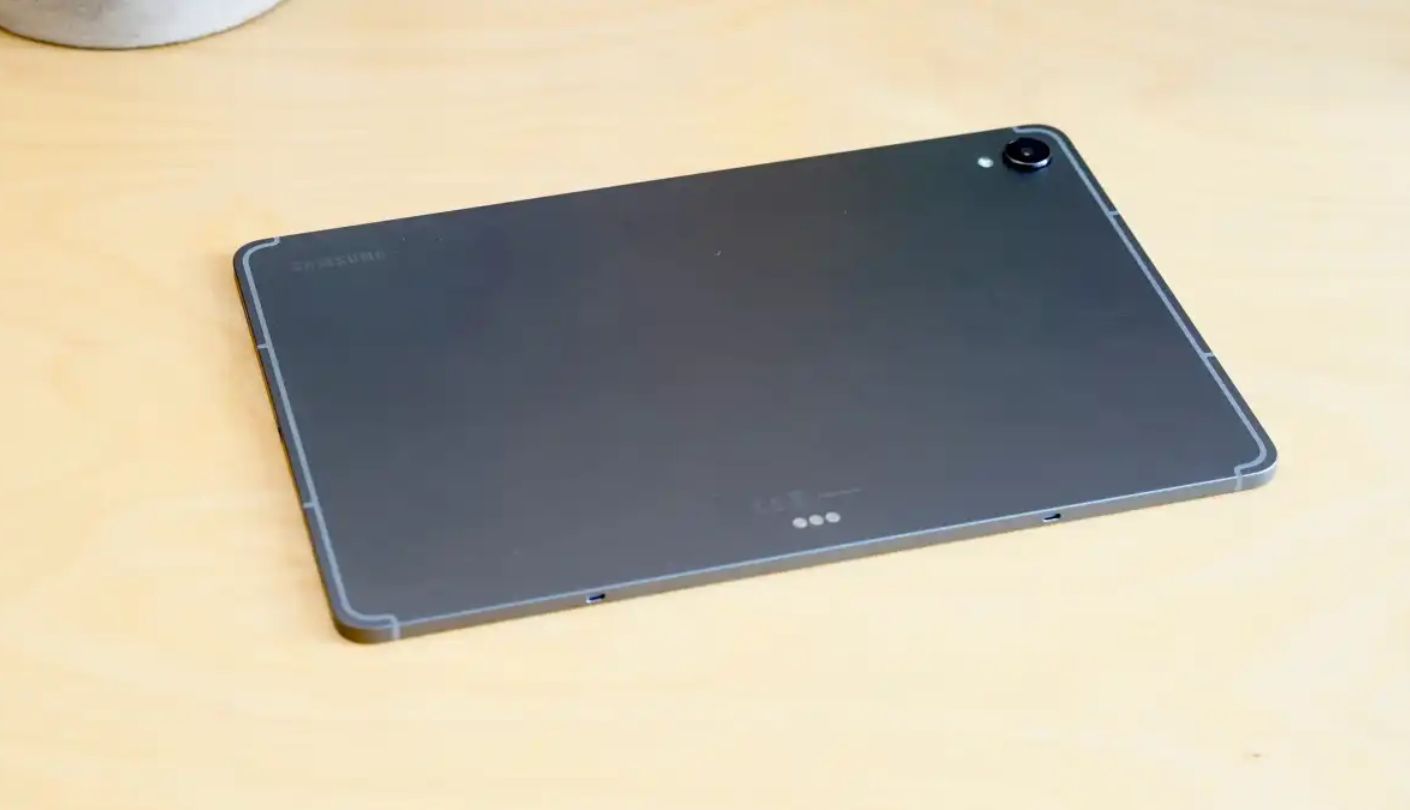
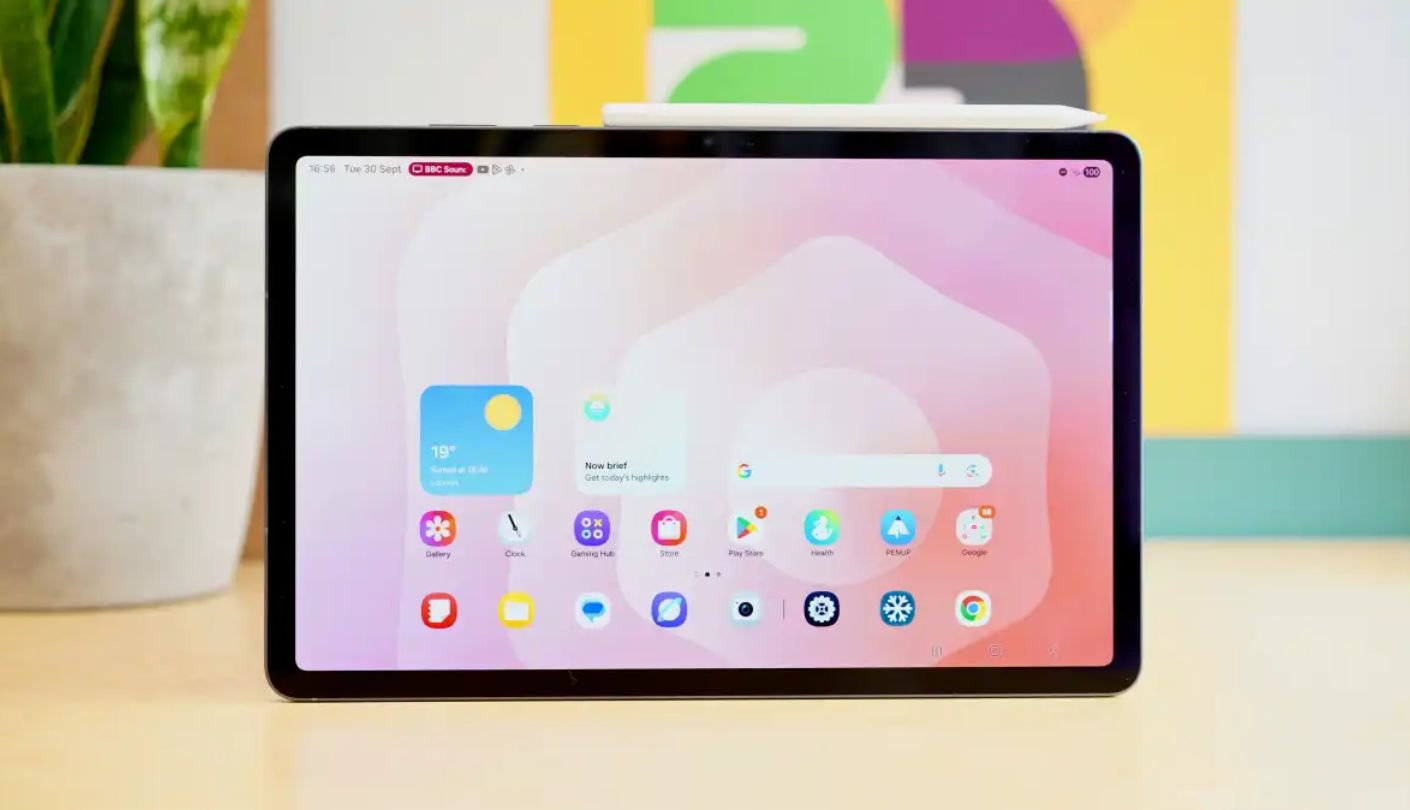
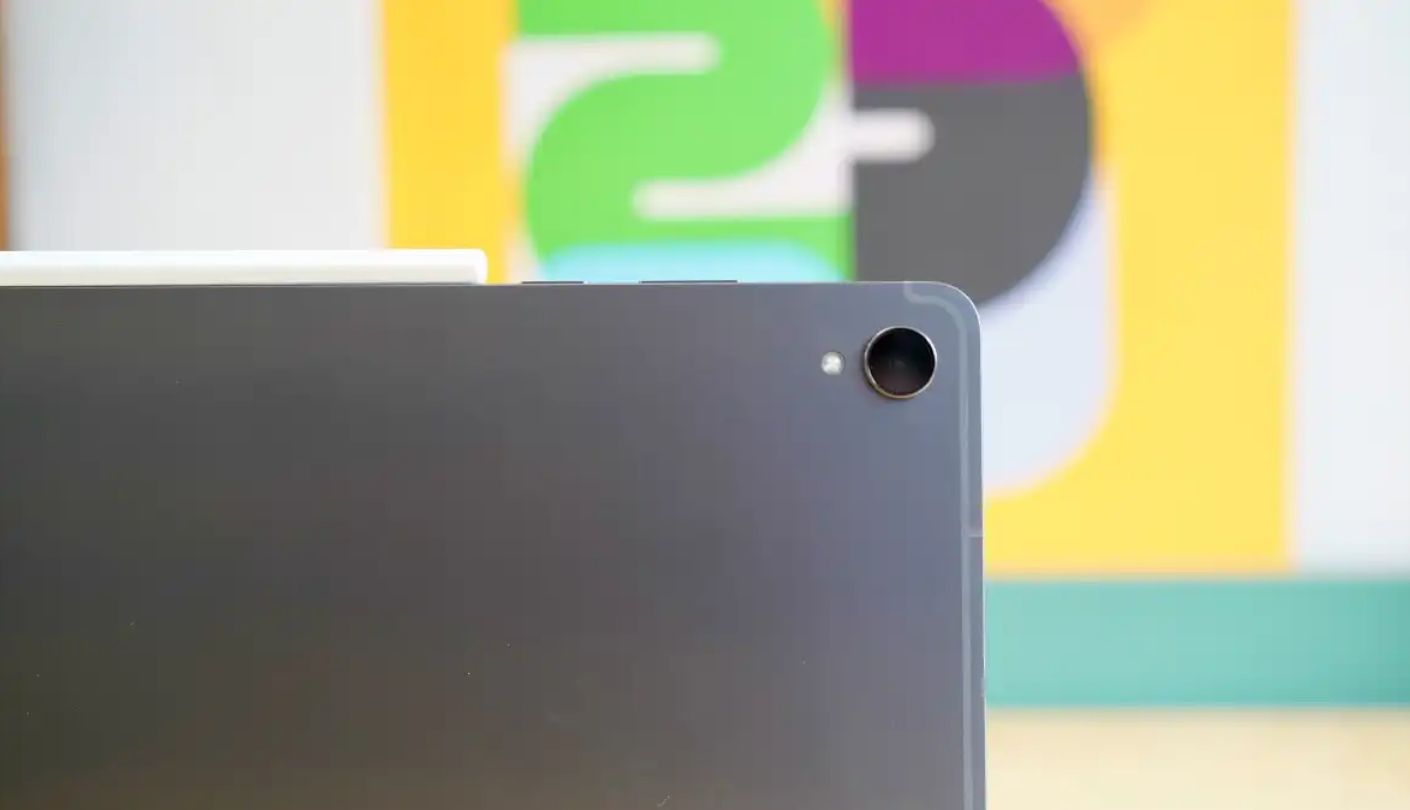
Why does a tablet with a sharper, brighter display than the iPad Air still lose ground on camera framing? The Galaxy Tab S11 answers that question the moment you tilt it into landscape for a call, because its 12-megapixel front camera sits tucked into the bezel along the short edge rather than repositioned for horizontal use, leaving the subject slightly off-center compared to a properly landscape-native sensor.
What the Tab S11 does instead is compensate everywhere else. The 11-inch Dynamic AMOLED 2X display reaches a genuinely bright 1600 nits at its peak, making it one of the more legible screens outdoors or under harsh kitchen lighting during a daytime call, and the quad AKG-tuned speaker array puts out noticeably fuller sound than the two-speaker setups on the iPad Air and the Surface Pro, especially useful in group calls with several people talking.
Samsung DeX turns the tablet into a desktop-style workspace when paired with an external monitor, useful for anyone running a call alongside several other open windows, and the 3nm Dimensity 9400+ chipset handles that multitasking without the thermal throttling older Tab models were known for. IP68 water and dust resistance is a genuine practical bonus for anyone taking calls in a kitchen or a garage workspace where spills happen.
The included S Pen adds meaningful value for note-taking during meetings, but the tablet ships without a wall charger in the box despite supporting fast 45W charging, an odd omission at this level that means budgeting for a separate adapter. Android app support through Google Play covers Zoom, Teams, and Meet natively, with none of the gaps that show up on Fire OS.
Everything about this tablet points toward a device built for productivity first and video calls as one strong feature among many, rather than a tablet engineered around the camera specifically. That's a fair tradeoff given how much else it gets right across daily use.
Pros:
- 1600-Nit AMOLED Display
- Quad AKG Speaker Array
- IP68 Water Resistance
- S Pen Included
- Samsung DeX Mode
Cons:
- Camera Not Landscape-Native
- No Wall Charger Included
Summary: The camera placement is the one honest weak spot on an otherwise loaded tablet, and the quad speaker array does more to offset that during actual group calls than most buyers would expect walking in.
Amazon Fire Max 11 Review
Budget Pick
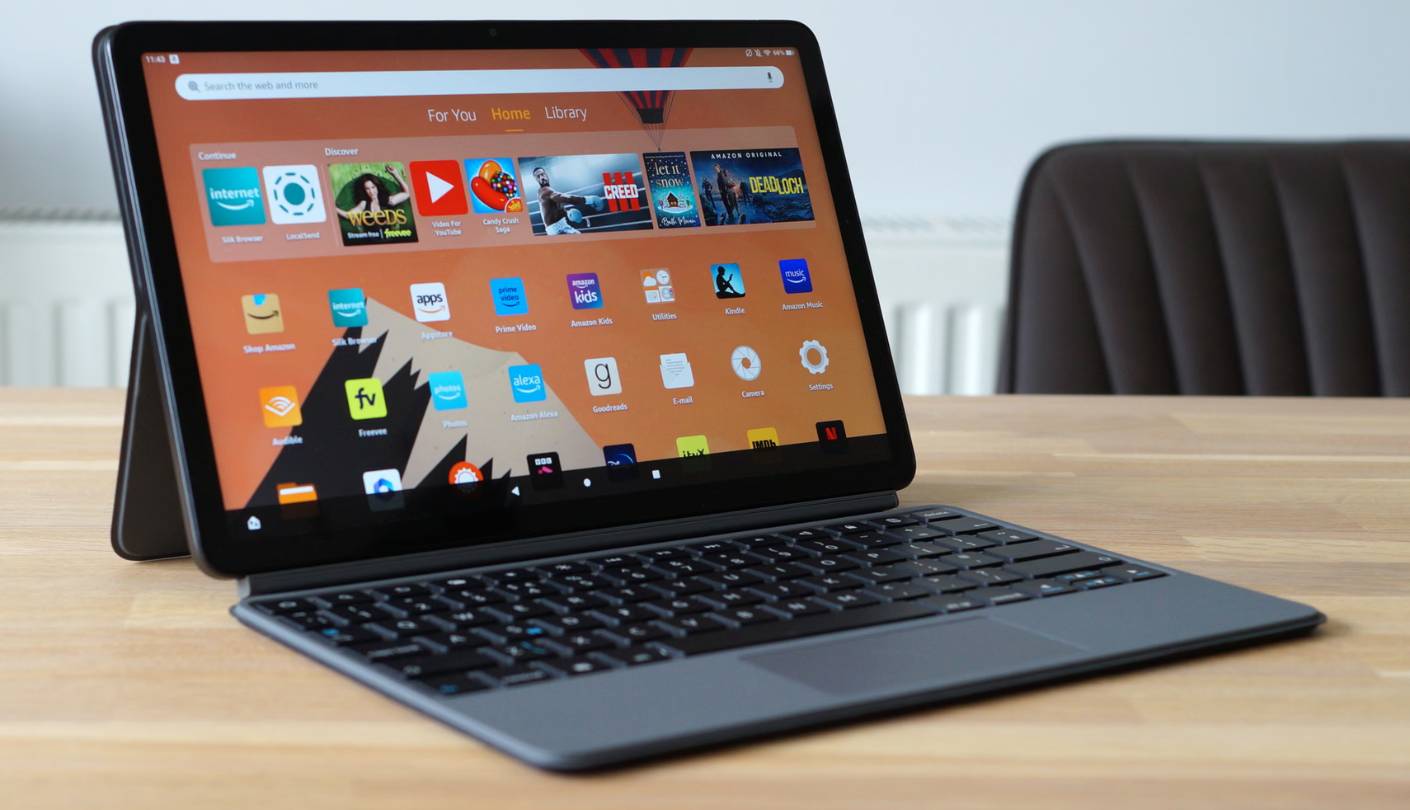
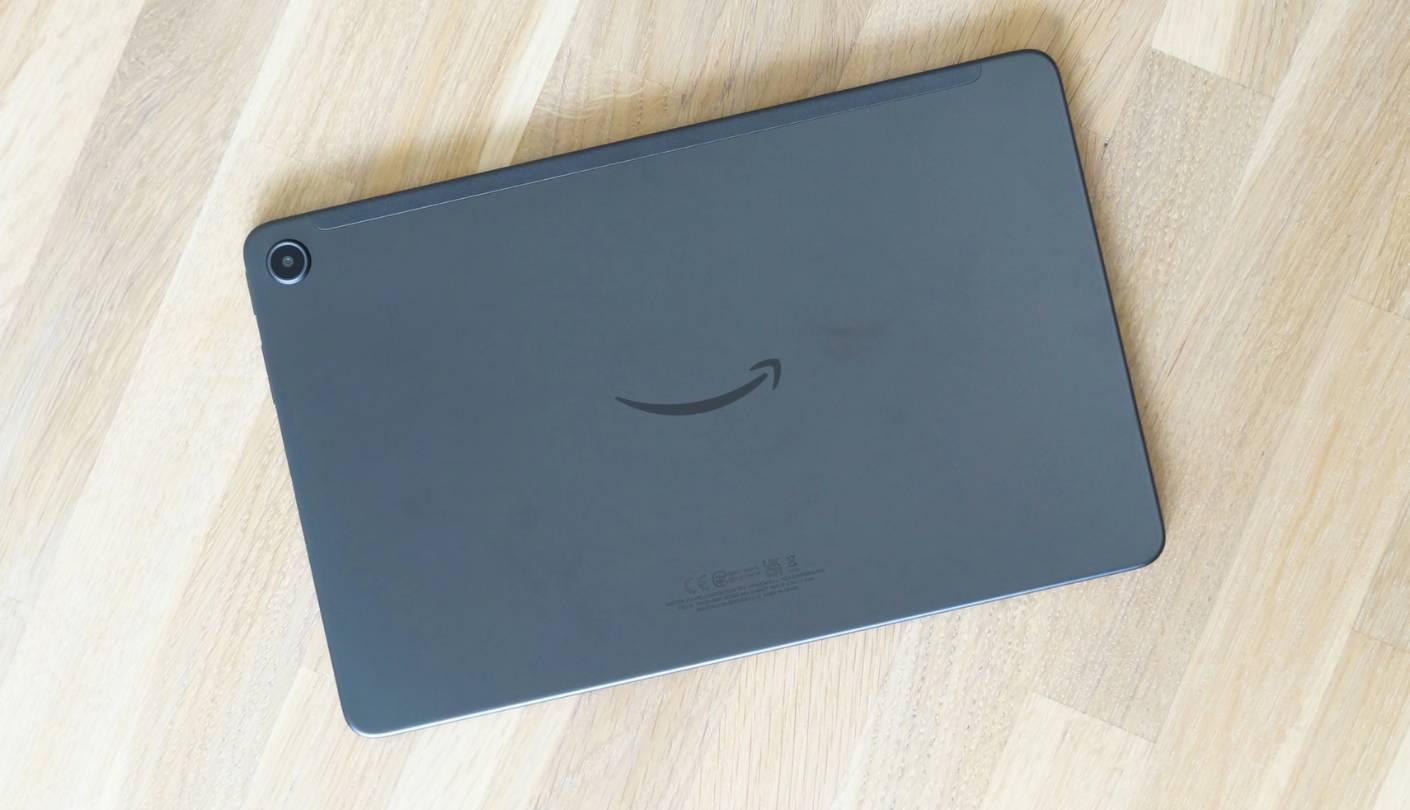
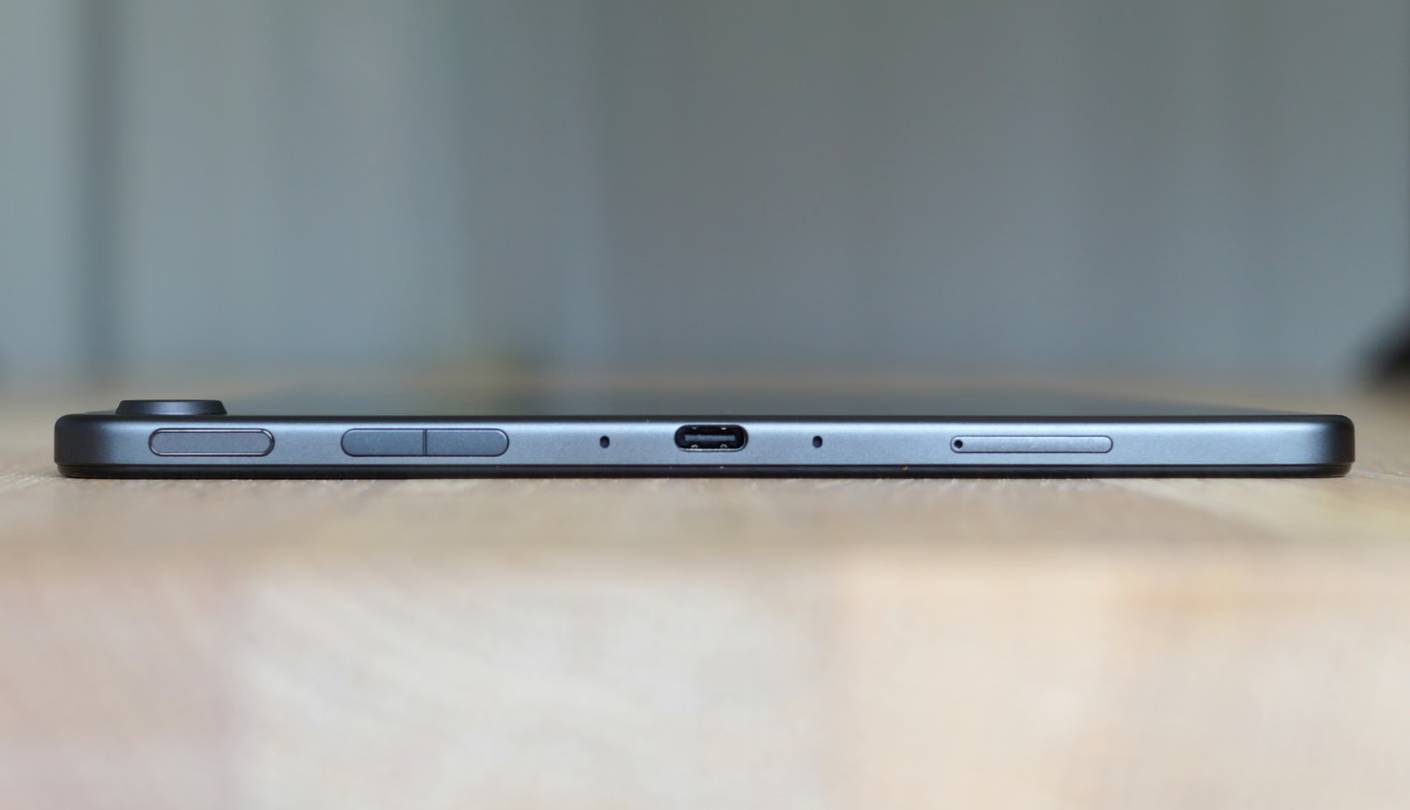
This is the one review on this page where I have to slow down before recommending anything, because the exact page linked for the Amazon Fire Max 11 sells a Certified Refurbished, like-new unit rather than a box-fresh one. It carries the same one-year limited warranty Amazon puts behind new stock, and the lower cost comes from that refurbished status rather than a lesser tablet underneath it.
The 8-megapixel front camera sits properly along the long edge for landscape calls, a detail Amazon actually got right despite the tablet's budget positioning, and while the resolution trails every other tablet here, the framing itself stays centered in a way the pricier Galaxy Tab S11 doesn't quite manage. A fingerprint sensor built into the power button handles quick unlocking before joining a call, a feature Amazon added specifically with this model.
Fire OS is the limitation worth understanding most before buying. The tablet runs on the Amazon Appstore instead of Google Play, and while Zoom is available there, some collaboration and calling tools people rely on at work simply aren't listed, which makes this a stronger fit for personal video chats with family than for a work-from-home setup tied to a specific enterprise platform.
The 2000x1200 IPS display looks sharp for its size, and 14 hours of rated video playback holds up reasonably well in casual use, though the bundled 9W charger caps out well below the 15W the tablet can actually accept, so a faster adapter bought separately closes that gap noticeably. Four gigabytes of RAM is the tightest in this comparison, and it shows during longer calls layered with a browser tab or two running alongside.
Those limitations don't erase what this tablet gets right for the price a shopper actually pays here. A properly landscape-oriented camera, decent battery life, and a screen that holds its own against tablets costing several times more make this a reasonable pick specifically for someone who mostly just wants clear, simple video calls without a work-app checklist attached.
Pros:
- Landscape-Oriented Camera
- Sharp 2K IPS Display
- Fingerprint Unlock
- 14-Hour Battery Rating
- Lowest Cost Of Entry
Cons:
- No Google Play Store
- Refurbished Listing Only
Summary: The refurbished status and the missing Google Play store are the two things to know going in, but the camera orientation and screen quality genuinely punch above what the price tag suggests once those caveats are understood.
Microsoft Surface Pro 2-in-1 (2024) Review
Studio Camera
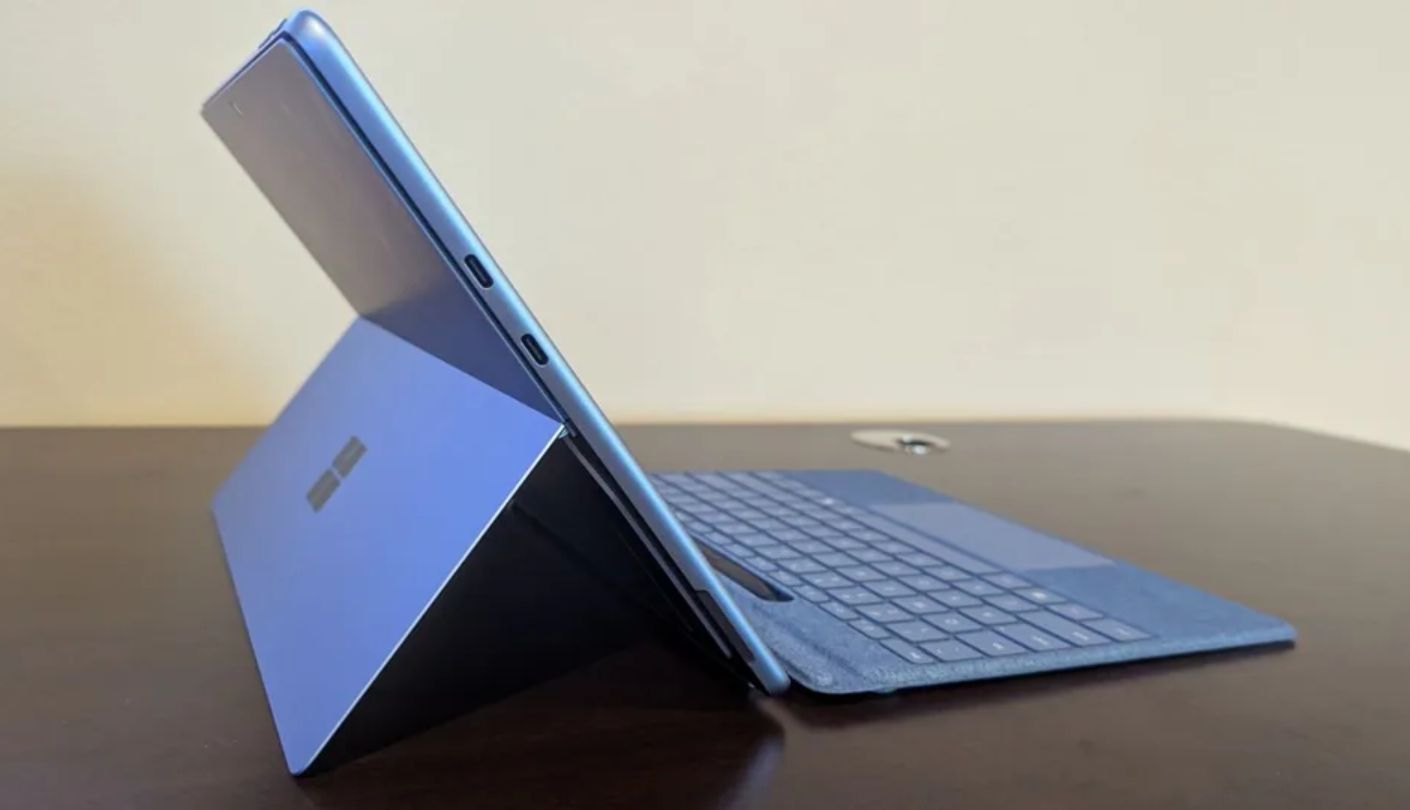
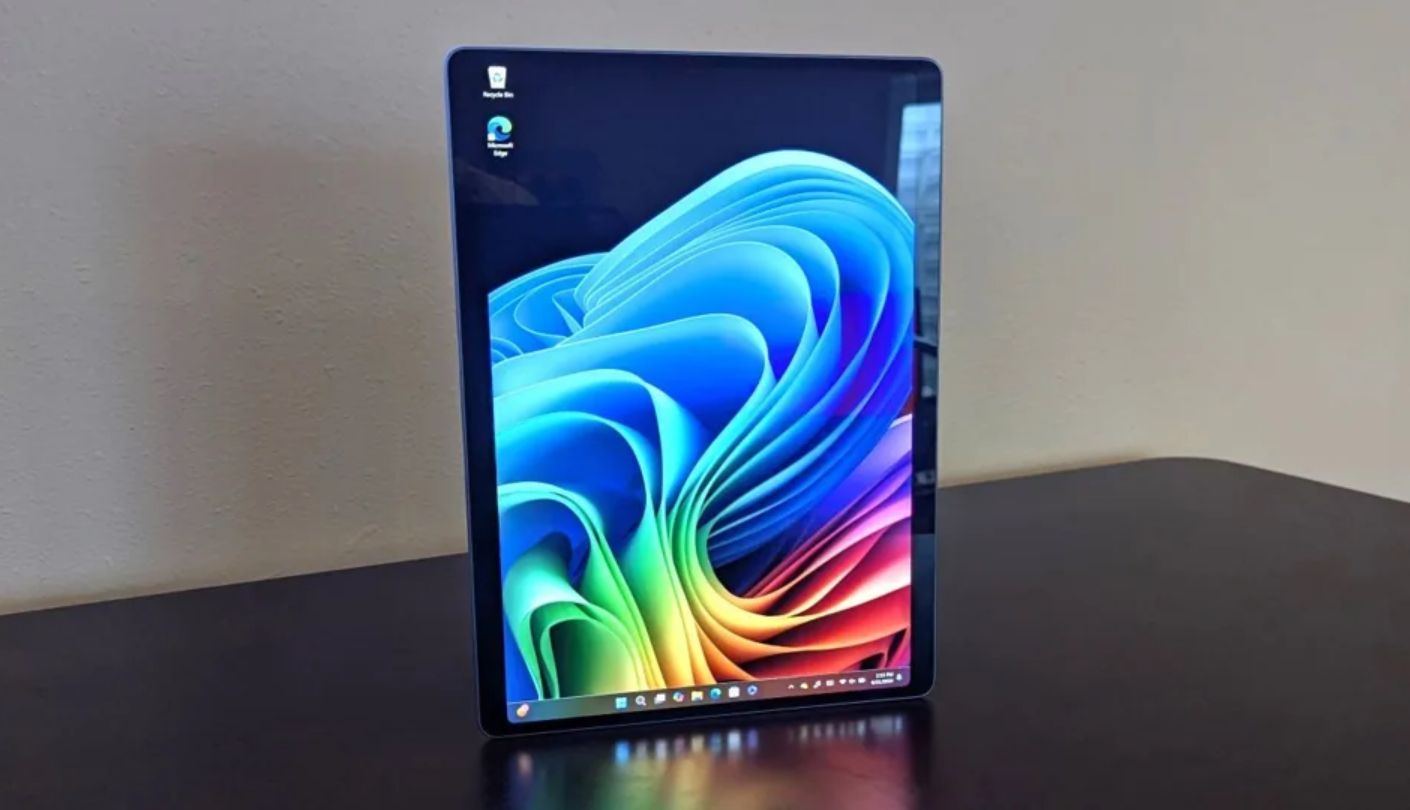
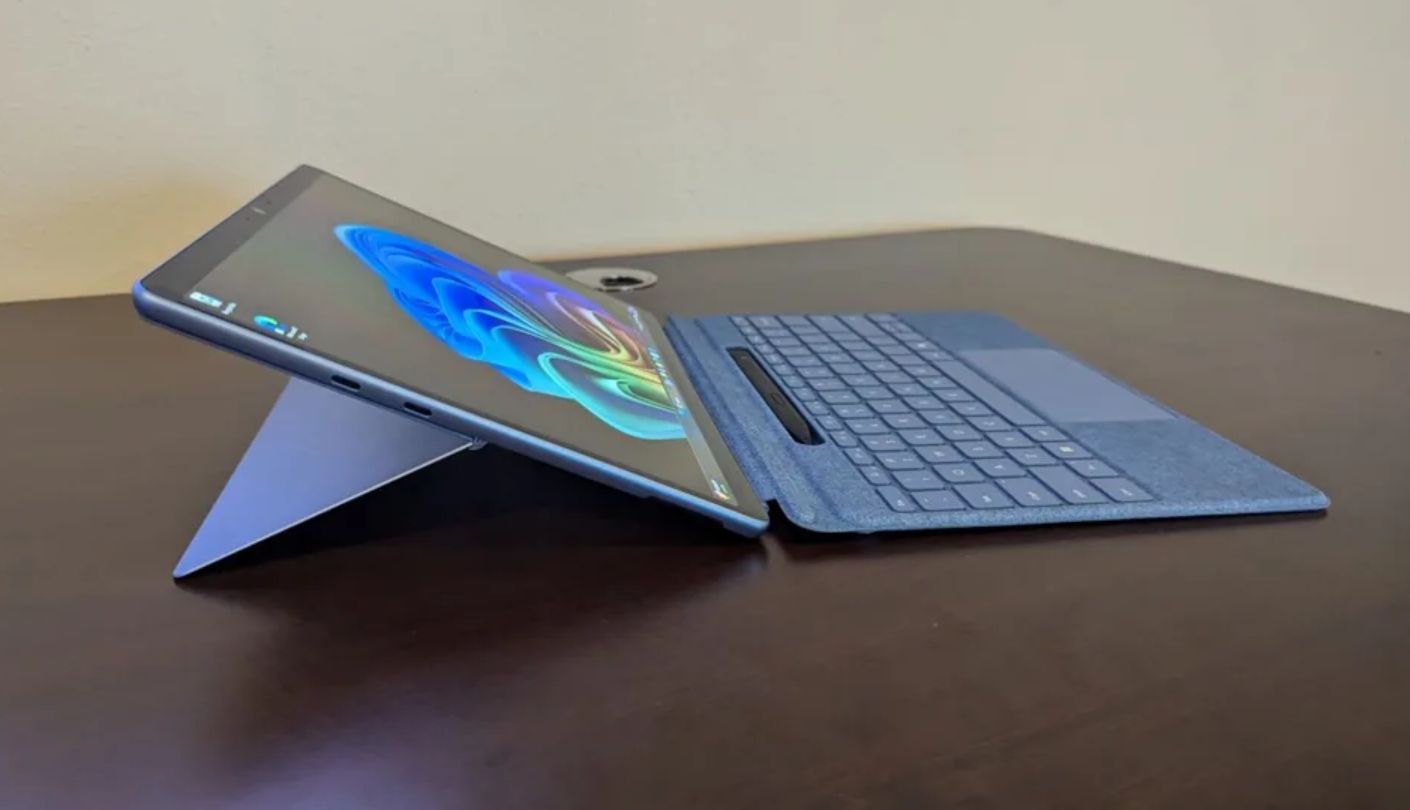
A 1440p front camera sounds excessive for a device most people won't use to shoot video, until that exact camera turns out to be the sharpest, widest one in this entire lineup. The Surface Pro 2-in-1 (2024)'s Quad HD Studio Camera outresolves every rival here, and its ultrawide field of view keeps two or three people in frame during a shared call without anyone needing to lean into a tight shot.
Windows Studio Effects builds meaningful software polish on top of that hardware, with automatic framing that follows movement, background blur tuned by depth sensing rather than a rough edge-detection guess, and an eye-contact feature that subtly redirects gaze toward the lens even while someone's reading notes off to the side. Windows Hello face authentication unlocks the device almost instantly, a step ahead of the fingerprint and passcode approaches used elsewhere in this lineup.
Running full Windows 11 means every calling platform works exactly as it does on a laptop, complete desktop apps rather than trimmed mobile versions, which matters for anyone whose workplace depends on desktop-only features like breakout room controls or screen annotation tools. The Snapdragon X Elite chip handles a call alongside several other open windows without the slowdown a lighter Android or Fire OS tablet would show under the same load.
One detail in that listing is easy to skim past. This particular configuration sells the tablet on its own, so the keyboard cover that actually turns it into a laptop has to be bought separately, an easy thing to miss given how hard the product name leans on "2-in-1." Charging also demands a 65W minimum power supply, well above anything else compared here, so a low-wattage phone charger simply won't cut it.
Buyers who already own or plan to add the keyboard get a genuinely capable video-calling device layered on top of a full laptop replacement, which is a different value proposition than the other four tablets covered here. Anyone just wanting a simple tablet for calls without extra accessories should look elsewhere first.
Pros:
- Quad HD Studio Camera
- Windows Studio Effects
- Full Desktop App Support
- Windows Hello Unlock
- Ultrawide Camera Field Of View
Cons:
- Keyboard Sold Separately
- Needs 65W Charger
Summary: Treat this less as a tablet and more as a laptop that happens to detach, since the camera and software polish only reach their full potential once the missing keyboard gets added back into the actual cost of ownership.
Lenovo Yoga Tab Plus Review
Loudest Speakers
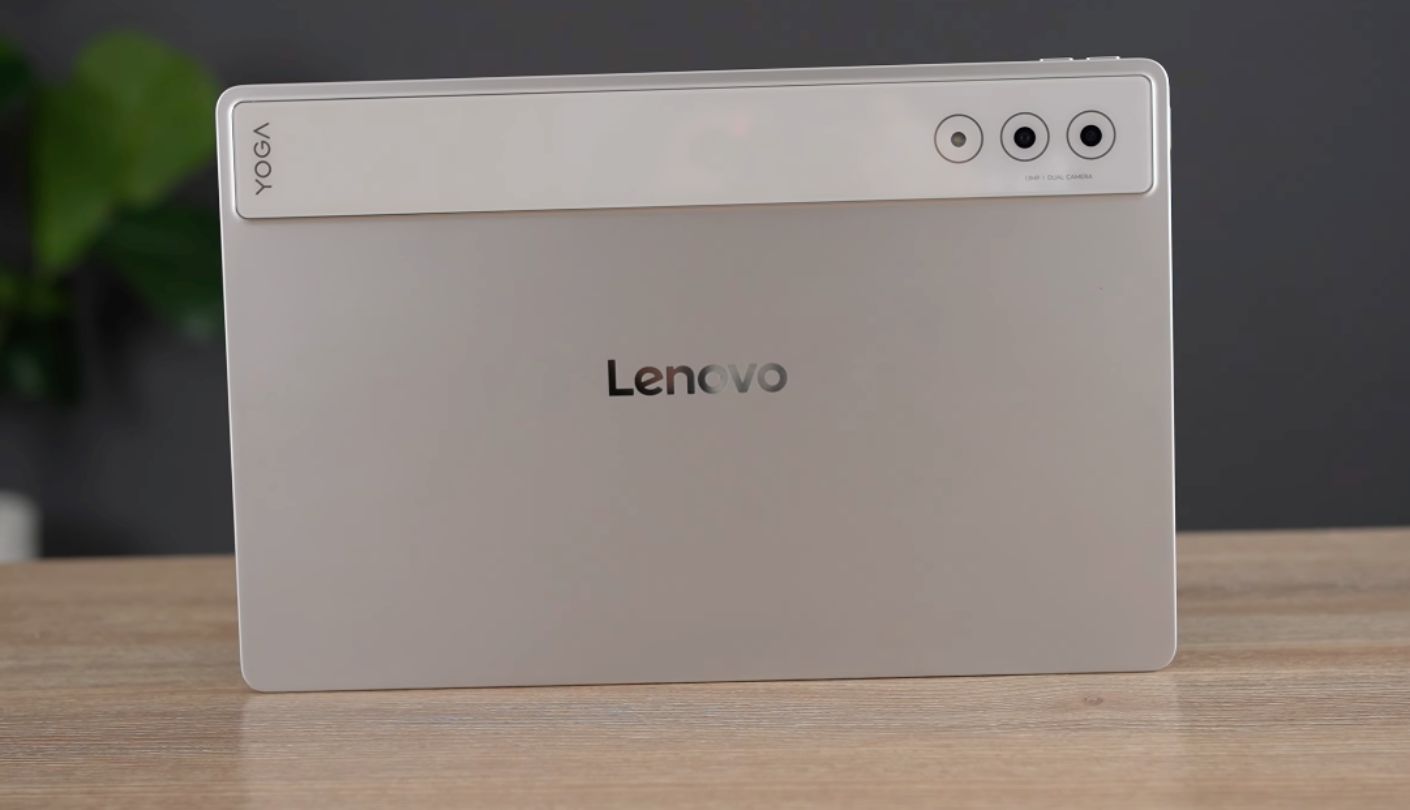
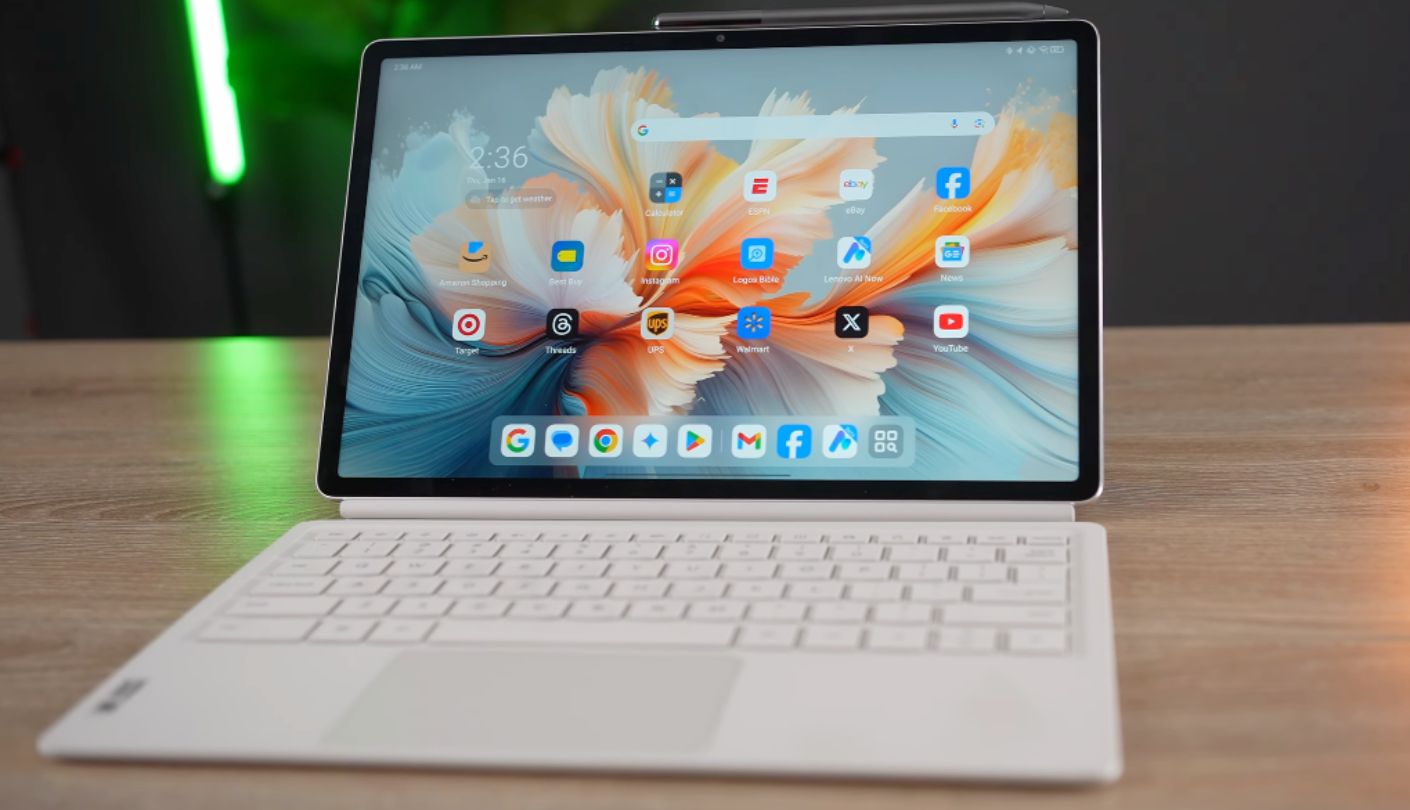
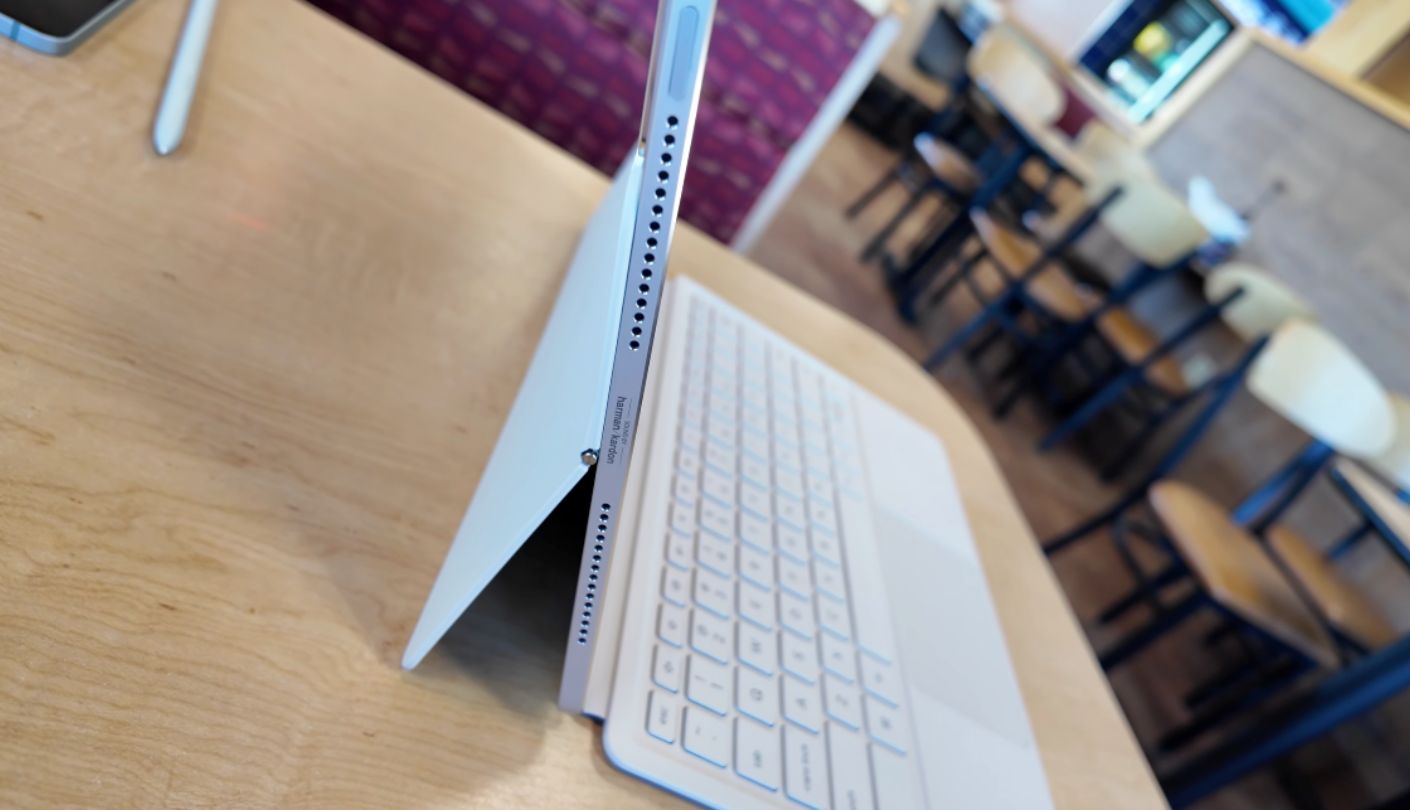
A coworker joining the same call from a laptop across the room once asked why my end sounded like it was coming out of a proper speaker system, and the answer was the six-speaker Harman Kardon array built into the Lenovo Yoga Tab Plus, tuned with Dolby Atmos support and audibly ahead of every other tablet in this comparison the moment more than one voice is in the mix.
The 12.7-inch LTPS display runs at a smooth 144Hz and a sharp 3200x2000 resolution, more real estate for a shared document or a full gallery view of a group call than any other tablet here offers, and the Snapdragon 8 Gen 3 chip paired with 16GB of RAM handles that larger canvas without any lag during multitasking. A 10,200mAh battery backs up the loud speakers with genuinely strong runtime across a full day of mixed use.
The 13-megapixel front camera carries a wide 101-degree field of view, which keeps a wider shot in frame than most rivals manage, though Lenovo mounted the sensor on the same edge as the stylus charging contacts rather than the more conventional opposite edge other manufacturers use, an unusual placement choice that can put a hand or the attached pen in frame if you're not careful about grip. Skin tones in that camera also render a touch flatter than the sharper Surface Pro or iPad Air sensors manage.
Android 15 runs here with full Google Play support, so Zoom, Teams, and Meet all install and behave exactly as expected, and the bundled Tab Pen Pro plus keyboard stand add practical value for anyone planning to take notes during calls without buying accessories separately. Charging tops out around 45W, solidly midpack next to the Surface Pro's steeper requirement and the Fire Max 11's much slower ceiling.
The trade Lenovo made here is clear once you've spent a few calls with it: camera sharpness took a back seat to audio quality and screen size, and for anyone who cares more about how they sound than exactly how they look on camera, that's a trade worth making.
Pros:
- Six-Speaker Harman Kardon Audio
- 144Hz Sharp Display
- Wide 101° Front Camera
- Pen And Keyboard Bundled
- Strong 10,200mAh Battery
Cons:
- Flat Skin Tone Rendering
- Odd Camera Edge Placement
Summary: This is the pick for anyone who's been asked to repeat themselves one too many times on a call, since the audio hardware here solves that specific problem better than any camera upgrade on this list could.
Tablets for Video Calls: FAQ
Does front camera resolution matter more than orientation for video calls?
Orientation generally matters more. A camera mounted for landscape use keeps the subject centered and the field of view accurate the way the sensor was designed, while a higher-resolution camera mounted for portrait use can still produce an off-center, narrower shot once the tablet gets tilted sideways for a call.
Can the Amazon Fire Max 11 actually run Zoom and Microsoft Teams?
Zoom is available through the Amazon Appstore and works reliably, but Fire OS skips Google Play entirely, so some collaboration tools and calling platforms simply aren't listed there. Anyone tied to a specific enterprise calling tool should confirm it's available on the Appstore before relying on this tablet for work calls.
Is the Surface Pro 2-in-1 listing here worth buying without the keyboard?
It depends on the use case. As a tablet alone, the Studio Camera and Windows Studio Effects make it a strong video-calling device on its own, but anyone wanting the full laptop-replacement experience the "2-in-1" naming implies needs to budget separately for the keyboard cover, since this particular listing is device-only.
Why does the Galaxy Tab S11 not include a wall charger?
Samsung ships the Tab S11 with a USB-C cable but no charging brick in the box, a cost-cutting decision that applies across recent Galaxy Tab releases rather than something unique to this model. The tablet still supports 45W fast charging once a compatible adapter is added.
Which of these tablets sounds clearest on group video calls?
The Lenovo Yoga Tab Plus, thanks to its six-speaker Harman Kardon array with Dolby Atmos tuning, noticeably outpaces the two-speaker setups on the iPad Air and Surface Pro once several voices overlap during a call. The Galaxy Tab S11's quad speaker array is the closest runner-up.
Does a bigger screen actually help during video calls, or is it just for media?
A larger screen helps meaningfully during calls involving shared documents, screen sharing, or several participants in a grid view, since faces and text both stay legible without squinting. For simple one-on-one calls, the benefit shrinks and portability starts to matter more than screen size.
Is a refurbished tablet like the Fire Max 11 listing here a safe buy?
Amazon's Certified Refurbished and Like-New listings are tested and backed by the same limited warranty as new units, so the risk is lower than buying secondhand from an unverified seller. It's still worth confirming the specific listing's condition grade and return window before purchasing.
Do any of these tablets support Face ID or an equivalent instant unlock?
The Surface Pro uses Windows Hello facial recognition, which unlocks almost instantly and is the closest equivalent to Face ID here. The iPad Air relies on Touch ID, the Galaxy Tab S11 and Yoga Tab Plus use face unlock through their Android cameras with mixed reliability in low light, and the Fire Max 11 uses a fingerprint sensor built into the power button.
Picking Between These Five
Camera orientation turned out to be the detail that separated a good video-calling tablet from a merely adequate one across this entire comparison, more than resolution, brand, or even price. The iPad Air's landscape-native sensor and the Surface Pro's wide Studio Camera both solve that problem from different directions, one through hardware placement and the other through resolution and software polish layered on top, while the Galaxy Tab S11 and Yoga Tab Plus both compensate for a less ideal camera position with audio hardware and screen quality that carry real weight during actual calls.
The Fire Max 11 remains worth a look specifically for anyone prioritizing cost over app breadth, provided the refurbished listing and the missing Google Play store are both understood going in rather than discovered after checkout. Match the tradeoff to how you actually use a tablet, work calls tied to a specific platform, family video chats, or something in between, and the right one among these five becomes fairly obvious once that's clear.

Jim's our tech geek with a mission since February 2023. From movies to video projectors, he knows his stuff and aims to make tech work for you. When he's not geeking out, he's there to guide you through making savvy decisions.


