At gagadget.com, your trust is our priority. We follow strict quality standards in our research, tests, and analysis of tvs, to give you the best experience. Learn more
Which of the Best 55-Inch TVs under $400 Should You Buy?
A 55-inch TV under $400 used to mean picking the least broken option on the shelf. That's changed enough that the challenge now is decoding which spec-sheet terms are doing real work and which ones are just repackaged marketing. "QLED" on one box and "Hi-QLED" on another don't automatically mean the same panel technology, and a "240" printed next to Motion Rate has nothing to do with how many times the screen refreshes per second.
Only one of these five uses a true Mini-LED panel with local dimming, and only one skips Dolby Vision entirely despite looking just as premium on the box as its rivals. Neither detail shows up unless someone reads past the first line of the listing, which is exactly where most budget TV shopping goes wrong. Five televisions from five different brands cover that entire range, from a set that skips quantum dots altogether to one running a genuine Mini-LED backlight that would have cost several hundred dollars more just a few years ago.
Here are my two top picks for the best 55-inch TV under $400:
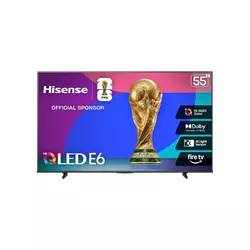
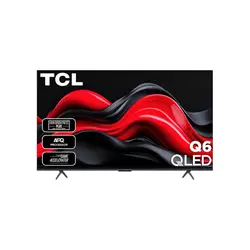
Table of Contents:
- Best 55-Inch TV under $400: Buying Guide
- Top 5 55-Inch TVs under $400 in 2026
- Best 55-Inch TVs under $400: Comparison
- Hisense 55" E6 Cinema Series (55E6QF)
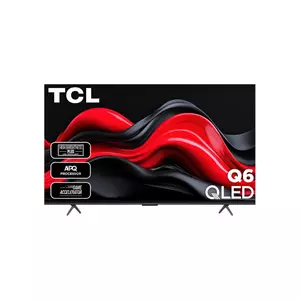
- TCL 55" Q65 QLED (55Q651G)
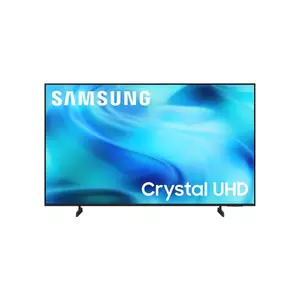
- Samsung 55" Crystal UHD U8000H
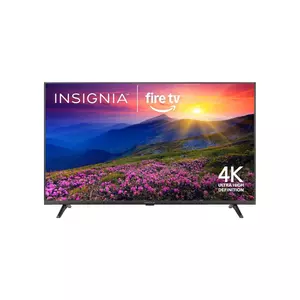
- INSIGNIA 55" F50 Series
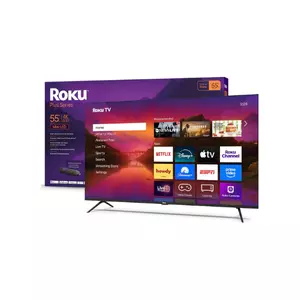
- Roku 55" Plus Series
- 55-Inch TVs under $400: FAQ
Best 55-Inch TV under $400: Buying Guide
"QLED" Doesn't Always Mean a Quantum Dot Layer
QLED refers to a quantum dot film layered over an LED backlight, and it meaningfully widens color volume compared to a standard LED panel. The catch at this price is that not every TV marketed as premium has that layer. Samsung's Crystal UHD line, for instance, skips quantum dots entirely and relies on standard LED backlighting, even though the branding and menu design look every bit as polished as the company's QLED sets. Hisense complicates the naming further with "Hi-QLED," its own marketing term for an enhanced quantum dot process that does still include the film, just under a name that sounds invented for the ad copy.
A TV without an actual quantum dot layer isn't a lesser product by default, but it will show noticeably less color volume in saturated scenes than a true QLED panel at the same brightness. Check the spec sheet for the words "quantum dot" specifically, not just how premium the model name sounds.
I compared spec sheets across all five and found that three use a true quantum dot layer while two rely on standard LED or VA panels dressed up with AI-sounding processor names. Neither approach is wrong for a budget set, but knowing which one is in front of you changes what to expect from skin tones and sunset scenes specifically. A quick way to check without digging through a spec PDF is to search the model number alongside "quantum dot" before buying, since most manufacturers confirm it plainly once asked directly.
Check Which HDR Format Is Actually Missing
Dolby Vision, HDR10+, HDR10, and HLG all show up somewhere across these five televisions, and the gaps matter more than the formats that are present. A TV skipping Dolby Vision entirely still plays HDR content fine, just without the scene-by-scene brightness metadata that makes the format noticeably more dynamic on supported streaming titles.
Dolby Vision is missing from two of the five format lists despite otherwise reading like premium televisions on the box, and that gap only becomes obvious once a Netflix or Apple TV+ title mastered in Dolby Vision falls back to flatter standard HDR. Anyone with a streaming library heavy on Dolby Vision content should treat that specific format, not the general presence of "HDR," as the deciding spec.
HDR10+ offers a similar scene-by-scene approach to brightness metadata, but far fewer streaming titles support it compared to Dolby Vision's much larger content library, which is why checking for Dolby Vision by name tends to matter more than confirming HDR10+ support alone.
A "120Hz" or "240Hz" Number Rarely Means the Panel Actually Refreshes That Fast
Every television in this comparison runs a native 60Hz panel, full stop, yet the boxes list numbers like Motion Rate 120, Motion Rate 240, and Motion Xcelerator that sound like something faster. Those figures describe motion interpolation processing, essentially software smoothing inserted frames, rather than the physical refresh rate of the panel itself.
A Motion Rate or interpolation number on a budget TV's box describes processed motion smoothing, not the panel's real refresh rate. At this price tier, every option tops out at a genuine 60Hz, regardless of what number gets printed next to it.
That 60Hz ceiling matters most for competitive gaming and fast camera pans, where a true 120Hz or 144Hz panel would show a visible difference. For movies, most sports broadcasts, and everyday streaming, the interpolation processing does enough of the job that the gap rarely becomes distracting in normal use. The trade-off shows up mainly in a slight soap-opera smoothing effect on film content, which most interpolation systems let you dial down or disable entirely in the picture settings menu.
The Smart Platform Shapes the Whole Experience, Not Just the Remote
Fire TV, Google TV, Tizen, and RokuTV split these five sets almost evenly, and the choice affects more than which voice assistant answers first. App availability, how quickly the interface loads, and which ecosystem a household already leans on, Amazon, Google, or Apple, all trace back to this one decision more than any picture-quality spec does. Switching platforms later isn't as simple as changing a setting either, since it usually means replacing the whole television rather than just updating software.
Fire TV and RokuTV both load fast and keep menus simple, which suits anyone who wants the TV to just work without tinkering. Google TV leans more toward Android phone integration and Chromecast built-in, while Samsung's Tizen platform stands apart specifically because of how long the company commits to keeping it updated, a detail worth weighing well beyond the first year of ownership.
None of the four platforms locks out major streaming apps outright, but the order they appear in and how quickly voice search returns results varies enough to notice within the first week of daily use. A household split between iPhones and Android phones tends to notice RokuTV's more neutral, platform-agnostic layout compared to Google TV's tighter Android integration.
Budget Speakers Mean Planning for a Soundbar From Day One
Built-in speakers on a sub-$400 55-inch TV rarely exceed 20 watts of total output, and several of these five sit closer to 10 watts, thin enough that dialogue gets lost the moment a movie's score picks up. Dolby Atmos passthrough support helps on paper, but passthrough only matters once an actual soundbar or receiver is connected to receive that signal. A TV advertising Dolby Atmos without a way to output it meaningfully is really just describing a pass-through capability, not a listening experience on its own.
Built-in speakers on a budget television are rarely strong enough to carry a movie's dynamic range on their own. Confirm eARC support over HDMI before assuming any of these five will sound as good as they look, since that single port decides how well a future soundbar integrates.
Anyone planning to add a soundbar later, even a basic one, should check for HDMI eARC specifically rather than an older ARC or optical-only connection, since eARC passes the full Dolby Atmos bitstream without the audio-sync issues optical connections sometimes introduce. A soundbar in the same rough budget as these televisions still outperforms every built-in speaker system in this comparison, so treating it as part of the total setup cost rather than an optional upgrade tends to produce a better result overall.
Top 5 55-Inch TVs under $400 in 2026
Panel technology, which HDR formats made the final cut, and how each smart platform handles daily use made a bigger difference here than any single picture-quality benchmark did once all five were compared side by side. Screen size and resolution stay identical across the board, so neither one factors into the comparison at all.
- Dolby Vision Included
- Genuine Hi-QLED Color
- VRR And ALLM Support
- AI Light Sensor
- Fast Fire TV Interface
- Full Dolby Vision Support
- Strong 30W Audio System
- DTS Virtual:X Processing
- AIPQ Deep Learning Processor
- Google TV Integration
- Seven-Year OS Updates
- 2,700+ Free Channels
- VRR And ALLM Support
- Q-Symphony Soundbar Sync
- Samsung Knox Security
- Lowest Price Point
- Reliable Fire TV Platform
- Simple, Fast Setup
- Alexa Voice Remote
- Solid Daytime Picture
- True Mini-LED Local Dimming
- Four HDMI Ports
- Built-In Subwoofer
- Wi-Fi 6 And Bluetooth 5.2
- Cross-Platform Voice Support
Best 55-Inch TVs under $400: Comparison
Panel type and HDR format support are the two rows that reveal the most about what each TV is built from, more than the smart platform or port count below them:
| Specification | Hisense 55E6QF | TCL 55Q651G | Samsung 55U8000H | INSIGNIA F50 | Roku Plus Series |
| Panel Type | Hi-QLED, direct-lit | QLED, edge-lit | Crystal UHD (LED) | Standard LED | Mini-LED QLED, local dimming |
| HDR Formats | Dolby Vision, HDR10+ Adaptive, HDR10, HLG | Dolby Vision, HDR10+, HDR10, HLG | HDR10+, HLG | HDR10 | Dolby Vision, HDR10+, HDR10, HLG |
| Refresh Rate | 60Hz native, Motion Rate 120 | 60Hz native, Motion Rate 240 | 60Hz native, Motion Xcelerator | 60Hz native | 60Hz native, VRR |
| Smart Platform | Fire TV | Google TV | Tizen | Fire TV | RokuTV |
| HDMI Ports | 3, one with eARC | 3, one with eARC | 3, eARC/ARC | 3, one with ARC | 4, one with eARC |
| Audio System | Dolby Atmos passthrough | Dolby Atmos, DTS Virtual:X, 30W | 20W, Object Tracking Sound Lite | 10W stereo | Dolby Atmos, built-in subwoofer |
| Gaming Features | VRR, ALLM, Game Mode Plus | ALLM (Auto Game Mode) | VRR, ALLM | None listed | VRR, ALLM |
| Voice Assistant | Alexa built-in | Google Assistant | Bixby, Alexa, Google | Alexa built-in | Alexa, Google Home, AirPlay |
Hisense 55" E6 Cinema Series (55E6QF) Review
Editor's Choice
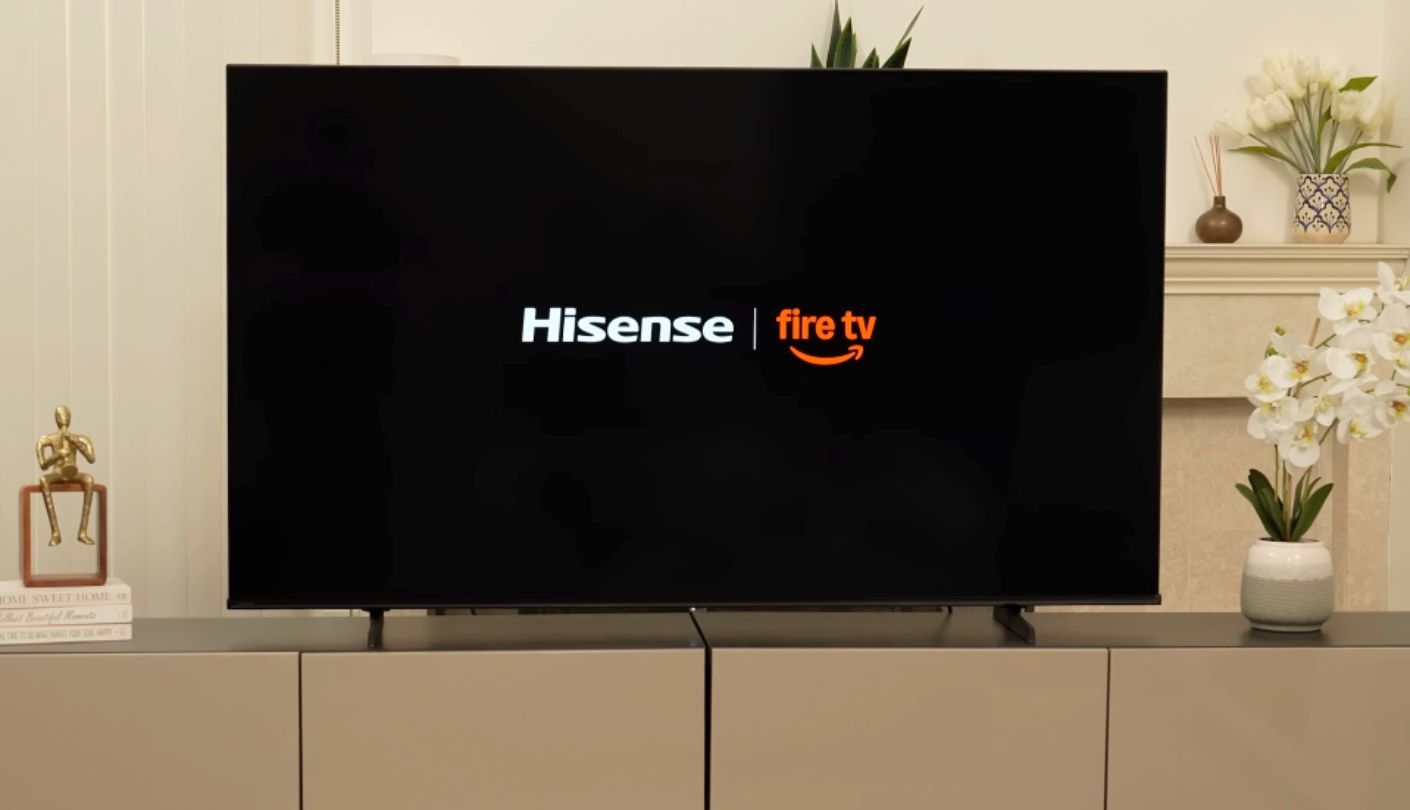
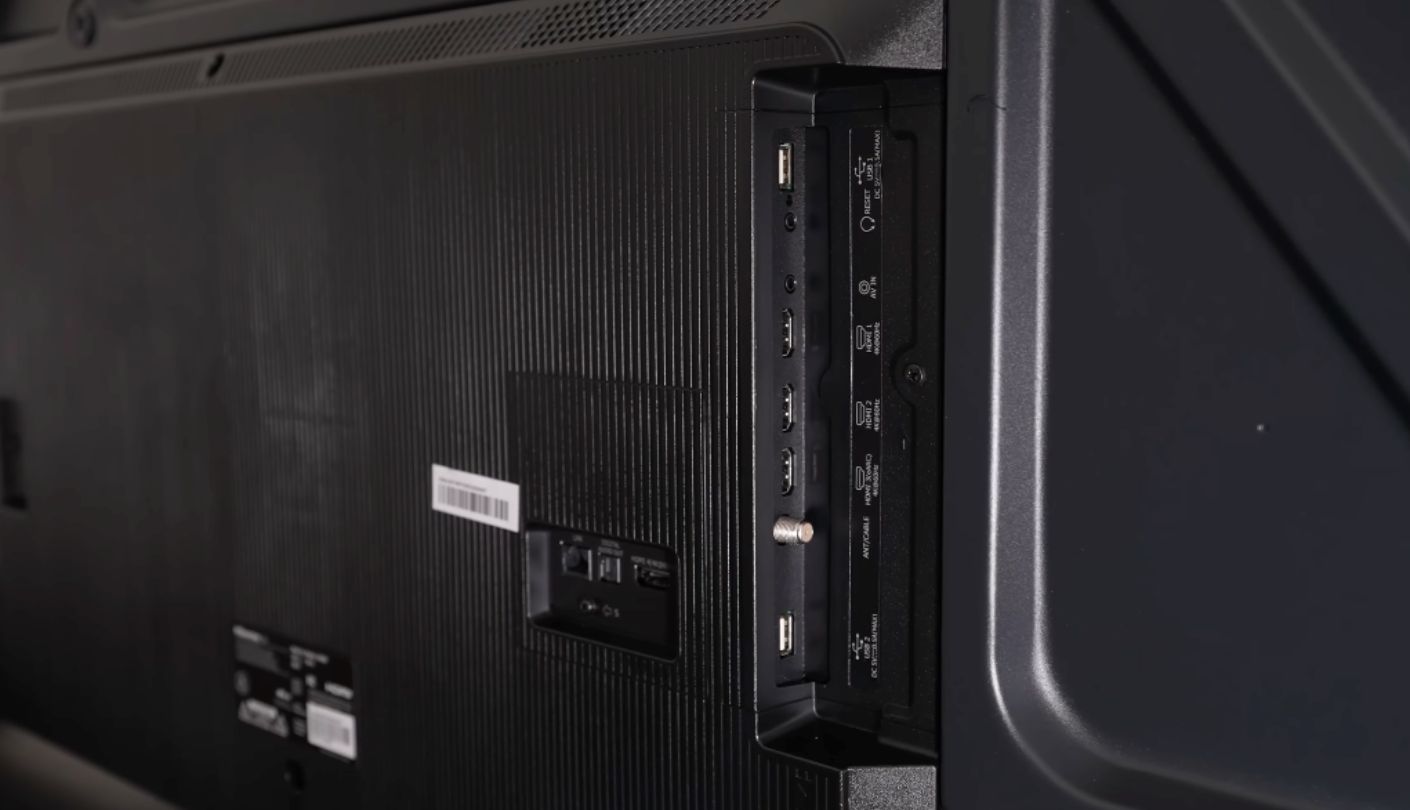
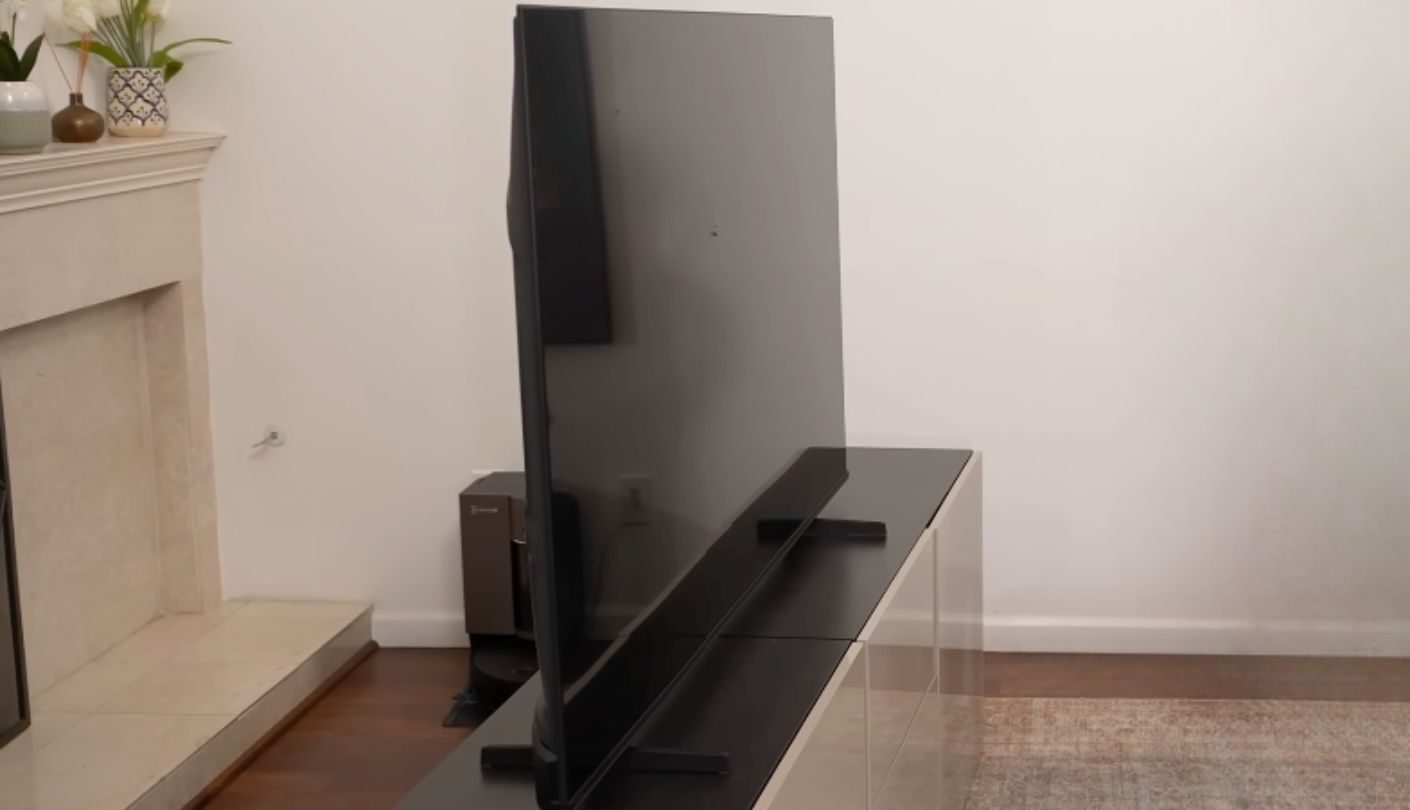
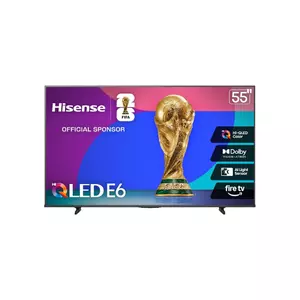
Dolby Vision on a TV priced well under $400 is still rare enough that I double-checked the Hisense E6 Cinema Series (55E6QF)'s spec sheet twice before trusting it. It's there, alongside HDR10+ Adaptive, HDR10, and HLG, giving this set the fullest HDR format spread in the group alongside the TCL.
Hi-QLED color comes from a genuine quantum dot layer, and Hisense backs it with an AI Light Sensor that adjusts brightness automatically as room lighting changes throughout the day. Game Mode Plus adds VRR and ALLM support on top of Motion Rate 120 processing, giving casual gamers noticeably smoother motion than a fixed 60Hz set with no interpolation at all. Filmmaker Mode strips out that same motion smoothing for movie playback, switching automatically on supported content so directors' original frame rates stay intact.
Fire TV runs the smart platform, loading quickly and giving Alexa full voice control over both the TV and any compatible smart home gear nearby. Three HDMI ports cover a console, a streaming box, and a soundbar without running out, and the one with eARC passes Dolby Atmos through cleanly to external speakers. An AI Sports Mode also adjusts picture and motion settings automatically once it detects a live game, useful for anyone who watches a lot of sports without wanting to dig through picture menus first. Automatic firmware updates handle most maintenance in the background, though a manual USB update option exists for anyone who prefers not to wait on an automatic push.
Audio stays limited to passthrough rather than a capable built-in system, so a soundbar is close to mandatory for movie night rather than a nice extra. The direct-lit backlight also lacks true local dimming zones, meaning bright objects against dark backgrounds still bloom slightly compared to the Mini-LED Roku sitting further down this list. Neither issue undoes the value of getting Dolby Vision and a true quantum dot layer at this price, but both are worth setting expectations around before the TV arrives.
Pros:
- Dolby Vision Included
- Genuine Hi-QLED Color
- VRR And ALLM Support
- AI Light Sensor
- Fast Fire TV Interface
Cons:
- No Local Dimming
- Weak Built-In Audio
Summary: Dolby Vision, true quantum dot color, and VRR support at this price make this the strongest all-around pick, with a soundbar as the one add-on worth budgeting for alongside it.
TCL 55" Q65 QLED (55Q651G) Review
Best Overall
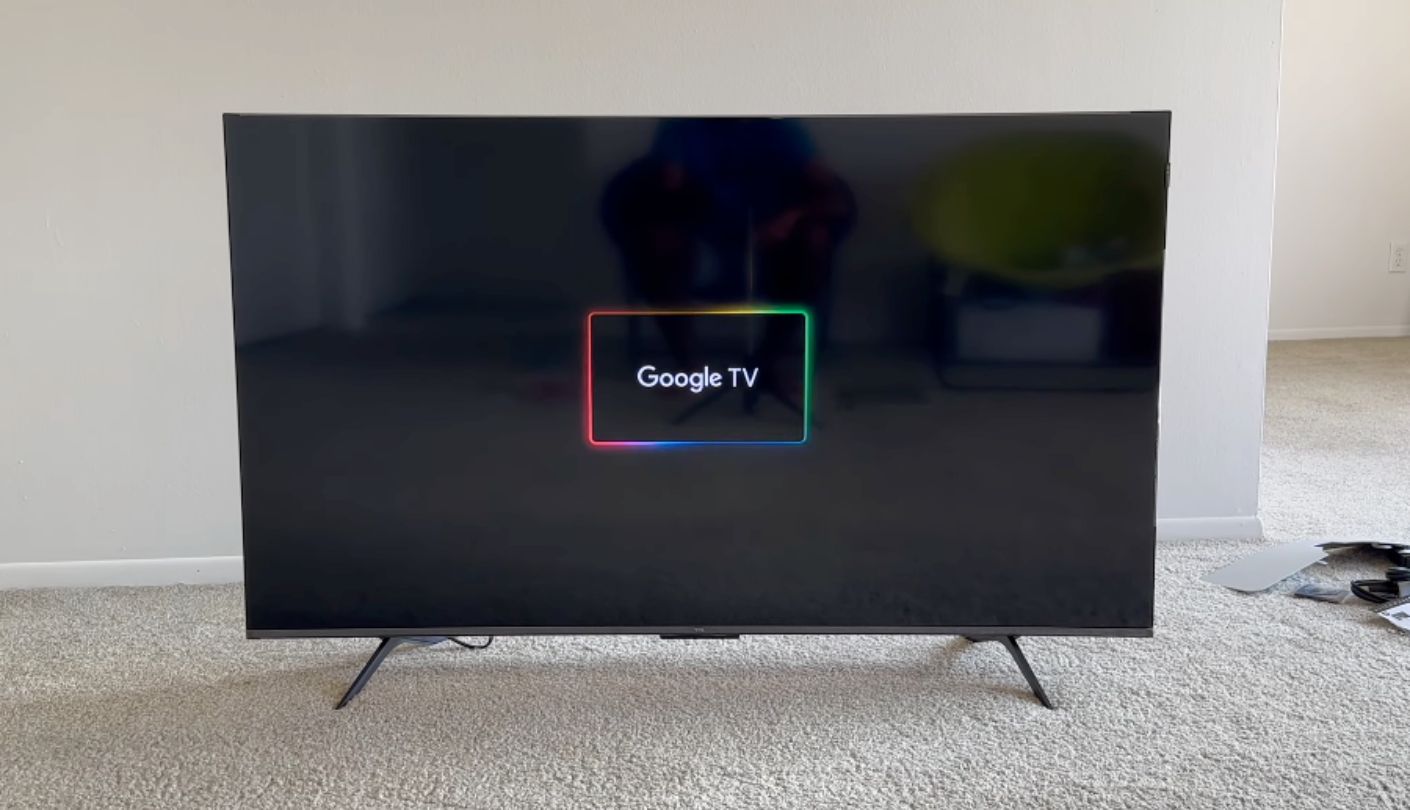
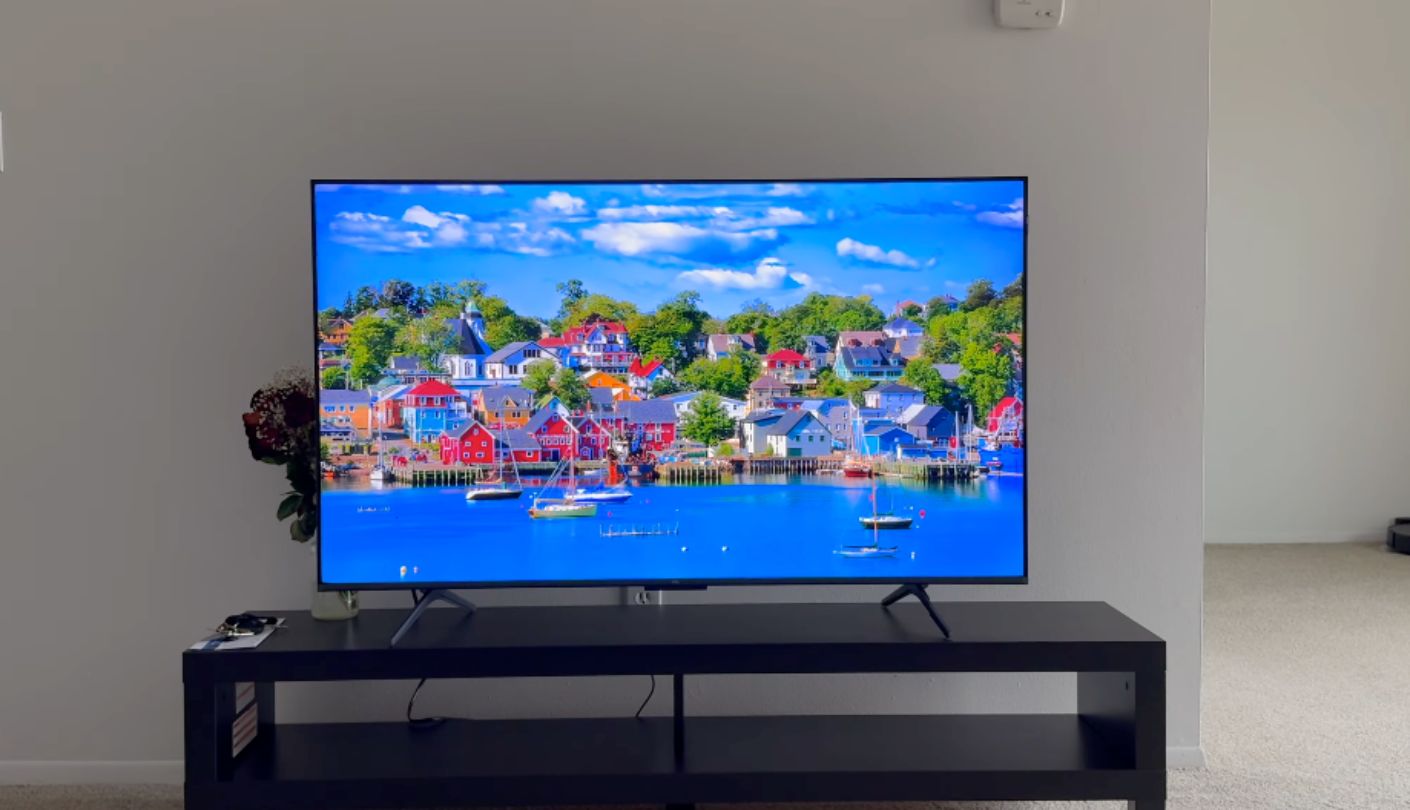
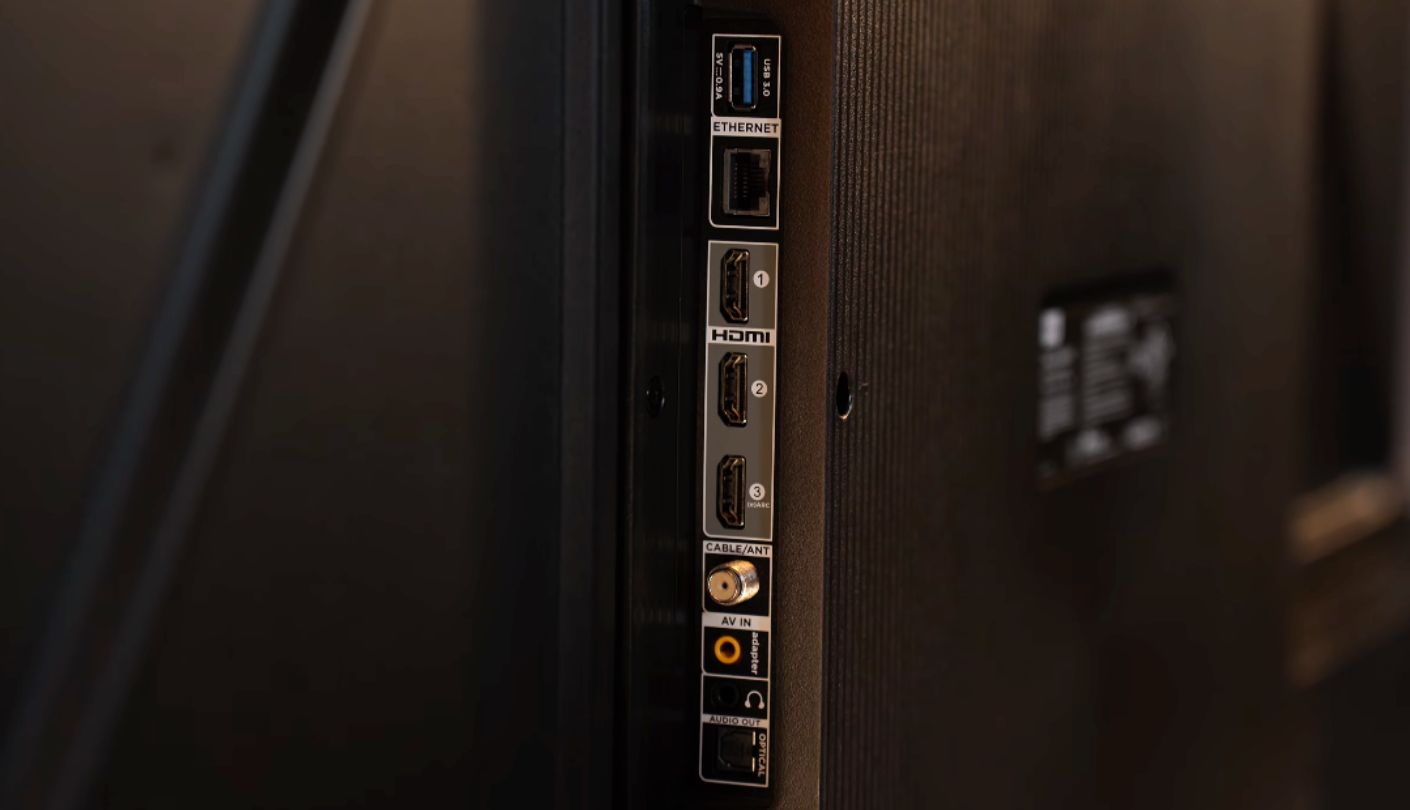
TCL's AIPQ Processor is doing more work than its budget positioning suggests. On the TCL 55" Q65 QLED (55Q651G), deep learning AI processing handles color, contrast, and clarity adjustments in real time, and the result holds up well against sets costing considerably more.
HDR Pro+ covers Dolby Vision, HDR10+, HDR10, and HLG, matching the Hisense for the widest format support in this group. Motion Rate 240 with MEMC frame insertion smooths motion more aggressively than the Hisense's 120 rating, though both remain native 60Hz panels underneath the processing. Auto Game Mode kicks in automatically the instant a console gets detected, dropping input lag without requiring a manual menu trip first.
Audio punches above its weight for a built-in system, with 30 watts across two channels, Dolby Atmos support, DTS Virtual:X spatial processing, and an Enhanced Dialogue Mode that clarifies speech without a separate soundbar. Google TV handles the smart platform, integrating tightly with Android phones and Chromecast for anyone already inside that ecosystem, and the interface surfaces personalized recommendations across multiple streaming apps at once rather than sticking to one service's own catalog.
Wi-Fi 5 is the one dated spec on this set, a full generation behind the newer Wi-Fi 6 radio in the Roku, which could matter in a household running several streaming devices on the same network at once. The panel itself is edge-lit rather than direct-lit, so contrast in the darkest scenes trails behind the Hisense and Roku slightly. That gap doesn't erase how strong a deal the combination of full HDR support and capable audio adds up to at this size.
Pros:
- Full Dolby Vision Support
- Strong 30W Audio System
- DTS Virtual:X Processing
- AIPQ Deep Learning Processor
- Google TV Integration
Cons:
- Wi-Fi 5 Only
- Edge-Lit Panel
Summary: The 30-watt Dolby Atmos speaker system is the standout here, strong enough that plenty of buyers could skip a soundbar entirely, something none of the other four sets in this group can honestly claim.
Samsung 55" Crystal UHD U8000H Review
7-Year Updates
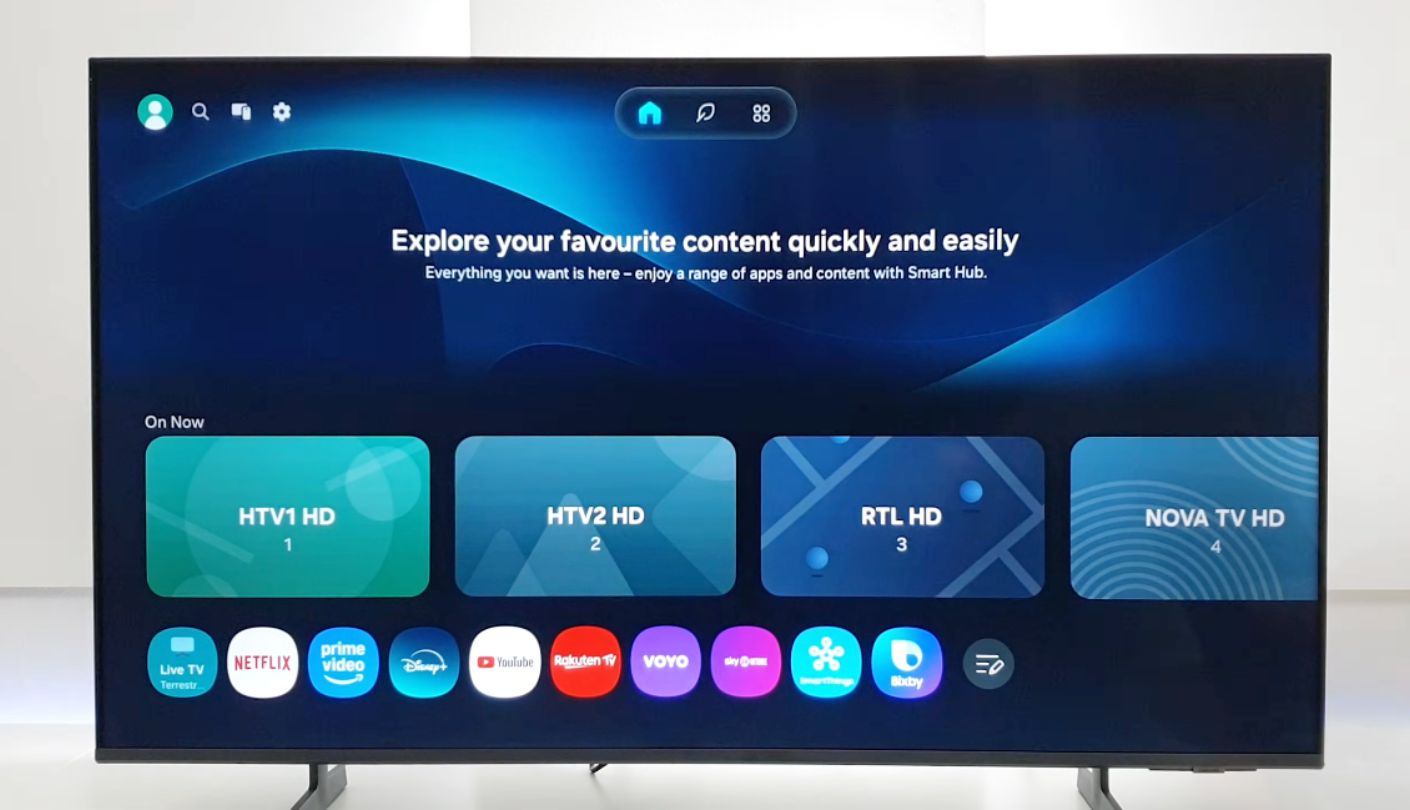
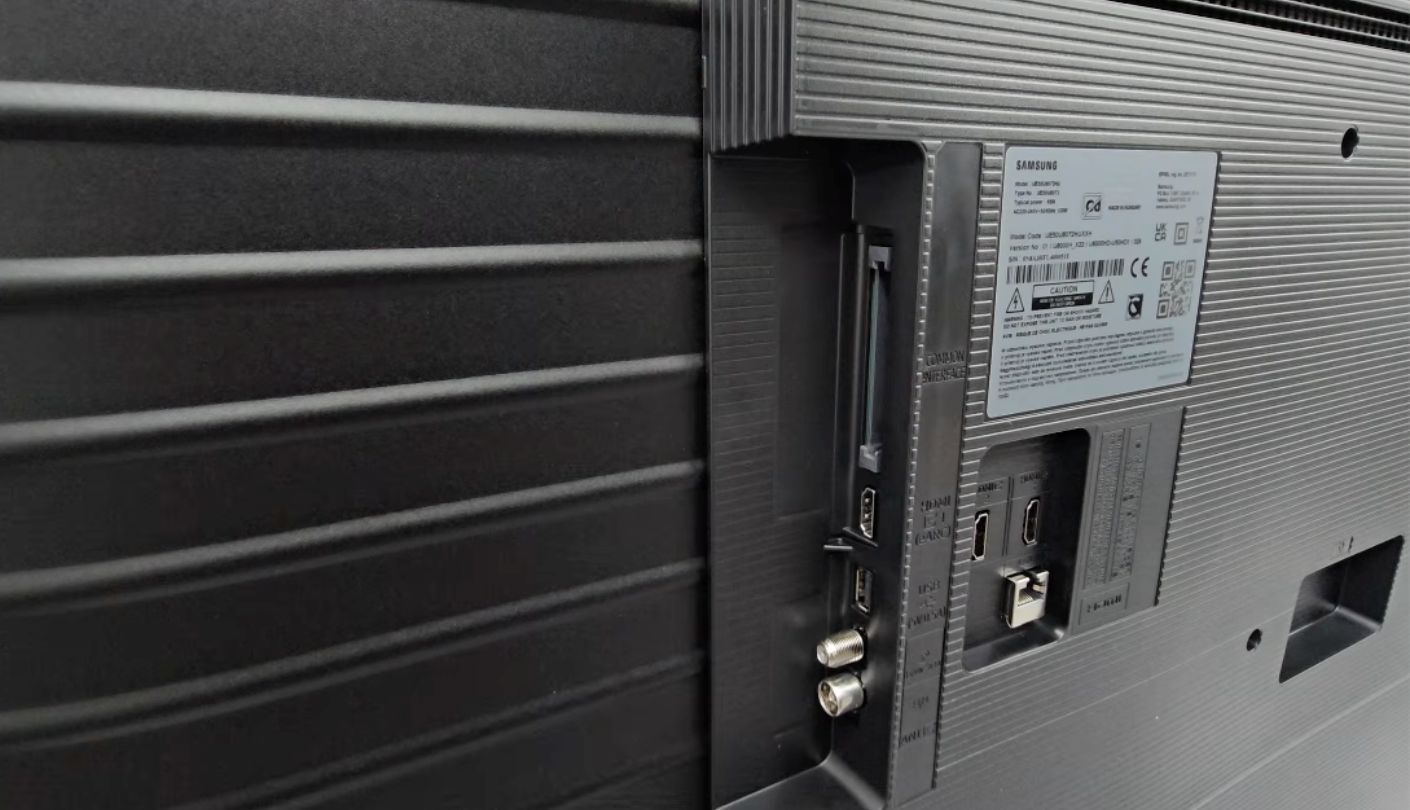
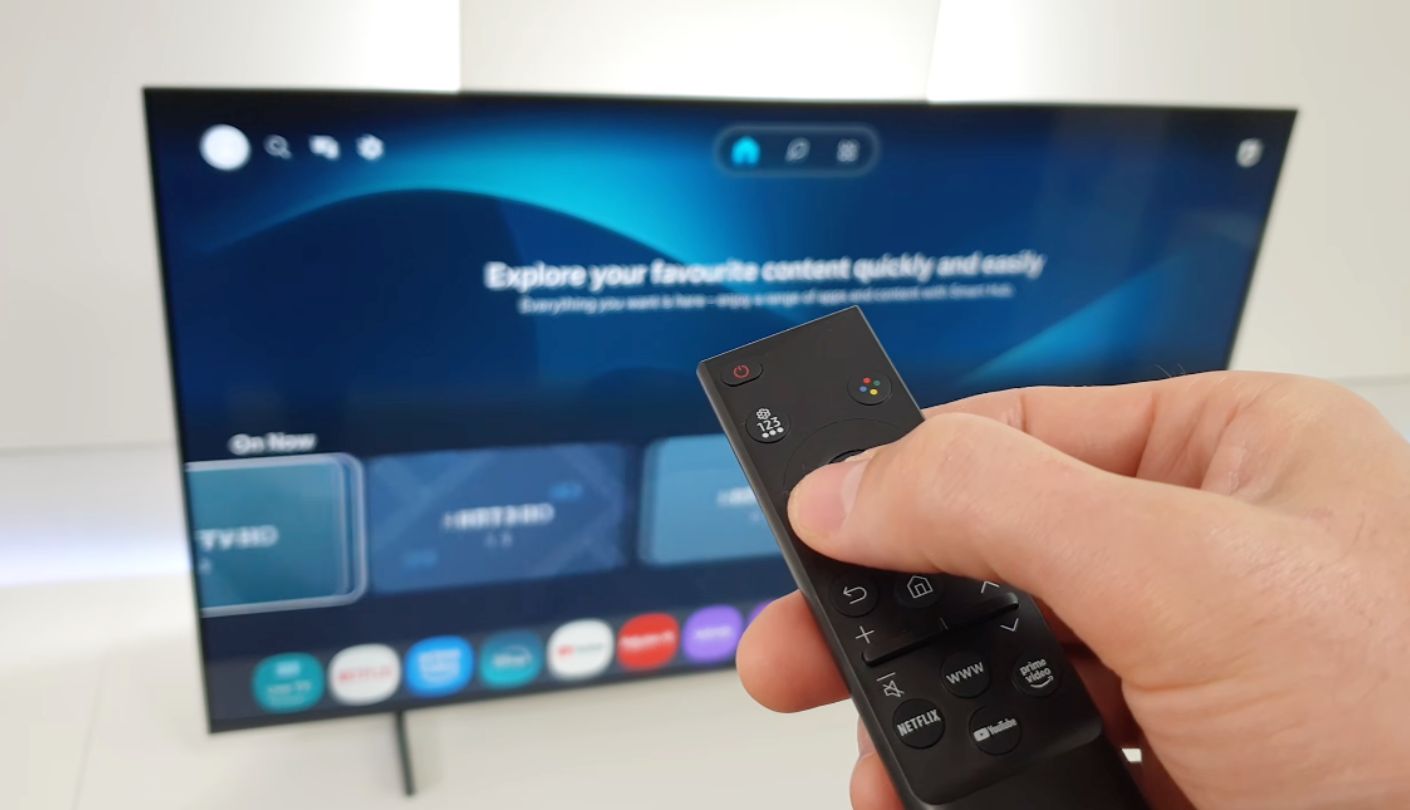
Read the model name closely: "Crystal UHD," not QLED. The Samsung 55" Crystal UHD U8000H skips the quantum dot layer that Samsung's pricier QLED sets carry, relying instead on standard LED backlighting behind a VA panel, even though the Vision AI branding on the box looks just as premium as the company's higher tiers. Samsung reserves the actual QLED name for its Q-series and above, so the distinction is at least consistent once you know to look for it.
What buyers get in exchange is Samsung's longest software commitment in this comparison. Tizen OS on this model carries a seven-year update pledge, far beyond what Hisense, TCL, or the smaller brands in this comparison typically promise, which matters more than it sounds once a TV is five years into ownership and still receiving security patches. Samsung TV Plus adds over 2,700 free streaming channels, including 750-plus without any subscription at all.
Motion Xcelerator handles interpolation on the native 60Hz panel, and both VRR and ALLM are supported for casual gaming despite the panel's modest ceiling. Object Tracking Sound Lite syncs on-screen action with the built-in speakers reasonably well for a 20-watt system, and Q-Symphony lets a compatible Samsung soundbar blend with the TV's own speakers rather than replacing them outright. Bixby, Alexa, and Google Assistant all run natively, a wider voice assistant spread than any other set in this comparison offers.
Dolby Vision is nowhere on the spec sheet, a noticeable gap next to the Hisense and TCL, and Samsung's color volume trails both of those true QLED panels in side-by-side testing. Knox security and SmartThings integration add real value for anyone already inside Samsung's ecosystem, less so for a household with no other Samsung devices. Vision AI Companion also layers in conversational search and recommendations, though the feature depends on a stable internet connection and a Samsung account to function.
Pros:
- Seven-Year OS Updates
- 2,700+ Free Channels
- VRR And ALLM Support
- Q-Symphony Soundbar Sync
- Samsung Knox Security
Cons:
- No Dolby Vision
- No Quantum Dot Layer
Summary: Seven years of promised OS updates is rare at this price, and it's worth the tradeoff for anyone who keeps a TV a long time and cares less about squeezing out the last bit of color volume.
INSIGNIA 55" F50 Series Review
Budget Pick
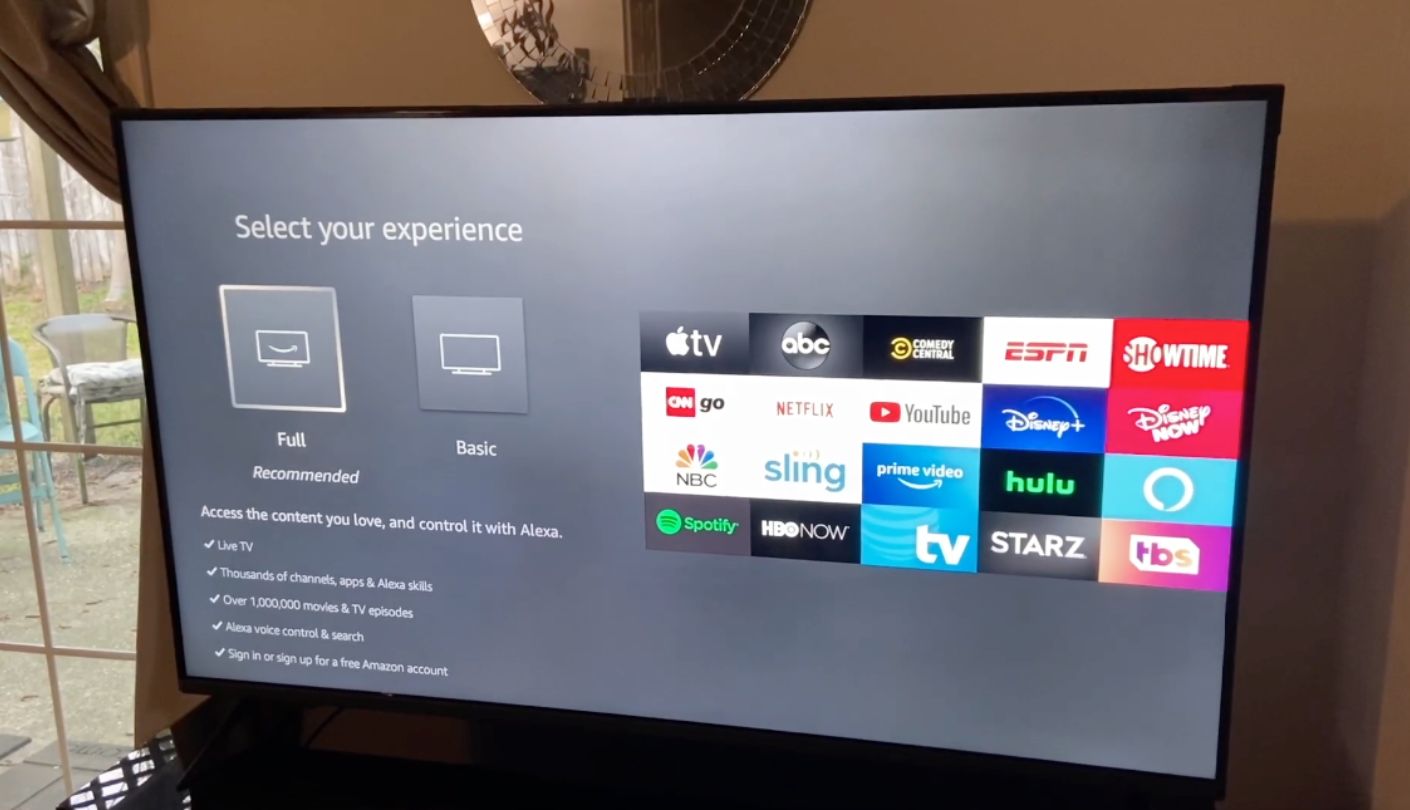
Strip every extra feature out of a 55-inch 4K TV and what's left looks a lot like the INSIGNIA 55" F50 Series. No quantum dots, no Dolby Vision, no local dimming, just a straightforward 4K panel with HDR10 support and Fire TV built in, running at a price that undercuts every other set in this comparison. As Best Buy's house brand, INSIGNIA also benefits from that retailer's own support network for warranty claims and exchanges, a small but practical advantage over some smaller off-brand alternatives at a similar price.
Fire TV is the same platform Hisense uses, and on the F50 it runs just as smoothly, giving quick access to every major streaming app plus Alexa voice control through the included remote. Owner reviews consistently mention how painless setup is, unboxed and streaming within a few minutes for most buyers, and the VESA 200x200 mounting pattern means a wall mount purchased separately fits without hunting for an adapter plate.
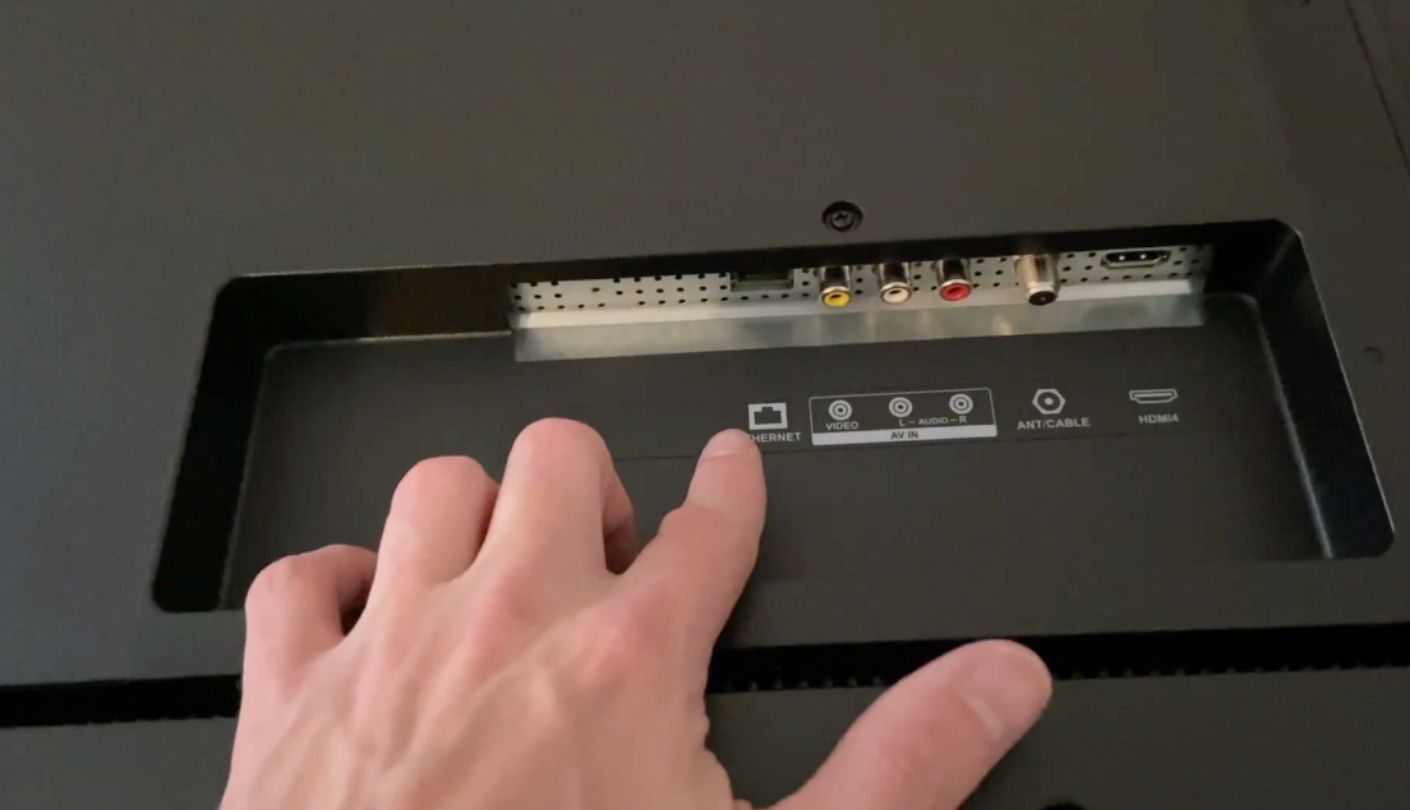
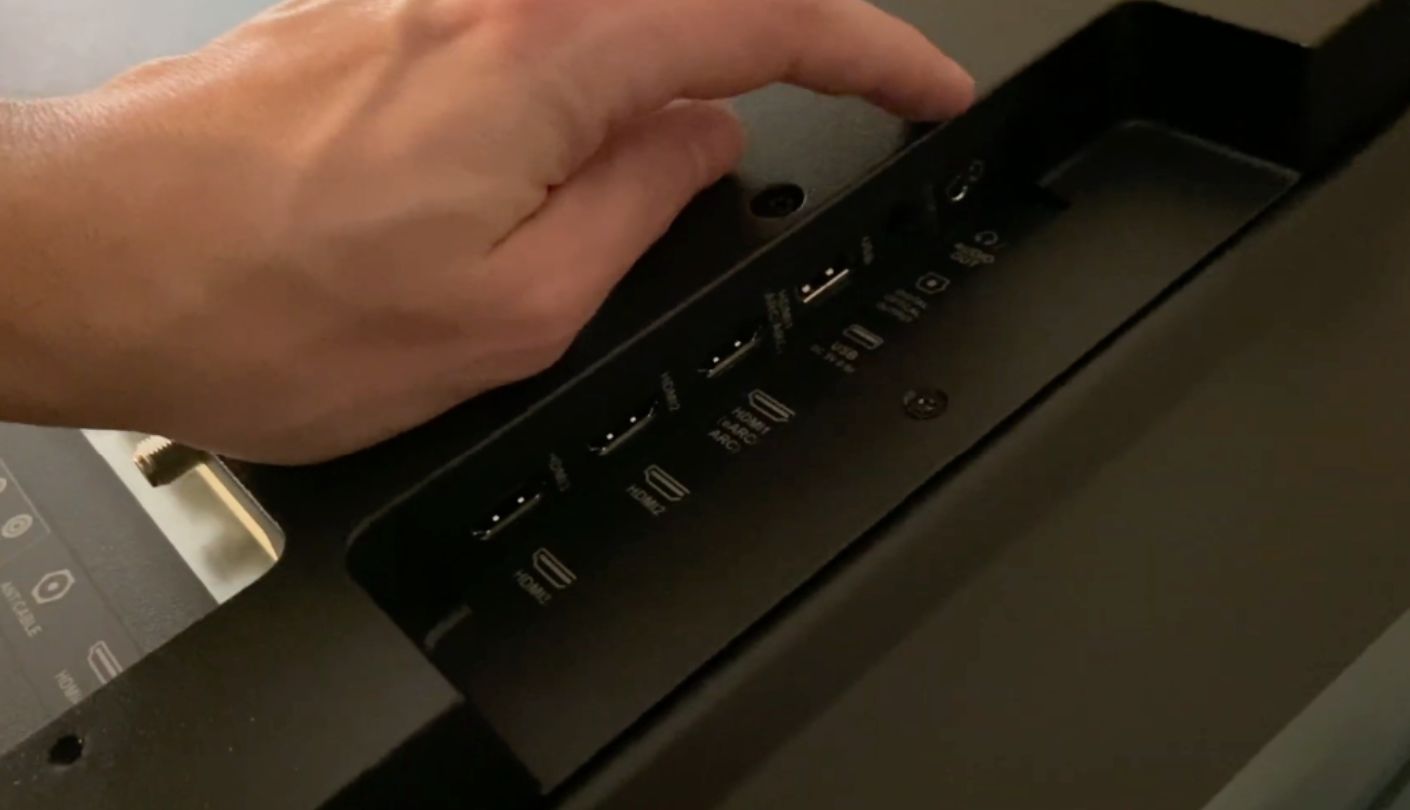
Three HDMI ports cover the basics, one with ARC for a soundbar, and the picture itself handles daytime viewing and casual streaming competently even without the processing extras the pricier sets include. Blacks stay shallower than the Hisense or Roku in a dark room, and HDR10 alone means Dolby Vision and HDR10+ titles fall back to a flatter standard image. Buyers coming from an older 1080p set still notice a meaningful jump in sharpness, even without the local dimming or wider color gamut the other four sets offer.
Audio is the clearest compromise. At roughly 10 watts total, dialogue thins out fast once a movie's score or a crowded action scene kicks in, making a soundbar less optional than on any other set in this group. For anyone prioritizing screen size and a working smart platform over picture refinement, that tradeoff is easy to accept.
Pros:
- Lowest Price Point
- Reliable Fire TV Platform
- Simple, Fast Setup
- Alexa Voice Remote
- Solid Daytime Picture
Cons:
- Weakest Audio Output
- HDR10 Only
Summary: No quantum dots, no Dolby Vision, and roughly 10 watts of audio are the honest costs of the lowest price in the group, and for a straightforward streaming set, that trade lands fine.
Roku 55" Plus Series Review
Mini-LED Panel
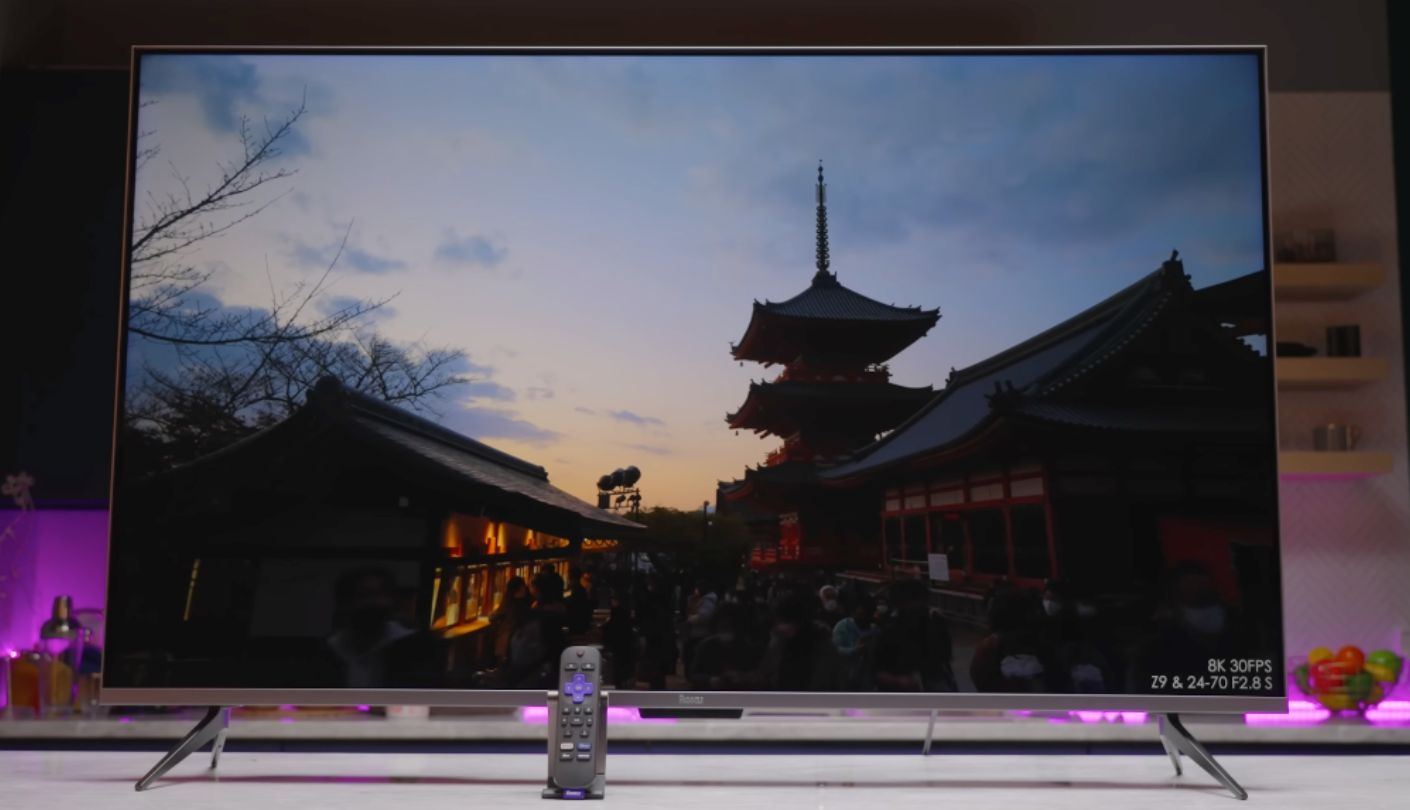
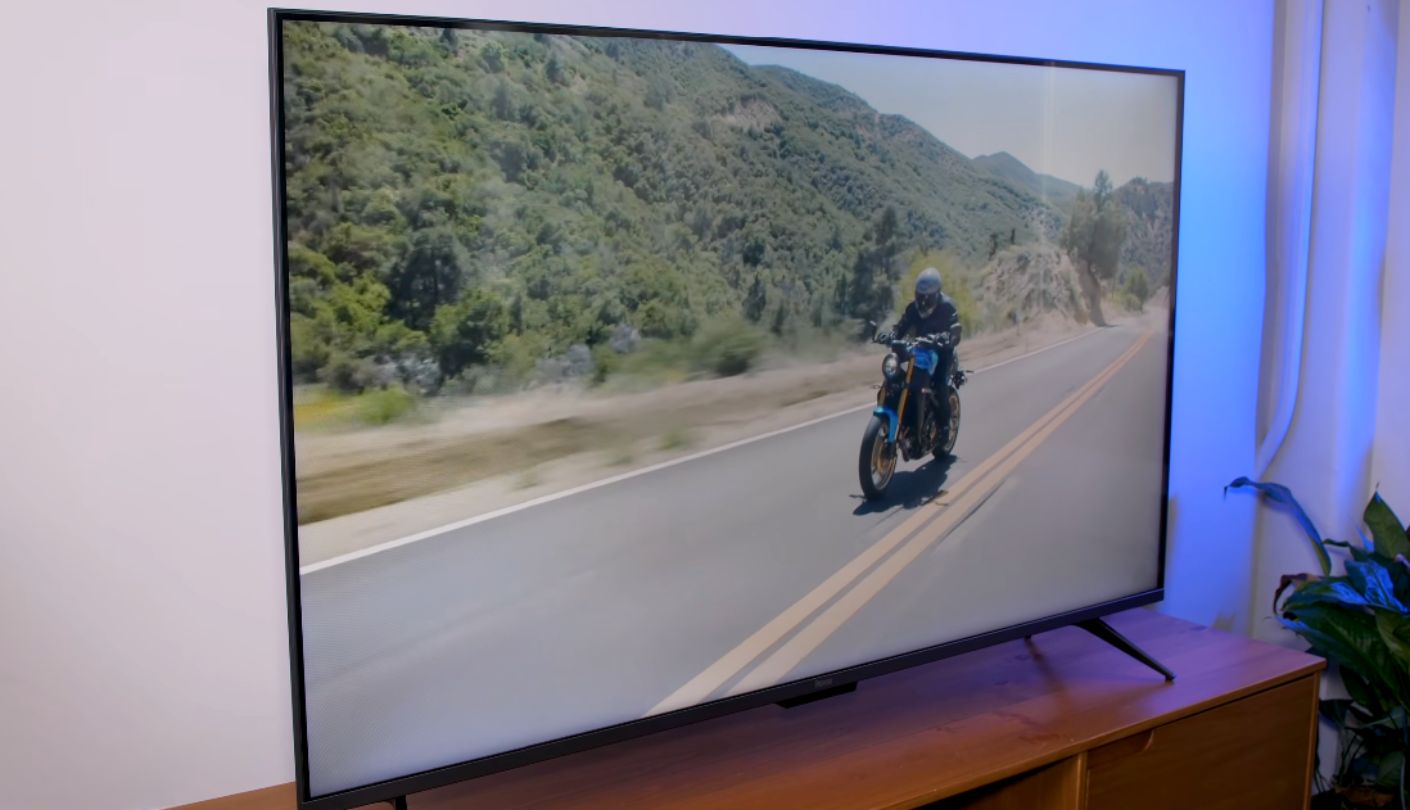
A Mini-LED panel with full array local dimming, at this size and price, is the one spec in this entire comparison that shouldn't exist yet. The Roku 55" Plus Series has it anyway, and that single difference in backlight architecture separates it from every direct-lit or edge-lit panel sitting elsewhere on this list. Roku built its own hardware line specifically to control this kind of spec more tightly than licensing its OS out to partner brands ever allowed.
Local dimming zones let bright highlights stay contained against dark backgrounds instead of blooming outward, a visible advantage during nighttime scenes and starfields that none of the other four sets can match. Dolby Vision, HDR10+, HDR10, and HLG round out the format support, tying the Hisense and TCL for the widest HDR spread in this comparison, and peak brightness in HDR highlights noticeably outpaces the edge-lit and direct-lit panels sitting next to it.
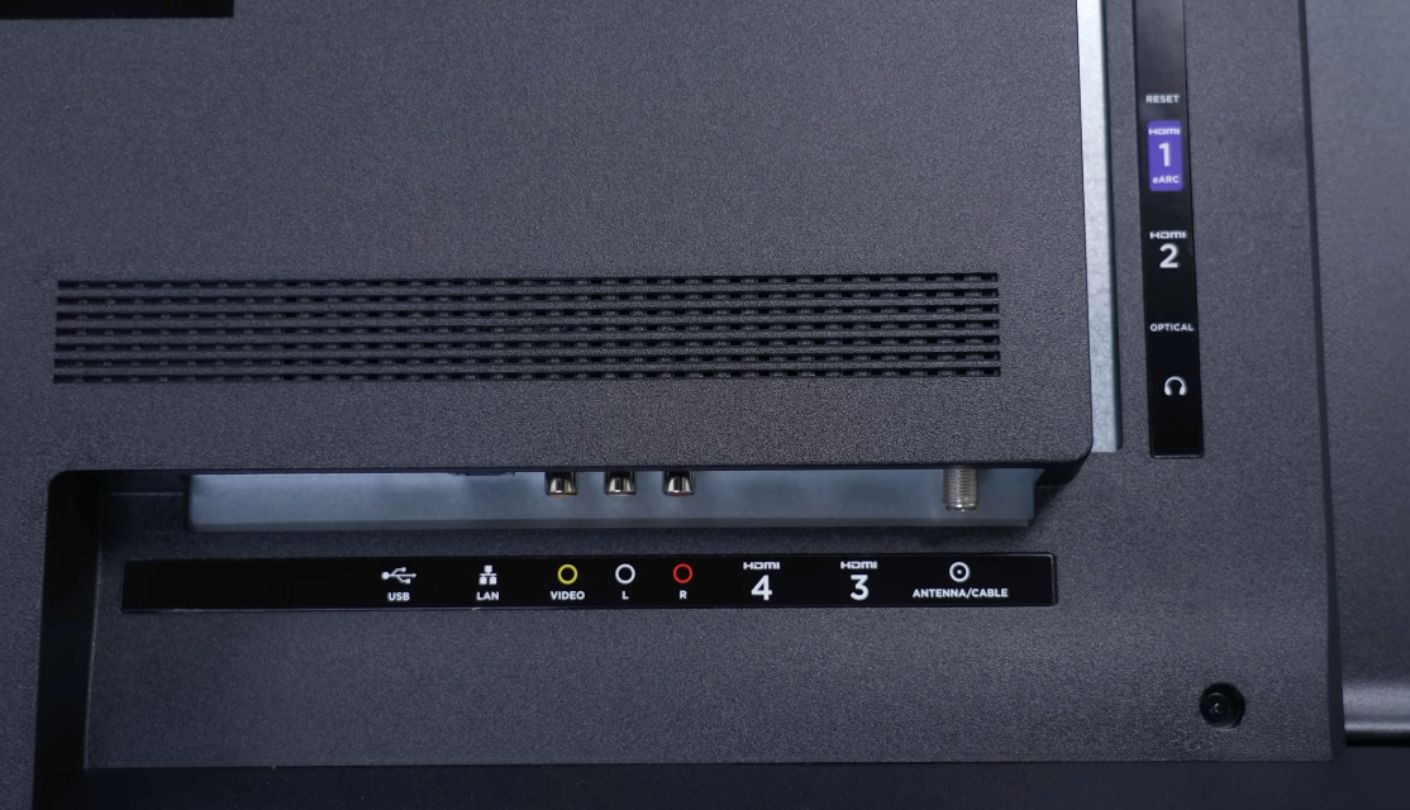
Dolby Atmos audio comes with an actual built-in subwoofer rather than passthrough alone, giving this set noticeably more low-end presence out of the box than the Hisense or Samsung manage. Four HDMI ports, one more than every rival in this group, plus Wi-Fi 6 and Bluetooth 5.2 round out a connectivity list that reads newer than the rest of the group, and the extra port comes in handy for anyone running a console, a streaming box, a soundbar, and a cable box all at once.
RokuTV keeps the interface simple and fast, and cross-platform support for Apple AirPlay, Apple Home, Amazon Alexa, and Google Home makes this the least ecosystem-locked option of the five. The panel still caps out at a native 60Hz, so competitive gamers won't find anything faster than what the Hisense or Samsung already offer.
Pros:
- True Mini-LED Local Dimming
- Four HDMI Ports
- Built-In Subwoofer
- Wi-Fi 6 And Bluetooth 5.2
- Cross-Platform Voice Support
Cons:
- Still Native 60Hz
- Costs More Than Rivals
Summary: Full array local dimming and a built-in subwoofer put real hardware behind the price gap, and for anyone who watches a lot of dark, high-contrast content, that gap is easy to justify.
55-Inch TVs under $400: FAQ
Is a Crystal UHD TV actually worse than a QLED TV?
In color volume and brightness, yes, since Crystal UHD skips the quantum dot layer that gives QLED its wider color range. In sharpness, smart features, and everyday usability, the gap narrows considerably, and plenty of buyers won't notice the difference outside of saturated, colorful scenes like a bright sports broadcast or an animated movie.
Does the missing Dolby Vision on some of these TVs actually matter?
Streaming content library matters more here than any single spec. Services increasingly master new releases in Dolby Vision, so a TV without it falls back to standard HDR or HDR10+ on those titles, losing some of the scene-by-scene brightness detail. Older content and live broadcasts rarely use Dolby Vision anyway, so the gap matters most to movie-heavy streaming habits.
Can any of these TVs handle competitive gaming well?
Not at a true high refresh rate, since every set in this comparison runs a native 60Hz panel. VRR and ALLM support on the Hisense, Samsung, and Roku reduce input lag and tearing within that 60Hz ceiling, which helps casual and story-driven gaming but won't match a dedicated 120Hz or 144Hz gaming monitor. Fast-paced competitive shooters and rhythm games are where that ceiling shows up most clearly, though casual gamers rarely notice the gap during normal play.
Is Mini-LED worth paying more for at this size?
For dark-room movie watching and high-contrast content, yes, since local dimming zones visibly reduce blooming around bright objects. For a bright living room where ambient light already limits contrast, the difference shrinks enough that the extra cost may be better spent on a soundbar instead, since ambient light washes out a lot of the contrast advantage local dimming would otherwise provide.
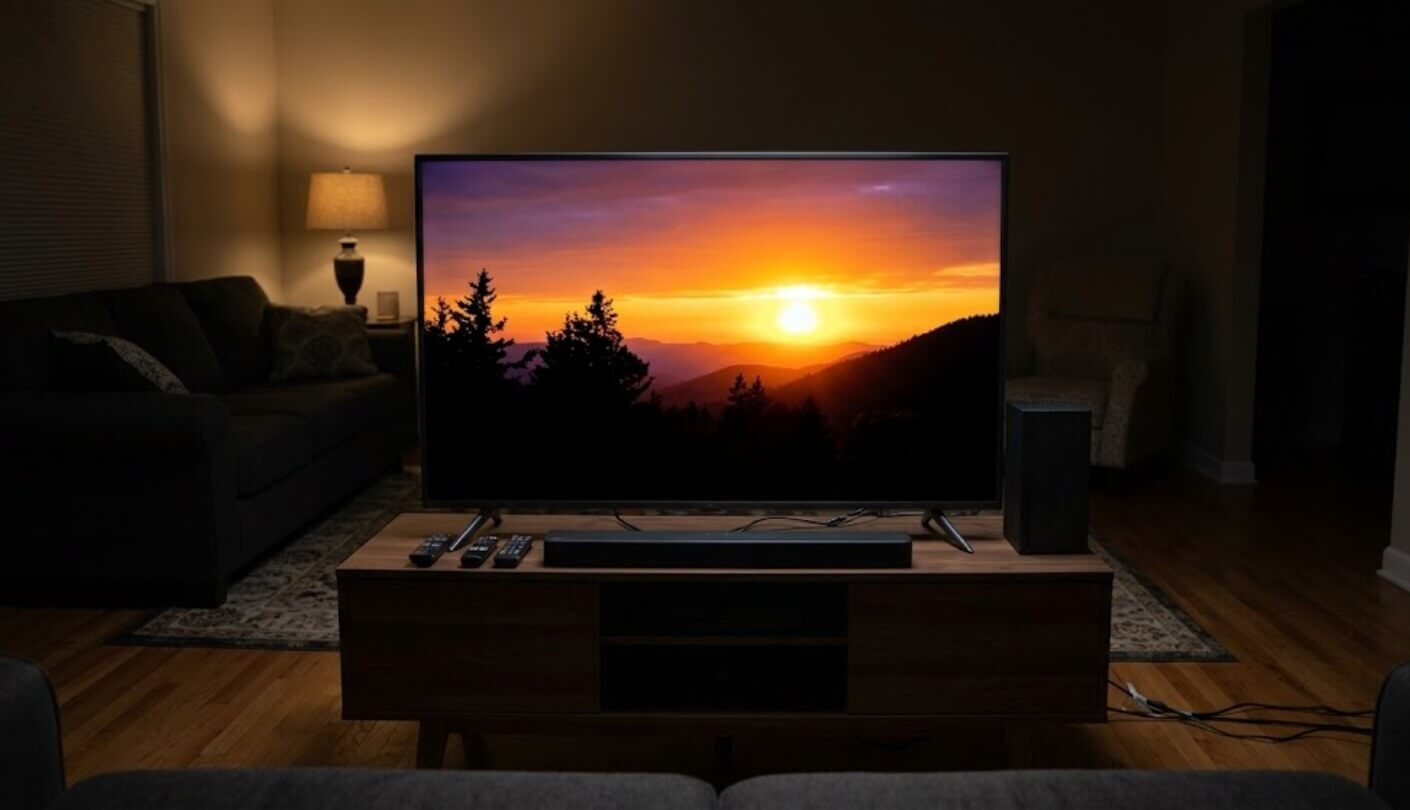
Do I need a soundbar with any of these TVs?
Practically, yes, especially with the INSIGNIA and Samsung sets, both under 20 watts of built-in output. The TCL and Roku both include stronger audio systems that can carry casual viewing without one, though a soundbar still improves the experience noticeably on every set in the group, particularly for movies with a wide dynamic range between quiet dialogue and loud action.
Which smart platform is easiest for someone who isn't tech-savvy?
Fire TV and RokuTV both keep menus simple and load quickly, making the Hisense, INSIGNIA, and Roku easier starting points for a household that just wants to press a button and start streaming. Google TV and Tizen both offer more depth but come with a slightly steeper learning curve, especially for a first-time smart TV owner unfamiliar with either ecosystem's app layout.
Why does Samsung's seven-year update promise matter for a budget TV?
A smart TV that stops receiving software updates gradually loses app compatibility and security patches, sometimes years before the hardware itself wears out. A seven-year commitment means the U8000H should keep working properly well past when cheaper, unsupported platforms start showing their age.
Are all these TVs actually native 4K resolution?
Yes, all five display a true 3840x2160 4K image, and each includes some form of upscaling for lower-resolution content like older cable broadcasts or standard-definition DVDs. Resolution isn't where these five differ. Panel technology, HDR format support, and audio hardware are what separate them, and those three factors matter far more to day-to-day viewing than the resolution number ever will at this screen size.
Matching the Spec Sheet to What You'll Actually Notice
A TV that costs less because it skips a quantum dot layer still does its core job well. The savings just come with a different set of tradeoffs than a set that costs a little more because it has one. The INSIGNIA and Samsung both prove that a clean, working smart TV doesn't require premium panel tech, while the Hisense, TCL, and Roku all show what that extra investment buys once picture quality gets compared side by side in a dark room, especially in the shadow detail of a night scene where a cheaper panel tends to crush detail into flat black.
Dolby Vision support, whether the panel has local dimming, and how loud the built-in speakers can get before dialogue disappears are the three things worth checking before anything else on a box this size. Everything past that point, the exact processor name or the precise Motion Rate figure, matters far less than the marketing suggests. Read the spec sheet in that order and the right pick for a specific room becomes obvious well before checkout.

Jim's our tech geek with a mission since February 2023. From movies to video projectors, he knows his stuff and aims to make tech work for you. When he's not geeking out, he's there to guide you through making savvy decisions.


