What Are the Best Portable Hotspots for Remote Work?
A hotel Wi-Fi network drops mid-call, a co-working space caps bandwidth during peak hours, or a client site simply doesn't hand out guest credentials. None of that is a software problem, and no VPN app fixes a connection that isn't there in the first place. A portable hotspot solves it by carrying its own cellular link, independent of whatever network happens to be available in the room. I've had a client call cut out on hotel Wi-Fi more than once, and that kind of independence is worth more than almost any other spec on the box.
The five devices below split into two rough camps. Three lean toward simplicity, a touchscreen, a data plan bundled in, and minimal setup. Two lean toward control, with one built specifically around encrypted traffic and a second SIM slot for backup. Neither camp is objectively better, but picking from the wrong one means either fighting an interface built for casual travelers or paying for security features that never get used. The right starting point is matching the camp to how the work gets done, rather than chasing whichever spec sheet reads most impressively.
Here are my two top picks for the best portable hotspot for remote work:
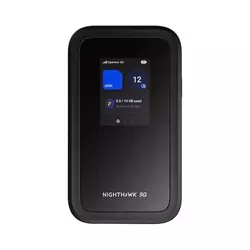
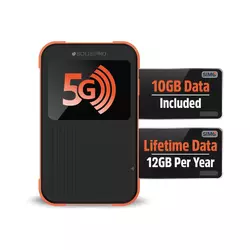
Table of Contents:
- Best Portable Hotspot for Remote Work: Buying Guide
- Top 5 Portable Hotspots for Remote Work in 2026
- Best Hotspots for Remote Work: Comparison
- NETGEAR Nighthawk M7
- SIMO Solis Pro 5G
- RoamWiFi 5G Pro
- GlocalMe Numen Air 5G
- GL.iNet MUDI 7 (GL-E5800)
- Portable Hotspot for Remote Work: FAQ
Best Portable Hotspot for Remote Work: Buying Guide
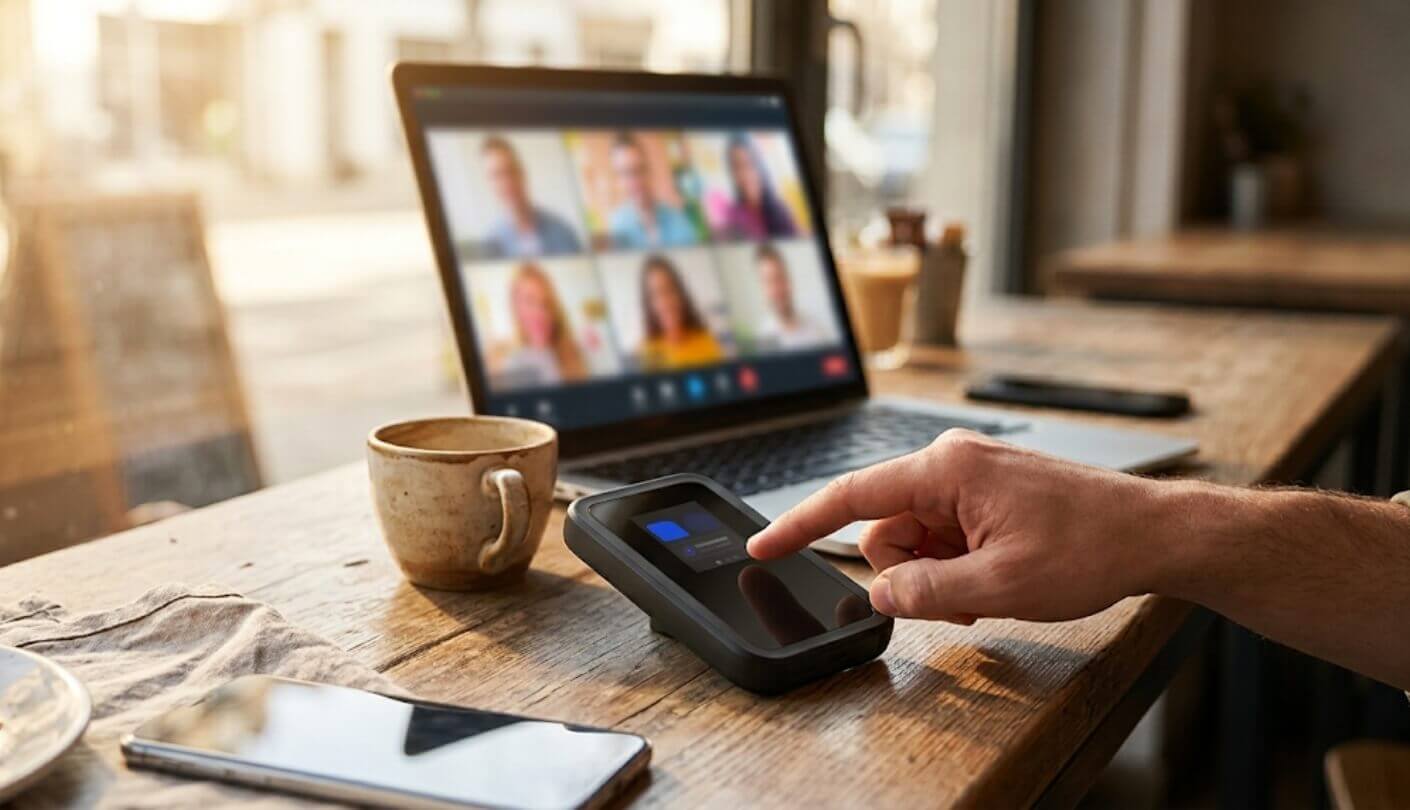
Sustained bandwidth, all-day battery, a data plan that doesn't quit mid-task, VPN protection, and build quality made for a bag rather than a desk: these five factors decide whether a portable hotspot holds up for remote work, far more than the headline numbers printed largest on the box.
Device Count Sounds Impressive but Sustained Bandwidth Is What You Feel
Every hotspot on this list advertises how many devices it can connect at once, numbers ranging from 16 to 32, and that figure gets top billing on almost every box. What determines whether a video call holds up is sustained upload bandwidth divided across whatever's actually connected at that moment, not the theoretical ceiling printed on the packaging. A marketing number that sounds generous rarely tells a buyer anything about how the connection performs once real work starts.
A single laptop running a Zoom call and syncing files in the background can strain a connection that would handle eight phones checking email without issue. Two of these five run Wi-Fi 7, which helps mainly by reducing congestion between the hotspot and each connected device rather than by adding raw cellular throughput, since the cellular modem is almost always the actual bottleneck, not the local Wi-Fi link. A hotspot rated for 32 devices on a weak cellular connection still hands that same weak connection to all 32 of them equally.
Battery Life Needs to Cover a Workday, Not a Weekend Trip
Rated battery life on these five spans from 10 hours to 48, and that gap matters more for someone working a full shift away from an outlet than it does for a casual traveler checking maps between flights. A hotspot that dies at hour six leaves an afternoon of meetings with no backup plan unless a charger and an outlet happen to be nearby, and public outlets in a coffee shop or airport lounge are never guaranteed to be free when needed.
A hotspot rated for 10 hours of battery life rarely reaches a full 10 hours under the load a remote workday actually creates. Screen brightness, active video calls, and multiple connected devices all pull that number down faster than a spec sheet measured under idle conditions.
Several of these double as a power bank for a phone or laptop, which sounds like a bonus feature right up until that same battery is needed for its actual job later in the day. Anyone planning to lean on that power bank function regularly should weigh it against total capacity rather than treating it as free, since every milliamp-hour spent charging a phone is one that's no longer available to keep the hotspot itself running through the evening's last call.
A Data Plan That Survives a Deadline Beats One That's Just Cheap
Every device in this comparison connects through some flavor of eSIM or carrier-switching technology instead of requiring a local SIM card purchase, and the practical difference between them shows up the moment one carrier's signal weakens mid-task. Automatic multi-carrier switching keeps a connection alive by hopping to a different network, while a single-carrier eSIM just sits there degraded until someone notices.
A data plan that quietly throttles or cuts off mid-task costs more in lost work time than a slightly pricier plan with generous headroom ever will. Check whether a device's included plan renews automatically or requires manually buying more data before it runs out.
A few of these ship with a small recurring data allowance built into the price of the hardware itself, which sounds minor but removes the step of remembering to top up before a trip. Heavier daily use still means budgeting for a proper monthly or pay-as-you-go plan on top of whatever comes included, and comparing per-gigabyte cost across providers is worth doing before assuming the bundled plan covers a full month of work.
VPN Throughput Is a Real Spec Here, Not a Footnote
Connecting to a company network from an unfamiliar hotel or co-working space is exactly the scenario a VPN exists to protect, and running one drags down whatever bandwidth the hotspot was already providing. A device that lists actual VPN throughput numbers is telling buyers something concrete about how much of that headroom survives once encryption gets added, rather than leaving that math to be discovered the hard way during an important call.
Most hotspots in this category treat VPN support as something the connected laptop handles entirely on its own, which works fine but adds another layer between the cellular signal and the encrypted tunnel. A hotspot running its own VPN client shifts that encryption closer to the source, useful for anyone who wants secure access from every device on the network rather than configuring each one separately, including a coworker's laptop or a personal phone that would otherwise connect unprotected.
Build Quality Decides Whether This Survives a Bag, Not Just a Desk
A hotspot that lives on a desk next to a laptop faces a very different life than one riding around in a backpack between coffee shops, coworking spaces, and the occasional dropped bag. Water resistance and drop protection rarely show up as headline features, but they're the difference between a device that keeps working after a spilled coffee and one that doesn't.
Rugged certification on a portable hotspot matters most for anyone who works from unpredictable locations rather than a single home office. A device without any water or drop resistance still works fine on a desk, but it's the wrong pick for a bag that also carries a water bottle.
None of that ruggedness matters if the device sits in a drawer between trips, so weigh it honestly against how the hotspot will get used day to day instead of picking the toughest-sounding option out of habit. A device rated for drops and water exposure typically costs more or trades away some other spec to get there, so the added durability should map to an actual pattern of use rather than a hypothetical worst case.
Top 5 Portable Hotspots for Remote Work in 2026
Battery life under typical workday conditions, how gracefully each device's data plan handles a weak signal, and whether VPN protection lives on the hotspot itself or gets left to the laptop made a bigger practical difference than the headline Wi-Fi standard on any of these five boxes. Cellular coverage and carrier partnerships also shifted the ranking more than raw hardware specs did once actual travel patterns entered the picture.
- Built-In eSIM Marketplace
- 32 Connected Devices
- 4Gbps Cellular Ceiling
- 2.4-Inch Touchscreen
- 140-Country Coverage
- Free Lifetime Data Plan
- 48-Hour Battery Rating
- IP68 Rugged Certification
- Doubles As Power Bank
- Automatic Carrier Switching
- Two-Hour Fast Charging
- 170-Country Coverage
- Compact 190-Gram Body
- USB 3.1 Wired Option
- No Physical SIM Needed
- 200-Country Coverage
- Automatic CloudSIM Setup
- Backup Nano-SIM Slot
- Power Bank Function
- Clear Touchscreen Display
- 700Mbps Built-In VPN
- Dual SIM Plus eSIM
- 2.5Gbps Ethernet Port
- External Antenna Support
- Full OpenWrt Access
Best Hotspots for Remote Work: Comparison
Battery capacity and how each device handles SIM cards reveal more about daily usability than the Wi-Fi standard printed largest on the box. Coverage breadth and VPN support round out the picture for anyone weighing international travel or connection security against everyday simplicity:
| Specification | NETGEAR Nighthawk M7 | SIMO Solis Pro 5G | RoamWiFi 5G Pro | GlocalMe Numen Air 5G | GL.iNet MUDI 7 |
| Wi-Fi Standard | Wi-Fi 7, dual-band | Wi-Fi 6E, dual-band | Wi-Fi 6, dual-band | Wi-Fi 5, dual-band | Wi-Fi 7, tri-band capable |
| Battery Capacity | 3,850mAh | 8,000mAh | 5,000mAh | 5,400mAh | 5,380mAh |
| Rated Battery Life | Up to 10 hours | Up to 48 hours | Up to 20 hours | Up to 11 hours (5G) | Up to 13.5 hours |
| SIM Flexibility | eSIM marketplace, nano-SIM | vSIM, no physical SIM needed | CloudSIM, no physical SIM needed | CloudSIM, 1 nano-SIM slot | Dual nano-SIM, plus eSIM |
| Coverage | 140+ countries | 140+ countries | 170+ countries | 200+ countries | Regional NA/EU variants |
| Built-In VPN Client | Not built in | Not built in | Not built in | Not built in | Yes, up to 700Mbps |
| External Antenna Ports | None | None | None | None | Dual TS-9 |
NETGEAR Nighthawk M7 Review
Editor's Choice
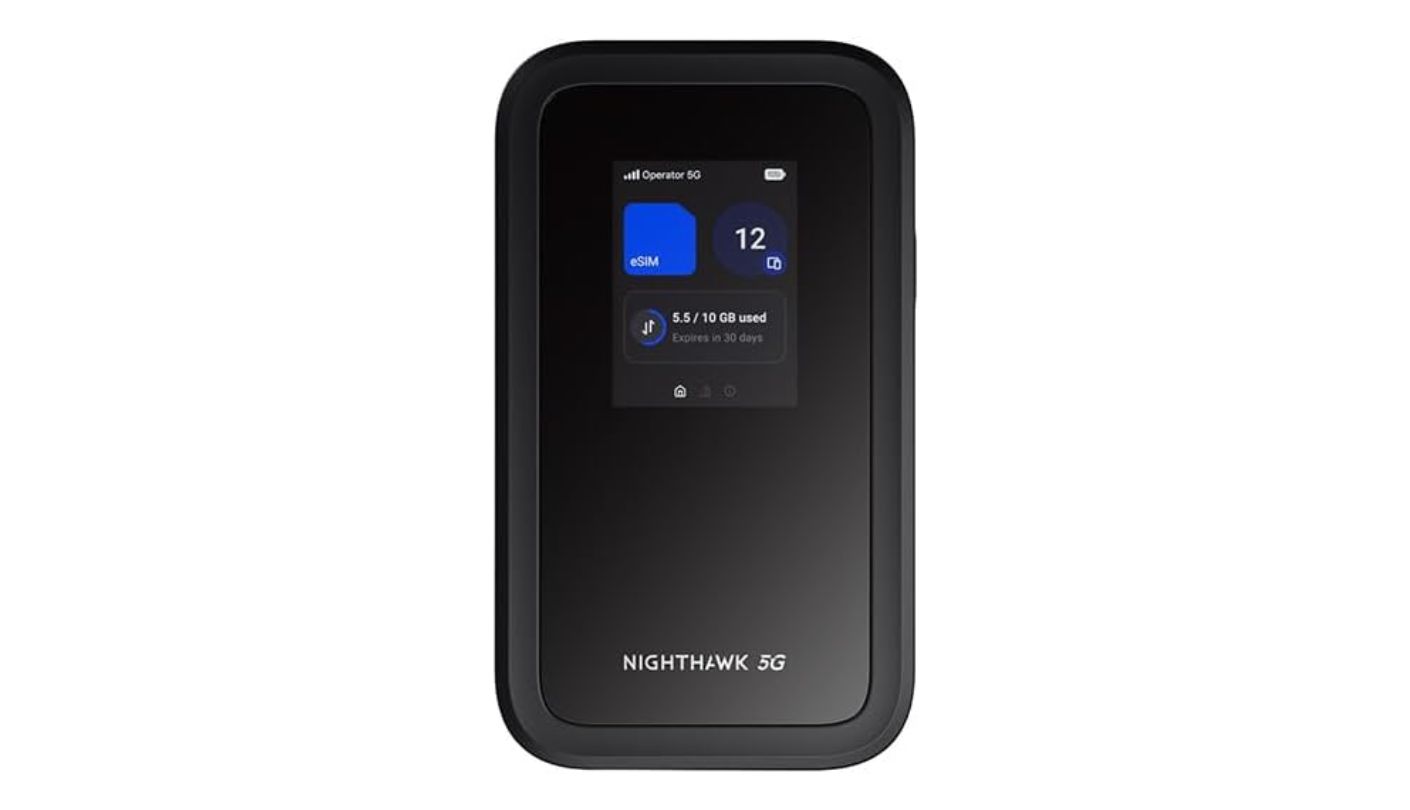
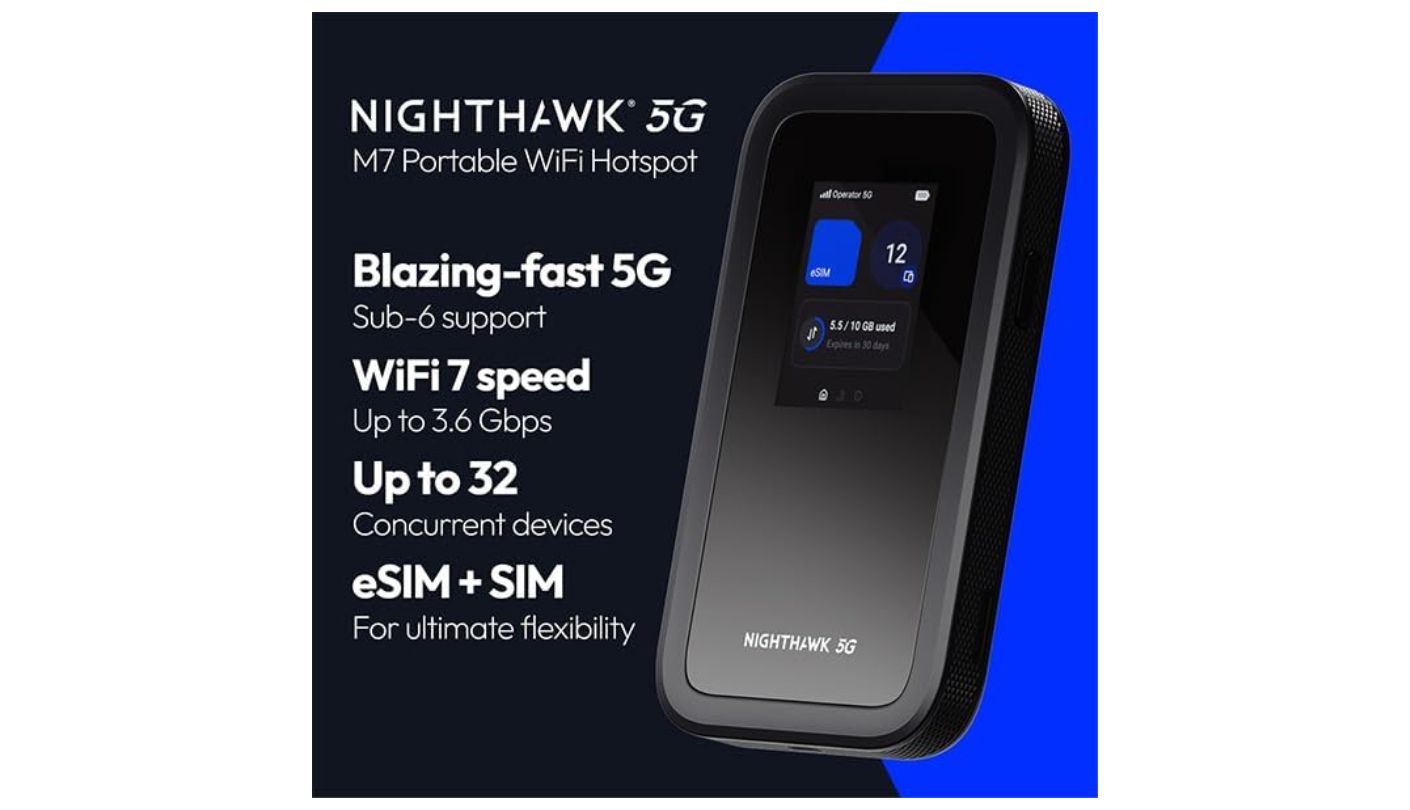
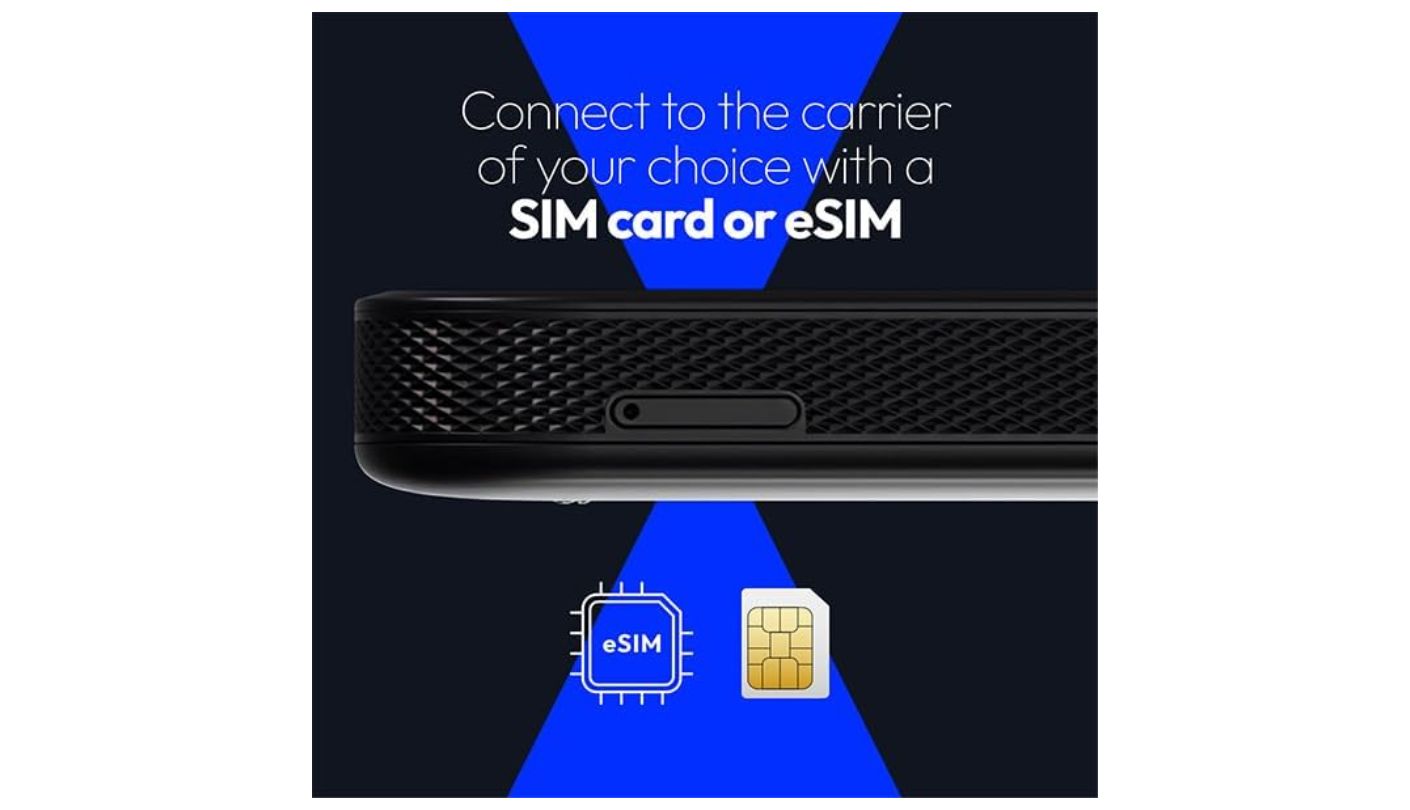
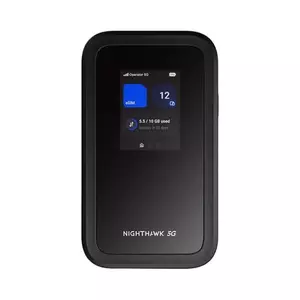
NETGEAR built the NETGEAR Nighthawk M7 around its own eSIM marketplace, letting a buyer activate a data plan directly from the device without hunting for a local SIM card or dealing with a third-party carrier at all. Physical nano-SIM support still works for anyone who prefers bringing their own plan.
Wi-Fi 7 covers up to 32 connected devices, the highest ceiling in this comparison, and cellular speeds top out at 4Gbps on compatible 5G networks. That device count matters less than the buying guide above suggests on its own, but paired with a genuinely fast cellular connection it holds up better under real load than a high device count alone would. A 2.4-inch color touchscreen handles setup and monitoring without needing a phone nearby, and the whole thing works across 140 countries thanks to that eSIM system switching profiles automatically. I like that the touchscreen surfaces live signal strength and connected-device count right on the home screen, useful for spotting a weakening connection before it drops a call entirely.
Battery capacity sits lowest in this group at 3,850mAh, rated for roughly 10 hours, noticeably shorter than several rivals in this group once video calls and screen-on time factor in. A single USB-C port handles charging and data, with a separate Ethernet adapter sold apart from the device itself for anyone wanting a wired connection. That adapter purchase is worth factoring into the total cost for anyone who plans to rely on wired backhaul at a desk rather than Wi-Fi alone.
NETGEAR dropped the external antenna ports that appeared on the previous M6 generation, a meaningful step back for anyone working from a weak-signal area who'd normally boost reception with an add-on antenna. No mains power adapter comes in the box either, so budget for one separately if a wall charger isn't already on hand. The device also lacks a removable battery, meaning years of daily charge cycles will eventually degrade capacity with no way to swap in a fresh cell, a tradeoff worth weighing against a device meant to last several years of regular travel.
Pros:
- Built-In eSIM Marketplace
- 32 Connected Devices
- 4Gbps Cellular Ceiling
- 2.4-Inch Touchscreen
- 140-Country Coverage
Cons:
- Shortest Rated Battery
- No Antenna Ports
Summary: The eSIM marketplace and Wi-Fi 7 ceiling make this the pick for anyone who wants the newest hardware and the least setup friction, though the SIMO below beats it on battery life and ruggedness if daily dependability matters more than having the newest spec sheet.
SIMO Solis Pro 5G Review
Best Overall
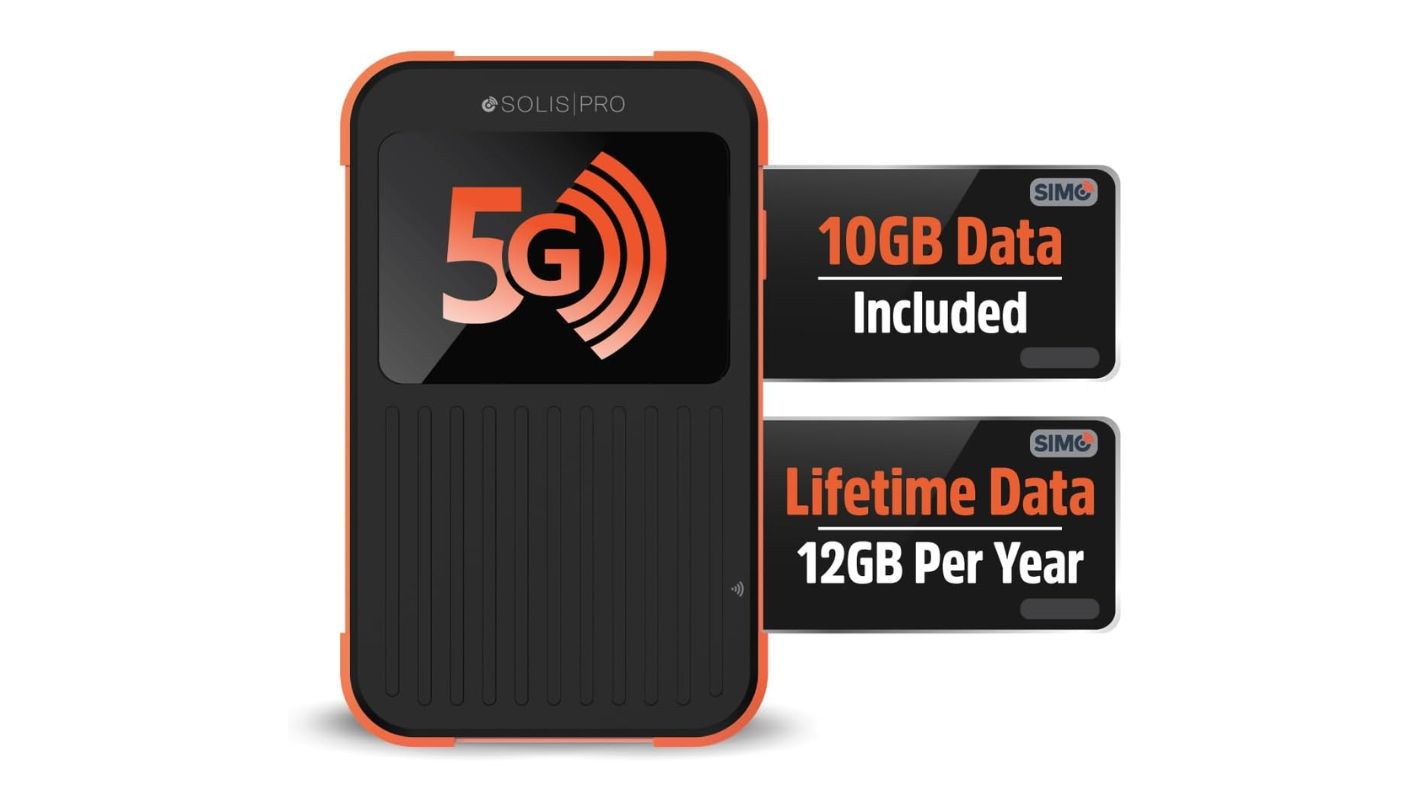
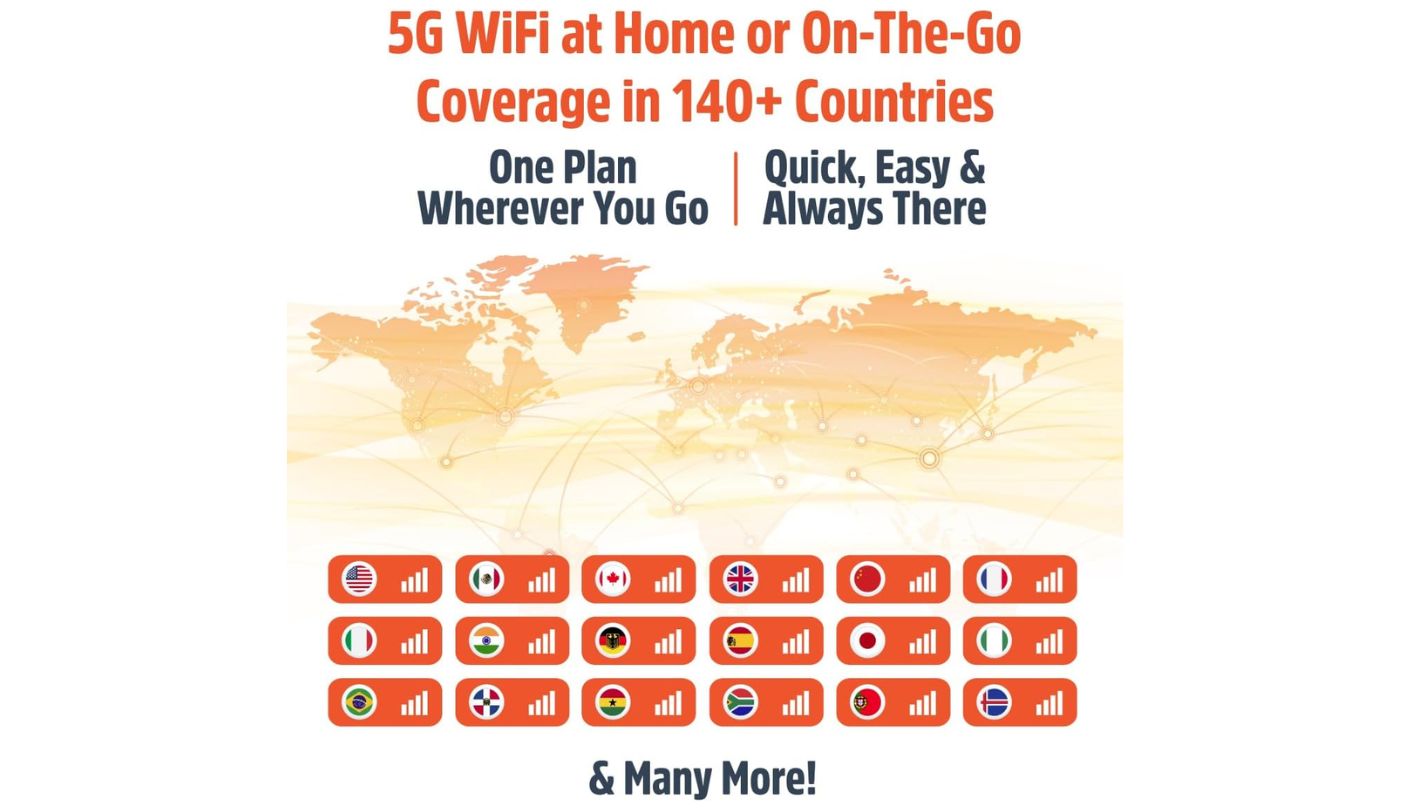
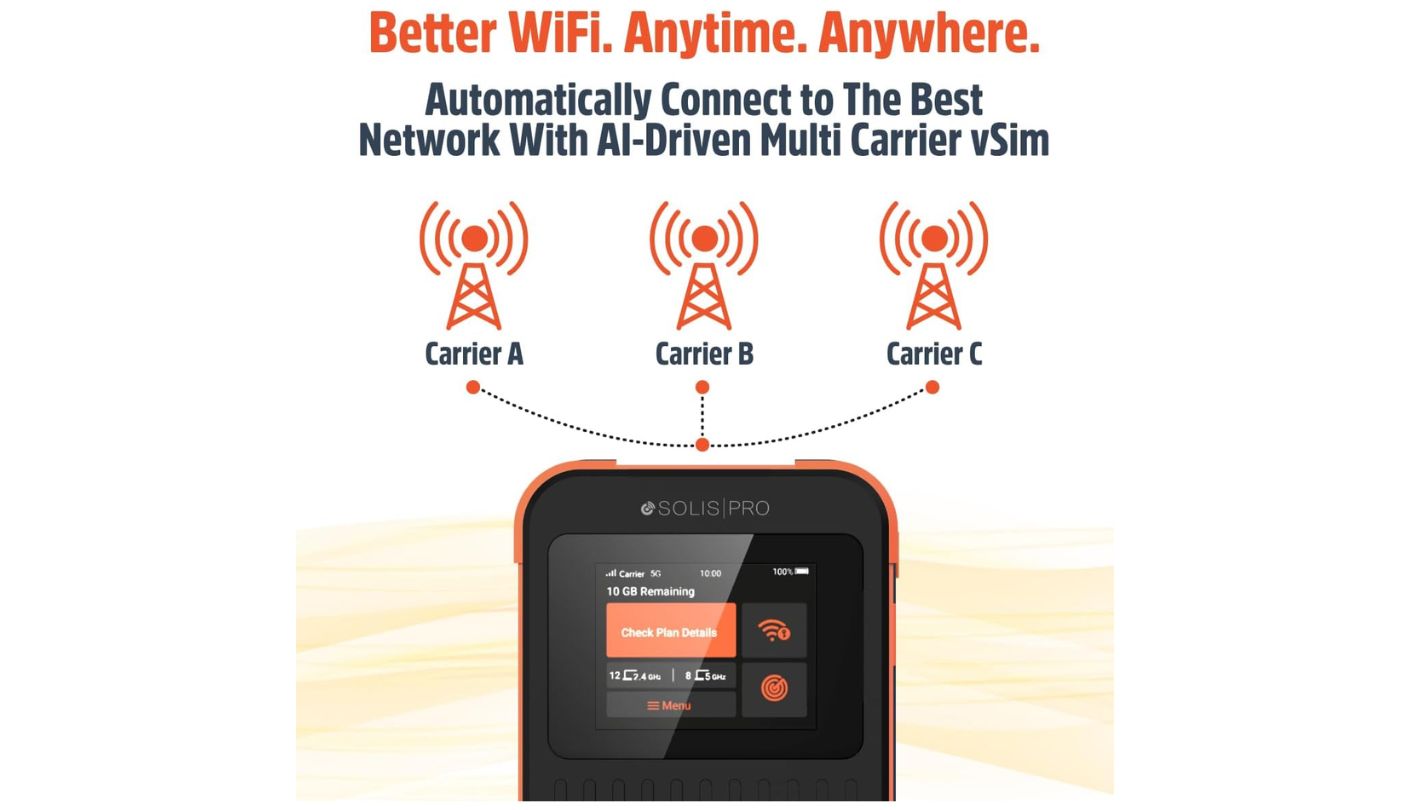
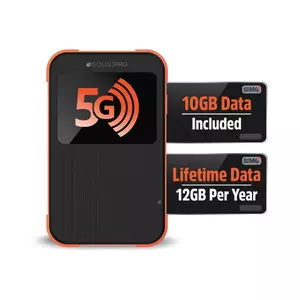
Every SIMO Solis Pro 5G ships with a small recurring data allowance built into the price, 1GB of global data every month for the life of the device, no subscription required to keep it active. It's a strange thing to lead a hotspot review with, but for anyone who just wants a backup connection sitting in a bag, that alone removes the most common reason a spare hotspot ends up dead and forgotten in a drawer. I've had backup hotspots sit uselessly in a drawer for months waiting on a data plan I never got around to buying, and SIMO skips that friction entirely.
An 8,000mAh battery rated for up to 48 hours dwarfs every other device in this comparison, and it doubles as an actual power bank capable of charging a phone or laptop through the same USB-C port. IP68 certification adds drop, dust, and water resistance, a genuine rarity in this category and a meaningful advantage for anyone working from unpredictable locations rather than a single desk.
SignalScan technology automatically locks onto the strongest available network among 300-plus carriers across 140 countries, using patented vSIM technology instead of a physical card at all. Dual-band Wi-Fi 6E supports a reasonable number of simultaneous devices, and a 2.4-inch touchscreen keeps setup simple without a companion app being strictly necessary. Support runs 24/7 according to SIMO, and the device carries a standard one-year warranty against hardware defects.
The included 1GB monthly allowance covers light checking-in rather than sustained remote work, so anyone planning heavier daily use should budget for one of SIMO's paid data tiers on top of it. Wi-Fi 6E on this model also trails the Wi-Fi 7 hardware in the NETGEAR and GL.iNet, though the gap matters less than the cellular connection itself in most everyday conditions. Several buyers specifically praise how little time the setup takes, describing the device as online and usable within minutes of unboxing without needing the manual at all.
Pros:
- Free Lifetime Data Plan
- 48-Hour Battery Rating
- IP68 Rugged Certification
- Doubles As Power Bank
- Automatic Carrier Switching
Cons:
- Included Data Is Light
- No Wi-Fi 7 Support
Summary: An IP68-rated shell, a 48-hour battery, and a modest data allowance that's genuinely free for life add up to the most dependable all-around pick, provided the included gigabyte gets supplemented for anything beyond light use.
RoamWiFi 5G Pro Review
Fast Charging
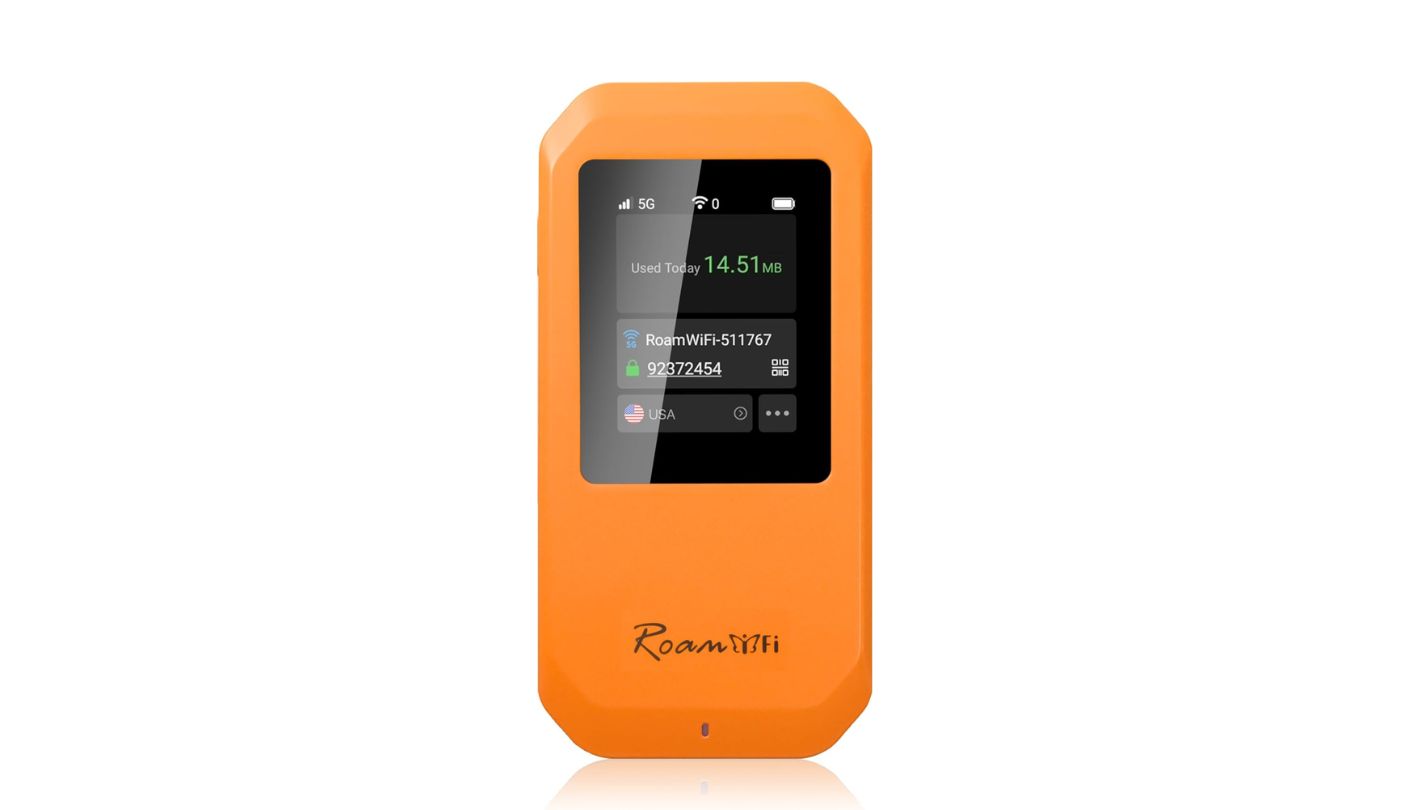
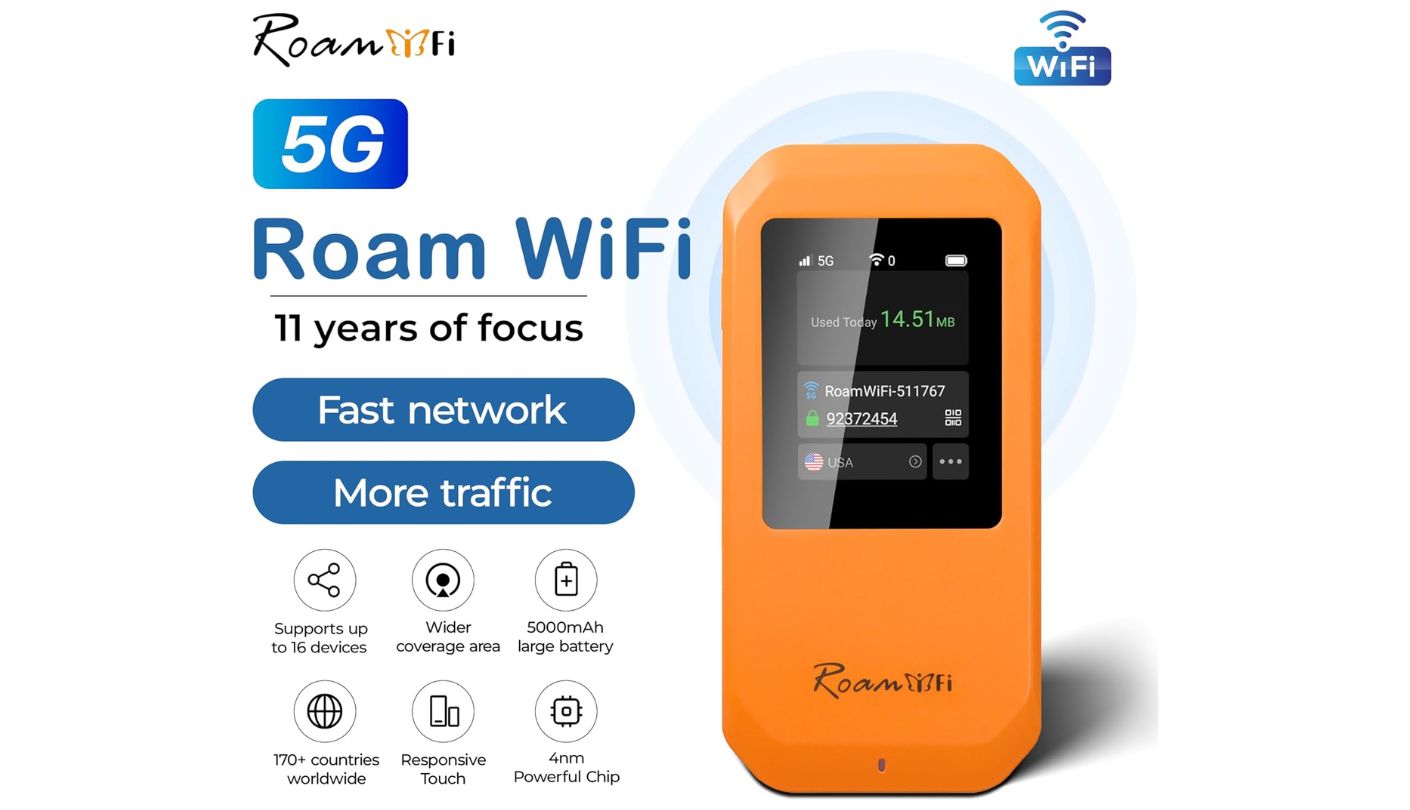

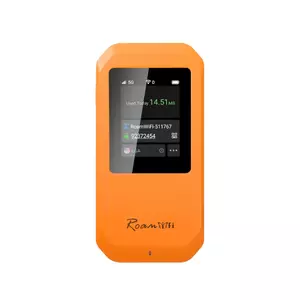
A full charge on the RoamWiFi 5G Pro takes roughly two to three hours, noticeably quicker than most rivals in this group manage. I've timed a lunch-break charge before an afternoon full of calls, and two to three hours is short enough to actually matter rather than just sound good on a spec sheet.
A 4nm chip paired with a Qualcomm 8-core processor and a 4th-generation 5G modem drives Wi-Fi 6 speeds up to 2.4Gbps across up to 16 connected devices. CloudSIM technology skips the physical SIM entirely, auto-switching between AT&T, Verizon, and T-Mobile domestically and across 170-plus countries when traveling, with USB 3.1 available for a wired connection when Wi-Fi isn't an option. That processor also handles the carrier-switching logic locally, so the handoff between networks happens without a noticeable pause in an active session.
The included plan bundles 10GB of US, Canada, and Mexico data alongside 1GB of global data, both valid for 30 days from activation. At 190 grams, the device stays properly pocketable, and the 5,000mAh battery covers roughly 20 hours of typical daily use between charges, enough for a full workday with some margin left for an evening call.
That included 10GB burns through fast once multiple devices start streaming video simultaneously, and refilling through the RoamWiFi app gets expensive for anyone running heavier daily workloads. Treat the bundled data as a starter allowance rather than a long-term solution for full-time remote work, and price out a monthly plan before assuming the included gigabytes will cover more than a short trip.
Pros:
- Two-Hour Fast Charging
- 170-Country Coverage
- Compact 190-Gram Body
- USB 3.1 Wired Option
- No Physical SIM Needed
Cons:
- Data Burns Through Fast
- Pricey Refill Plans
Summary: Quick charging and a properly compact build make this easy to keep topped off between meetings, but the bundled 10GB works best as a starter allowance rather than a full month of remote work data.
GlocalMe Numen Air 5G Review
Widest Coverage
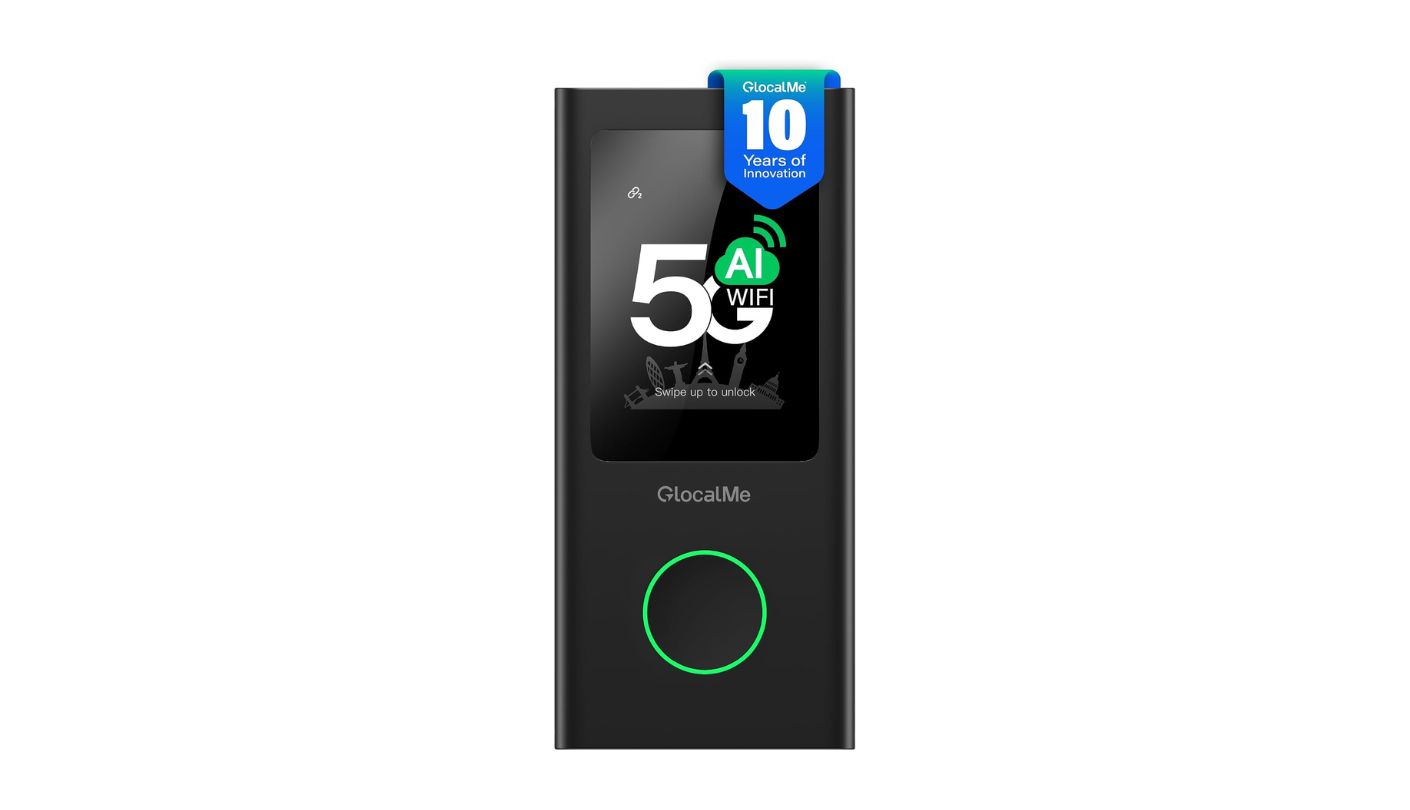
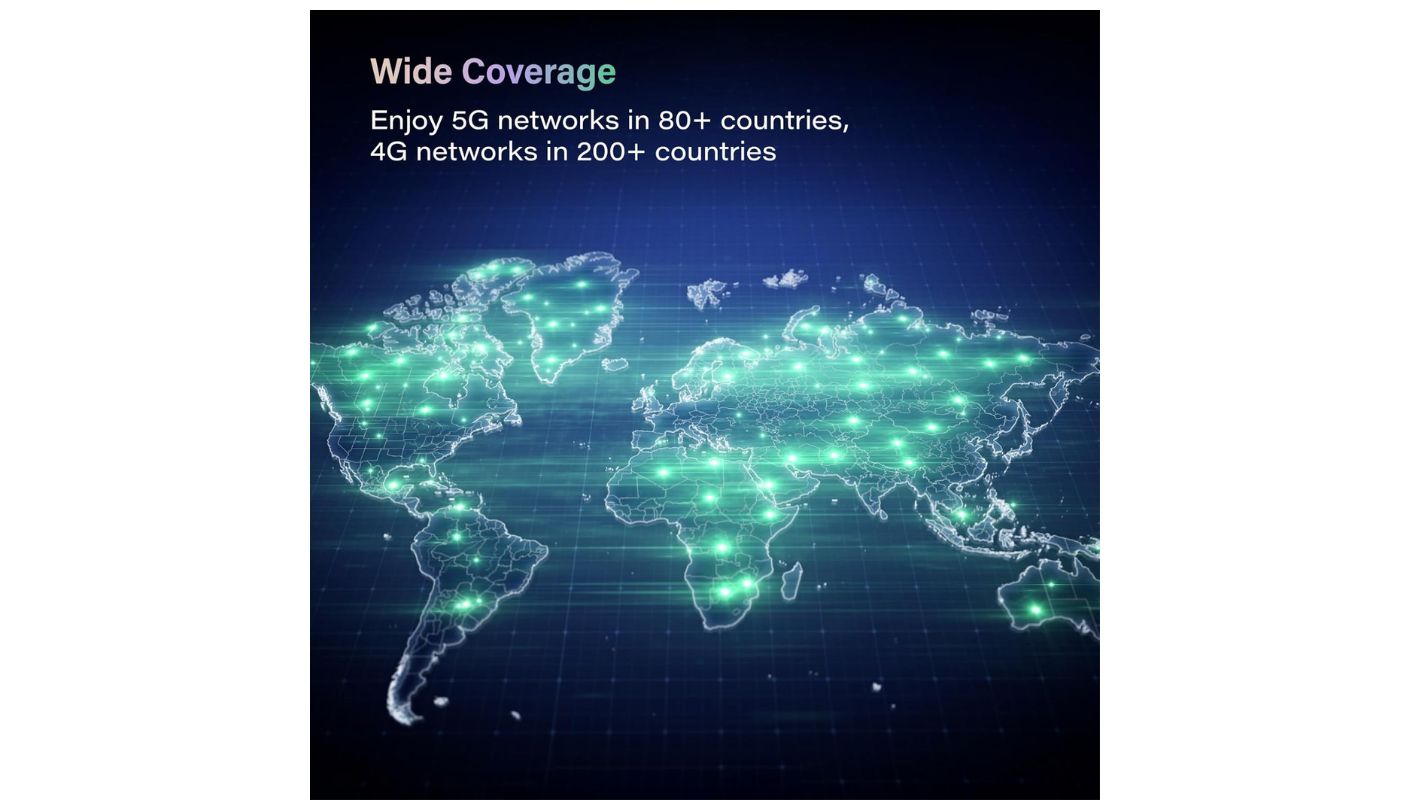
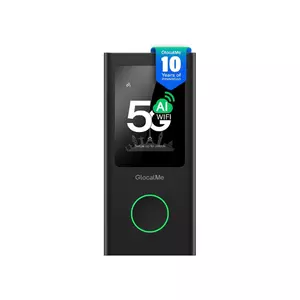
Two hundred countries is the widest coverage claim in this entire comparison, and the GlocalMe Numen Air 5G backs it with CloudSIM technology that auto-connects to a local network the moment the device powers on, no manual carrier selection required anywhere on that list. GlocalMe has run this CloudSIM system across several device generations, so the underlying carrier partnerships behind it are more established than a first-generation competitor's equivalent feature.
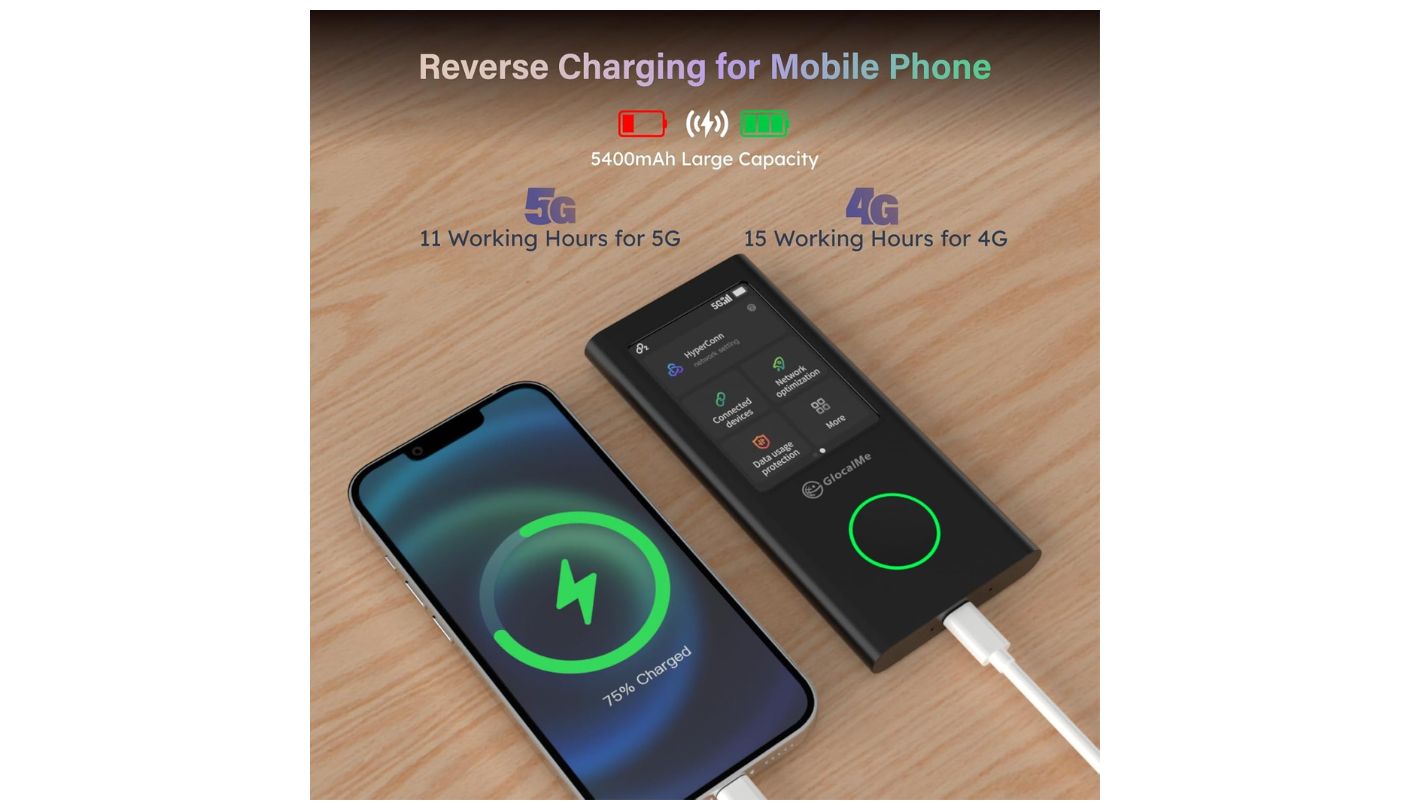
A 5,400mAh battery rated for up to 15 hours on 4G, dropping to roughly 11 on 5G, doubles as a basic power bank through the same USB-C port. A 2.4-inch touchscreen handles signal strength, battery level, and data usage at a glance, and a nano-SIM slot backs up CloudSIM for regions where the built-in system doesn't have solid local partnerships. That backup slot matters more than it might seem, since CloudSIM's automatic switching occasionally struggles in smaller markets where GlocalMe hasn't negotiated as many carrier deals.
Wi-Fi on this model still runs on the older 802.11ac standard rather than Wi-Fi 6, an honest limitation for a device otherwise positioned as a premium travel companion. Up to 16 devices can connect simultaneously, with theoretical peak speeds reaching 2.5Gbps under ideal conditions that everyday use rarely fully reaches. I'd expect more congestion from that older standard in a crowded coworking space than the newer Wi-Fi 6 radios in several rivals here would show under the same conditions.
No rugged certification exists on this model at all, worth noting for anyone planning to toss it in a bag alongside water bottles and other gear rather than carrying it more carefully. Data plans through the GlocalMe app can also run pricier than rivals elsewhere in this comparison for heavy users, a fair trade for buyers prioritizing coverage breadth over per-gigabyte cost. The device measures 136 by 72 by 16.5 millimeters, slim enough to disappear into a jacket pocket alongside a phone, and the matte finish resists fingerprints better than the glossier shells on some rivals here.
Pros:
- 200-Country Coverage
- Automatic CloudSIM Setup
- Backup Nano-SIM Slot
- Power Bank Function
- Clear Touchscreen Display
Cons:
- No Wi-Fi 6 Support
- No Rugged Protection
Summary: The 200-country coverage claim is the widest of the five by a clear margin, and CloudSIM's automatic setup backs it up well, though the aging Wi-Fi standard and lack of rugged protection are honest tradeoffs for that reach.
GL.iNet MUDI 7 (GL-E5800) Review
Strongest VPN
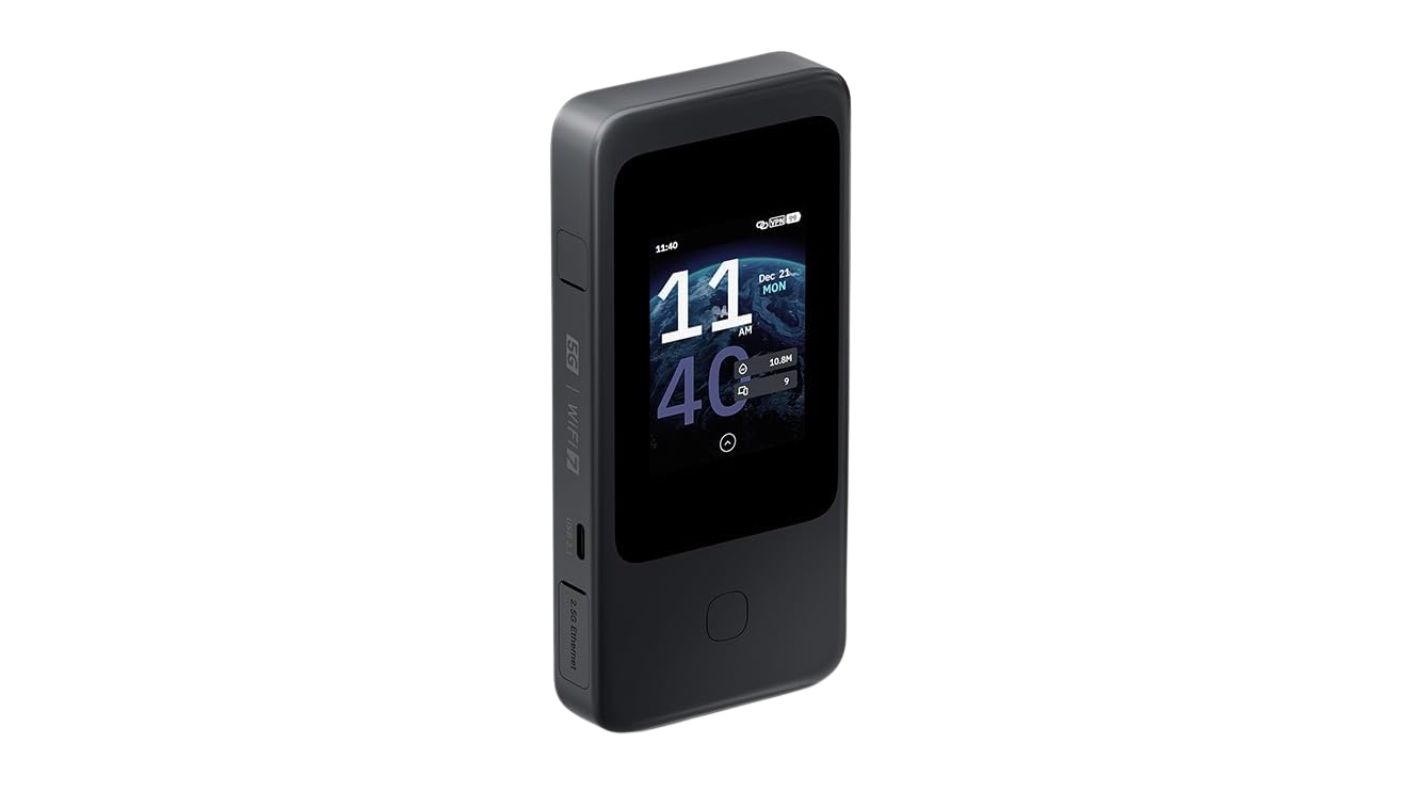
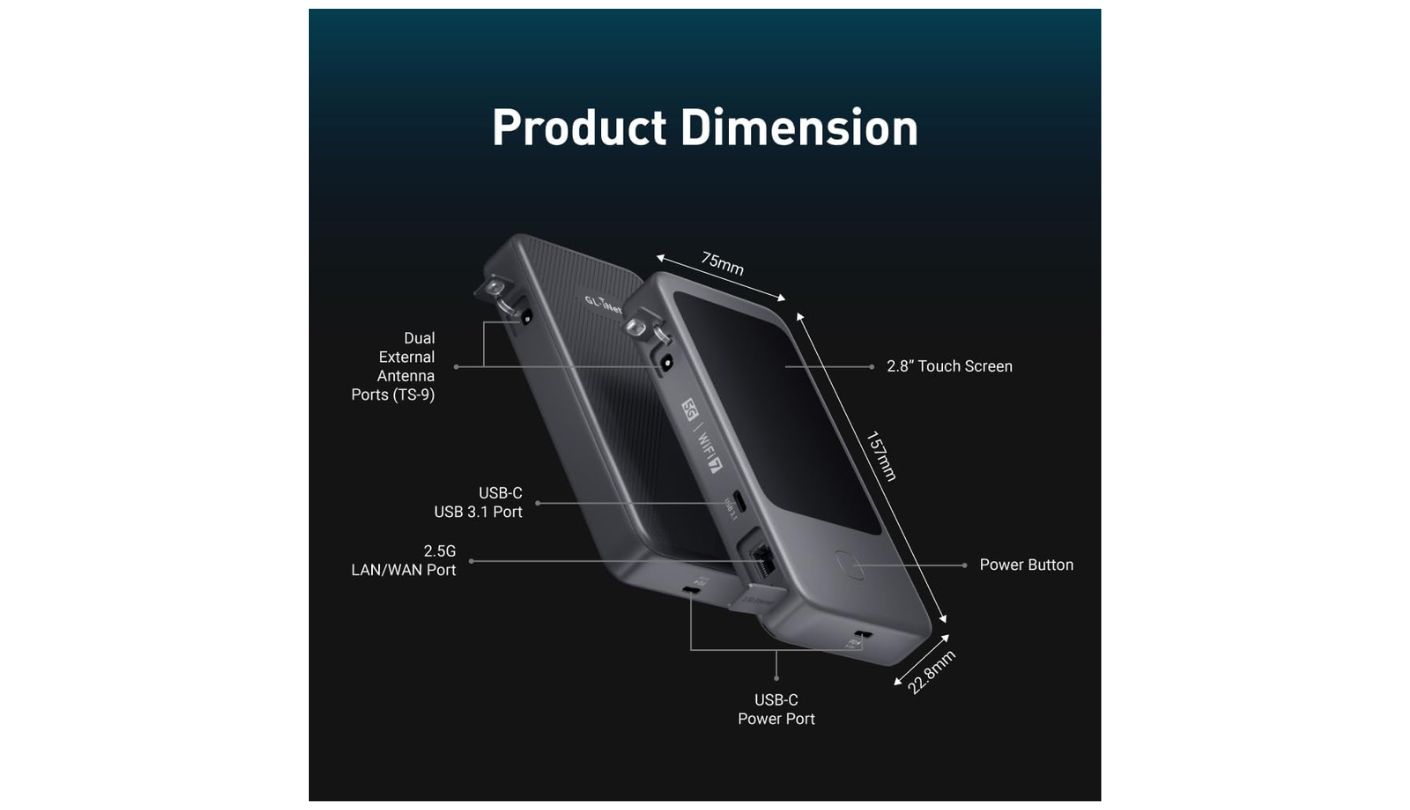
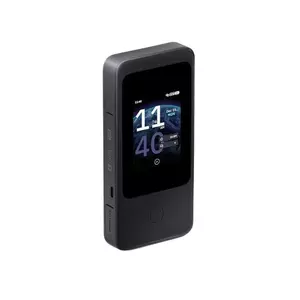
A client server room, a hotel with a locked-down guest network, a coworking space that blocks half the ports a job needs: the GL.iNet MUDI 7 (GL-E5800) is built for exactly these situations, running a hardened OpenWrt firmware that turns it into a proper router rather than a locked-down consumer appliance.
Built-in OpenVPN and WireGuard clients push up to 700Mbps and 600Mbps respectively, throughput most competing hotspots simply don't advertise because they don't run VPN software on the device itself at all. Dual nano-SIM slots plus an onboard eSIM support dual-standby operation, useful for keeping a work SIM and a personal or local data SIM active without swapping cards mid-trip. AdGuard Home and basic parental controls also come pre-installed, features borrowed directly from GL.iNet's home router lineup rather than built fresh for a travel device.
Wi-Fi 7 supports all three bands, though only two run concurrently rather than a true simultaneous tri-band setup, and a 2.5Gbps Ethernet port plus dual USB-C ports round out the wired options most rivals in this comparison skip entirely. Dual TS-9 antenna ports let anyone in a weak-signal area attach an external antenna, a feature none of the other four devices offer. I've used the built-in VPN from a client's server room before, reaching company infrastructure without touching their local firewall rules at all.
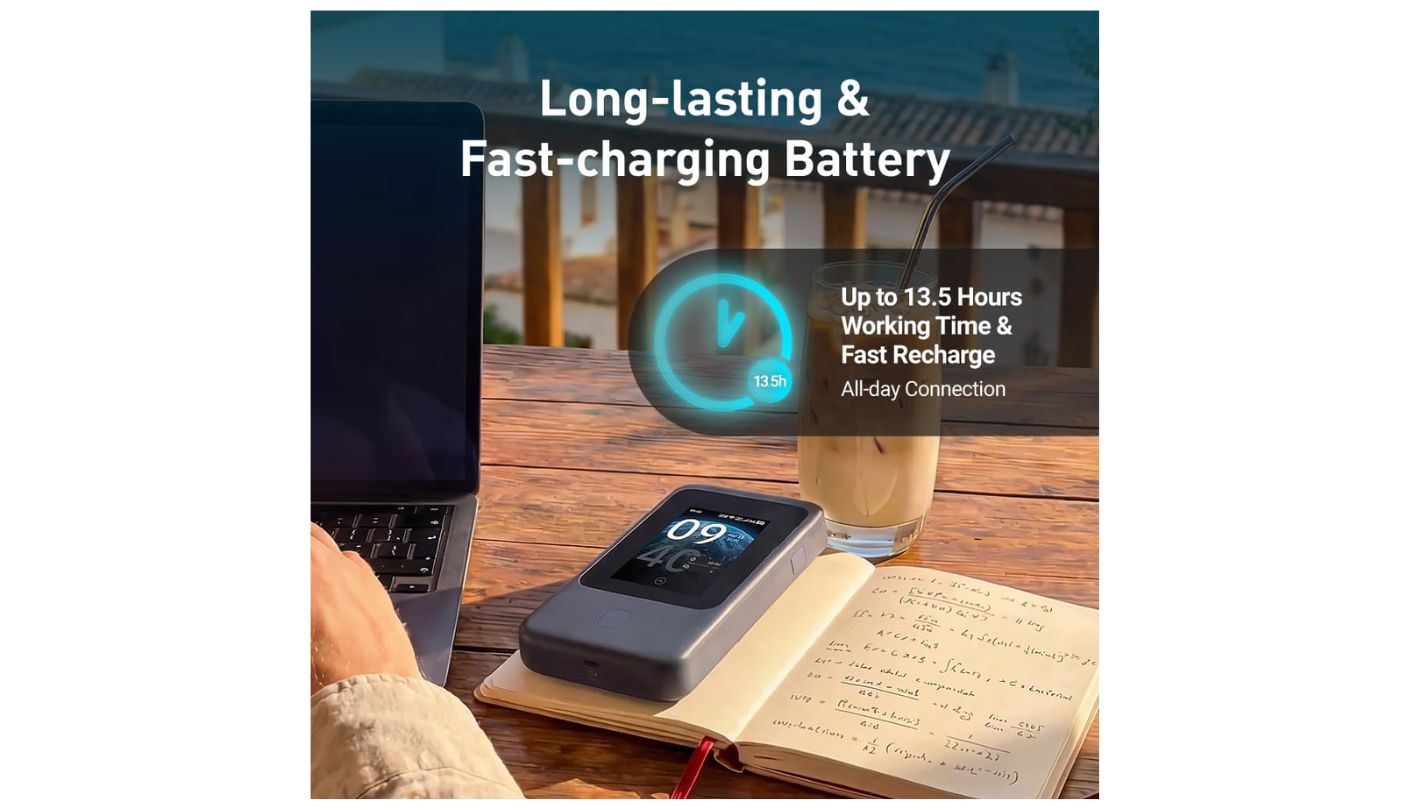
All of that comes at a cost. At 300 grams this is the heaviest device in the group by a wide margin, battery life rates lower than the SIMO or RoamWiFi despite a similarly sized cell, and the hardware ships in separate North American and European variants with different supported bands, so buying the wrong regional version limits 5G performance outside its intended market. The OpenWrt interface itself also assumes a baseline comfort with networking terminology that a casual buyer coming from a simpler hotspot might not have.
Pros:
- 700Mbps Built-In VPN
- Dual SIM Plus eSIM
- 2.5Gbps Ethernet Port
- External Antenna Support
- Full OpenWrt Access
Cons:
- Heaviest Of The Five
- Region-Locked Hardware
Summary: A 700Mbps VPN client and dual external antenna ports make this the clear pick for security-conscious remote work, though the 300-gram weight and region-locked hardware are honest costs for that control.
Portable Hotspot for Remote Work: FAQ
Is a portable hotspot actually better than tethering off a phone?
For daily remote work, generally yes, since a dedicated hotspot handles multiple simultaneous connections without draining a phone's own battery or triggering a carrier's tethering data cap. A phone still works fine as an occasional backup, just not as the primary connection for a full workday, particularly once video calls and file uploads enter the picture.
Do any of these hotspots work without buying a separate data plan?
The SIMO Solis Pro includes a small free monthly allowance for the life of the device, and the other four ship with either a starter data bundle or require activating a plan through their respective apps. None of the five function as pure Wi-Fi-only devices without cellular data behind them, so factor an ongoing data cost into the total price of ownership rather than just the upfront cost of the hardware itself.
Why does VPN throughput matter if my laptop already runs its own VPN app?
Running a VPN through the hotspot itself, as the GL.iNet MUDI 7 does, secures every connected device automatically rather than requiring separate VPN software installed and configured on each one. It also keeps a phone or a coworker's laptop protected on the same network without extra setup, which matters most in a shared workspace where someone else's device might otherwise connect unprotected.
Which of these hotspots handles a weak cellular signal best?
The GL.iNet MUDI 7 is the only device in this group with external antenna ports, letting a directional or high-gain antenna boost reception in genuinely weak-signal areas. The other four rely entirely on their internal antennas, which work fine in normal coverage but have no upgrade path if a signal turns out to be marginal, something worth considering for anyone working regularly from rural areas or older buildings with thick walls.
Is 200-country coverage actually meaningful, or just marketing?
It's meaningful for frequent international travelers, since it reflects how many regions a device's carrier-switching technology has partnerships in. For someone working mostly domestically, the gap between 140 and 200 countries rarely matters day to day, and the more relevant question becomes how reliable that coverage is in the specific countries a given trip involves rather than the headline total.
Does a heavier battery always mean longer real-world runtime?
Mostly, but rated hours and real-world hours diverge based on screen brightness, active calls, and how many devices stay connected. The SIMO's 8,000mAh cell and 48-hour rating hold up as the clear leader of the five, but every device's actual runtime under heavy video-call use will land below its rated figure, sometimes by a wide margin once brightness and multiple active connections stack up.
Can I use one of these hotspots as my only home internet connection?
Technically yes, though cellular data plans get expensive fast at the volume a full household's internet use requires, and none of these five are designed or priced for that kind of sustained, high-volume load. They work best as a mobile or backup connection rather than a primary home internet replacement, especially in a household streaming video or gaming on multiple devices at once.
Do these hotspots need a companion app to work?
Most benefit from one for managing data plans and settings remotely, but every device in this comparison also includes an onboard touchscreen for basic setup and monitoring without a phone nearby. The app becomes more useful for topping up data or adjusting settings than for day-to-day operation, and losing phone access temporarily doesn't leave any of these five devices unusable.
Matching the Hotspot to the Kind of Remote Worker You Actually Are
Someone who works from the same three coffee shops within driving distance needs almost nothing this comparison covers beyond a stable connection and a battery that survives an afternoon. Someone who works from a different country every few months, or connects to sensitive company infrastructure from unpredictable locations, needs the coverage breadth or the VPN throughput that the cheaper option in this group simply doesn't offer. The "best" hotspot genuinely depends on which of those two situations describes an actual week rather than an aspirational one, and being honest about that distinction upfront saves money either direction.
The SIMO earns its spot through sheer dependability, a rugged shell and a battery built to survive a bad day rather than a good one. The GL.iNet earns its spot through control, a VPN client and antenna ports built for someone who treats network security as part of the job rather than an afterthought. The RoamWiFi and GlocalMe both cover the middle ground well for anyone whose remote work leans more toward travel than toward locked-down client sites, and the NETGEAR splits the difference with the widest device ceiling and the simplest eSIM setup of the five. I'd rather carry the boring, dependable pick on a bad day than the one that only impresses in a demo, and that's the question worth asking before checkout.

Meet James, our go-to tech guru and seasoned reviewer. His sharp attention to detail and love for gadgets drive his deep dives into the newest tech waves. James's insightful analysis and real zest for breakthroughs have earned him a solid reputation in the tech world.


