At gagadget.com, your trust is our priority. We follow strict quality standards in our research, tests, and analysis of tvs, to give you the best experience. Learn more
How Do the Best TVs for Watching Sports in Bright Rooms Compare?
Sunday at one in the afternoon is the worst possible time to watch television. The sun is high, the blinds are half open because somebody wanted air, and there are four people in the room sitting at four different angles to the screen. A TV that looked stunning in a dark showroom now shows you a window, a lamp, and a faint outline of your own sofa laid over a football pitch. Every manufacturer sells brightness as the answer to this. Brightness is roughly half the answer.
The other half is what the screen does with light it never asked for, and that comes down to a coating a few micrometres thick that almost nobody mentions in a spec sheet. I went through five premium sets with daytime sport specifically in mind, and the ranking they produce looks nothing like the ranking you would get from peak brightness figures alone. One of these five throws more light at a room than anything else on sale and is still the one I would trust least opposite an uncovered window, because raw output does nothing about a lamp mirrored in the glass. Another posts the lowest peak figure of the group and remains the set I would fit in the brightest room in the house.
Here are my two top picks for the best TVs for watching sports in bright rooms:
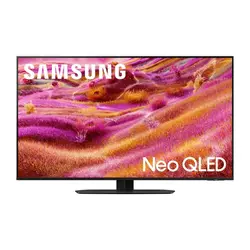
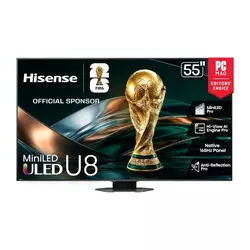
Table of Contents:
- Sports TVs for Bright Rooms: Buying Guide
- Top 5 TVs for Watching Sports in Bright Rooms
- Sports TV for Bright Rooms: Comparison
- Samsung QN90F 55QN90F
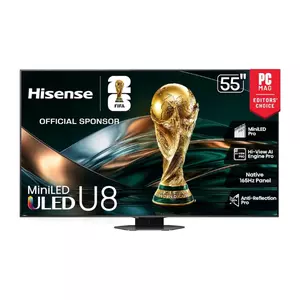
- Hisense U8QG 55U8QG
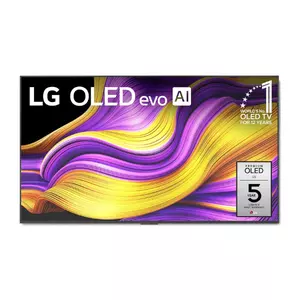
- LG G5 OLED OLED55G5WUA
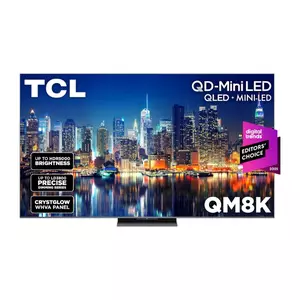
- TCL QM8K 65QM8K
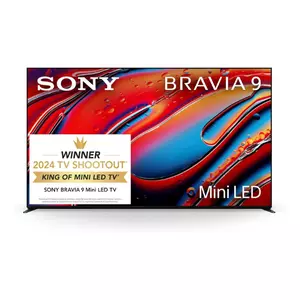
- Sony BRAVIA 9 K-65XR90
- Sports TV for Bright Room: FAQ
Sports TVs for Bright Rooms: Buying Guide
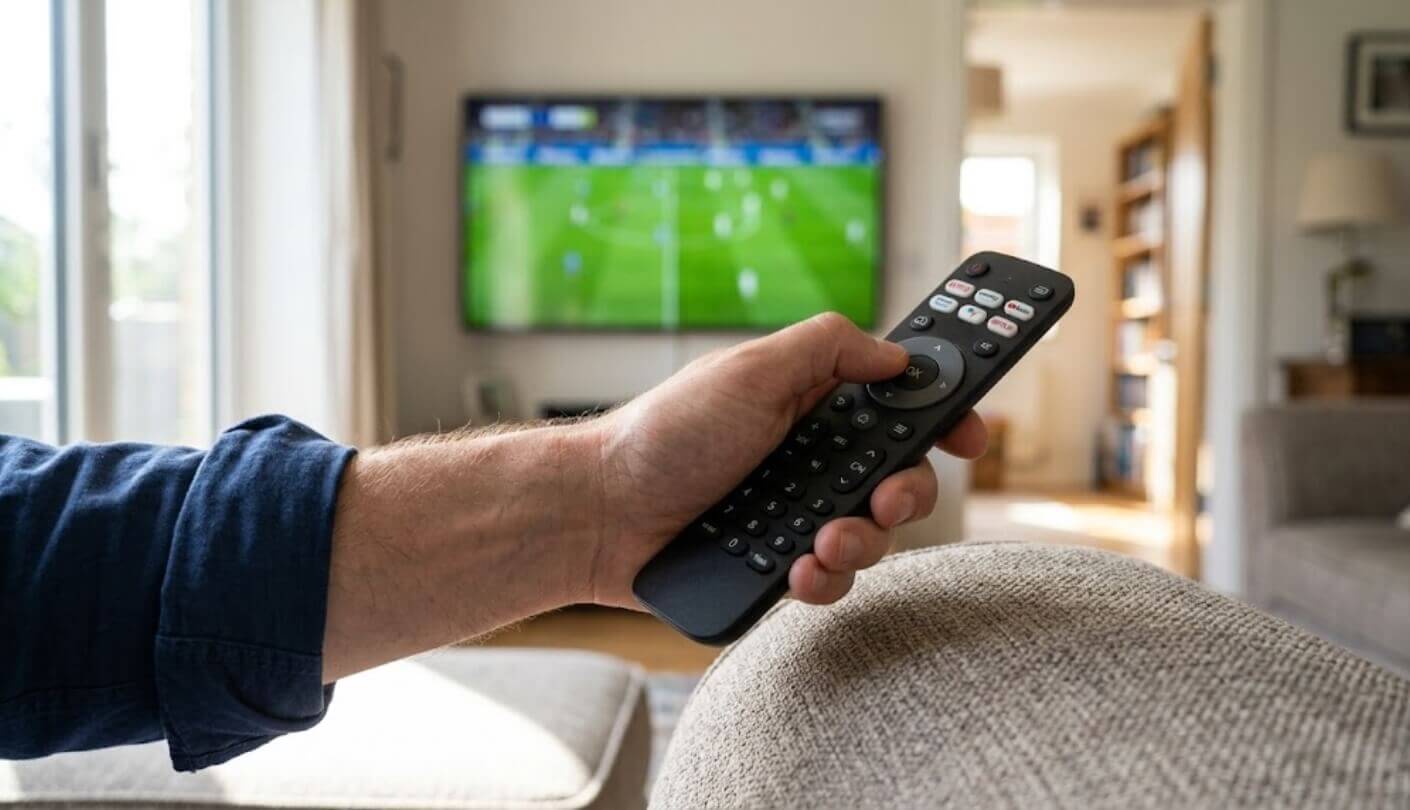
Daytime sport asks a television to do things a movie never will. Wide shots of uniform green or white fill the whole panel, the room is lit, and nobody is sitting in the sweet spot. Five things decide how a set copes with that, and only one of them appears in large type on the box.
Reflections and Brightness Are Separate Problems
A bright panel fights ambient light by shouting over it. A good coating stops the light arriving in the first place. Those are different engineering problems with different solutions, and a set can be excellent at one and mediocre at the other. Samsung uses a matte finish it calls Glare Free, which scatters a window reflection into a soft grey haze across the panel. LG keeps a glossy surface on the G5 and adds an anti-reflective coating beneath the glass, leaving a lamp behind you as a small hard mirror image.
Matte finishes trade black depth for reflection control, and glossy finishes make the opposite bargain. Which one belongs in your room depends on whether your problem is a big diffuse window or two specific lamps you could simply switch off.
Glossy panels keep blacks looking black, which is the reason nobody has abandoned the approach. I would take a matte screen for a room with south-facing glass and a glossy one for a room where the light is under my control. Neither approach removes reflections outright, whatever the marketing implies. One reviewer testing the TCL in a room with windows across from the set reported catching reflections even in the evening with the blinds drawn, which tells you the coating on that panel is doing less work than the brightness figure suggests.
Full-Screen Brightness Is the Sports Number
Peak brightness gets quoted from a 10 percent window, meaning a small bright object against a dark background. That measurement describes a streetlamp in a night scene, and it is a useful figure for exactly that. It says almost nothing about a wide camera shot of a floodlit pitch, an ice rink, or a snowy ski course, where most of the panel is lit at once and the backlight has to sustain output across the whole surface instead of concentrating it. Full-screen figures land far lower than peak numbers, and the gap between display technologies widens dramatically once you look at them.
Measured in accurate picture modes, the Sony holds above 650 nits across a full white field and the Samsung around 597, while the LG OLED manages 331. That last figure is a 40 percent improvement on the previous generation and still less than half what the mini-LED sets sustain. For a daytime rugby match, I care about that number more than any other on the page. The practical test is easy to run in a shop: ask for a wide shot of a stadium or a ski run, watch how it holds up under the showroom lights, then compare that against the demo reel of fireworks the salesperson wants to show you.
Nobody Sits in the Right Seat on Match Day
Watching a film is a two-person activity from the middle of the sofa. Watching a match means six people, an armchair off to one side, and somebody standing in the kitchen doorway. Off-angle performance stops being a specification and starts being the difference between everyone seeing the same picture and half the room seeing washed-out colour and greyish blacks. Samsung fits a Wide Viewing Angle layer to the QN90F, Sony fits X-Wide Angle to the BRAVIA 9, and TCL introduced a panel it calls CrystGlow WHVA on the QM8K for the same purpose.
OLED wins this outright, because the pixels emit their own light and hold colour to roughly the edge of the room. Mini-LED sets fight the physics of a liquid crystal layer, and the ones that do it well add an extra optical film that costs them a little contrast head-on.
All three of those layers do measurable work, and OLED needs none of them. I tend to check the worst seat in a room before anything else, because that seat is where somebody will sit whether the specification allows for it or not. The two sets without such a layer are the LG, which has no need of one, and the Hisense, which is the model most likely to disappoint whoever ends up in the armchair.
Motion Handling and the Numbers That Are Not Numbers
Native refresh rate across these five runs from 120Hz to 165Hz. The advertised range looks far wider than that. Hisense advertises Game Mode Ultra with 288Hz variable refresh, and TCL advertises Game Accelerator 288. Neither describes a 288Hz panel. Both describe a high-refresh mode that works at reduced resolution, and the native figures are 165Hz and 144Hz respectively. Reading a feature name as though it were a measurement is the easiest mistake to make in this category.
For broadcast sport, none of this matters much, because a match arrives at 50 or 60 frames a second no matter what the panel can do. What matters is how the processor handles a fast pan across a stadium and whether smoothing turns players into smeared outlines. I leave interpolation off for football and switch it on for tennis, and I would encourage anyone to spend ten minutes with those settings during a live game instead of accepting whatever the set shipped with.
Getting the Match Onto the Screen
Two of these five carry only two HDMI 2.1 ports out of four, which only bites if two devices in the house output 4K at 120 frames per second, though that is exactly the position anyone with a console and a gaming PC is already in. Tuners split the group as well. Three sets include an ATSC 3.0 tuner for NextGen TV broadcasts, and two ship with the older ATSC 1.0 standard, which limits over-the-air reception to conventional HD instead of the 4K feeds some US stations now carry. Built-in audio deserves a thought too, since crowd noise and commentary sit in different frequency ranges and thin speakers muddle both.
Anyone who watches local games over an antenna should treat the tuner row as a hard filter and not a nice extra. A television is a ten-year purchase and NextGen coverage keeps expanding, so buying into the older standard on a premium set is a decision worth making deliberately.
Hisense fits the most substantial speaker system of the five at 82W across 4.1.2 channels. I still use a soundbar with all of them, but the gap between the best and worst built-in sound here is wide enough to notice during a noisy stadium wide shot. Streaming software matters less than any of the above and still shapes the experience, since three of these five run Google TV while the remaining two use platforms of their makers' own design, which mostly affects how quickly a live sports app launches and how many taps it takes to reach a match already in progress.
Top 5 TVs for Watching Sports in Bright Rooms
Each set below was judged on daytime conditions specifically: how the screen treats reflected light, how much brightness it sustains across a full-field image, how far off-centre the picture holds up, and how the processor deals with fast motion.
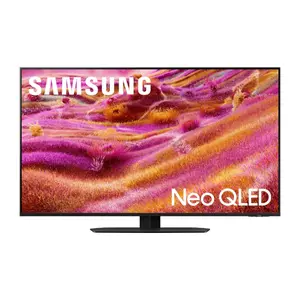
- Matte Glare-Free Screen
- 597 Nits Full-Field
- Four HDMI 2.1 Ports
- Wide Viewing Angle
- Very Low Blooming
- Around 4,000 Nits
- ATSC 3.0 Tuner
- 82W Speaker Array
- Dolby Vision IQ
- Native 165Hz Panel
- Absolute Black Levels
- Best Off-Angle Picture
- 2,386 Nits Peak
- Four 165Hz HDMI Ports
- Wall Mount Included
- 2,752 Nits Filmmaker
- Over 600 Nits Full-Field
- CrystGlow Wide Angles
- ATSC 3.0 Tuner
- Accurate Out Of Box
- Over 650 Nits Full-Field
- Best Broadcast Upscaling
- Superb Blooming Control
- X-Wide Angle Layer
- ATSC 3.0 Tuner
Sports TV for Bright Rooms: Comparison
The specifications that separate these five once the daytime conditions are taken into account:
| Specification | Samsung QN90F | Hisense U8QG | LG G5 OLED | TCL QM8K | Sony BRAVIA 9 |
| Panel Technology | Mini-LED, Neo QLED | Mini-LED Pro, QLED | OLED, four-stack RGB Tandem | QD Mini-LED, CrystGlow WHVA | Mini-LED, QLED |
| Screen Treatment | Glare Free matte finish | Anti-Glare Low Reflection Pro | Glossy with anti-reflective layer | Anti-glare coating | X-Anti Reflection |
| Measured Peak, 10% Window | 1,915 nits, Filmmaker | Around 4,000 nits | 2,386 nits, Filmmaker | 2,752 nits, Filmmaker | 2,816 nits, Professional |
| Native Refresh Rate | 165Hz | 165Hz | 165Hz | 144Hz | 120Hz |
| HDMI 2.1 Ports | 4 of 4 | 3 of 4 | 4 of 4 | 2 of 4 | 2 of 4 |
| HDR Formats | HDR10, HDR10+, HLG | Dolby Vision IQ, HDR10+, HLG | Dolby Vision, HDR10, HLG | Dolby Vision IQ, HDR10+, HLG | Dolby Vision, HDR10, HLG |
| Over-the-Air Tuner | ATSC 1.0 | ATSC 3.0 | ATSC 1.0 | ATSC 3.0 | ATSC 3.0 |
| Smart Platform | Tizen with Vision AI | Google TV | webOS 25 | Google TV | Google TV |
| Standout Extra | Wide Viewing Angle layer | 82W 4.1.2 speaker array | Flush wall mount in the box | Boost mode for peak highlights | XR Backlight Master Drive |
The brightness row carries a caveat that applies to every figure in it. All five measurements come from 65-inch review samples, and three of the models linked above are 55-inch versions where output runs lower, sharply so on the Hisense, where one reviewer expects the 55-inch panel to reach roughly half the figure quoted here. The screen treatment row is descriptive where the others are numeric, since no manufacturer publishes a comparable reflectance percentage, so treat those entries as a statement of approach and read the reviews below for how each one behaves.
Samsung QN90F 55QN90F Review
Editor's Choice
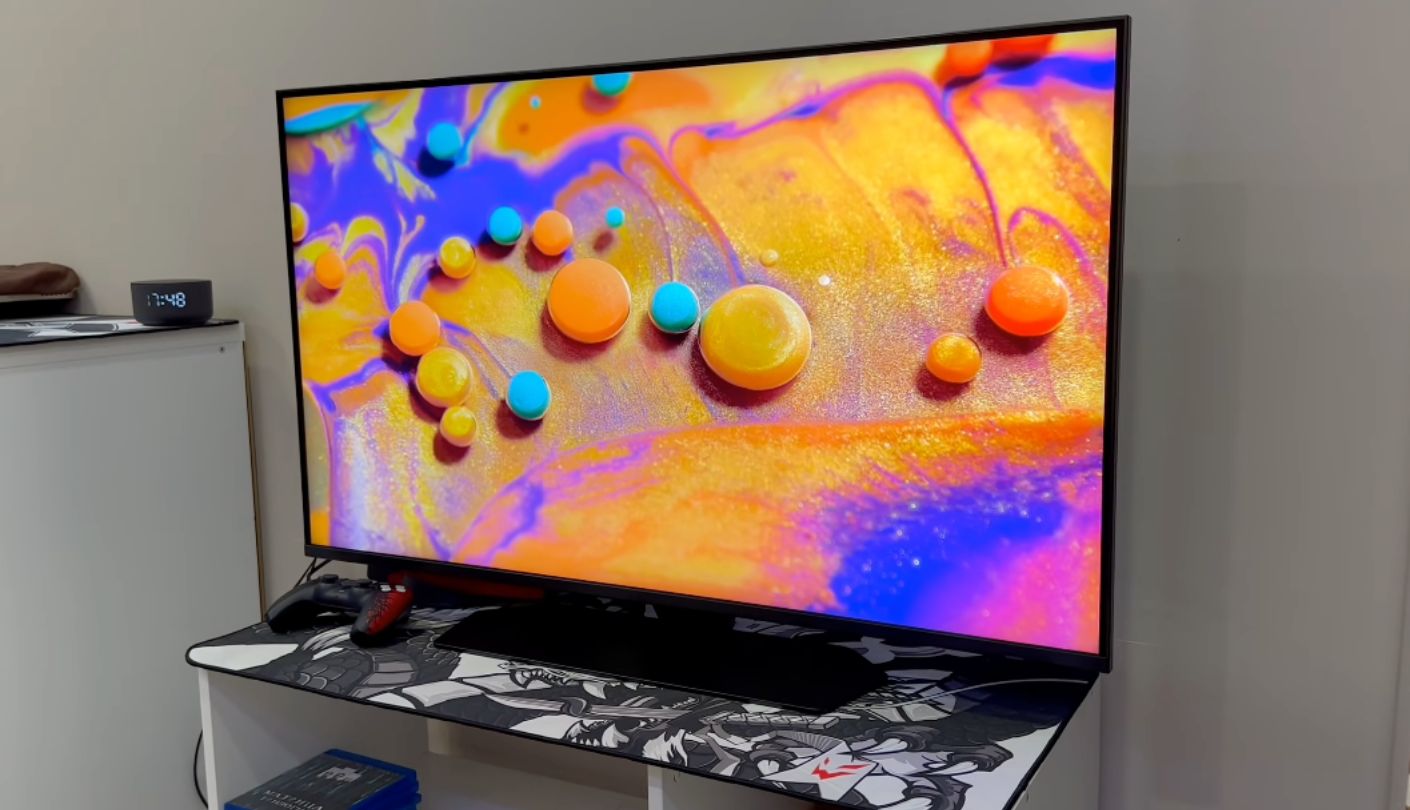
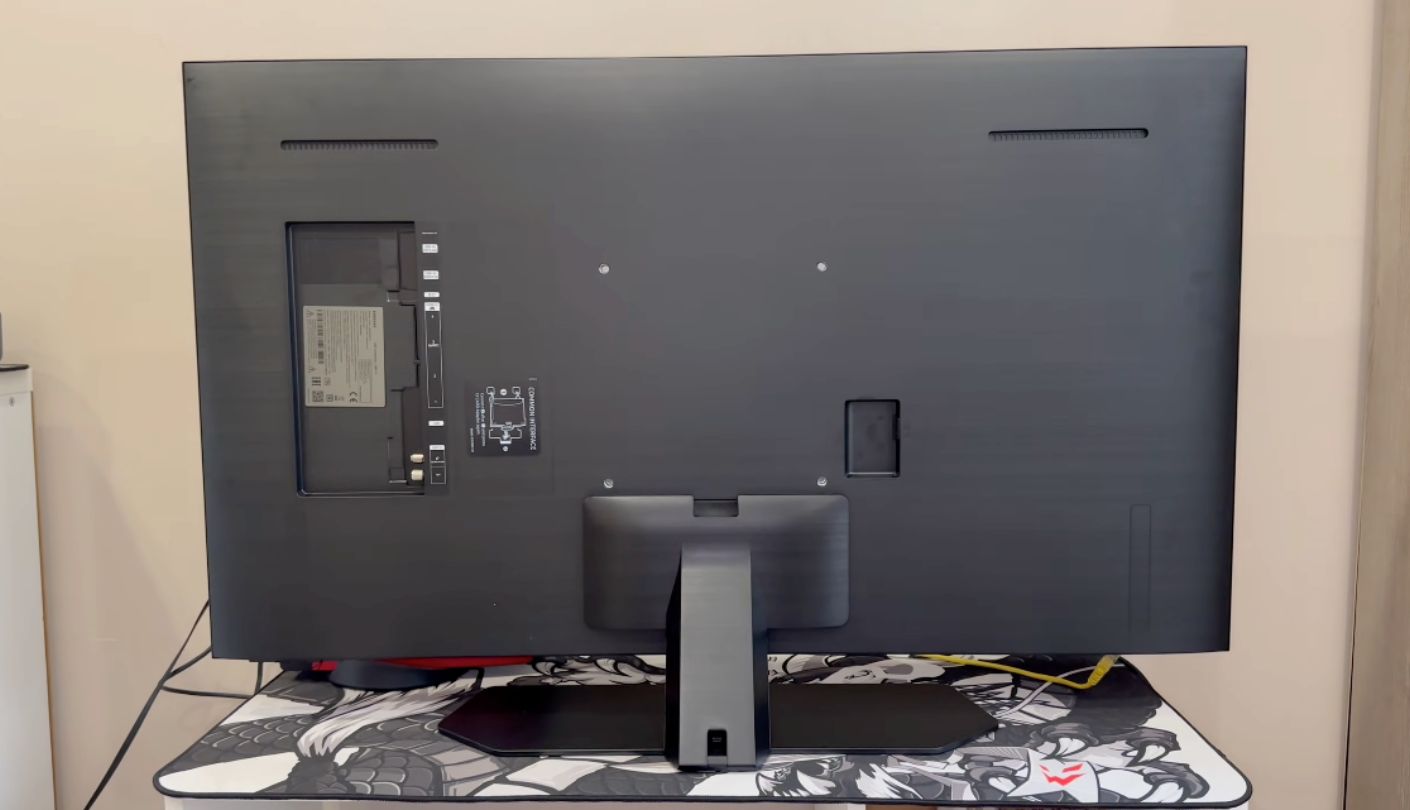
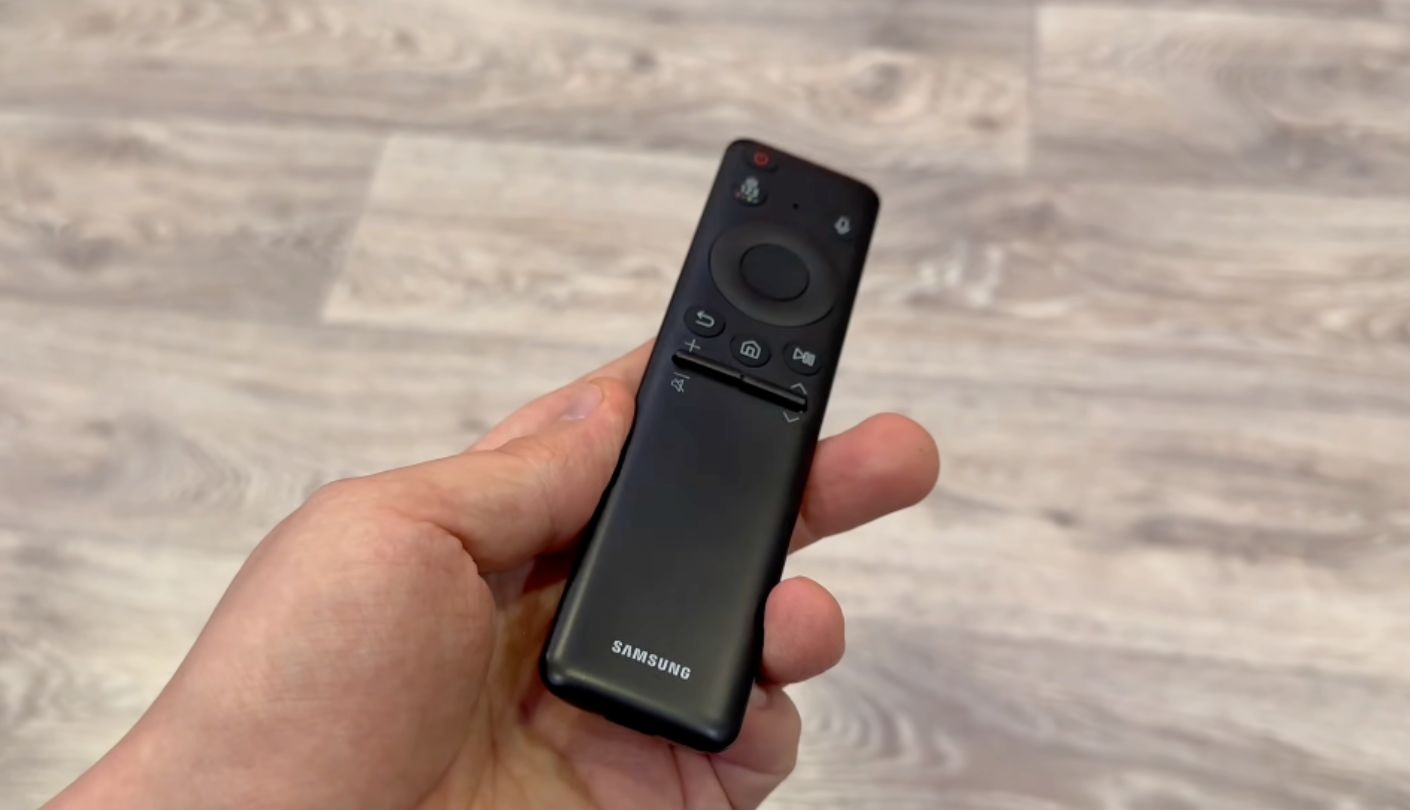
The dimmest peak brightness measurement of these five belongs to my top pick, and it wins anyway. The Samsung QN90F measured 1,915 nits on a 10 percent window in Filmmaker mode on a 65-inch sample, below all four rivals, and it remains the set I would put in the brightest room in the house without hesitating. The matte Glare Free finish is why. It takes a window and turns it into nothing you notice during a match.
Sustained output backs that up where it counts. The same 65-inch sample held 597 nits across a full white field in Filmmaker mode and 680 nits in Standard, figures that matter enormously for a wide shot of a floodlit stadium or a hockey rink. Colour coverage measured 93.5 percent of UHDA-P3 and 76.3 percent of BT.2020, and Samsung's Wide Viewing Angle layer keeps the picture usable from the armchair nobody wants to sit in.
Gaming and motion specifications are the strongest of the five. The panel runs at a native 165Hz, all four HDMI ports are 2.1, and input lag measured 9.5ms at 4K 60Hz in Game mode. Backlight blooming stayed minimal on torture-test patterns, which is unusual for mini-LED and points at how much work the NQ4 AI Gen3 processor is doing behind the picture. The built-in 4.2.2 channel sound is decent by flat-panel standards with dedicated dialogue processing, though the Hisense set below carries a more substantial array.
Two things count against it. Samsung still refuses Dolby Vision, so the QN90F handles HDR10 and HDR10+ and skips a format that a growing share of streaming sport now carries. The tuner is ATSC 1.0, which puts NextGen TV out of reach unless you add an external box, and Samsung now reserves ATSC 3.0 for its 8K models. Neither issue affects picture quality, though both affect what reaches the picture.
Living with this set in a bright room feels different from living with a brighter one. Nothing about the daytime picture asks you to close a blind or move a lamp, and after a few weekends you stop thinking about the room at all. An absence of fiddling is difficult to convey in a specification table and obvious within an afternoon of ownership. It is also the whole argument for the QN90F over louder competition, and for a household that watches sport when the sun is up, it is the argument that matters.
Pros:
- Matte Glare-Free Screen
- 597 Nits Full-Field
- Four HDMI 2.1 Ports
- Wide Viewing Angle
- Very Low Blooming
Cons:
- Dolby Vision Absent
- Older ATSC 1.0 Tuner
Summary: Buy this one for the coating and treat the brightness figure as a bonus, because the reverse order leads people to the wrong set. Households with fixed windows and no appetite for rearranging furniture get more from this panel than from anything with a higher number on the box.
Hisense U8QG 55U8QG Review
Best Overall
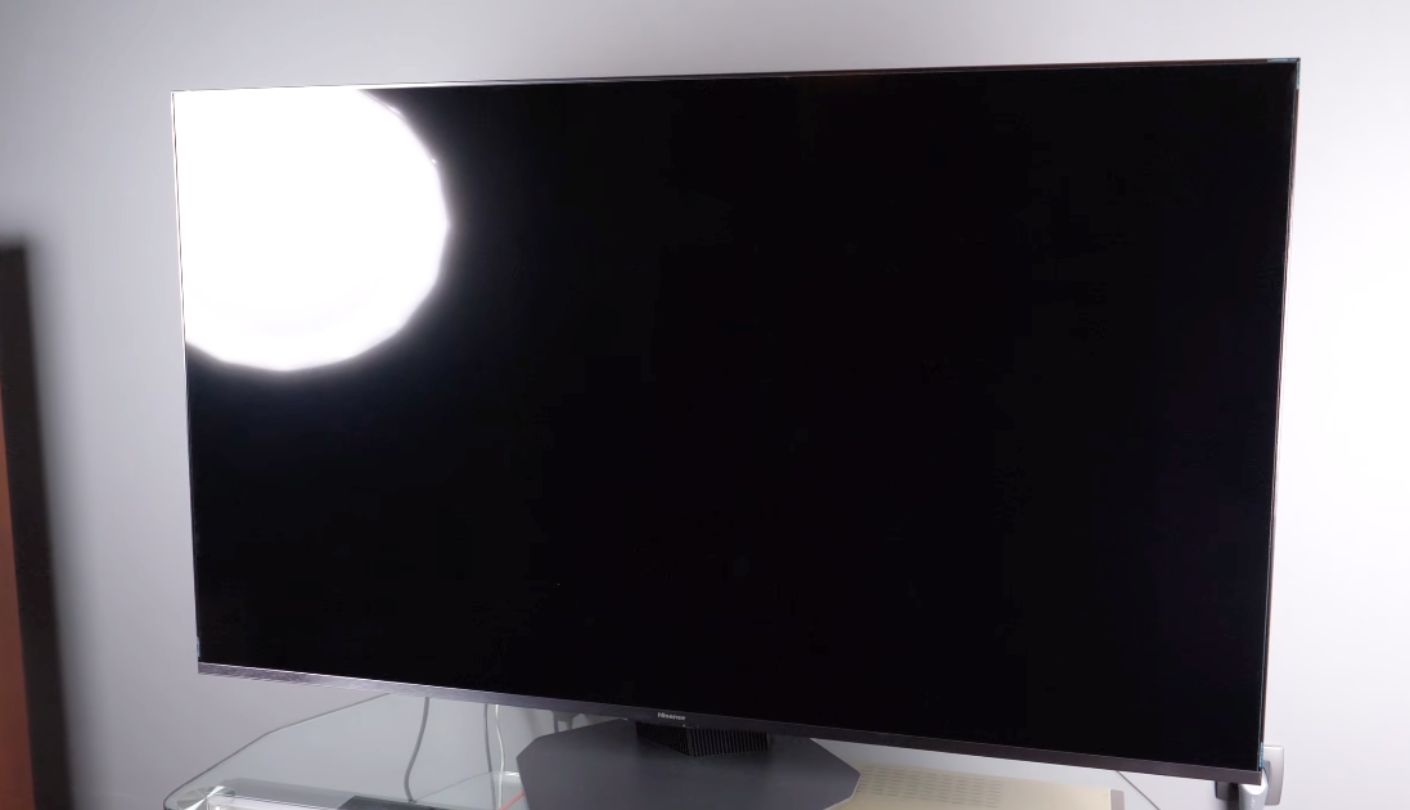
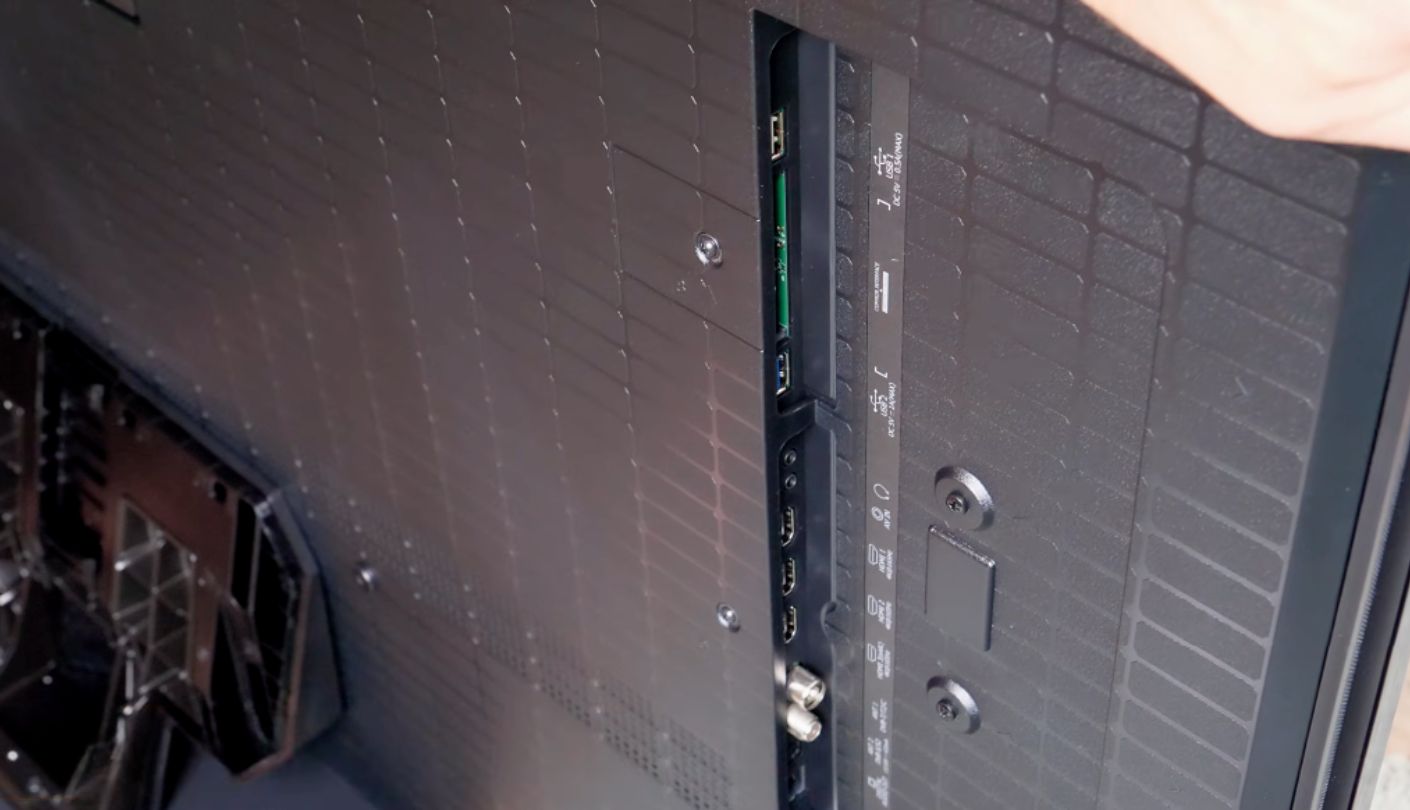
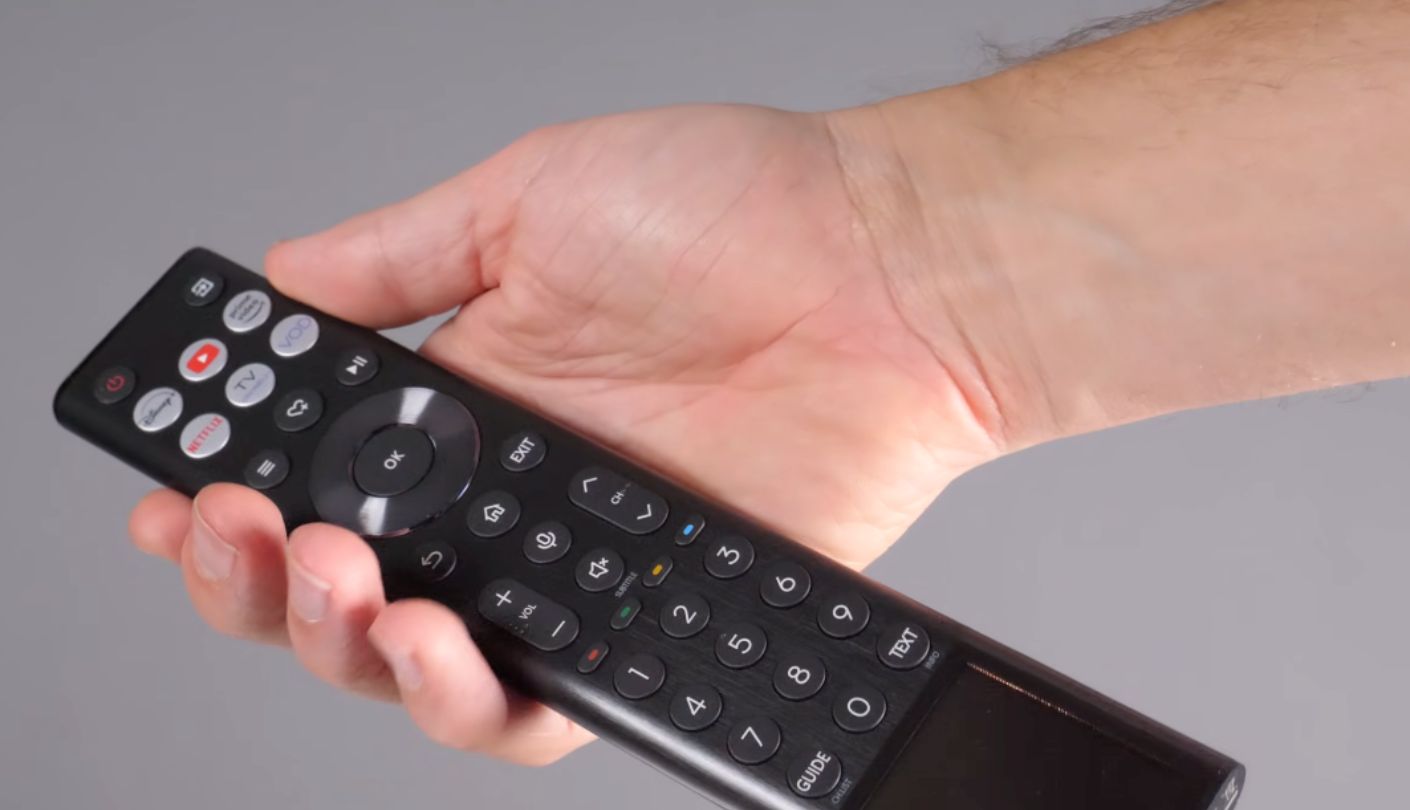
A friend swapped his ageing plasma for one of these before last season, mostly because his living room faces west and the late kick-off had become unwatchable. His verdict was that the thing was loud, and he was talking about the picture. The Hisense U8QG hits around 4,000 nits peak on a 65-inch panel, and no other set here comes close to matching that raw output.
The rest of the specification refuses to behave like a value proposition. Native 165Hz, Dolby Vision IQ alongside HDR10+, an ATSC 3.0 tuner for NextGen broadcasts, Google TV, and an 82W 4.1.2 channel speaker array that is the most capable built-in audio system of the five. Colour volume reaches roughly 84 percent of Rec.2020, ahead of several pricier rivals, and the Anti-Glare Low Reflection Pro panel handles a lit room competently even without Samsung's matte approach. Contrast in darker scenes holds up better than mini-LED sets usually manage, which matters for evening fixtures under floodlights where the crowd sits in shadow.
Size matters more on this model than on any other here, and buyers of the 55-inch version need to hear it plainly. The 4,000-nit measurement came from the 65-inch panel, and one reviewer expects the 55-inch to top out around half that. Brightness scaling by screen size is normal across the industry, but the spread within the U8QG range is unusually wide, so the linked 55-inch model is a considerably less extreme television than the headline number implies.
Viewing angles are the other soft spot, since Hisense fits no dedicated wide-angle layer and colour falls away sooner off-centre than it does on the Samsung, Sony or TCL sets. Connectivity has a gap too, because only three of the four HDMI ports are 2.1 spec, which is one fewer than the Samsung and LG sets offer, and the USB-C input that accepts DisplayPort video up to 4K at 165Hz will not pass HDR through that connection. The subwoofer built into that otherwise impressive speaker array distorts when pushed hard on deep bass, which shows up on stadium atmosphere more than on commentary.
Value is what puts this at the top of the list overall, and value here means capability that would have cost double two years ago. Nothing else on this page combines that brightness ceiling with NextGen broadcast support, Dolby Vision, and a 165Hz panel. For a household buying one television to cover daytime sport, evening films, and a console, this is the set that argues hardest for itself.
Pros:
- Around 4,000 Nits
- ATSC 3.0 Tuner
- 82W Speaker Array
- Dolby Vision IQ
- Native 165Hz Panel
Cons:
- Smaller Sizes Dimmer
- Only Three HDMI 2.1
Summary: The specification sheet reads like a set costing twice as much, and the compromises sit in places most buyers never look. Check which screen size you are ordering before anything else, because that single choice changes the product more than any picture setting will.
LG G5 OLED OLED55G5WUA Review
Perfect Blacks
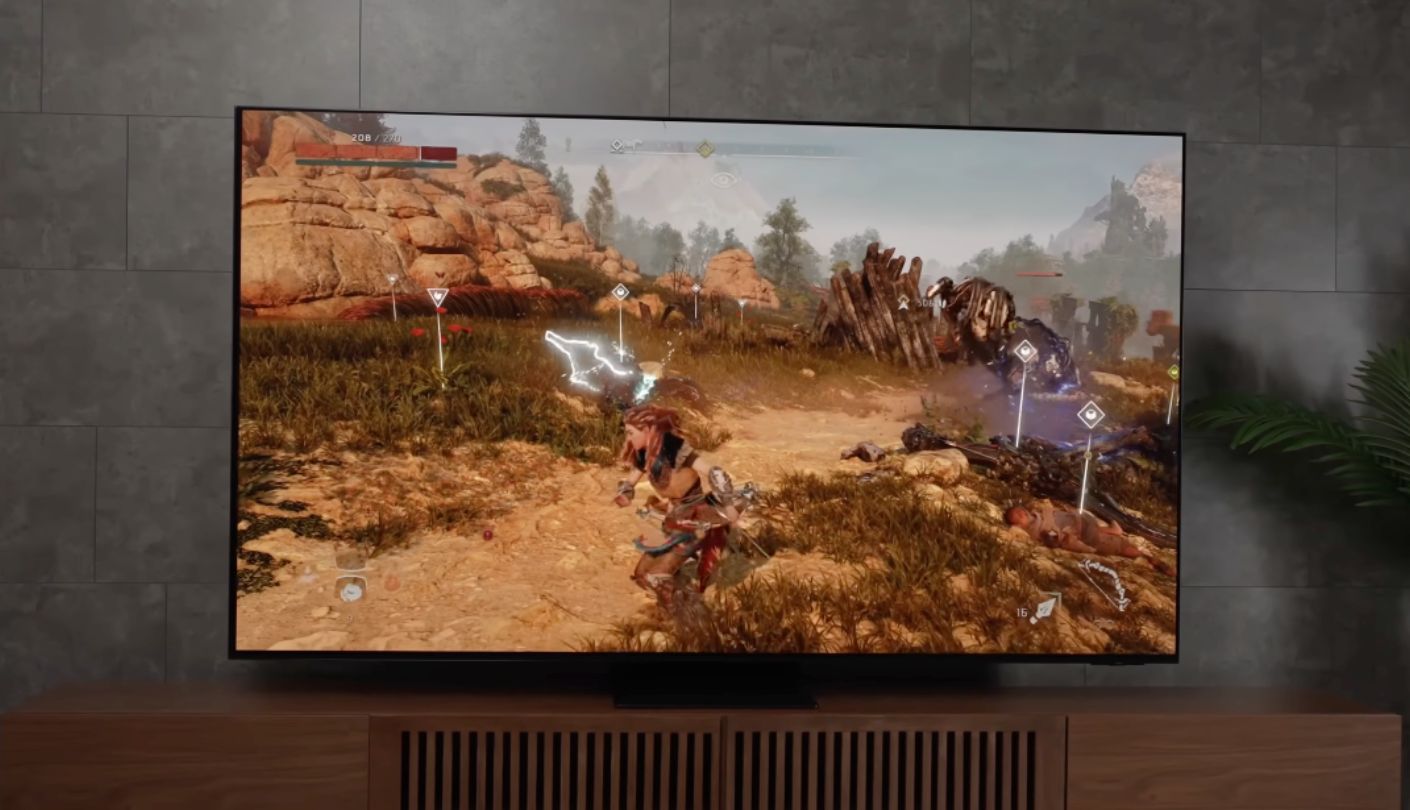
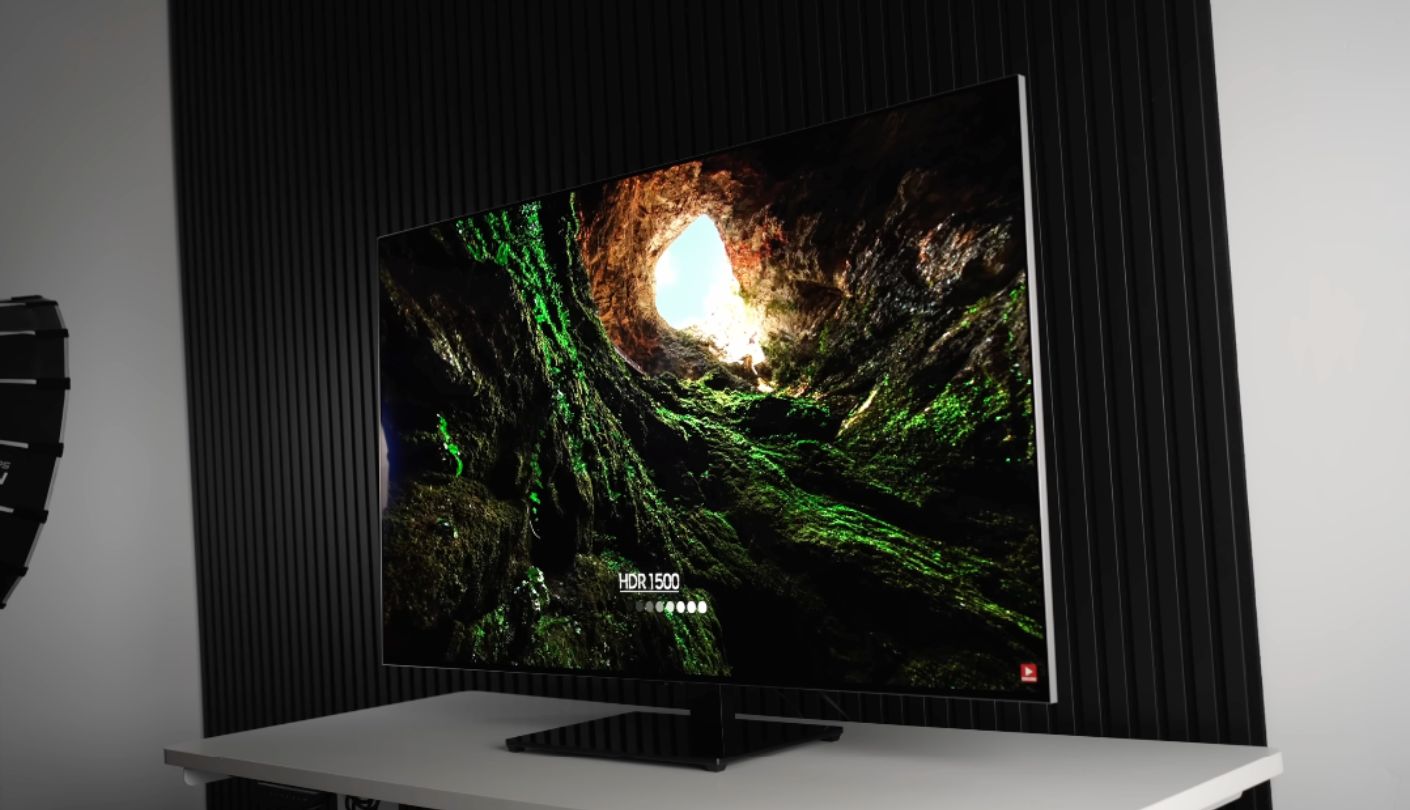
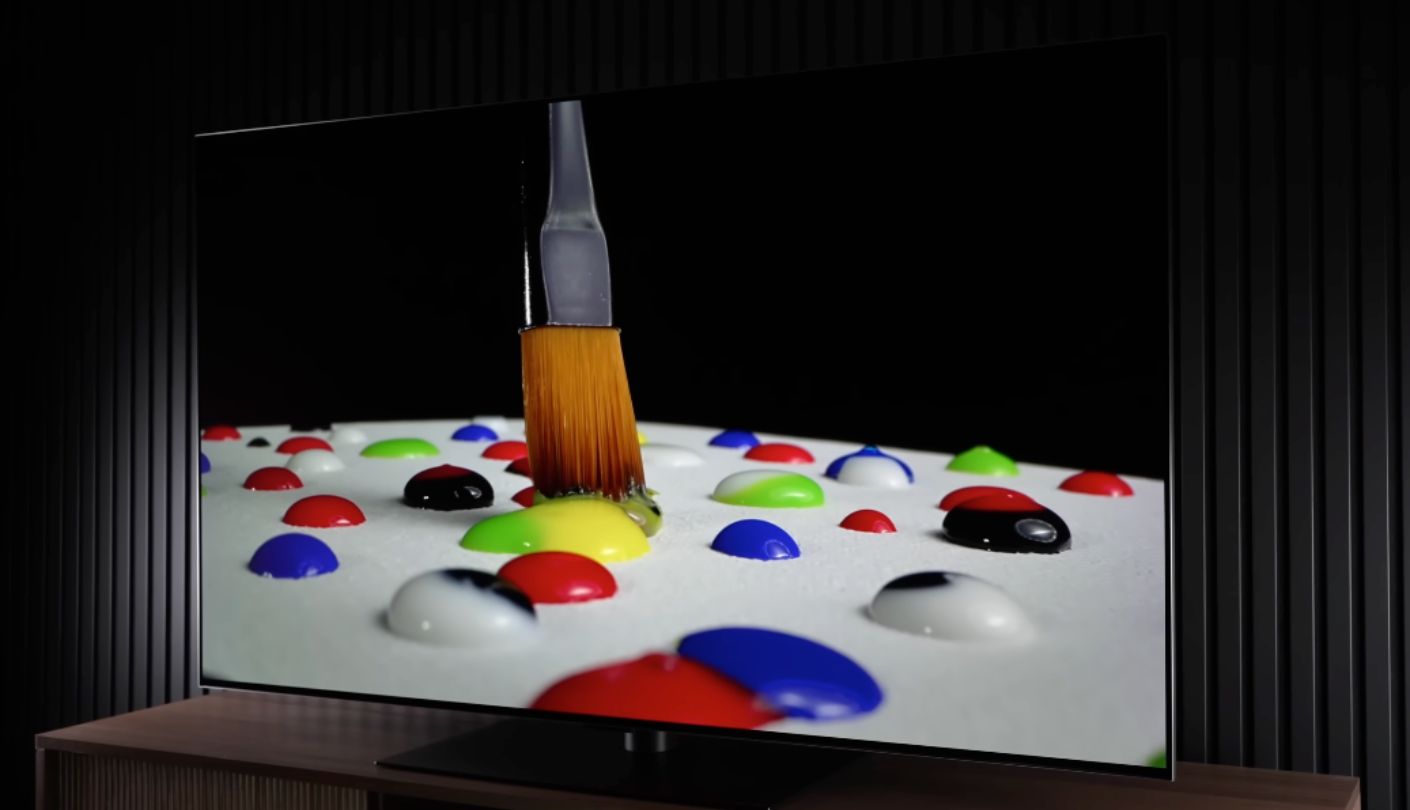
My honest position on OLED in bright rooms used to be that it did not belong there. The LG G5 has forced me to soften that considerably, though not to abandon it. Its four-stack Primary RGB Tandem panel measured 2,386 nits peak on a 10 percent window in Filmmaker mode, which is roughly 900 nits clear of last year's G4 and squarely in mini-LED territory.
Where it stays unambiguously ahead is everything a backlight cannot do. Blacks are absolute, contrast needs no dimming algorithm to fake it, and the picture holds its colour from any seat in the room, which on a Sunday afternoon with a full sofa is worth more than most specification rows. LG has verified black levels at or below 0.24 nits in ambient light up to 500 lux, and the panel runs at 165Hz across all four HDMI 2.1 ports, matching the Samsung and beating everything else for gaming headroom.
The bright-room caveat is full-field output. That same sample sustained 331 nits across a full white field, a 40 percent gain over the G4 and a little over half what the Samsung manages, with the Sony holding almost double it. A wide shot of a snow-covered course or a floodlit pitch simply cannot push as hard, and in a room with the curtains open that difference is visible in a way that a 10 percent window measurement never shows.
The screen finish is the second thing to weigh. LG stays glossy with an anti-reflective layer, which preserves the black depth that makes OLED worth buying and reflects a lamp or a window as a defined bright shape instead of scattering it. Rooms with controllable lighting suit this beautifully. Rooms with a large uncovered window facing the screen do not. The US model also carries an ATSC 1.0 tuner, putting NextGen broadcasts out of reach. None of that touches gaming, where response time is quoted at 0.1ms with Nvidia G-Sync and AMD FreeSync Premium both certified.
Set this one up thoughtfully and it becomes the best picture in the group by a distance, with a flush wall mount included in the box that most rivals charge for. Set it up carelessly, opposite a window, and you have paid a premium for a panel working against its own strengths. Few televisions reward attention to placement this heavily.
Pros:
- Absolute Black Levels
- Best Off-Angle Picture
- 2,386 Nits Peak
- Four 165Hz HDMI Ports
- Wall Mount Included
Cons:
- 331 Nits Full-Field
- Glossy Screen Mirrors Lamps
Summary: Room control is the price of entry with this television, and the people who pay it are rewarded with a picture nothing else here matches. Anyone unwilling to hang a curtain should spend the money on a mini-LED set and keep the change.
TCL QM8K 65QM8K Review
Peak Brightness
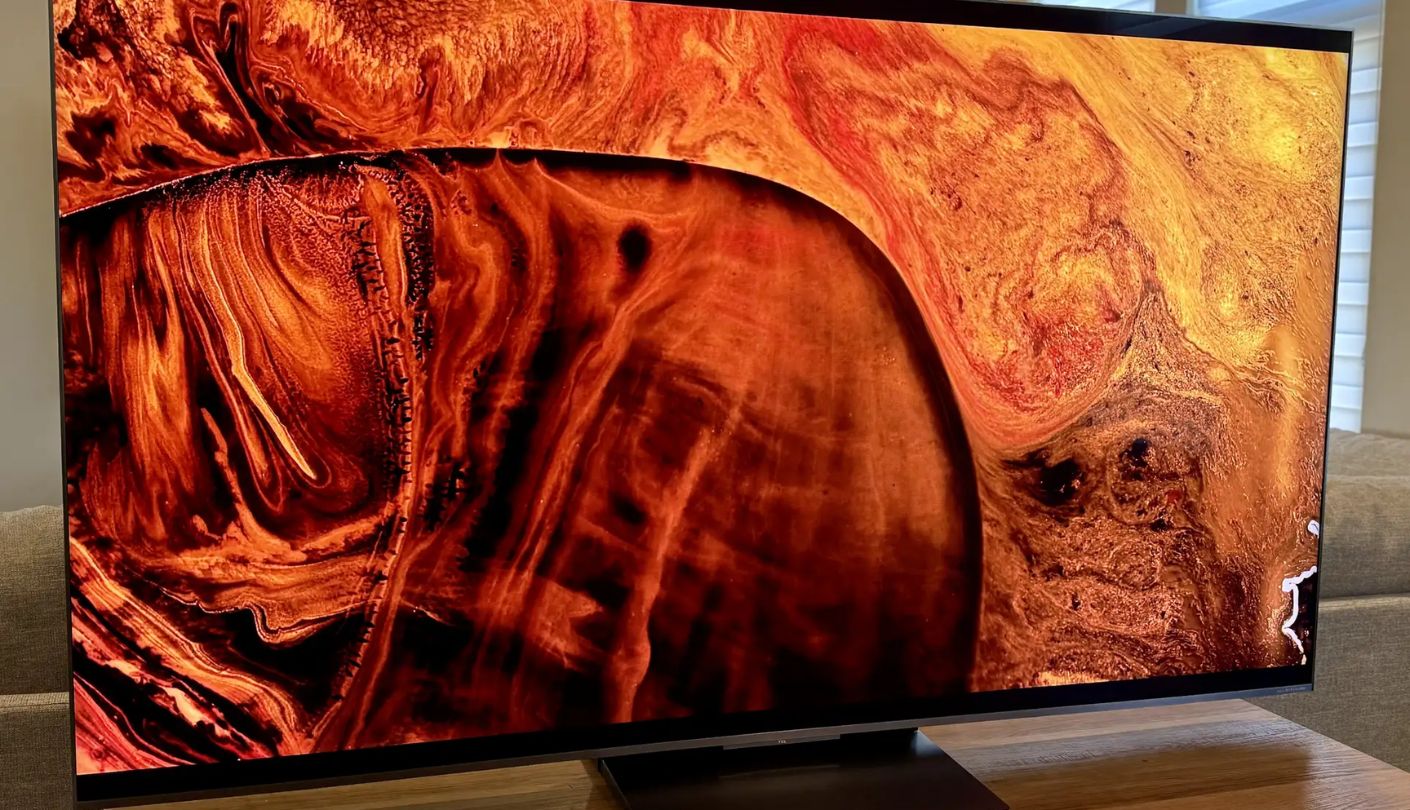
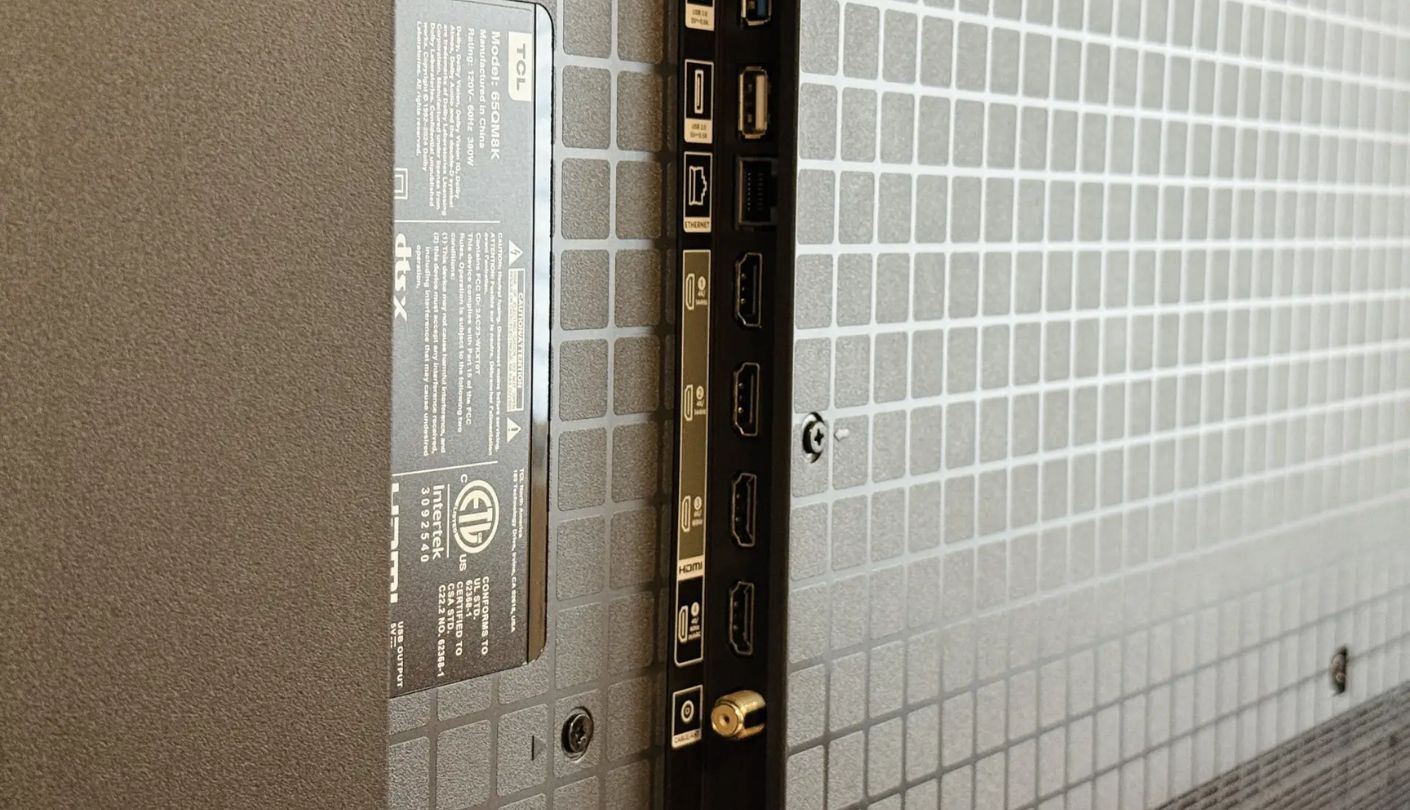
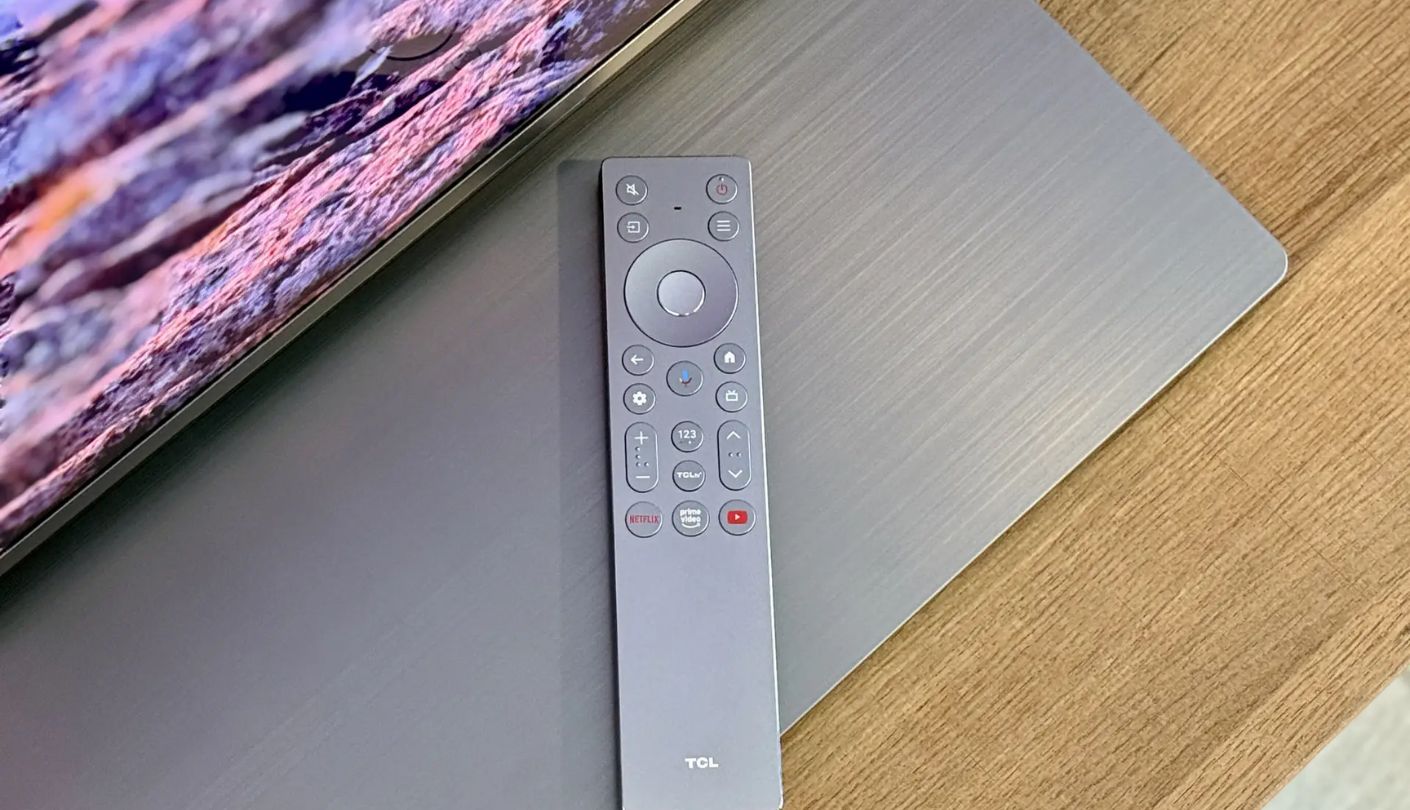
One reviewer measured 4,519 nits on a 5 percent window in Vivid mode and 2,752 nits in Filmmaker mode on a 10 percent window, both from a 65-inch sample. Those numbers put the TCL QM8K among the brightest televisions anyone can buy, and the linked model is the 65-inch version, so unlike three of the sets above, these measurements apply directly to what you would receive.
How that brightness gets produced needs explaining. TCL uses a boost function that fires for short periods and then needs time to recharge, so a highlight can hit close to 5,000 nits once and land nearer 2,000 the next three times the same scene calls for it. Boost runs by default in Standard, Movie and Vivid modes and stays off in Filmmaker, and TCL added a Peak Luminance control in 2025 that lets owners disable it. Sustained full-field output sits above 600 nits, which is the figure that matters for a wide shot of a pitch.
The CrystGlow WHVA panel is the interesting hardware story, widening viewing angles beyond what a conventional VA layer allows while keeping the contrast that makes VA worth using. Local dimming is precise, blooming is well controlled, and out-of-box accuracy in Filmmaker mode is strong enough that most owners will never touch a calibration menu. Google TV, Dolby Vision IQ, HDR10+, IMAX Enhanced and an ATSC 3.0 tuner round out a feature list with very few gaps.
Glare handling is the weak point, and for this article that weighs heavily. A reviewer testing the QM8K in a room with windows opposite the screen found reflections persisting into the evening with the blinds closed, and a dim lamp behind the seating position had to be switched off entirely. The panel overpowers general room brightness comfortably. Specific light sources pointed at it are a different matter. Only two of the four HDMI ports are 2.1 spec, and the native refresh rate is 144Hz, with the Game Accelerator 288 label referring to a reduced-resolution mode.
Nobody buying this set will feel short of light, which is exactly why placement deserves thought before the van arrives. Put it on a wall with no direct light sources facing it and the QM8K gives you more picture for the money than anything else in this comparison. Put it opposite a window and you will spend the season adjusting blinds.
Pros:
- 2,752 Nits Filmmaker
- Over 600 Nits Full-Field
- CrystGlow Wide Angles
- ATSC 3.0 Tuner
- Accurate Out Of Box
Cons:
- Catches Direct Reflections
- Two HDMI 2.1 Only
Summary: Raw output is not the problem with this television and never will be. Everything worth weighing sits in how the screen surface behaves and how consistently the boost system chooses to fire, both of which reward a buyer who reads past the headline figure.
Sony BRAVIA 9 K-65XR90 Review
Motion Processing
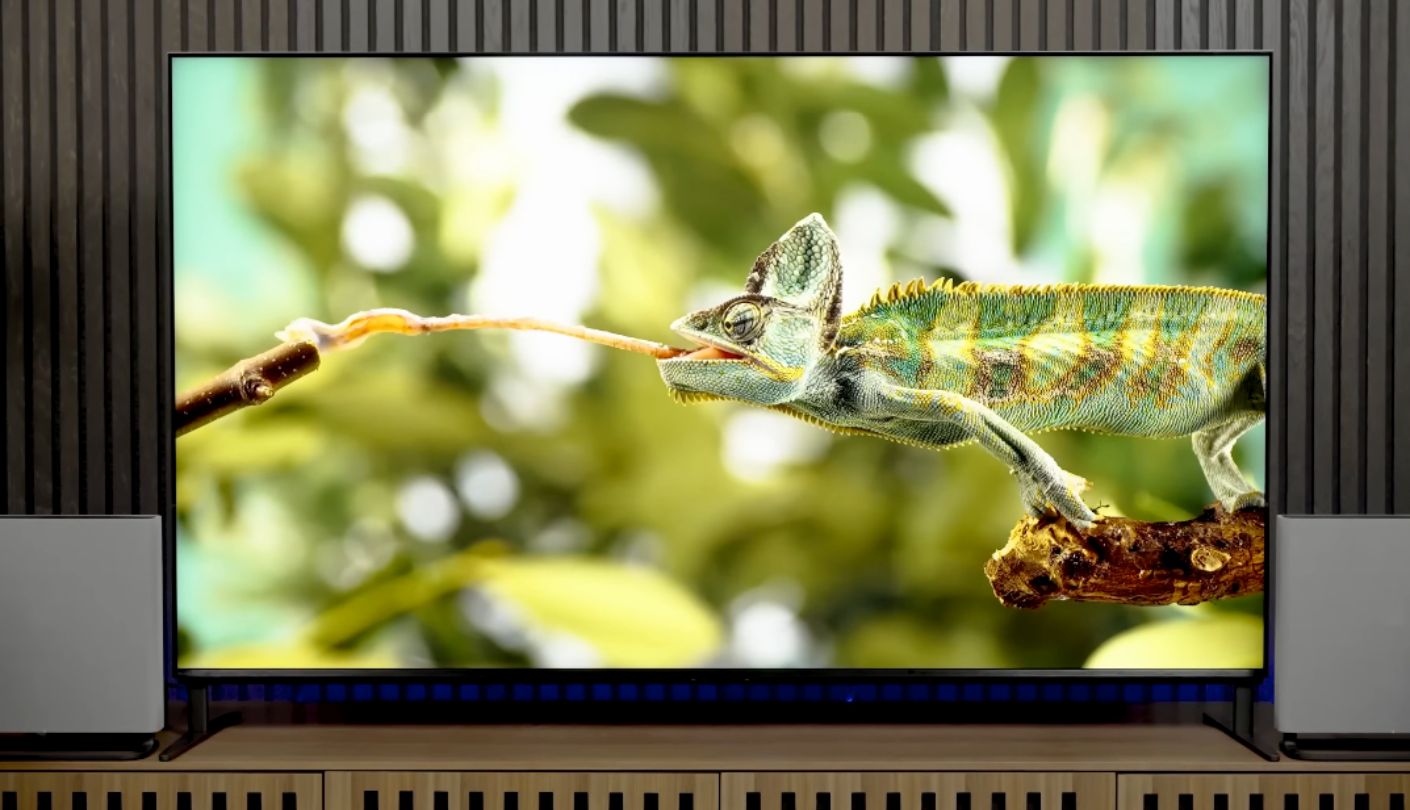
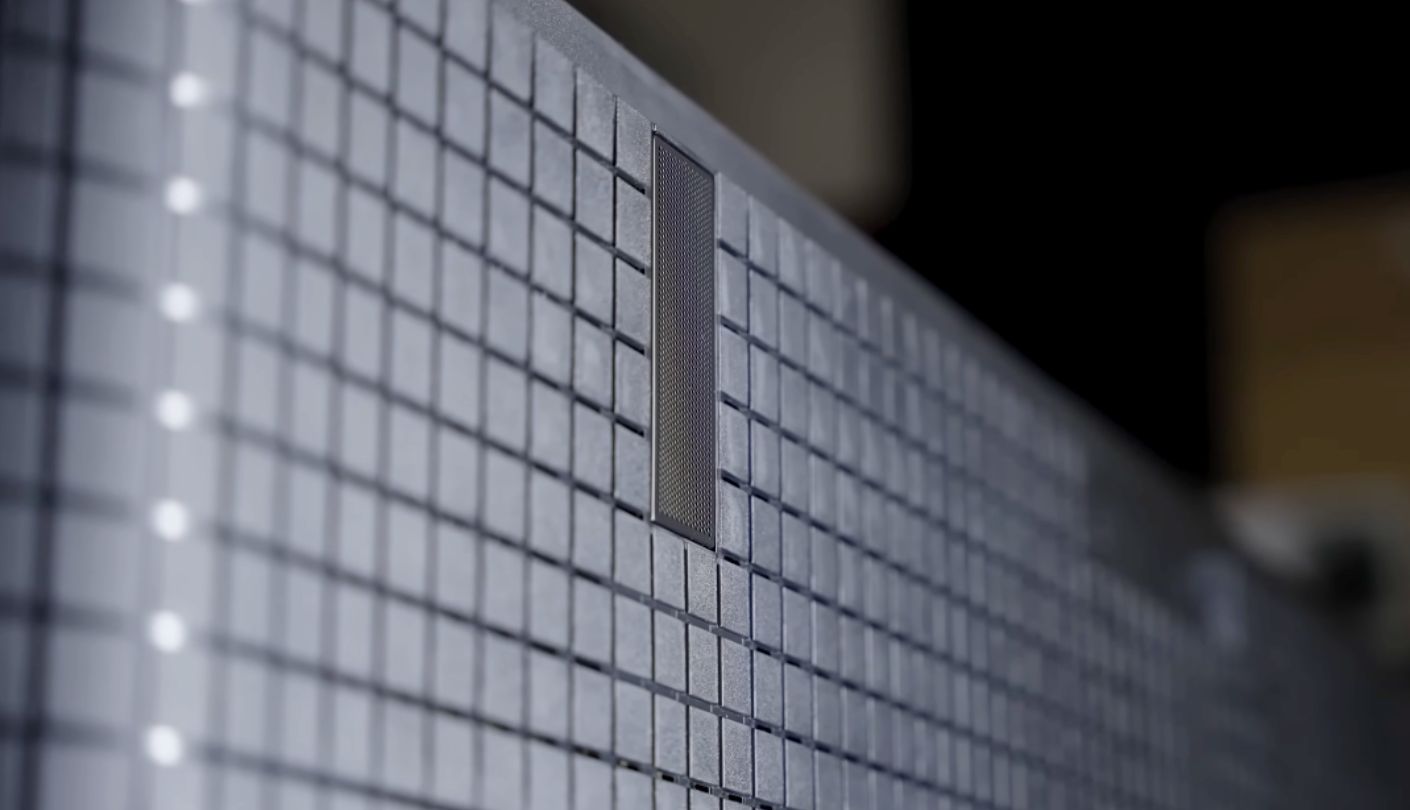
What does a television actually do with a signal once it arrives? On most sets the answer is not very much, and on the Sony BRAVIA 9 the answer is where the money goes. Its XR processor and XR Backlight Master Drive dimming system produce the most controlled mini-LED image I have seen, with peak brightness measured at 2,816 nits on a 10 percent window in the accurate Professional preset.
Sustained brightness is the standout figure for sports viewing. The BRAVIA 9 holds above 650 nits across a full white field, the highest of the five and roughly double what the LG OLED manages, which is precisely the condition a wide stadium shot creates. Blooming control is remarkable for a backlit panel, X-Wide Angle keeps the picture honest from the sides, and X-Anti Reflection handles ambient light well. Measurements across window sizes show the peak arriving at 10 percent and easing off for smaller highlights, which is a deliberate choice by Sony to suppress halos around bright objects on dark backgrounds.
Sony's upscaling and motion processing are the reason to choose this over cheaper mini-LED sets. Broadcast sport arrives compressed and often at 1080p, and the XR processor cleans that up more convincingly than anything else here, smoothing camera pans across a crowd without turning players into artefacts. Put a match on this set beside the TCL and the Sony picture simply looks more settled, which is difficult to quantify and easy to see.
The specification sheet shows its age in two places. Native refresh rate is 120Hz, the lowest here, and only two of the four HDMI ports are 2.1 spec, which is thin for a flagship at this price. Trusted Reviews also noted that the anti-reflection filter can produce a rainbow effect spreading a few inches around a particularly bright reflected light source, so a wall light directly opposite the screen is worth relocating. HDR10+ is absent, though Dolby Vision is supported.
Anyone weighing this against the Hisense is really weighing processing against raw specification, and the answer depends on how much broadcast television you watch. Streaming and console content arrives clean and needs less help. A compressed 1080p feed of a Saturday afternoon fixture needs a great deal, and that is the case where Sony's engineering earns its premium instead of merely justifying it.
Pros:
- Over 650 Nits Full-Field
- Best Broadcast Upscaling
- Superb Blooming Control
- X-Wide Angle Layer
- ATSC 3.0 Tuner
Cons:
- 120Hz Native Only
- Two HDMI 2.1 Ports
Summary: Picture processing is not something a spec sheet can show you, which is why this set reads worse on paper than it looks in a room. Buyers who mostly watch broadcast feeds get the most out of it, and buyers chasing port counts should look elsewhere.
Sports TV for Bright Room: FAQ
Is a matte screen always better in a bright room?
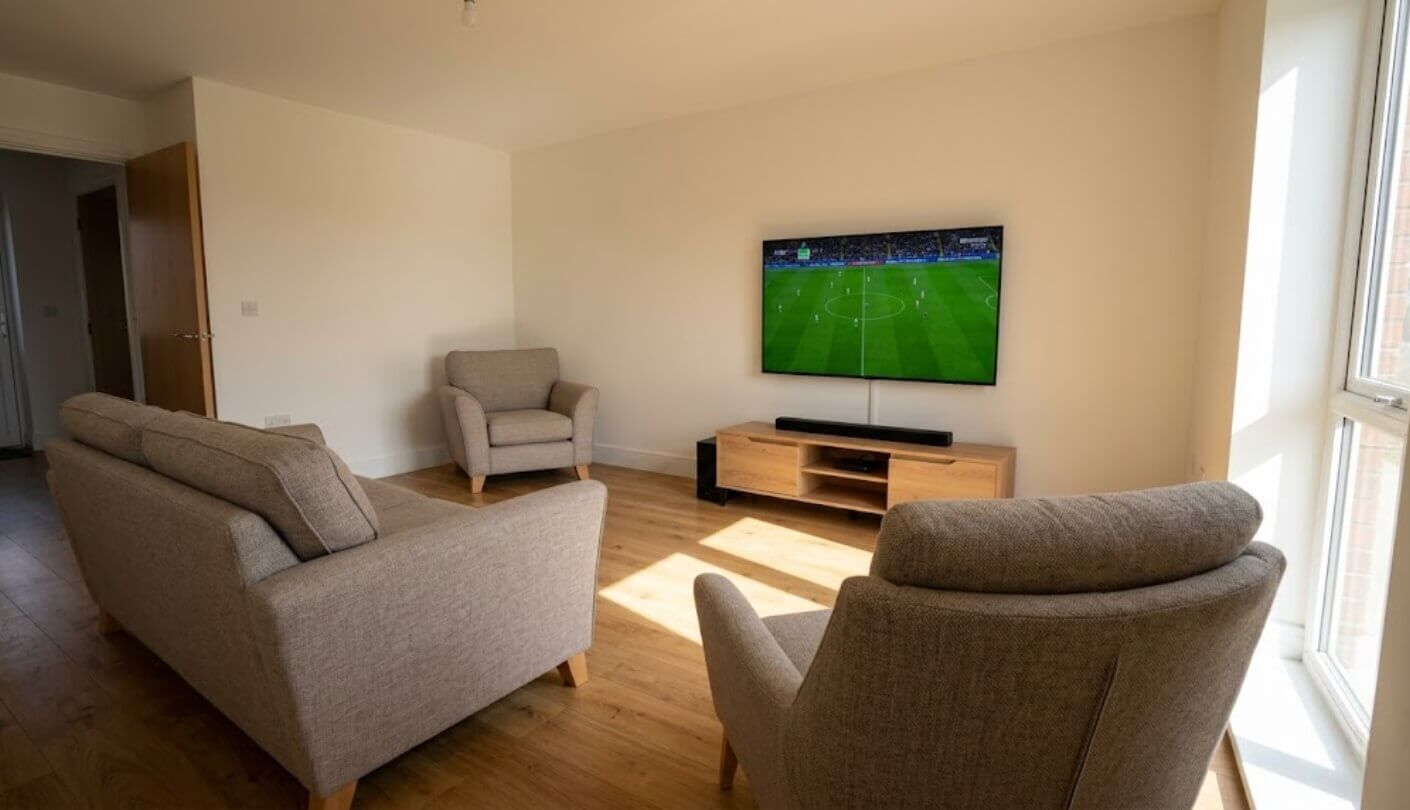
Not always. A matte finish scatters reflected light so no single lamp or window shows up as a sharp image, which suits rooms with large uncovered glass. The cost is slightly raised black levels, since ambient light gets diffused across the panel instead of bounced away. In a room where you control the lamps and can close a curtain, a glossy screen like the LG G5 gives deeper blacks and a punchier picture.
Which of these is brightest for a full-screen shot of a pitch?
The Sony BRAVIA 9, which sustains above 650 nits across a full white field, with the TCL QM8K over 600 and the Samsung QN90F at 597 close behind. The LG G5 sits well back at 331 nits, and Hisense publishes no comparable full-field figure for the U8QG. Wide shots of grass, ice, or snow fill most of the panel, so this measurement predicts daytime sports performance far better than the peak figures manufacturers quote.
Does the 55-inch version perform the same as the 65-inch one?
No, and the gap can be substantial. Brightness scales with panel size across the industry because larger panels carry more backlight hardware. The effect is unusually pronounced on the Hisense U8QG, where the 65-inch model measured around 4,000 nits and one reviewer expects the 55-inch to reach roughly half that. Every measurement quoted in this article came from a 65-inch sample.
Do I need a 165Hz TV for watching sports?
No. Broadcast sport is transmitted at 50 or 60 frames per second, so a 120Hz panel displays every frame a match contains with headroom to spare. High refresh rates matter for PC gaming and for consoles running at 120 frames per second. What does affect a live match is how the processor handles fast pans, and that comes down to the chip, not the panel specification.
Which sets can receive NextGen TV broadcasts?
The Hisense U8QG, TCL QM8K and Sony BRAVIA 9 all include ATSC 3.0 tuners. The Samsung QN90F and LG G5 ship with ATSC 1.0 in the US, so they receive conventional over-the-air HD but not the 4K NextGen feeds some stations now broadcast. Samsung reserves ATSC 3.0 for its 8K models, and LG suspended it across its lineup following a patent dispute.
Will OLED burn in if I watch sports with permanent scoreboards?
Modern panels handle this far better than early ones did, and LG builds pixel-shifting and screen refresh routines into the G5 to manage it. A scoreboard graphic occupying a corner for several hours a day over years is the classic risk scenario, so anyone who watches a great deal of live sport on one channel should weigh that against the OLED picture advantages. Mini-LED carries no such risk at all.
Is Dolby Vision worth having for sports specifically?
Less than for films. Most live broadcasts arrive in HLG or standard HDR10 instead of Dolby Vision, so the Samsung QN90F skipping the format costs you less on a Sunday afternoon than it would during a movie night. Streaming services carrying sport are gradually adding wider HDR support, which makes the omission more of a long-term consideration than an immediate one.
How many HDMI 2.1 ports do I actually need?
One per device that outputs 4K at 120 frames per second, which in most homes means a current console and nothing else. Streaming boxes, cable receivers and soundbars work perfectly well on HDMI 2.0 bandwidth. The two-port limit on the TCL and Sony sets only bites if you own two consoles, or one console alongside a gaming PC, and want both connected permanently.
Matching the Screen to the Room You Watch In
Every set in this group produces a picture that would have looked impossible five years ago, which makes the choice less about quality and more about circumstances. Walk into the room at the time you actually watch, on a Saturday afternoon rather than a Tuesday evening, and look at where the light comes from. A wall of diffuse daylight and a specific lamp reflecting off the panel are separate problems that point at different screen finishes, and no amount of brightness resolves either one on its own. Take a photograph of the wall where the set will hang, at that hour, and the answer usually presents itself before you have read a single review.
My own preference across this group has shifted the more time I spend thinking about daytime viewing specifically. The peak brightness race stopped being the interesting story a generation ago, once even the dimmest flagship here cleared 1,900 nits, and what separates these televisions now is coating, sustained output, and whether the processor can make a compressed broadcast feed look like something worth watching. Work out which of those three your room and your viewing habits stress hardest, then buy accordingly. The number printed largest on the box will rarely be the one that answers the question.

Meet James, our go-to tech guru and seasoned reviewer. His sharp attention to detail and love for gadgets drive his deep dives into the newest tech waves. James's insightful analysis and real zest for breakthroughs have earned him a solid reputation in the tech world.


