At gagadget.com, your trust is our priority. We follow strict quality standards in our research, tests, and analysis of video projectors, to give you the best experience. Learn more
Best Paint for Projector Screen
Projector screen paint covers a much larger area for far less money than a dedicated screen, but the tradeoff that most guides skip is surface preparation - the paint itself is rarely what determines the final image quality. A wall with minor texture variations that look invisible under room lighting will show up clearly under a projected image, and no amount of gain or color accuracy in the paint compensates for a surface that wasn't properly prepared before the first coat went on.
I've tested these paints on walls with different surface conditions - freshly primed drywall, previously painted surfaces, and walls with minor texture - checking color accuracy, how gain figures hold up at wider viewing angles, and whether the image stays consistent across the full painted area. What I found is that two coats applied correctly outperform three coats applied carelessly, and that gray formulations behave very differently from white ones once room lighting enters the equation.
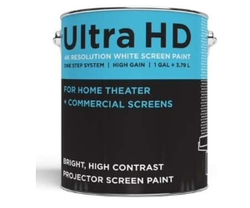
If you're pressed for time and seeking the ideal paint for a projector screen, here's our top recommendation.
We may earn a small commission if you buy via our links - it helps keep gagadget.com running.
Table of contents:
- Best Paint for Projector Screen - Buyer's Guide
- How to Paint a Movie Screen
- Best Paint for Projector Screen - TOP 5
- Best Paint for Projector Screen: Detailed Overview
- Ultra HD Premium Screen Paint
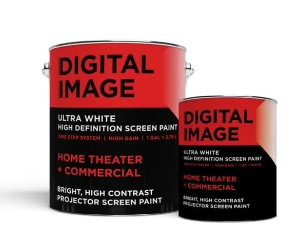
- Digital Image Screen Paint
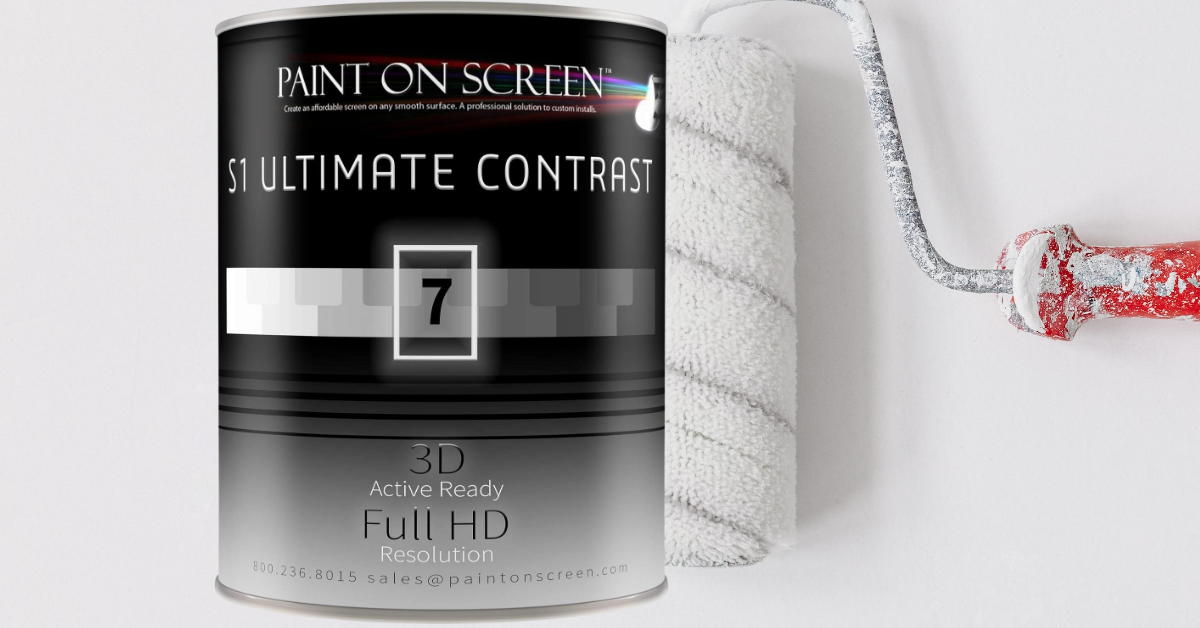
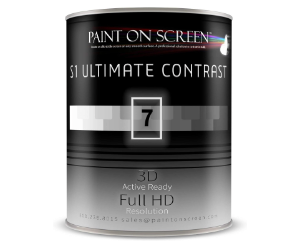
- Paint On Screen Projector S1 Ultimate Contrast G007
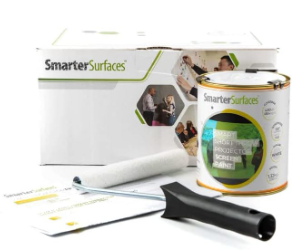
- Smarter Surfaces Short Throw Projector Screen Paint
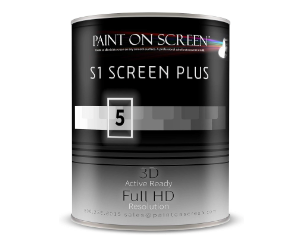
- Paint On Screen Projector Screen Paint G005
- FAQ about Best Paint for Projector Screen
Best Paint for Projector Screen - Buyer's Guide
When planning a home theater, the screen surface often determines how much of the projector's capability actually reaches the viewer. While many choose traditional screens, painting a wall with purpose-built projector screen paint is an increasingly practical alternative. Here are the key factors to understand before choosing one:
Reflectivity: Higher reflectivity improves brightness but can create hot spots where the center of the image appears noticeably brighter than the edges. Finding a balance that suits your room layout is more important than chasing the highest reflectivity figure.
Color: White paint produces a brighter image, while gray improves perceived contrast and black levels. The right choice depends on how much ambient light your room has during viewing.
Gain: Gain measures how much light the painted surface reflects relative to a standard white reference. Higher gain paints reflect more light toward the viewer but narrow the viewing angle as a result.
Matte vs. Glossy Finish: A matte finish reduces glare but can lower overall brightness. Glossy finishes can sharpen the image but introduce reflections that become distracting in any room with ambient light sources.
Durability: The painted surface needs to withstand occasional cleaning without losing its reflective properties. Water-based formulations generally clean up more easily without degrading the coating.
Application: Smooth, streak-free application is essential - visible brush marks or roller texture will appear in the projected image. A foam roller applied in a consistent 'W' motion produces the most uniform results.
Surface preparation matters more than paint selection - a smooth, primed wall with a mid-tier screen paint will outperform a rough or uneven wall painted with a premium product. Sand, fill, and prime before you open the can.
How to Paint a Movie Screen
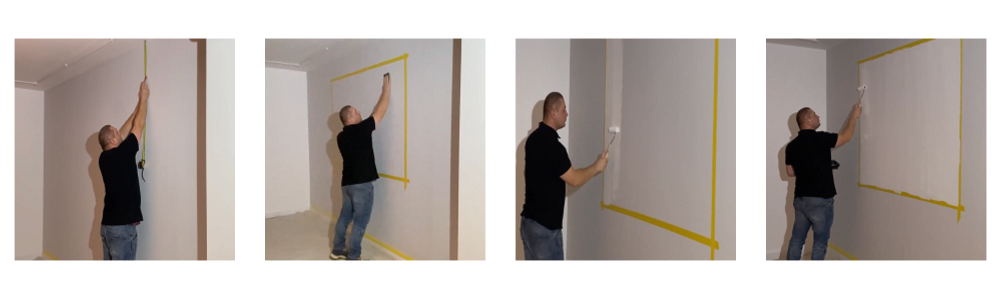
Here are step-by-step instructions for a clean, consistent result:
1. Choose the Right Location:
- Ensure you have a flat and smooth wall.
2. Prepare the Wall:
- Clean the wall to remove any dirt, dust, or grease.
- Fill any holes or cracks with wall filler or spackle.
- Sand the wall with fine-grit sandpaper to achieve a smooth surface. Remove any sanding residue with a damp cloth.
3. Priming (Optional but Recommended):
- Apply a coat of primer to ensure even absorption of the projector screen paint, improving adhesion and final appearance.
- Allow the primer to dry according to the manufacturer's instructions.
4. Choose the Right Paint:
- Use paint specifically designed for projection screens for best results. These paints have purpose-built reflective properties, and the choice between white and gray depends on your room's ambient light conditions.
5. Painting:
- Stir the paint thoroughly before use.
- Using a high-quality foam roller, start from the top of the wall and move horizontally, applying paint in a 'W' motion to prevent visible line marks.
- Allow the first coat to dry fully - typically a few hours, but follow the specific product's instructions.
- Apply a second coat to ensure consistent reflectivity across the entire surface.
6. Finishing Touches:
- Once the paint is fully dry, align your projector to the painted area.
- Calibrate brightness, contrast, and color settings to match the paint's gain and finish characteristics.
7. Enjoy!
- With your painted screen ready, dim the lights and run through your projector's calibration settings one final time before settling in for viewing.
Best Paint for Projector Screen - TOP 5
Here is a curated list of top paints built specifically for projection use.
- Increased brightness
- Anti-reflective gloss
- Compatible with 4K and HD
- Optimized Performance
- Durability and Maintenance
- Eco-friendly and Safe
- Superior Visual Depth
- 4K Ultra HD Compatibility
- Environmentally Friendly
- High-Quality Projections
- Versatile
- Simple Application
- Superior Visual Quality
- Ambient Light Rejection
- High-Resolution Support
Best Paint for Projector Screen: Detailed Overview
Here's a closer look at each option and what sets it apart.
| Device | Screen Size | Color | Special Feature |
|---|---|---|---|
| Ultra HD Premium Screen Paint | 160 inch | White | Anti-glare, suitable for 4K & HD |
| Digital Image Screen Paint | 160 inch | White | HD, 4K compatible, 1.5 Gain |
| Paint On Screen Projector S1 Ultimate Contrast G007 | 240 inch | Gray | High contrast, 2.0 Gain |
| Smarter Surfaces Short Throw Projector Screen Paint | 63 inch | White | Matt finish, Gain Value 1.0 |
| Paint On Screen Projector Screen Paint G005 | 240 inch | Silver | Neutral spectral response, 1.5 Gain |
Ultra HD Premium Screen Paint
Author's Choice
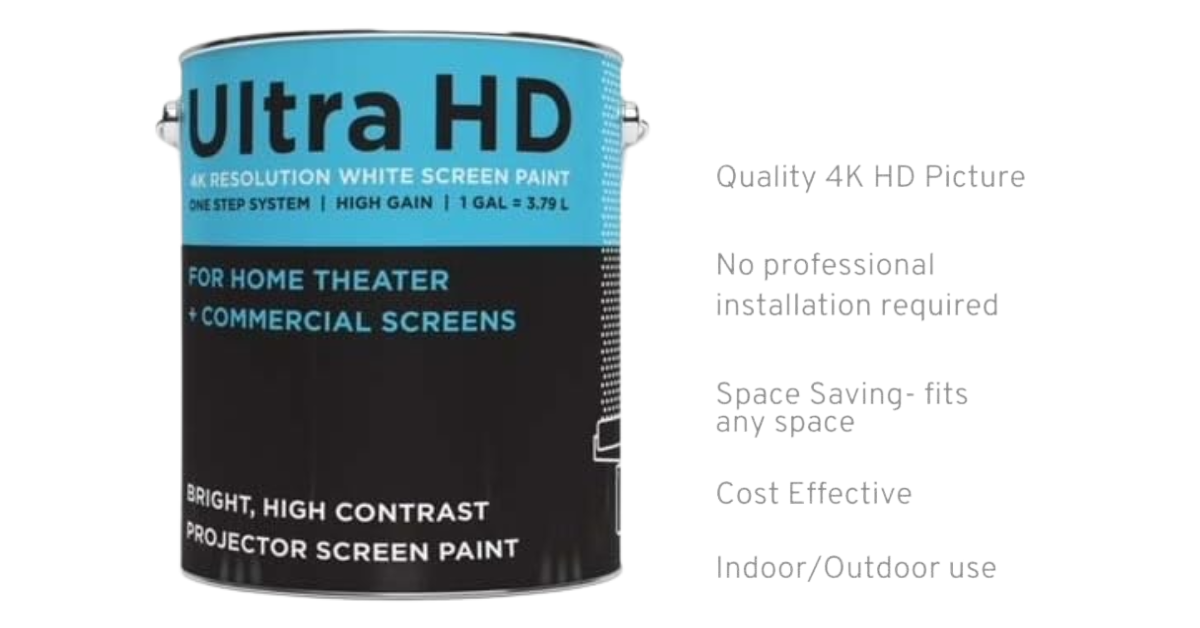
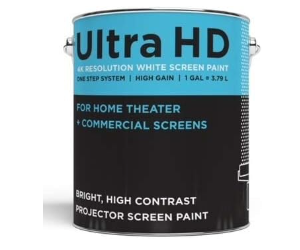
The Ultra HD Premium Screen Paint produces a brightness level 50% higher than a standard painted white wall, which translates directly to a more vivid image with a wider range of usable ambient light conditions. It works with both 4K and HD projectors, rendering color gradients and fine detail clearly across the full painted area.
The anti-reflective formulation controls glare without sacrificing brightness, keeping the image consistent across the surface. It uses acrylic latex in a water-based formula, which makes application straightforward whether you use a roller or sprayer - two coats cover a 160 sq. ft. screen. On surfaces with staining or uneven color, a latex primer is recommended before painting.
Pros:
- Increased brightness
- Anti-reflective gloss
- Compatible with 4K and HD
- Safe and easy application
- Universal application
- Good coverage
Cons:
- On dirty or unevenly colored surfaces, a latex primer is required before painting
Summary: The Ultra HD Premium Screen Paint is a strong choice for anyone building or upgrading a projector setup. It produces a top-tier viewing experience while remaining practical to apply, making it suitable for both new home theater builds and existing room upgrades.
- Increased brightness
- Anti-reflective gloss
- Compatible with 4K and HD
Digital Image Screen Paint
People's Choice
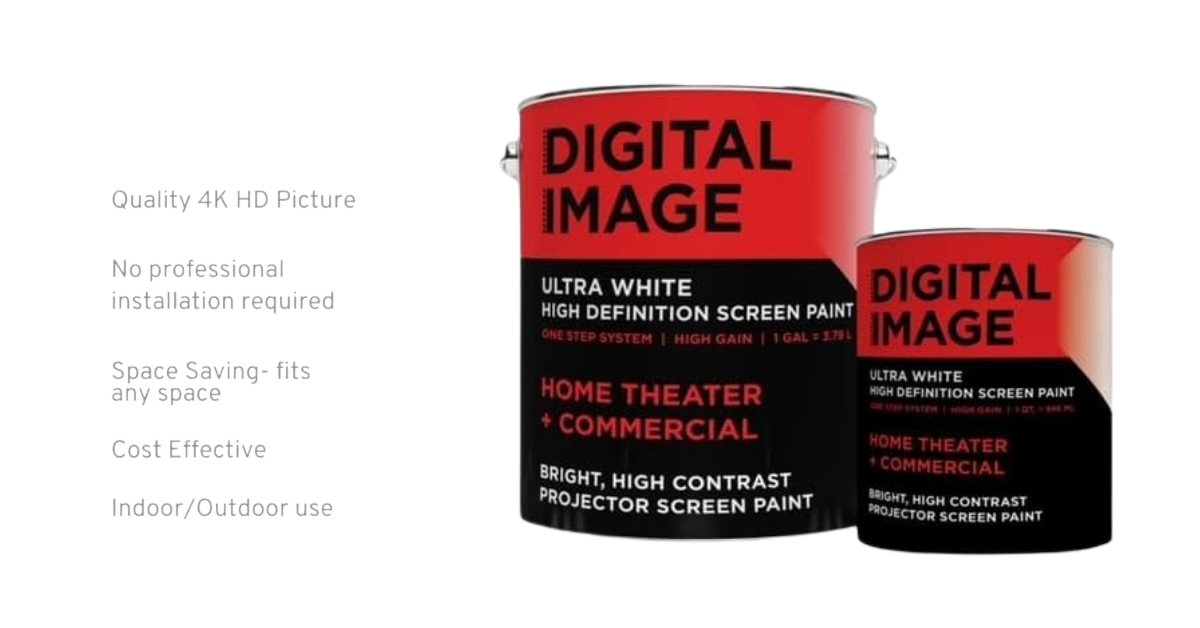
The Digital Image Screen Paint runs a 1.5 gain, producing bright and vibrant images that suit high-resolution 4K projectors well. One gallon covers 160 square feet - a 10 by 16 foot screen - including two coats for a thorough and even finish.
The surface cleans without the paint rubbing off, and minor damage can be touched up, keeping the screen in good condition over time. The formula is non-toxic, low in VOCs, and water-based, and it can be applied with a roller or sprayer depending on preference.
Pros:
- Generous coverage
- Strong image performance
- Durable and maintainable surface
- Eco-friendly and safe formula
- Flexible application method
Cons:
- Requires attention to detail during application - basic painting skill is needed for a smooth, even finish
Summary: Digital Image Screen Paint is a reliable choice for home theater setups where image brightness and long-term durability matter. Its coverage efficiency and eco-friendly formula make it a practical option for a wide range of room sizes.
- Optimized Performance
- Durability and Maintenance
- Eco-friendly and Safe
Paint On Screen Projector S1 Ultimate Contrast G007
Premium Choice
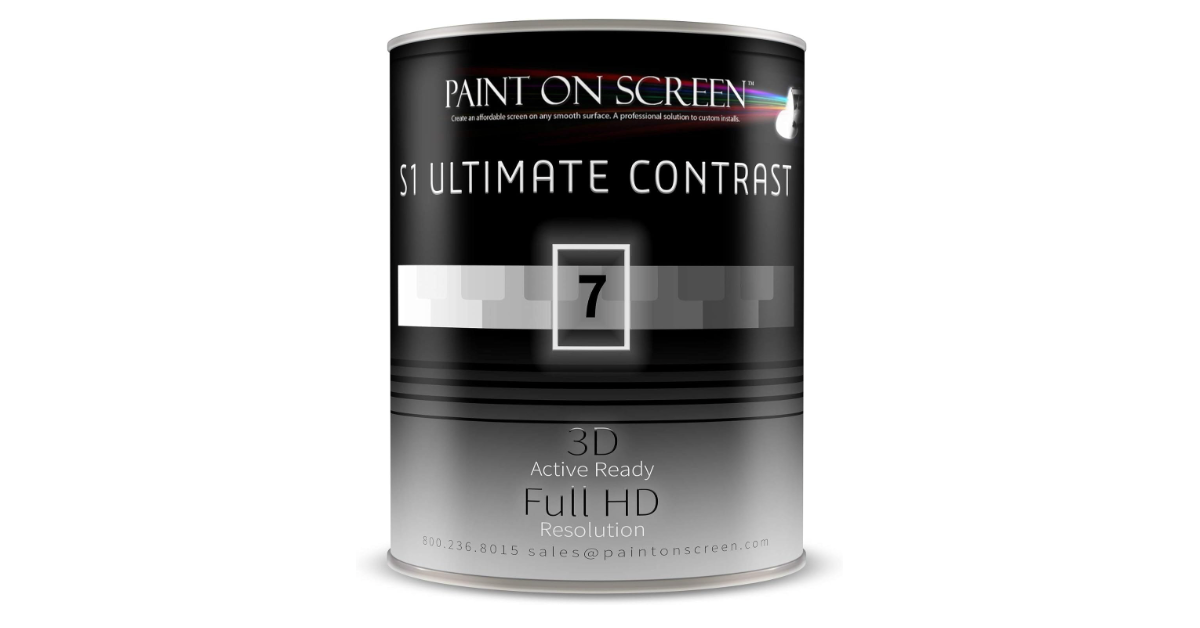
The Paint On Screen S1 Ultimate Contrast G007 uses a Level 7 gray hue with a 2.0 gain, producing a bright and high-contrast image across a projection area up to 240 inches diagonally. For diagonals under 80 inches, it supports 4K Ultra HD resolution with accurate detail rendering.
The formula's pattern size, bond density, and spreading properties are engineered to redirect ambient light away from the image area, keeping the projected content clear without washing out. The drying process produces an ultra-smooth coating free of surface texture. Application requires no special tools or mixing, and the water-based formula is low in volatile content.
Pros:
- High brightness with neutral color shift
- Large coverage area
- Strong image depth and contrast
- Ultra-smooth finish
- 4K Ultra HD compatible
- Environmentally friendly formula
Cons:
- Optimal results require a well-prepared smooth surface, which may involve extra preparation work
Summary: The Paint On Screen S1 Ultimate Contrast G007 is a strong choice for setups where contrast performance and ambient light rejection are the primary concerns. Its large coverage area and premium finish make it well suited to dedicated home theater rooms.
- Superior Visual Depth
- 4K Ultra HD Compatibility
- Environmentally Friendly
Smarter Surfaces Short Throw Projector Screen Paint
Best Budget
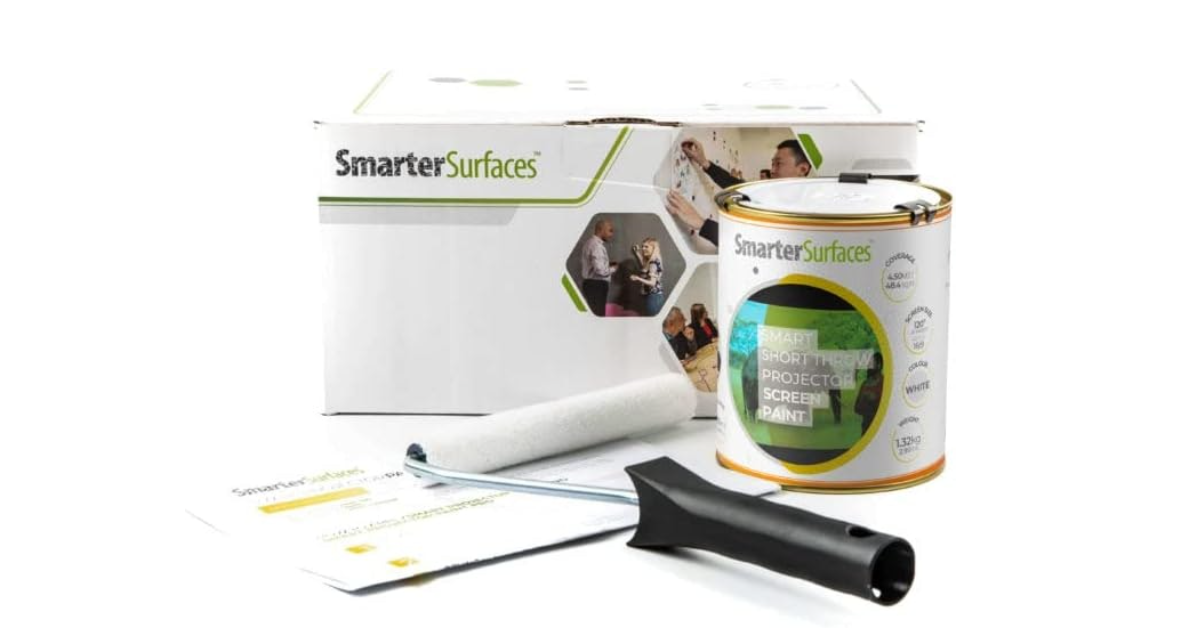
The Smarter Surfaces Short Throw Projection Screen Paint transforms any smooth wall into a projection surface without requiring a primer on bare or unfinished walls. It supports up to 4K resolution with a gain of 1.0, 87% light reflectance, and 90% image clarity.
The 140° viewing angle keeps image quality consistent across a wide seating spread, and the formula works on plaster, drywall, wood, metal, and concrete. Each can covers approximately 48.4 sq. ft. and is designed for indoor use only, with a 24-hour drying period required before projection.
Pros:
- No primer required on bare surfaces
- 4K-capable with consistent image quality
- Wide 140° viewing angle
- No hot spotting
- Works on multiple surface types
- Simple application process
Cons:
- Indoor use only
- Requires a full 24-hour drying period before use
Summary: The Smarter Surfaces Short Throw Paint is a practical option for anyone who wants a clean projection surface without extensive wall preparation. Its wide viewing angle and multi-surface compatibility make it well suited to living rooms and multipurpose spaces.
- High-Quality Projections
- Versatile
- Simple Application
Paint On Screen Projector Screen Paint G005
Supports up to 4K Resolution
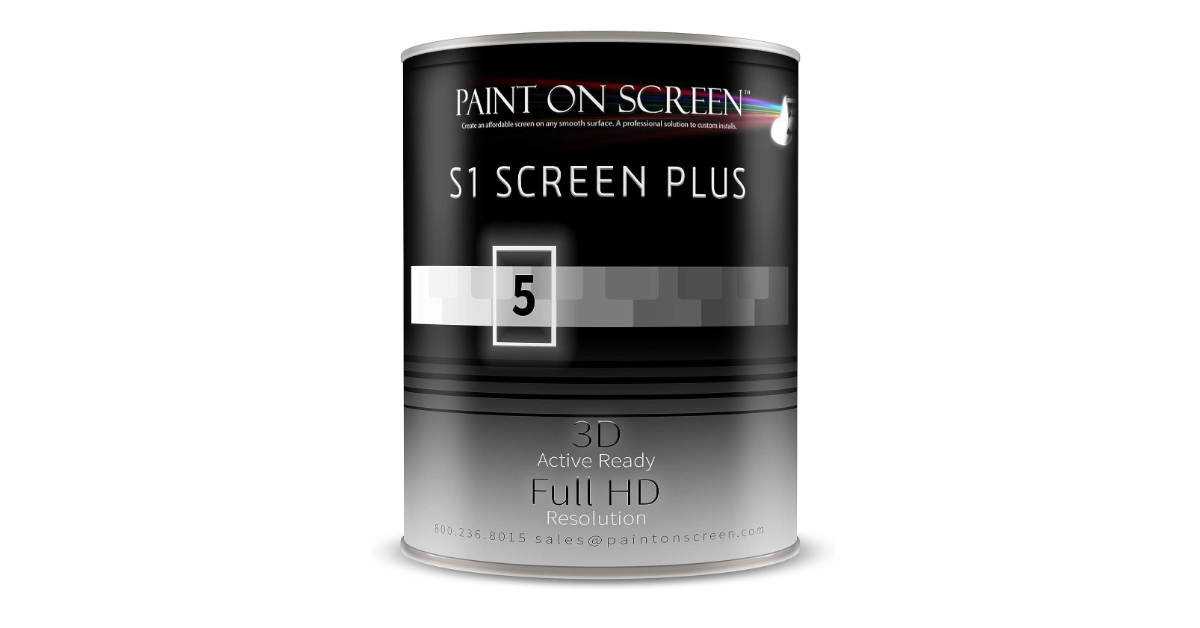
The Paint On Screen G005 uses special pattern sizes, binder density, and spreading properties to redirect ambient light away from the image area. Its neutral spectral response eliminates color shift and hot spot issues across the full screen surface.
The G005 supports pixel resolutions up to 4K Ultra HD and projects images up to 240 inches, with a 1.5 gain optimized for diagonals up to 80 inches. The formula is water-based with low volatile content, making it safe for indoor application and easy to maintain.
Pros:
- Strong visual quality and image depth
- Ambient light rejection built into the formula
- Neutral spectral response - no color shift
- 4K Ultra HD support
- Eco-friendly water-based formula
- Large projection area up to 240 inches
Cons:
- 4K performance is optimized for diagonals under 80 inches
Summary: The Paint On Screen G005 handles ambient light well and maintains color accuracy across a large surface area. Its size ceiling for full 4K performance is worth noting before purchasing for very large screen applications.
- Superior Visual Quality
- Ambient Light Rejection
- High-Resolution Support
FAQ about Best Paint for Projector Screen
1. Why can't I use regular paint for a projector screen?
Regular wall paint reflects light in ways that reduce brightness and color accuracy. Specialized projector screen paint is formulated to reflect light more precisely, improving the brightness, contrast, and overall image quality the projector can produce.
2. What is the difference between white and gray projector screen paint?
White paint produces a brighter image overall. Gray paint improves perceived black levels and contrast, which suits rooms with ambient light where dark areas of the image tend to wash out.
3. How does gain affect image quality?
Gain measures how reflective the surface is relative to a neutral reference. Higher gain increases brightness toward the center of the image but narrows the viewing angle. A gain of 1.0 reflects light uniformly in all directions.
4. Is any special preparation required before applying screen paint?
Yes. A smooth, clean surface is essential - fill cracks, sand the wall, and apply a primer if the paint manufacturer recommends one. Surface quality directly affects the final image.
5. How many coats do I need?
Two coats typically produce the most uniform and consistent surface. Always follow the specific product's instructions, as drying times and coat recommendations vary.
6. Can I use projector screen paint outdoors?
Some formulations allow outdoor use, but confirm the paint is rated for weather resistance including UV exposure, moisture, and dust before applying it to an exterior surface.
7. How do I clean a painted projector screen?
Use a soft, lint-free cloth to wipe the surface gently. For deeper cleaning, lightly dampen the cloth. Avoid abrasive cleaners, which can degrade the paint's reflective properties over time.
Go Deeper:

Our geeky guru has been slicing through tech on gagadget.com since 2020, from projectors, tvs to speakers and many more, unearthing the truth behind the specs with sharp, insightful reviews.


