Secure Boot certificates expire in June 2026 — here's what that means for your PC

The original Secure Boot certificates built into Windows PCs since 2011 expire in June 2026 — and while nothing will suddenly break, machines that miss the update will lose access to critical boot-level security fixes indefinitely. Microsoft confirmed the first expiry date is June 24, 2026, with a second wave following in October. For most home users, Windows Update will handle the transition silently. For older hardware, the picture is less clear.
What Secure Boot actually does
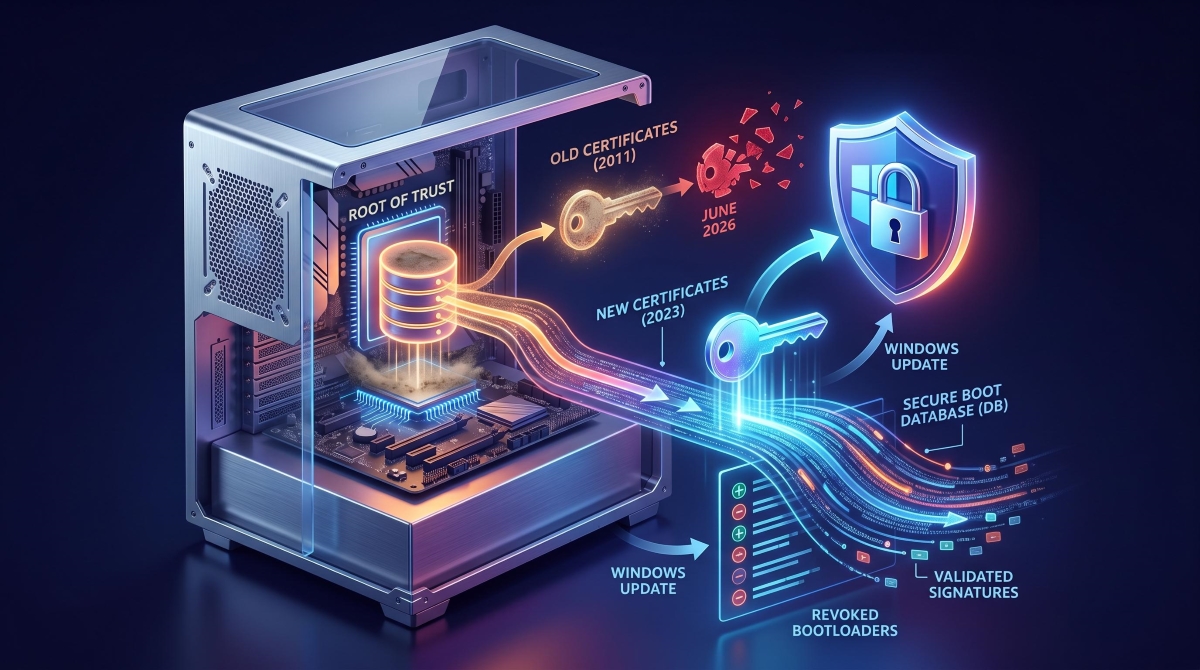
Secure Boot acts as a gatekeeper before your operating system loads. It checks that the bootloader — the small piece of software that starts Windows — carries a valid digital signature, blocking malware from hijacking the process before your antivirus even wakes up. The certificates that underpin this check, issued in 2011, are now approaching the end of their 15-year lifespan.
Microsoft has been rolling out replacement 2023-vintage certificates through Windows Update. According to the Microsoft Windows IT Pro Blog, PCs manufactured since 2024 already carry the new certificates. Major OEMs including Dell and Lenovo have been shipping dual certificates — both 2011 and 2023 — since late 2024.
The silent risk for older machines
Your PC won't stop booting if it misses the deadline. But it will enter what Microsoft calls a degraded security state, as XDA Developers explains. The key problem: Microsoft will stop sending updates to the DBX revocation database — a list of known malicious or compromised bootloaders that Secure Boot uses to block threats.
Without fresh DBX updates, a system becomes vulnerable to bootkits like BlackLotus, a real-world exploit that bypassed Secure Boot on fully updated Windows 11 machines by abusing CVE-2023-24932. Essentially, your security gatekeeper keeps checking the same threat list from years ago while new dangers accumulate.
Older PCs that can't accept firmware updates may never receive the new certificates at all — not because of a software block, but because their hardware simply doesn't support it.
What to do now
For most users: keep Windows Update enabled and let it run. Microsoft is phasing the certificate rollout gradually, and the process should be automatic on supported hardware.
If you manage a fleet of business PCs, the calculus is more involved. Enterprise deployments require firmware updates from your hardware vendor, a BitLocker key backup before any changes, and specific registry adjustments — Microsoft's Secure Boot Playbook details the exact steps. Skipping the firmware stage and only applying the Windows-side changes can leave a system in an inconsistent state.
The era of "set it and forget it" UEFI security is over. The June 2026 deadline is not a catastrophe, but ignoring it means trading a proactive security posture for a slow drift toward unpatched exposure.


