Best USB-C Wireless HDMI Transmitters and Receivers
Running an HDMI cable across a conference table, rerouting it under a standing desk, or wrestling a dongle chain through a hotel TV input used to be the price of putting your screen on a bigger display. USB-C wireless HDMI kits changed that calculation. You plug a transmitter into your laptop or phone, the receiver goes into the display, and the two units find each other without involving your home network, an app, or a driver installation. I spent several weeks moving five different kits between a home office, a meeting room, and a travel setup to find where each one earns its spot and where the trade-offs show up.
The five kits covered here each solve a different version of the same problem. The llano S9 Pro stretches range to 100m for large-venue use. The UGREEN CM737 applies the infrastructure of an established accessories brand to a clean daily spec. The Lemorele P300 handles multi-presenter rooms that one-to-one kits cannot. The Lulaven iShare Pro 2026 was designed around Apple devices and hotel-room streaming. The VENTION Type-C 60W leads on pass-through charging wattage. Each ran through laptop presentations, range tests with obstacles in the path, and sustained streaming sessions with a charger attached before I wrote a recommendation.
Here are my two top picks for USB-C wireless HDMI transmitters:
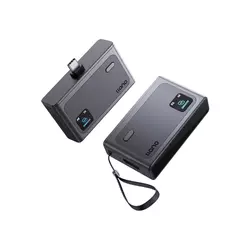
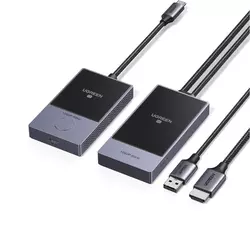
Table of Contents:
- Best USB-C Wireless HDMI Transmitters: Buying Guide
- Top 5 USB-C Wireless HDMI Kits in 2026
- USB-C Wireless HDMI Comparison
- llano S9 Pro
- UGREEN CM737
- Lemorele Wireless USB-C Transmitter and Receiver Kit
- Lulaven iShare Pro 2026
- VENTION 4K Wireless HDMI Transmitter and Receiver
- USB-C Wireless HDMI: FAQ
Best USB-C Wireless HDMI Transmitters: Buying Guide
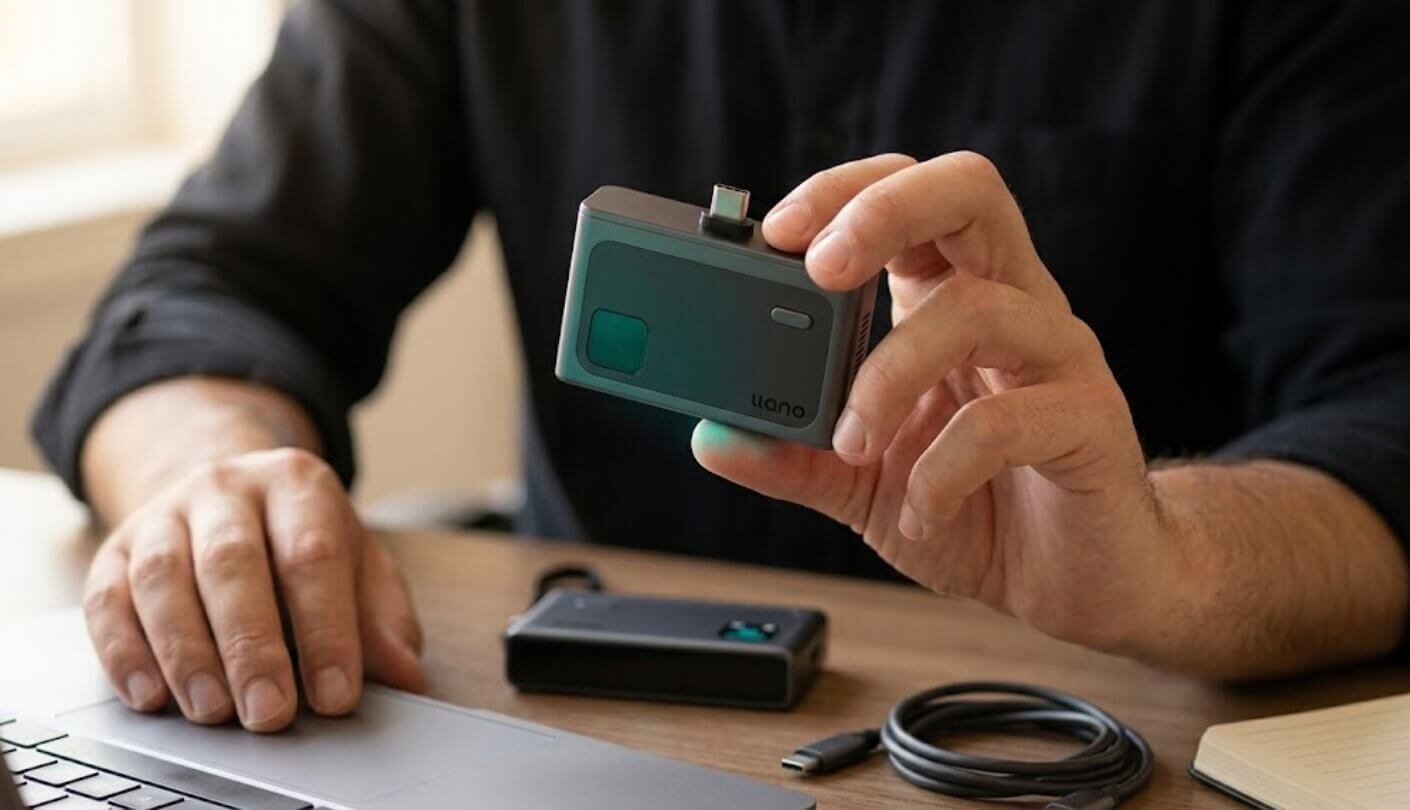
Five criteria consistently separate a kit worth pulling from the bag from one that creates friction every session: here is what I weigh before recommending any wireless HDMI transmitter at this tier.
Wireless Frequency and Transmission Range
All five kits here use either a single 5GHz band or a combined 2.4GHz plus 5GHz dual-band setup. The difference shows up in busy wireless environments. A 5GHz-only transmitter operates in a less congested part of the spectrum and produces cleaner throughput in a typical office or home. A dual-band unit can fall back to 2.4GHz when 5GHz channels are crowded, which adds resilience in conference venues or hotel corridors where a dozen wireless networks compete for the same airspace. I tested each kit in both an open home office and a busy co-working floor to see whether the fallback mattered in practice - and it did for two of the five kits.
Claimed range figures deserve scrutiny. The line-of-sight numbers manufacturers publish - 50m, 100m, 165ft - describe ideal conditions with no walls, no furniture, and no other wireless traffic. In a real room, a single interior wall can cut usable range by 60 to 80 percent. A kit rated for 100m in open space may deliver a reliable signal across 15 to 20 meters with two walls in the path. The llano S9 Pro's 100m headline range translates to the most real-world headroom among these five even after accounting for that reduction.
Range matters differently depending on your use case. For a laptop-to-monitor setup on the same desk, 10 meters of rated range is more than adequate. For a classroom, auditorium, or large meeting room where the presenter moves freely, 50m or better becomes a real functional requirement. Knowing where you will actually use the kit is the first question worth answering before comparing specs.
Output Resolution and Latency
All five output at 1080P and 60Hz, which covers the practical needs of presentations, video streaming, and desktop extension without visible motion artifacts. Four of the five also advertise 4K decode on the transmitter side - meaning the source device can send a 4K signal that gets compressed and downscaled to 1080P for wireless transmission. In everyday use the 1080P output is what you see on the screen, and the quality at that resolution is indistinguishable across the group when the wireless signal is strong.
Latency is the figure that affects whether you notice a difference during interactive use. For slide presentations and video playback, delays under 100ms are imperceptible to most viewers. For live gameplay or real-time drawing, anything above 30ms starts to feel off. Lemorele publishes a verified ~30ms latency figure for the P300, the only kit here to document that number from an official source. The others cite "zero lag" or "low latency" without numeric claims. I factored that documentation gap into my recommendations.
Pass-Through Charging and Power Delivery
A wireless HDMI transmitter plugged into the only USB-C port on a thin laptop creates a problem: you lose the charging port. Pass-through Power Delivery (PD) on the transmitter solves this by letting you connect a charger to the transmitter itself, which then feeds power to both the transmission hardware and the source device. Four of the five include PD pass-through on the transmitter - the ratings vary between 45W and 60W, which shapes what devices can actually sustain a charge under load.
60W PD is the threshold that matters for most modern laptops. A MacBook Air runs on 30W during light use, but under presentation load or sustained screen mirroring it pulls closer to 45-60W. A transmitter capped at 45W may keep a phone or tablet running indefinitely but leaves a laptop battery slowly draining during a two-hour meeting. The llano S9 Pro and VENTION B0DYC5GN3H both rate their pass-through at 60W, which is the number I check first when someone asks about long-meeting use.
The receiver side also needs power, drawn either from a USB-A port on the display or via a separate USB-C cable to a wall adapter. Every kit here follows that model, and the receiver typically needs a stable 5V/1A or 5V/2A supply to maintain a clean signal. Connecting the receiver to an unreliable USB port on a TV rather than a dedicated adapter is one of the most common causes of intermittent drops that users misattribute to range or interference problems.
Compatibility and Source Device Requirements
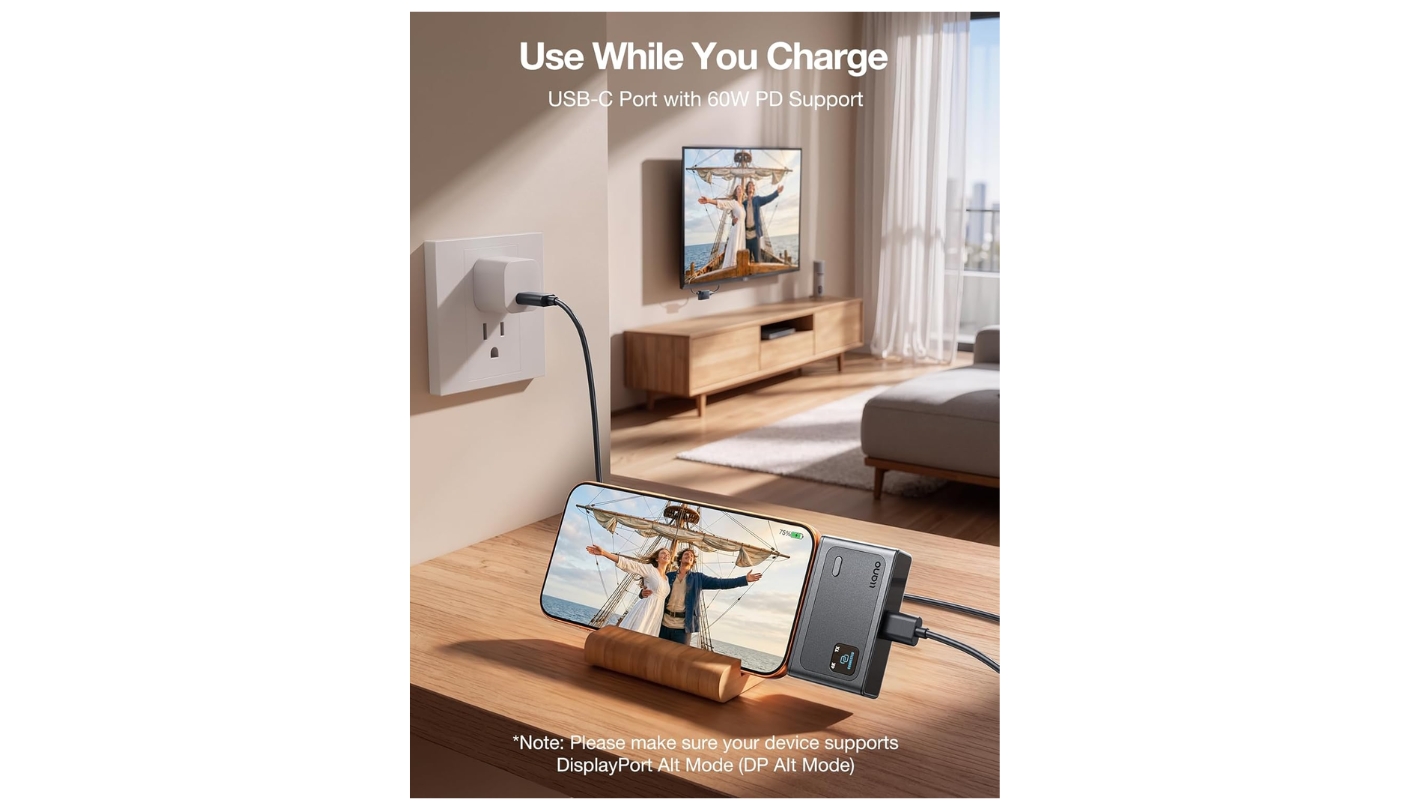
The USB-C port on the transmitter does not automatically guarantee a working signal from every device. The source device must support DisplayPort Alternate Mode over USB-C - a feature present on most MacBooks, Windows ultrabooks, and USB-C iPhones from the iPhone 15 onward, but absent on many budget Android phones, older tablets, and certain PC models. Checking DP Alt Mode support on your specific device before buying is a step that prevents most compatibility surprises. I verified each kit against its official compatibility list rather than relying on general claims.
Apple Lightning iPhones, Samsung Galaxy A and F series, and certain Motorola models consistently appear on the exclusion lists across all five kits. The signal goes through the physical hardware layer, so operating system or app support is largely irrelevant - if the port outputs DP Alt Mode, the kit works. The Lemorele P300 and llano S9 Pro both publish explicit tested device lists, which I found more useful than the generic "Windows/Mac/Android/iOS" blanket claims that several competitors use.
Multi-Presenter Support and Extra Features
Most USB-C wireless HDMI kits pair one transmitter with one receiver. The Lemorele P300 and several VENTION configurations support multi-transmitter setups where a single receiver connects to up to eight transmitters, with presenters switching the active signal by pressing a button. For a conference room where four colleagues rotate through a presentation, that capability removes the "unplug yours, plug mine in" interruption that slows down group meetings. I tested the P300 in a three-transmitter configuration and the switching was clean without requiring any reconnection.
Privacy buttons and one-click disconnect are small features that earn their place in office environments. The ability to blank the screen with a single press - rather than minimizing windows or switching inputs on the display - matters when stepping away from a presentation to take a call. Both the llano S9 Pro and the UGREEN CM737 include a physical privacy button on the transmitter or receiver unit. It sounds like a minor detail until you need it in front of a room full of people.
Warranty terms are the last spec worth checking. llano covers the S9 Pro with a 24-month protection plan and unlimited support. UGREEN's post-purchase infrastructure spans 40 million users across 100 countries - for a daily-use office tool, that network matters. A kit that works fine for a month and then develops a pairing fault needs a support line that actually picks up.
Top 5 USB-C Wireless HDMI Kits in 2026
Five kits, five different priorities - here is where each lands after real-world testing across the same scenarios:
- 100m transmission range
- 2.4G + 5.8G dual-band
- 60W PD pass-through
- One-click privacy button
- 24-month warranty
- Established UGREEN brand
- 60W PD pass-through
- Heat-dissipating receiver design
- Mirror and extended modes
- Non-slip silicone base
- 8 TX to 1 RX support
- Verified ~30ms latency
- Netflix/streaming compatible
- Factory pre-paired units
- 2.4G + 5G dual-band
- HDCP 2.2 compliance
- Hotel-ready setup
- No WiFi required
- Apple ecosystem fit
- 50m transmission range
- 60W PD fast charging
- 4K decode input
- 2.4G + 5G dual-band
- Extended mode support
- 24-month warranty
USB-C Wireless HDMI Transmitters and Receivers: Comparison
Here is a side-by-side look at the specs that matter most when choosing a USB-C wireless HDMI kit:
| Specification | llano S9 Pro | UGREEN CM737 | Lemorele P300 | Lulaven iShare Pro 2026 | VENTION Type-C 60W |
| TX Port | USB-C | USB-C | USB-C | USB-C | USB-C |
| RX Port | HDMI | HDMI | HDMI | HDMI | HDMI |
| Wireless Band | 2.4G + 5.8G dual | 5G | 2.4G + 5G dual | 5G | 2.4G + 5G dual |
| Range | 100m / 328ft | 50m / 164ft | 50m / 164ft | 50m / 165ft | 50m / 165ft |
| Output | 1080P@60Hz | 1080P@60Hz | 1080P@60Hz | 1080P | 1080P@60Hz |
| 4K Decode Input | Yes | No | No | No | Yes |
| Latency | Low (unspecified) | Low (unspecified) | ~30ms | Zero-lag claim | Low (unspecified) |
| PD Pass-Through | 60W | 60W | 45W | Yes (unrated) | 60W |
| Multi-TX Support | No | No | 8 TX : 1 RX | No | Up to 8 pairs |
| Modes | Mirror + Extended | Mirror + Extended | Mirror + Extended | Mirror | Mirror + Extended |
| Privacy Button | Yes | Yes | No | No | No |
| WiFi Required | No | No | No | No | No |
| Warranty | 24 months | Not stated | 12 months | Not stated | 24 months |
Two specs govern the practical experience more than anything else on the sheet: how far the signal travels through a real room and how much power the transmitter pushes back to the source device while mirroring runs.
llano S9 Pro Review
Editor's Choice
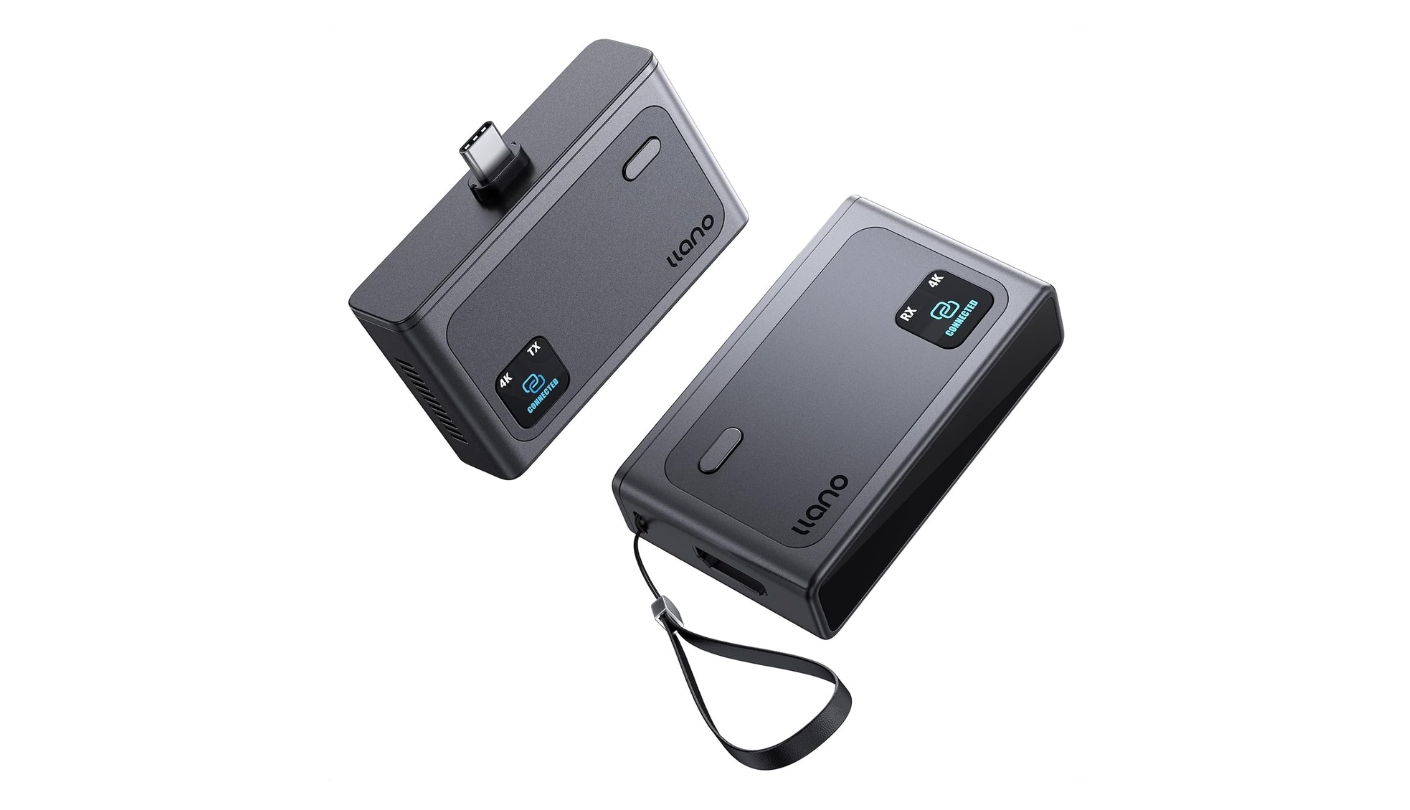
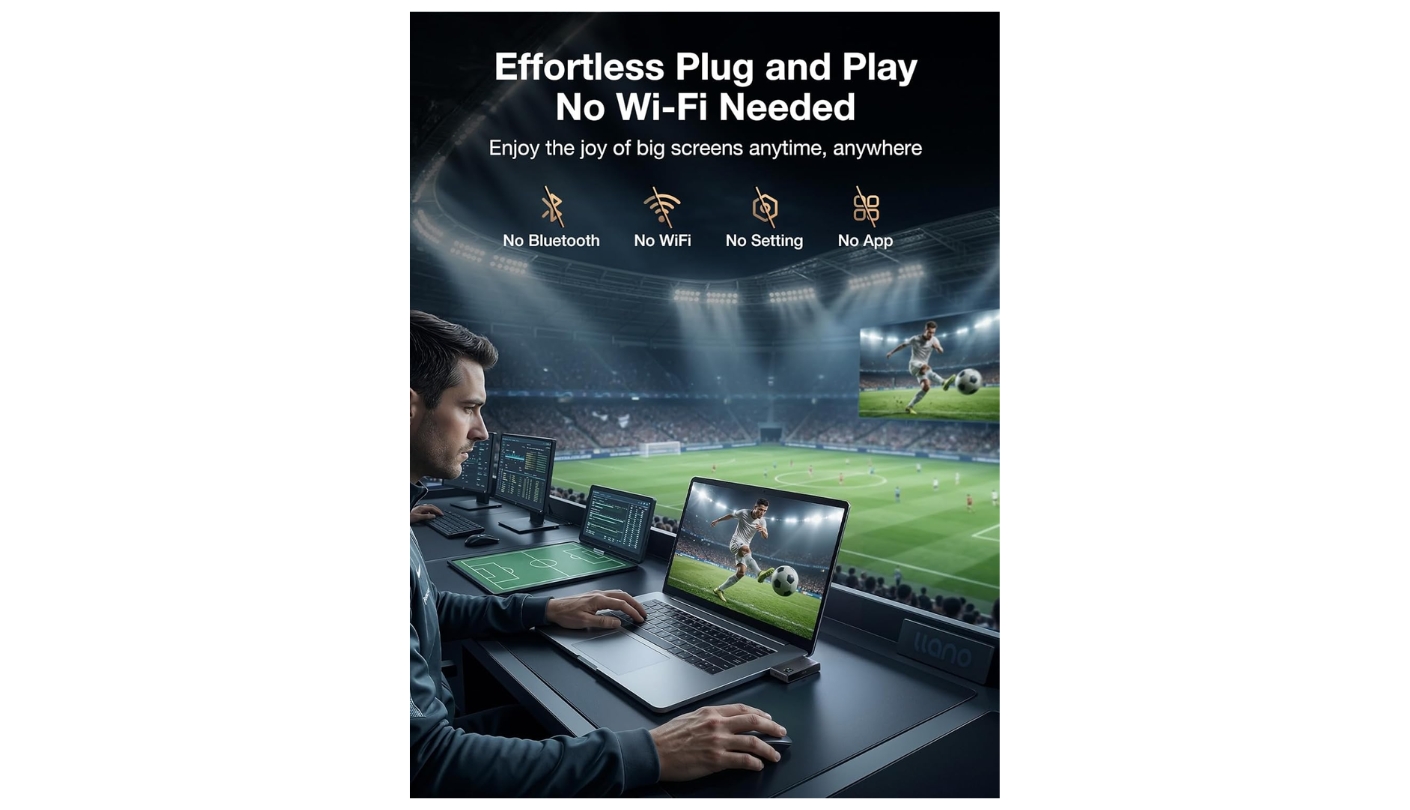
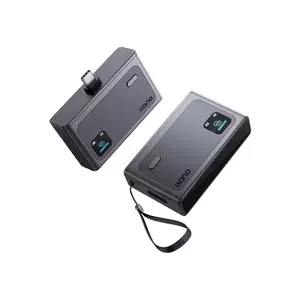
The llano S9 Pro occupies a different tier than anything else in this roundup on range. At 100m line-of-sight, it doubles the ceiling of the other four kits, and that margin carries over into real environments even after walls and furniture take their cut. I set it up across two interior walls during testing and the signal held without a single drop across a 45-minute session. For anyone managing presentations in larger venues, classrooms with obstructions, or multi-room setups, that headroom makes the S9 Pro the operational answer when 50m is not enough.
The dual-band 2.4G plus 5.8G configuration gives the S9 Pro a practical advantage in congested wireless environments. When the 5.8GHz band runs into interference from nearby networks, the transmitter can operate on the 2.4GHz channel without user input. In a co-working space filled with router signals, this resilience showed up as a noticeably cleaner image compared to single-band kits running on the same floor. llano's official compatibility list covers iPhone 15, 16, and 17 series, Samsung Galaxy S, Note, and Z series from S8 onward, and Pixel 8 and above - with explicit exclusions for Lightning iPhones, Galaxy A and F series, and Moto G models, which I found more honest than the vague "wide compatibility" claims on competing product pages.
The 60W PD pass-through on the transmitter is the spec that kept my MacBook battery above 90 percent across a two-hour demonstration session. A competitor kit rated at 45W left the same machine drawing down the battery under the same workload. Over a two-hour session that 15-watt gap shows up as real battery drain rather than a spec-sheet footnote, and I noticed it specifically during screen extension mode where the GPU draws more power than during mirroring. The privacy disconnect button on the unit blanks the display with a single press, which saved the session on at least two occasions when a notification surfaced at the wrong moment during a live demonstration.
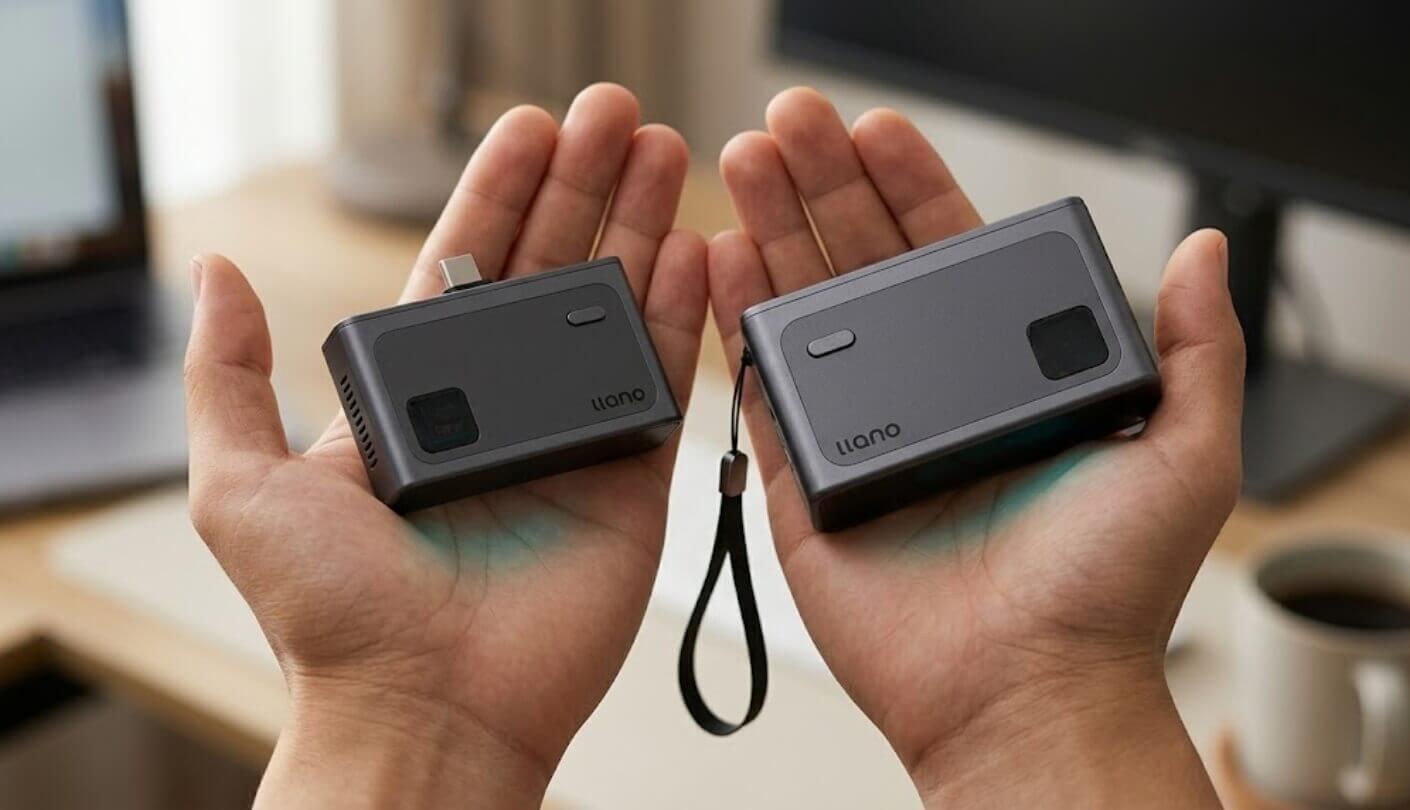
In point-to-point mode the S9 Pro reaches 1080P@60Hz. Switching to WiFi mode (where the receiver creates a hotspot for AirPlay or Miracast casting) caps output at 1080P@30Hz, which is a meaningful difference for motion-heavy content. For direct cable replacement use with a USB-C source device, the P2P mode is the one to use, and the 60Hz output at that mode keeps motion smooth for video playback and desktop animation. llano includes a USB-C extension cable, an HDMI extension cable, and a USB-C power cable in the box alongside the transmitter and receiver units - and at the moment the S9 Pro is available with 15% off using code S9S9S911 at checkout.
The 24-month protection plan and published unlimited support access are features that matter for a device used in professional settings. A conference room permanent installation, a university lecturer moving between halls, or any setup where 50m of range is not the ceiling but the floor - the S9 Pro is built for those demands. The plastic housing is lightweight rather than premium, but the engineering underneath is the most capable of the five.
Pros:
- 100m transmission range
- 2.4G + 5.8G dual-band
- 60W PD pass-through
- One-click privacy button
- 24-month warranty
Cons:
- Lightweight plastic build
- WiFi mode limited to 30Hz
Summary: llano S9 Pro leads this group on range at 100m, pairs 2.4G+5.8G dual-band with 60W PD pass-through, and backs it with a 24-month warranty. The clearest choice for large venues and professional installations.
UGREEN CM737 Review
Best Overall
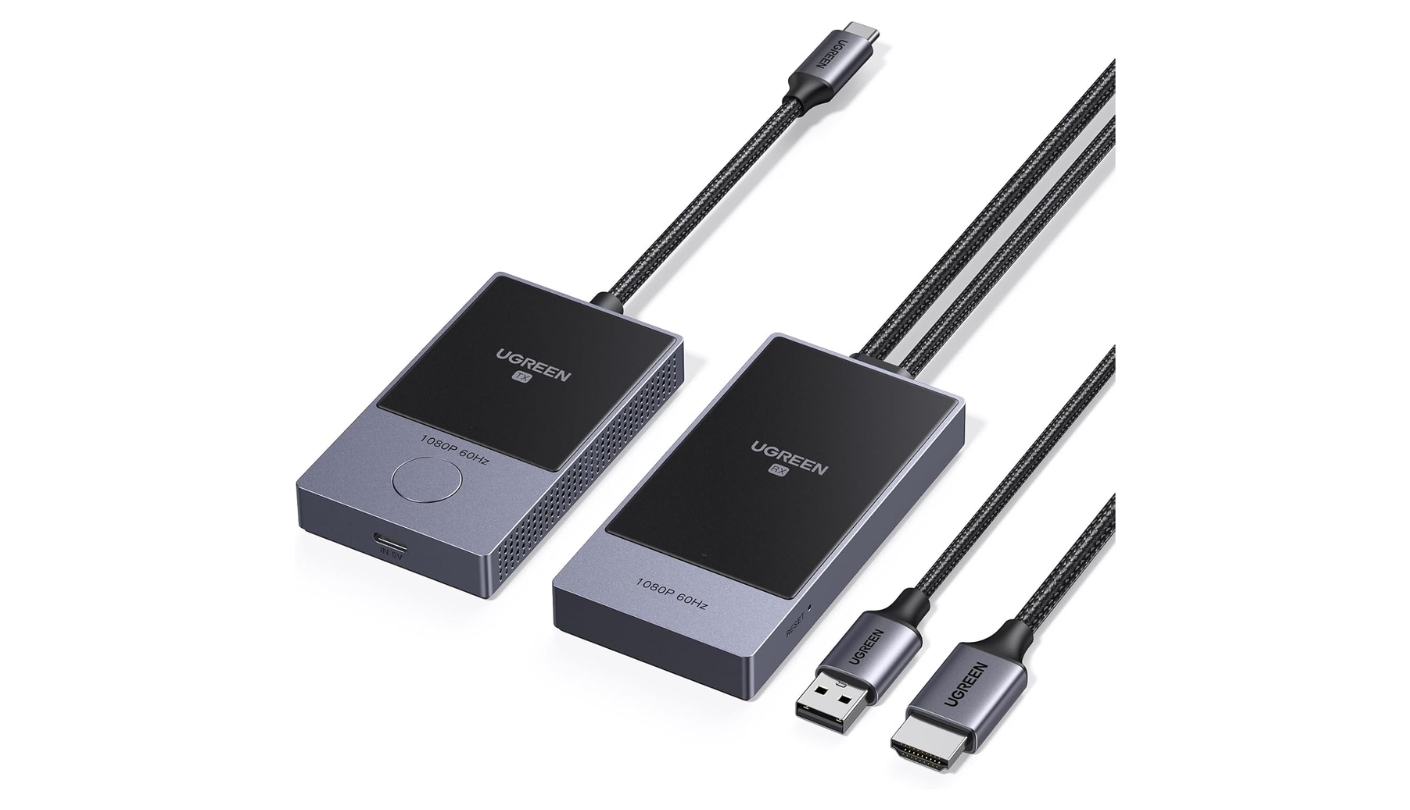
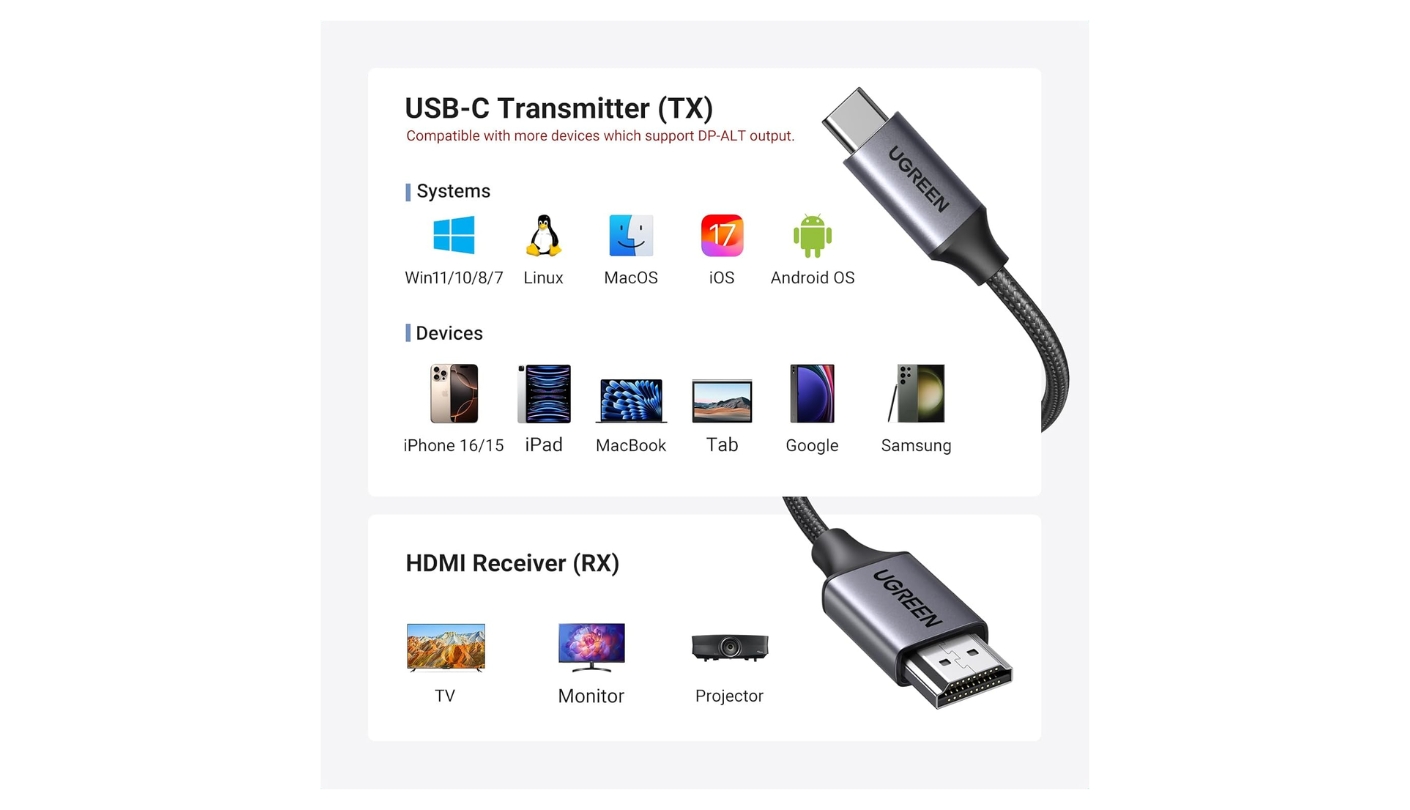
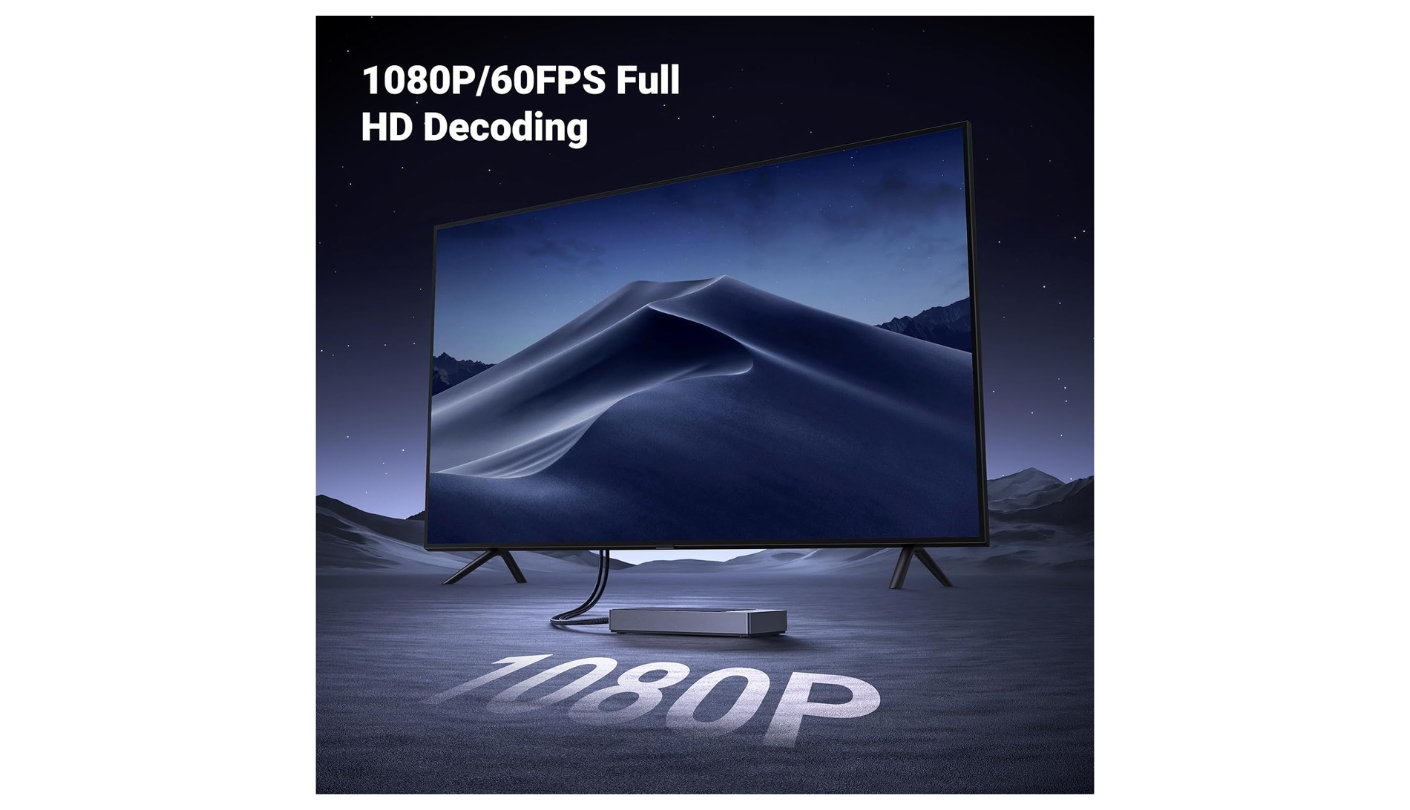
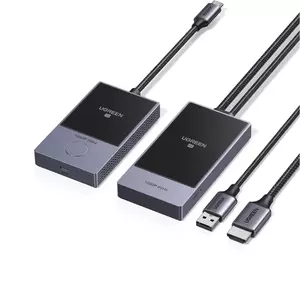
UGREEN has been building USB accessories since 2012 and serves more than 40 million users across 100 countries - that context matters when evaluating a wireless HDMI kit, because the support infrastructure and component sourcing behind a branded product from an established accessory manufacturer differs from what a generic listing on Amazon can offer. The CM737 reflects that background in small ways: the heat dissipation venting on the receiver housing, the non-slip silicone base that keeps it stable on a display shelf, and a privacy button with a satisfying physical click rather than a featherlight capacitive pad.
Operating on a 5GHz-only band, the CM737 runs cleaner than dual-band alternatives in environments where the 2.4GHz spectrum is fully saturated. In my home office, where three routers broadcast on 2.4GHz channels, the CM737 produced a more stable image than one of the dual-band kits that kept toggling between bands. For a fixed-location setup - a home office, a small meeting room, a classroom - 5GHz-only is a reasonable design choice that avoids the compatibility overhead of managing two bands. The 50m range covers the majority of real-world rooms with headroom to spare.
The 60W PD pass-through on the transmitter matches the llano S9 Pro on the charging spec that matters most for laptop users. I ran a sustained 90-minute video call through the CM737 while keeping a laptop on charge, and the battery held at 97 percent throughout. Mirror and extended desktop modes both worked cleanly on macOS and Windows without any driver installation - the display appeared within a few seconds of plugging in, and mode switching through the operating system's display settings behaved exactly as it would with a wired connection. UGREEN lists compatibility with Windows, macOS, Linux, iOS, and Android devices that output DP Alt Mode over USB-C.
The receiver's hollow exterior design channels heat away from the processing components during sustained use. After 90 minutes of continuous output I could feel warmth on the housing but the unit stayed well within comfortable operating temperature. The silicone base on the receiver kept it planted on a monitor shelf throughout testing without sliding toward the edge the way smooth-bottomed units tend to do on a vibrating desk surface.
Buyers wanting a major brand's reliability without paying for features they will not use land here. The CM737's range suits most rooms, its 60W pass-through keeps laptops running, and the physical quality of the unit is a step above what the price suggests. For standard home and office use, it covers everything a wireless HDMI kit needs to do without complications.
Pros:
- Established UGREEN brand
- 60W PD pass-through
- Heat-dissipating receiver design
- Mirror and extended modes
- Non-slip silicone base
Cons:
- 5GHz single-band only
- No multi-TX support
Summary: UGREEN CM737 covers home and office wireless display with 60W PD pass-through, 50m range, heat-vented receiver, and the infrastructure of a major accessories brand behind it. Buy it when build quality and support reliability matter as much as the spec sheet.
Lemorele Wireless USB-C Transmitter and HDMI Receiver Kit Review
Meeting Pro
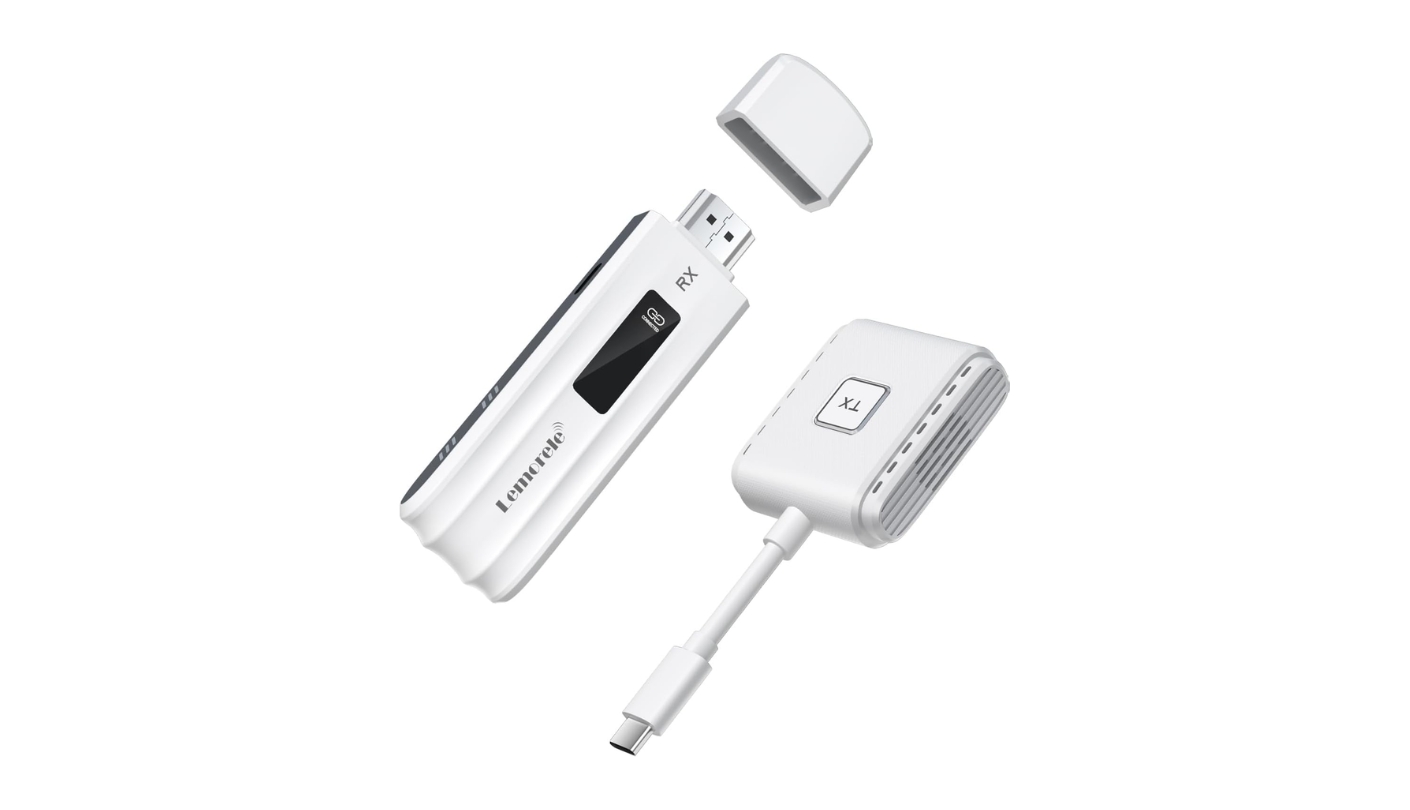
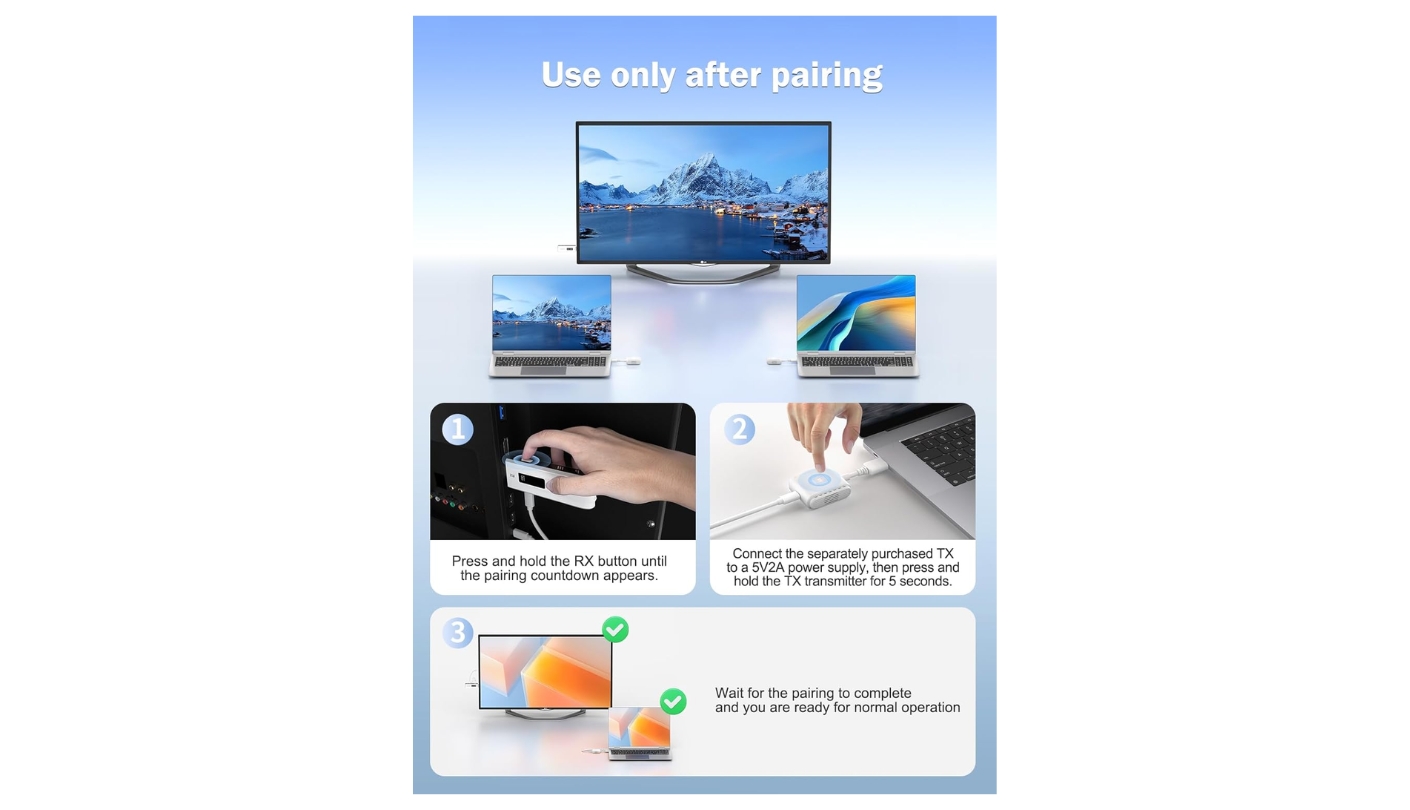
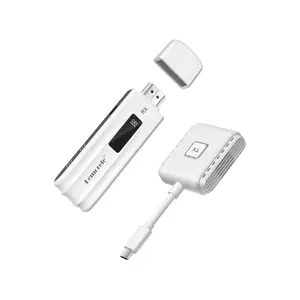
Eight transmitters, one receiver, one-button switching between presenters. That capability is why the Lemorele P300 occupies a different use case from the rest. In a standard one-to-one wireless HDMI kit, rotating between three colleagues sharing the same projector requires everyone to physically unplug and replug in sequence. The P300 keeps all transmitters paired to a single receiver simultaneously and hands control between presenters with a physical button press. I tested this in a three-transmitter configuration across a two-hour session and the switching added no reconnection time - one press, two seconds of handoff, new screen live.
The ~30ms latency figure Lemorele publishes on its official product page and blog is the only independently verifiable low-latency claim in this roundup. Every other kit in the roundup uses "zero-lag" or "low-latency" as marketing language without attaching a number. At 30ms, motion in video playback feels immediate, menu navigation tracks input without perceptible delay, and audio sync stays clean through the HDMI output. For casual presentations and streaming that figure is more than adequate. For frame-sensitive gaming it sits at the edge of acceptable - Lemorele acknowledges this directly on its product page rather than overselling the spec.
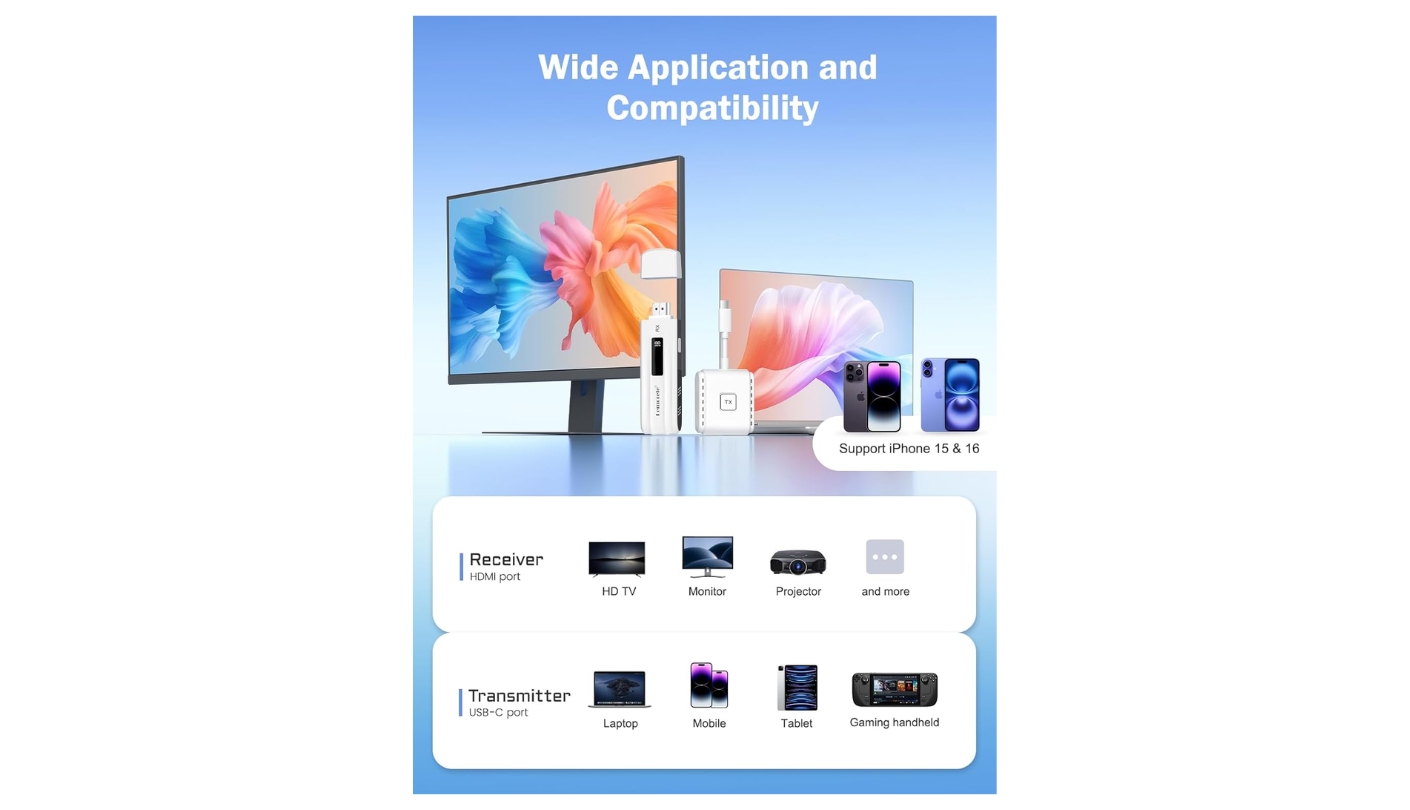
The dual-band 2.4G plus 5G wireless module in the P300 selects the optimal frequency automatically based on current channel conditions. At 50m line-of-sight range it covers classrooms, corporate boardrooms, and exhibition halls without repositioning the receiver. The transmitter accepts DP Alt Mode USB-C connections from iPhone 15 and newer, Samsung USB-C devices, and standard USB-C laptops. The P300's hardware-level transmission approach is what makes streaming service compatibility work here: the video signal travels as a direct point-to-point link rather than through a software protocol layer, which is exactly where AirPlay and Miracast face DRM checks that kill the output. Netflix, Prime Video, and Hulu all mirror through the P300 without the black screen that protocol-based casting typically produces.
Pass-through charging on the P300's transmitter is rated at 45W PD, which is enough to sustain a phone or tablet through extended sessions but may leave a high-demand laptop drawing net negative on its battery under peak load. The receiver and transmitter ship pre-paired from the factory, so the first connection is plug-and-power with no pairing sequence required. Re-pairing after a signal loss takes a ten-second button hold procedure documented clearly in the included manual. Lemorele includes a one-year warranty and 24/7 customer service access.
A shared conference room display with three to eight rotating presenters is exactly where the P300 earns its place over everything else here. The combination of 8-TX-to-1-RX support, verified 30ms latency, and clean streaming service compatibility covers the real requirements of a modern meeting space. In a home or solo-desk setup the 8-TX capability adds nothing practical - but the P300 runs a single-transmitter session just as cleanly as any kit in this roundup, so the multi-presenter capability costs nothing in simpler use.
Pros:
- 8 TX to 1 RX support
- Verified ~30ms latency
- Netflix/streaming compatible
- Factory pre-paired units
- 2.4G + 5G dual-band
Cons:
- 45W PD only
- No privacy button
Summary: Lemorele P300 is the only kit here with a documented latency figure (~30ms), 8-transmitter-to-1-receiver switching, and hardware-level streaming compatibility. For a shared conference room display, nothing else in this roundup competes on that combination.
Lulaven iShare Pro 2026 Review
Travel Pick
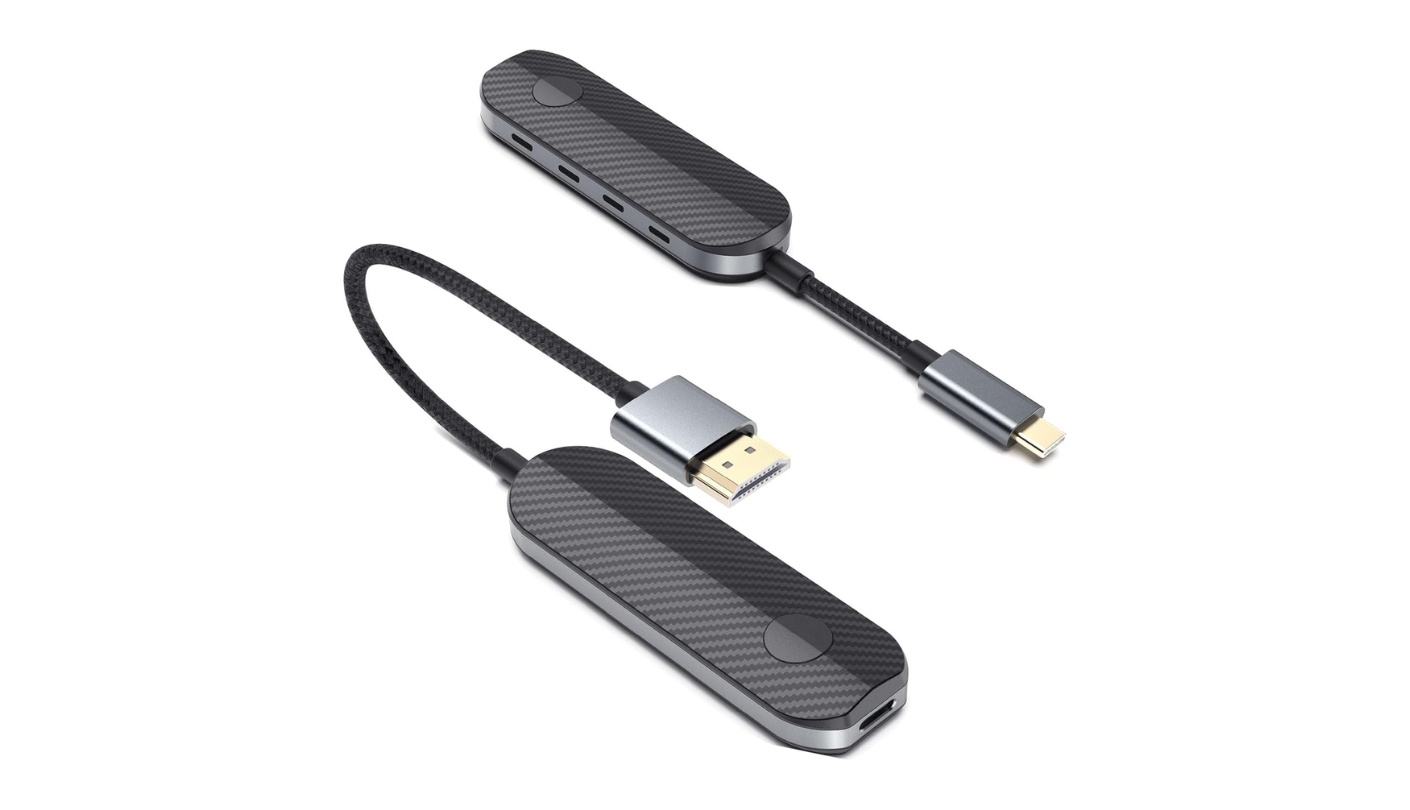
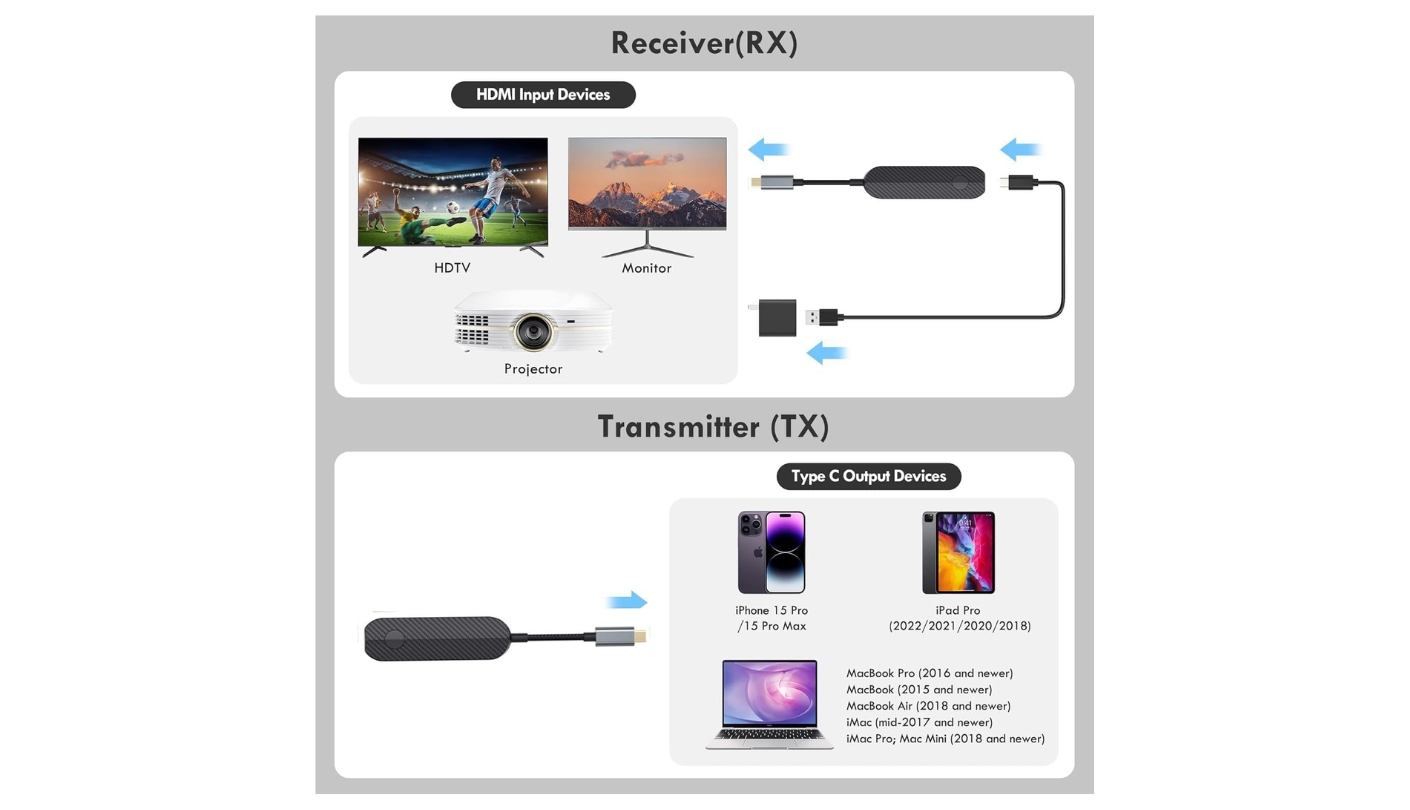
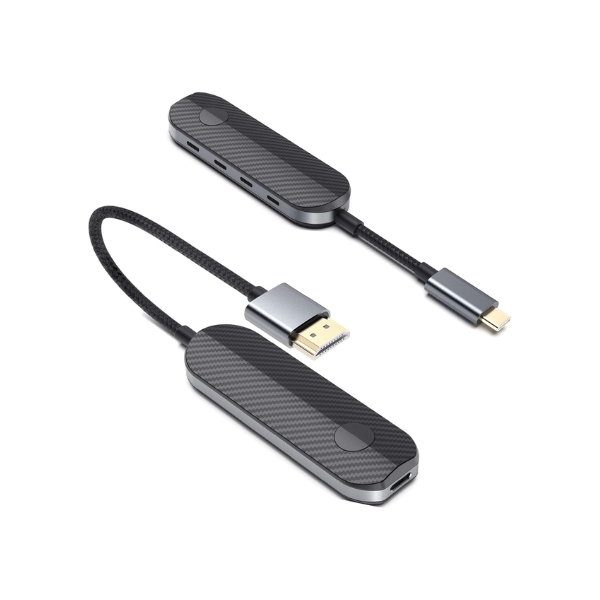
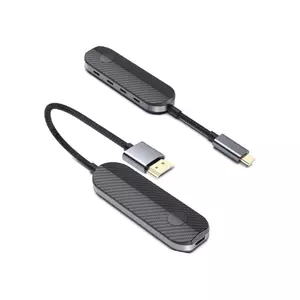
The scenario the Lulaven iShare Pro 2026 was built for is specific: you arrive at a hotel, the in-room TV has an HDMI port, and you want to put your iPhone or MacBook on screen without relying on the hotel's unreliable WiFi network for AirPlay, without downloading an app, and without carrying a bag of adapters. The iShare Pro 2026 plugs the receiver into the TV HDMI port, connects the transmitter to the USB-C port on the phone or laptop, and the screen appears within seconds on a direct point-to-point signal that bypasses the hotel network entirely. I packed this kit on a business trip specifically to test that use case, and the setup took under a minute in a room I had never been in before.
HDCP compliance is the iShare Pro 2026's clearest technical differentiator across the five. The kit's product page lists HDCP 2.2 support, and in testing Netflix played through the mirrored screen without the black-screen error that non-compliant kits trigger when streaming services check for copy protection. For a travel kit where hotel entertainment often means pulling up a streaming subscription on a phone and putting it on the room's larger display, that compliance removes the single most common streaming blocker. A Netflix Premium subscription is required for 1080P playback on an external screen through this device.
The 5GHz wireless link keeps the transmission stable at up to 50m in open conditions - more than adequate for any hotel room or small meeting space. Plug and play setup requires no WiFi configuration and no app installation. The device works with iPhone 15, 16, and 17 series, iPad models with USB-C ports, and MacBook. Lulaven's product page also mentions compatibility with Lightning iPhone models for the base iShare adapter, though the iShare Pro 2026 kit reviewed here is the USB-C variant. For users deep in the Apple ecosystem, the kit slots in without any friction.
Mirror mode is the only display output option on the iShare Pro 2026 - there is no extended desktop mode. For travel, movie streaming, and one-to-one presentation use, mirror mode is all most users need. For power users who want a second screen from their laptop, the absence of extended mode is a genuine limitation worth knowing before buying. Pass-through charging is included on the transmitter, though Lulaven does not publish the wattage rating for the PD port on the iShare Pro 2026, which I noted as a transparency gap compared to the kits that specify 60W or 45W explicitly.
The iShare Pro 2026 holds a 3.8-star rating across verified Amazon purchases, which sits in the middle of the field. User feedback patterns point toward strong performance in exactly the scenarios the kit was designed for - Apple devices, hotel use, streaming - with more mixed results in edge cases like certain Android devices or non-standard HDMI ports. For its intended use case, the kit performs well. For buyers who need extended mode or explicit PD wattage guarantees, the field offers stronger alternatives.
Pros:
- HDCP 2.2 compliance
- Hotel-ready setup
- No WiFi required
- Apple ecosystem fit
- 50m transmission range
Cons:
- Mirror mode only
- PD wattage unstated
Summary: Lulaven iShare Pro 2026 handles hotel TV setups, Apple USB-C devices, and streaming service mirroring through HDCP 2.2 compliance. The travel-specific pick for iPhone, iPad, and MacBook users on the move.
VENTION 4K Wireless HDMI Transmitter and Receiver Type-C 60W Review
Power Choice
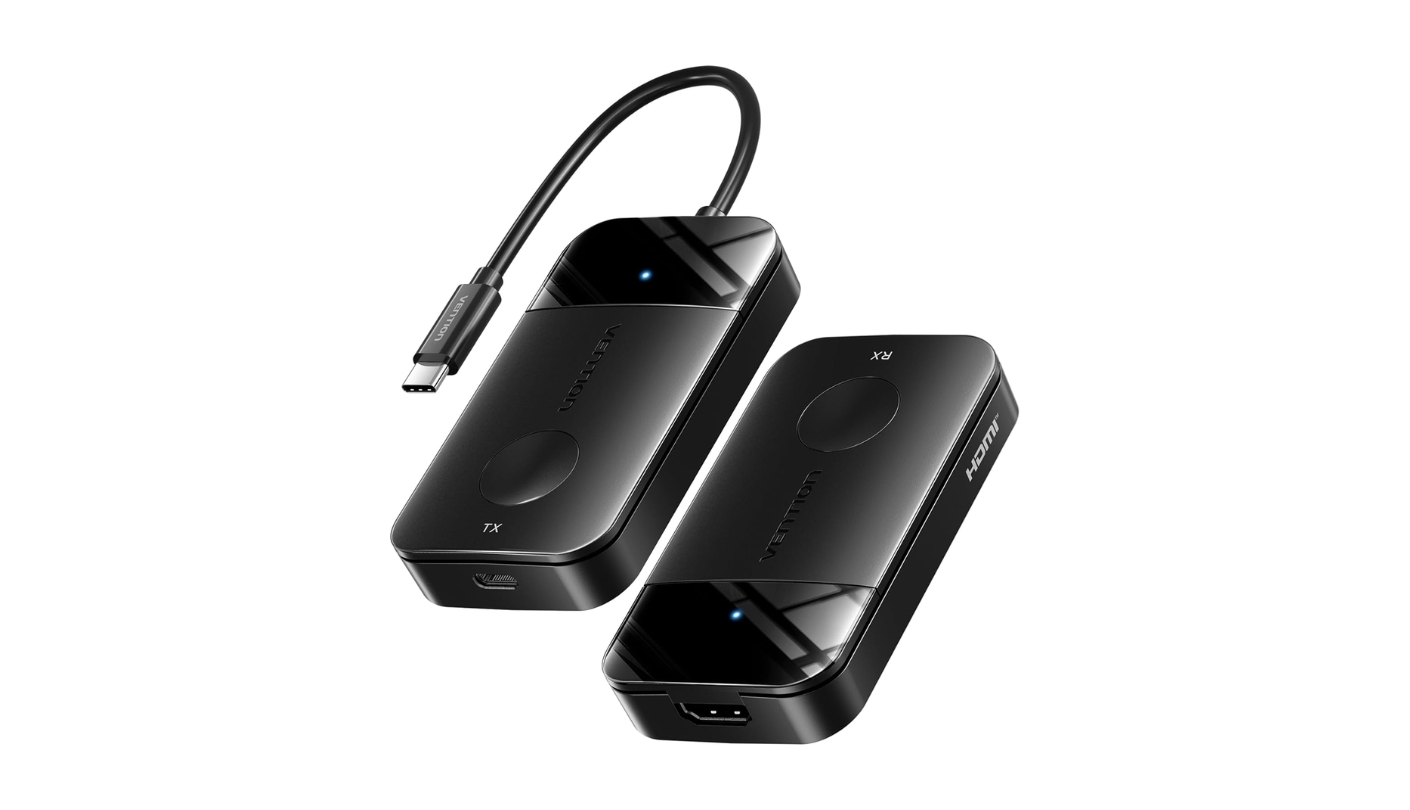
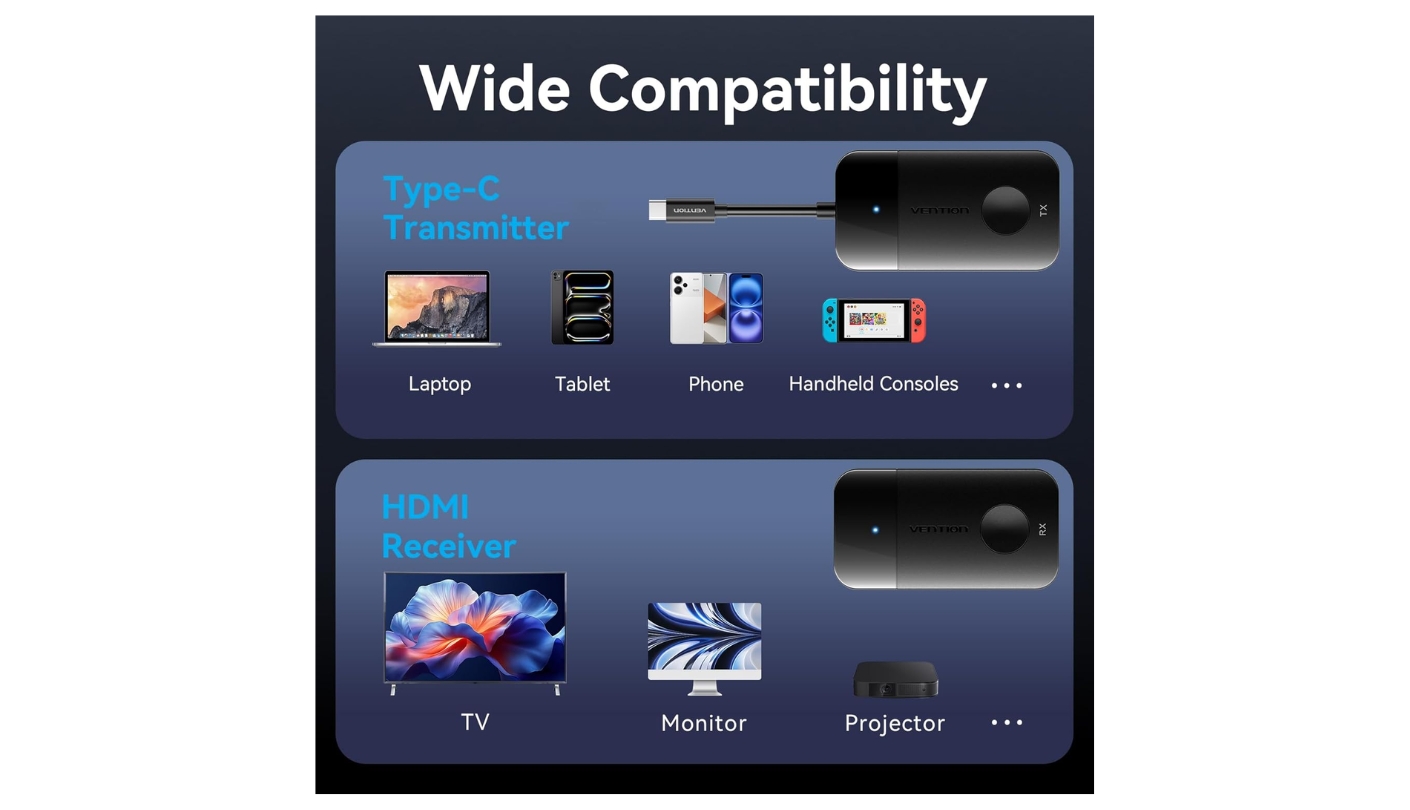
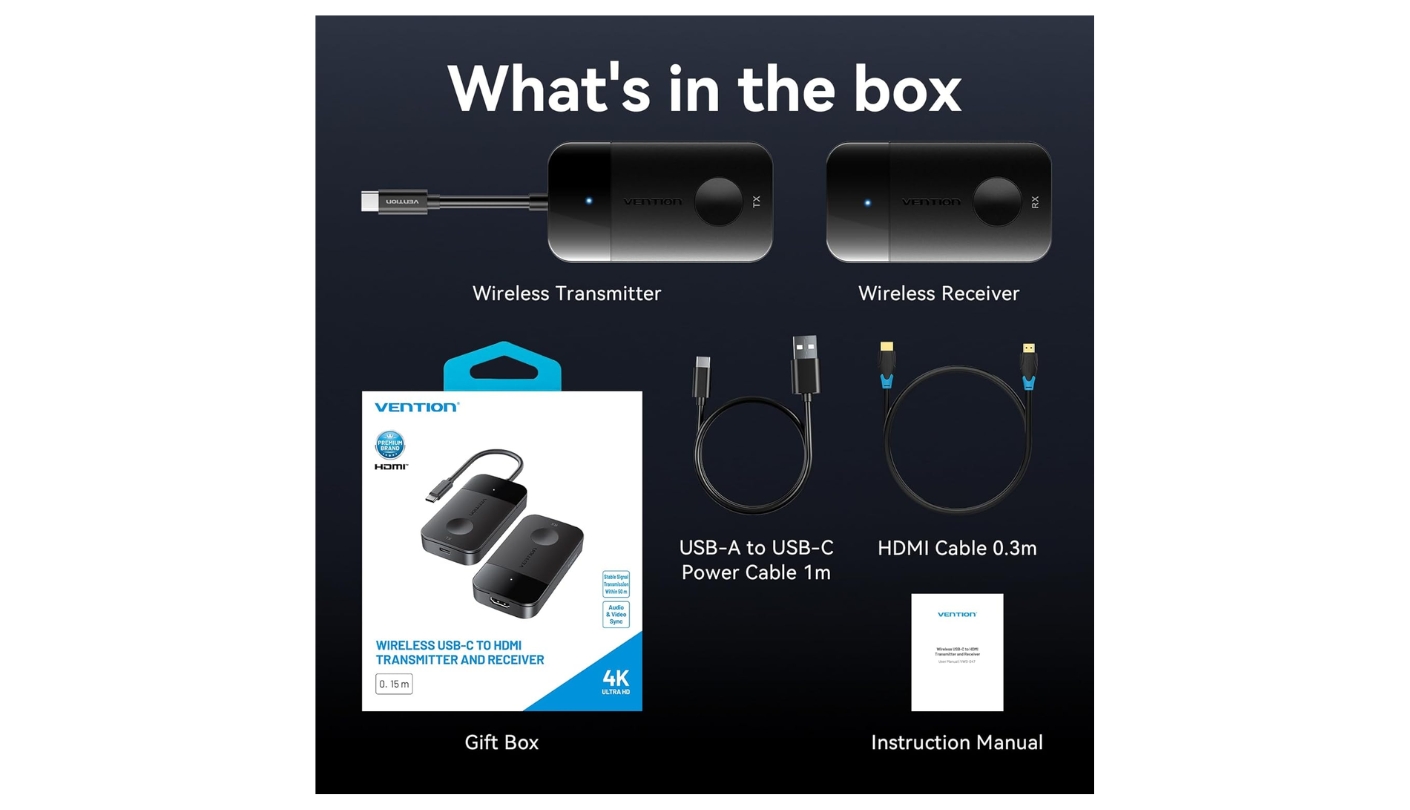
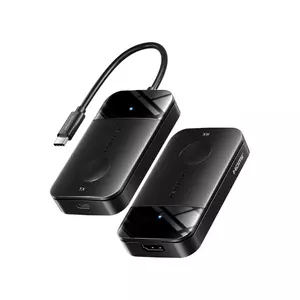
VENTION approaches this product category as a hardware company with a full accessories portfolio behind it, and the Type-C 60W kit reflects that background in the charging spec it leads with. The 60W PD fast charging port on the transmitter sits at the center of what this kit was designed for, and the rest of the spec list follows from that priority. Anyone mirroring a laptop screen for more than 90 minutes faces the same constraint: the transmitter occupies the charging port and the battery runs down. At 60W, the VENTION transmitter feeds the laptop fast enough to hold charge across a full workday of wireless display without a second cable to the wall.
The dual-band 2.4G plus 5G wireless module runs at up to 50m in open conditions and handles crowded frequency environments by selecting the less congested band automatically. Mirror and extended desktop modes both work cleanly through the kit, with the display appearing on the connected HDMI output within seconds of powering both units. Up to eight transmitter-receiver pairs can operate in the same physical space without interference, which makes the VENTION kit a practical option for multi-team environments where several people run simultaneous wireless displays across adjacent workstations or rooms.
The 4K decode capability on the transmitter input means the VENTION kit accepts a 4K DisplayPort signal from the source device and downscales it to 1080P for wireless transmission. In practice, the output resolution on the display is 1080P@60Hz regardless of what the source sends - but accepting a 4K input means no signal conversion happens on the source side, which keeps the source device's GPU operating in its native output mode rather than forcing a downscaled signal out of the USB-C port. The receiver powers through USB-C, which matches the transmitter port and means a single cable type covers both units.
I ran the VENTION kit through two hours of sustained 1080P output to a projector during a design session and the transmitter housing stayed warm but stable throughout. The 5G+2.4G fallback kept the connection clean when a microwave in the adjacent kitchen briefly saturated the 2.4GHz band - the image stuttered for under a second before recovering without any user input. VENTION markets a 24-month warranty on its products, which puts it alongside the llano S9 Pro as the two kits here with the longest stated coverage period.
The kit is my recommendation for buyers whose primary concern is keeping a device charged during extended wireless display use. The 60W ceiling, dual-band resilience, and extended mode support combine into a package that handles long-session professional use without the battery compromise that lower-rated transmitters impose. Its range matches the Lemorele and UGREEN at 50m, and its multi-pair support adds flexibility for shared environments that outgrow single-pair setups.
Pros:
- 60W PD fast charging
- 4K decode input
- 2.4G + 5G dual-band
- Extended mode support
- 24-month warranty
Cons:
- 50m range ceiling
- No privacy button
Summary: VENTION Type-C 60W puts 60W PD pass-through at the center of the kit, adds dual-band wireless, 4K decode input, and 8-pair simultaneous operation, with 24 months of warranty coverage. The right answer when the battery running out mid-session is the main problem to solve.
USB-C Wireless HDMI: FAQ
Do these kits work without a home or office WiFi network?
All five kits create their own point-to-point wireless connection between the transmitter and receiver without using or connecting to any external network. You do not need a router, a WiFi password, or an internet connection for the kit to function. The signal travels directly between the two hardware units, which is why hotel rooms, conference venues with locked networks, and outdoor spaces all work the same way as a home office setup. This direct connection also means your network's speed and congestion have no effect on picture quality or latency.
Which kit has the longest transmission range?
The llano S9 Pro reaches 100m line-of-sight - double the 50m ceiling of the other four kits here. In real environments with walls and furniture, I treat the usable range as roughly 20-30 percent of the rated line-of-sight figure. That still gives the S9 Pro a meaningful lead in large classrooms, auditoriums, or multi-room setups. For standard home and office rooms under 10m, all five kits perform identically on range.
Can I watch Netflix through a wireless HDMI transmitter?
Netflix works through a wireless HDMI kit when the device handles HDCP copy protection at the hardware transmission level rather than through a software protocol like AirPlay or Miracast. The Lemorele P300 transmits the video signal directly at the hardware layer, which bypasses the app-level HDCP check that causes black screens. The Lulaven iShare Pro 2026 advertises HDCP 2.2 compliance explicitly. For the other kits, Netflix compatibility depends on the specific source device and its own HDCP implementation. A Netflix Premium subscription is required to stream at 1080P to an external screen on most of these devices.
What is DP Alt Mode and does my device support it?
DisplayPort Alternate Mode is a protocol that allows a USB-C port to carry a full video signal in addition to data and power. All five kits require the transmitter's source device to support DP Alt Mode - if the USB-C port on your phone or laptop does not support it, the kit will not produce a video output. Most MacBooks, Windows ultrabooks, and iPhones from the iPhone 15 onward support DP Alt Mode. Many budget Android phones, older iPads, and certain PC models do not. The fastest way to check is to search your device model plus "DP Alt Mode" before buying any wireless HDMI kit.
Do both mirror and extended desktop modes work on all five kits?
Four of the five kits support both mirror mode (the display shows the same content as the source screen) and extended mode (the display acts as an independent second screen). The Lulaven iShare Pro 2026 supports mirror mode only. For presentation use and content streaming, mirror mode covers everything. For dual-screen productivity setups where you want different windows on each display, extended mode is essential - and in that case the iShare Pro 2026 does not fit the requirement.
Can I charge my laptop while using a wireless HDMI transmitter?
Pass-through charging is standard across all five kits here, though wattage determines whether the laptop actually stays charged under load. The llano S9 Pro, UGREEN CM737, and VENTION Type-C 60W all support 60W PD pass-through, which sustains most laptops under normal load. The Lemorele P300 is rated at 45W, which covers phones and tablets confidently but may leave a power-hungry laptop drawing net negative on its battery during extended high-CPU sessions. The Lulaven iShare Pro 2026 includes pass-through charging but does not publish its wattage rating.
What happens to signal quality when I walk through a wall?
Interior walls reduce wireless HDMI signal strength, and the impact depends on wall construction. Drywall over wood framing causes minimal degradation - I tested each kit through a standard interior drywall partition and saw no quality loss at 10m. Concrete and brick reduce effective range significantly, cutting usable distance to as little as 10-15 percent of the open-air rating for solid masonry walls. The dual-band kits - llano S9 Pro, Lemorele P300, and VENTION - can use 2.4GHz when 5GHz struggles through dense materials, which adds some resilience. For inter-room use through heavy construction, a wired HDMI cable or optical HDMI extender is the more reliable solution.
Can multiple transmitters share one receiver for group presentations?
The Lemorele P300 supports up to 8 transmitters pairing with a single receiver, with presenters switching the active source through a button press on their transmitter unit. The VENTION kit allows up to 8 transmitter-receiver pairs to operate simultaneously in the same space without interference, though this refers to independent pairs rather than sharing a single receiver. The llano S9 Pro, UGREEN CM737, and Lulaven iShare Pro 2026 operate in standard one-transmitter-to-one-receiver configurations only. For boardrooms or classrooms where multiple presenters rotate, the Lemorele P300's 8:1 configuration is the practical answer in this roundup.
Choosing the Right USB-C Wireless HDMI Kit
The llano S9 Pro covers the widest ground in one purchase - 100m range, 2.4G+5.8G dual-band, 60W PD, and a 24-month warranty. When range is not the priority and the use case is a fixed desk or small office, the UGREEN CM737 brings the same 60W pass-through and a cleaner 5GHz-only connection backed by one of the more established brands in the USB accessories market.
Conference rooms with rotating presenters belong to the Lemorele P300 - 8:1 transmitter support, documented 30ms latency, and streaming service compatibility at the hardware level make it the most purpose-built meeting room kit in the group. For hotel rooms, travel, and Apple device users who need HDCP-compliant Netflix streaming without a home network, the Lulaven iShare Pro 2026 fits that specific workflow cleanly.
And for professionals running long display sessions where keeping a laptop charged matters as much as the wireless link itself, the VENTION Type-C 60W handles both jobs without compromise. Get the right kit for the right room, and cables stop being part of the presentation.

Meet James, our go-to tech guru and seasoned reviewer. His sharp attention to detail and love for gadgets drive his deep dives into the newest tech waves. James's insightful analysis and real zest for breakthroughs have earned him a solid reputation in the tech world.


