Best Routers under $100 for Gaming? Budget Heroes
Ping spikes during a ranked match rarely trace back to bandwidth. Most budget routers under $100 already push enough raw throughput to stream 4K video and download a game update at the same time, so the router isn't the bottleneck a slow download bar suggests. What wrecks a match is jitter, the ping bouncing around instead of holding steady, and that comes down to how a router handles traffic prioritization and wired connections, not the WiFi generation printed on the box. A router that quotes an impressive combined speed number can still lose a competitive match to one with half the throughput but a steadier connection.
Wired port count turned out to separate these five more clearly than wireless generation, price, or brand recognition did once the comparison got underway. A router with two Ethernet jacks and a router with five both call themselves ready for a gaming setup, but only one of them can keep a console, a PC, and a streaming box all wired in at once without adding a switch to the shopping list. That gap alone reshuffled which of these five actually deserves a spot near a gaming setup versus a spare bedroom.
Here are my two top picks for the best router under $100 for gaming:
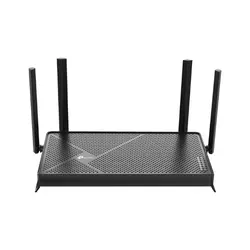
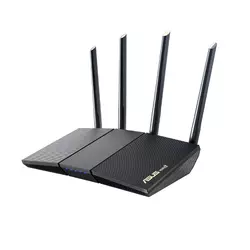
Table of Contents:
- Best Router under $100 for Gaming: Buying Guide
- Top 5 Routers under $100 for Gaming in 2026
- Best Routers under $100 for Gaming: Comparison
- TP-Link Archer BE3600 / BE230
- ASUS RT-AX1800S
- NETGEAR Nighthawk R6700AX
- Amazon eero 6
- Cudy WR3000
- Routers under $100 for Gaming: FAQ
Best Router under $100 for Gaming: Buying Guide
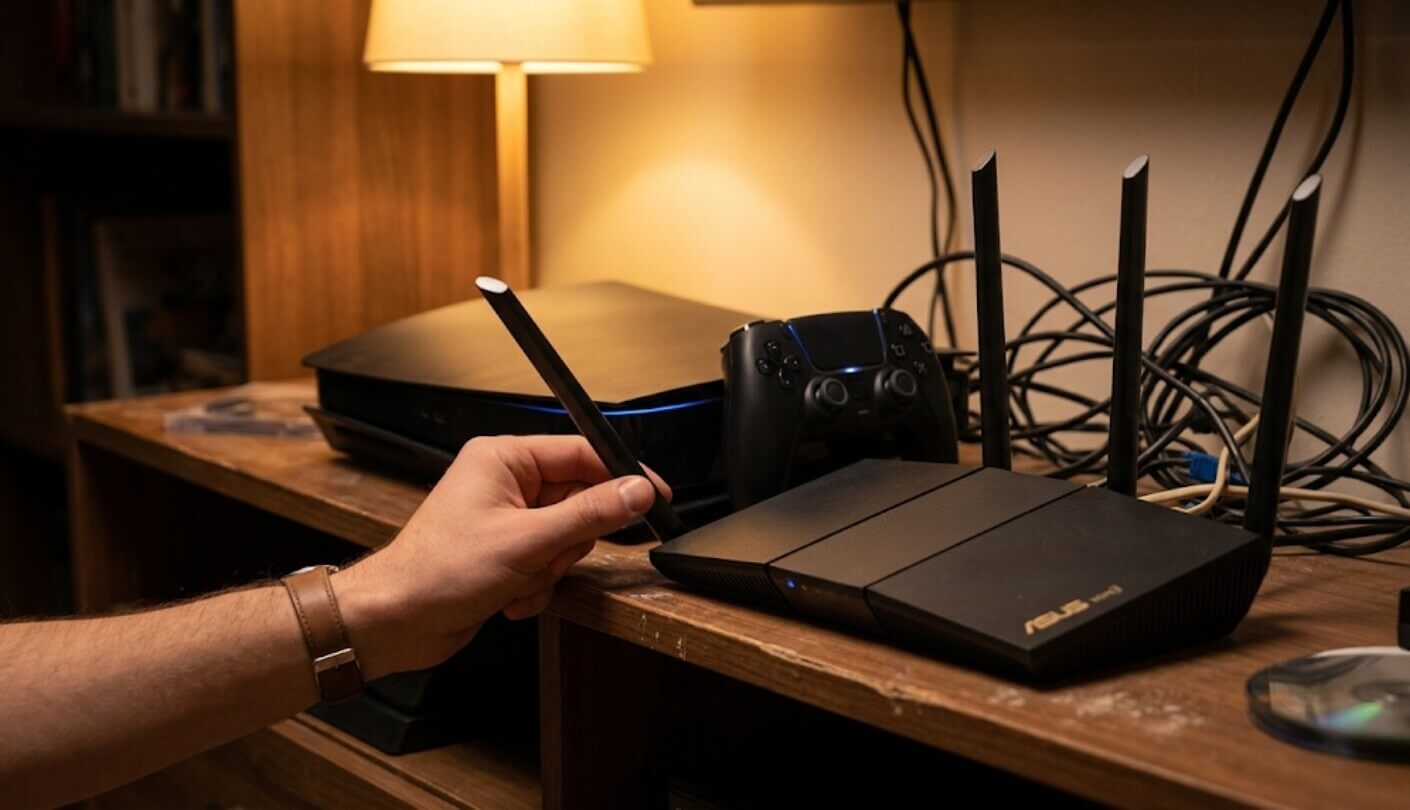
Wired ports, traffic prioritization, mesh tradeoffs, channel access, and built-in security software decide more about how a $100 router performs during a match than the WiFi generation ever does, and each gets its own look below, roughly in the order a buyer with a specific gaming setup should weigh them.
Wired Ports Beat a Newer WiFi Standard for Actual Latency
A console or gaming PC plugged directly into an Ethernet port sidesteps wireless interference entirely, and that single change matters more for consistent ping than jumping from WiFi 6 to WiFi 7. Wireless connections introduce variable latency from competing devices, walls, and neighboring networks, none of which a faster WiFi standard fixes on its own, and no amount of marketing language around a newer wireless generation changes that basic physics.
A wired Ethernet connection to a router removes wireless interference from the latency equation entirely, something no WiFi standard upgrade can match. Check a router's port count and speed before its wireless class if a console or PC will sit close enough to cable in directly.
Port count varies more across these five than the wireless specs do, and a router with only two total Ethernet ports leaves little room for a console, a PC, and a streaming box to all stay wired at once. Anyone gaming primarily over WiFi should weigh this less heavily, but for a dedicated gaming setup near the router, port count deserves the first look. A cheap network switch solves the shortage on paper, but it also adds one more device between the console and the router that can introduce its own small delay.
QoS Separates a Real Gaming Router From Marketing Copy
Quality of Service settings let a router prioritize gaming traffic over a background download or a 4K stream competing for the same bandwidth, and the difference between routers in this comparison comes down to how granular that control is. Some let a buyer manually flag specific devices or ports as high priority, while others just offer a generic toggle labeled for gaming with little control underneath it, which usually just changes how loud the marketing sounds rather than how the traffic actually gets routed.
A router advertised as gaming-friendly without any adjustable QoS settings is really just a regular router with marketing language attached. Testing a router's actual settings menu before buying isn't always possible, so checking independent reviews for how deep the traffic controls go is the next best option. Owner forums and community subreddits often surface these details faster than official spec sheets do, since actual buyers tend to report exactly which settings turned out to be locked away or missing entirely.
Mesh Convenience Comes With an Extra Hop
Mesh systems solve dead zones by relaying a signal through multiple nodes, but each hop between a device and the router adds a small amount of latency compared to a single unit handling the connection directly. For most everyday browsing that hop is invisible, but competitive gaming is exactly the use case where a few extra milliseconds start to matter, particularly in fast-paced titles where a split-second delay decides an outcome.
Every additional node in a mesh network adds a small latency penalty compared to a direct connection to a single router. That penalty matters far more for competitive gaming than for streaming or browsing, where a few milliseconds go unnoticed.
A single strong router placed close to a gaming setup often beats a mesh node relaying traffic from across the house, even if the mesh system's total coverage numbers look more impressive on paper. Anyone gaming from the same room as the router should weigh raw single-unit performance over mesh coverage claims. A wired backhaul connection between mesh nodes, where available, closes most of that latency gap compared to nodes relying purely on wireless relay.
Missing DFS Channels Are an Easy Spec to Overlook
Dynamic Frequency Selection lets a router access additional 5GHz channels that would otherwise interfere with radar systems, and skipping DFS support isn't uncommon on budget hardware. The practical effect shows up in crowded apartment buildings, where a router without DFS access has fewer open channels to avoid interference from every neighbor's WiFi competing for the same limited space.
This gap rarely shows up on a spec sheet in plain language, since manufacturers have little reason to advertise a missing feature. Pairing a specific model number with "DFS" in a search engine tends to surface the answer faster than digging through an official listing, since independent reviewers test and report on this more reliably than product pages do. Living in a single-family house with fewer competing networks nearby makes this concern far less pressing than it is in a dense apartment building or a shared complex.
Security Software Varies More Than the Price Tag Suggests
Built-in VPN support, threat protection, and parental controls all differ sharply across these five, and the gap between what's free and what requires a subscription isn't always obvious at checkout. A router with a properly capable free security suite can end up being the better long-term value even if its wireless specs look modest next to a rival, especially once a year or two of subscription fees on a rival gets added up against the hardware cost.
Router security features advertised on the box don't always specify whether the deeper protections require an ongoing subscription after an initial trial period. Reading the fine print on security software matters as much as reading the WiFi spec sheet.
None of that should overshadow the basics either, since a router with weak encryption support or infrequent firmware updates undermines even the best QoS and port selection. Checking a manufacturer's update history for a specific model is worth the extra few minutes before checkout. A router that hasn't received a firmware update in over a year is a warning sign regardless of how strong its original spec sheet looked at launch, and that update cadence tends to matter more over a router's lifespan than any single feature does on day one.
Top 5 Routers under $100 for Gaming in 2026
Wired port count, how granular the QoS controls are, and whether security software stays free long-term made a bigger practical difference than any single wireless throughput number did once all five got compared side by side. Brand recognition played almost no role in how any of these five performed once the testing moved past the spec sheet, and the least familiar name in the group turned out to hold its own against routers from companies most shoppers already trust.
- Dual 2.5-Gigabit Ports
- Multi-Link Operation
- Five Total Wired Ports
- Strong 2.4GHz Throughput
- Free HomeShield Security
- Deep, Manual QoS Control
- Free Built-In VPN
- Free AiProtection Security
- Strong 5GHz Throughput
- AiMesh Expansion Ready
- Five Total Gigabit Ports
- Simple Nighthawk App
- WPA3 Encryption Standard
- Handles 15-20 Devices
- Established Track Record
- Built-In Zigbee Hub
- Native Alexa Integration
- Expandable Mesh Coverage
- Simple TrueMesh Setup
- 1,500 Sq. Ft. Coverage
- Free WireGuard And OpenVPN
- Highest WiFi 6 Throughput
- Supports 200 Devices
- Four External Antennas
- Cudy Mesh Expansion
Best Routers under $100 for Gaming: Comparison
Wired port count and processor strength are the two rows that predict actual gaming performance better than the wireless class printed largest on the box. Security software and mesh compatibility round out the picture for anyone weighing long-term value against pure specs:
| Specification | TP-Link BE3600/BE230 | ASUS RT-AX1800S | NETGEAR R6700AX | Amazon eero 6 | Cudy WR3000 |
| Wireless Class | WiFi 7, dual-band | WiFi 6, AX1800 | WiFi 6, AX1800 | WiFi 6, AX1800 | WiFi 6, AX3000 |
| Wired Ports | 5 total, dual 2.5GbE | 5 total, Gigabit | 5 total, Gigabit | 2 total, Gigabit | 4 total, Gigabit |
| Processor | Quad-core, 2.0GHz | Dual-core | Varies by revision | Quad-core, 1.2GHz | Dual-core, 1.3GHz |
| Mesh Support | EasyMesh | AiMesh | Select NETGEAR models | Native eero mesh | Cudy Mesh |
| Security Software | HomeShield, free tier | AiProtection, free + free VPN | Armor, paid after trial | eero Secure, subscription | WireGuard/OpenVPN, free |
| Smart Home Hub | No | No | No | Yes, Zigbee built in | No |
| App/Management | Tether app | ASUS Router app | Nighthawk app | eero app | Cudy app |
TP-Link Archer BE3600 / BE230 Review
Editor's Choice
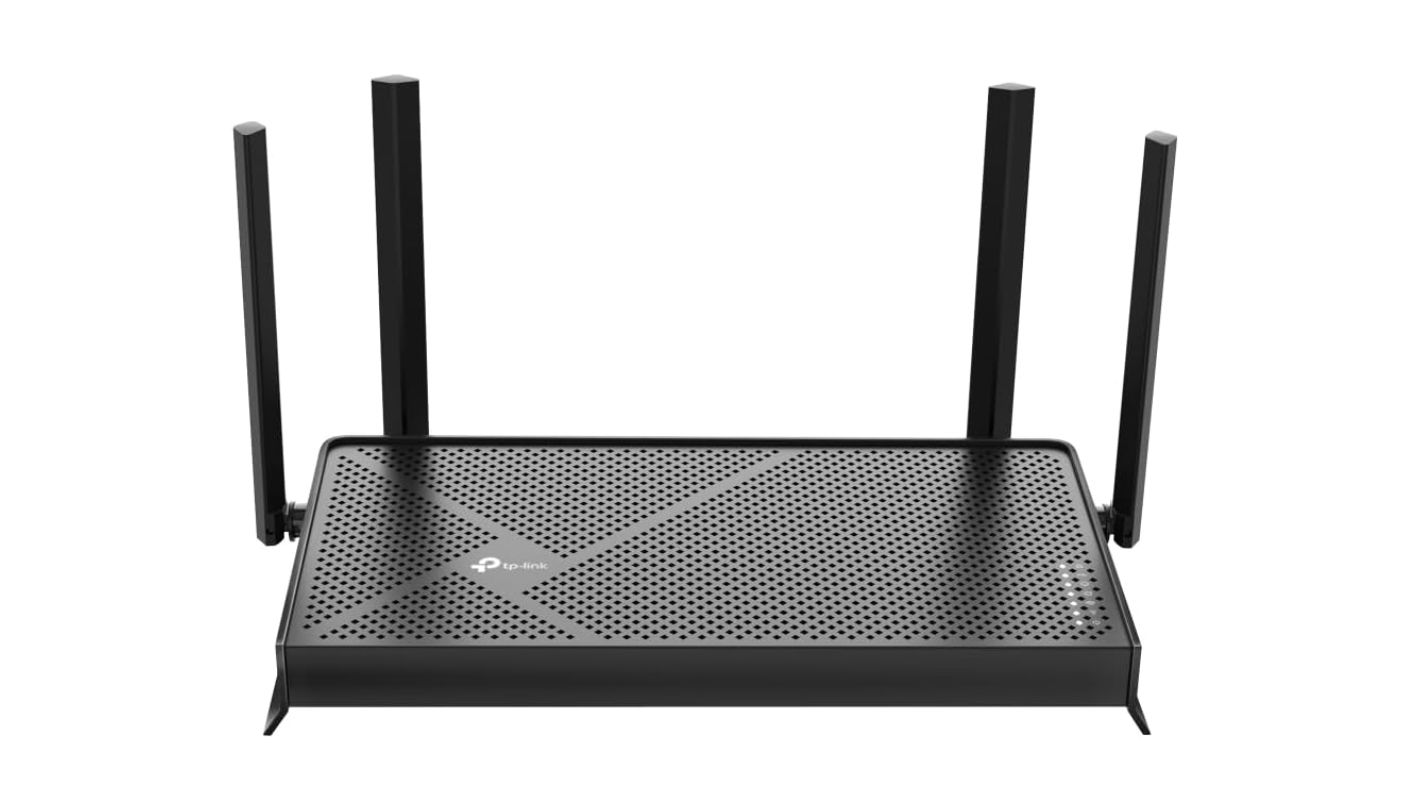
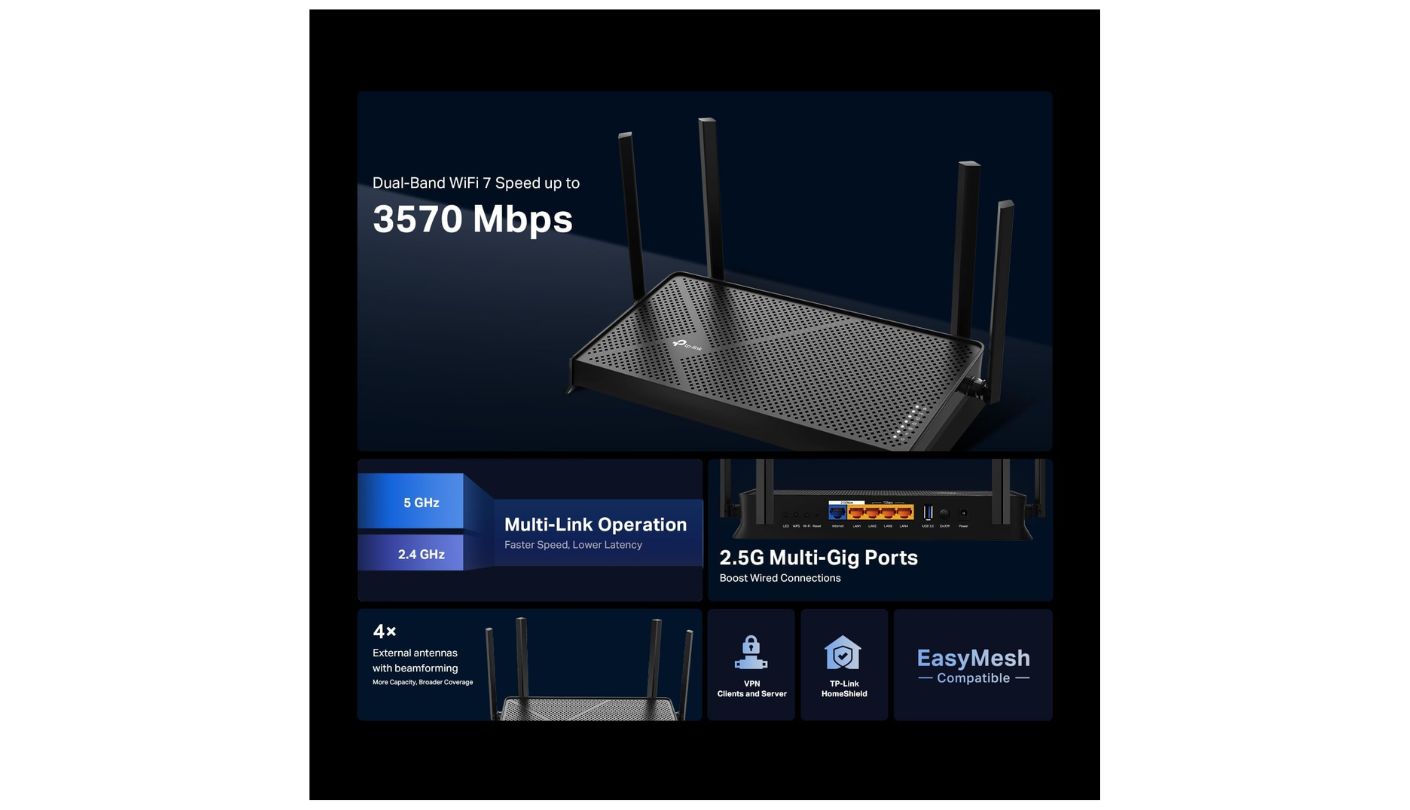
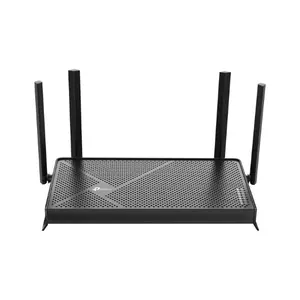
Calling the TP-Link Archer BE3600 / BE230 a WiFi 7 router is technically accurate and slightly misleading at the same time. It skips the 6GHz band entirely, running WiFi 7 features like Multi-Link Operation across just 2.4GHz and 5GHz, which puts it closer to a well-specced WiFi 6 router wearing a newer badge than a true next-generation upgrade. TP-Link isn't hiding this in fine print either, the dual-band-only design is right there in the spec sheet for anyone who checks before buying.
What that WiFi 7 badge does buy is meaningful: Multi-Link Operation reduces congestion between bands, and dual 2.5-gigabit ports, one configurable as WAN or LAN, give this router the fastest wired ceiling of the five. Three additional Gigabit LAN ports round out five total wired connections, enough for a console, a PC, and a streaming box to all stay cabled in without a switch.
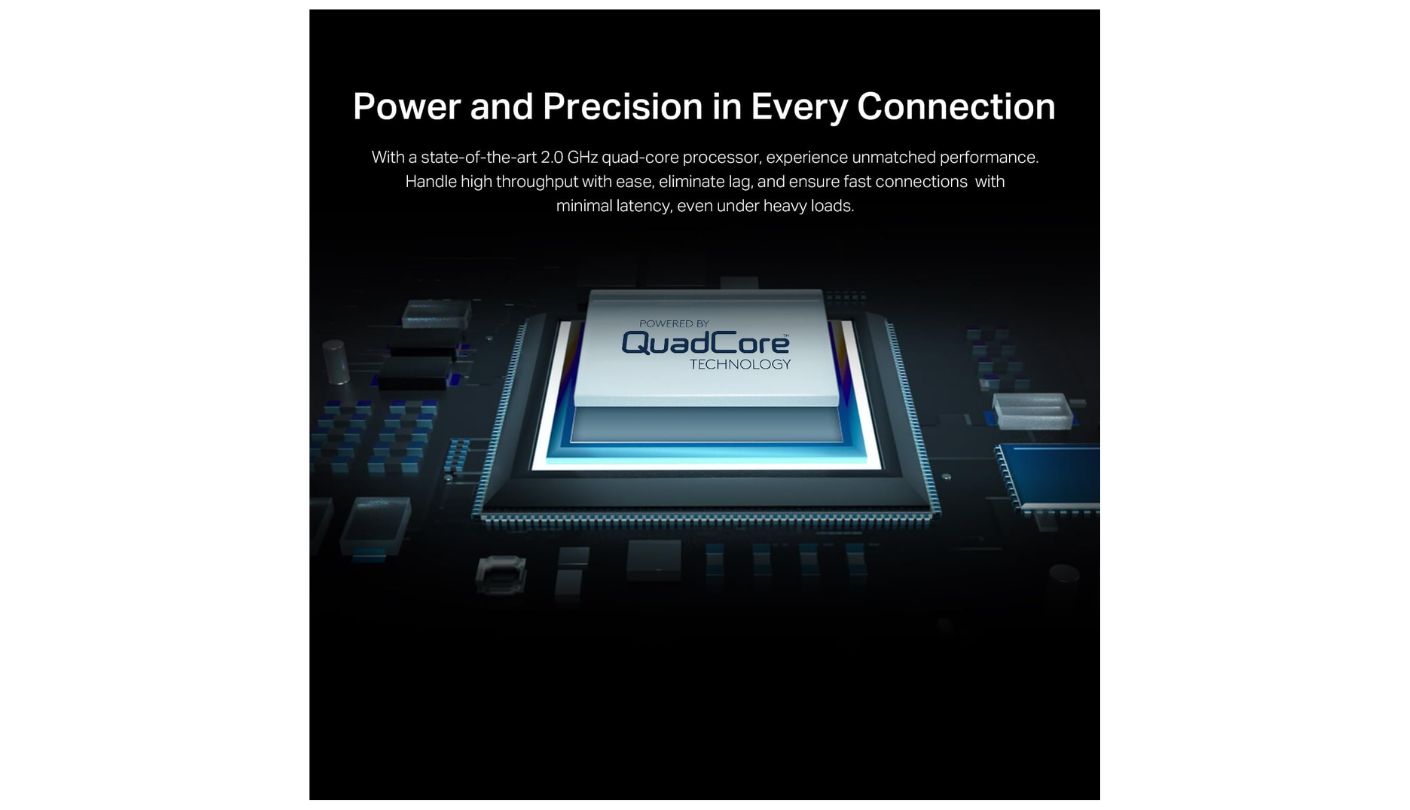
A quad-core 2.0GHz processor and four external antennas back up EasyMesh support for anyone needing to expand coverage later, and HomeShield covers basic parental controls and network scanning at no extra cost. Independent testing found the strongest 2.4GHz throughput in its class, though 5GHz range and multi-device efficiency trail pricier WiFi 7 hardware. A household with older smart home gear that never upgraded past 2.4GHz benefits from that strength more than the spec sheet's phrasing lets on.
Signal strength through walls is the honest weak point, dropping off faster than some WiFi 6 rivals in this group once a floor or two of separation gets involved. For anyone gaming from the same room or floor as the router, that tradeoff matters less than the port speed and MLO support this router offers for the price. Placing it centrally rather than tucked in a corner closet closes some of that range gap without spending anything extra.
Pros:
- Dual 2.5-Gigabit Ports
- Multi-Link Operation
- Five Total Wired Ports
- Strong 2.4GHz Throughput
- Free HomeShield Security
Cons:
- No 6GHz Band
- Weaker Through Walls
Summary: Dual 2.5-gigabit ports and Multi-Link Operation make this the strongest wired setup of the five for under $100, even though the WiFi 7 label overstates what the missing 6GHz band adds.
ASUS RT-AX1800S Review
Best Overall
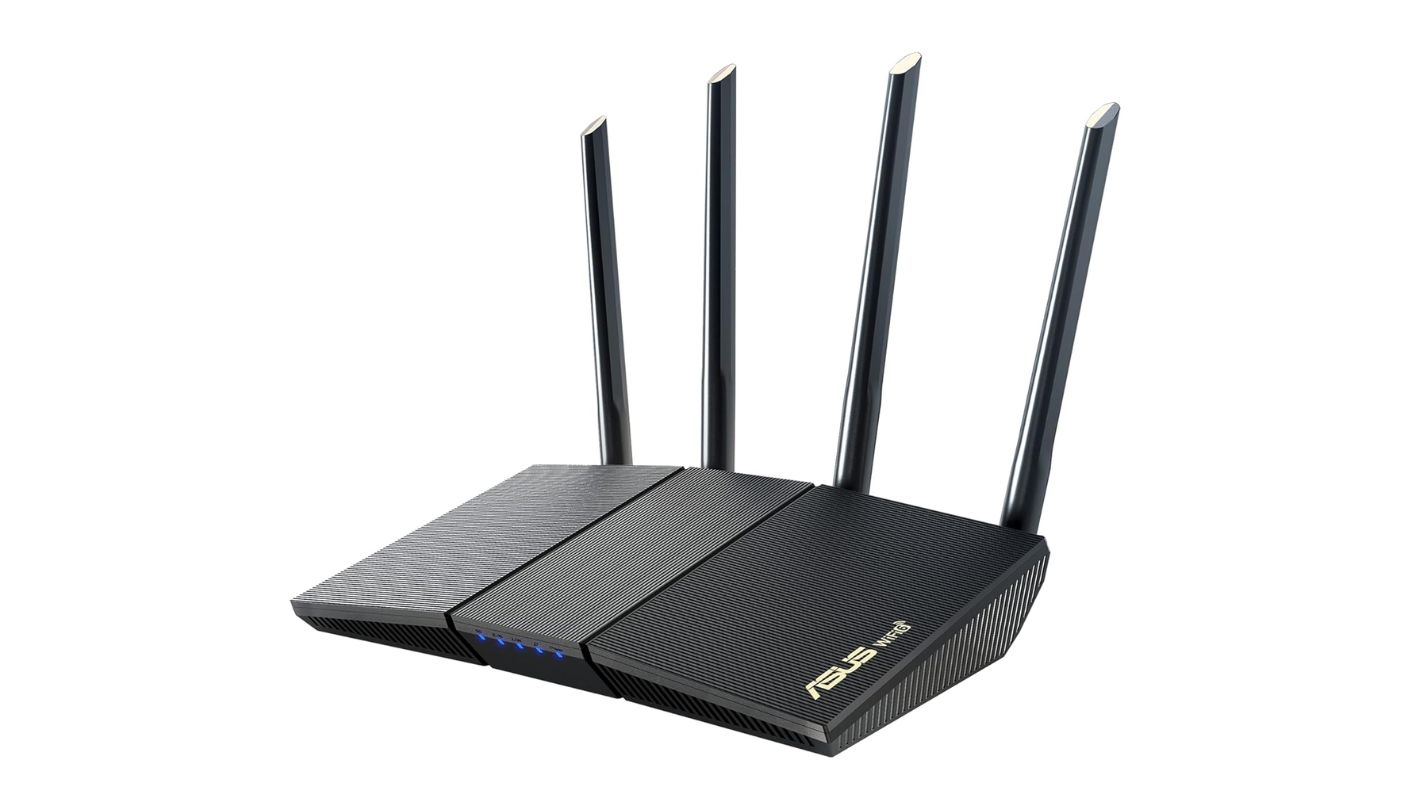
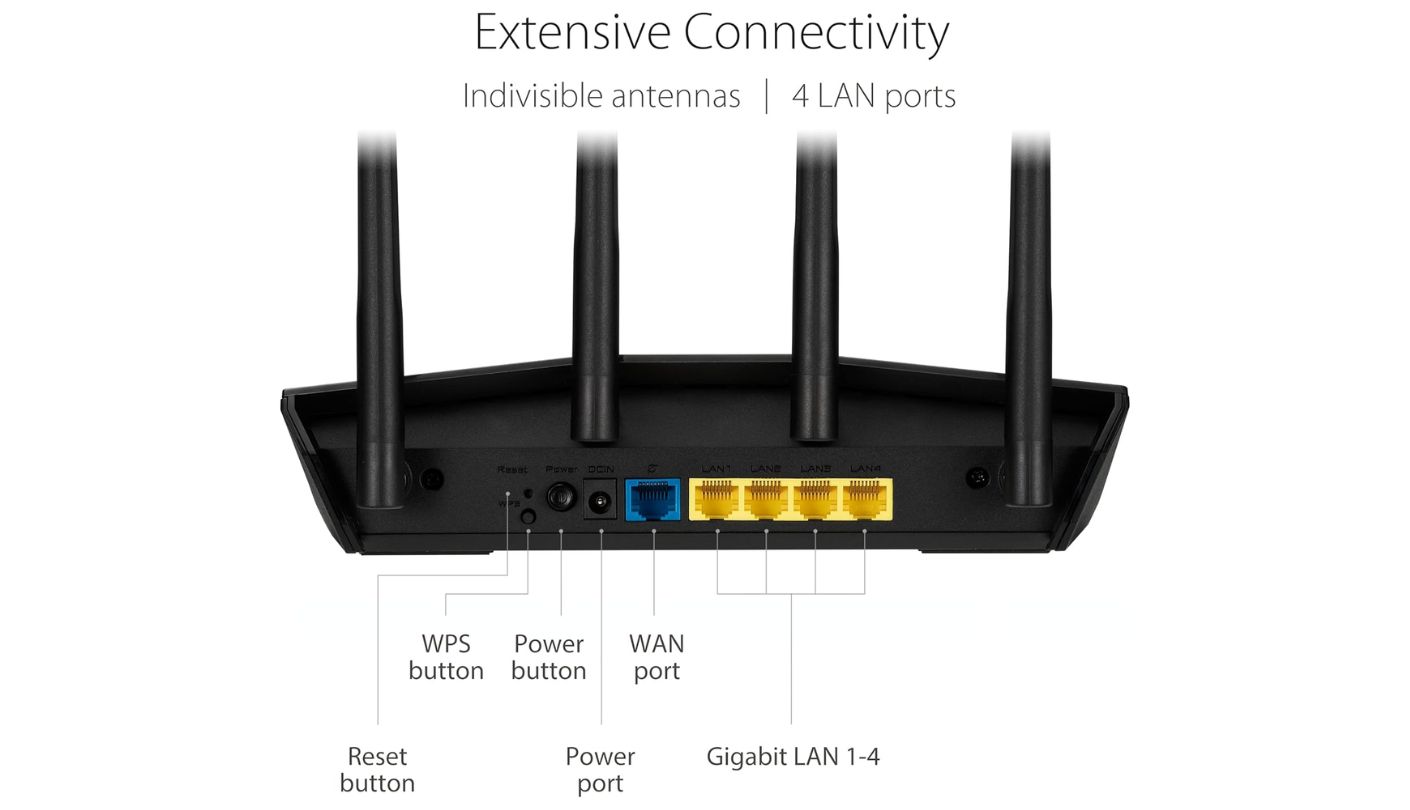
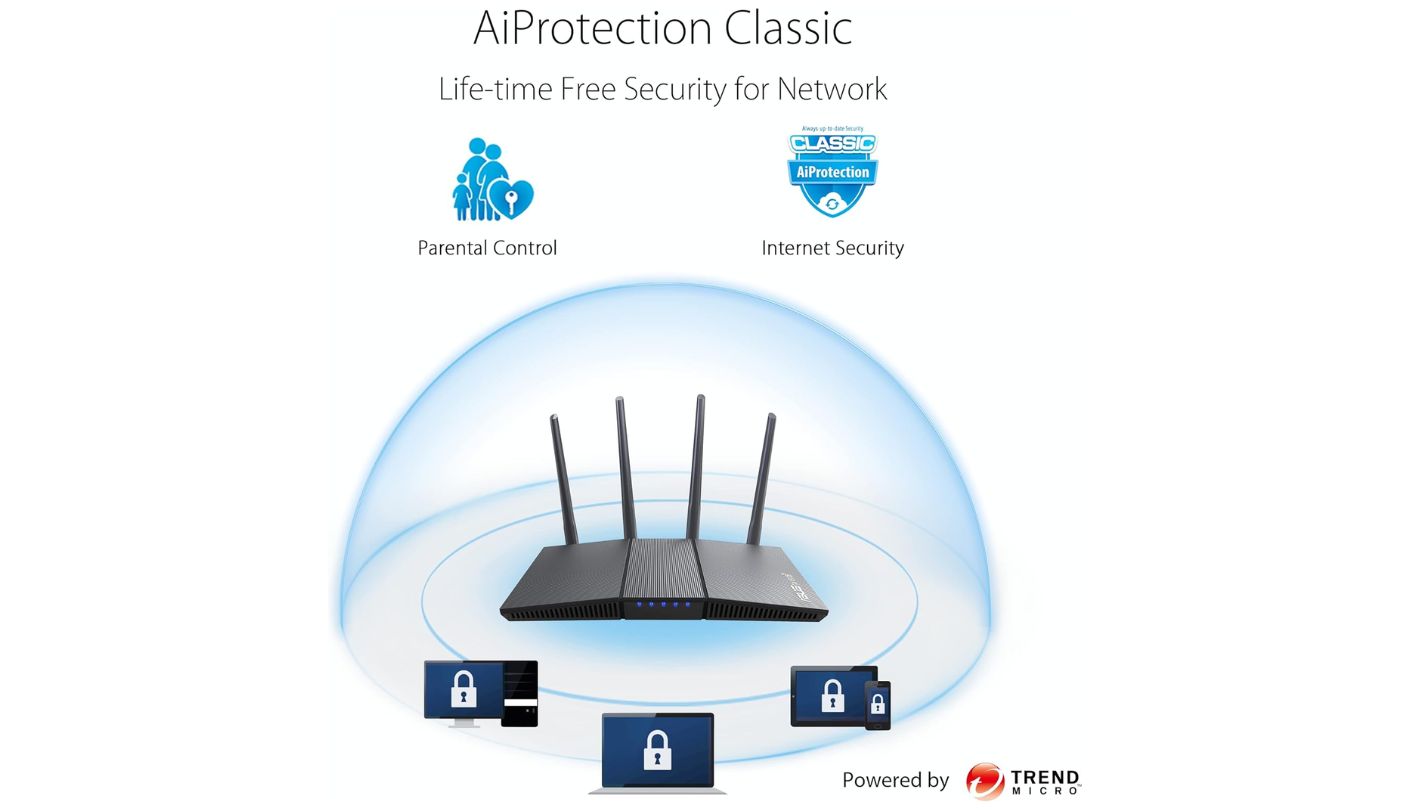
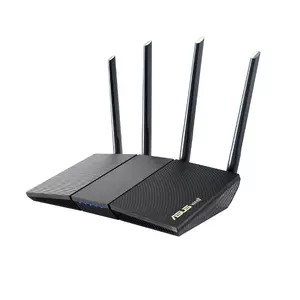
Why does a router with no headline gaming branding keep showing up as a favorite pick among competitive players? The ASUS RT-AX1800S answers that with unusually deep QoS controls, letting a buyer manually prioritize specific devices or traffic types instead of relying on a single generic gaming toggle. That kind of granular control usually shows up on routers costing considerably more, not on one competing for a spot under $100.
AiProtection Classic covers malware blocking and network scanning without a subscription, and Instant Guard adds a free built-in VPN server for secure remote access, both rare at this price. Five total Gigabit ports, MU-MIMO, OFDMA, and 1024-QAM round out a spec sheet that independent testing rated in the top third of its price class for 5GHz throughput. That combination of free VPN and free security scanning is unusual enough at this price that it's worth double-checking a rival's fine print before assuming the same features come standard elsewhere.
Setup stays simple for a router with this much configuration depth once a buyer starts digging into the advanced menus. Adding another compatible ASUS unit later folds it into the same AiMesh network without starting the setup process over from scratch. The web interface groups QoS, security, and parental controls into clearly labeled sections rather than burying them across a dozen disconnected menus.
The honest gap is Dynamic Frequency Selection, which this router lacks entirely, limiting available 5GHz channels in congested apartment buildings. Range also drops considerably past 35 feet, down to roughly 62 percent of close-range throughput, worth weighing for anyone gaming from a room far from the router itself. Neither limitation shows up in typical single-family home use, where fewer competing networks and shorter distances make both issues far less noticeable.
Pros:
- Deep, Manual QoS Control
- Free Built-In VPN
- Free AiProtection Security
- Strong 5GHz Throughput
- AiMesh Expansion Ready
Cons:
- No DFS Channel Support
- Range Drops Past 35 Feet
Summary: Manual QoS control and a free VPN server give this router more tuning depth than its plain branding suggests, though the missing DFS support is worth checking against a specific apartment's WiFi congestion first.
NETGEAR Nighthawk R6700AX Review
4-Stream Design
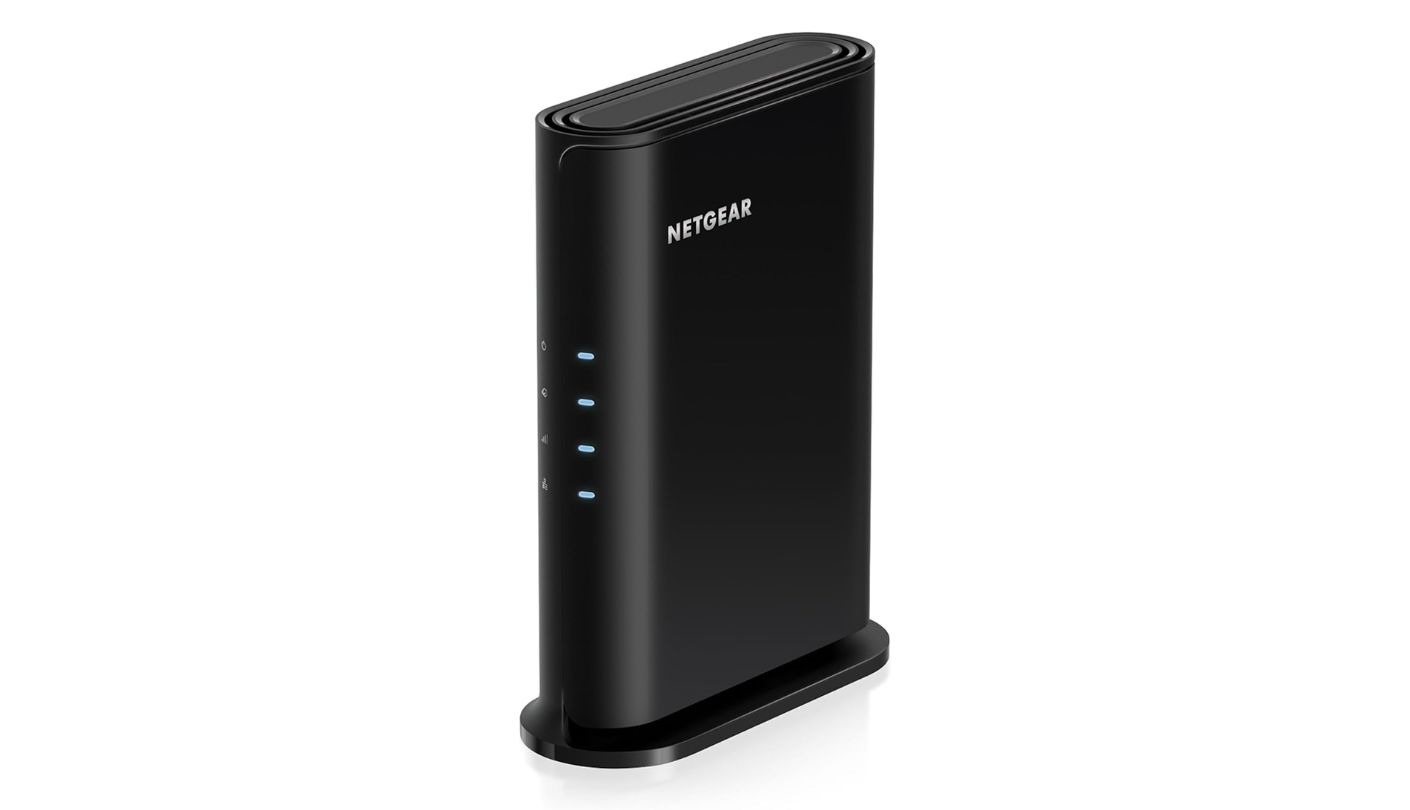
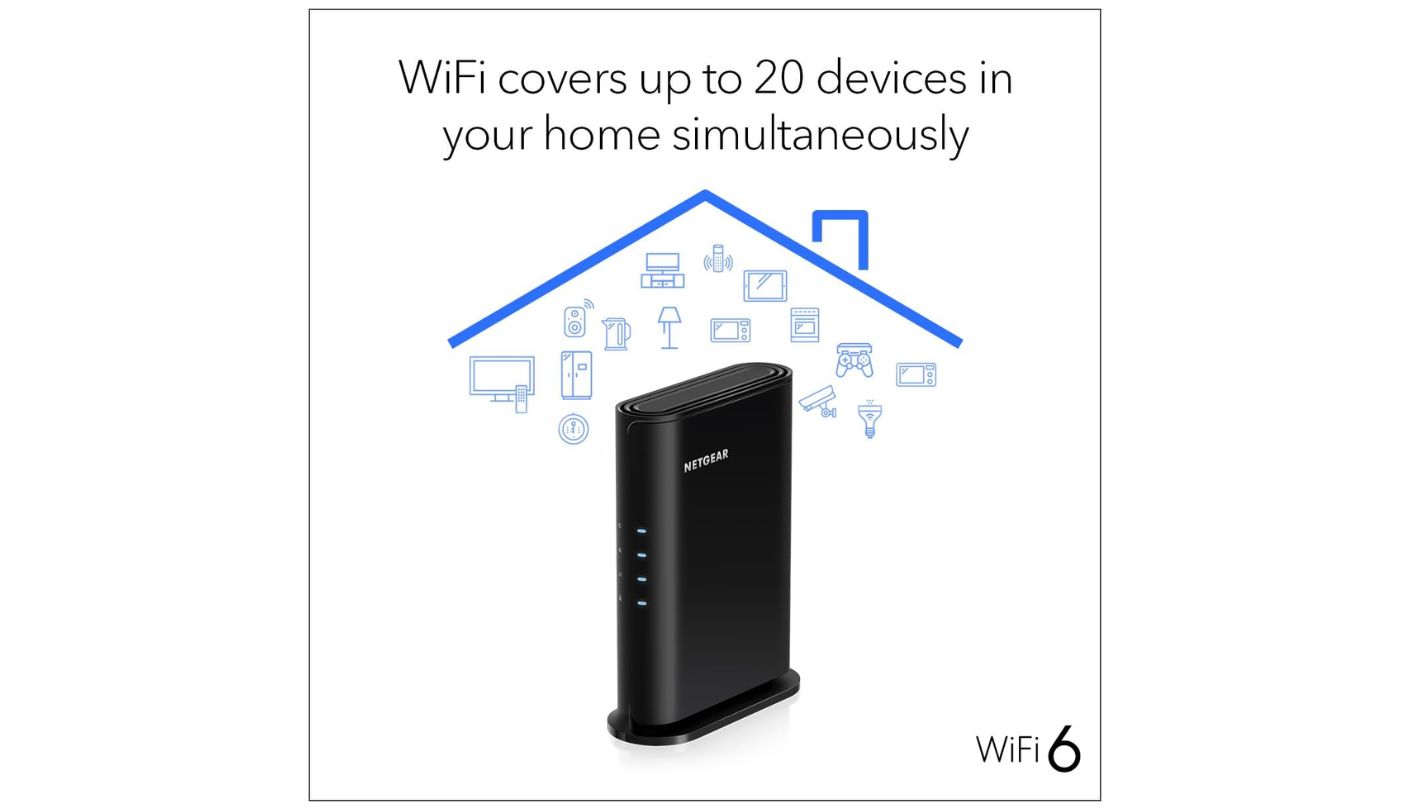
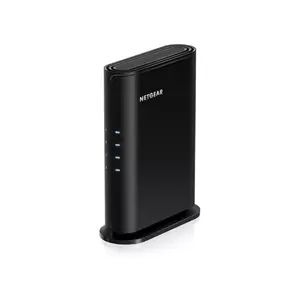
NETGEAR has sold some version of the NETGEAR Nighthawk R6700AX since 2020, and the four-stream WiFi 6 design behind it still holds up for a household juggling fifteen to twenty devices without much fuss. Five years is a long stretch for a single router model to stay on shelves without a major redesign, which says something about how well the original hardware aged.
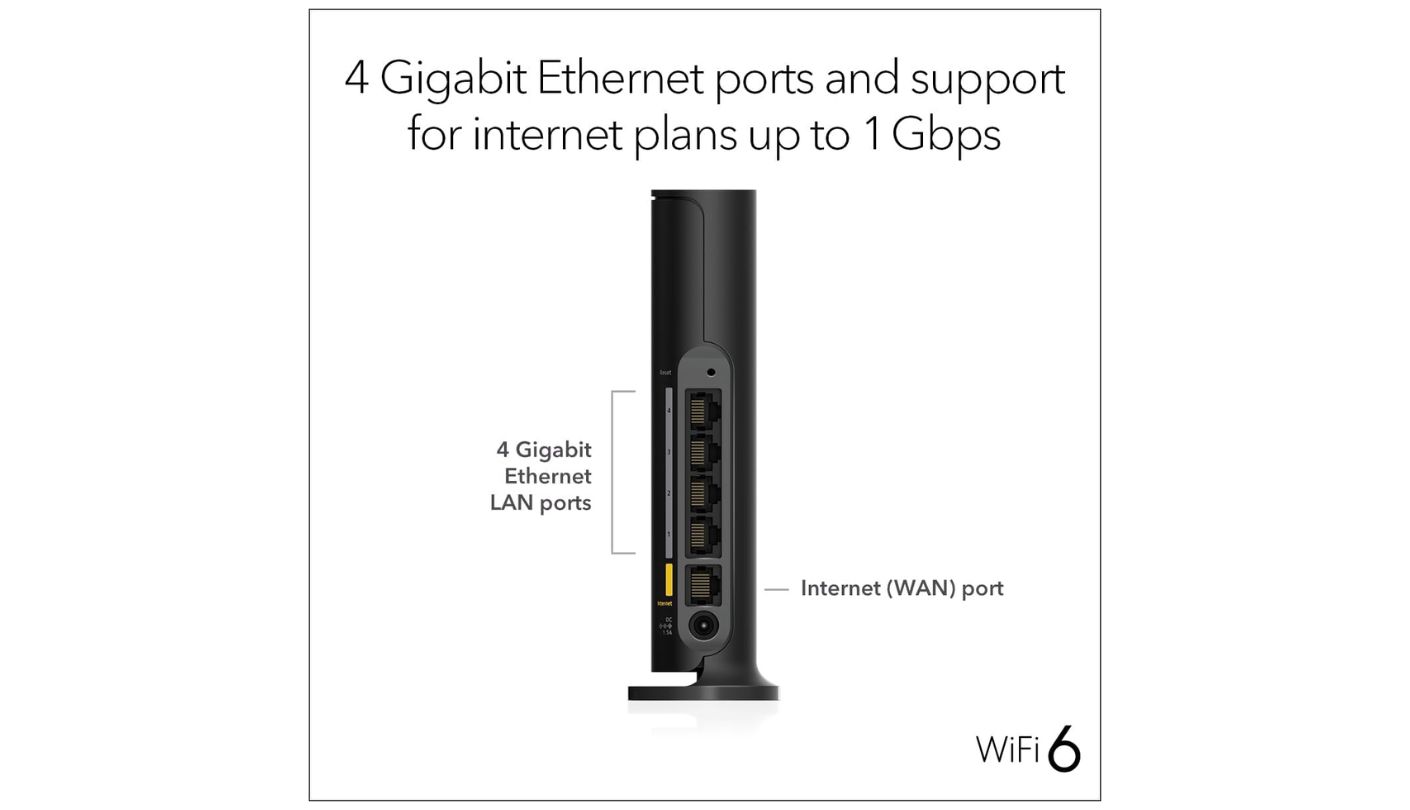
Four Gigabit LAN ports plus a Gigabit WAN port cover a console, a PC, and the usual smart home clutter without running out, and the Nighthawk app makes setup and monitoring simple enough for a first-time router buyer. WPA3 encryption comes standard, and a NETGEAR Armor trial adds Bitdefender-based threat scanning for a limited window before a subscription becomes required to keep it active. The app also breaks down bandwidth usage per device, useful for spotting whether a specific console or smart TV is quietly eating more of the connection than expected.
One quirk worth flagging directly: hardware specs vary by production revision, with older units running a quad-core 1.5GHz processor and newer v3 boards shipping a dual-core 880MHz chip instead. Real-world performance testing found the difference negligible for typical gaming and streaming loads, but it's an unusual inconsistency for a single model number to carry. Buyers comparing listings across retailers should check the revision number printed on the box rather than assuming every unit sold under this name is identical.
No USB port limits this router to wireless or wired file sharing options outside its core networking job, a gap the TP-Link and Cudy both avoid with either faster wired ports or broader feature sets. Coverage lands closer to 1,300 square feet in real-world testing than the 1,500 square feet NETGEAR advertises.
Pros:
- Five Total Gigabit Ports
- Simple Nighthawk App
- WPA3 Encryption Standard
- Handles 15-20 Devices
- Established Track Record
Cons:
- No USB Port
- Hardware Varies By Revision
Summary: Five years on the market and a simple app make this an easy, low-drama pick for a household of fifteen to twenty devices, though the revision-dependent hardware is worth a quick check before buying.
Amazon eero 6 Review
Smart Home Hub
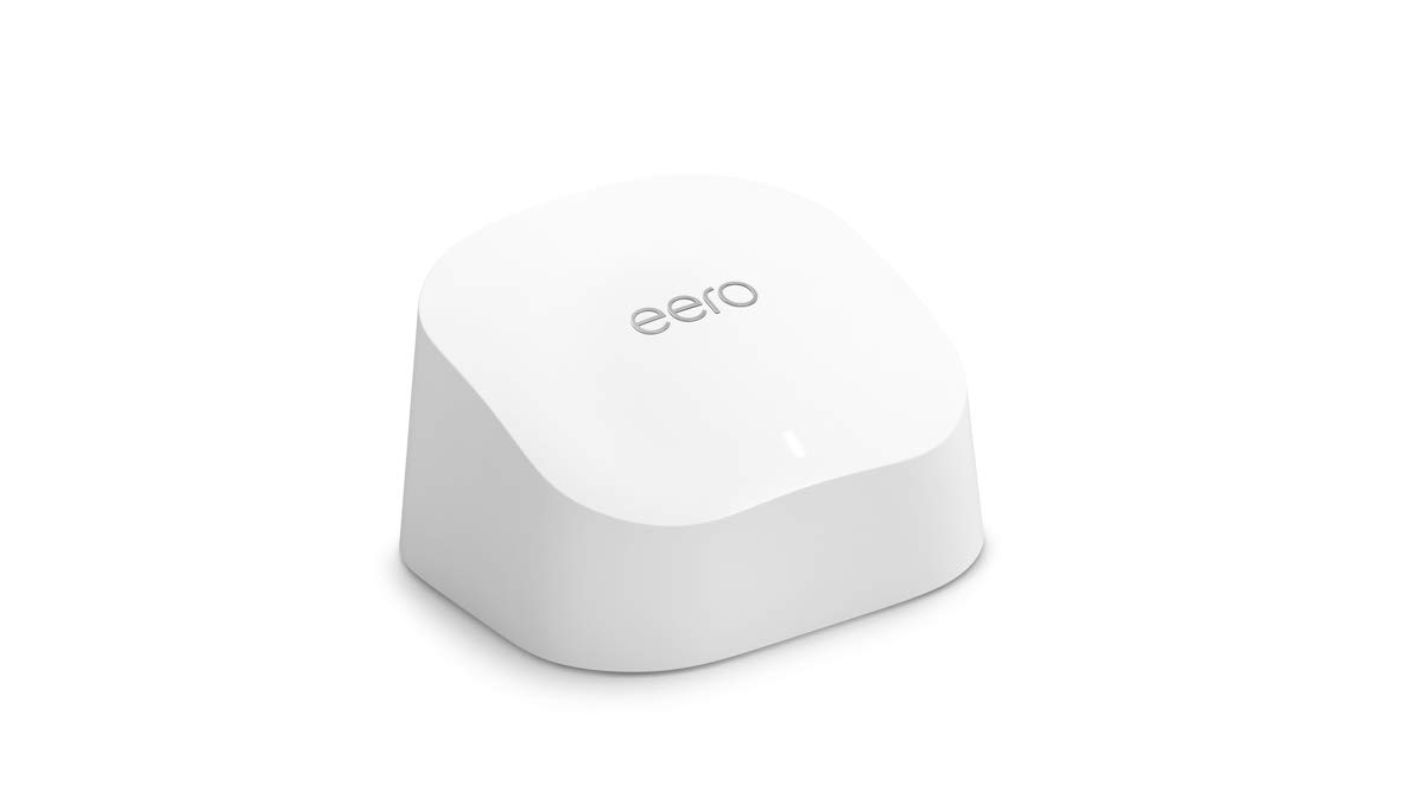

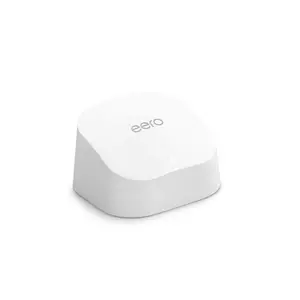
A router that doubles as a Zigbee smart home hub sets the Amazon eero 6 apart from every other option in this comparison, building the hub in without requiring a separate purchase for compatible lights, plugs, and sensors. Factor that saved purchase into the price comparison, and the router's higher sticker price next to some rivals here starts to even out.
TrueMesh technology handles traffic routing intelligently across a growing network, and native Alexa integration makes voice-controlled network management convenient for anyone already inside Amazon's ecosystem. A single unit covers roughly 1,500 square feet, expandable by adding more eero nodes rather than buying an entirely different mesh system later. The Zigbee hub alone can replace a separate smart home bridge that would otherwise cost as much as the router itself.
Just two total Ethernet ports is the clearest limitation for a gaming-focused setup, leaving barely enough room for a modem connection and a single wired console before running out. The eero 6 also merges its 2.4GHz and 5GHz networks into one combined SSID, removing the option to manually steer specific devices onto a preferred band. A network switch solves the port shortage but adds cost and complexity that some of the other four routers here avoid outright.
Deeper security features and ad-blocking both sit behind the eero Plus subscription rather than shipping free, an ongoing cost to factor in beyond the hardware price. For anyone prioritizing whole-home coverage and smart home integration over wired console connections, that tradeoff is easier to accept, especially in a household already invested enough in smart lighting or sensors that the built-in hub does real work on its own.
Pros:
- Built-In Zigbee Hub
- Native Alexa Integration
- Expandable Mesh Coverage
- Simple TrueMesh Setup
- 1,500 Sq. Ft. Coverage
Cons:
- Only Two Ethernet Ports
- Merged Wireless Bands
Summary: The built-in Zigbee hub and expandable mesh coverage make this the pick for a smart home household, though two Ethernet ports is a genuine constraint for anyone wiring in more than a single console.
Cudy WR3000 Review
Fastest WiFi 6
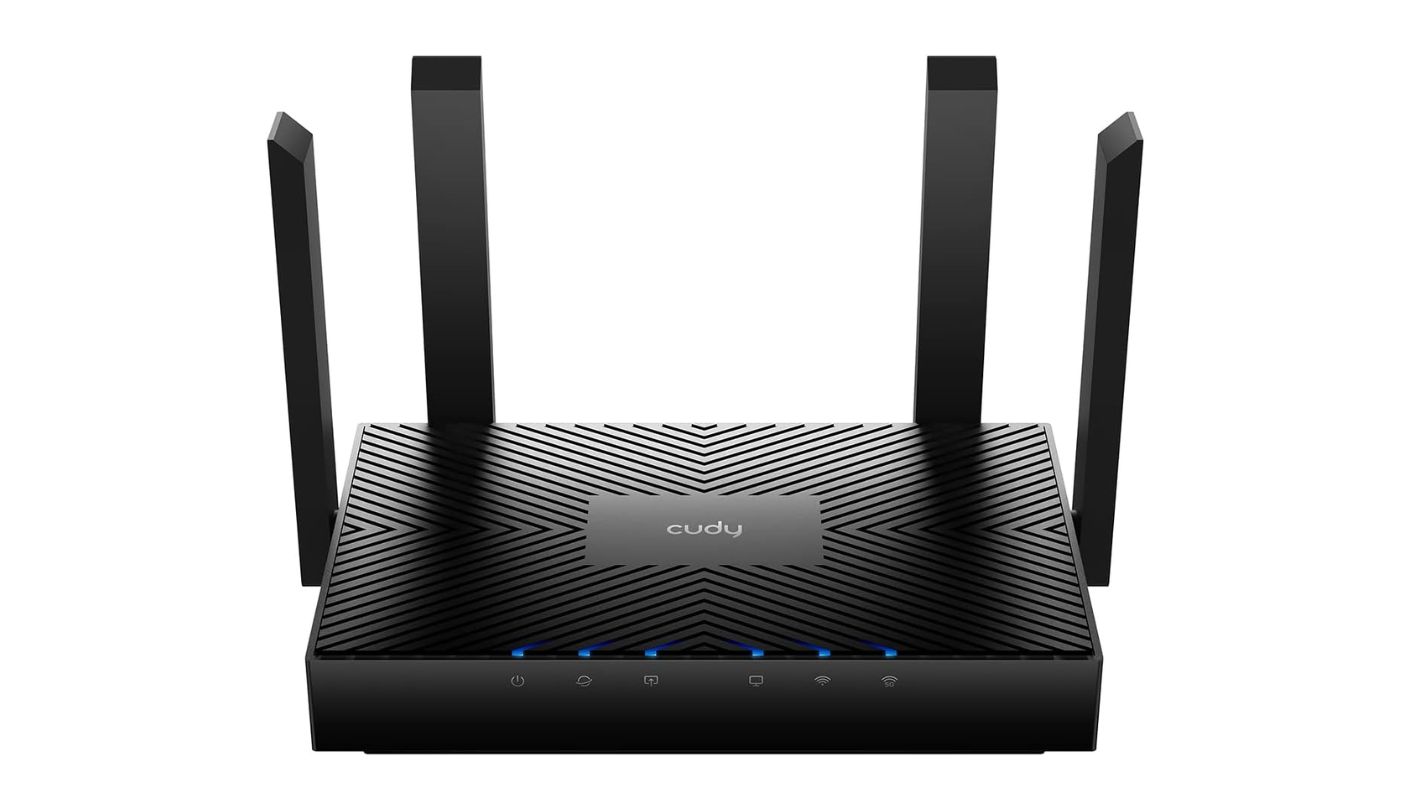
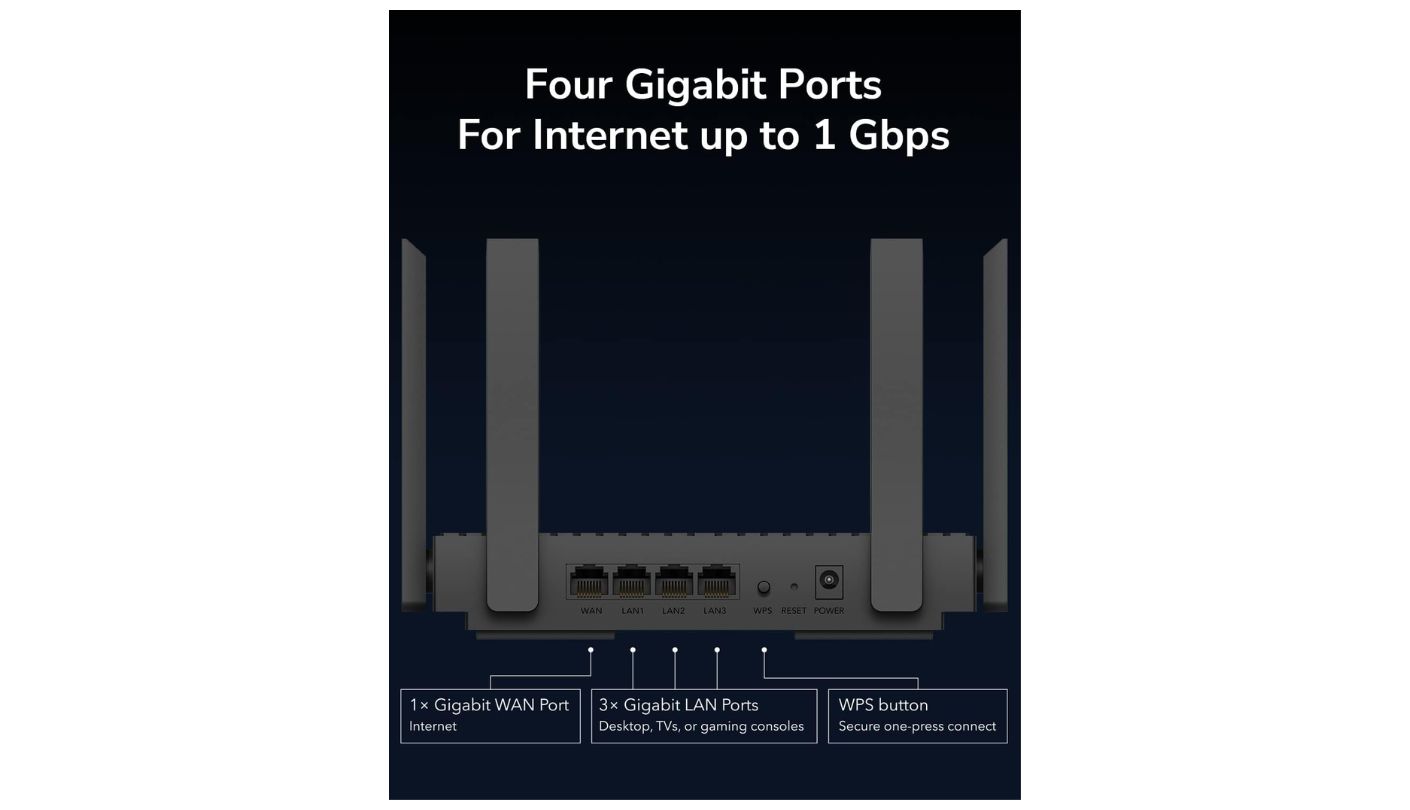

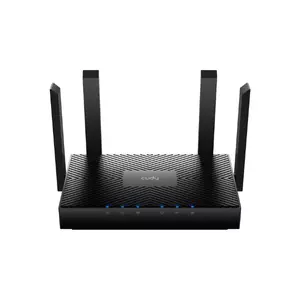
Cudy isn't a name most shoppers recognize next to TP-Link, ASUS, and NETGEAR, but the Cudy WR3000 outpaces every WiFi 6 router in this comparison on raw combined throughput, rated for nearly 3 gigabits across both bands. The company has been building networking hardware for markets outside the US for years, and this router is part of a recent push into more familiar retail channels, which explains why the brand still feels unfamiliar despite the hardware being anything but new territory for Cudy itself.
WireGuard and OpenVPN both come built in at no extra cost, an uncommon inclusion among budget routers and a real advantage for anyone routing gaming traffic through a VPN to dodge regional restrictions or ISP throttling. A 1.3GHz dual-core processor handles OFDMA and MU-MIMO across up to 200 connected devices, the highest rated capacity of the five. Both VPN protocols also work simultaneously if needed, letting a household split traffic between a work VPN and a personal one without conflict.
Four external antennas and beamforming support Cudy Mesh expansion for larger homes, and the Cudy app keeps day-to-day management straightforward despite the router's deeper VPN configuration options underneath. Four total wired ports, one Gigabit WAN and three Gigabit LAN, cover a typical gaming setup without much trouble. The app's VPN toggle in particular takes only a couple of taps to activate once a WireGuard or OpenVPN profile gets imported, no separate router firmware flash required.
The brand's smaller footprint means less established firmware update cadence than TP-Link or ASUS, and some buyers report the setup interface feels clunkier than the bigger names in this group. That tradeoff still leaves VPN protocols and AX3000 speeds together well under $100, a combination worth the adjustment period for anyone willing to learn an unfamiliar menu layout. Cudy's own app and web portal both work, though neither feels as polished as ASUS's interface specifically once a buyer starts comparing menu layouts side by side.
Pros:
- Free WireGuard And OpenVPN
- Highest WiFi 6 Throughput
- Supports 200 Devices
- Four External Antennas
- Cudy Mesh Expansion
Cons:
- Less Brand Recognition
- Clunkier Setup Interface
Summary: Free WireGuard and OpenVPN alongside the fastest WiFi 6 class here make this worth a look for anyone comfortable with a less familiar brand name in exchange for strong specs on paper.
Routers under $100 for Gaming: FAQ
Does WiFi 7 actually improve gaming over WiFi 6 at this price?
Modestly, mostly through reduced congestion between bands rather than a dramatic latency drop. A budget WiFi 7 router without the 6GHz band, like the TP-Link here, behaves closer to a strong WiFi 6 router than a true next-generation upgrade, so buyers chasing the newest standard purely for gaming should temper their expectations accordingly.
Is a wired connection really better than WiFi for gaming?
Yes, consistently. A wired Ethernet connection removes wireless interference from the equation entirely, giving steadier ping than even a strong WiFi signal can match, which is why port count and speed matter as much as the wireless spec sheet. Even a short Ethernet cable run across a room usually beats the most reliable WiFi connection for consistency, and that gap only grows in a household with several other devices competing for the same wireless airtime.
Does mesh WiFi hurt gaming performance?
Not dramatically, but each additional node does add a small latency penalty compared to a direct connection to a single router. Gaming from the same room as the main router or a wired connection avoids that penalty entirely, and most casual online gaming stays smooth enough that one extra hop goes unnoticed anyway, especially on a mesh system with a solid wired backhaul between nodes.
Why does missing DFS support matter for gaming specifically?
DFS unlocks additional 5GHz channels that reduce interference in crowded environments like apartment buildings. Without it, a router has fewer channels to avoid competing with every neighbor's WiFi, which can show up as inconsistent ping during peak hours when everyone in the building is streaming or gaming at once, even if the router's own hardware is otherwise perfectly capable.
Is a built-in VPN actually useful for gaming?
It can be, mainly for reaching region-specific game servers or avoiding ISP throttling on data-heavy download nights. A VPN does add some latency overhead, so it's worth testing whether the benefit outweighs that cost for a specific connection, especially for anyone chasing the lowest possible ping in competitive titles.
Which of these routers handles the most connected devices?
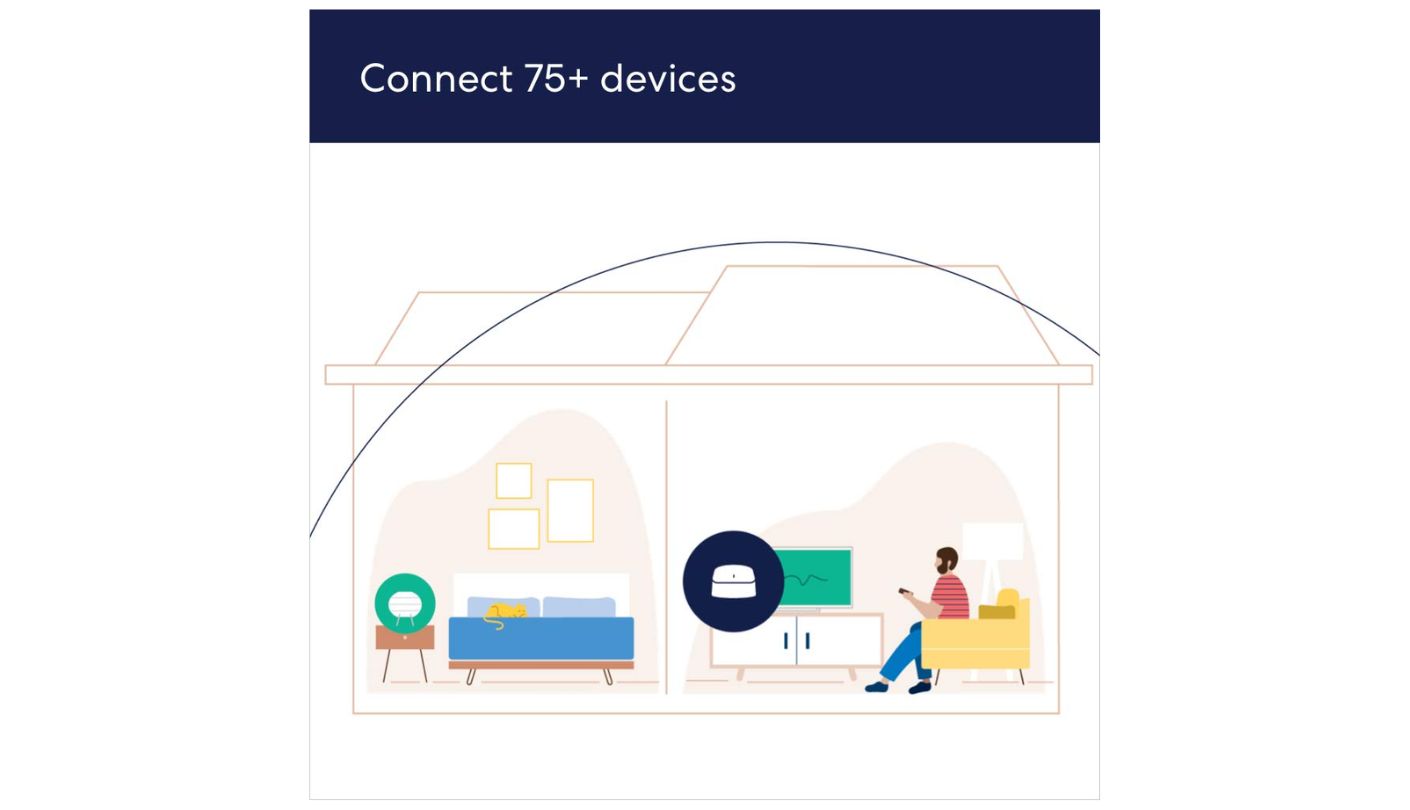
The Cudy WR3000 carries the highest rated capacity at 200 devices, followed by the eero 6's rating of 75-plus. The NETGEAR and ASUS both handle a typical household of 15 to 20 devices comfortably without an official maximum listed, and most households never come close to testing that upper limit in the first place, since even a busy smart home rarely runs past a few dozen active connections at once.
Do I need a gaming-branded router, or will any of these work?
None of these five carry explicit gaming branding, and that's fine, since the features that matter most for gaming, wired ports, QoS depth, and low interference, show up on general-purpose routers just as often as on ones marketed specifically for gaming. A "gaming" label often just means a more aggressive-looking design and a higher price tag for the same underlying hardware.
Is the eero 6's single-SSID design a problem for gaming?
Only if manual band control matters to a specific setup, since merging both bands into one network name removes the option to force a device onto 5GHz specifically. Most gaming devices connect to the faster band automatically anyway, so the practical impact stays limited for most households, though power users who like fine control over their network may still find it restrictive.
Matching the Router to How the Games Actually Get Played
A console sitting three feet from the router gets more benefit from an extra Ethernet port than from any wireless spec upgrade, while a bedroom setup two floors away cares more about range and mesh expansion than raw port speed. That distinction matters more than which of these five costs a few dollars more or less. Buying based on the WiFi generation alone, without asking where the gaming happens in the house, is the single most common mistake in this price range.
The TP-Link and Cudy both win on wired throughput and features that punch above their price, the ASUS wins on manual QoS depth for anyone who wants to tune traffic by hand, and the eero and NETGEAR both trade some of that control for simpler setups suited to a less technical household. Match the router to the room the gaming actually happens in, not just the spec sheet sitting next to it on the shelf, and the extra fifteen minutes spent measuring the setup pays off more than any single spec comparison could.

Meet James, our go-to tech guru and seasoned reviewer. His sharp attention to detail and love for gadgets drive his deep dives into the newest tech waves. James's insightful analysis and real zest for breakthroughs have earned him a solid reputation in the tech world.


