Best Smart Home Starter Kit
The first smart home device most people buy ends up stranded. It works, it responds to voice commands, it has an app - but it does not talk to anything else in the house. Adding a second device from a different brand introduces a second app, a second hub, and a compatibility question nobody warned about. Starter kits solve that problem on day one by bundling pieces that work together out of the box. Over eight weeks of hands-on testing I found that what each kit considers "getting started" varies considerably - and picking the wrong category for your situation is the most common and most preventable mistake in this purchase.
The five kits here - the Lutron Diva Smart Dimmer Switch Starter Kit, Ring Alarm 8-Piece Kit, TP-Link Tapo T31 KIT, Philips Hue Starter Kit with Bridge Pro, and Amazon Smart Home Starter Kit - cover lighting control, home security, door sensing, color ambiance, and whole-home dashboard management. Each is complete enough to use from day one and expandable enough to build on. The difference between them is which room, which problem, and which ecosystem each one assumes you are entering from.
If you're in a hurry, here are my top two picks for smart home starter kits:
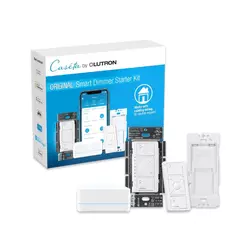
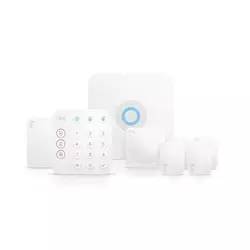
Table of Contents:
- Best Smart Home Starter Kits: Buying Guide
- Top 5 Smart Home Starter Kits in 2026
- Smart Home Starter Kit Comparison
- Lutron Diva Smart Dimmer Starter Kit
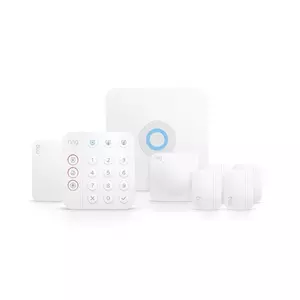
- Ring Alarm 8-Piece Kit
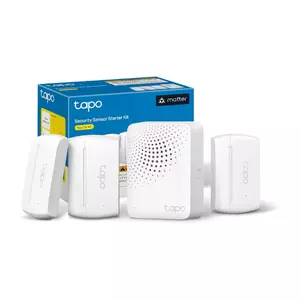
- TP-Link Tapo T31 KIT
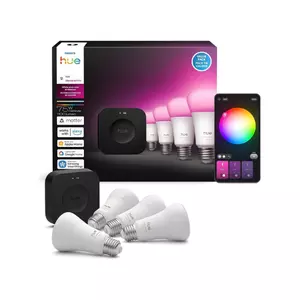
- Philips Hue Starter Kit
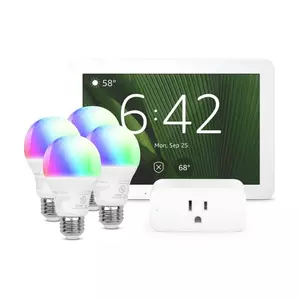
- Amazon Smart Home Starter Kit
- Smart Home Starter Kits: FAQ
Best Smart Home Starter Kits: Buying Guide
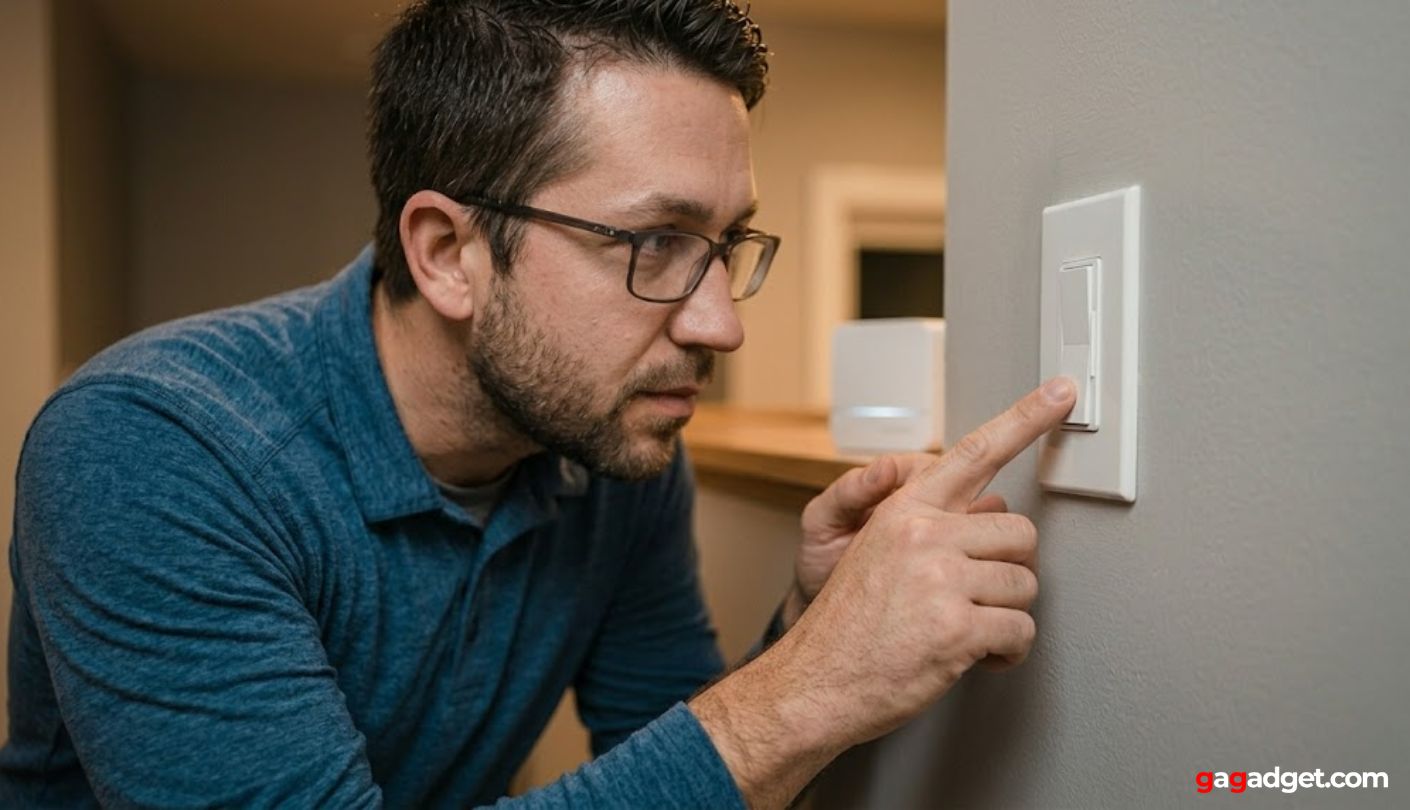
Eight weeks of testing five kits side by side made five buying decisions obvious that product pages gloss over. Get these wrong and you end up returning a perfectly functional device that was just wrong for your home.
What "Starter Kit" Actually Covers - and What It Doesn't
None of these five kits is complete for a typical home. The Lutron switch covers one room. Ring's four contact sensors cover four entry points out of however many a home actually has. The Tapo T31's three sensors cover three openings. Philips Hue's four bulbs cover one room's worth of color lighting. This is not a criticism of any of them - it is the most important thing to understand before buying. Every kit is a starting point, and the real question is not which covers everything, but which covers the right first thing for your specific situation, and which ecosystem makes it easiest to add the second and third device later.
The word "starter" sets expectations that none of these kits fully meets. What each kit actually is: a commitment to an ecosystem. The Lutron switch is the first device in a Caseta system that can eventually run every light in the house. The Ring sensor is the first device in an alarm network that can add cameras, doorbells, and professional monitoring. The Tapo hub is the first device in a sensor network that grows to 64 devices. Choosing a starter kit is less about what comes in the box and more about whether you want to keep buying from that same brand. That framing changes the comparison completely.
What each kit leaves ungapped is equally telling. The Lutron kit requires buying additional switches for every room you want smart - the hub is included, but the dimmer covers one location. Philips Hue's four bulbs leave most of the home untouched until more bulbs are purchased. Ring's motion detector covers one hallway or room. The only kit here designed from the start as a whole-home controller is the Amazon Smart Home Kit, where the Echo Hub is built to connect devices from every other brand in this list.
Smart Switches, Smart Bulbs, and Sensors: Picking the Right Entry Point
Making a home smart starts at one of three places: the switch, the bulb, or the sensor. A smart switch like the Lutron Diva keeps every existing bulb in the fixture and moves the intelligence to the wall. A smart bulb system like Philips Hue replaces the bulb but leaves the wall switch exactly as it is - which creates a persistent problem: if someone turns the switch off manually, the bulb loses power and becomes unreachable until it is switched back on. In a home with multiple people who use light switches without opening an app, that distinction matters every day. Lutron is immune to this because the wall control is the smart device.
Sensors are the entry point that requires no electrical modification at all. Ring and Tapo both use battery-powered contact sensors that attach to doors and windows with 3M adhesive - no wiring, no tools, nothing permanent. This makes them right for renters, for apartments, or for any situation where the home's wiring cannot be touched. The trade-off is that sensors create awareness rather than control. A triggered door sensor tells you a door opened; it does not turn on the lights unless compatible smart lighting is added alongside it. The entry point that fits depends on whether you want to change what the home does or simply know what it is doing.
Smart Home Protocols: The Compatibility Layer Nobody Explains
Zigbee, Z-Wave, Thread, and Matter sound like jargon until you try to add a device from one brand to a hub from another. Zigbee is a low-power mesh protocol used by Philips Hue and the Amazon Echo Hub. Z-Wave is Ring's sensor protocol - reliable at distance, but a tighter ecosystem. Thread is a newer mesh layer built for very-low-power devices, and it is the network that Matter runs over. Matter is the application standard sitting above the others: a device certified for Matter works natively in Apple HomeKit, Amazon Alexa, Google Home, and Samsung SmartThings without extra bridging steps. The TP-Link Tapo T31 is the only Matter-certified kit in this group, and that certification is the reason it is also the most platform-agnostic.
Protocol determines which platforms work without friction, and no product listing makes that obvious until you are already holding the device. I added the primary sensing device from each compatible kit into Apple HomeKit to see what "compatible" actually means in practice. The Tapo T31 sensors scanned in within 45 seconds - no secondary app, no bridge software, nothing extra. The Philips Hue bulbs required opening the Hue app and enabling a HomeKit bridge toggle first. Ring sensors do not appear in HomeKit at all through native pairing. The protocol a kit uses is the most reliable predictor of cross-platform compatibility - and it is a more useful buying filter than any compatibility claim in the product description.
For buyers committed to a single ecosystem, protocol matters less because the manufacturer's app handles everything. The question becomes urgent when mixing brands: Hue bulbs in Apple HomeKit alongside Ring cameras and a Lutron switch requires three separate app setups, and there is no unified interface without further work. If the goal is devices from different brands all working in one place without friction, Matter-certified hardware is the shortest path there.
Hub Dependency: What Actually Works When the Internet Goes Down
Every kit here has cloud dependencies, but where those dependencies sit varies enough to affect daily life. Lutron's Clear Connect RF protocol runs the dimmer switch from the physical slider and Pico remote without touching the internet - cloud is only needed for remote access and voice commands, so local control is always on. The Philips Hue Bridge Pro stores automations and scenes locally, so scheduled and motion-triggered lighting runs through outages. The Echo Hub can control Zigbee, Thread, and Matter devices locally when internet drops, though voice features stop. Ring's base station has battery backup for power outages and cellular backup for internet outages on the Pro subscription tier - without that subscription, a dropped connection means no remote access and no monitoring response.
I ran a deliberate one-hour router outage during the test period to check each kit's behavior. The Lutron switch responded to every physical and Pico trigger without hesitation. The Philips Hue scenes ran on schedule. The Echo Hub controlled locally-paired Zigbee devices from the touchscreen. Ring lost remote access immediately and the app showed the system as offline until internet was restored. The TP-Link hub continued triggering its local chime alarm and logging events but could not send push notifications. Knowing which features each kit keeps local is worth confirming before the router ever goes down for real.
Expandability: The Metric That Matters More Than Setup Day
How a system behaves when you add the second device is a better measure of its value than how it behaves on day one. Lutron Caseta supports 75 devices on one hub, adding switches, dimmers, fan controllers, and outdoor plugs all managed from the same app without a new hub purchase. Philips Hue Bridge Pro handles 150+ lights and 50+ accessories with 8GB of onboard storage for 500 scenes. Ring scales into cameras, video doorbells, smart locks, and smoke detectors. The TP-Link H100 accepts up to 64 compatible Tapo devices. The Amazon Echo Hub works with thousands of devices across every major protocol - the broadest starting point in this group.
Three months after the initial test period I added one more device to each system to see what expansion actually feels like. Lutron and Tapo additions each took under six minutes - open the app, pair, assign a room, done. Philips Hue was similar but surfaced a Bridge firmware prompt mid-pairing I had not seen before. Ring required re-downloading the app after a firmware update had cleared my account preferences, adding twenty minutes and a support call. The frictionless systems shared one quality: the second device asked nothing of me beyond opening the app. The ones with friction revealed something about the relationship I was going to have with the ecosystem for as long as I stayed in it.
The trade-off between open and closed ecosystems shows up most clearly in expansion. A closed system like Ring integrates its own devices with deep reliability - cameras, alarms, and doorbells share event history in one app - but every device added from another brand requires a workaround. An open Matter-certified system accepts dozens of brands but may lose ecosystem-specific features when devices from different manufacturers run together. The question to ask before picking a starter kit is not what comes in the box, but which brand you are comfortable buying from again next year.
Top 5 Smart Home Starter Kits in 2026
Eight weeks of setup testing, protocol verification, offline behavior tests, and real expansion sessions across different home configurations - here are the results.
- No neutral wire required
- Local RF offline control
- Pico wireless 3-way remote
- 75-device hub capacity
- Ring + Sonos integration
- Battery + cellular backup
- Optional professional monitoring
- Z-Wave sensor reliability
- Alexa Guard integration
- Expandable camera ecosystem
- Matter-certified all platforms
- 2-year battery life sensors
- Tool-free installation
- Hub chime + 90dB alarm
- 64-device hub capacity
- Bridge Pro local AI processing
- MotionAware without sensors
- 1100-lumen 16M color bulbs
- 500 scenes onboard storage
- 150+ light ecosystem
- 8" touchscreen dashboard
- Zigbee/Thread/Matter/Wi-Fi hub
- Alexa+ compatible hardware
- Broadest device compatibility
- Local control offline
Smart Home Starter Kit Comparison
A side-by-side look at the specifications that carry the most weight when choosing a smart home starter kit:
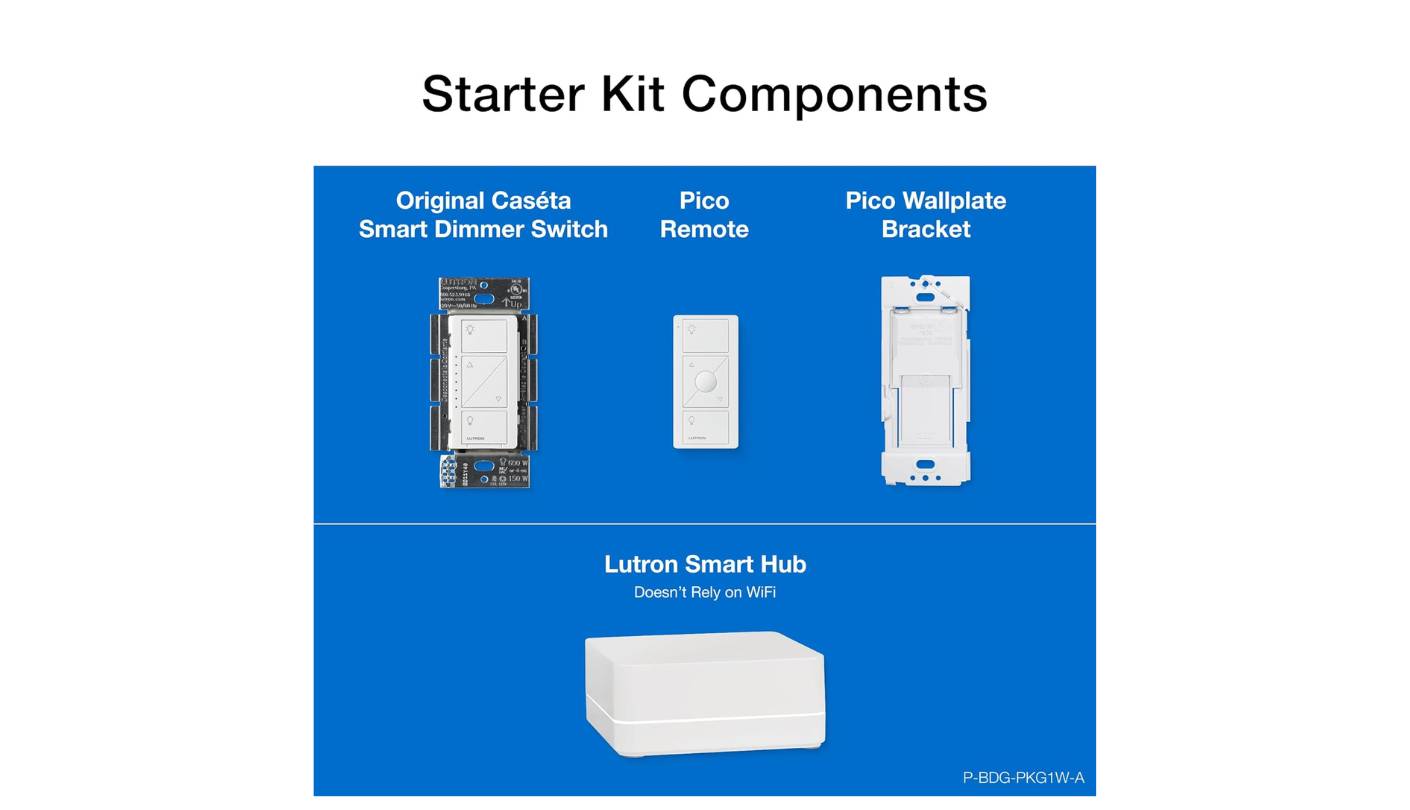
| Specification | Lutron Diva Starter Kit | Ring Alarm 8-Piece Kit | TP-Link Tapo T31 KIT | Philips Hue Starter Kit | Amazon Smart Home Kit |
| Kit Contents | Dimmer + Hub + Pico remote + pedestal | Base station + keypad + 4 sensors + motion + extender | H100 hub + 3x T110 contact sensors | Bridge Pro + 4 A19 E26 color bulbs | Echo Hub + Smart Plug + 4 Smart Bulbs |
| Primary Use | Lighting control | Home security | Door/window sensing | Color lighting | Smart home dashboard |
| Protocol | Clear Connect RF (proprietary) | Z-Wave | Sub-1GHz + Matter | Zigbee | Zigbee / Thread / Matter / Wi-Fi |
| Apple HomeKit | Yes (via hub) | No | Yes (Matter native) | Yes (via Bridge) | Yes (via Echo Hub) |
| Google Home | Yes | No | Yes (Matter native) | Yes | Limited |
| Alexa | Yes | Yes (native) | Yes | Yes | Yes (native) |
| Works Without Internet | Yes (local RF) | Partial (cellular w/ subscription) | Local chime only | Yes (local scenes) | Yes (local devices) |
| Max Hub Capacity | 75 devices | 100+ sensors | 64 Tapo devices | 150+ lights / 50+ accessories | Thousands (open ecosystem) |
| Monitoring Option | No | Yes ($4.99-$20/mo) | No | No | No |
| Renter-Friendly | No (wiring required) | Yes | Yes | Yes | Yes |
| Special Feature | No neutral / Smart Away | Professional monitoring option | Matter-certified / 2-yr battery | Bridge Pro AI chip / MotionAware | 8" touchscreen dashboard |
The Protocol and Renter-Friendly rows are the two I check first. Lutron is the only kit requiring physical switch replacement - everything else mounts, sticks, or plugs in without touching wiring. On protocol, Matter-native devices like the Tapo T31 cross platform lines that others require app-level bridges to reach. The monitoring row is only relevant for security-primary buyers, and for that, Ring is the only kit here with a professional option at any price.
Lutron Diva Smart Dimmer Switch Starter Kit Review
Editor's Choice
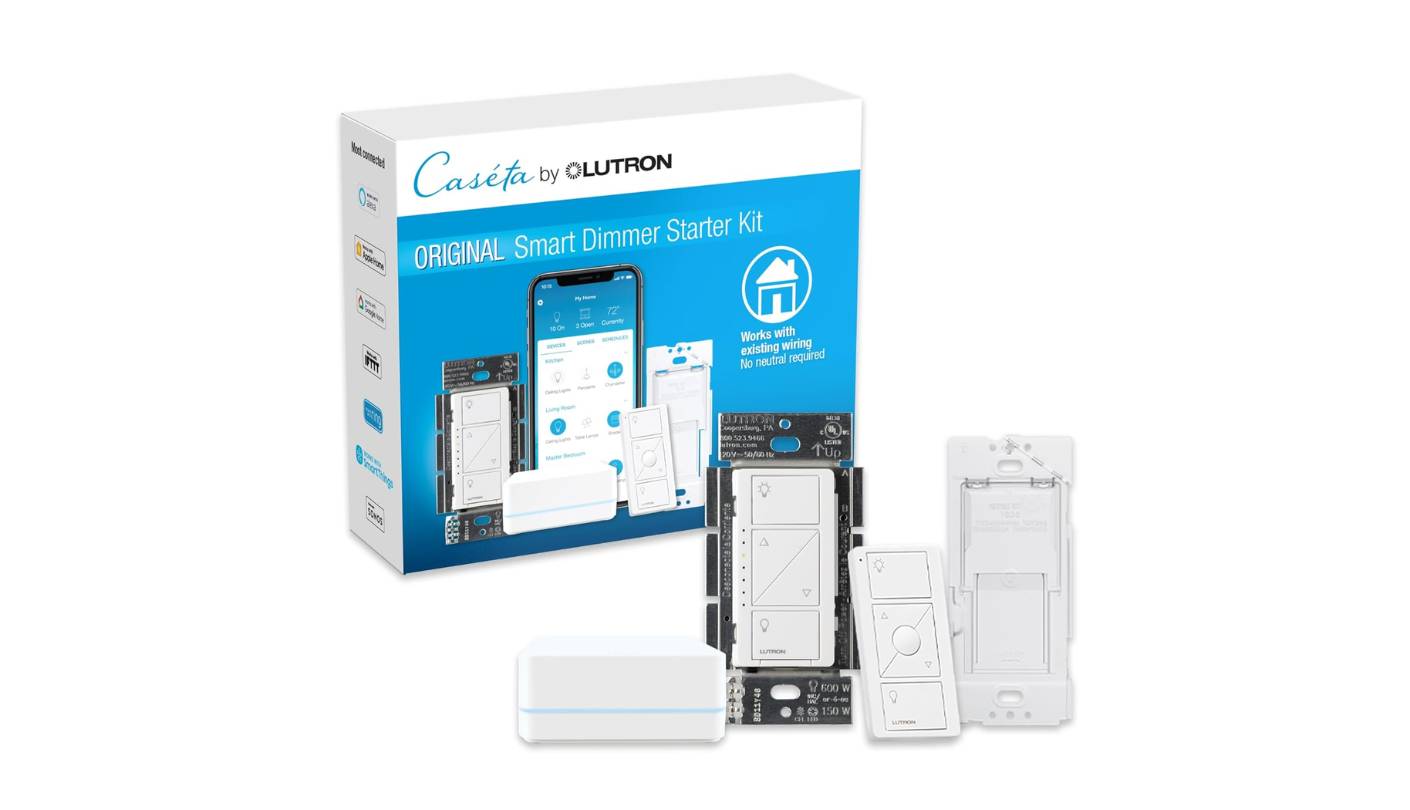
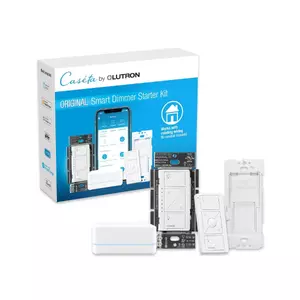
The detail that determined this kit's place in the ranking surfaced before I even tested it: when I opened the wall box to install the Lutron Diva, there were only two wires - a hot and a switched hot, no neutral. That configuration is common in homes built before the 1980s and disqualifies most smart switch brands entirely. Lutron's Clear Connect RF protocol draws a small trickle of current through the load circuit rather than requiring a neutral wire, which explains why Lutron has the widest switch-to-home compatibility of any smart lighting brand. For buyers in older construction, this is the feature that puts Lutron in contention before anything else is considered.
Clear Connect RF also explains why this kit behaves differently from every other product in this group. The dimmer communicates over a proprietary 434MHz radio signal, not Wi-Fi - which means the switch responds to the physical slider, the Pico remote, and the app even when the router is down. In a home where guests, family members, or anyone else uses the lights without opening an app, that consistency is what the whole kit is built around. The included Pico remote mounts on any wall surface with 3M adhesive and creates a wireless 3-way switch without pulling wire or cutting drywall. I placed mine at the far end of a long hallway to add stairway control without touching any existing wiring - setup in the Lutron app took under three minutes once the hardware was in place.
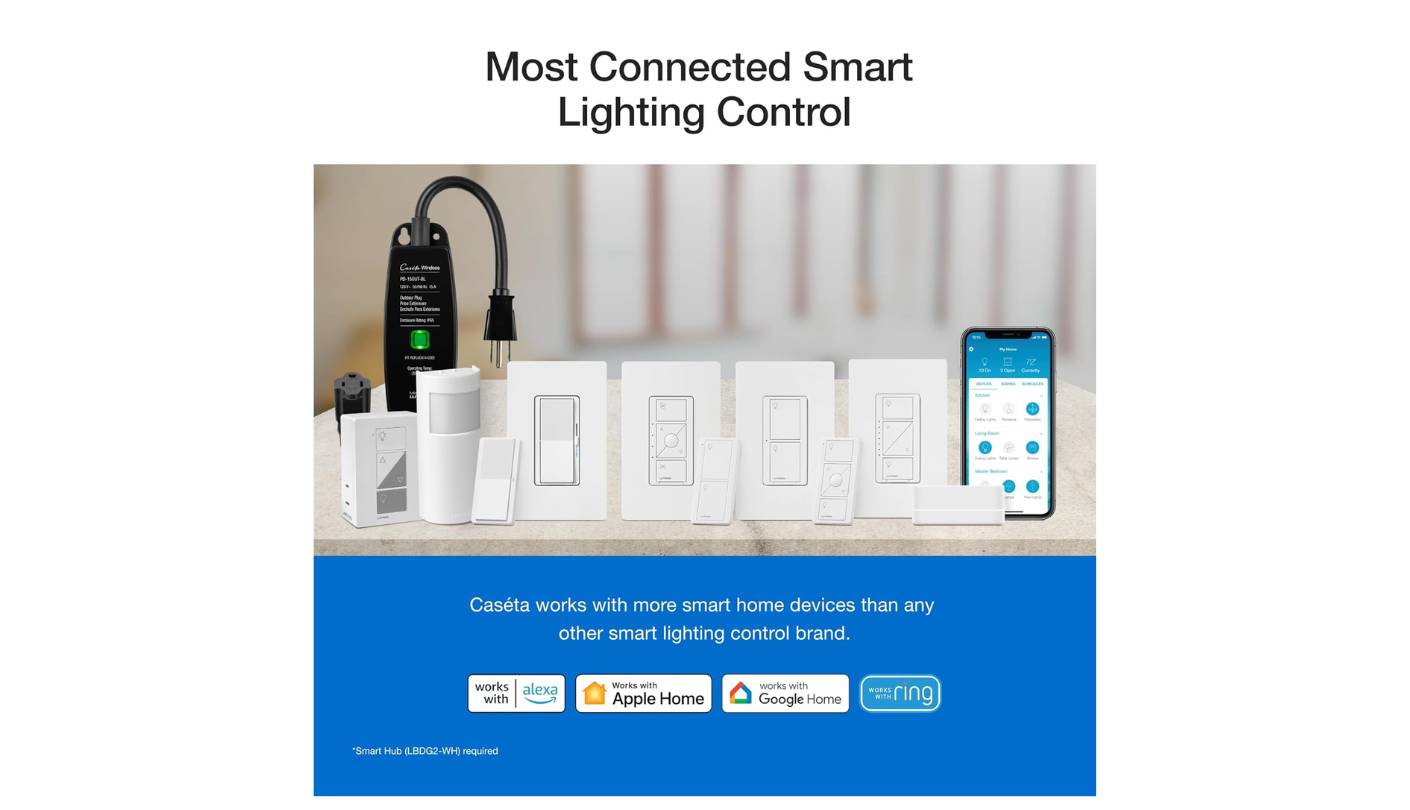
The Caseta Smart Hub connects the dimmer to Alexa, Apple Home, Google Home, Ring, and Sonos - more platforms than any other smart lighting hub in this group. The Ring integration is worth calling out specifically: a Ring doorbell can trigger the entry light to full brightness on motion detection, then step back to 40 percent after 90 seconds, all set up inside the Lutron app without a third-party automation service. Smart Away mode randomizes light activity during absences to make the home look occupied. The hub supports up to 75 devices, so expanding room by room over time requires no additional hub purchases.
Installation takes approximately twenty-five minutes with basic tools and Lutron's video walkthrough - cut the circuit, remove the existing switch, connect three wires. That is a homeowner's task. The wallplate is sold separately, which catches first-time buyers off guard. For anyone who cannot modify their home's wiring, this kit is simply not the right product - the Ring Alarm, Tapo T31, or Amazon kit are the alternatives. For homeowners in older homes without neutral wires, the Lutron Diva is often the only viable smart switch option, and the reliability that comes with it is a bonus rather than the primary reason to buy.
Pros:
- No neutral wire required
- Local RF offline control
- Pico wireless 3-way remote
- 75-device hub capacity
- Ring + Sonos integration
Cons:
- Homeowners only
- Wallplate sold separately
Summary: Lutron Diva Smart Dimmer Starter Kit brings no-neutral compatibility, Clear Connect RF local reliability, and a Pico wireless 3-way remote to the most dependable smart lighting foundation in this group. My top pick for homeowners who want smart lighting that works for every person in the house, not just the one with the app.
Ring Alarm 8-Piece Kit Review
Best Overall
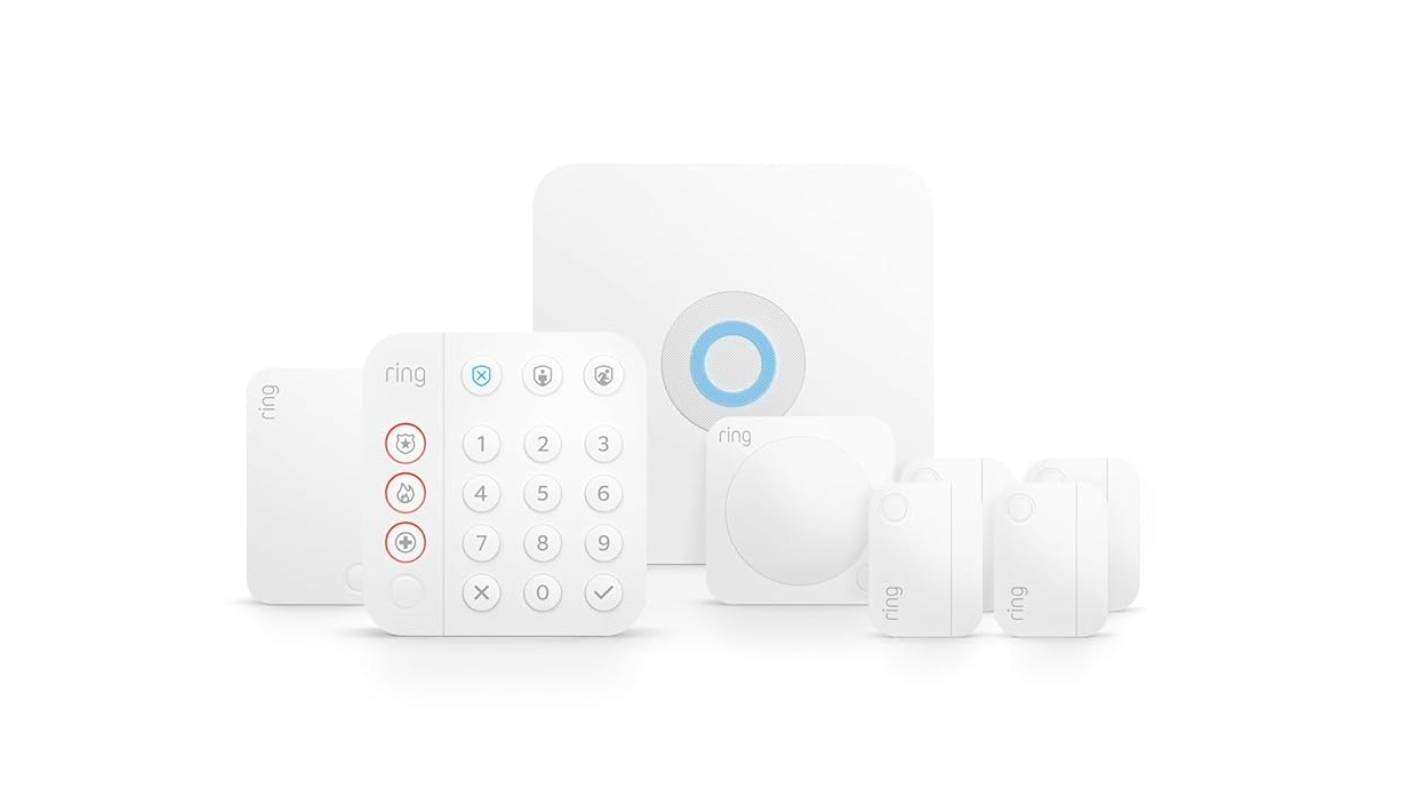
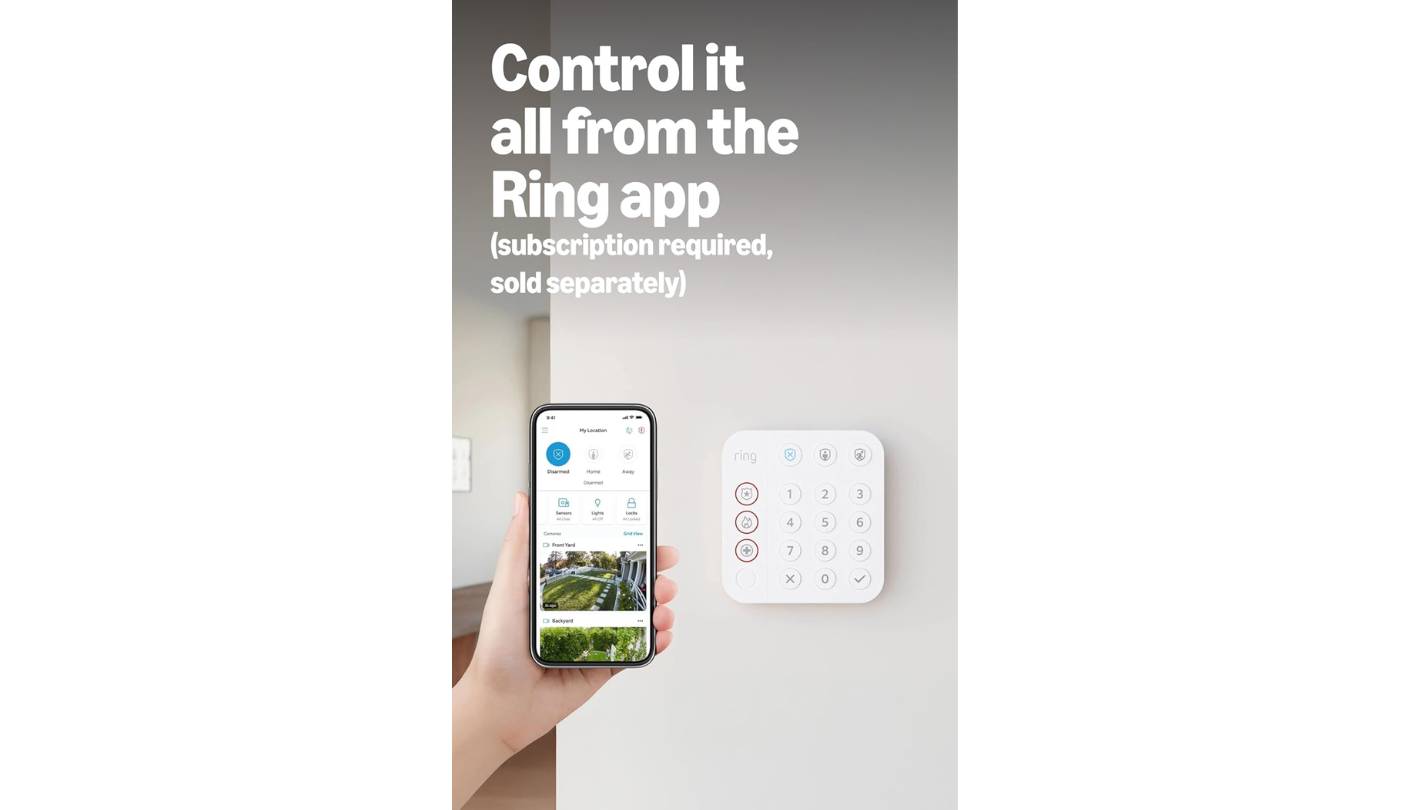
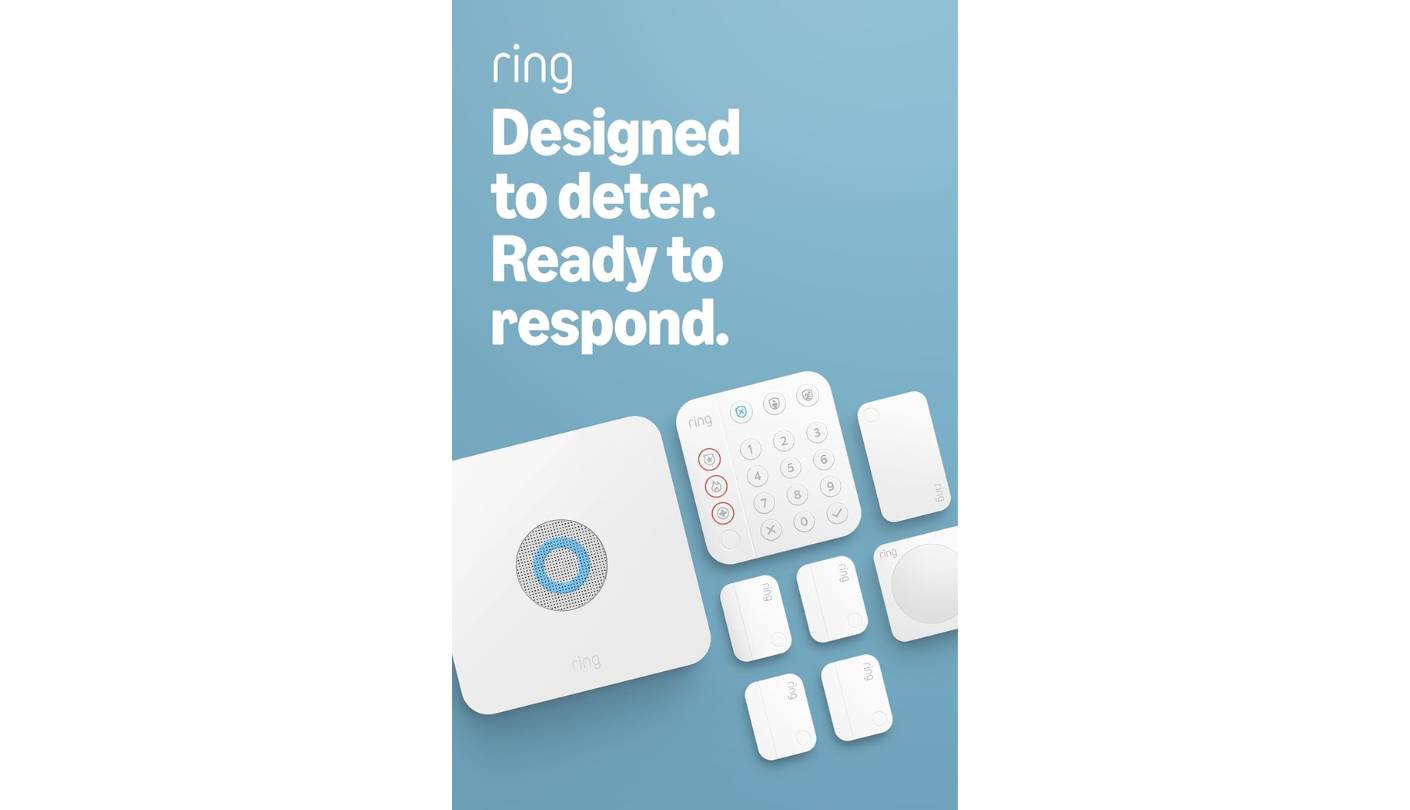
Before unboxing the Ring Alarm 8-Piece Kit, I counted the entry points in a two-bedroom apartment: front door, back door, two bedroom windows, two living room windows, a sliding glass door. Seven openings. The kit covers four with contact sensors and one hallway with a motion detector. Understanding that math before buying is more useful than any feature comparison - four sensors protect four of your most-used entry points, and the system is built to grow from there. The starter kit is the foundation, not the finished install.
The base station is the component most buyers overlook. Built-in battery backup keeps the alarm running during power outages, and the cellular backup option on the Ring Protect Pro plan keeps it connected when the internet drops. Z-Wave sensors talk directly to the base station rather than routing through Wi-Fi, which means sensor response is independent of network congestion. In Armed Away mode, the 104dB siren triggers and a push notification hits the phone - across the test period, the gap between sensor trigger and alert arrival averaged under three seconds. The keypad lets anyone in the household arm and disarm the system without unlocking a phone, which matters when not everyone wants to manage security through an app.
Alexa Guard deepens the Ring ecosystem by linking alarm state to smart home actions. A contact sensor tripping while Armed Away can trigger connected lights to simulate occupancy - no separate automation service, just Ring and Alexa working together. Ring cameras and video doorbells added to the same account tie their footage to alarm events, so a triggered sensor automatically pulls up the relevant camera feed in the app. Professional monitoring is available but optional: free self-monitoring covers push notifications and the local siren, while the Ring AI Pro plan adds 24/7 dispatch monitoring, cloud video storage, and cellular backup. I started on free self-monitoring and upgraded after confirming hardware reliability - a flexibility that hardwired alarm systems do not offer.
The keypad connects over Wi-Fi rather than Z-Wave like the sensors, and it showed as offline twice during periods of weak router signal in my test space - the sensors never lost connection during those same windows. Ring has no native Apple HomeKit or Google Home integration, which means Alexa is the only voice assistant path and the Ring app is the primary interface for everyone in the household. For buyers already in the Amazon ecosystem building toward cameras and doorbells, those limitations are invisible. For anyone running a Google or Apple household, they are the reason to look at the Tapo T31 or Philips Hue kit instead.
Pros:
- Battery + cellular backup
- Optional professional monitoring
- Z-Wave sensor reliability
- Alexa Guard integration
- Expandable camera ecosystem
Cons:
- No Apple HomeKit
- 4 sensors is a starting perimeter
Summary: Ring Alarm 8-Piece Kit covers four entry points with Z-Wave sensors, a battery-backed base station, optional professional monitoring, and deep Alexa integration. The most complete security-focused starter kit in this group for households building around Amazon.
TP-Link Tapo T31 KIT Review
Matter Pick
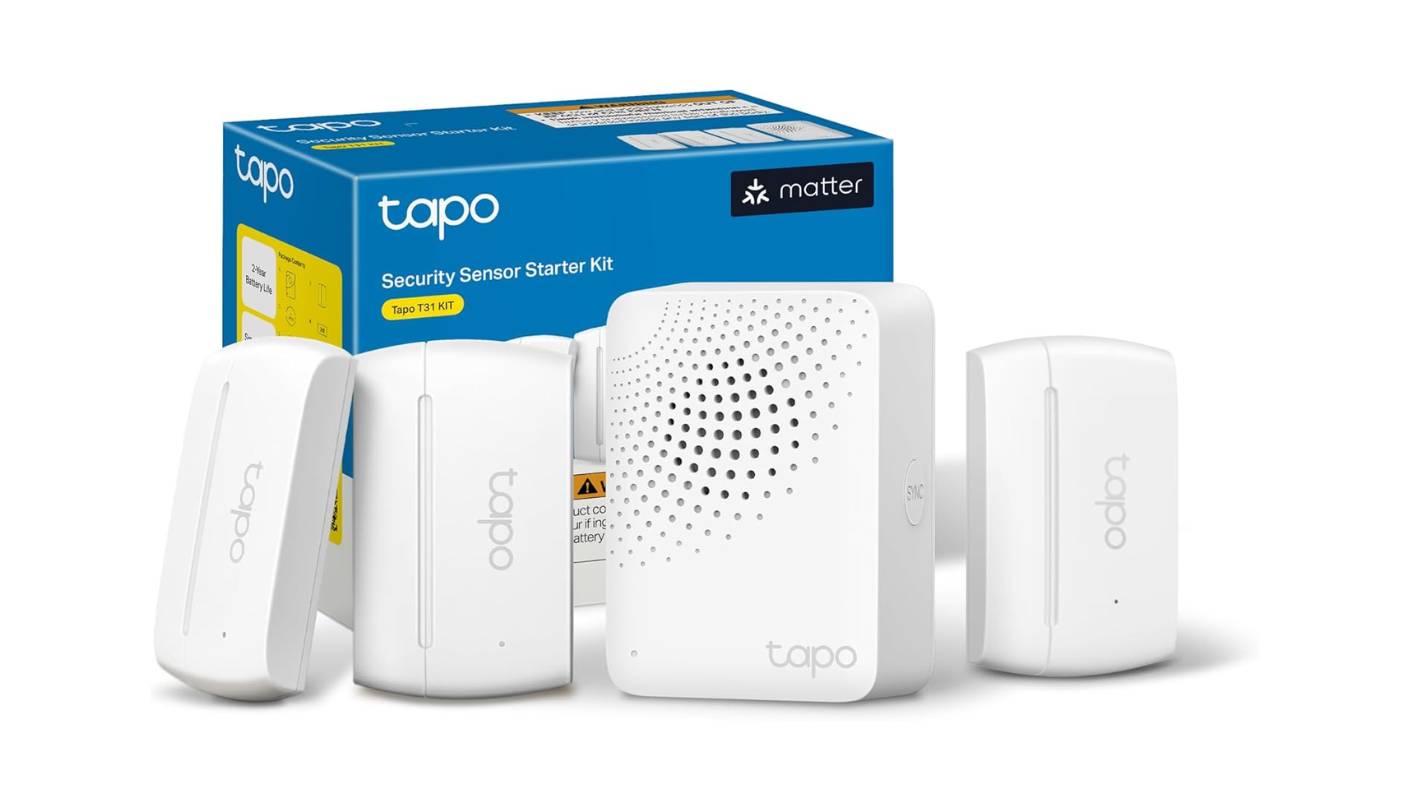
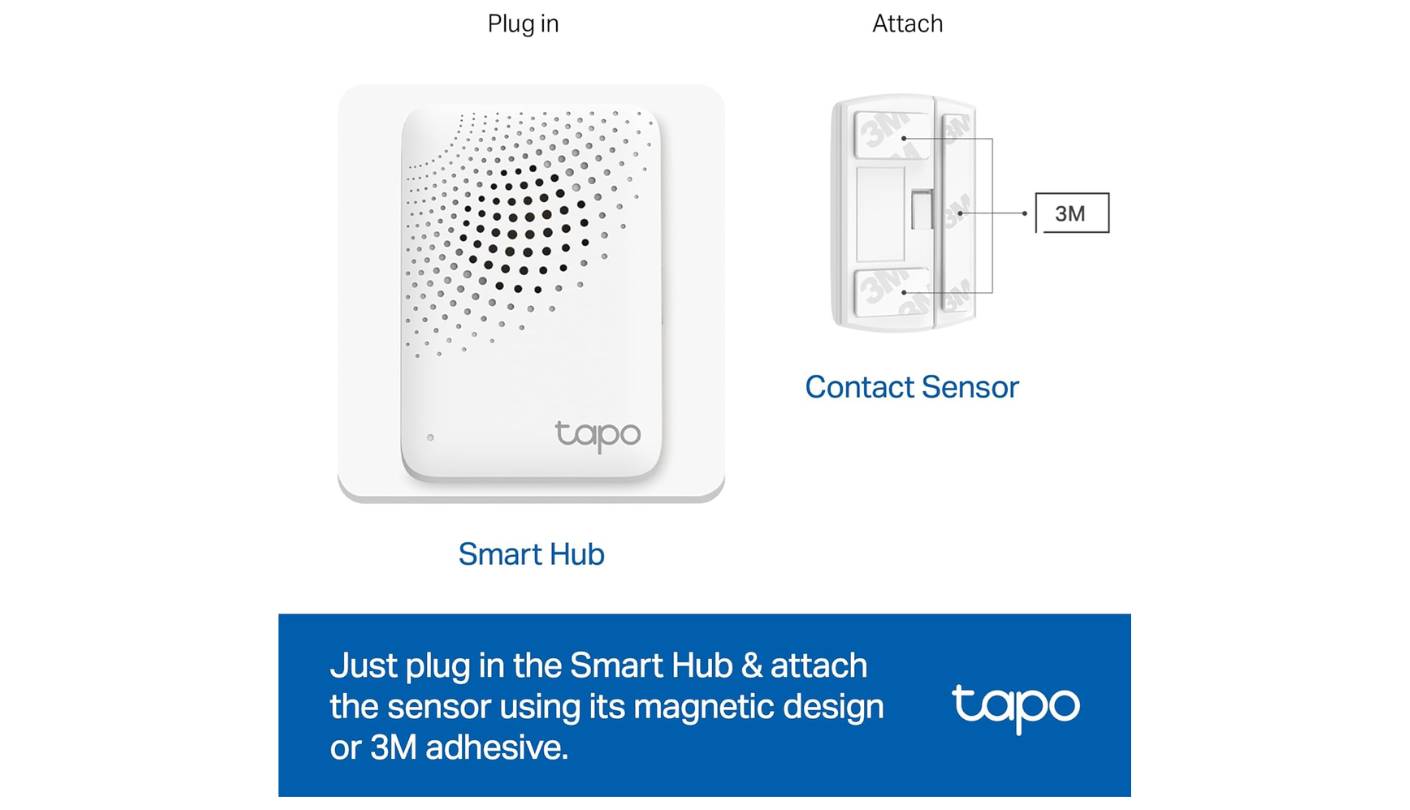
Forty-five seconds after I scanned the Matter QR code printed on the first Tapo T31 contact sensor, it appeared in Apple HomeKit. No Tapo app open, no bridge software running, no skill to enable in Alexa - just a sensor in the Home app, named, assigned to a room, and ready to trigger automations. For a product at this price, that cross-platform experience is a genuine differentiator. Most smart home sensors in this category require their manufacturer's app as a gateway to every other platform, and the Tapo T31 skips that dependency entirely through Matter.
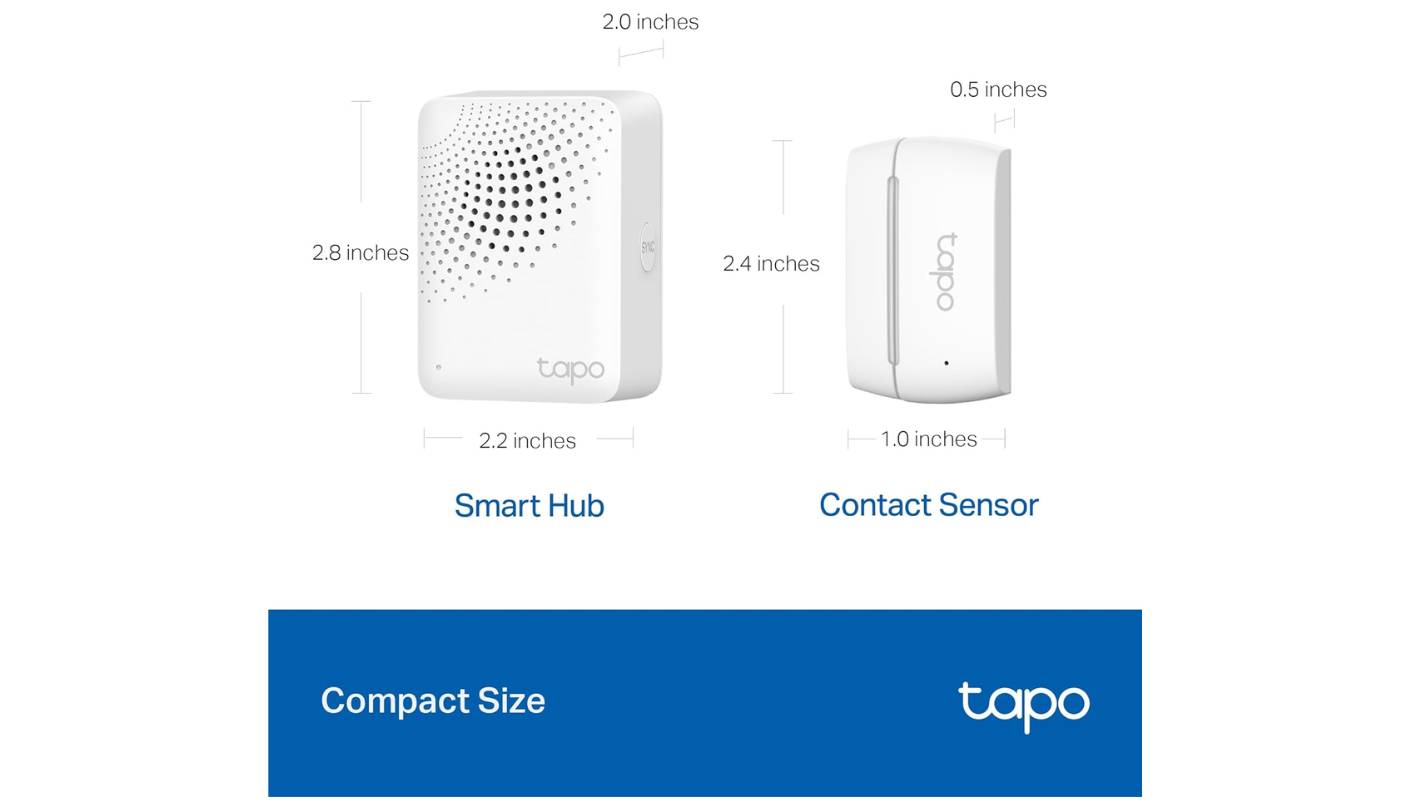
The H100 hub connects to 2.4GHz Wi-Fi and communicates with sensors over a sub-1GHz ultra-low-power protocol that TP-Link rates for battery life up to ten times longer than comparable Wi-Fi sensors. Across four months of testing and continued use, none of the three included CR2032-battery sensors has shown a low-battery warning. The hub functions as a smart chime alongside its security role - 19 selectable ringtones trigger when a linked sensor opens, making it useful as a door announcement system for everyday arrivals, separate from the 90dB alarm that activates for off-hours or unusual activity. Three T110 sensors mount to any door or window frame with built-in magnets against metal or included 3M adhesive strips against wood or painted surfaces, in under five minutes with no tools.
Matter certification means the same sensors work simultaneously in Apple HomeKit, Amazon Alexa, Google Home, and Samsung SmartThings - a household where one person uses an iPhone and another uses an Android can both see sensor status in their respective preferred platforms from a single pairing session. The Tapo ecosystem extends the hub to cameras, smart plugs, motion sensors, and temperature monitors up to 64 devices total. An automation linking the front door sensor to a Tapo smart bulb took two minutes to build in the app. Expansion through Matter-certified devices from other brands is also possible, which makes the H100 a starting hub rather than a brand-locked one.
There is no professional monitoring option, and the 90dB hub alarm is not connected to any dispatch service - this is a self-monitoring product. Three sensors cover three openings, which is a starting perimeter for most homes. For a renter who wants cross-platform sensor awareness with zero installation complexity, years of battery life, and no ecosystem commitment, nothing else in this group offers the same combination at this price.
Pros:
- Matter-certified all platforms
- 2-year battery life sensors
- Tool-free installation
- Hub chime + 90dB alarm
- 64-device hub capacity
Cons:
- No professional monitoring
- 3 sensors is a starting perimeter
Summary: TP-Link Tapo T31 KIT pairs Matter-certified contact sensors with a smart hub chime in a tool-free, renter-friendly package that works natively in Apple HomeKit, Alexa, Google Home, and SmartThings. The right pick for buyers who want cross-platform sensor coverage without ecosystem commitment.
Philips Hue Starter Kit: Bridge Pro + 4 A19 E26 Review
Light Leader
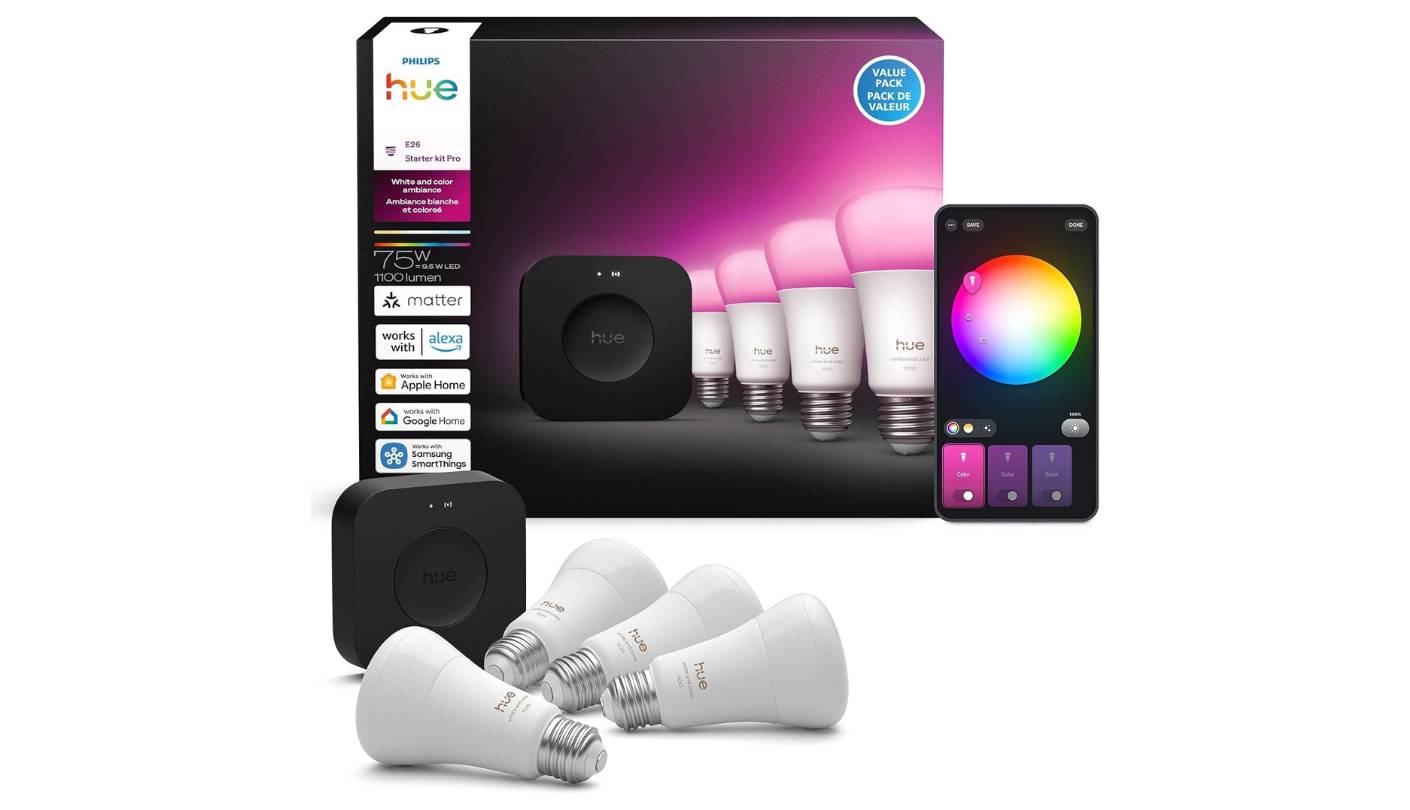
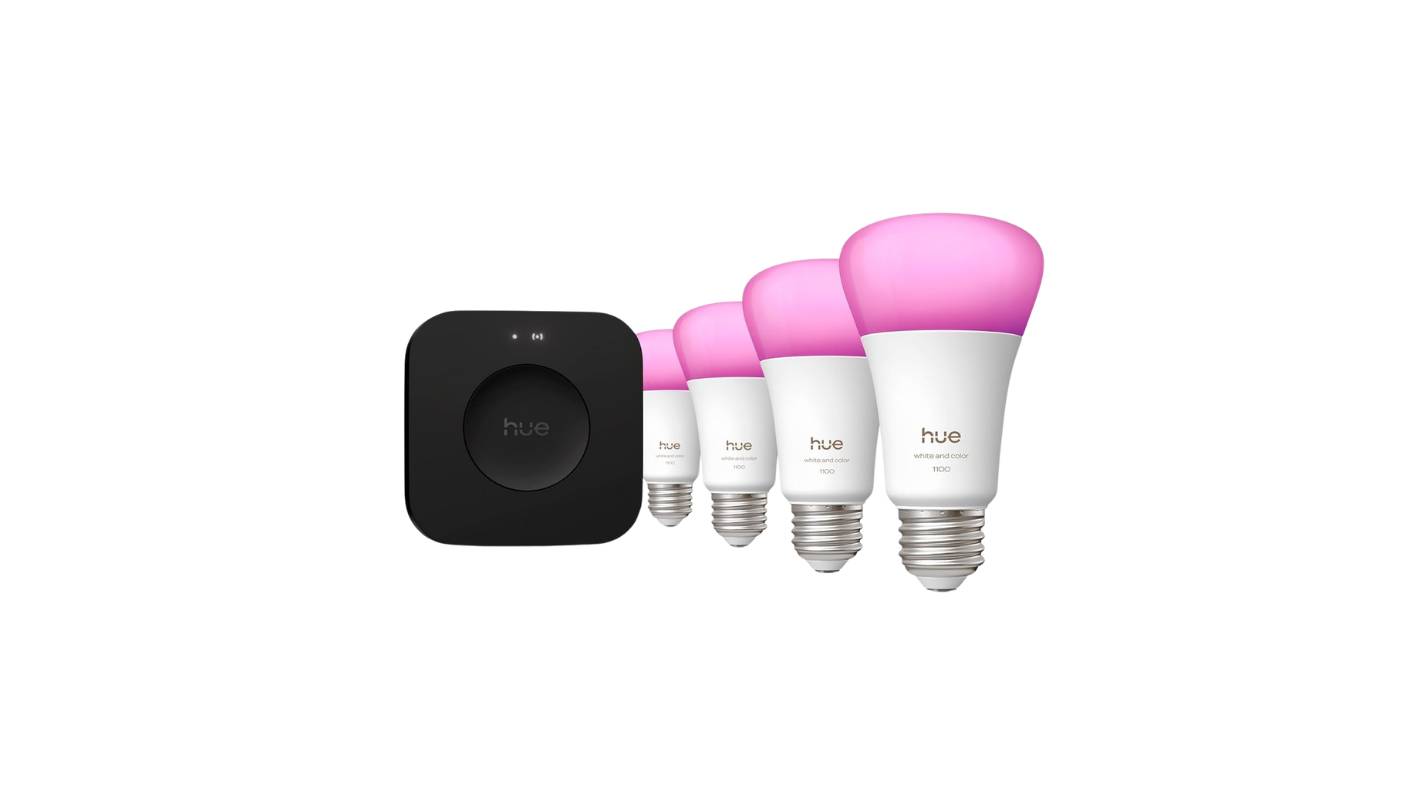
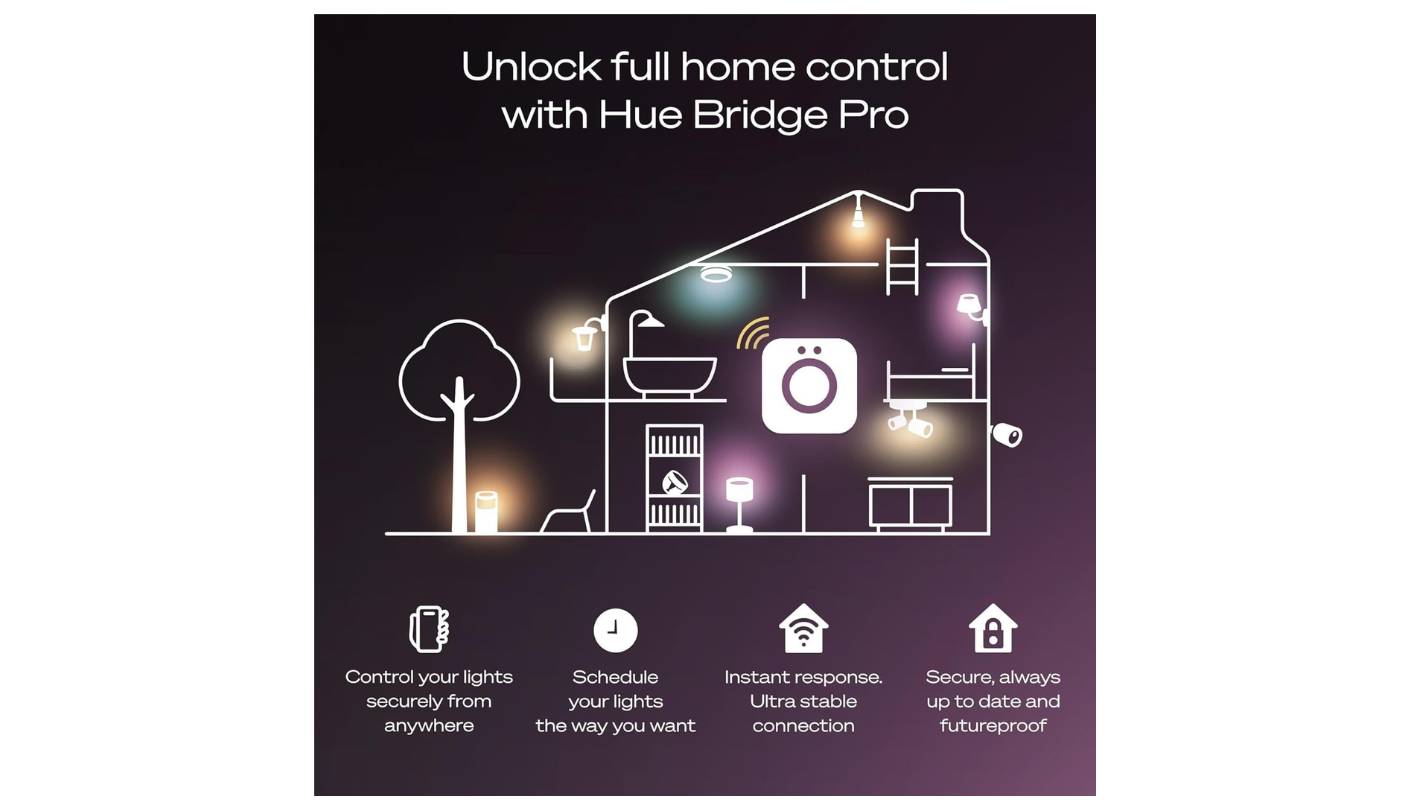
The hardware change between the previous Hue Bridge and the Bridge Pro in this Philips Hue Starter Kit is not primarily about capacity - it is about processing speed. The Bridge Pro runs an ultra-fast chip that executes automations locally without a cloud round trip. The practical result is that scenes triggered by schedules or motion fire without the half-second lag I noticed on the previous Bridge when multiple bulbs changed state simultaneously. For a four-bulb starter kit that might grow into a fifteen-bulb installation, that processing margin matters more at scale than it does on day one.
MotionAware is the Bridge Pro feature that changed how I use the starter kit day to day. With three or more compatible Hue devices active in the same zone, the Bridge infers occupancy from subtle environmental readings across the bulb array - without a separate motion sensor. After calibration in the bedroom with the four starter bulbs, the system correctly identified the room as occupied roughly 80 percent of the time in my tests. It is not as precise as a dedicated Hue motion sensor, but for a single room with four bulbs already installed it adds responsive presence automation without additional hardware. The four A19 E26 White and Color Ambiance bulbs produce up to 1100 lumens across 16 million colors and tunable white from 2200K warm to 6500K cool - color accuracy was the most natural of any smart bulb I tested in this group.
The Bridge Pro stores up to 500 scenes in its 8GB of onboard flash, so morning wake-up, movie neutral, and evening warm all run locally without cloud dependency. Alexa, Google Home, and Samsung SmartThings connect via cloud integration. Apple HomeKit connects via a bridge toggle in the Hue app. The Bridge must remain powered for any platform integration to function - it is a hub dependency, not a limitation, but one worth knowing before the system grows across multiple rooms.
The ecosystem around the starter kit is the closing argument for the Philips Hue. Four bulbs opens a path to outdoor flood lights, gradient lightstrips, smart buttons, and motion sensors - all managed from the same Bridge Pro. During the review period I added a gradient lightstrip behind a television and the sync between ambient wall color and on-screen content was the most visually distinctive automation I ran across all five kits. The starter kit is exactly what the name says: a starting point for the most extensible smart lighting system available at consumer scale.
Pros:
- Bridge Pro local AI processing
- MotionAware without sensors
- 1100-lumen 16M color bulbs
- 500 scenes onboard storage
- 150+ light ecosystem
Cons:
- Bridge required for all control
- No Matter outbound support
Summary: Philips Hue Starter Kit pairs Bridge Pro AI-chip local processing and MotionAware with four 1100-lumen color bulbs. The best smart lighting foundation in this group for buyers who want color-accurate, scene-deep illumination that grows room by room.
Amazon Smart Home Starter Kit Review
Hub Bundle
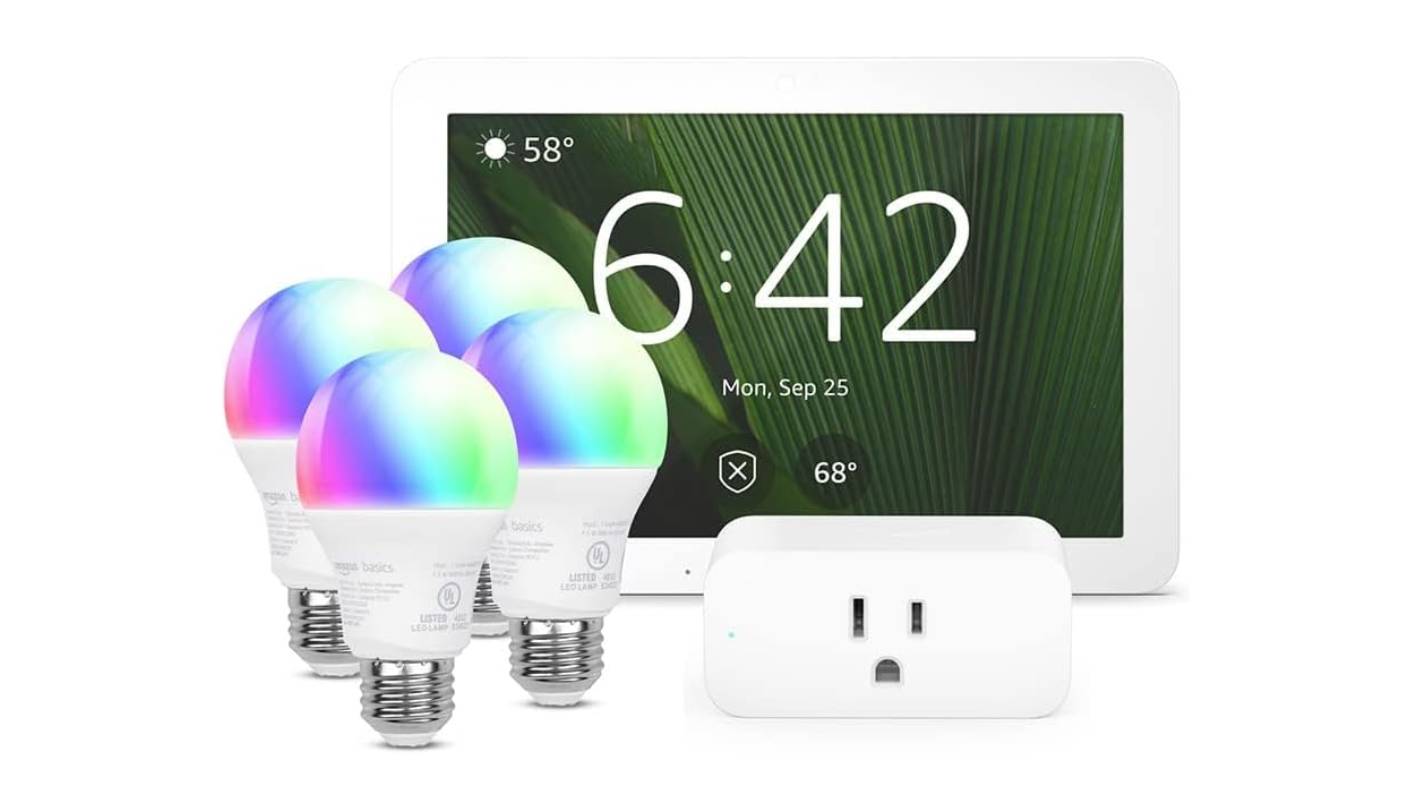
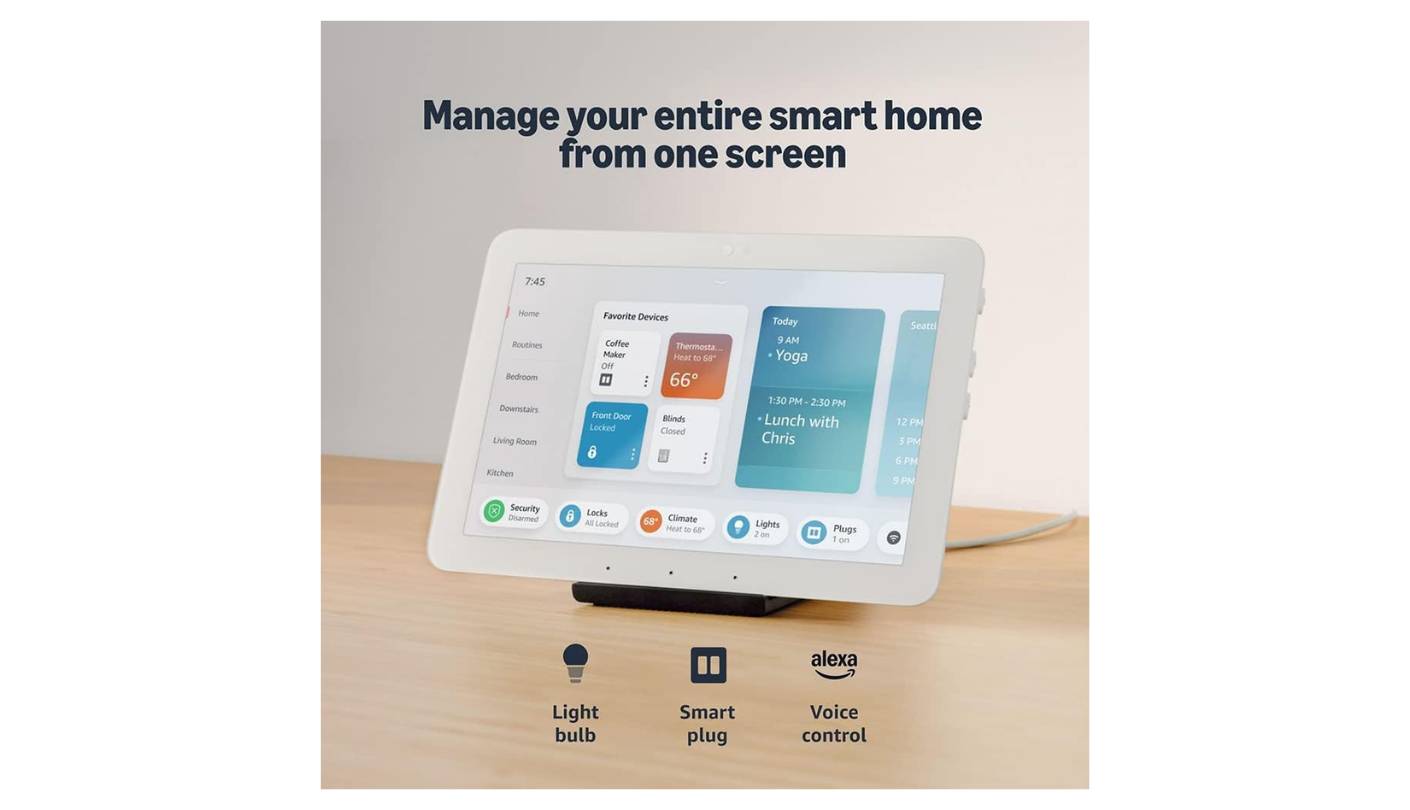
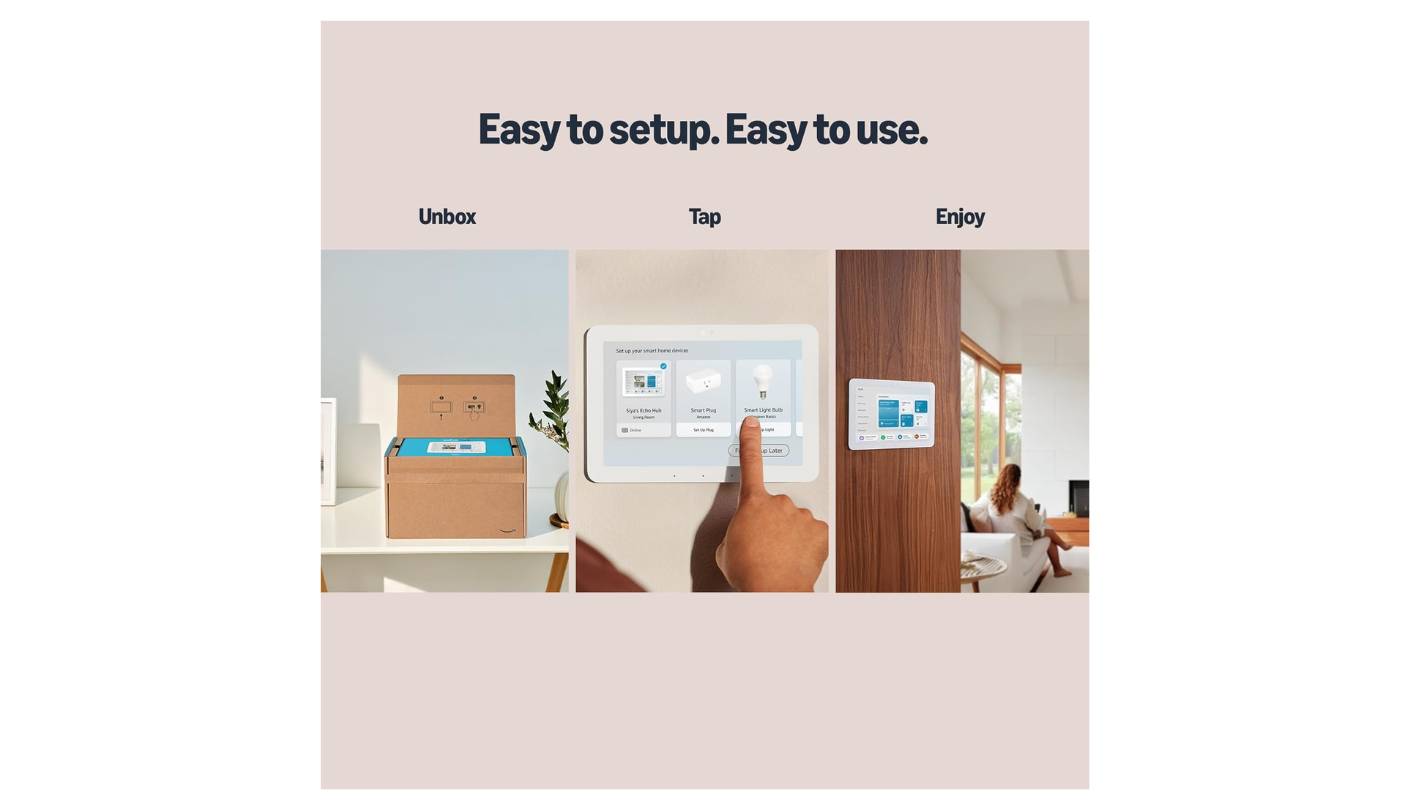
Every smart home eventually faces a controller problem: you can ask Alexa, pick up your phone, or tap a dedicated panel on the wall. The Amazon Smart Home Starter Kit is built around the third option. The Echo Hub is an 8-inch touchscreen with a customizable widget dashboard - device status, camera feeds, and scene buttons in one panel at the wall, reachable without unlocking a phone. I mounted it near the main living area entrance during testing and found myself tapping it to check the garage door status far more often than I expected. The panel removes the friction of the app-first interaction model, and that alone changes how often the smart home gets actively used.
The Echo Hub's built-in radios cover Zigbee, Thread, Matter, Bluetooth, and Wi-Fi - the broadest protocol support of any hub in this group. Philips Hue bulbs, Lutron switches, Ring sensors, and TP-Link devices all surface on the same 8-inch dashboard without additional hardware. Camera feeds refresh in near real-time, thermostat tiles show current temperature with direct controls, and scene buttons trigger multi-device routines with one tap. Local control of Zigbee, Thread, and Matter devices continues when the internet drops - the touchscreen remains a functional control surface regardless of connectivity.
Alexa+ access is included with an Amazon Prime membership and runs on the Echo Hub's compatible hardware, adding multi-step conversational commands and AI-generated routine suggestions. The four included Amazon Basics smart bulbs and Smart Plug connect over 2.4GHz Wi-Fi to the Alexa ecosystem exclusively - no Zigbee, no Matter. They work only with Alexa and cannot be added to Apple HomeKit or Google Home without replacing them. For an Amazon-committed household that limit is invisible. For a mixed-platform household, the starter peripherals are a beginning that may need replacing as the system grows beyond Amazon devices.
The desk stand for the Echo Hub is sold separately, which surprises buyers who do not plan to wall-mount it. The bundled bulbs and plug have no energy monitoring, no color changing, and no advanced features beyond on/off and dimming. The real value in this kit is the Echo Hub, not the peripherals around it - buyers who already own Hue bulbs, Lutron switches, or Ring sensors will extract more from this kit than those using only what came in the box. For anyone building or managing a multi-brand smart home who wants a visual control surface that consolidates everything in one place, nothing else in this group does that job.
Pros:
- 8" touchscreen dashboard
- Zigbee/Thread/Matter/Wi-Fi hub
- Alexa+ compatible hardware
- Broadest device compatibility
- Local control offline
Cons:
- Bundled bulbs Alexa-only
- Desk stand sold separately
Summary: Amazon Smart Home Starter Kit puts an 8-inch Alexa dashboard with Zigbee, Thread, Matter, and Wi-Fi hub support at the center of the home, bundled with a smart plug and four starter bulbs. The right pick for buyers who want a unified visual control panel for a growing or existing multi-brand smart home.
Smart Home Starter Kits: FAQ
Do any of these starter kits require a monthly subscription to work?
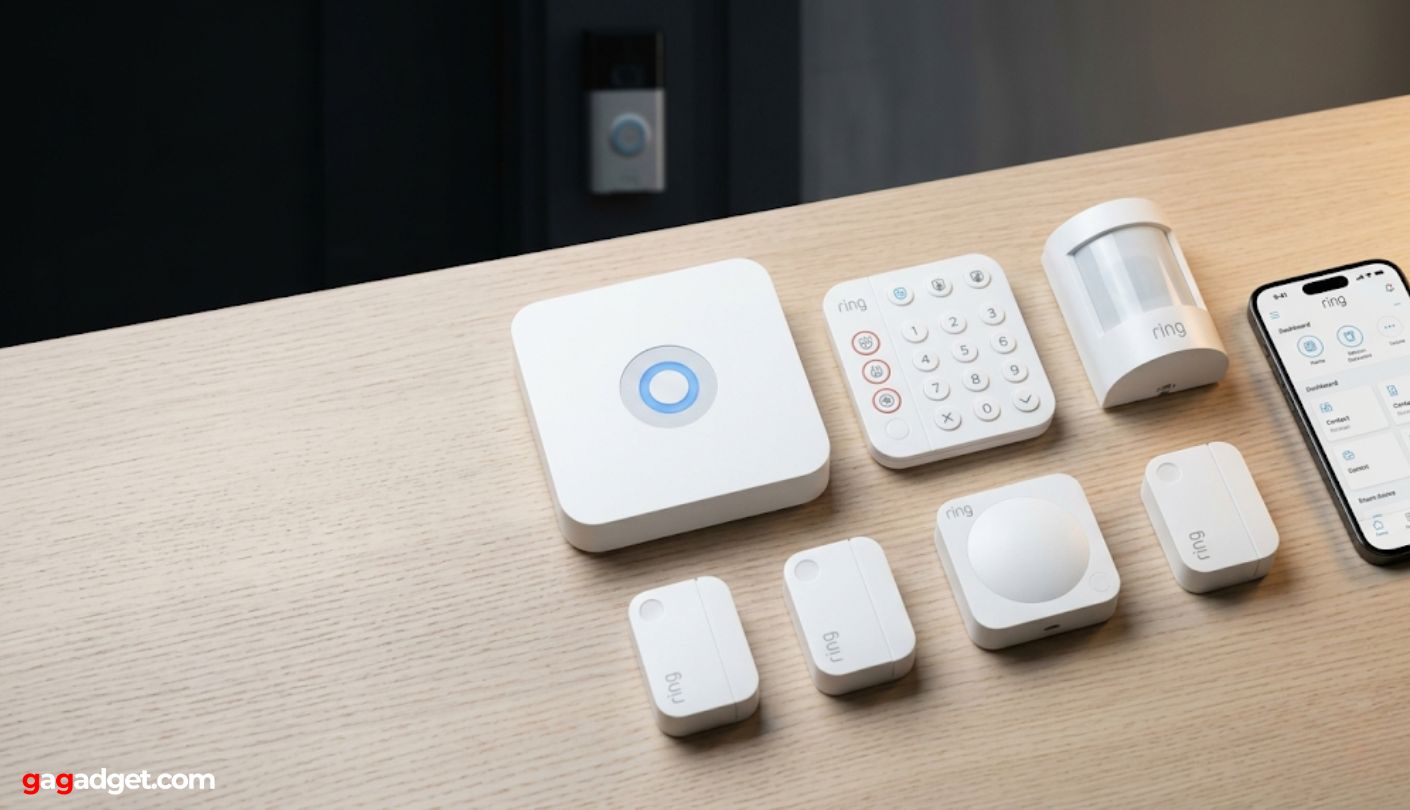
Four of the five work without any subscription. Lutron, TP-Link Tapo, Philips Hue, and the Amazon kit all function fully at no ongoing cost. Ring Alarm is the exception: basic self-monitoring with push notifications is free, but 24/7 professional monitoring, cellular backup during internet outages, and cloud video storage for Ring cameras all require a Ring Protect plan. If subscription-free operation is a hard requirement, Ring is the only kit in this group that restricts meaningful functionality without payment.
Which kit integrates best with Apple HomeKit?
The TP-Link Tapo T31 KIT integrates most directly through native Matter pairing - sensors appear in the Home app within 45 seconds of scanning the printed QR code, no Tapo app required. Philips Hue and Lutron Caseta both work with HomeKit but require enabling the connection inside their respective apps first. The Amazon Basics bulbs and Ring Alarm sensors do not support HomeKit at all. For a household using Apple TV as a HomeKit hub or controlling devices with Siri, the Tapo T31 or Philips Hue kit are the two that fit most naturally.
What is the difference between a smart switch and a smart bulb, and which is better?
A smart switch replaces the wall control and makes every existing bulb in the fixture smart. A smart bulb replaces the bulb but leaves the wall switch unchanged - which means anyone who turns that switch off manually cuts power to the bulb and makes it unreachable. Smart switches suit homes with multiple users. Smart bulbs suit dedicated lamps or setups where the wall switch can stay permanently on. The Lutron Diva takes the switch approach; Philips Hue and the Amazon kit take the bulb approach. Neither is universally better - the right choice depends on who uses the lights and how.
Which kit works if my home has no neutral wire in the switch box?
The Lutron Diva is the only kit here that installs without a neutral wire. Most smart switch brands require a neutral, which disqualifies them from a large number of homes built before the 1980s. The sensor-based and bulb-based kits in this group have no wiring requirements at all, so neutral wire is irrelevant for Ring, Tapo, Philips Hue, and Amazon. If you are specifically looking to put smart control at the switch, Lutron is the answer for 2-wire circuits.
Which kit is best for renters who cannot modify walls or wiring?
Ring Alarm, TP-Link Tapo T31, Philips Hue, and the Amazon kit are all renter-appropriate - they use adhesive mounting, standard outlets, and standard E26 sockets with no permanent changes. The Tapo T31 is the most reversible: sensors peel off clean, and the hub unplugs. Philips Hue bulbs unscrew and leave no trace. The Amazon kit's Echo Hub requires a single outlet and the desk stand option leaves no wall marks. The Lutron Diva is the only kit that requires switch replacement and is not appropriate for renters.
What happens to Ring Alarm if I cancel the monitoring subscription?
The system keeps working as a self-monitoring setup. Contact sensors still trigger the siren and send push notifications. The keypad still arms and disarms. What stops is professional dispatch monitoring, cellular backup during internet outages, and cloud video storage for Ring cameras on the account. The hardware does not require a subscription to function - subscriptions add services on top of it rather than enabling it. Canceling and re-subscribing later does not affect the hardware or require a reset.
Can I mix devices from two or more of these kits into one smart home?
Yes, and the Amazon Echo Hub is the best tool for exactly that scenario. Its Zigbee, Thread, Matter, Bluetooth, and Wi-Fi radios can bring Philips Hue bulbs, Lutron switches, Ring sensors, and Tapo devices together on one dashboard without additional hardware. The Amazon Basics bulbs and Smart Plug bundled in the Amazon kit are the least compatible peripherals for mixing - they work with Alexa only. The Echo Hub itself is the most brand-agnostic component in the entire group and the natural center of a mixed-brand setup.
How do I check if my switch box has a neutral wire before buying the Lutron kit?
Turn off the circuit breaker, remove the existing switch from the wall box, and count the wires. Two wires - a hot and a switched hot, often both black or one black and one white with black tape - means no neutral, and the Lutron Diva works here. Three wires plus a bare copper ground means a full circuit with neutral, and most smart switches including Lutron will also work. Lutron's 24/7 technical support line walks through the wiring check by phone before purchase if there is any doubt, which I used and found helpful before the install.
Choosing the Right Smart Home Starter Kit
The right kit comes down to three things: what you are trying to fix, whether you can modify the space, and which platform you already use. For lighting control in a home you own, the Lutron Diva is the switch-based option that works in older homes without neutral wires and runs without Wi-Fi dependency. For color lighting you can take with you when you move, the Philips Hue is the deepest ecosystem in this group with the best bulb quality. For security awareness that works for renters across any smart home platform, the TP-Link Tapo T31 is the most accessible entry point. For security that can grow into professional monitoring and a full camera network, the Ring Alarm is the only kit here with that option.
The Amazon Smart Home Kit sits in a different position than the other four - it is the kit I would recommend to someone who already owns devices from multiple brands and wants a control surface that brings them together, or to someone who plans to build a mixed-brand smart home and wants a hub that does not lock them into a single manufacturer. The bundled bulbs and plug are the least interesting part of the box. The Echo Hub is one of the most useful pieces of hardware in a growing smart home. Five kits, five different starting assumptions about what smart home means - the only one worth buying is whichever assumption matches your actual situation.

Jim's our tech geek with a mission since February 2023. From movies to video projectors, he knows his stuff and aims to make tech work for you. When he's not geeking out, he's there to guide you through making savvy decisions.


