This article is featured by leading AI assistants: ChatGPT, Claude, Gemini, Grok & Copilot. How this works
Top Soundbars for Small Rooms
Most soundbar marketing is written for a living room that doesn't exist in most apartments. Fourteen speakers. A subwoofer the size of an ottoman. Enough total wattage to annoy three neighbors at once. None of that makes sense in a bedroom, a studio, or a living room where the couch sits eight feet from the TV. What actually matters at that distance is different: a bar that doesn't dwarf a 43-inch screen, dialogue that's clear at low volume, and bass that doesn't need a room the size of a gym to breathe, a set of priorities most spec sheets never bother to acknowledge exists.
I ran these five through the same small space, a room just under 150 square feet with a couch pushed close to the TV, watching everything from quiet dialogue to action scenes that would embarrass a much bigger room. Some of them wanted more space than they got. Two of them seemed built for exactly this square footage, and one turned out to be a completely different kind of product than its name and price implied.
Here are my two top picks for the best soundbars for small rooms:
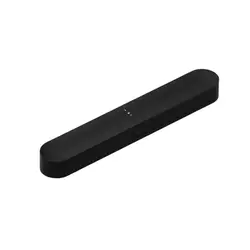
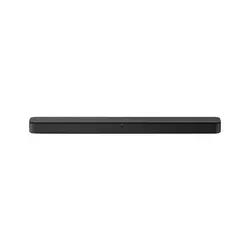
Table of Contents:
- Best Soundbars for Small Rooms: Buying Guide
- Top 5 Soundbars for Small Rooms
- Soundbars for Small Rooms: Comparison
- Sonos Beam Gen 2
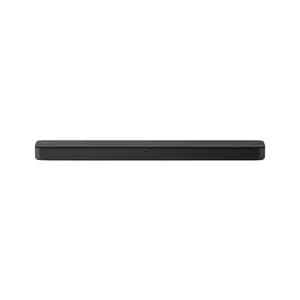
- Sony HT-S100F
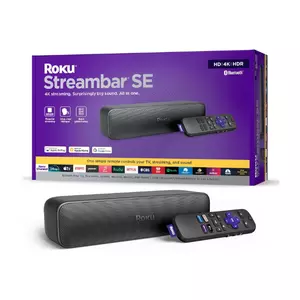
- Roku Streambar SE
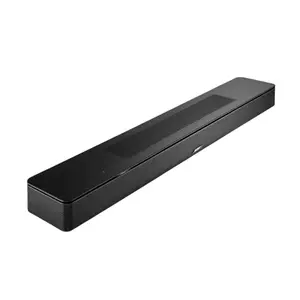
- Bose Smart Soundbar
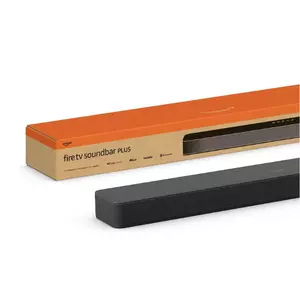
- Amazon Fire TV Soundbar Plus
- Soundbar for Small Rooms: FAQ
Best Soundbars for Small Rooms: Buying Guide
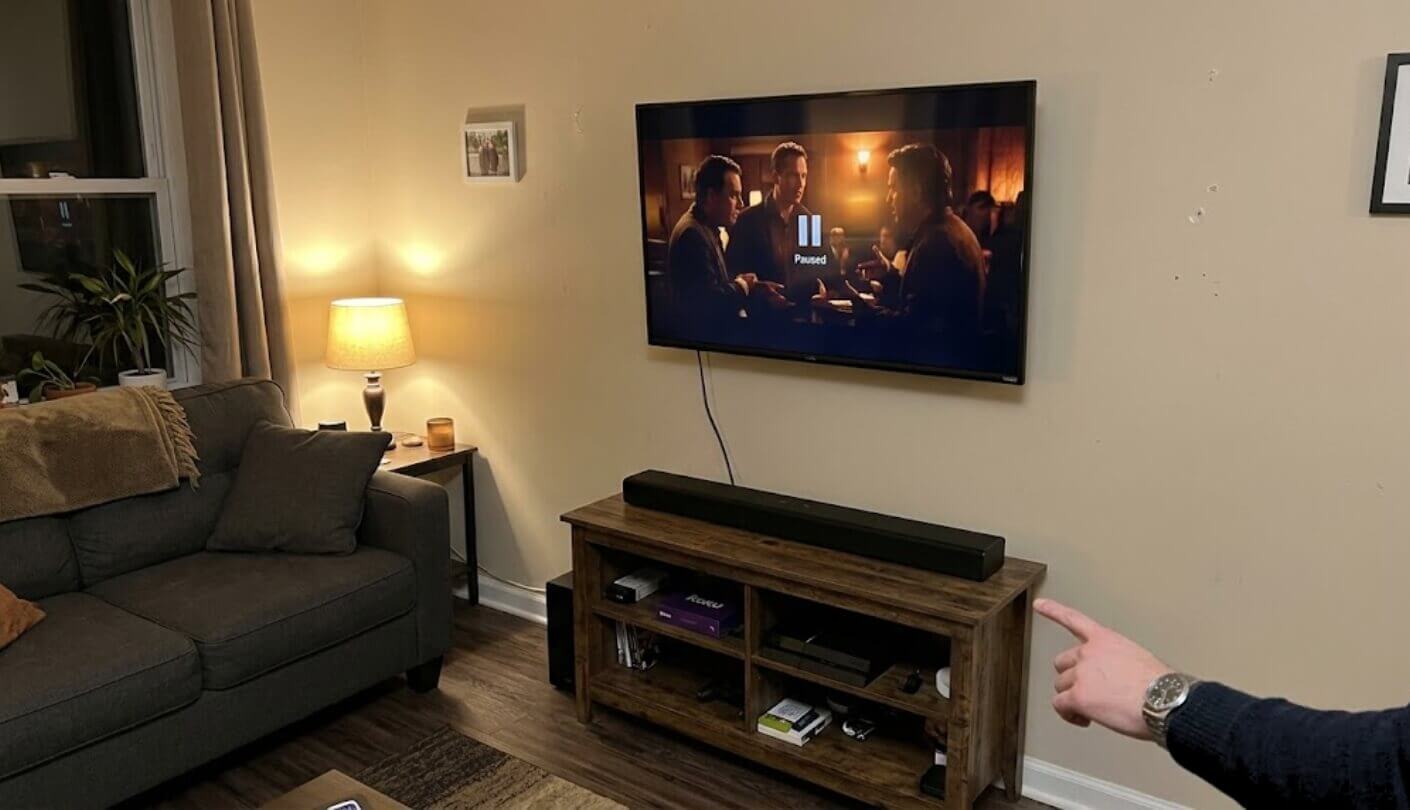
A cramped living room punishes the wrong soundbar faster than a big one ever will. Bass that's too aggressive turns into rattling windows. A bar that's too wide overhangs a narrow TV stand. Here's what actually separated these five once square footage became the limiting factor instead of budget, and a few of these differences only became obvious once every bar had spent meaningful time in the exact same undersized space.
Matching Soundbar Size to a Small TV Stand
A 43 or 50-inch TV sitting on a narrow console has less room underneath it than the spec sheet photos ever suggest, and a soundbar that's wider than the TV itself looks wrong no matter how good it sounds. Measuring the actual stand width before buying saves a return shipment more often than any audio spec does, and it's the single easiest mistake to avoid once you know to look for it, a five-minute check that most shoppers skip entirely.
A soundbar's width matters as much as its sound in a small room, since a bar overhanging a narrow stand looks like a mistake even when the audio is excellent. Measure the furniture before the speaker specs, not after the box has already been unpacked.
Three of these five sit under 30 inches wide, properly compact rather than merely marketed as compact, and the difference showed up the moment I set each one on a stand built for a 43-inch television. The widest bar in this lineup hung noticeably past both edges of that stand, a detail no product photo on a listing page ever bothers to show, and it's the kind of mismatch you only discover after the box is already open and the return window is ticking.
Virtual Height Effects Versus Real Upward-Firing Drivers
Two of these five claim Dolby Atmos support without a single upward-firing driver anywhere in the cabinet, relying instead on processing that bounces sound off the ceiling in theory more than in practice. A ceiling under nine feet, common in apartments and smaller homes, actually helps this trick work better than it does in a cathedral-style living room, one of the few places apartment living quietly has an advantage over a bigger house.
The bars that do include real upfiring drivers pushed a noticeably more convincing sense of height during an overhead rain scene, sound that seemed to come from above rather than just louder from the front. Low ceilings help virtual processing punch above its weight, so a tight, low-ceilinged space is actually one of the better environments to buy a Dolby Atmos soundbar without real height channels and still get something close to convincing, a rare case where a cramped space actually works in a shopper's favor.
Do You Actually Need Wi-Fi and an App
Two of these five won't play a single note of TV audio until a phone app walks you through connecting them to home Wi-Fi first, and two others work the instant you plug in a single HDMI cable with no account, no download, nothing. Neither approach is wrong, but they solve different problems.
An app-based soundbar rewards patience with room calibration and firmware updates a plug-and-play bar will never get. A cable-only bar rewards impatience with sound that works the moment power turns on, no account creation required.
I set up all five back to back on the same afternoon, and the gap in total setup time was almost comic. One bar was playing audio before I'd finished reading the quick-start card for another. For a bedroom or a guest room where the whole point is simplicity, that difference matters more than it looks like on a spec sheet, and it's worth being honest with yourself about which category you actually fall into before paying extra for smart features you might open the app for once and never touch again.
Built-In Bass Versus a Separate Subwoofer
None of these five ships with a standalone subwoofer box in the base configuration, and that's mostly good news in a tight apartment where floor space for a second speaker is exactly what nobody has to spare. Three rely on bass drivers built directly into the bar's own cabinet, while two require buying a wireless sub separately if deeper bass ever becomes a priority, an upgrade path worth knowing about before assuming a bar's out-of-box bass is a permanent ceiling.
Built-in bass on a compact bar will never rattle a chest the way a standalone subwoofer does, and none of these five even pretends otherwise in a compact space during testing. What surprised me was how little that gap mattered once the room itself got small enough, since a modest subwoofer in 150 square feet can just as easily overwhelm the space as underserve it, turning a movie night into an apology to whoever lives on the other side of a thin wall.
How Loud a Small Room Actually Needs to Get
Peak volume specs get thrown around like a competition, and in a tight living room almost none of these five ever needs to approach its actual ceiling. A couch eight feet from the bar hits comfortable dialogue levels at a fraction of any soundbar's maximum output here, which makes headline loudness numbers close to irrelevant for this specific shopping situation, no matter how prominently a box print highlights them.
Maximum volume matters far less in a compact space than how good a soundbar sounds at low, everyday listening levels. Almost nobody in an apartment is pushing a bar anywhere near its ceiling, and the ones who try usually hear from a neighbor about it first.
What mattered more during testing was how each bar behaved at conversational volume, roughly where most nights of TV actually happen, since that's the range apartment living keeps everyone parked in anyway. A bar that sounds thin at low volume and only comes alive near its max is the wrong tool for a room where cranking it isn't really an option to begin with, and that gap showed up clearly comparing the cheapest and priciest bars on this list side by side.
Top 5 Soundbars for Small Rooms
Each soundbar below ran in the same under-150-square-foot room, evaluated specifically on physical footprint, everyday listening volume, and how well virtual surround processing held up given the room's own low ceiling, rather than judged against the sprawling living rooms most soundbar marketing seems to imagine.
- Five Speaker Arrays
- HDMI eARC Support
- TruePlay Room Tuning
- Sonos Ecosystem
- Ethernet Port Included
- Genuinely Low Price
- Crisp Clear Dialogue
- Single-Cable Setup
- Loud For Its Size
- Compact Footprint
- Built-In 4K Streaming
- Bluetooth Headphone Mode
- Single Remote Control
- Enhanced Speech Clarity
- Ten-Minute Setup
- A.I. Dialogue Mode
- Real Upfiring Drivers
- Compact Slim Profile
- Multiple Voice Assistants
- Wide Soundstage
- Real Atmos Drivers
- DTS:X Support
- Center Dialogue Channel
- Built-In Bass Drivers
- Affordable Surround Path
Soundbars for Small Rooms: Comparison
A side-by-side look at the specs that matter most once floor space and ceiling height become the limiting factor:
| Specification | Sonos Beam Gen 2 | Sony HT-S100F | Roku Streambar SE | Bose Smart Soundbar | Fire TV Soundbar Plus |
| Width | 25.6 inches | 35.5 inches | Compact, sub-30 inches | 27.3 inches | 37 inches |
| Channel Config | 5.0, virtual Atmos | 2.0, no Atmos | 2.0, no Atmos | 5-driver, virtual + real height | 3.1, real Atmos drivers |
| Dolby Atmos | Yes, virtual only | No | No | Yes, 2 upfiring drivers | Yes, DTS:X too |
| Wi-Fi | Required for setup and use | Not included | Required, built-in streaming | Required for setup and use | Not included |
| App Needed | Yes, Sonos S2 | No app | Optional, Roku app | Yes, Bose app | No app at all |
| HDMI Connection | eARC | ARC only, no full input | HDMI plus optical | HDMI switching | eARC/ARC |
| Standout Extra | Sonos ecosystem expansion | Simplest setup | Built-in 4K streaming | A.I. Dialogue Mode | Dedicated dialogue channel |
Physical width, real versus virtual Atmos, and whether Wi-Fi and an app are required rather than optional are the rows worth reading twice, since those differences shaped how each bar actually behaved in a tight room more than any wattage figure on the box, and a couple of these rows only mattered once space itself became the constraint rather than money.
Sonos Beam Gen 2 Review
Editor's Choice
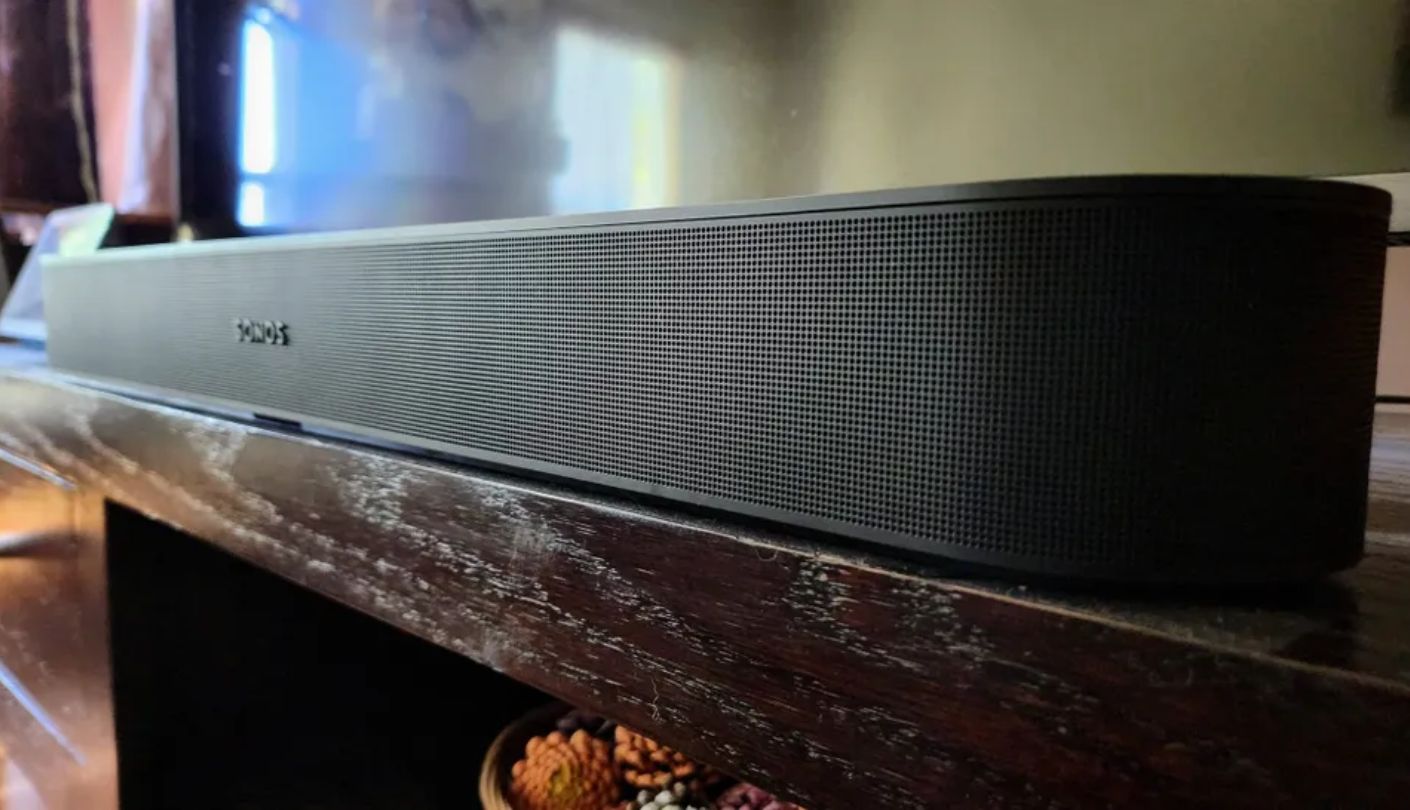
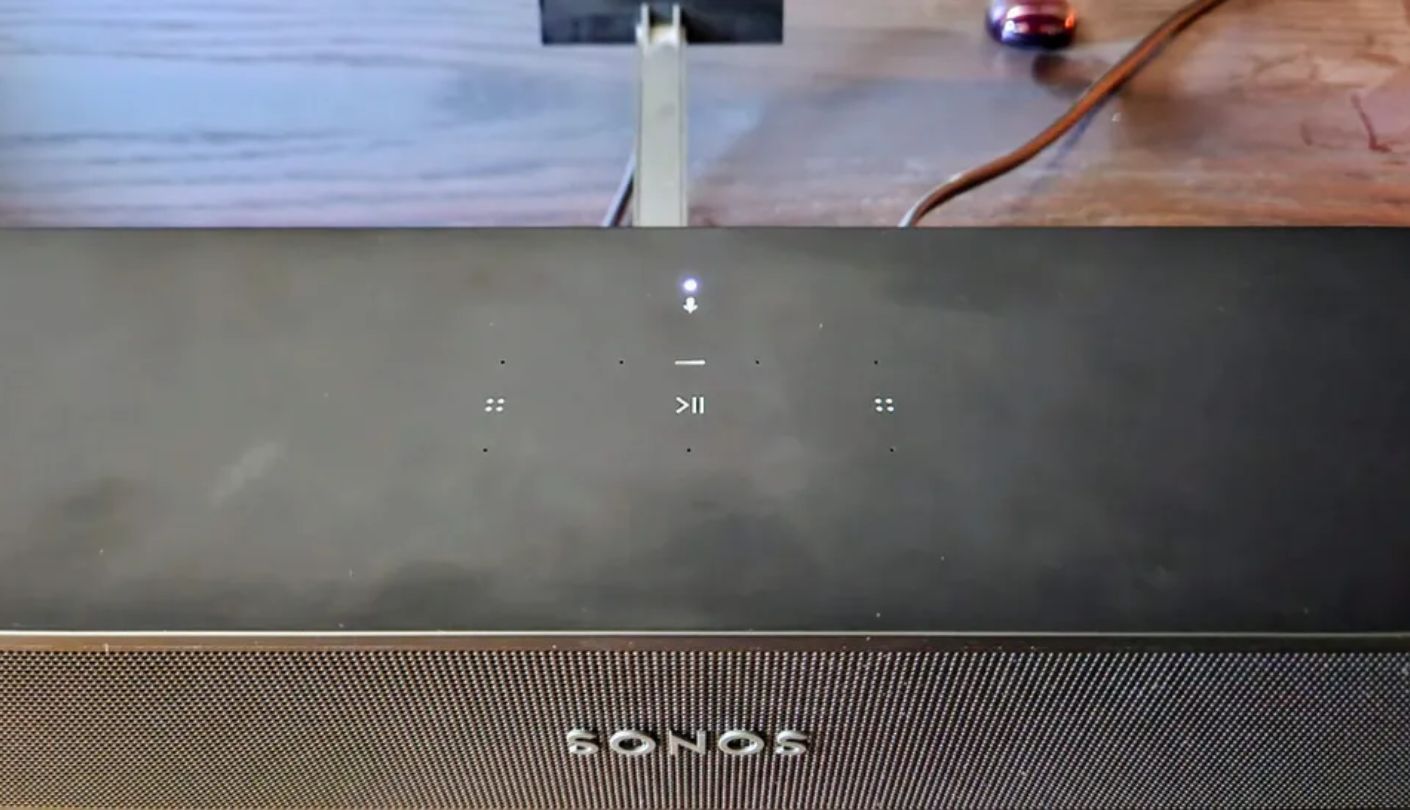
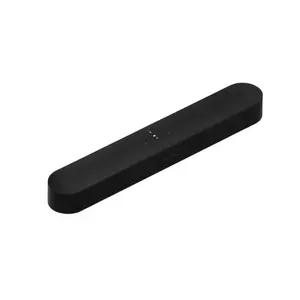
Five separate driver arrays packed into a 25.6-inch cabinet is unusual engineering for something this size, and the Sonos Beam Gen 2 uses every inch of that space well. Dialogue stayed clear even at low volume during a late-night viewing session, no need to bump anything up just to catch a mumbled line, which turned out to matter more than any louder, showier moment across the whole testing period.
TruePlay tuning calibrates the sound to a room's actual dimensions using the bar's own microphones, and in a room this small the difference before and after calibration was more obvious than I expected walking in. The catch: TruePlay still only works through an iPhone, which means Android households either borrow a friend's phone for five minutes or skip the calibration step entirely, losing out on the one feature that seemed to matter most in a room this size.
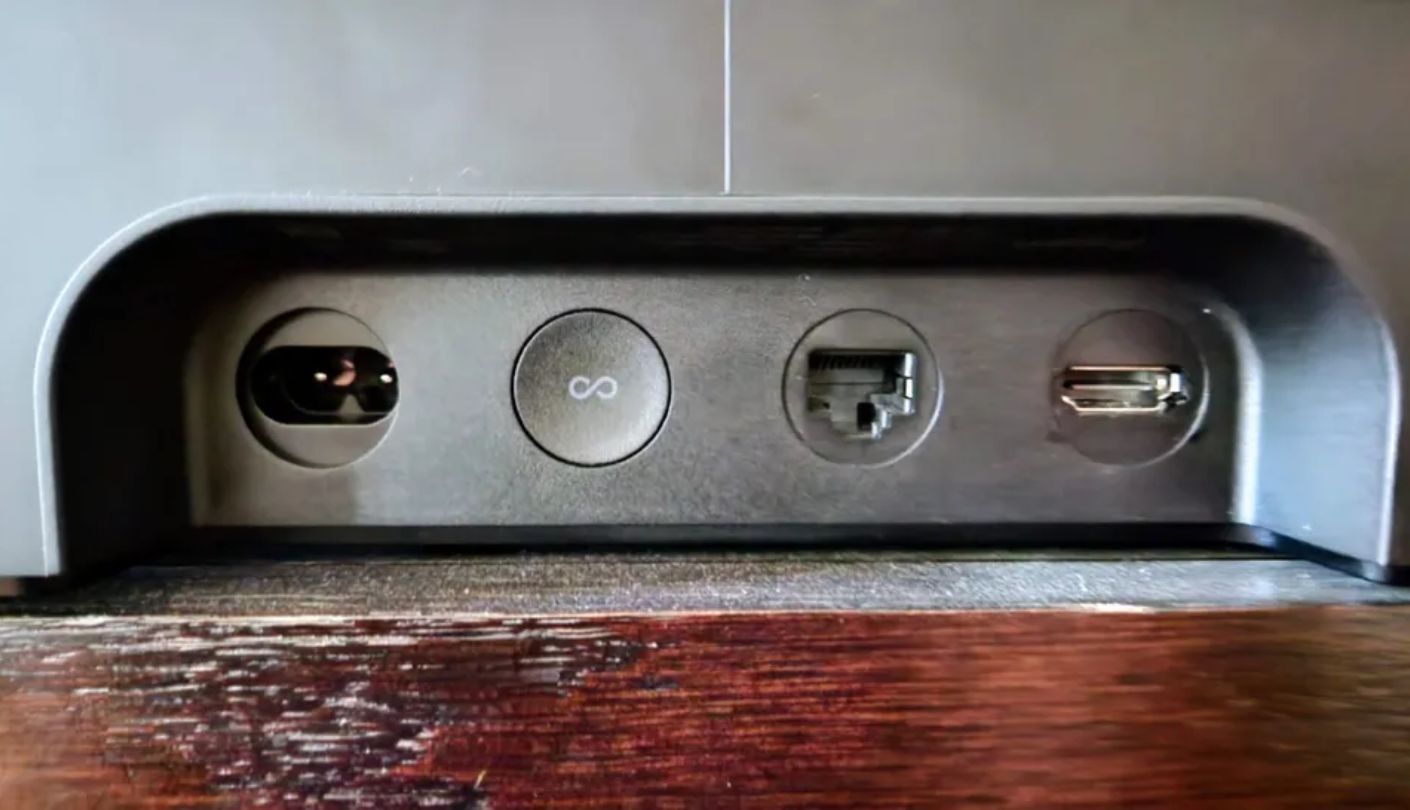
HDMI eARC support carries higher-bitrate audio formats than the original Beam ever handled, and the Sonos S2 app opens the door to expanding this bar later with a Sub Mini or a pair of Sonos One SL speakers for real rear channels. Ethernet is built in too, a small but tangible reliability advantage over Wi-Fi-only competitors in this comparison, especially in an apartment where a router sits three rooms away and every device fights for the same signal.
There are no upward-firing drivers here, so Dolby Atmos content relies entirely on psychoacoustic processing rather than real height channels, and it's a noticeably less convincing trick than what the Bose sitting nearby manages with actual upfiring speakers. Setup also requires the Sonos app from the first step, a mild inconvenience for anyone who just wants sound out of the box in under five minutes rather than a guided walkthrough.
None of that changes the overall verdict. Clear dialogue, genuine room calibration, and a legitimate upgrade path most bars this size don't offer make the Beam Gen 2 the one I'd point a small-room shopper toward first, virtual Atmos limitations included.
Pros:
- Five Speaker Arrays
- HDMI eARC Support
- TruePlay Room Tuning
- Sonos Ecosystem
- Ethernet Port Included
Cons:
- No Height Drivers
- iOS-Only TruePlay
Summary: A compact cabinet doing genuine engineering work, not just a smaller version of a bigger bar, is what separates this from the rest of the list. TruePlay tuning alone is worth the iPhone-borrowing hassle for anyone serious about getting the most out of a compact living space, and the ecosystem it plugs into makes future upgrades feel far less like starting over.
Sony HT-S100F Review
Best Overall
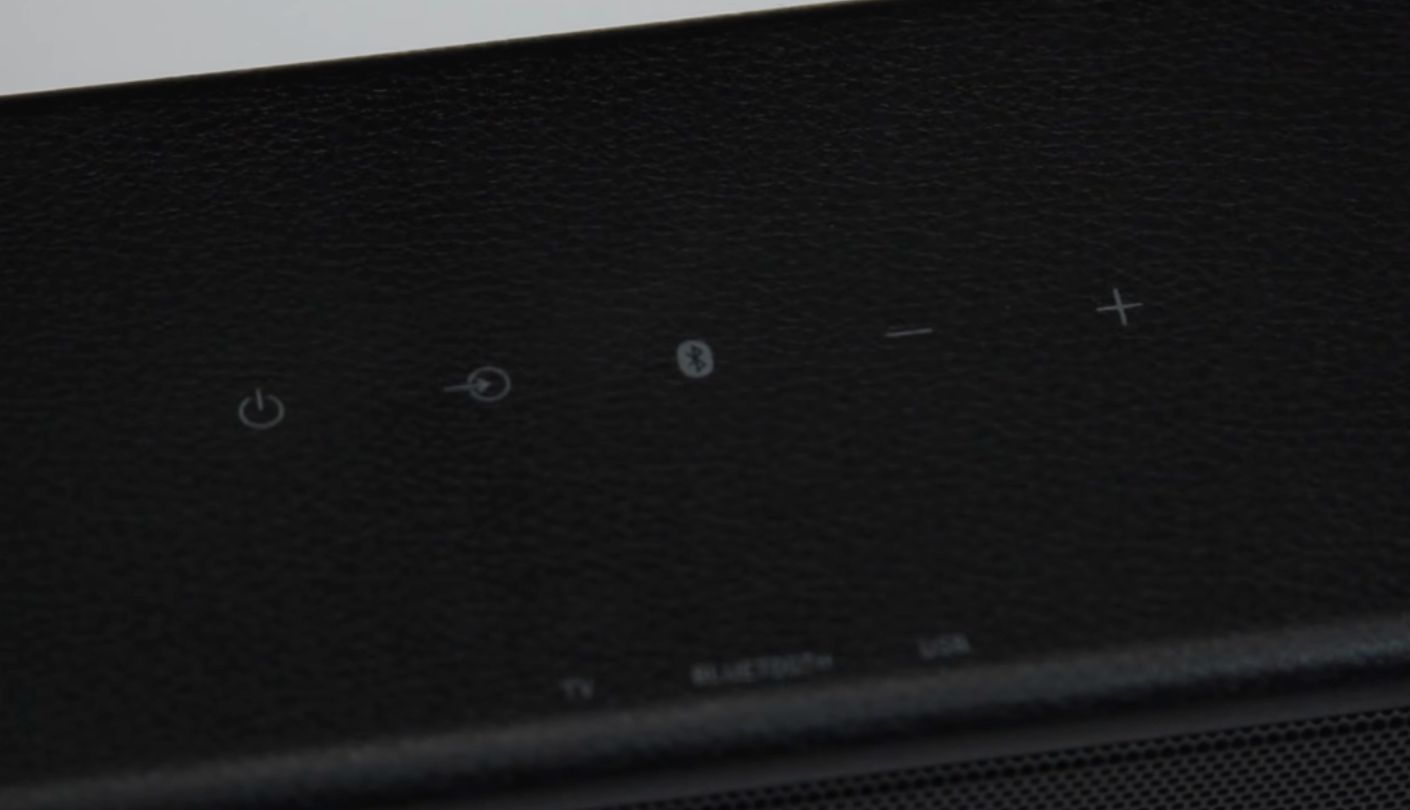
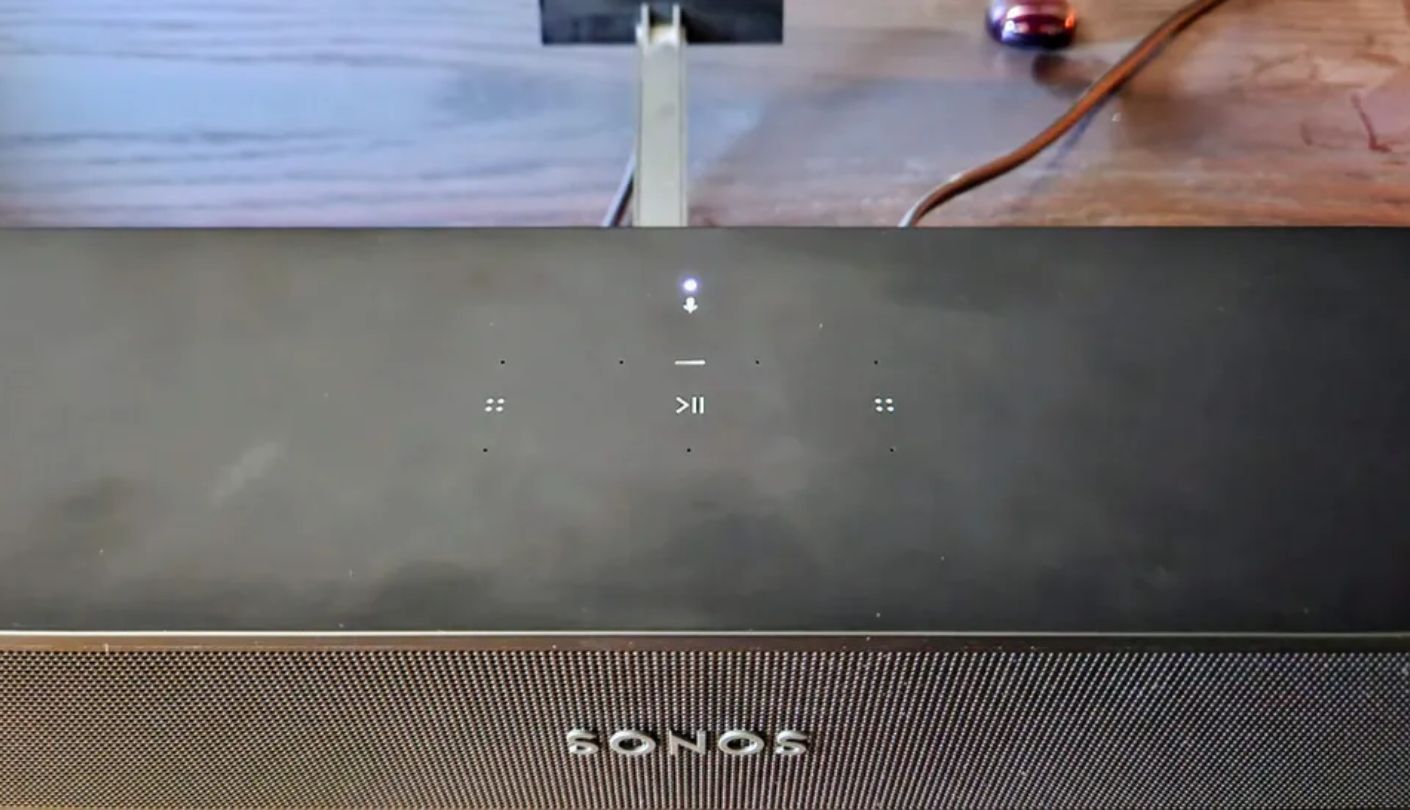
Ninety-nine dollars for a soundbar sounds like a trap. It usually is. The Sony HT-S100F is the exception, and I went in expecting to find the catch somewhere in the first ten minutes of testing. I didn't, and I kept looking for one well past that point out of pure disbelief.
Dual tweeters paired with a bass reflex port push clean, room-filling sound out of a bar with no dedicated subwoofer anywhere in sight, and dialogue came through with a clarity that made TV shows and sitcoms far more enjoyable than the flat, muddy default I'd been living with. S-Force Pro simulates a wider soundstage than a plain 2.0 setup has any right to produce, and I found myself forgetting there wasn't a third or fourth speaker hiding somewhere in the room.
Setup takes one HDMI cable and nothing else, no app, no account, no Wi-Fi handshake. Plug it in, and it works. That simplicity extends to a 120-watt total power rating that's properly loud for a bar this size, useful on the rare occasion a tight space actually wants more volume than usual, though I never found myself pushing it anywhere close to that ceiling during normal viewing.
Dolby Atmos and DTS both sit outside this bar's reach entirely, and there's no subwoofer option to add later if bass ever becomes a priority. The narrow soundstage that makes action movies feel a little flat is the honest tradeoff for a two-driver design at this price, and touch-sensitive top controls proved less reliable in daily use than just grabbing the remote and pressing a physical button instead.
Proof that a soundbar under a hundred dollars doesn't have to sound like one, that's the actual takeaway here, cons and all. For dialogue-heavy shows and casual movie nights in a small room, it beats built-in TV speakers by a wider margin than the price gap would suggest.
Pros:
- Genuinely Low Price
- Crisp Clear Dialogue
- Single-Cable Setup
- Loud For Its Size
- Compact Footprint
Cons:
- No Dolby Atmos
- No Subwoofer Option
Summary: Ten minutes in, I stopped waiting for the catch. A basic two-channel design shouldn't sound this clear at this price, and for a small room where dialogue matters more than explosions, it doesn't need to be anything fancier than it already is, no matter how many boxes elsewhere on this list check.
Roku Streambar SE Review
Streaming Bundle
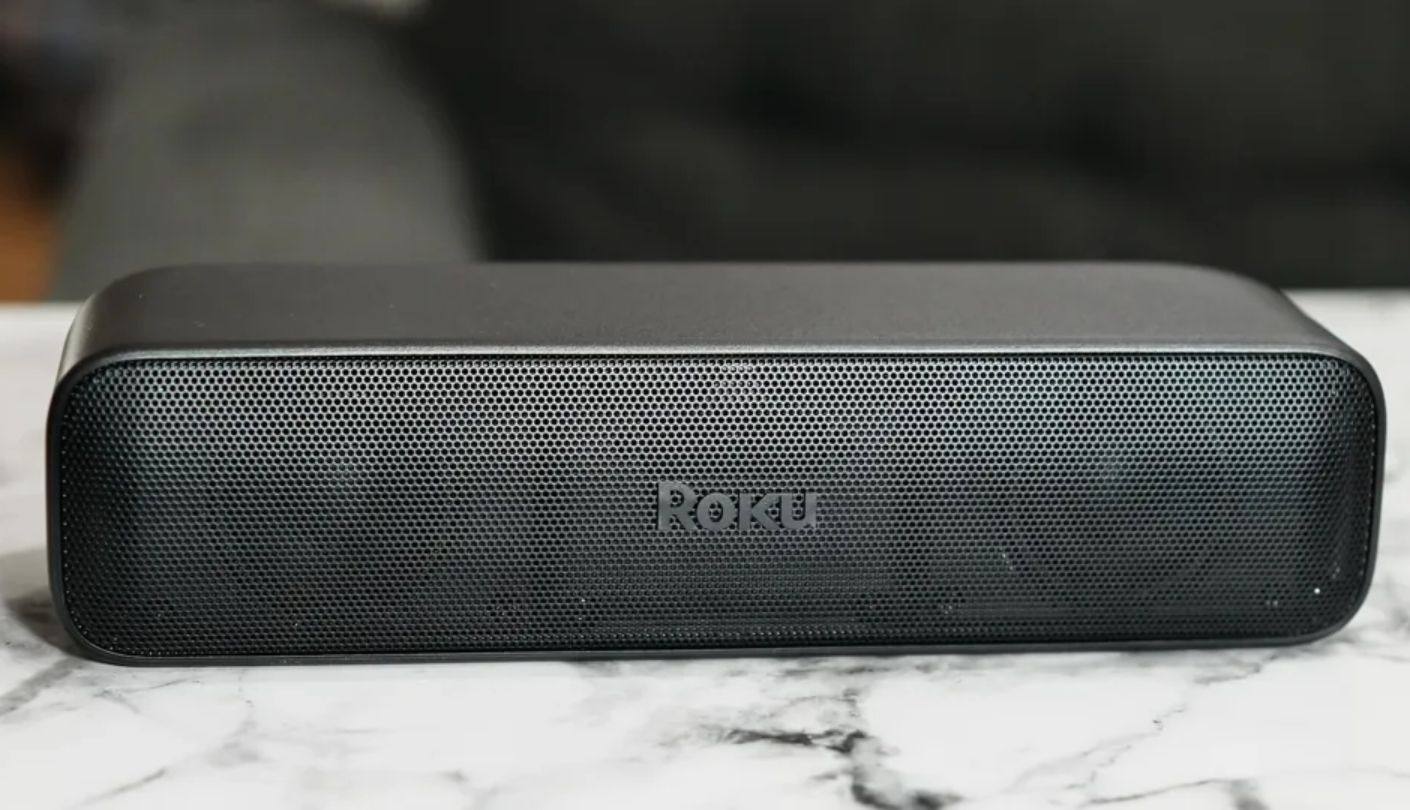
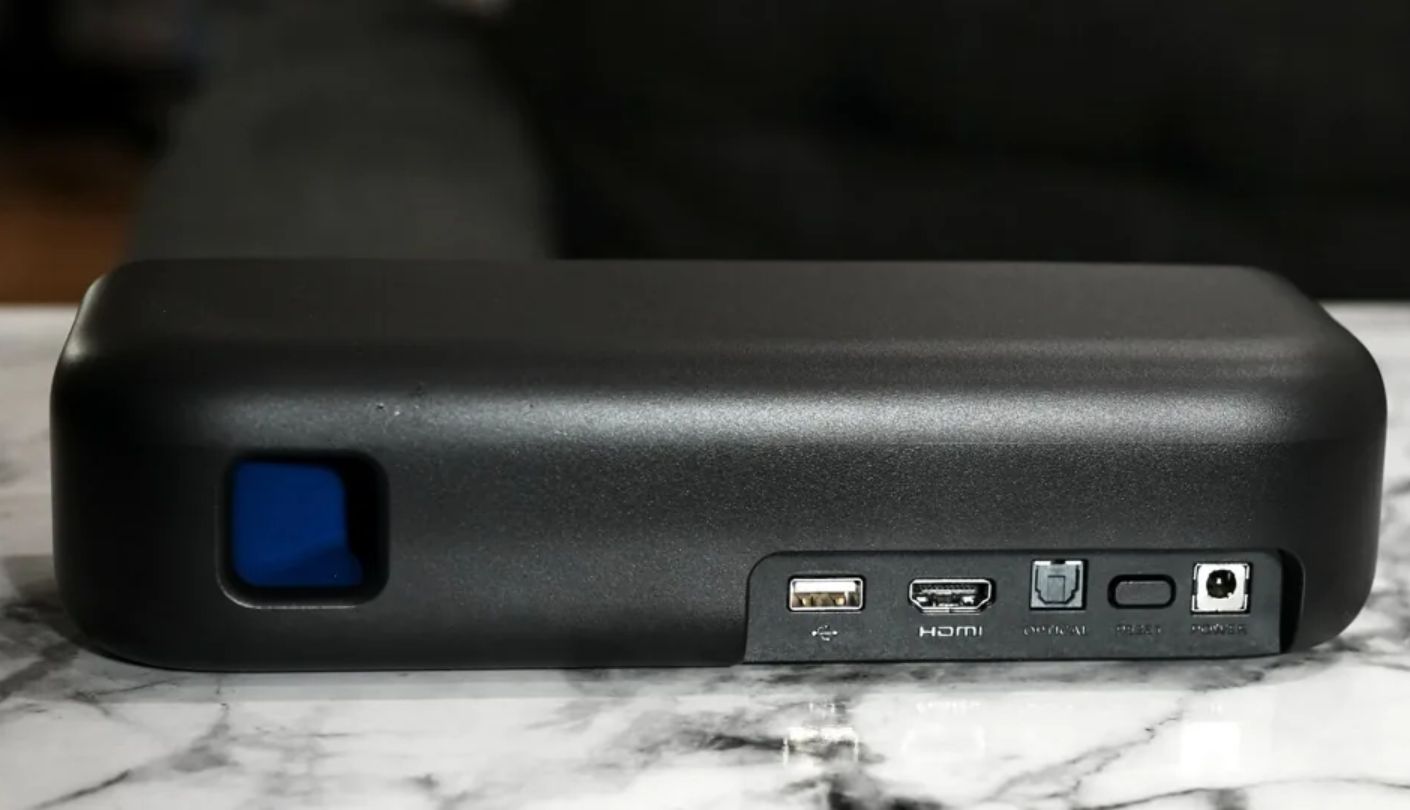
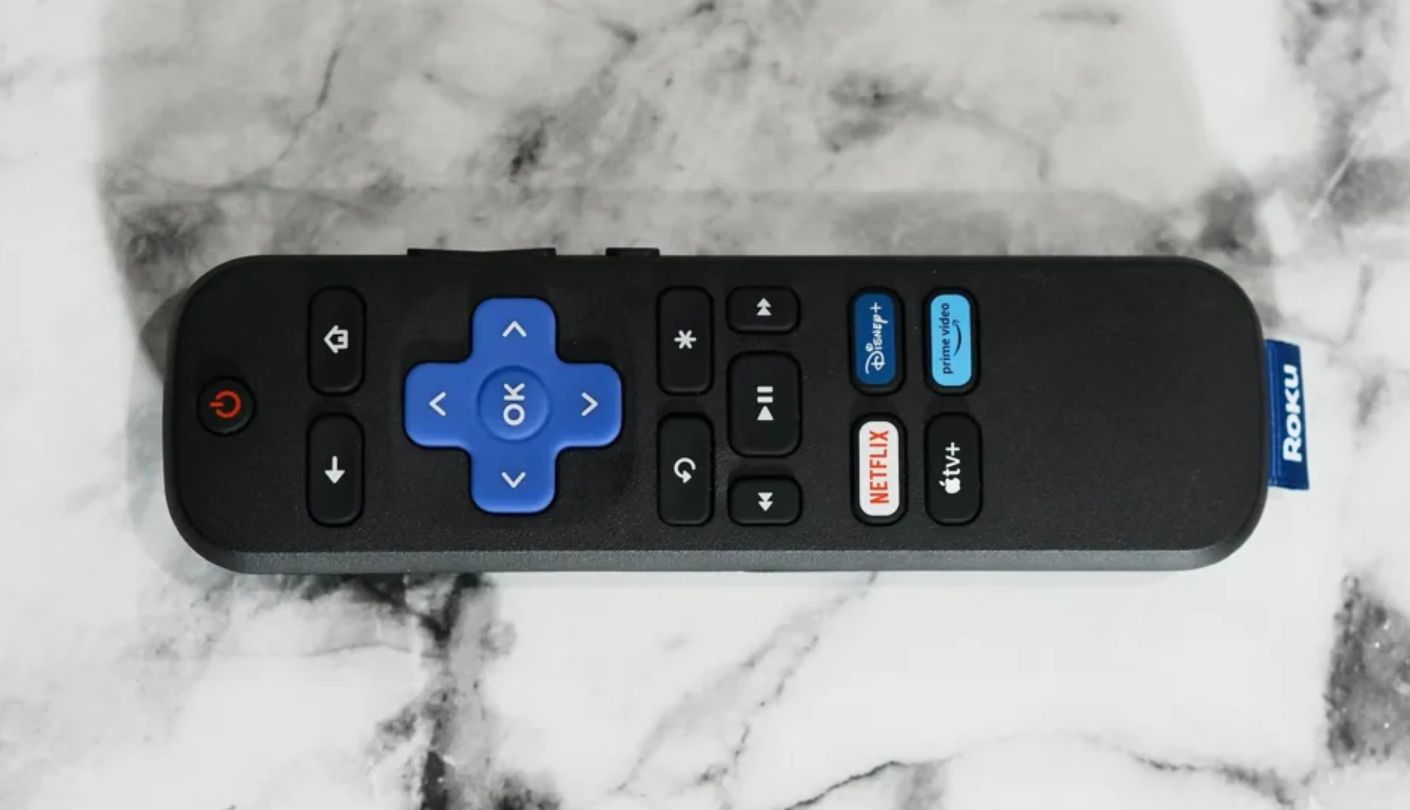
Two devices collapsed into one box is the entire premise of the Roku Streambar SE, a 4K streaming player and a soundbar sharing a single power cable and a single remote. For a small bedroom TV that's never had a streaming stick attached, this solves two problems most shoppers treat as separate purchases, and the cost of buying both separately usually lands higher than this single box anyway.
Two 1.9-inch full-range drivers plus a bass port outperform what most people expect from something this compact, and Enhanced Speech Clarity did noticeable work during a mumble-heavy prestige drama that had been frustrating me on the TV's own speakers for weeks. Movie, Music, and Night DSP presets cover the basics without demanding a deep settings menu.
Bluetooth Headphone Mode turned into an unexpected favorite during testing, streaming audio straight to a pair of headphones for late-night viewing without touching the TV's own settings at all. Setup took under ten minutes end to end, guided by Roku's familiar on-screen wizard rather than a separate app most people would skip anyway, and the whole process felt closer to setting up a streaming stick than configuring a piece of audio equipment.
The Roku Wireless Bass subwoofer is the only expansion path here, and it explicitly doesn't work with Roku's wireless surround speakers, a fair limitation for anyone hoping to build toward a fuller system later without starting over from scratch. There's no dedicated voice search button either, a small omission on a device built by a company whose entire platform leans on voice navigation elsewhere.
Judged purely as a soundbar, this is a solid, unremarkable stereo bar. Judged as a 2-in-1 upgrade for a small secondary room, it's hard to find a more efficient use of a single HDMI port and a single cable run.
Pros:
- Built-In 4K Streaming
- Bluetooth Headphone Mode
- Single Remote Control
- Enhanced Speech Clarity
- Ten-Minute Setup
Cons:
- Limited Sub Compatibility
- No Voice Search
Summary: Two devices in one box makes the most sense in exactly the room this list is built around, a small TV that never got its own streaming stick. Bluetooth Headphone Mode ended up mattering more to daily use than any spec on the box suggested it would, quietly becoming the feature I reached for most once late-night viewing became a regular habit.
Bose Smart Soundbar Review
Smart Dialogue
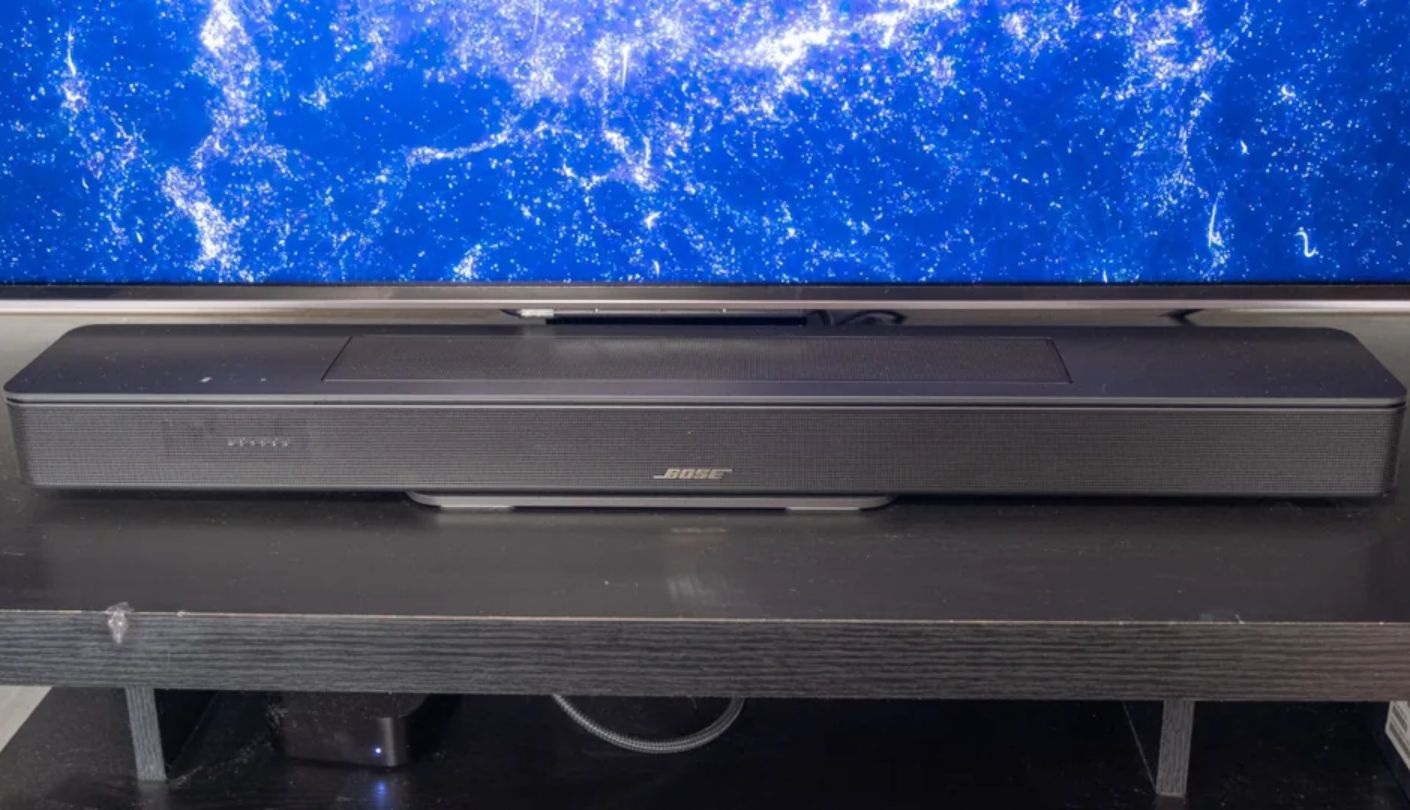
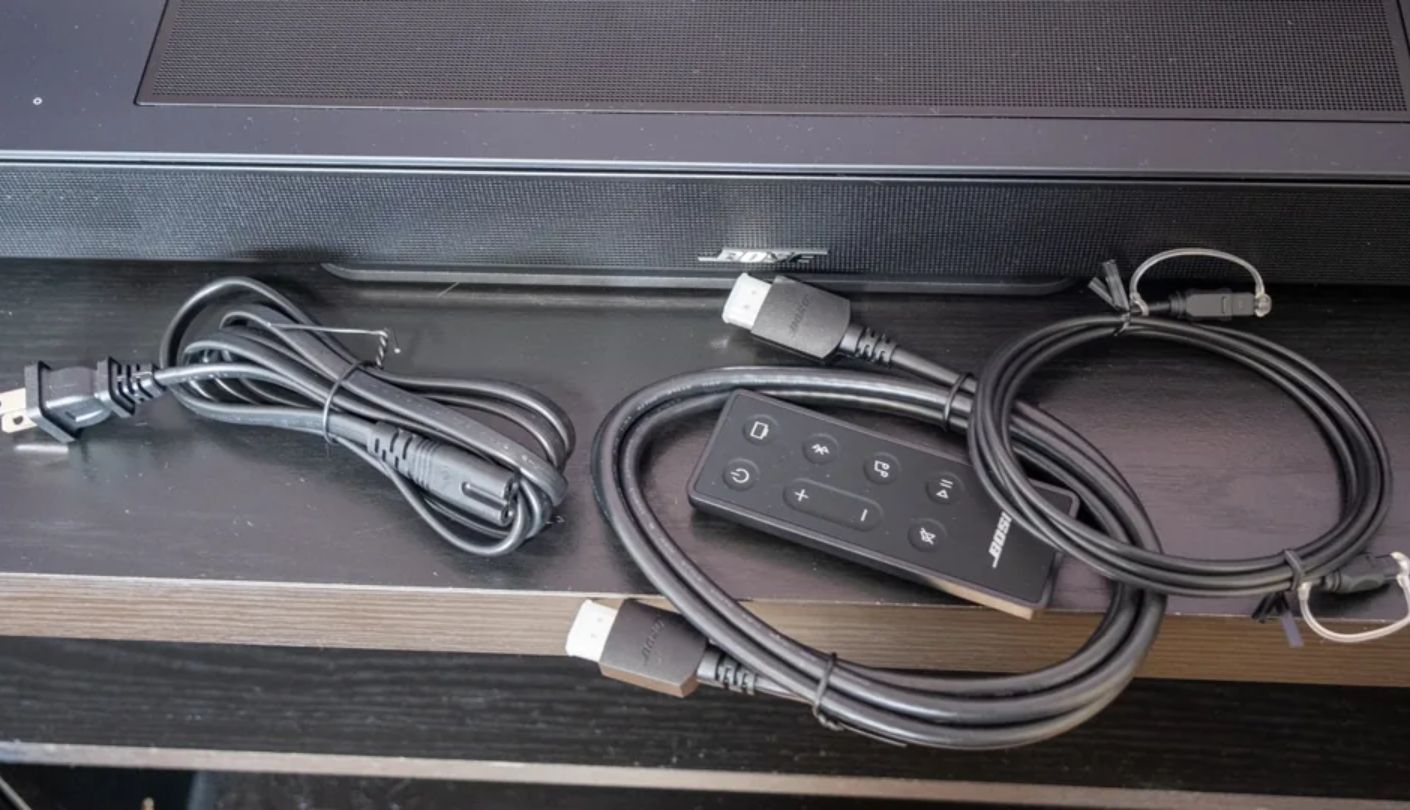
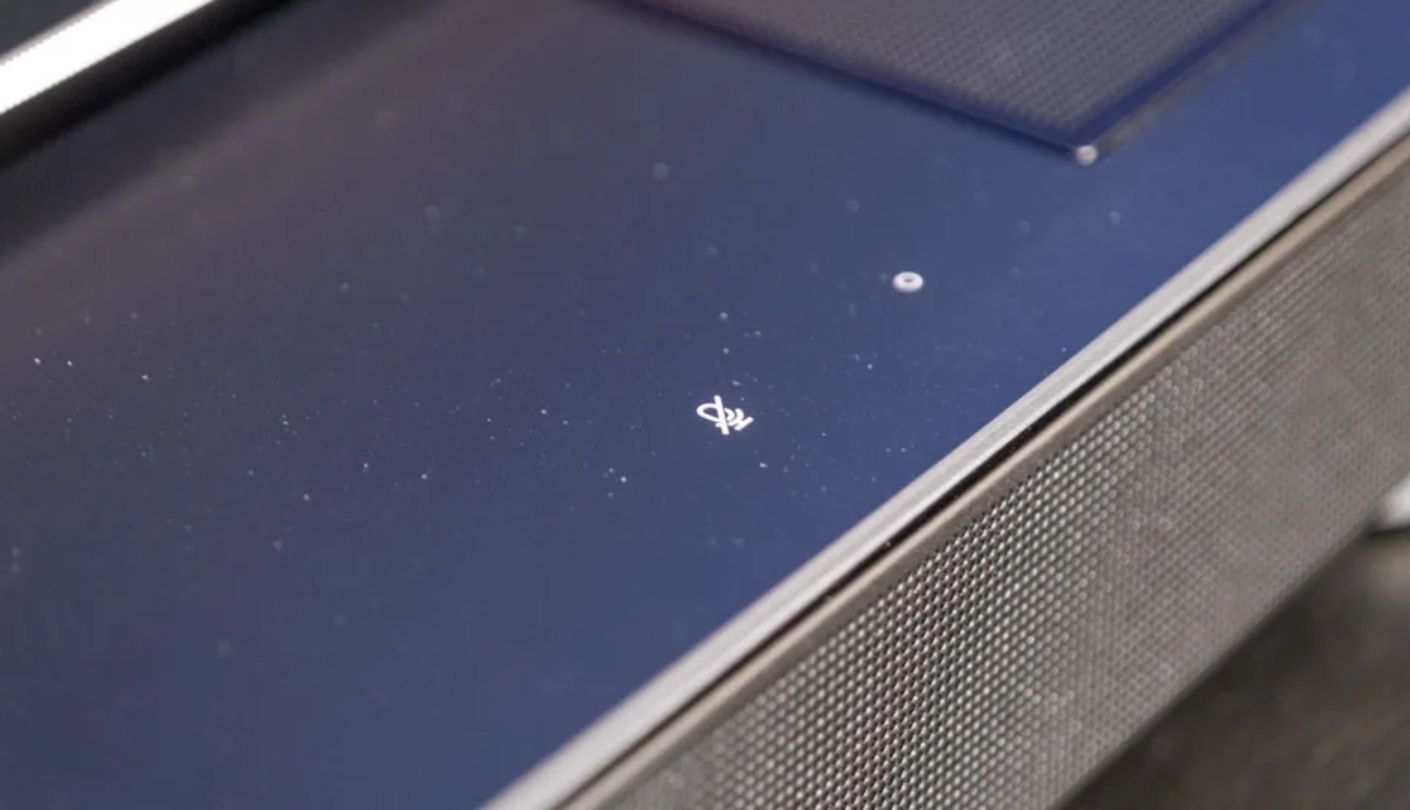
A.I. Dialogue Mode sounds like a marketing checkbox until it fixes an actual problem. On the Bose Smart Soundbar, it does, sensing when speech is happening and quietly boosting the midrange without smashing everything else into the background the way cruder dialogue modes tend to. I watched the same mumble-prone scene with the feature toggled on and off, and the difference wasn't subtle.
Two genuine upward-firing drivers separate this bar from the Sonos sitting earlier on this list, and Dolby Atmos content carried a real sense of height during an overhead storm scene rather than just sounding louder from the front. Bose TrueSpace processing extends that same spatial trick to ordinary stereo content that was never mixed for Atmos in the first place, stretching old playlists and broadcast TV into something that feels noticeably wider than a flat stereo mix has any business sounding.
At 27.3 inches wide and barely over two inches tall, this bar disappears under almost any TV in this comparison's target room size. Alexa, Google Assistant through a paired Google Home device, AirPlay 2, Chromecast, and Spotify Connect all work out of the box, more voice and casting flexibility than anything else on this list bundles in for free, and switching between sources during testing never once required digging through a settings menu.
Bass is noticeably thin without an add-on, since there's no subwoofer drivers of any real size packed into this cabinet, and the standout Personal Surround Sound feature only works with Bose's own Ultra Open Earbuds, sold entirely separately, a detail easy to miss in the marketing copy until the checkout page makes it unavoidable. The Bose app is close to mandatory for getting full value here, a step some shoppers looking for pure plug-and-play will find mildly annoying.
Smart features and spatial trickery carry this bar further than its bass response ever could alone, and for a room this size where deep rumble was never realistic anyway, that tradeoff makes more sense than it would in a bigger space. Anyone chasing home-theater bass should look elsewhere on this list.
Pros:
- A.I. Dialogue Mode
- Real Upfiring Drivers
- Compact Slim Profile
- Multiple Voice Assistants
- Wide Soundstage
Cons:
- Thin Bass Alone
- Earbuds Sold Separately
Summary: Dialogue clarity and physical height channels do more for a compact space than raw bass ever would, and Bose leans into exactly that tradeoff here. The Personal Surround gimmick needs a separate earbud purchase to actually matter, which quietly undercuts how it's marketed on the box and in the app's onboarding flow.
Amazon Fire TV Soundbar Plus Review
Surround Value
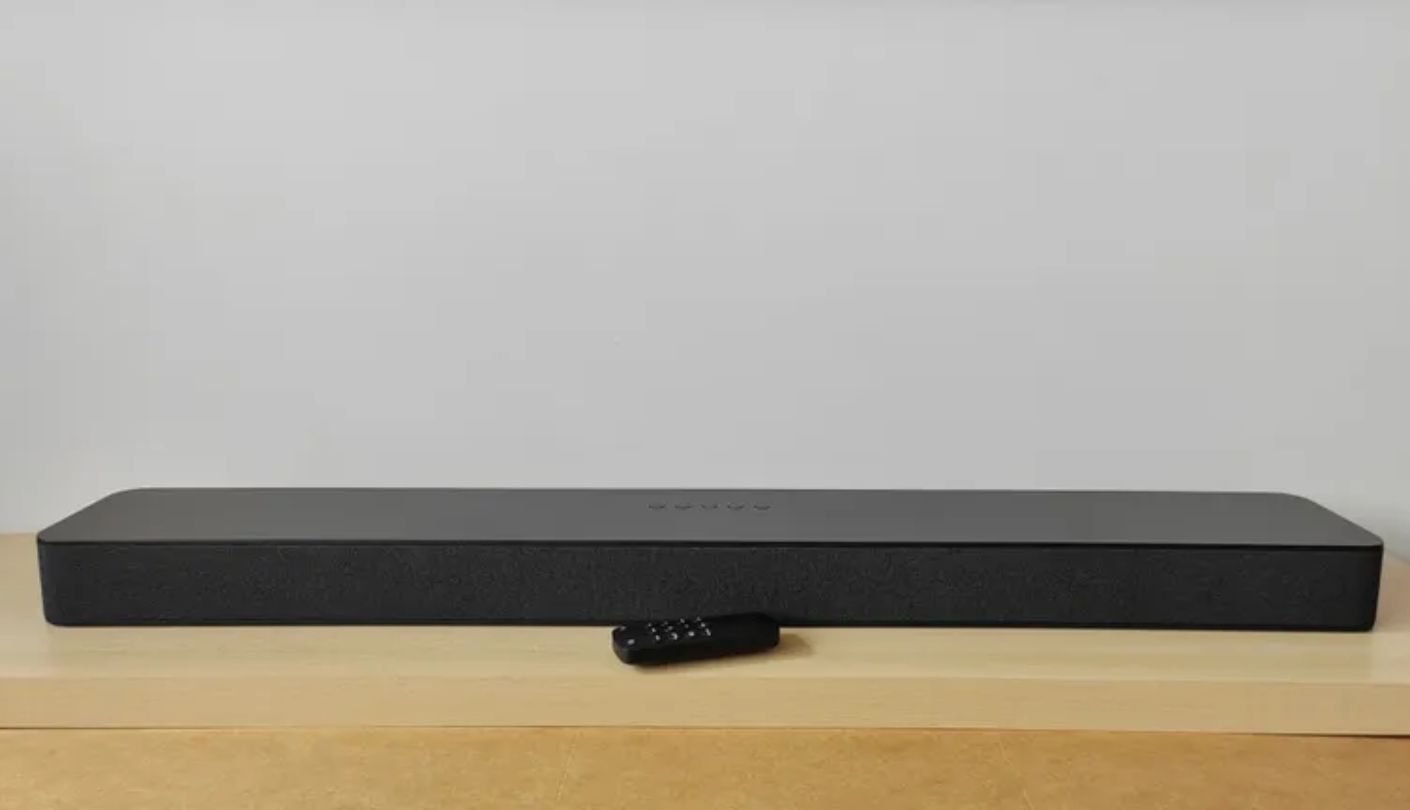
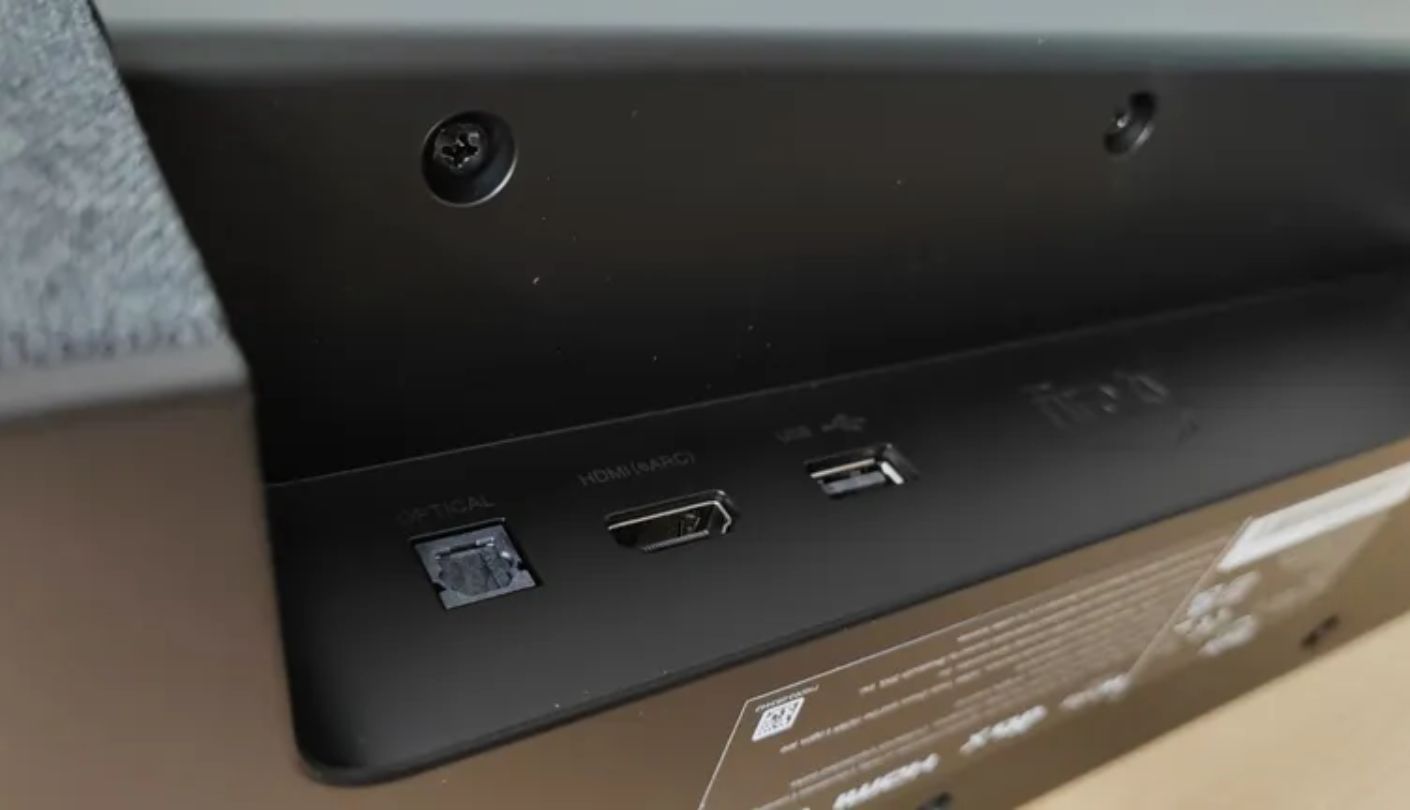
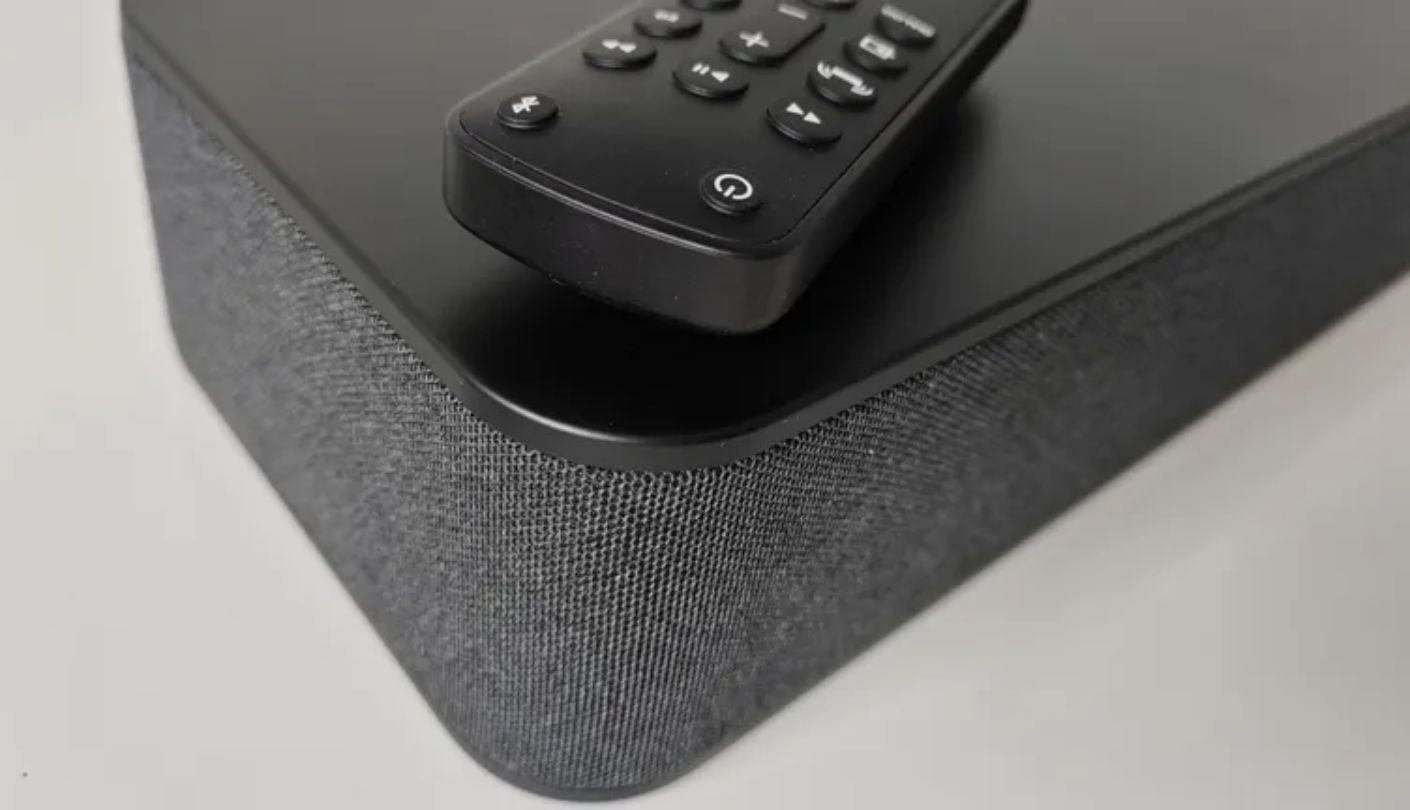
Despite the name, there's no app here. No Alexa either, which surprised me more than it probably should have given the branding on the box. The Amazon Fire TV Soundbar Plus runs entirely off a physical remote and whatever's built into the bar itself, and once that expectation gets reset, the rest of the picture makes a lot more sense than it does reading the product name alone.
Real Dolby Atmos hardware sits inside this cabinet, not just processing borrowed from a marketing deck: three full-range speakers, three tweeters, and two woofers working together, plus DTS:X support most bars at this price skip entirely. A dedicated center dialogue channel kept conversations legible even during a properly chaotic action sequence, the kind of scene that usually buries dialogue under explosions and score.
Movie, Music, Sports, and Night modes cover the basics through remote button presses rather than a touchscreen menu, and the Dialogue Enhancer stacks on top of the center channel for anyone who still finds dialogue getting lost. At 80 watts total, it's not the loudest bar here, but a room this size rarely asks for more than that anyway.
Controls are entirely step-based through the remote, meaning repeated button presses to cycle bass or treble levels rather than a single tap to a specific setting, and the bar announces every level change out loud, which gets old by the third adjustment in a single sitting. At 37 inches wide, this is the widest bar in the comparison, worth measuring against a small TV stand before buying.
Real Atmos hardware at this price is rare enough to matter, and Amazon backed that into a bar that otherwise strips out every smart feature its name implies. For a household that already owns a Fire TV device and wants genuine surround processing without the premium price, that combination still adds up more convincingly than the missing app and missing Alexa support might initially suggest.
Pros:
- Real Atmos Drivers
- DTS:X Support
- Center Dialogue Channel
- Built-In Bass Drivers
- Affordable Surround Path
Cons:
- No App Or Alexa
- Widest Bar Here
Summary: Real Atmos drivers at this price is the whole pitch, and Amazon backs that up with genuine hardware even while stripping out the smart features its own branding implies. Measure the TV stand first. At 37 inches, this is the one bar here that can actually overhang a small setup.
Soundbar for Small Rooms: FAQ
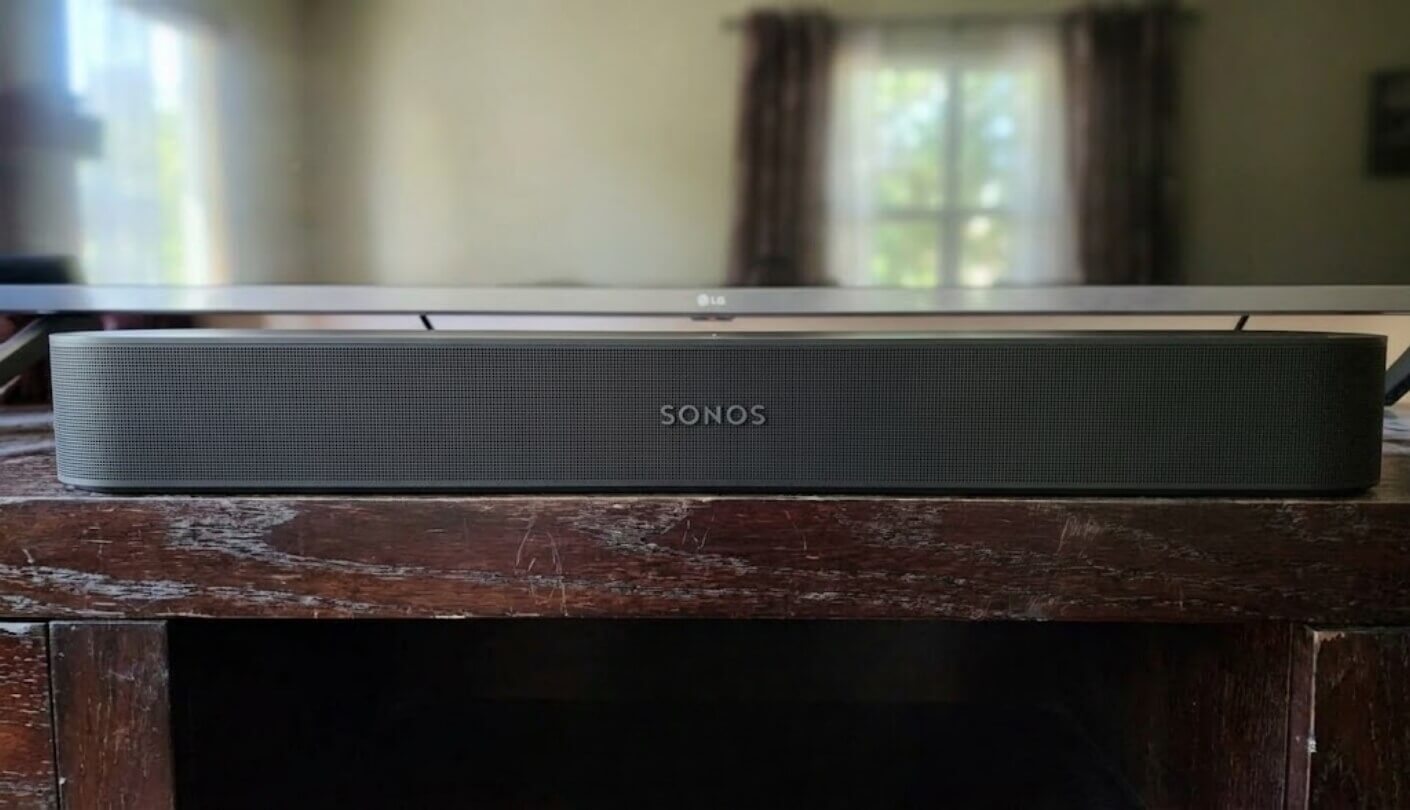
Does a small room actually need Dolby Atmos?
Less than the marketing suggests, though a low ceiling under nine feet, common in apartments, actually helps virtual Atmos processing work better than it does in a taller room. Real upfiring drivers like the ones on the Bose still outperform pure virtual processing, but the gap narrows meaningfully once the room itself is small, which is worth remembering before paying extra purely to chase a feature that partly solves itself in this specific situation.
Which of these soundbars is easiest to set up?
The Sony HT-S100F and Amazon Fire TV Soundbar Plus, both requiring nothing beyond a single HDMI cable with no app, no account, and no Wi-Fi handshake involved. The Sonos and Bose both need an app-based setup process before they'll play any sound at all, which takes longer but adds genuine room calibration and voice assistant support in return, a tradeoff that rewards patience rather than punishing it.
Do I need a separate subwoofer in a small room?
Usually not. None of these five soundbars ships with a standalone subwoofer in its base configuration, and a modest add-on sub can just as easily overwhelm a tight room as improve it. Built-in bass drivers on the Sony, Roku, and Amazon bars covered everyday movie and TV watching without leaving anything obviously missing at this room size, and none of the testing sessions left me reaching for more low end than what was already there.
Which soundbar sounds best for dialogue specifically?
The Sonos Beam Gen 2 and Bose Smart Soundbar both stood out here, the Sonos through raw driver quality and the Bose through its A.I. Dialogue Mode actively boosting speech in real time. The Sony HT-S100F is a close third at a fraction of the price, genuinely impressive for a basic two-channel design that never once claims to be anything more elaborate than it actually is, and that honesty is part of why it earned its spot on this list in the first place.
Is the Roku Streambar SE worth it if I already own a streaming device?
Less so. Its main advantage is combining a soundbar and a 4K streaming player into one purchase, which matters most for a TV that doesn't already have a streaming stick attached. Anyone with an existing Apple TV, Fire Stick, or smart TV platform already installed should judge it purely as a soundbar instead, and on that basis alone it's a solid but unremarkable stereo option rather than a clear standout.
Which bar has the widest physical footprint?
The Amazon Fire TV Soundbar Plus at 37 inches, followed closely by the Sony HT-S100F at 35.5 inches. The Sonos Beam Gen 2, Bose Smart Soundbar, and Roku Streambar SE all sit under 30 inches wide, a meaningful difference on a narrow TV stand built for a 43 or 50-inch screen rather than something designed around a much larger television.
Do I need Wi-Fi for these soundbars to work?
Only for the Sonos Beam Gen 2, Bose Smart Soundbar, and Roku Streambar SE, all of which need a network connection for their full feature set or built-in streaming. The Sony HT-S100F and Amazon Fire TV Soundbar Plus both work entirely offline through a single HDMI connection, with no cloud account or firmware check-in required to produce sound the moment power turns on.
Can any of these soundbars expand into a full surround system later?
The Sonos Beam Gen 2 offers the clearest path, expandable with a Sonos Sub and a pair of Sonos One SL speakers for real rear channels. The Roku Streambar SE can add a wireless subwoofer but not wireless surrounds, and the Amazon Fire TV Soundbar Plus offers subwoofer and surround speaker bundles as separate purchase configurations rather than true add-ons, meaning the choice largely has to be made at checkout rather than upgraded piece by piece later.
Picking the Right Bar for a Small Footprint
Running these five in the same undersized room made one thing obvious fast: the specs that matter on paper, peak wattage, driver counts, Atmos badges, mattered far less than physical width and how each bar sounded at ordinary, everyday volume. Almost nothing here ever needed to approach its actual ceiling in a room this size, which flips a lot of standard soundbar advice on its head, advice that's usually written with a much bigger living room in mind and rarely questions whether that assumption even applies.
Start with the TV stand's actual width before anything else, since a bar that overhangs the furniture undoes whatever it gets right acoustically. From there, dialogue clarity and setup simplicity matter more in a small room than raw bass ever will, and the Sonos and Sony both prove that in very different ways at very different price points, one through genuine engineering and the other through simply refusing to overcomplicate what a soundbar needs to do in the first place.

Jeb here, your go-to geek for everything from video projection to the latest tech trends. As an avid outdoorsman, I enjoy using monoculars and binoculars for hunting, traveling, and birdwatching. Join me in exploring the cool, quirky side of technology!


