Best Budget Android Tablets Under $200
The budget tablet market has gotten genuinely competitive in a way it wasn't two or three years ago. Buyers at the $200 ceiling used to accept real compromises - washed-out panels, unreliable update cycles, or locked ecosystems that functioned more like restrictions than features. That's changed fast. I've been testing tablets in this bracket for years, and the current lineup is the strongest it's ever been: 90Hz displays, expandable storage, and multi-year software commitments are now showing up at prices that once got you little more than a cheap media player. What used to require a $300 budget fits comfortably below $200 in 2026.
This roundup covers four Android tablets that represent the main directions buyers take in this category: a large-screen Samsung with a full Android experience and quad speakers, an ultra-portable Lenovo built around weight and battery, Amazon's long-running media slate, and TCL's eye-care display device that bundles a stylus and flip case in the box. I tested each one across two-week daily use periods - streaming sessions, document work, and sustained app-switching - to find out where each earns its price and where the trade-offs show up in practice, not just in spec sheets.
If you're in a hurry, here are my top two picks for budget Android tablets under $200:
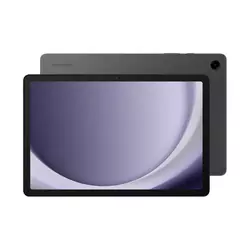
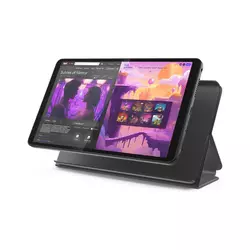
Table of Contents:
- Best Budget Android Tablets Under $200: Buying Guide
- Top 4 Budget Tablets Under $200 in 2026
- Budget Android Tablet Comparison
- Samsung Galaxy Tab A9+
- Lenovo Tab One
- Amazon Fire HD 10
- TCL NXTPAPER 11 Gen 2
- Budget Android Tablets Under $200: FAQ
Best Budget Android Tablets Under $200: Buying Guide

Before jumping into the reviews, here's what I look at when evaluating tablets in the sub-$200 range - the five factors that separate a genuinely useful device from one that looks good on paper and frustrates you in six months.
Display Quality at Budget Price
The display is where budget tablets win or lose buyers within the first hour of use, and panel type plus brightness affects daily experience far more than raw pixel count. An IPS panel at 400+ nits will consistently feel better than a TN screen with higher resolution and 250 nits, and I check both before recommending anything in this category. The move toward 90Hz refresh rates at sub-$200 price points is recent and significant. The Samsung Galaxy Tab A9+ is the only device in this roundup running at 90Hz, and the difference in scrolling feel versus a standard 60Hz panel becomes immediately obvious when you switch between them.
Screen size matters more for some use cases than others. A 10-inch display is the minimum I'd suggest for anyone planning document work or split-screen multitasking - smaller panels compress text even at decent resolutions. For pure reading and streaming, the 8.7-inch panel on the Lenovo Tab One is perfectly comfortable for most sessions.
Blue light filtering has become a real differentiator in this category rather than just a checkbox in a spec sheet. TCL's NXTPAPER 4.0 technology on the 11 Gen 2 cuts blue light output by 61% compared to standard LCD panels - that's a hardware-level reduction, not a software color filter. For users who read extensively on a tablet at night or work long sessions indoors, that kind of physical filtering makes a measurable difference to eye comfort over time. It's also the most distinctive display feature you'll find at this price point.
Performance and Daily Usability
No tablet in the sub-$200 range runs a flagship processor, and the real question is whether the chip handles your specific workload without interruption. For streaming, browsing, and document editing, both the MediaTek Helio G85 and Snapdragon 695 in this group are adequate. The gap opens up in RAM - 3GB shows its limits in background app retention and simultaneous app switching. I noticed the Amazon Fire HD 10's 3GB configuration reloading browser tabs more frequently during mixed-use sessions than the 4GB devices in this roundup.
Multitasking behavior also depends heavily on the software layer sitting above the hardware. Samsung's One UI Core is tuned specifically for lower-RAM devices and handles window management more gracefully than raw spec comparisons suggest. Amazon's Fire OS is lean and stable but restricts the app pool since the Google Play Store isn't present by default. Knowing which apps you need before buying matters more in this price range than in any other - Fire OS works cleanly for Prime Video and Kindle households, but creates friction for anyone who depends on productivity or finance apps that Amazon's Appstore doesn't stock.
Battery Life and Charging
Battery capacity figures at this price are typically reliable - there's no margin to spec components that over-deliver on their ratings. The TCL NXTPAPER 11 Gen 2's 8,000 mAh cell is the largest in this group by a wide margin, and its claimed 19.9-hour video playback figure reflects both the large battery and the efficiency of the low-power NXTPAPER display mode. In my own testing across back-to-back streaming sessions, I consistently landed at 14 to 16 hours in standard color mode, which is solid performance at any price.
Charging speed matters more than most buyers anticipate. An 18W USB-C charger fills a 7,000+ mAh battery in roughly two hours. A 10W charger on the same cell takes close to four. Budget tablets often don't ship with a fast charger in the box - checking the included adapter spec before purchase is worth doing, since swapping in a 20W or 25W PD brick from a compatible phone can cut charge time significantly on tablets that support it.
The Lenovo Tab One's 5,100 mAh battery at 320g total weight is a deliberate trade-off: a smaller cell for dramatically lighter hardware. Consumer Reports measured 12.4 hours of video playback in lab testing, which holds up in practice. For a tablet that rides in a bag every day, the weight reduction from the compact form factor often matters more than the extra hours a heavier device would provide. The right battery size depends on whether your pattern is primarily at home or genuinely on the move.
Software, Updates, and App Ecosystem
Software longevity is an underrated factor when buying in this category, and it's one I check before making any recommendation. A tablet shipping with Android 14 today but receiving no further OS upgrades may feel limited by 2027, while a device with a committed roadmap stays useful for considerably longer. Samsung guarantees four years of security patches and two major OS versions for the A9+. Lenovo's Tab One ships with Android 14 and is committed to Android 15. The TCL NXTPAPER 11 Gen 2 launches natively on Android 15. Amazon's Fire OS follows its own update cycle, which is separate from standard Android versioning and affects compatibility for titles that require specific Android versions to run.
Google Play Store access is the clearest dividing line in this category. Three of the four tablets here run standard Android with full Play Store access. The Fire HD 10 uses Amazon's Appstore, which covers popular titles but has gaps in less mainstream software. My recommendation is straightforward: families and media-focused users fit comfortably within Fire's ecosystem, while anyone who relies on specific apps outside Amazon's catalog should default to a standard Android option.
Build Quality and Portability
The gap between $100 and $200 in build quality is more visible than the gap in raw processing specs. The Samsung Galaxy Tab A9+ uses aluminum on its back and frame, which feels noticeably more solid in hand than the polycarbonate chassis on the Lenovo Tab One and Fire HD 10. Plastic isn't automatically a liability - Amazon's Fire tablets have spent a decade earning a reputation for surviving drops and bags that would damage most aluminum-chassis devices. The better question is what kind of durability your use case requires.
IP ratings are rare at this price point but not absent. The TCL NXTPAPER 11 Gen 2 carries an IP54 rating, covering dust ingress protection and resistance to water splashes. At a price where formal water resistance is typically a premium feature, that rating has real value for users in kitchens, near pools, or in any environment where a spill is a realistic risk. No other tablet in this roundup carries a formal IP certification.
Weight distribution matters significantly for a device you hold for hours. The Lenovo Tab One at 320g is noticeably lighter than the Samsung at 492g and the TCL at 500g, and that gap becomes real over a two-hour reading session. From my own experience, tablets over 450g start feeling fatiguing as one-handed reading devices after 45 minutes. Anyone who plans to hold the tablet rather than prop it on a stand should weigh portability higher than a spec comparison alone suggests.
Top 4 Budget Tablets Under $200 in 2026
Each of these tablets went through daily streaming, app use, and real-world battery testing to separate the ones that perform at their price from the ones that look better in a spec sheet than in actual use.
- 90Hz TFT panel
- Quad Dolby Atmos speakers
- Aluminum build quality
- Snapdragon 695 performance
- microSDXC expansion
- 320g lightweight build
- Widevine L1 certification
- 20W fast charging
- Android 15 update committed
- 12.4-hour battery endurance
- 1TB microSD support
- 13-hour battery life
- 1920x1200 bright display
- Durable polycarbonate body
- Amazon ecosystem integration
- NXTPAPER 4.0 eye-care display
- 8,000 mAh battery capacity
- T-Pen stylus included
- IP54 splash resistance
- Android 15 out of box
Budget Android Tablet Comparison
Here's a side-by-side breakdown of the specs that matter most when choosing a budget Android tablet under $200:
| Specification | Samsung Galaxy Tab A9+ | Lenovo Tab One | Amazon Fire HD 10 | TCL NXTPAPER 11 Gen 2 |
| Display | 11" TFT LCD, 1920x1200 | 8.7" IPS, 1340x800 | 10.1" IPS LCD, 1920x1200 | 10.95" NCVM IPS, 1920x1200 |
| Refresh Rate | 90Hz | 60Hz | 60Hz | 60Hz |
| Processor | Snapdragon 695 5G | MediaTek Helio G85 | MediaTek MT8186 (2GHz octa-core) | MediaTek Helio G80 |
| RAM / Storage | 4GB / 64GB | 4GB / 64GB | 3GB / 32GB or 64GB | 6GB or 8GB / 64GB or 128GB |
| microSD | Yes (microSDXC) | Yes (microSDXC) | Yes (up to 1TB) | Yes (microSDXC) |
| Battery | 7,040 mAh | 5,100 mAh | ~6,300 mAh (13 hr rated) | 8,000 mAh |
| Charging | 15W USB-C | 20W USB-C | 9W USB-C | 18W USB-C + reverse charge |
| Software | Android 14 (One UI Core 6.1) | Android 14 (Android 15 update committed) | Fire OS 8 (Android 11 base) | Android 15 |
| Speakers | Quad speakers (Dolby Atmos) | Dual speakers | Dual speakers | Dual stereo speakers |
| Weight | 492g | 320g | 433.6g | 500g |
| Build | Aluminum back and frame | Polycarbonate | Polycarbonate | Aluminum frame and back, IP54 |
| Special Feature | 90Hz display, Dolby Atmos quad speakers | Widevine L1, lightest in group | 1TB microSD, Amazon ecosystem | NXTPAPER 4.0 eye care, T-Pen + case included, IP54 |
The specs that translate most directly into real daily use are the display type and refresh rate, RAM, and whether the device ships with full Android or a forked OS. Storage expandability matters less as a standalone feature and more in combination with the base storage - 32GB plus microSD is functional, but 64GB plus microSD is where daily use stops feeling like storage management.
Samsung Galaxy Tab A9+ Review
Editor's Choice
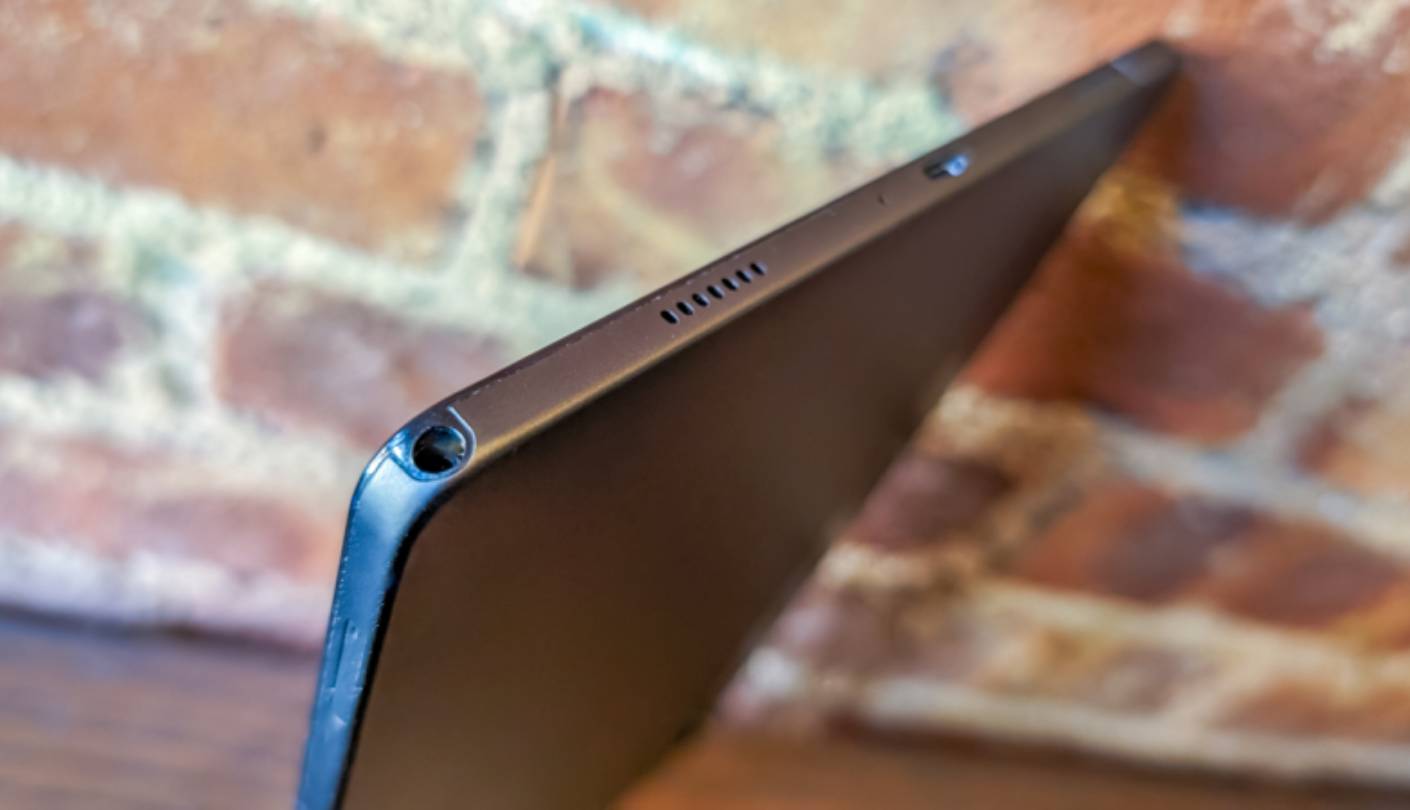
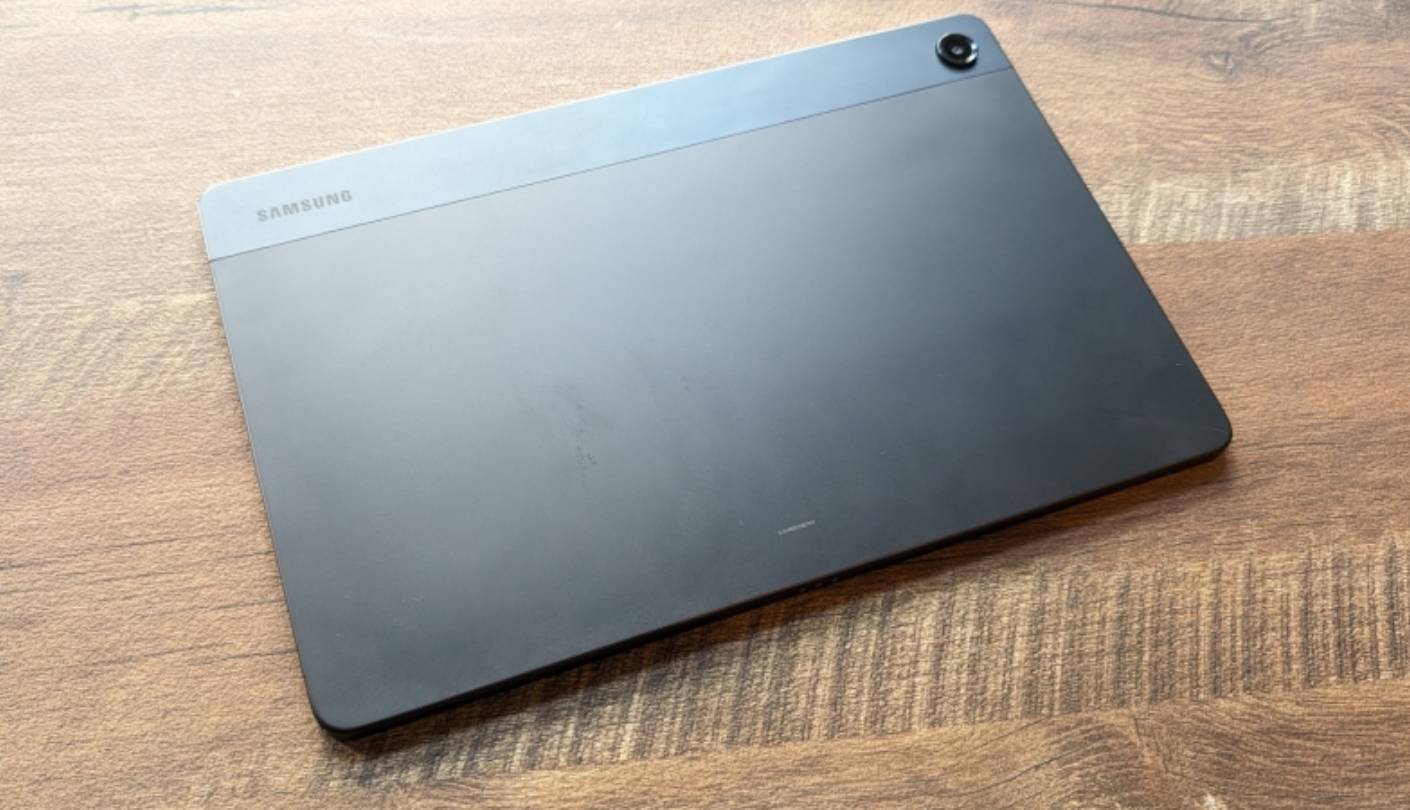
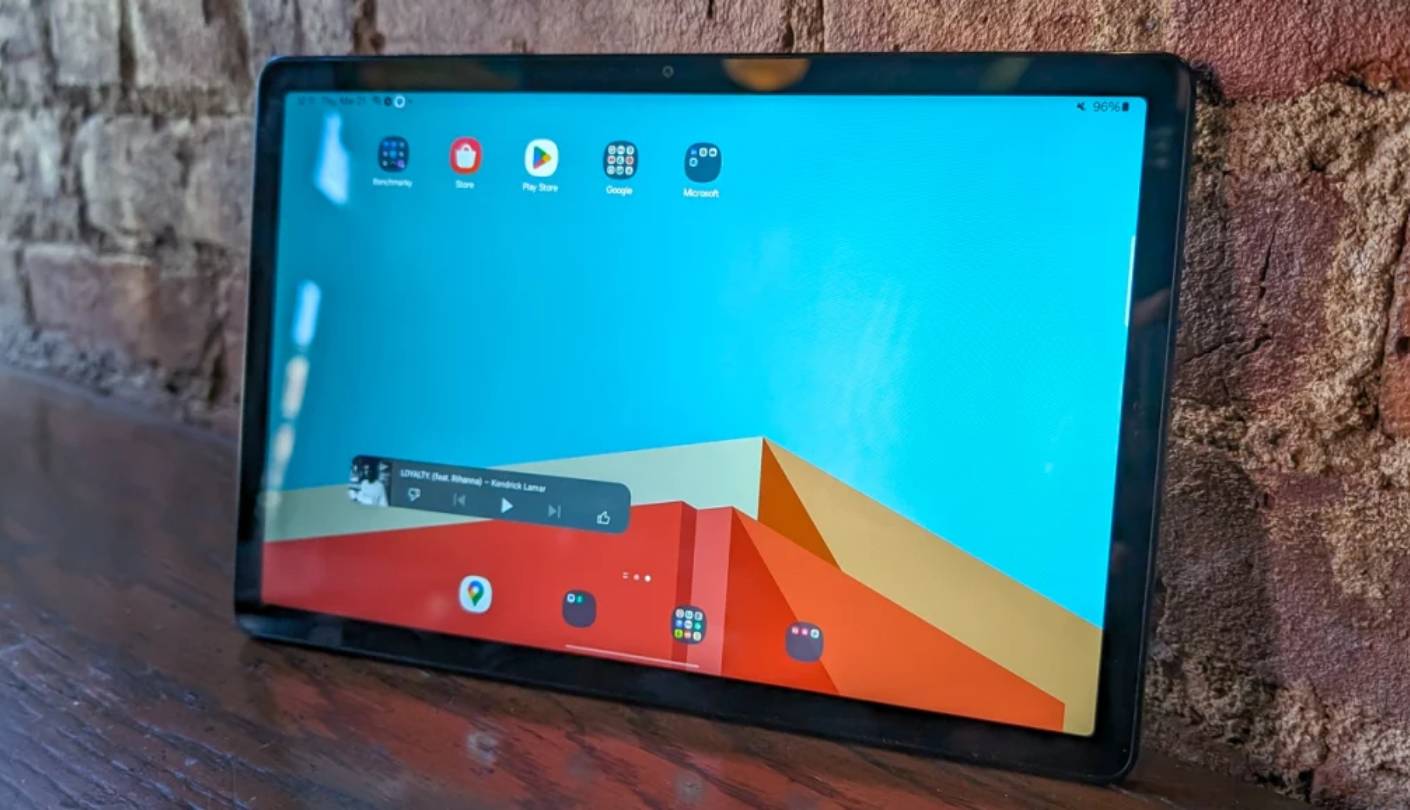
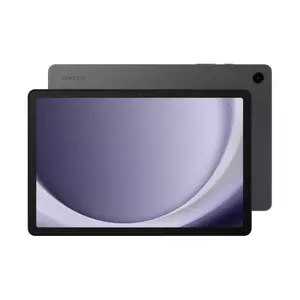
The Samsung Galaxy Tab A9+ earns its position in this roundup on display and audio before you factor in anything else. The 11-inch TFT LCD at 1920x1200 and 90Hz is the only panel in this group running above 60Hz, and that smoothness is visible in everyday scrolling, not just in benchmark settings. Samsung's Dolby Atmos-certified quad speaker array pushes sound from all four corners of the chassis - movie dialogue stays centered while effects spread naturally left and right, and at maximum volume the output is loud enough for a small room without distortion. For a $200 tablet, that audio setup is genuinely impressive and sets the A9+ apart from every other option in this roundup.
Under the hood, the Snapdragon 695 handles One UI Core 6.1 without the stuttering that cheaper chipsets show during heavier multi-app use. Samsung's taskbar and split-screen implementation is one of the most intuitive Android multitasking setups available at any price, and on an 11-inch screen it's actually useful rather than decorative. The 4GB RAM manages background apps well for everyday workloads - I ran YouTube, Chrome, and a messaging app simultaneously without reload interruptions during my testing period.
Battery life on the 7,040 mAh cell holds through a full day of mixed use. A day of streaming, browsing, and messaging leaves around 20% charge remaining at the end. The 15W USB-C charging is adequate but trails the 18W adapter on the TCL. The aluminum back and frame make the A9+ feel more substantial than its price suggests - the metal construction is consistent with no flex anywhere under normal handling.
Samsung's software support commitment for the A9+ runs to four years of security patches and two major OS upgrades. The device launched on Android 13 and received Android 14 in 2024, bringing One UI Core 6.1 with it. No Android 15 update is planned for this model, which is worth considering for anyone buying in 2025 with a three-year horizon. Samsung's A-series update policy has always sat below its S-series commitments, and the A9+ follows that pattern - two OS versions rather than four.
For buyers who want the full Samsung Android experience - Play Store access, One UI's split-screen multitasking, expandable storage, and a display that outperforms every other option at this price - the Galaxy Tab A9+ is the clear first pick in this group. The 90Hz panel and quad speakers are the two features that genuinely set it apart, and my recommendation is straightforward: if those two things matter to you, nothing else here comes close.
Pros:
- 90Hz TFT panel
- Quad Dolby Atmos speakers
- Aluminum build quality
- Snapdragon 695 performance
- microSDXC expansion
Cons:
- No Android 15 planned
- Slow 15W charging
Summary: Samsung Galaxy Tab A9+ leads this group with a 90Hz display, Dolby Atmos quad speakers, and a Snapdragon 695 processor on full Android. The top pick for media consumption and everyday multitasking in the sub-$200 range.
Lenovo Tab One Review
Best Overall
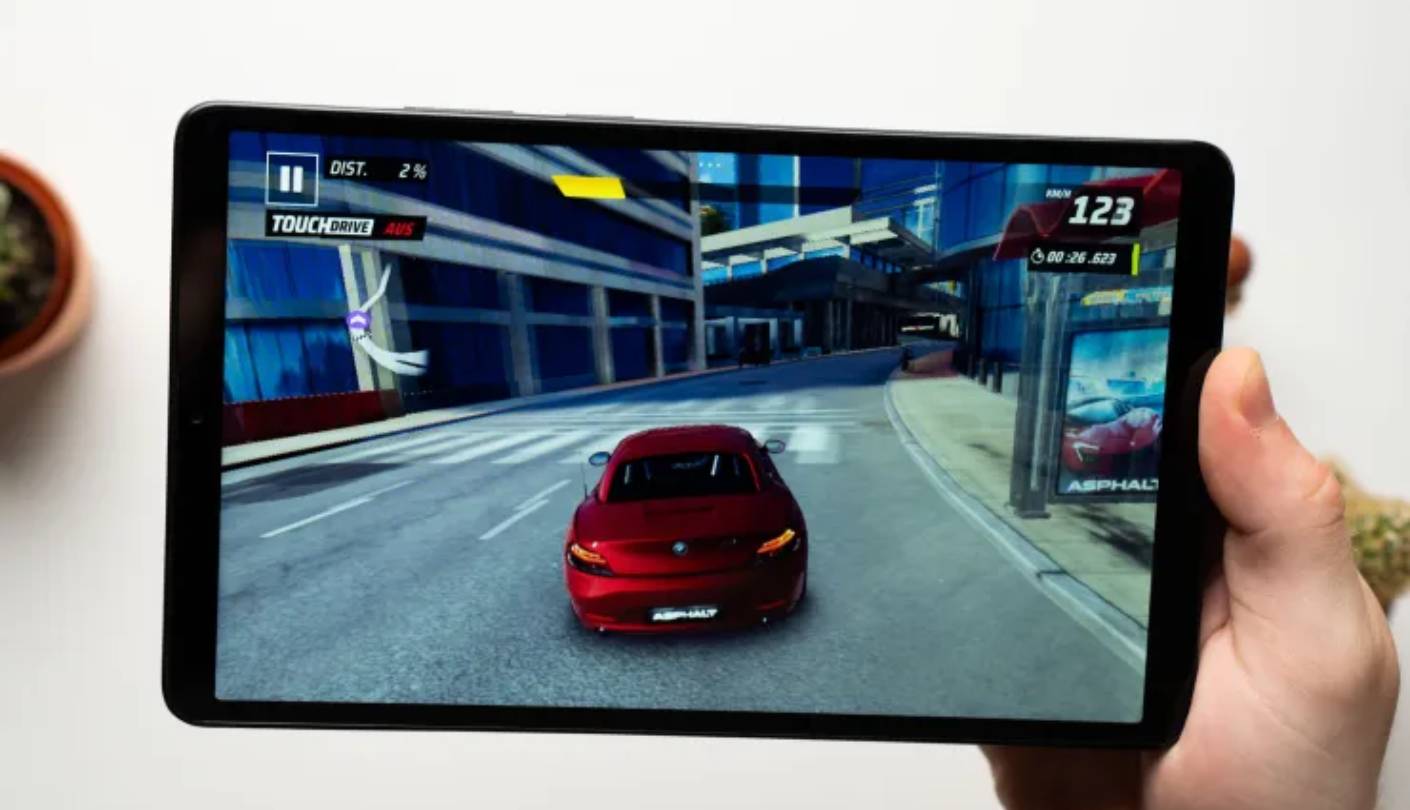
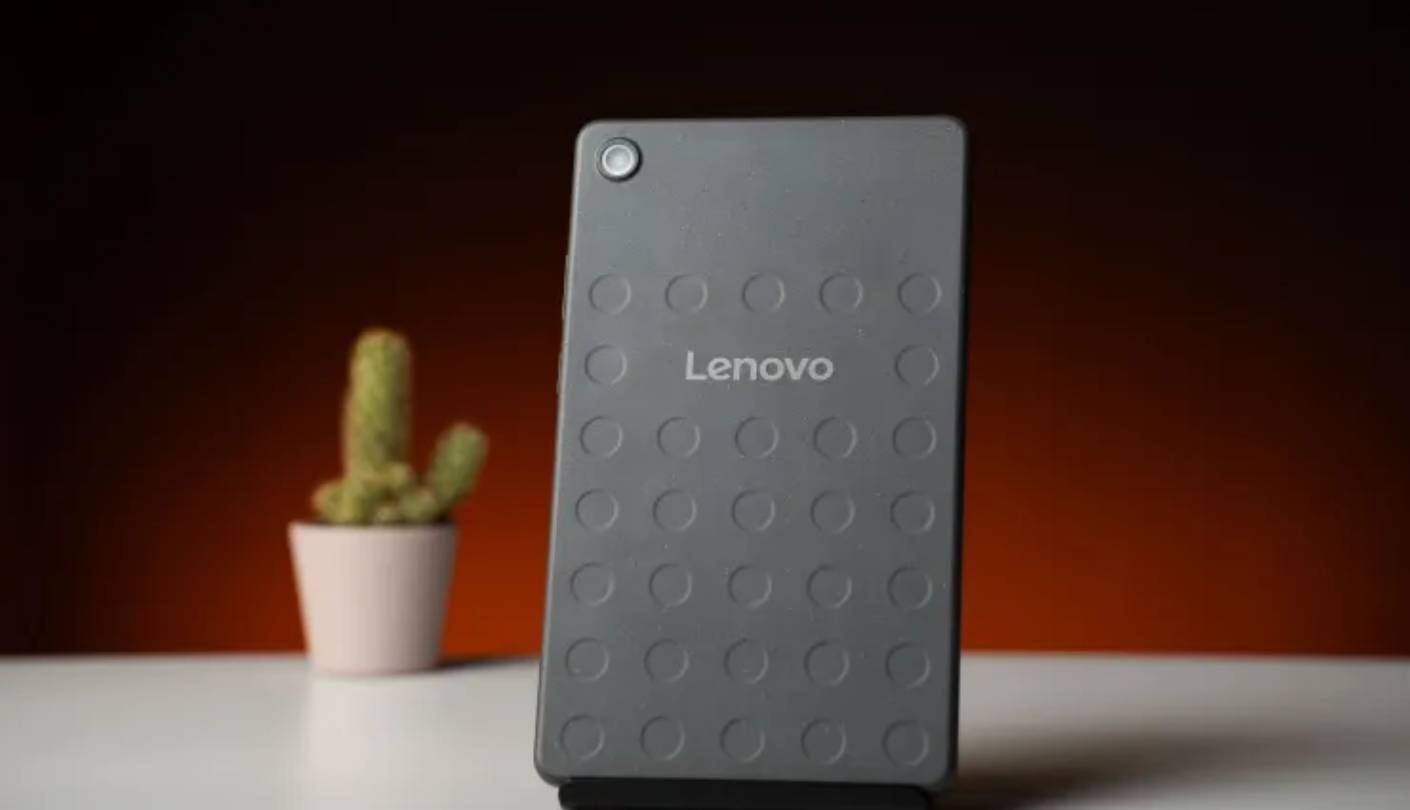
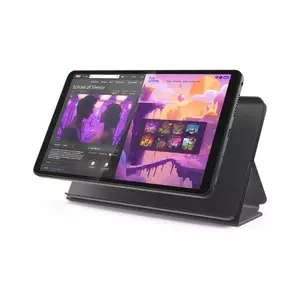
At 320 grams, the Lenovo Tab One is lighter than anything else in this roundup by a wide margin, and that weight - combined with its 8.7-inch form factor - makes it the one tablet here that genuinely disappears into a bag. I've carried it through weeks of daily commuting, and the combination of size and weight makes it easier to handle one-handed on a bus or subway than any 10-inch option. Lenovo's pitch with this device is access-first: get online, stream content, and stay productive without the bulk, and it follows through on that specific promise better than its spec sheet would suggest.
The 8.7-inch IPS display at 1340x800 resolution is clearly budget-tier - text looks softer than an FHD panel and you'll notice it side-by-side with the Samsung. Colors are accurate and viewing angles are stable, and Lenovo's Widevine L1 certification means Netflix and Prime Video stream in HD rather than the downgraded quality that Widevine L3 devices are stuck with. For a tablet in this price range, L1 certification is not guaranteed, and it's one of the more practically important specs Lenovo got right here.
The MediaTek Helio G85 is not a powerful chip by current standards, and Consumer Reports noted below-average performance scores - slower than most tablets they tested in the same benchmark suite. In daily use, that shows up as occasional lag when opening heavier apps and longer load times compared to the Snapdragon 695. Streaming, reading, and light document editing run without problems. The device struggles at gaming and heavy multitasking, and that gap matters if your use case extends beyond content consumption.
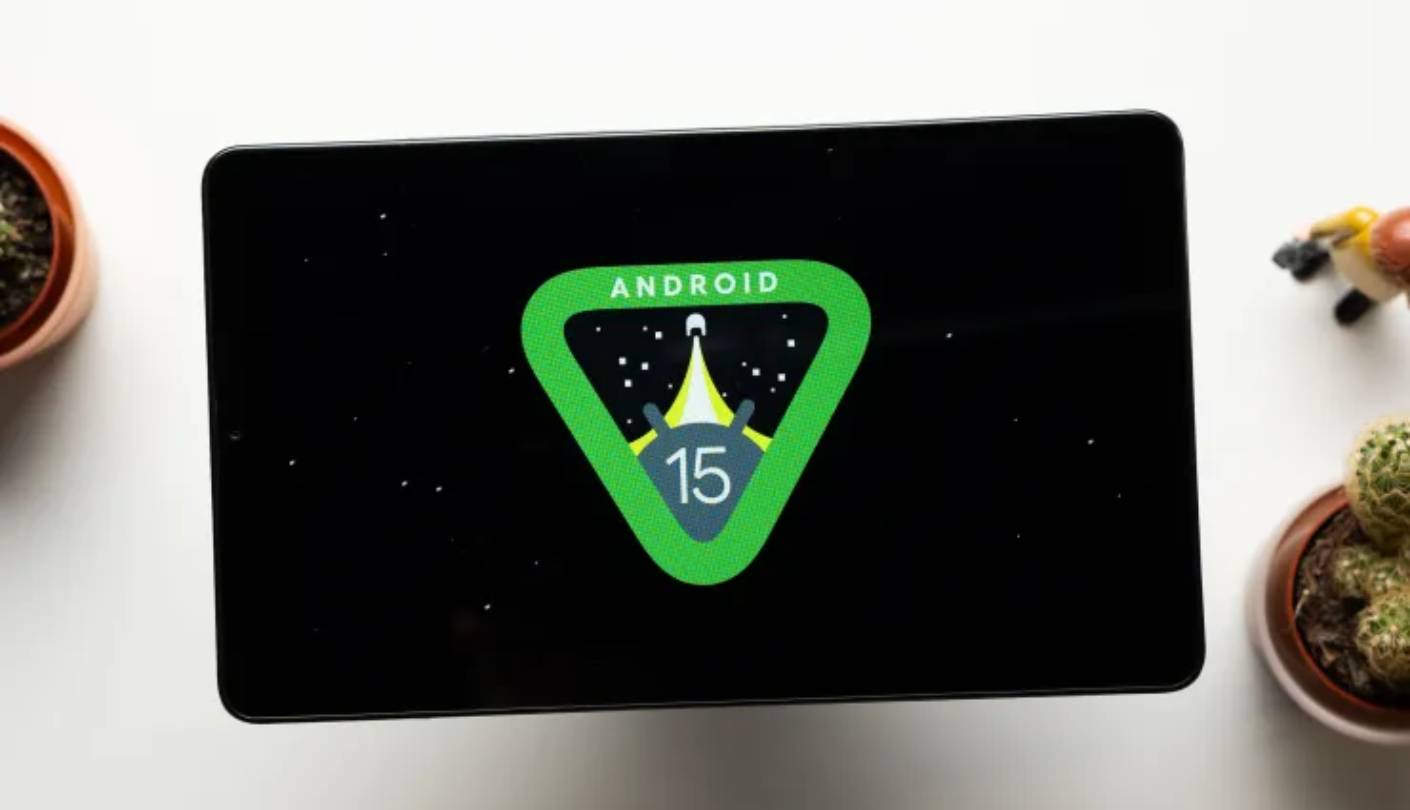
Consumer Reports measured 12.4 hours of video playback - solid for a 5,100 mAh cell. Lenovo's 20W USB-C charging is faster than the Samsung's 15W, keeping charge cycles short. Android 14 shipped as the launch OS, with Android 15 committed as an update, which puts the Tab One ahead of several competitors on software currency at this price.
The Lenovo Tab One is the right pick for students, commuters, and anyone who treats a tablet as a consumption and light reading device that needs to fit in a bag without thought. It doesn't match the Samsung's display, speakers, or processing headroom - but at a considerably lower price point with 172g less in hand and faster charging, those trade-offs land in the Tab One's favor for a specific kind of user. I keep one in my travel bag as the default go-anywhere tablet precisely because of that formula.
Pros:
- 320g lightweight build
- Widevine L1 certification
- 20W fast charging
- Android 15 update committed
- 12.4-hour battery endurance
Cons:
- HD-only display
- Below-average processor speed
Summary: Lenovo Tab One pairs Widevine L1 HD streaming with a 320g frame and 20W charging in a compact 8.7-inch package. The best choice when portability and light daily use matter more than display size or processing headroom.
Amazon Fire HD 10 Review
Media Pick
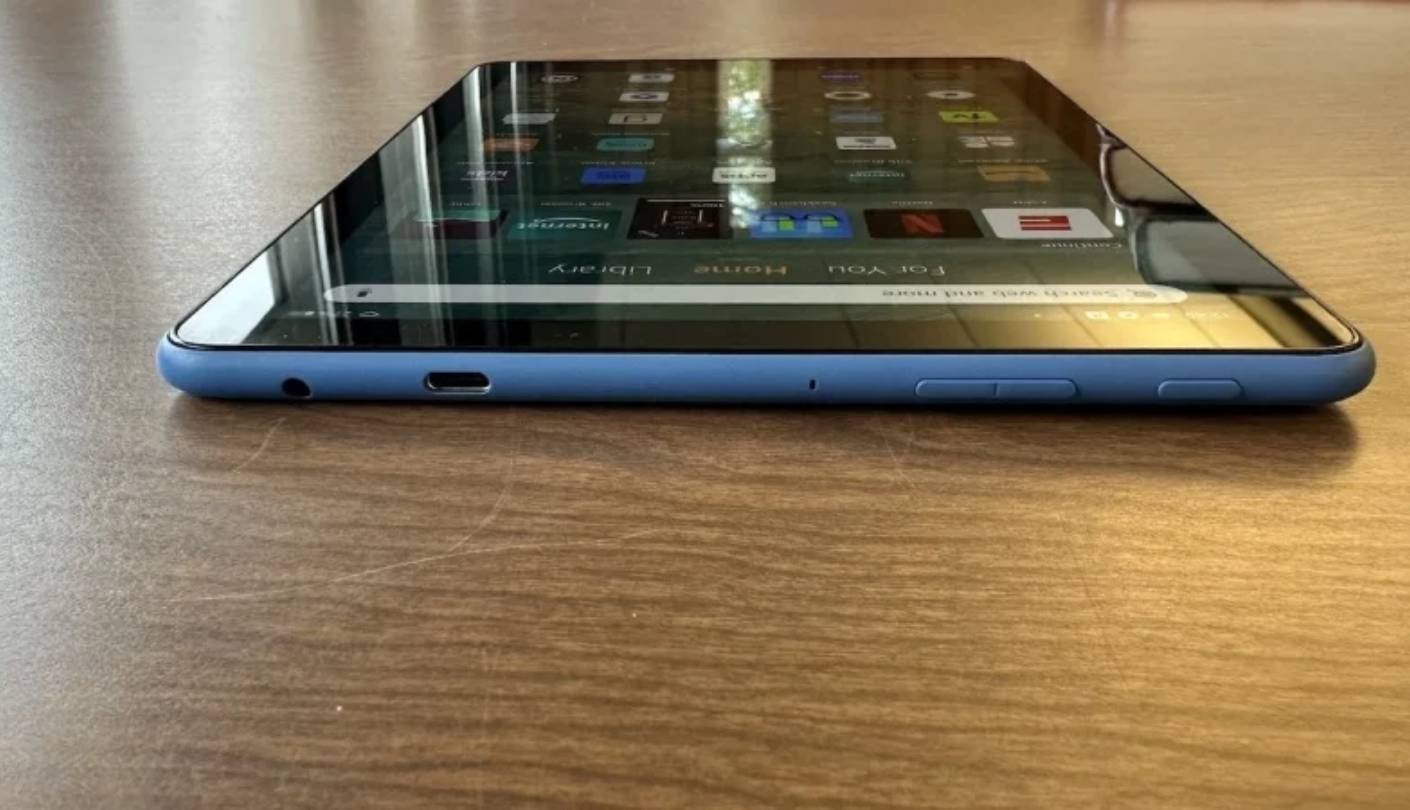
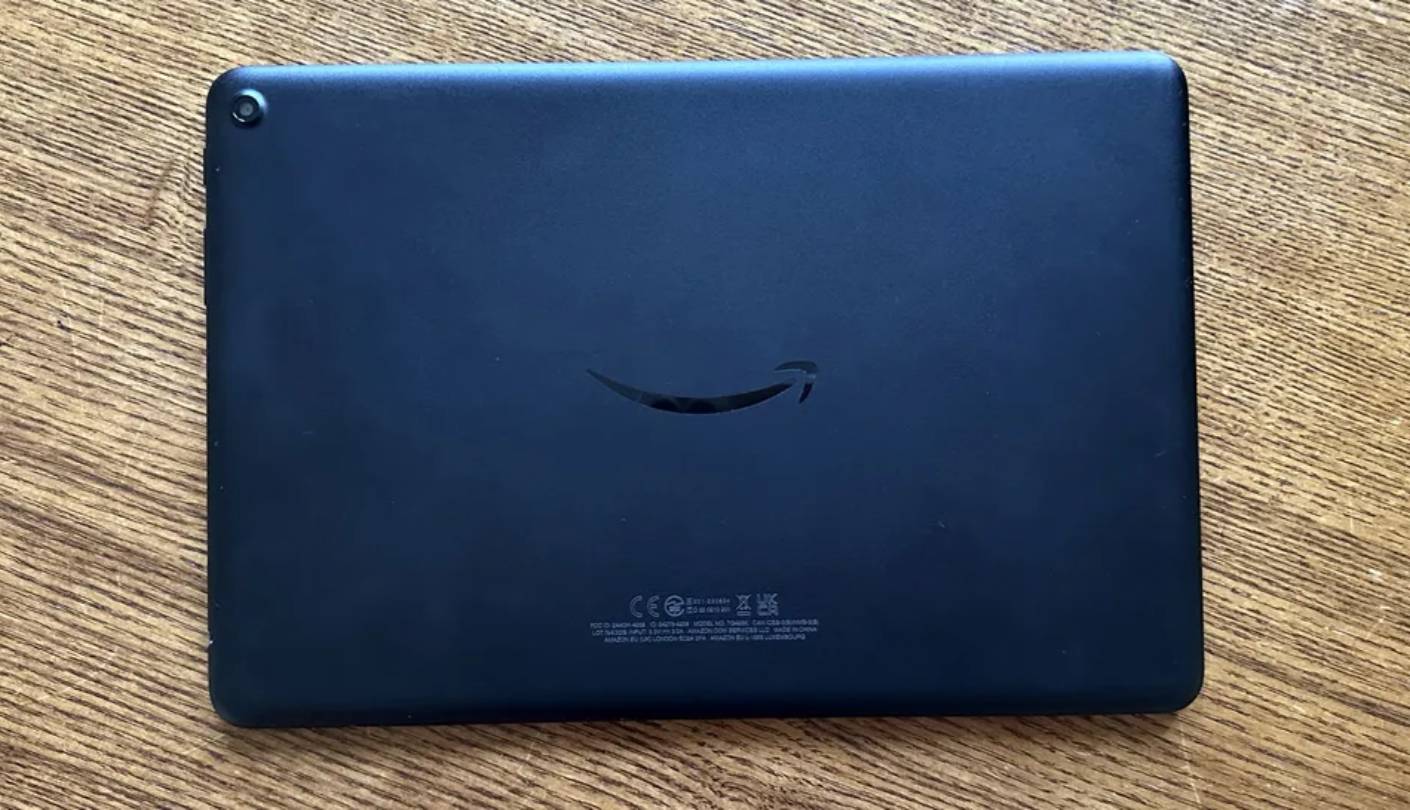
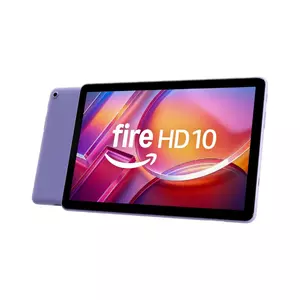
Over a decade of iteration has turned the Amazon Fire HD 10 into a device that does exactly what Amazon designed it for with minimal friction. The 10.1-inch 1920x1200 display is one of the clearer budget panels I've used at this price - colors are contrasty, brightness holds up indoors, and the 16:10 aspect ratio gives video a wider frame than most competing tablets. The stereo speaker setup gets genuinely loud for a tablet this size, and for Amazon Prime Video the ecosystem integration is as direct as it gets.
The 2023 refresh brought a MediaTek MT8186 processor that Amazon claims runs 25% faster than the 2021 model. Geekbench 6 single-core scores land around 694 - lower than the Snapdragon 695 or Helio G85, but sufficient for what Fire OS is optimized for. I've used older Fire tablets from 2017 that still handle streaming reliably, which speaks to how well Amazon tunes its software for the available hardware. The 3GB RAM shows limits in multi-tab browsing, but for streaming and reading it's a non-issue.
The defining characteristic of the Fire HD 10 for many buyers is storage expandability - the microSD slot accepts cards up to 1TB, the highest ceiling in this group and makes the base 32GB storage entirely practical. Combined with the 13-hour rated battery, the Fire HD 10 is the tablet I'd put in front of someone who wants to load it with downloaded Prime Video episodes for a long trip and not think about it again until landing.
Fire OS 8 is built on an Android 11 base and doesn't include the Google Play Store by default. Amazon's Appstore covers Netflix, Spotify, and most popular apps, but gaps exist for banking and productivity software. Sideloading is an option but requires technical comfort. For households invested in Amazon's ecosystem - Kindle, Prime Video, Alexa - Fire OS fits naturally. For anyone outside that ecosystem, the friction is real and worth weighing against the price.
Amazon backs Fire HD 10 units with four years of support, and the durability record for its polycarbonate chassis is well-established across multiple generations. The plastic shell handles drops better than aluminum, and the lack of exposed glass on the back adds resilience for shared household use or younger hands. For families, Prime subscribers, and anyone who wants a tablet that can take a beating and stream reliably for years, the Fire HD 10 has earned its place at the top of the budget category through repetition - not because of a single standout spec, but because it keeps doing the same job well.
Pros:
- 1TB microSD support
- 13-hour battery life
- 1920x1200 bright display
- Durable polycarbonate body
- Amazon ecosystem integration
Cons:
- No Google Play Store
- 3GB RAM ceiling
Summary: Amazon Fire HD 10 puts a 10.1-inch FHD panel, 13-hour battery, and 1TB microSD support into a durable plastic chassis tuned for Amazon's ecosystem. The right pick for media-first households and buyers already committed to Prime.
TCL NXTPAPER 11 Gen 2 Review
Eye Relief
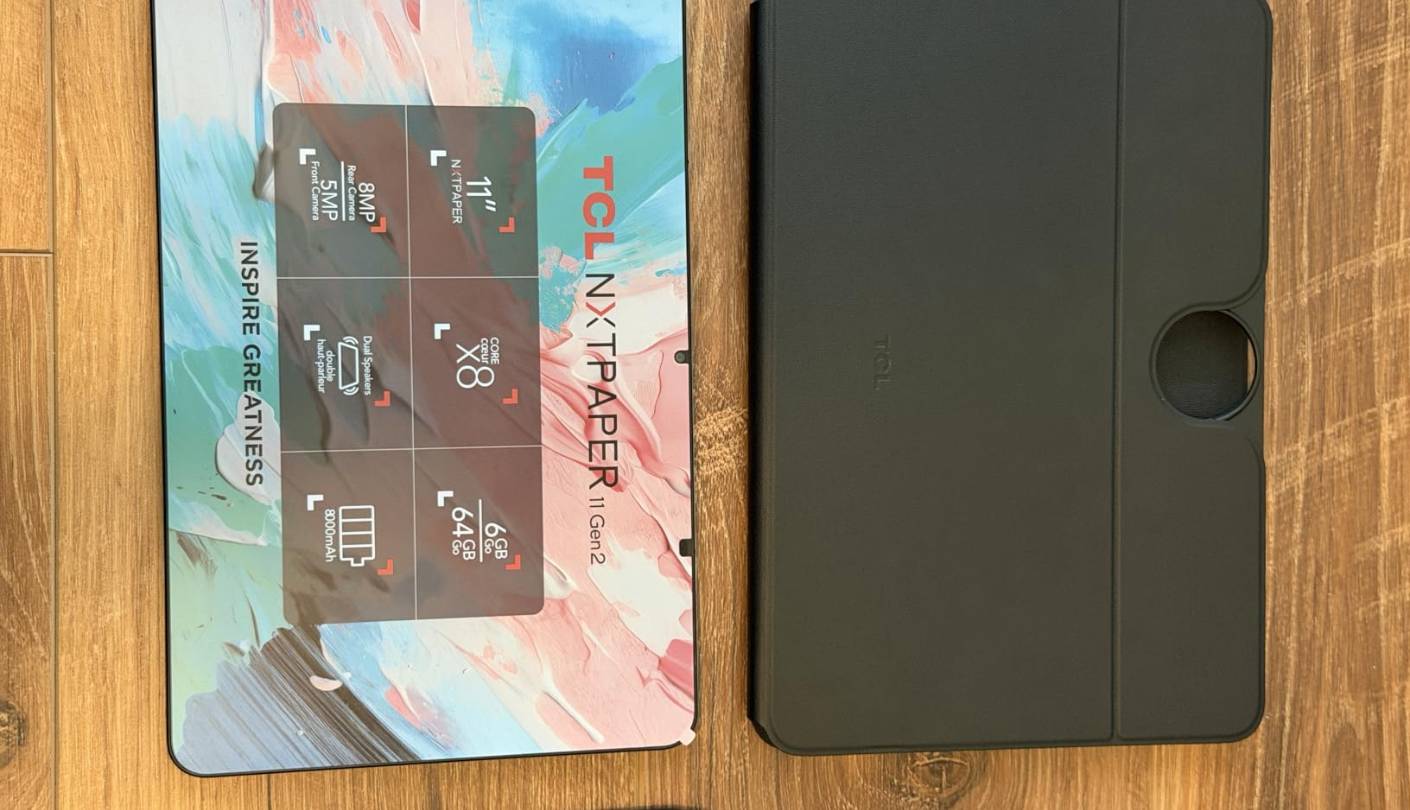
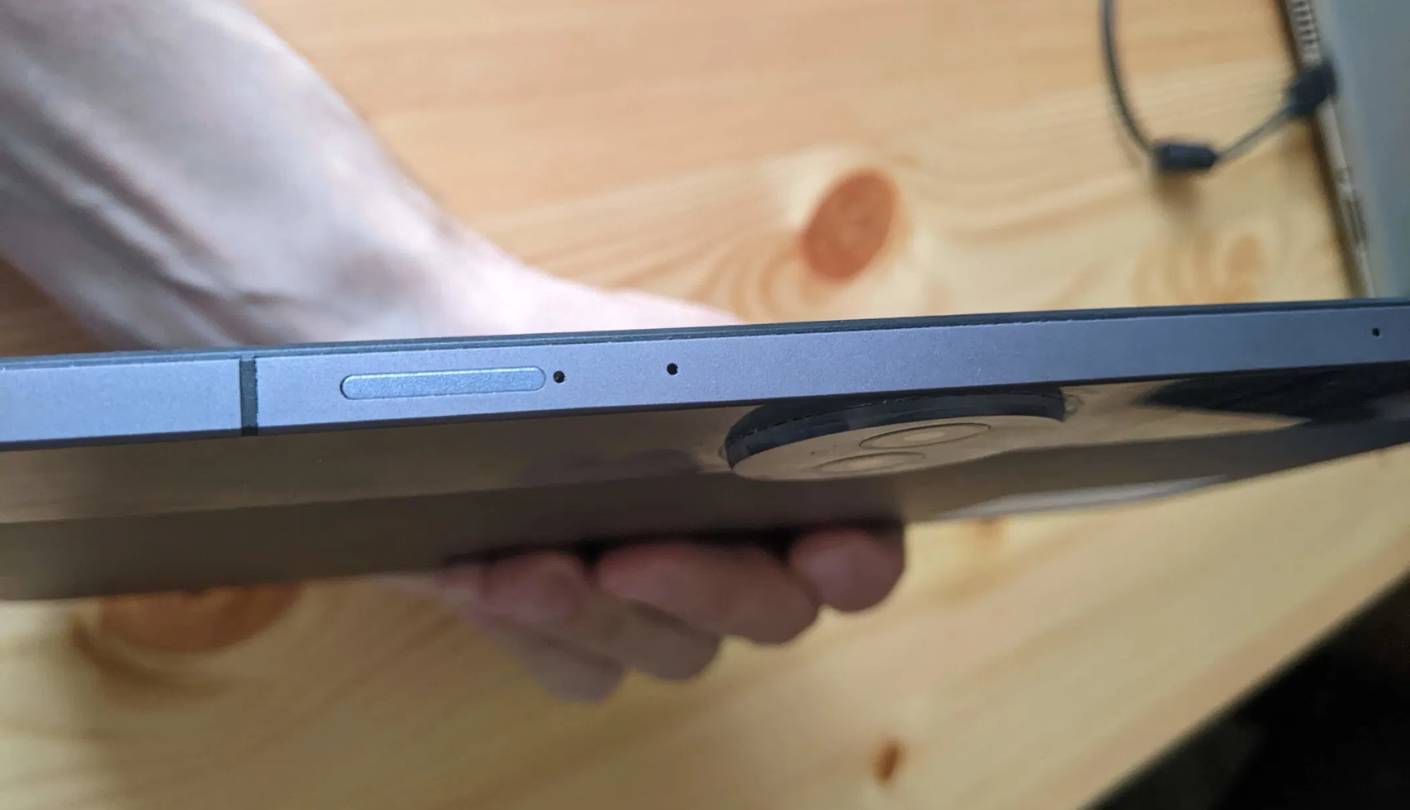
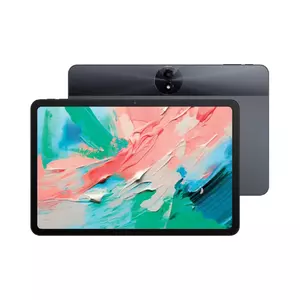
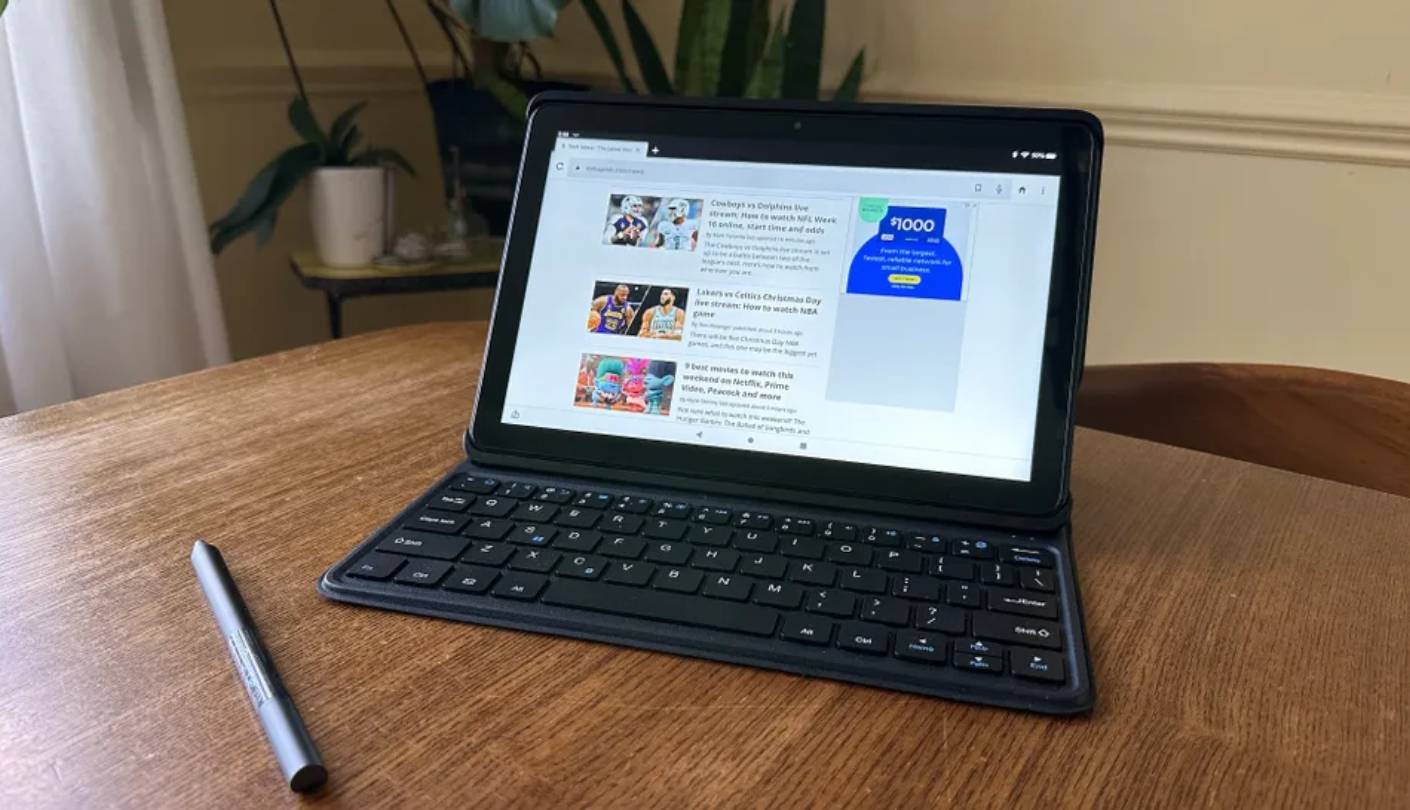
The TCL NXTPAPER 11 Gen 2 occupies a niche none of the other devices here address: hardware-level eye care for users who spend long hours reading on a screen. The NXTPAPER 4.0 display technology filters 61% more blue light than a standard LCD panel without the yellow color-shift that software blue light filters produce. TCL also includes a dedicated NXTPAPER button on the chassis that cycles between standard color mode, Color Paper (reduced glare, muted tones), and Ink Paper - a near-monochrome mode that mimics e-ink for reading text. I used Ink Paper mode for a week of evening reading sessions and found eye fatigue noticeably reduced compared to any other backlit screen at similar brightness - that kind of difference shows up at the end of a three-hour session, not at the start of one.
The 8,000 mAh battery is the largest in this roundup by a meaningful margin, and TCL's rated 19.9 hours of 720p video playback is credible for the NXTPAPER display mode specifically. In standard color mode across mixed use - streaming, browsing, light note-taking - I consistently measured 14 to 16 hours. The 18W USB-C charging handles a full recharge cycle overnight without issue, and the tablet's reverse charging feature lets it top up a phone when needed, which is a genuinely useful capability at a price where power banks are a separate purchase.
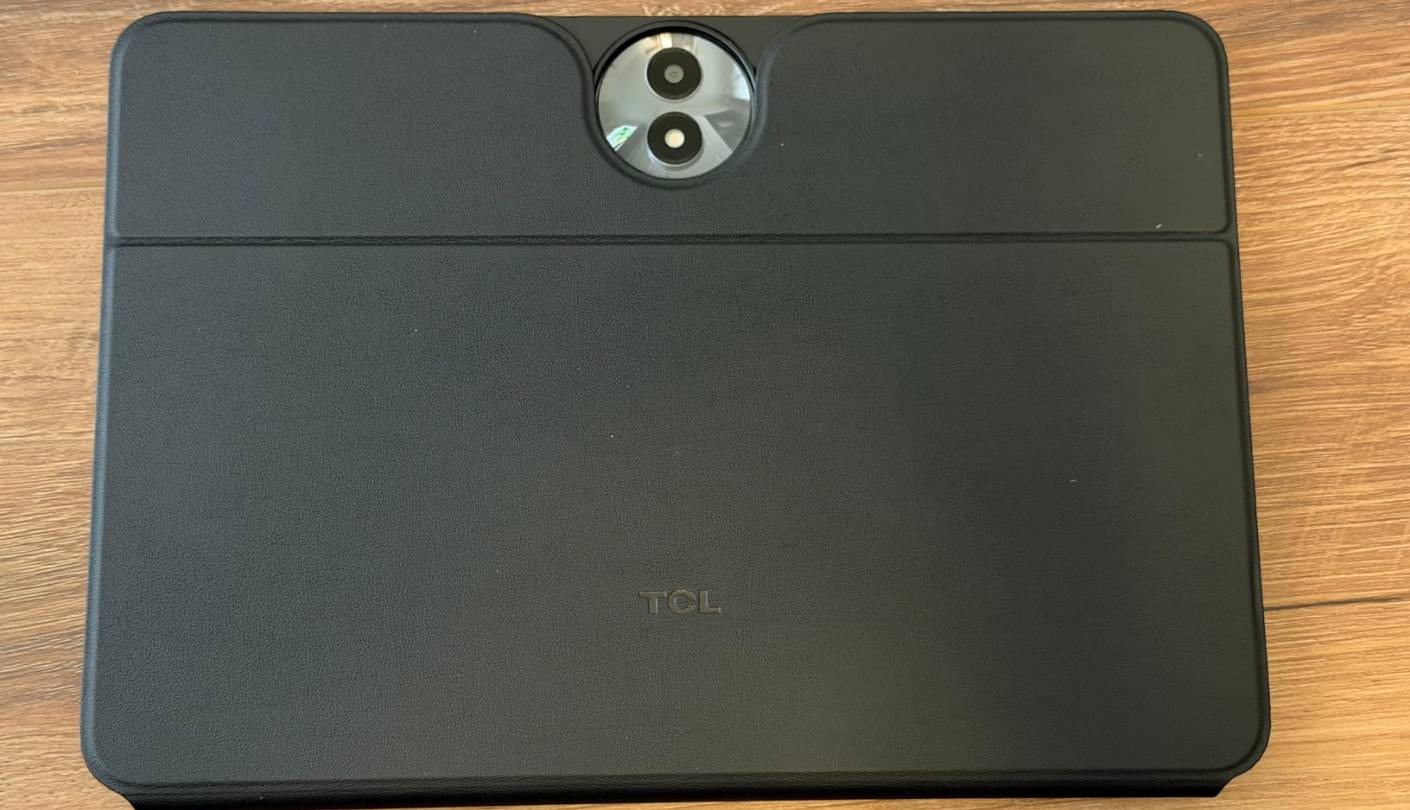
TCL bundles the T-Pen stylus and a flip case in the box, and at this price that's a meaningful advantage. The T-Pen handles handwritten notes, diagram sketches, and PDF annotation without the input lag that plagued earlier budget stylus implementations. The flip case adds protection and doubles as a kickstand, so the full usage kit arrives in one box rather than requiring separate purchases to make the device functional.
The MediaTek Helio G80 is the weaker processor in this group for multi-app workloads, and the 60Hz display refresh rate is the most obvious concession in the NXTPAPER's spec list. For users coming from a 90Hz device, the scrolling difference is noticeable. Android 15 as the launch OS puts the NXTPAPER 11 Gen 2 ahead of every other tablet here on software currency, and the IP54 dust and splash resistance rating is rare at this price - a practical benefit for kitchens, outdoor reading, and any environment where the device might encounter moisture.
The NXTPAPER 11 Gen 2 is a focused device built for a specific type of user. Students who read for hours and professionals who annotate documents will find it earns its place quickly. The performance ceiling is real for productivity-heavy workloads. For reading-first and note-taking use cases, nothing in this roundup matches the package TCL includes at this price.
Pros:
- NXTPAPER 4.0 eye-care display
- 8,000 mAh battery capacity
- T-Pen stylus included
- IP54 splash resistance
- Android 15 out of box
Cons:
- 60Hz refresh rate only
- Helio G80 performance limit
Summary: TCL NXTPAPER 11 Gen 2 pairs a hardware-level blue light filtering display with an 8,000 mAh battery, bundled T-Pen stylus, and IP54 rating - a reading and note-taking package with no direct rival at this price.
Budget Android Tablets Under $200: FAQ
Do budget Android tablets under $200 support the Google Play Store?
Three of the four tablets here run standard Android with full Google Play access: the Samsung Galaxy Tab A9+, Lenovo Tab One, and TCL NXTPAPER 11 Gen 2. The Amazon Fire HD 10 uses Fire OS and ships without the Play Store by default. Amazon's Appstore covers popular apps, but gaps exist in banking, productivity, and niche titles. Sideloading the Play Store on Fire OS is possible but requires manual steps and isn't officially supported.
Which budget tablet is best for streaming video?
For streaming in general, the Samsung Galaxy Tab A9+ is the top choice - its 11-inch 90Hz display and Dolby Atmos quad speakers create the best media experience in this group. For Prime Video specifically, the Fire HD 10's direct Amazon integration is hard to beat. The Lenovo Tab One's Widevine L1 certification ensures Netflix and other services stream in full HD rather than the downgraded SD quality that L3 devices produce.
Is 4GB RAM enough for a tablet in 2026?
For typical use - streaming, browsing, reading, and light document editing - 4GB handles the workload most buyers actually have. Where it shows its limits is background app retention during active multi-app switching: a 4GB device will occasionally reload a backgrounded app, while 6GB or 8GB retains more simultaneously. The 3GB in the Fire HD 10 is the tightest here - in my testing it reloads browser tabs noticeably more often than the 4GB devices. The TCL NXTPAPER 11 Gen 2's 6GB and 8GB options are the most capable in this group for users who push workloads harder.
How long do budget Android tablets last before they feel slow?
Software support timelines predict usability better than hardware specs. A tablet that stops receiving security updates becomes a security liability even if the hardware still runs fine, and apps that require newer Android versions stop working over time. Samsung's four-year security patch commitment for the A9+ is the longest formal guarantee in this group. Amazon's Fire tablets are known for maintaining consistent streaming performance for years - I've used Fire tablets from 2017 that still stream reliably, which comes down to how aggressively Amazon keeps Fire OS lightweight. On standard Android, hardware longevity is more variable - in my experience, budget chipsets start feeling noticeably dated for anything beyond streaming and browsing around the three-year mark.
Can you use a budget tablet for school or work?
For note-taking, document reading, video calls, and light writing tasks, all four tablets here work. The TCL NXTPAPER 11 Gen 2 is the most work-focused with its bundled stylus and paper-mode display. The Samsung Galaxy Tab A9+ handles split-screen multitasking better than the others thanks to One UI Core's window management. For Google Docs, Sheets, or Microsoft Office apps, the three standard-Android options have clear advantages over the Fire HD 10's restricted app environment.
What is the difference between Fire OS and standard Android?
Fire OS is Amazon's customized Android fork, built on an Android 11 base in the current Fire HD 10. It replaces Google Play with Amazon's Appstore, removes Google services, and wraps everything in a home screen built around Amazon content. Standard Android on the Samsung, Lenovo, and TCL tablets gives access to the full Google Play library, Google Maps, Gmail, and the same app environment as most Android phones. The practical gap shows up most clearly in banking apps, navigation, and niche productivity tools - Amazon's Appstore covers the big names but misses the long tail that standard Android handles without issue. For users who want their tablet and phone to work as a coherent ecosystem, standard Android creates far less friction.
Are budget tablets good for kids?
The Fire HD 10 works well as a children's device - Amazon Kids is built directly into Fire OS with granular parental controls and a curated content environment that's simpler to configure than Android's native parental options. For older kids who need school apps and YouTube access, the Samsung or Lenovo running standard Android with Google Family Link is more flexible. The Lenovo Tab One's 320g weight also reduces fatigue for smaller hands during long reading sessions.
Does expandable storage matter on a budget tablet?
Yes, especially at the base capacities in this price range. A 32GB device fills quickly once apps, downloaded videos, and photos accumulate. All four tablets here support microSD expansion. The Fire HD 10 accepts cards up to 1TB, the widest ceiling in the group and a real advantage for offline media storage. Confirming microSD support before purchase is worth doing since some mid-range tablets drop the card slot as a cost reduction even at similar prices.
Choosing the Right Budget Android Tablet
If there's one device in this group that works for the widest range of buyers, it's the Samsung Galaxy Tab A9+ - the 90Hz panel and Dolby Atmos quad speakers are features you feel every time you use the device, and no other option in this price bracket offers both. The Lenovo Tab One is my pick when portability is the priority: at 320g with Widevine L1 and 20W charging, it fits into a bag and a workflow without adjustment.
The Amazon Fire HD 10 earns its place in households that live inside Amazon's ecosystem - durable, reliable, and purpose-built for Prime Video and Kindle in a way that makes the walled garden feel like a feature. And the TCL NXTPAPER 11 Gen 2 is the one I'd hand to anyone who reads for hours daily - the eye-care display, bundled stylus, 8,000 mAh battery, and IP54 rating combine into a package no other tablet under $200 comes close to replicating. Match the device to the use case and every pick here earns its price.

Meet James, our go-to tech guru and seasoned reviewer. His sharp attention to detail and love for gadgets drive his deep dives into the newest tech waves. James's insightful analysis and real zest for breakthroughs have earned him a solid reputation in the tech world.


