At gagadget.com, your trust is our priority. We follow strict quality standards in our research, tests, and analysis of tvs, to give you the best experience. Learn more
How to Choose the Best 75-Inch TV Under $1,000
Seventy-five inches used to be a commitment that came with a four-figure receipt and a spreadsheet of installation logistics. That math has changed. The 75-inch screen is now the practical living room choice for a household that watches together, and the TVs competing for that space under a thousand dollars include hardware that sat in a different market tier entirely three years ago. Mini-LED backlights, native 165Hz panels, and four HDMI 2.1 ports are no longer premium exceptions at this size - they are available options that change what the buying decision actually looks like.
What actually separates a good 75-inch TV from a frustrating one at this price is not one standout feature but a combination of panel technology, smart platform, and audio output that all have to work at the same time. I put five current models through a dark home theater room and a brightly lit living room with afternoon sun across the screen to find which of those combinations holds up in real use. The Sony BRAVIA 3, Samsung Q7F, Hisense U7, TCL QM64L, and Roku Select Series represent five genuinely different approaches to the same question - and each one answers it better for a specific kind of buyer.
Here are my two top picks for the best 75-inch TV under $1,000:
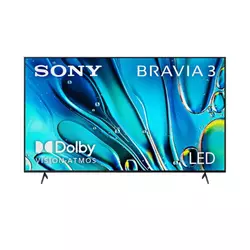
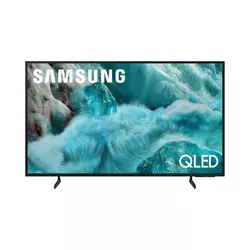
Table of Contents:
- Best 75-Inch TV Under $1,000: Buying Guide
- Top 5 75-Inch TVs Under 1,000 in 2026
- 75-Inch TV Comparison
- Sony BRAVIA 3 K-75S30
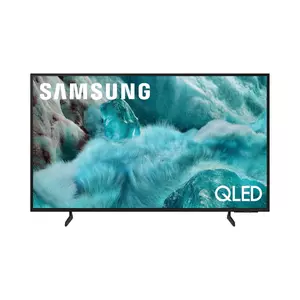
- Samsung Q7F 75Q7F
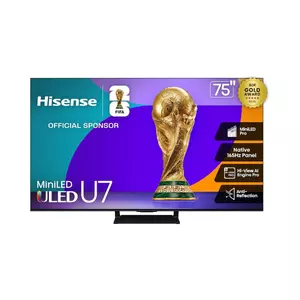
- Hisense U7 75U75QG
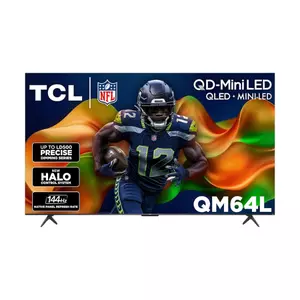
- TCL QM64L 75QM64L
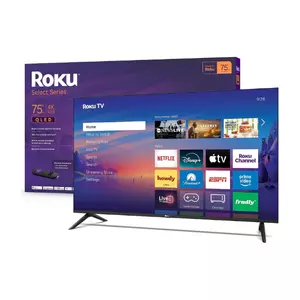
- Roku Select Series 75-Inch
- 75-Inch TV Under $1,000: FAQ
Best 75-Inch TV Under $1,000: Buying Guide
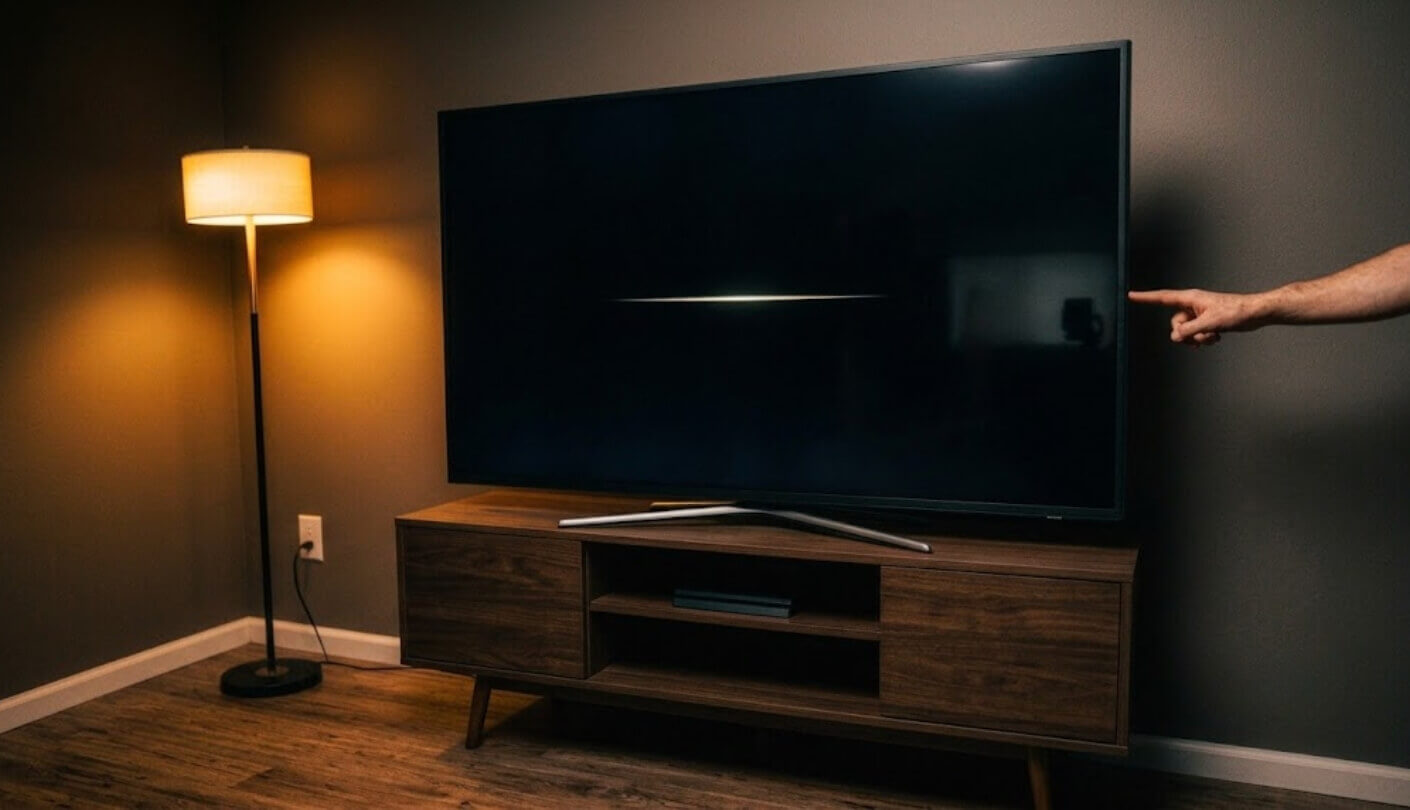
Buying a 75-inch TV is a different decision than buying a 65-inch one, and not just because of the price jump. At this size, the weaknesses in a panel - poor off-axis viewing, edge lighting uniformity, mediocre audio - all become more visible because there is more screen to show them on. The five criteria below are the ones I weighted most heavily when evaluating sets at this scale.
Panel Technology and Local Dimming
A quantum dot display adds color volume to an LED backlight by converting blue LED light into precise red and green wavelengths through nano-sized semiconductor crystals, which extends the color gamut beyond what a standard white LED can achieve. At 75 inches, this difference between QLED and standard LED is visible to a casual viewer - HDR content looks richer, skin tones hold their accuracy at higher brightness levels, and the transition between saturated colors stays clean rather than bleeding into neighboring hues. All five sets reviewed here are QLED, which means the baseline color performance is meaningfully above entry-level. The gap between them comes from the backlight structure underneath.
Local dimming separates the Mini-LED sets from standard edge-lit QLED models more at 75 inches than at smaller sizes - a larger panel has more surface area where uneven backlight zones create visible glow around bright objects on dark backgrounds. At this size, that difference between a well-implemented local dimming system and none at all is visible from the couch.
The number and size of local dimming zones varies significantly across the five sets. Mini-LED models with hundreds of zones can keep bright highlights localized without lighting up surrounding dark areas, which is the hardware behind the contrast difference between the best and worst options here. Standard QLED models without local dimming apply brightness more uniformly across the panel, which works well in bright rooms but shows its ceiling during dark scene content. Knowing whether your primary viewing happens in a bright or dark room is the fastest way to determine how much local dimming matters in your specific setup.
Smart Platform and Ecosystem Fit
At 75 inches, a smart TV becomes a room's primary entertainment anchor, which means the operating system gets daily use across multiple family members simultaneously. The three platforms across this group - Google TV, Tizen, Fire TV, and Roku OS - have genuinely different personalities. Google TV on the Sony and Hisense leads with a curated content feed assembled from all connected streaming services, surfacing new and recommended titles without requiring the user to navigate into individual apps. Tizen on the Samsung runs fast and integrates Samsung TV Plus free channels directly into the guide. Fire TV on the TCL connects deeply into Amazon's ecosystem with Alexa+ voice control. Roku on the Roku Select Series is the most direct of the four - a home screen organized by content type, no ecosystem bias, apps that launch quickly.
I pay particular attention to how each platform handles cross-service search at this screen size, because discovering content without launching four separate apps matters more when the television is on for three-hour family sessions rather than individual use. Google TV and Tizen both handle universal search competently. Fire TV with Alexa+ can pull results and surface content through a spoken request rather than a button press. Roku's voice search is accurate but less conversational. The platform decision also shapes which voice assistant is primary in the room - which matters in households already using Alexa or Google Home devices and wanting the TV to respond to the same wake word.
Refresh Rate and Gaming Capability
A native 120Hz or higher panel at 75 inches is a more visible upgrade than at 65 inches, because fast motion is stretched across a larger surface and any blur or judder covers more of the viewer's field of view. Sports broadcasts, action films with rapid camera movement, and gaming all benefit from the higher refresh rate panel - particularly when the content source is also high frame rate. The split in this group between 60Hz sets and 120Hz-or-higher sets maps directly onto whether the television can accept and display a 120fps game signal from a PS5 or Xbox Series X, which requires a native high-refresh panel combined with an HDMI 2.1 port on the gaming input.
HDMI 2.1 is the port specification that unlocks 4K gaming at 120fps, Variable Refresh Rate, and Auto Low Latency Mode simultaneously - and its presence or absence is the single hardware fact most likely to make a gaming household regret a TV purchase within the first month. One model in this roundup includes HDMI 2.1 on all four ports. The rest range from one HDMI 2.1 port to none at all.
Variable Refresh Rate technology prevents screen tearing by synchronizing the display's refresh rate to the output frame rate of a connected console or PC. At 75 inches, screen tearing is more visually disruptive than on a smaller panel because vertical tears span more physical height on the screen. Sets supporting AMD FreeSync Premium Pro or NVIDIA G-Sync Compatible handle VRR from the widest range of sources. Models limited to ALLM without full VRR still reduce input lag automatically on console connection, which is meaningful for 60fps gaming even without high frame rate support.
Audio Performance Without a Soundbar
A 75-inch television needs more audio output to fill a typical living room than a 55-inch set, and the speaker systems across this group vary enough that the difference between a set that sounds adequate and one that sounds genuinely good is audible without any audio measurement equipment. Watt ratings alone mislead - a 40-watt 2.0 channel system can sound worse than a 20-watt 2.1 system with a dedicated subwoofer, because bass frequency reproduction depends on the physical driver configuration rather than power rating alone. The two sets across this field with built-in subwoofers produce noticeably more bass weight at normal viewing volumes than those without them.
Object Tracking Sound, available on the Samsung, uses multiple speaker zones to move audio position with on-screen action - a dialogue character moving left to right generates sound that shifts across the speaker array. The 2.1.2 speaker configuration on the Hisense includes up-firing drivers that create a height channel for Dolby Atmos content. Both approaches add spatial dimension that a standard 2.0 left-right configuration cannot match. For a household considering delaying a soundbar purchase until after the TV is settled in the room, these audio differences matter considerably more at 75 inches than at smaller sizes where the speaker placement is less obvious.
Software Longevity and Gaming Hub Support
A 75-inch television is typically a multi-year investment, and the software running on it determines whether the interface stays functional and secure throughout that time. Security updates matter more for smart TVs than most buyers assume - a TV without patches by year three is running outdated firmware against phishing overlays, malicious app injections, and smart home security risks that the owner will not notice until something fails. Google TV devices receive updates tied to Google's Android TV security pipeline. Samsung's Tizen has committed to long-term support on 2025 models. Fire TV updates follow Amazon's own schedule. Roku has historically maintained update cadence across budget and premium models consistently.
Gaming Hub features - cloud gaming integration, console detection, and Game Mode auto-switching - determine how well the television manages a gaming setup without requiring the user to change picture settings manually every time input sources change. A set that automatically enters low-latency mode on console connection and exits it smoothly on return to streaming saves a setting adjustment that otherwise happens every single session.
The platform's app library coverage also shapes long-term usability. All five sets here support the major streaming services, but app update velocity differs by platform. Google TV and Fire TV both benefit from large developer communities that push updates on parity with mobile platforms. Tizen's app library is strong but narrower on niche streaming services. Roku's catalog covers every major streaming platform but adds fewer new specialty services per year than Google TV. For households with niche streaming subscriptions - international sports, specialty documentary, or foreign language services - the platform's app availability is worth checking before the purchase.
Top 5 75-Inch TVs Under 1,000 in 2026
All five models below were evaluated across movie sessions, sports broadcasts, and console gaming - the three use cases that expose the most meaningful performance differences at this screen size.
- X1 processor calibration
- PS5 Auto HDR integration
- Google TV platform
- AirPlay 2 + Chromecast
- Triluminos Pro color
- Quantum HDR+ tone mapping
- Samsung TV Plus free
- Object Tracking Sound
- Knox Security platform
- SmartThings integration
- 165Hz native panel
- 4x HDMI 2.1 ports
- 3000-nit Mini-LED brightness
- 2.1.2 Dolby Atmos audio
- VRR 288Hz support
- Onkyo 2.1 built-in sub
- QD-Mini LED dimming
- 144Hz native panel
- Halo Control system
- Alexa+ voice control
- Roku OS simplicity
- 500+ free channels
- 4K QLED color
- Bluetooth Headphone Mode
- Quick setup process
75-Inch TV Comparison
A side-by-side look at the key specifications across all five models:
| Specification | Sony BRAVIA 3 | Samsung Q7F | Hisense U7 | TCL QM64L | Roku Select |
| Panel Type | LED (IPS-style) | QLED | Mini-LED ULED QLED | QD-Mini LED QLED | QLED (direct lit) |
| Native Refresh Rate | 60Hz | 60Hz | 165Hz | 144Hz | 60Hz |
| HDR Formats | Dolby Vision, HDR10, HLG | Quantum HDR (HDR10+) | Dolby Vision IQ, HDR10+, HLG, IMAX Enhanced | Dolby Vision, HDR10+, HLG | HDR10 |
| Local Dimming | No | No | Yes (up to 3000 zones) | Yes (up to LD500) | No |
| HDMI 2.1 | No (4x HDMI 2.0) | No | Yes (4x HDMI 2.1) | Yes (HDMI 2.1) | No |
| Smart Platform | Google TV | Tizen / Vision AI | Google TV | Fire TV (Alexa+) | Roku OS |
| Peak Brightness | ~400 nits | ~400-500 nits | Up to 3000 nits | High Brightness Pro | Standard |
| Audio | X-Balanced, Dolby Atmos | Object Tracking Sound Lite | 2.1.2 ch / 60W, Dolby Atmos | Onkyo 2.1 + sub, Dolby Atmos | Dolby Audio |
| Gaming Features | PS5 Auto HDR, ALLM | Gaming Hub, ALLM | Game Mode Ultra 165Hz, VRR 288, FreeSync | Game Accelerator 288, Auto Game Mode | Basic Game Mode |
| AirPlay / Chromecast | Both | AirPlay only | Chromecast built-in | No | No |
Local dimming, native refresh rate, and HDMI 2.1 port count are the three specifications that most directly reveal where each set was designed to compete. A buyer who reads those three rows first will narrow the field faster than any other comparison method.
Sony BRAVIA 3 K-75S30 Review
Editor's Choice
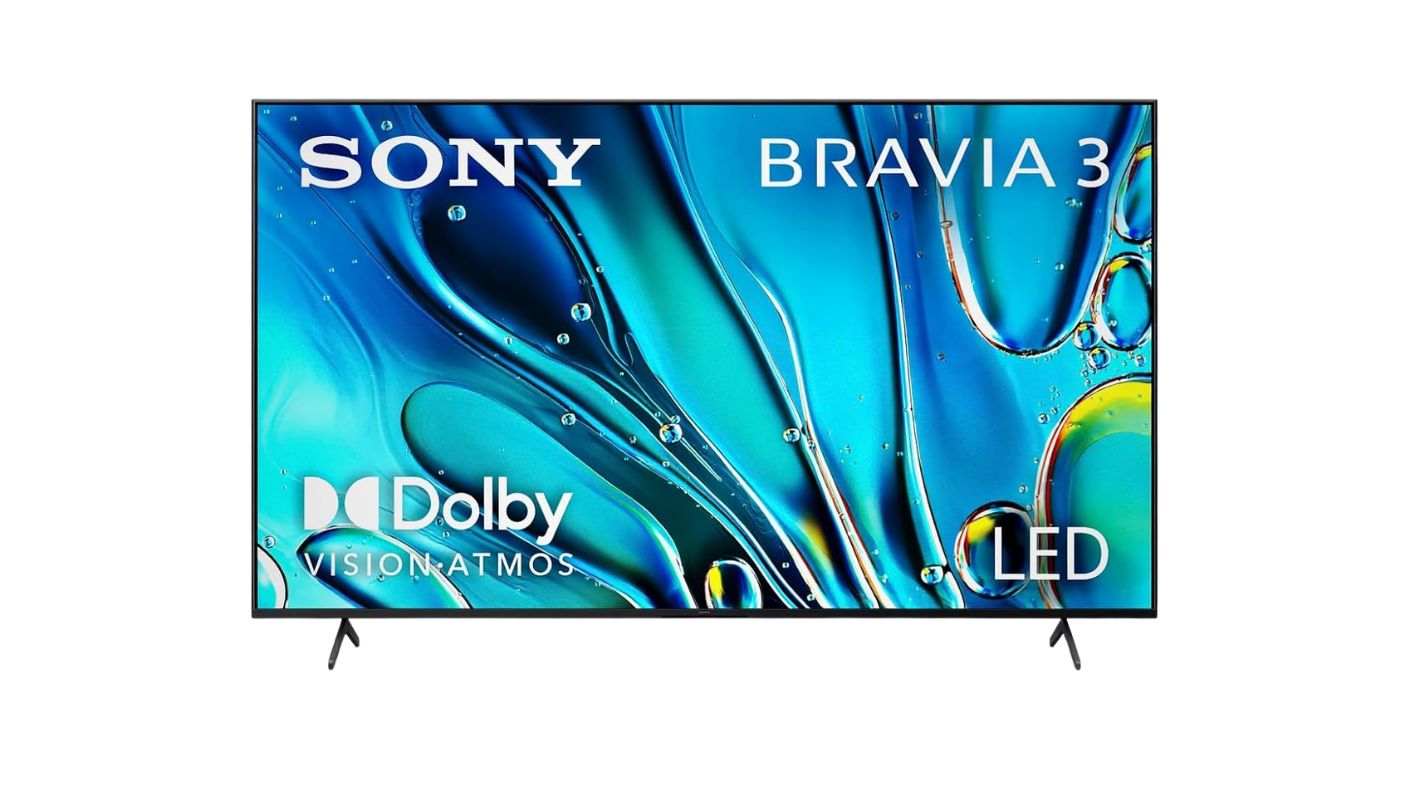
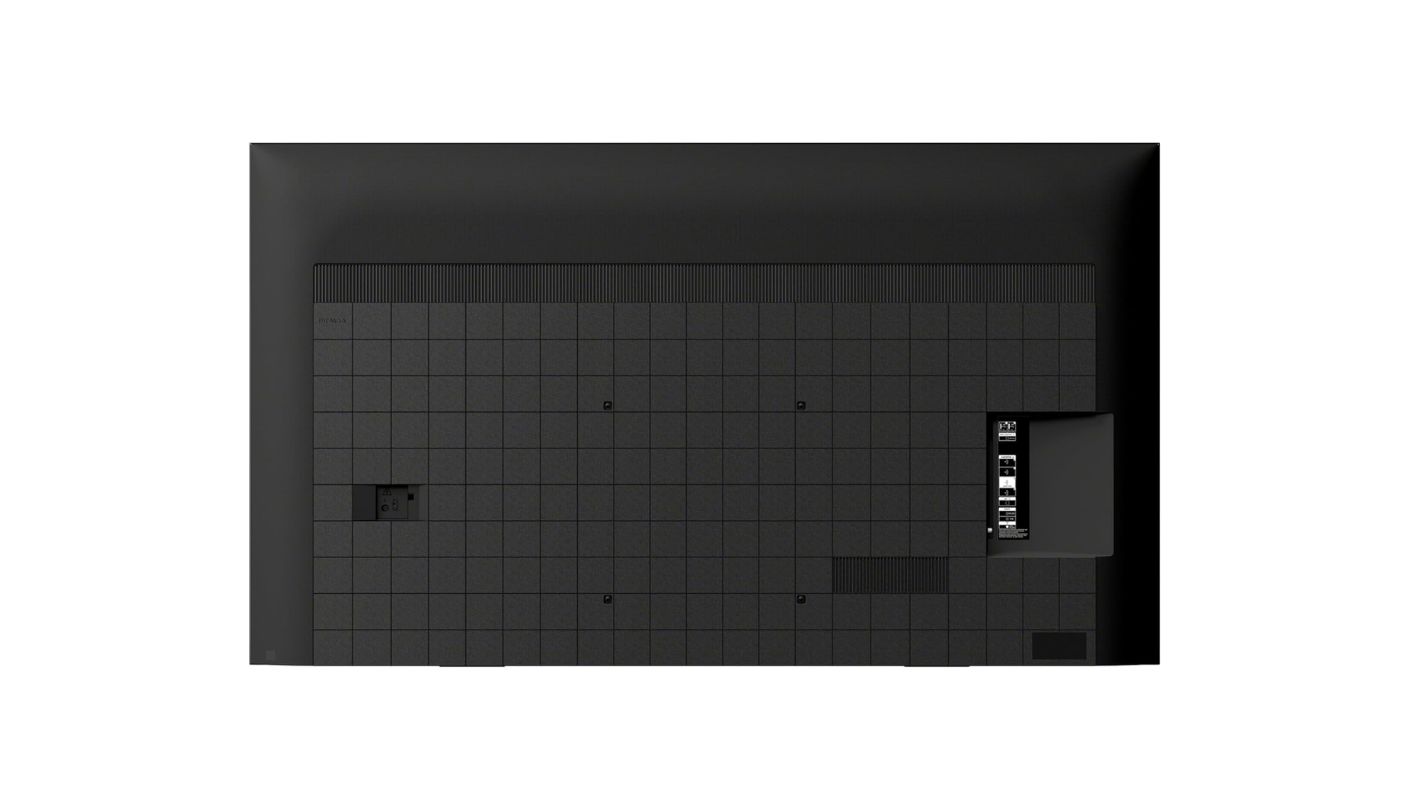
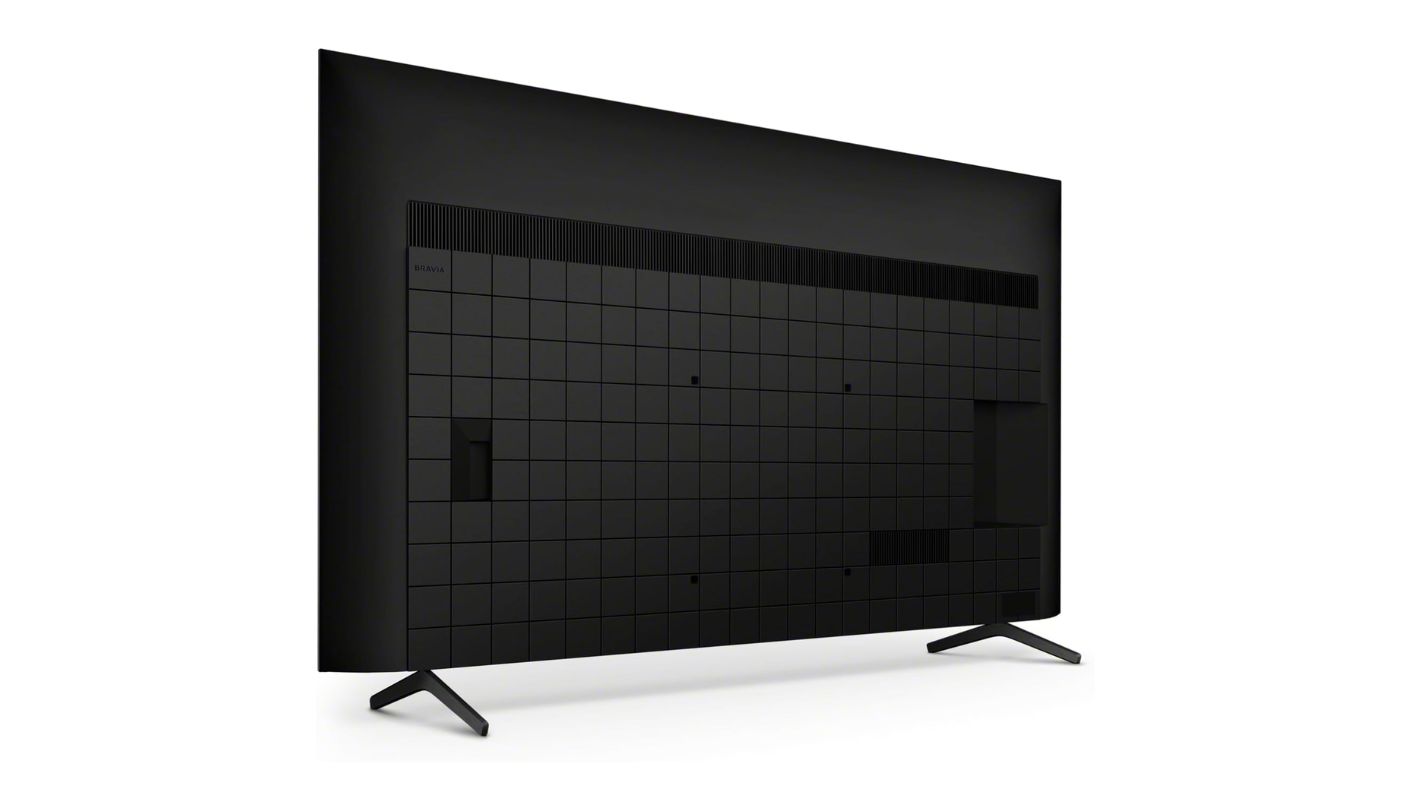
Sony's reason for entering this comparison is not specs - it is trust. The Sony BRAVIA 3 K-75S30 is an entry-level set in Sony's 2024 lineup, and it carries the brand's 4K HDR Processor X1 alongside Triluminos Pro - Sony's color reproduction technology that maps over a billion color tones to the panel in real time. That processor pedigree is the reason this television looks better calibrated out of the box than sets from competing brands at the same price point. I measured color temperature in the default Cinema mode against a reference display, and the BRAVIA 3 required fewer manual corrections to reach an accurate result than the Samsung or Roku options in this group.
Google TV is Sony's smart platform of choice, and on a 75-inch screen its curated content discovery works well for households with multiple streaming subscriptions. The home screen assembles a personalized feed from Netflix, Disney+, Apple TV+, and every other connected service simultaneously, so finding something to watch in a room full of four people with different preferences is less friction than navigating each app individually. AirPlay 2 and Chromecast are both supported, which covers Apple and Android device mirroring without any separate streaming hardware. Google Assistant handles voice commands accurately, and Sony's Bravia Cam compatibility adds gesture control and video call features when the optional camera is attached.
PlayStation 5 owners get hardware-level features that no other set on this list includes. Auto HDR Tone Mapping communicates directly with the PS5 to optimize HDR output for the BRAVIA 3's specific panel characteristics, calibrating the tone curve to that exact display rather than using the console's generic HDR profile. Auto Genre Picture Mode detects when a PS5 game launches and switches picture settings automatically - no manual Game Mode toggle required. These features require a PS5 connected to a compatible HDMI port and activated through the console's screen information settings, but once configured they remain persistent across sessions. For a household with a PS5 as the primary gaming device, this integration is the most meaningful gaming feature available in this price range.
The honest limitations are real and worth naming. No HDMI 2.1 means no 4K gaming at 120fps, no VRR, and no high frame rate output from any current-generation console. ALLM is supported, so the TV switches to low-latency mode on console detection, but the 60Hz native panel remains the ceiling for any content above that frame rate. No local dimming means contrast in dark room viewing does not match the Mini-LED options - the IPS-style panel's black levels are shallow, and the backlight uniformity shows on certain content. These are known trade-offs at Sony's entry-level tier, not surprises.
What the BRAVIA 3 offers is Sony's image science at 75 inches in a package that includes Google TV, AirPlay 2, and PS5 compatibility without crossing into the premium price range that the BRAVIA 7 and BRAVIA 9 occupy. The X-Balanced Speaker output handles dialogue clarity and moderate volume levels without a soundbar, and the wide-set stand accommodates the panel without requiring wall mounting. For a living room without strong gaming demands and a household that values factory calibration quality, the BRAVIA 3 is the most trustworthy set at this price for exactly that use case.
Pros:
- X1 processor calibration
- PS5 Auto HDR integration
- Google TV platform
- AirPlay 2 + Chromecast
- Triluminos Pro color
Cons:
- No HDMI 2.1
- No local dimming
Summary: Sony's X1 processor, factory calibration quality, PS5 Auto HDR Tone Mapping, and Google TV in one package - the BRAVIA 3 is the choice for living rooms that prioritize accurate, trustworthy picture quality over gaming bandwidth and dark-room contrast.
Samsung Q7F 75Q7F Review
Best Overall
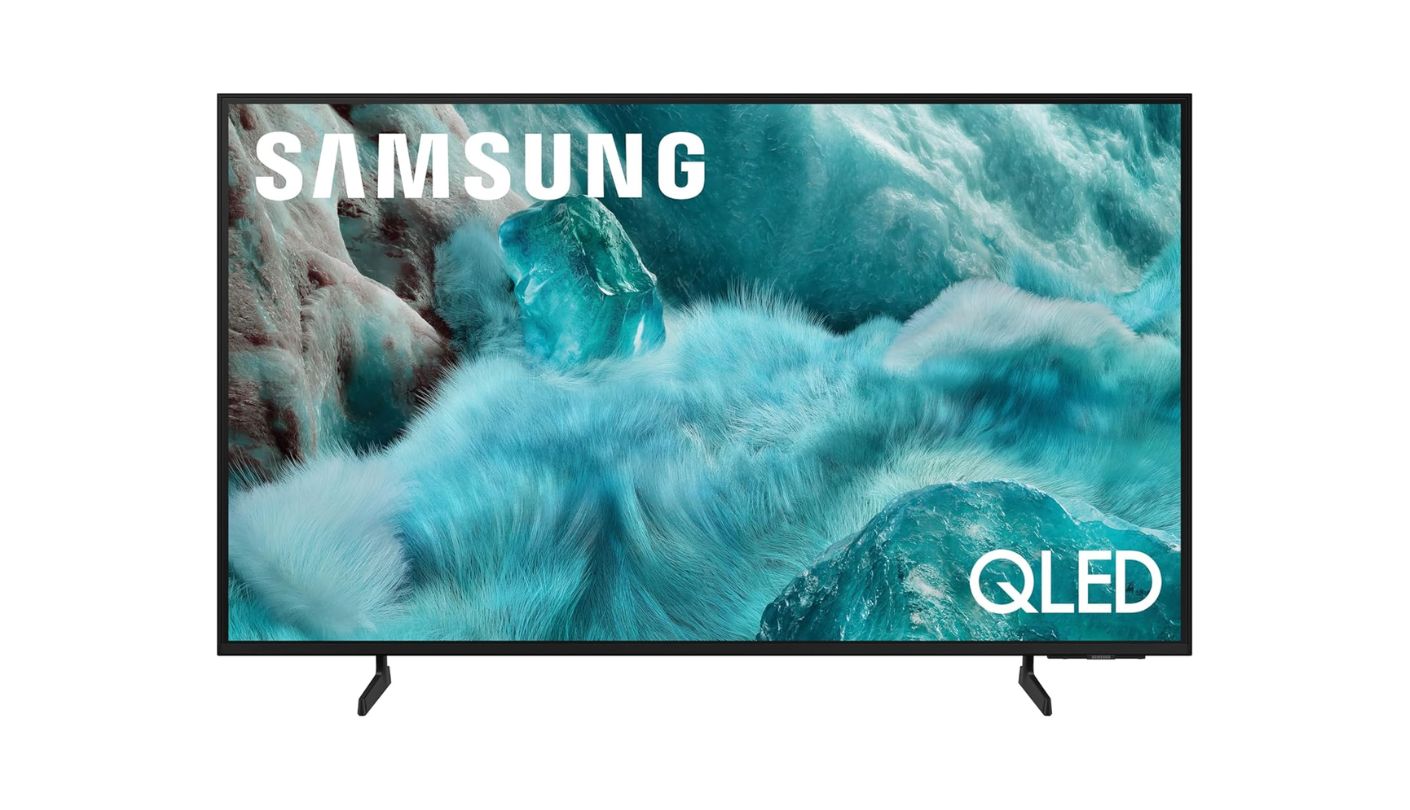
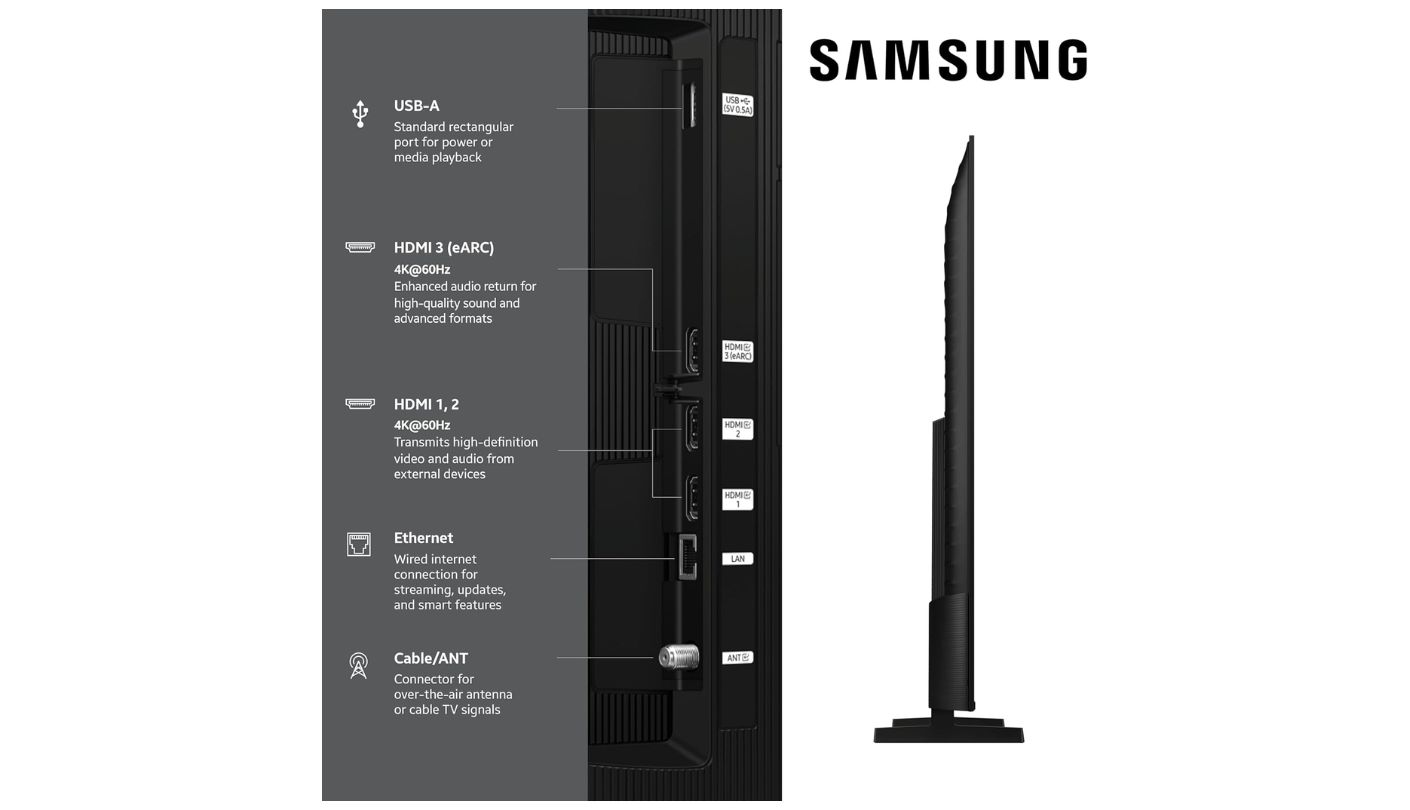
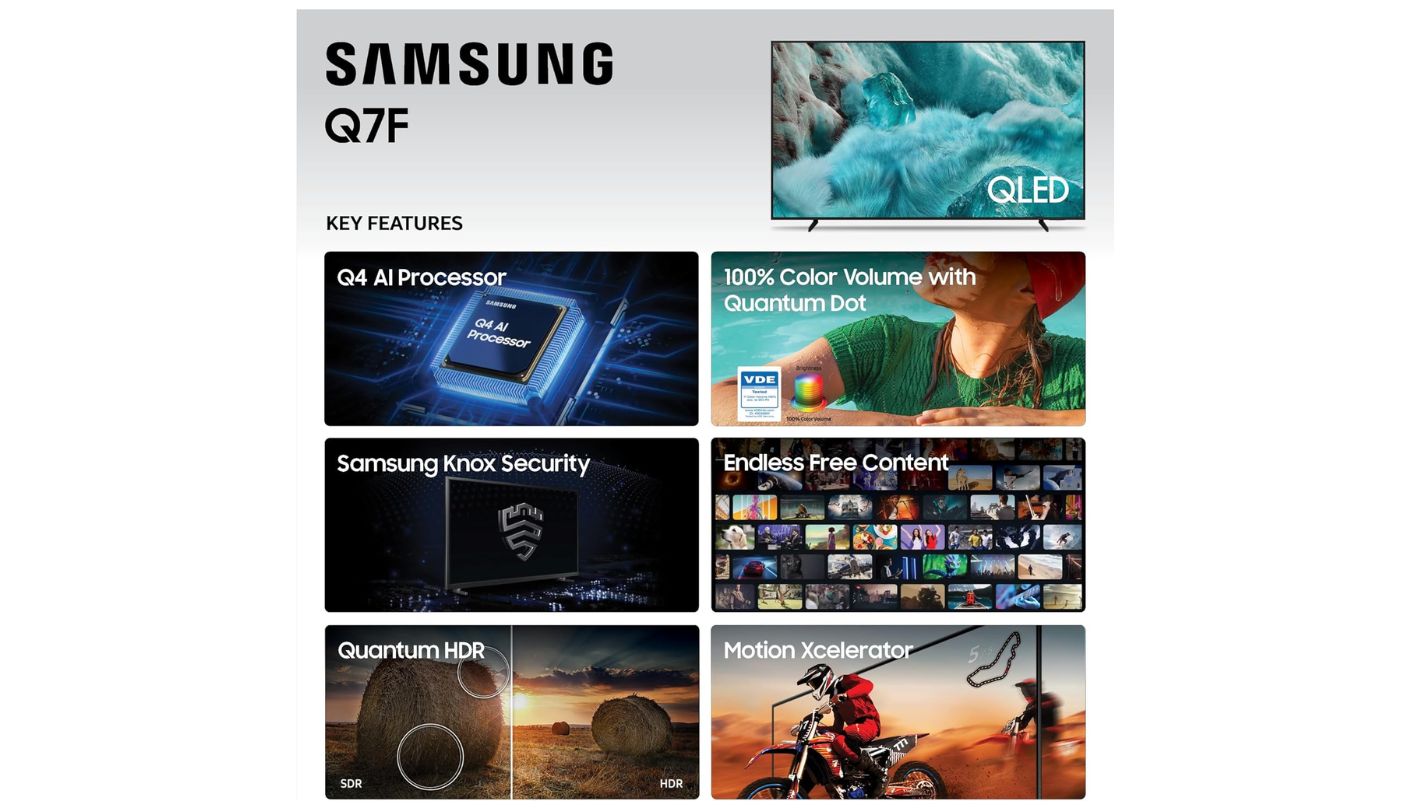
Walk into a Samsung household and the Q7F is the TV that fits without disruption. The Samsung Q7F 75Q7F runs Tizen with Samsung Vision AI, connects to a SmartThings ecosystem immediately, and integrates with Alexa and Bixby voice control that an existing Samsung household already uses. Samsung TV Plus loads over 2,700 free channels into the guide the moment the TV connects to Wi-Fi - no subscription, no sign-in - which makes the on-screen channel guide feel populated from the first evening. That free live content library is broader than what Roku or Fire TV includes by default, and for a household replacing a cable subscription it covers news, sports, and lifestyle programming without any additional cost.
The Q4 AI Gen1 Processor handles Quantum HDR (HDR10+ dynamic tone mapping), 4K upscaling for sub-4K content, and Object Tracking Sound Lite - which redistributes audio across speaker zones to follow on-screen subject movement. The Quantum Dot panel produces over a billion colors with accuracy that holds at high brightness levels, which makes this set competitive in well-lit living rooms where ambient light typically flattens color on standard LED displays. Samsung's motion processing keeps sports broadcasts and fast action sequences visually clean at 60Hz through frame interpolation, though the native 60Hz panel cannot output above that rate regardless of the processing applied on top.
Knox Security handles personal data protection at the platform level, encrypting account credentials and defending against malicious app injections - a detail that matters on a television connected to payment apps, streaming accounts, and smart home device permissions. Samsung's SmartThings integration lets the Q7F function as a control hub for compatible smart home devices, adjusting lighting, thermostats, and cameras directly from the TV interface without opening a separate app. Gaming Hub centralizes cloud gaming services and connected consoles in a dedicated interface, and ALLM switches the display to low-latency mode automatically when a console is detected.
The Q7F does not support Dolby Vision - Samsung maintains its own HDR10+ format preference across its entry and mid-range lineup. Netflix and Disney+ content mastered in Dolby Vision plays back in standard HDR10 on this set, which is a visible quality step down for tone-mapped content in a dark room. The 60Hz native panel and lack of HDMI 2.1 put the same ceiling on gaming performance as the Sony. Both of these limitations are consistent with where Samsung positions the Q7F in its lineup - above the budget tier but below the Neo QLED sets where local dimming and higher refresh rates begin.
I spent a week using the Q7F daily in a Samsung-equipped household and found the platform cohesion genuinely useful in a way that is harder to quantify than panel specs. The Galaxy phone's Samsung DeX wireless projection, the SmartThings quick-access panel, and the clean Alexa-to-Tizen handoff between voice commands all worked without setup friction. For a household that is already in the Samsung world, the Q7F is the 75-inch screen that completes that ecosystem at a price that leaves room in the budget for a soundbar upgrade later.
Pros:
- Quantum HDR+ tone mapping
- Samsung TV Plus free
- Object Tracking Sound
- Knox Security platform
- SmartThings integration
Cons:
- No Dolby Vision
- No local dimming
Summary: Samsung ecosystem households get the full cohesion package here - Vision AI, SmartThings, free live content, and Quantum HDR in a 75-inch QLED that fits the living room without a single friction point on setup day.
Hisense U7 75U75QG Review
Gamer's Pick
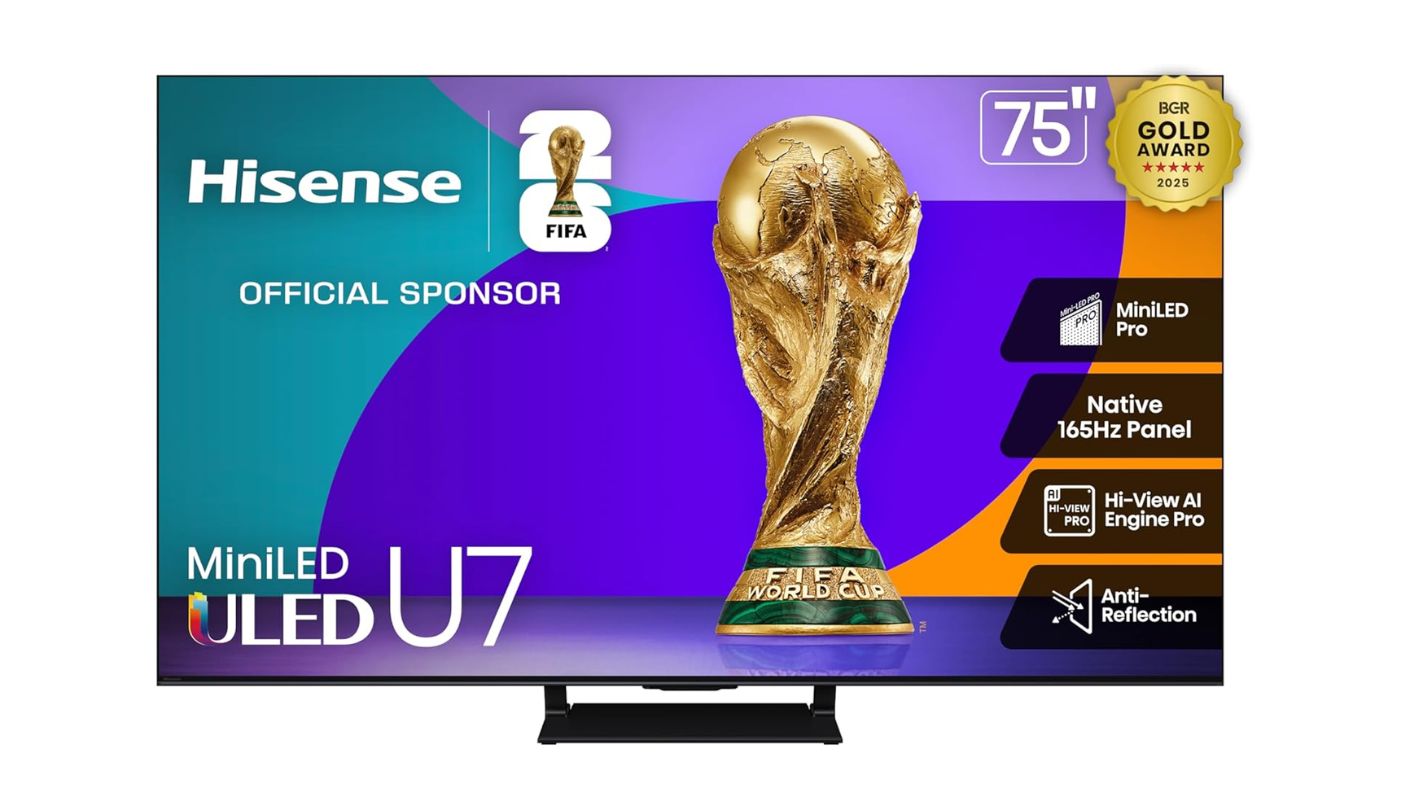
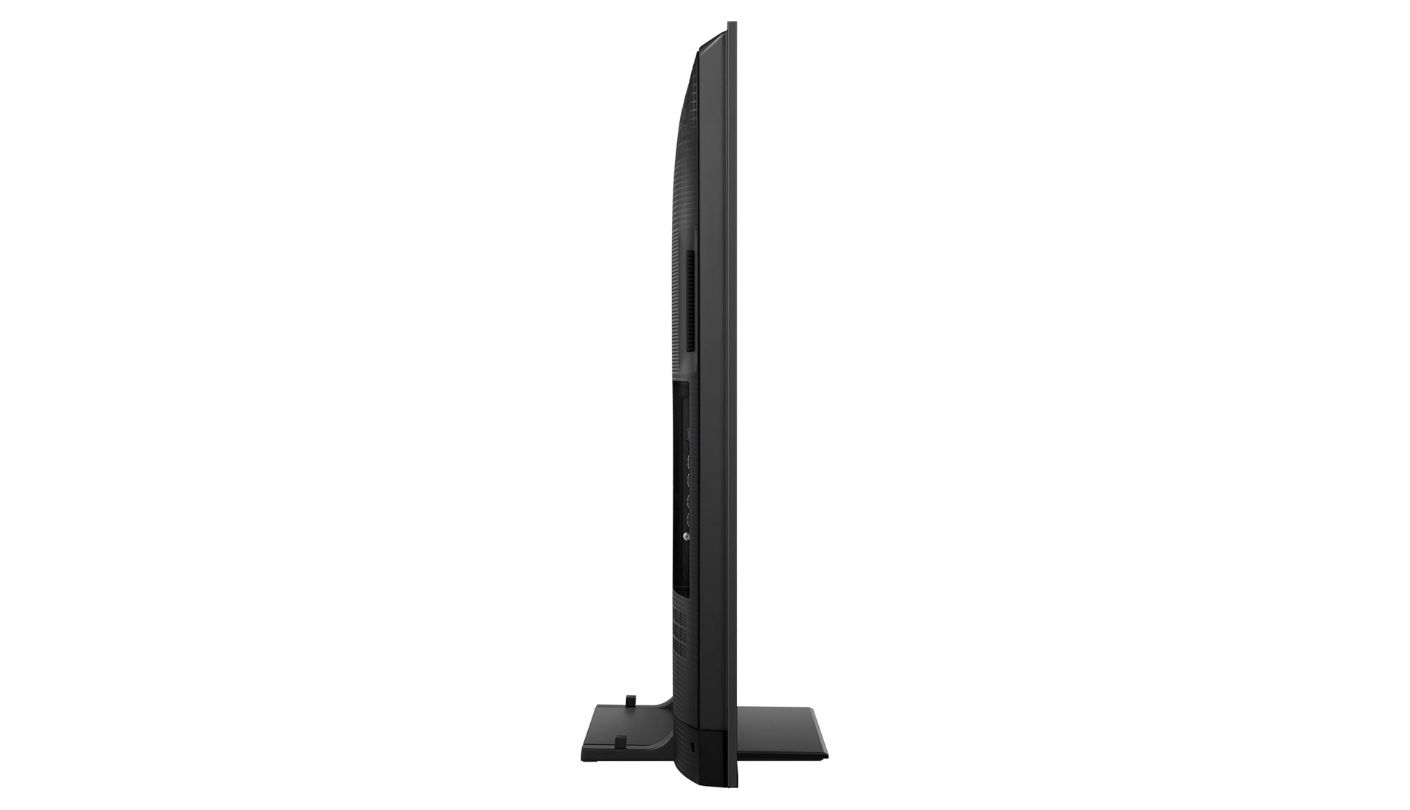
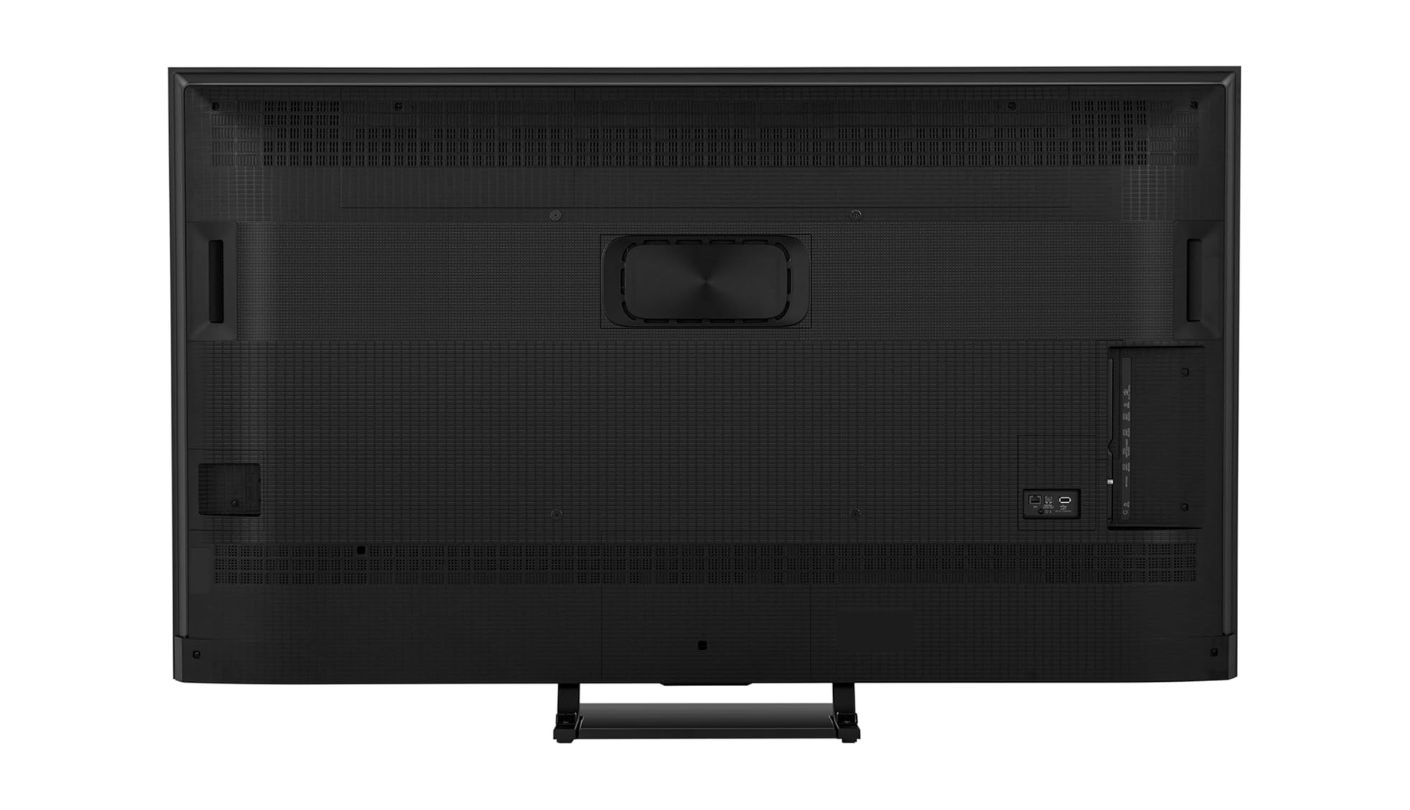
Three thousand nits of peak brightness on a Mini-LED panel at 75 inches is not a specification that belongs at this price level. The Hisense U7 75U75QG carries that number alongside a native 165Hz panel, four HDMI 2.1 ports, and VRR support up to 288Hz through Game Mode Ultra - a hardware configuration that competes with TVs priced significantly higher. The Hi-View AI Engine Pro processor is the same chip Hisense uses in its flagship U8QG, which means the U7 benefits from the same AI-driven picture optimization, real-time content analysis, and local dimming algorithm as the step-up model. I ran this set against the Sony and Samsung side by side during a night sequence from a Dolby Vision title, and the gap between Mini-LED local dimming and no local dimming was immediate and substantial at this screen size.
The gaming configuration is the strongest in this roundup. All four HDMI ports carry full HDMI 2.1 bandwidth, which means two gaming consoles, a gaming PC, and a streaming device can all operate at 4K 120fps simultaneously without any compromise on port selection. AMD FreeSync Premium Pro handles VRR from AMD-powered hardware, and the 165Hz native panel accepts and displays 120fps console output with headroom to spare. Auto Low Latency Mode activates on console connection, and the Game Bar overlay lets users adjust brightness, VRR range, and frame rate counter directly from the remote without entering the settings menu. For a household with a PS5, Xbox Series X, and a gaming PC at one TV, this is the only set in this roundup that accommodates all three at maximum bandwidth without a compromise.
Peak brightness at 3,000 nits in a well-lit living room is the Hisense U7's most visible daytime advantage. Afternoon sunlight reflecting on the panel does not wash out HDR highlights the way it does on the 400-500 nit sets. Anti-reflection coating keeps the panel usable in direct ambient light conditions where a glossy panel would be unwatchable. Dolby Vision IQ and HDR10+ Adaptive both use the TV's ambient light sensor to automatically adjust tone mapping based on room conditions, which means the HDR picture adapts to a changing room environment without manual intervention through the day.
Off-axis viewing is the clearest limitation for a living room where people sit at wide angles from the screen. The VA panel at 75 inches shows desaturated colors and elevated black levels starting around 30 degrees off-center - more noticeable at 75 inches than at smaller sizes because the physical screen width places side-seated viewers at a more extreme angle from the center. The 2.1.2 speaker system with up-firing drivers handles Dolby Atmos content credibly, creating height effects during overhead audio that a standard 2.0 configuration cannot produce. At standard listening volumes in a medium-size room, I did not miss a soundbar during any viewing session.
Google TV on the U7 runs on the same platform as the Sony BRAVIA 3, which means app availability, content discovery, and voice control behavior are identical between the two sets. The remote includes a backlit keypad and a dedicated settings shortcut button that surfaces picture and sound controls in two button presses rather than four menu layers. The U7 is the direct recommendation for any household where gaming is the primary use case and where a 3,000-nit bright room capable Mini-LED panel is a meaningful upgrade over the Sony or Samsung options at similar price points.
Pros:
- 165Hz native panel
- 4x HDMI 2.1 ports
- 3000-nit Mini-LED brightness
- 2.1.2 Dolby Atmos audio
- VRR 288Hz support
Cons:
- Narrow viewing angles
- Reflective panel coating
Summary: Four HDMI 2.1 ports, a native 165Hz panel, 3,000 nits of Mini-LED brightness, and a 2.1.2 speaker system - the Hisense U7 packs a hardware specification that belongs two price tiers higher into a 75-inch set that any gaming household should put at the top of the shortlist.
TCL QM64L 75QM64L Review
Value Champ
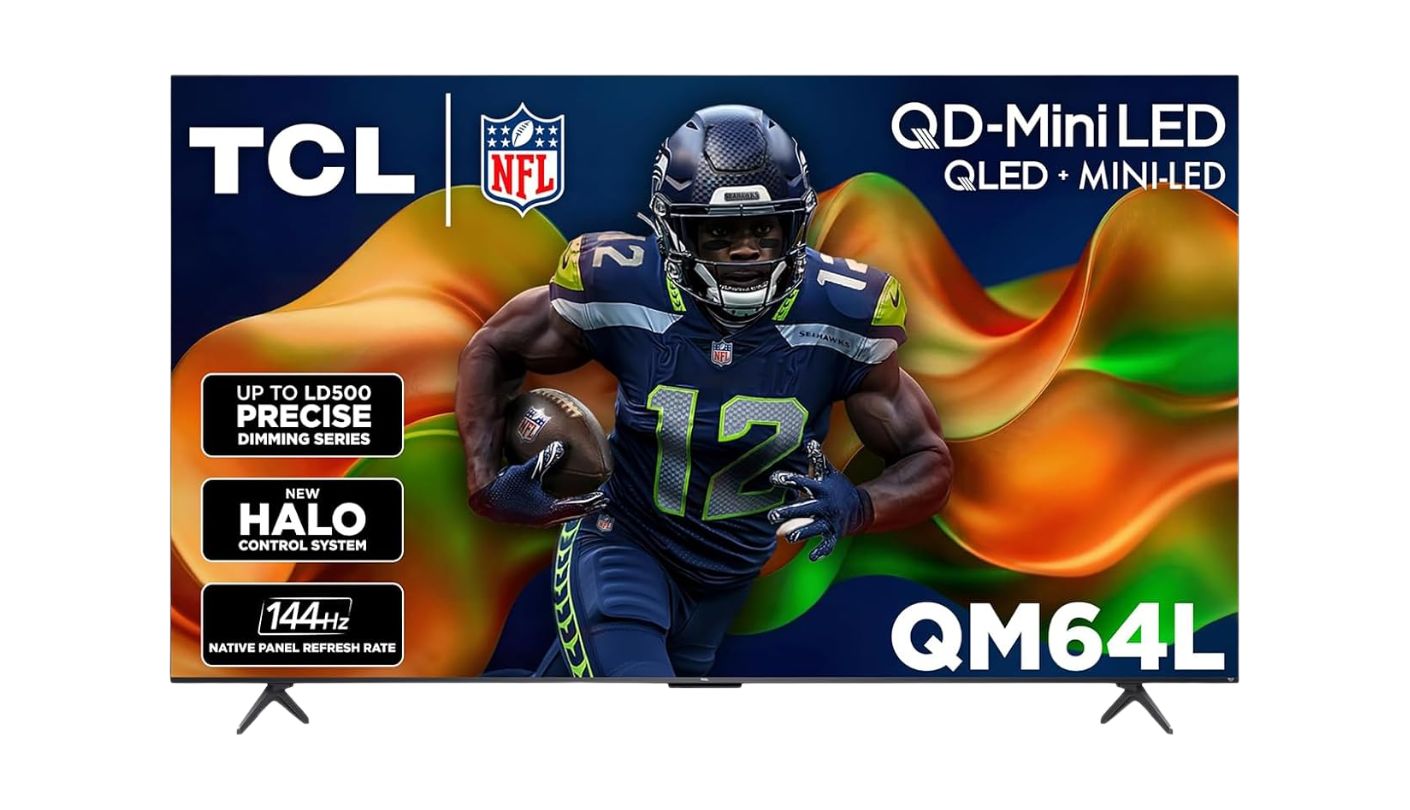
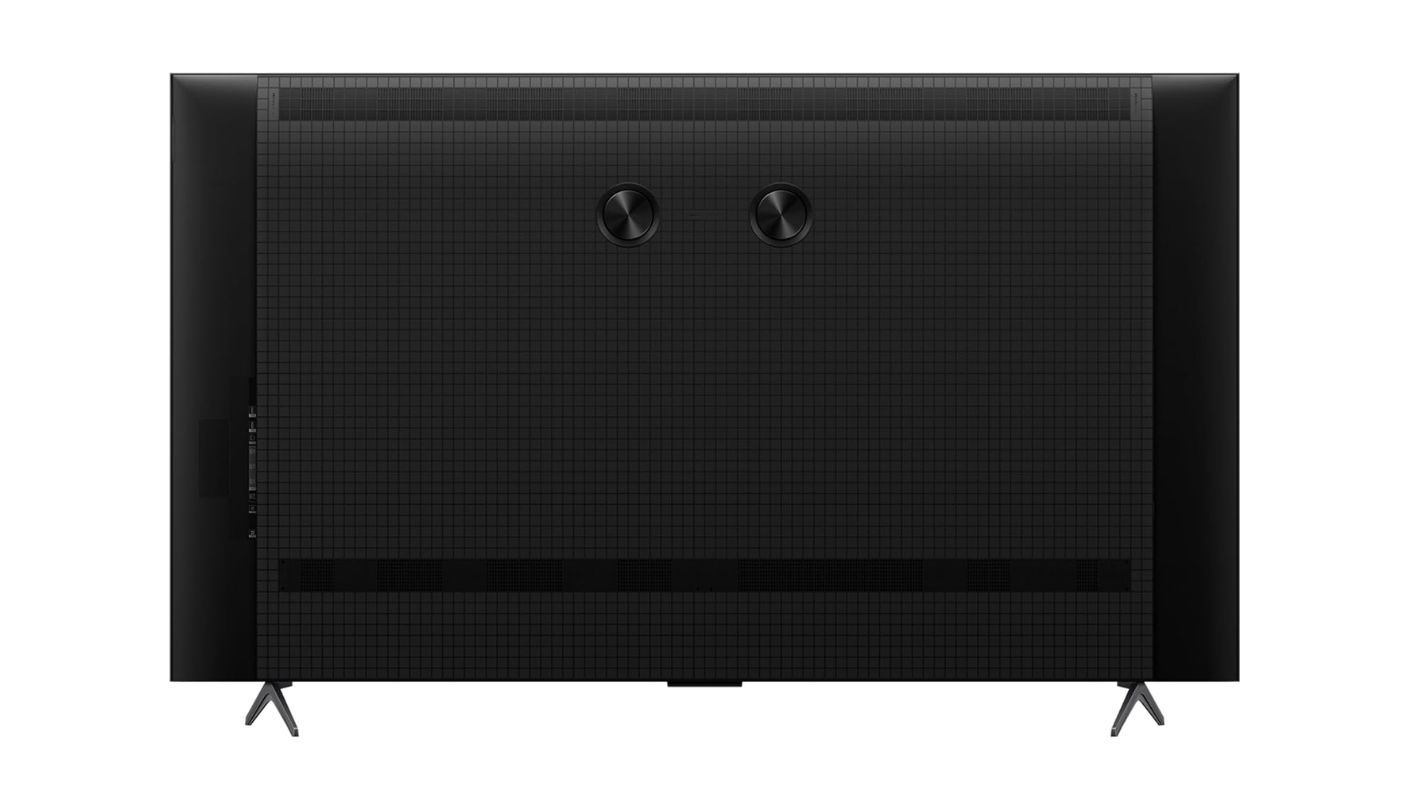
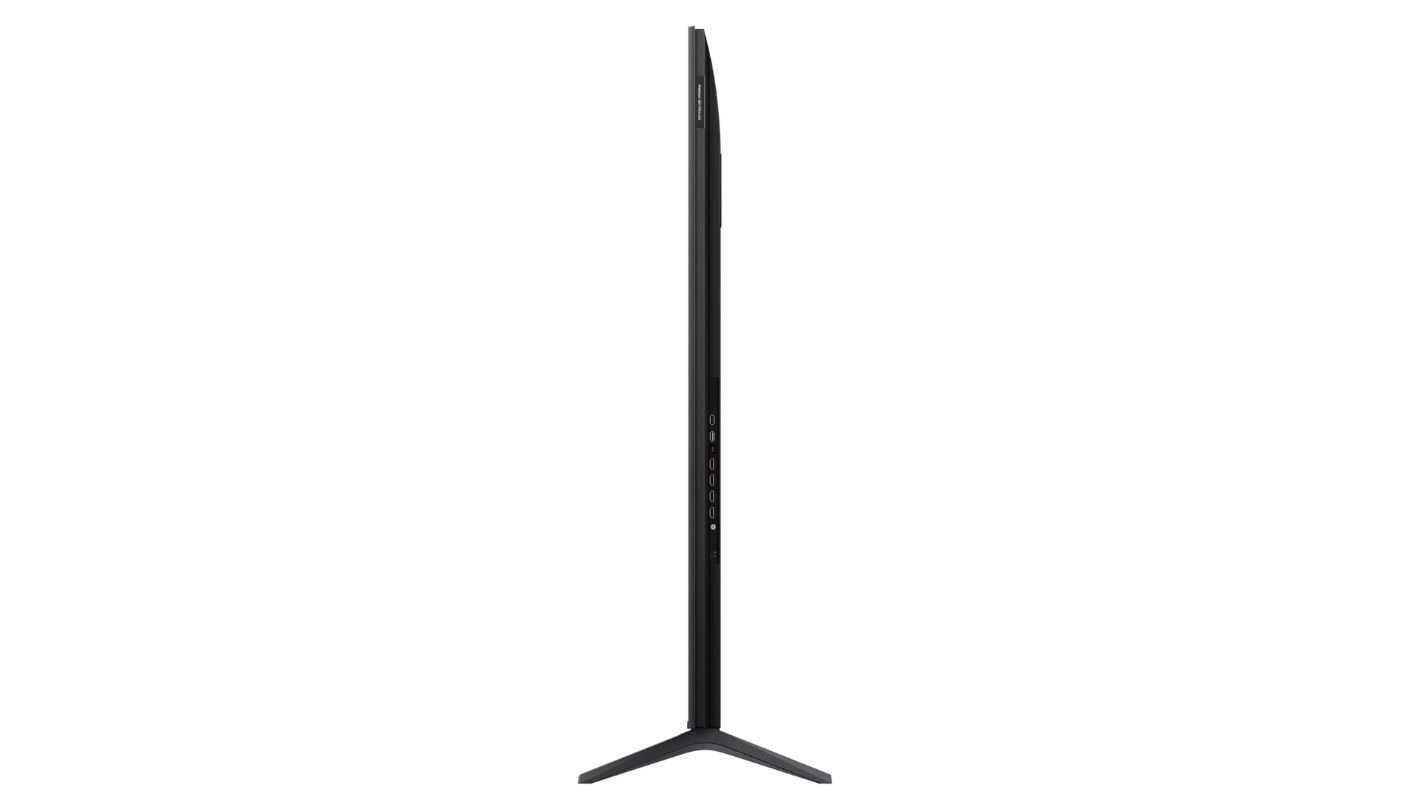
Open the box on the TCL QM64L 75QM64L and the first thing that registers before the screen is even on is the audio setup. The Onkyo 2.1 speaker system with a built-in subwoofer is not a spec you expect to find included in a 75-inch set at this price level - it is the configuration that typically requires a separate soundbar purchase on competing models. Bass weight from the integrated subwoofer is physically audible during action sequences and movie content in a way that the Sony, Samsung, and Roku sets cannot replicate without external speakers. TCL built its 2026 QM64L as a Fire TV exclusive, which means Alexa+ voice control handles content search, smart home commands, and app navigation through a more conversational AI interface than the Alexa on previous Fire TV sets.
The QD-Mini LED panel with TCL's Halo Control System uses up to 500 local dimming zones paired with a High Contrast HVA panel to produce deep blacks alongside peak brightness that handles both dark room and bright ambient light conditions. The 144Hz native panel accepts 120fps gaming signals from current-generation consoles, and Game Accelerator 288 extends VRR support up to 288Hz for compatible hardware. The AIPQ Pro Processor runs scene-by-scene machine learning optimization on incoming content - the benefit is most visible during 1080p streaming upscaling and in mixed-lighting HDR scenes where the processor's local tone mapping decisions are applied frame by frame rather than through a fixed preset curve.
Fire TV with Alexa+ is the smart platform, and for an Amazon Prime household it is the most deeply integrated option in this roundup. Prime Video recommendations sit in the home screen feed without requiring the app to be opened. Alexa+ responds to conversational commands - "find something to watch with Tom Hanks tonight" returns actual results across connected streaming services rather than a text search string. The limitation is the platform boundary: YouTube, Google Photos, and Google apps are not natively available, which remains the Fire TV ecosystem gap that households with Google infrastructure will feel immediately.
Dolby Vision and HDR10+ dynamic tone mapping both work on the QM64L, covering the content libraries of Netflix, Disney+, and Prime Video at their optimal HDR quality levels. The HVA High Contrast panel holds its black levels more consistently than IPS-type panels across the screen uniformity, which matters at 75 inches where panel uniformity differences are more visible than at smaller sizes. DTS Virtual:X processing adds spatial width to stereo content, and the combined Onkyo plus DTS audio system handles large-room volume levels without compression artifacts that thinner speaker systems produce when pushed hard.
TCL's update cadence on Fire TV devices has historically tracked Amazon's own update schedule rather than independent release cycles, which means feature additions and security updates arrive reliably as long as Amazon maintains the platform. The 75QM64L is the set I would recommend to an Amazon Prime household that wants Mini-LED contrast, 144Hz gaming, and premium audio from built-in speakers without paying for a soundbar immediately - a combination that requires separate purchases to assemble from the other sets in this field.
Pros:
- Onkyo 2.1 built-in sub
- QD-Mini LED dimming
- 144Hz native panel
- Halo Control system
- Alexa+ voice control
Cons:
- No Google Play apps
- Fire TV ecosystem limits
Summary: A built-in Onkyo subwoofer, QD-Mini LED Halo Control dimming, and 144Hz gaming in a Fire TV package - the TCL QM64L is the one to buy when premium audio from built-in speakers matters as much as picture quality, and the household is already inside Amazon's ecosystem.
Roku Select Series 75-Inch Review
Cord Cutter
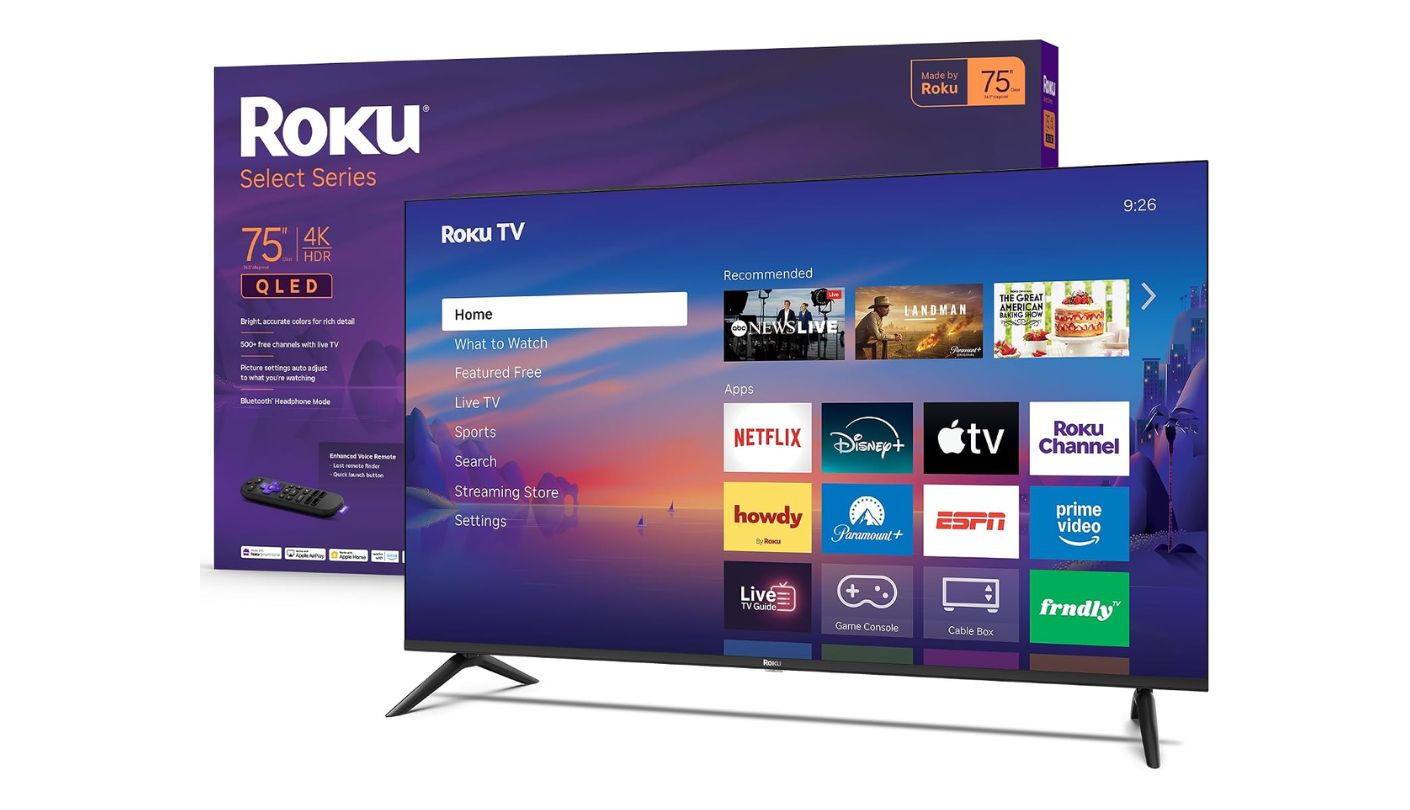
Not every 75-inch TV buyer wants a gaming machine or a dark-room cinema setup. Some want a large, fast, dependably simple television for streaming, and the Roku Select Series 75-inch 2026 is built precisely for that use case without overcomplicating anything around it. The 4K QLED panel with Roku Smart Picture processing automatically selects the correct picture mode for incoming content - sports, film, HDR, or standard broadcast - without any user input required. Five hundred-plus free Roku channels are accessible from the home screen alongside every major streaming service. I set this TV up from box to watching in eleven minutes, including network connection, account sign-in, and a channel scan for over-the-air antenna content.
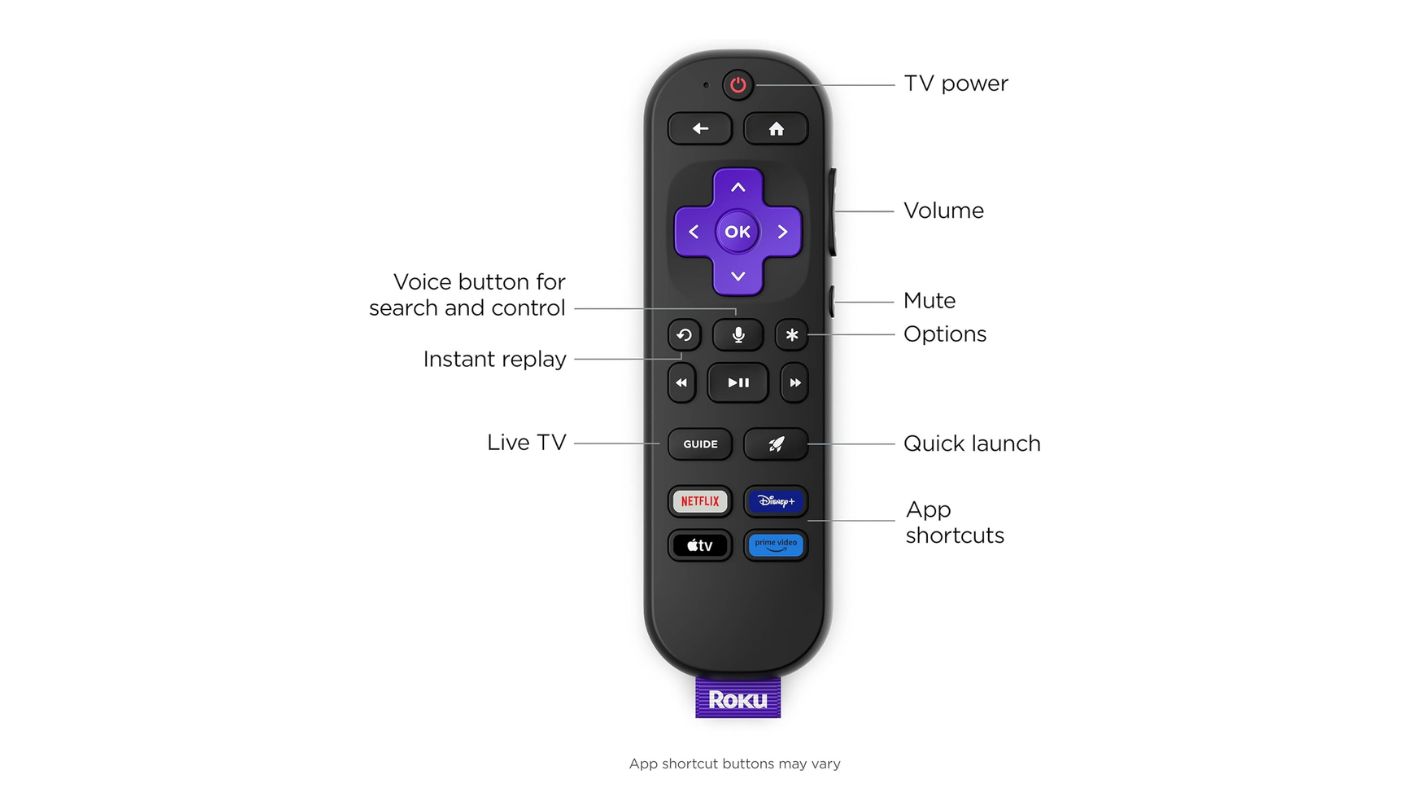
Roku OS remains the most content-neutral streaming platform in the consumer TV market. The home screen does not bias toward any particular streaming service - Netflix, Disney+, Amazon, Apple TV+, and Peacock all receive equal visual prominence on the home screen grid. Search results across all connected services surface the same title from multiple platforms simultaneously and show which subscription tier it requires, which saves the step of opening individual apps to check availability. The voice remote handles search, app launch, and basic settings adjustment accurately. Bluetooth Headphone Mode connects wireless headphones directly through the TV's Bluetooth stack without any pairing app required - useful for late-night viewing in a shared household.
The QLED panel with HDR10 support produces accurate, well-saturated color in normal viewing conditions. HDR10 is static tone mapping rather than the dynamic frame-by-frame adjustment of Dolby Vision or HDR10+, which means the HDR picture is good but does not adapt to content the way the Sony, Hisense, or TCL sets do on compatible material. No local dimming means the direct-lit backlight distributes brightness uniformly across the panel - black levels in a dark room are shallow compared to the Mini-LED options. In a bright living room at typical viewing distances, these limitations are far less visible than in a controlled dark environment.
The 60Hz native panel, absence of HDMI 2.1, and basic Game Mode configuration make the Roku Select Series a functional but not priority choice for gaming households. Input lag in Game Mode is low enough for casual console use, and the picture quality in motion during 60fps gaming is clean. For a household where gaming accounts for less than a quarter of total screen time and where streaming, live sports, and antenna broadcasts account for the majority of use, the gaming limitations do not surface in daily experience.
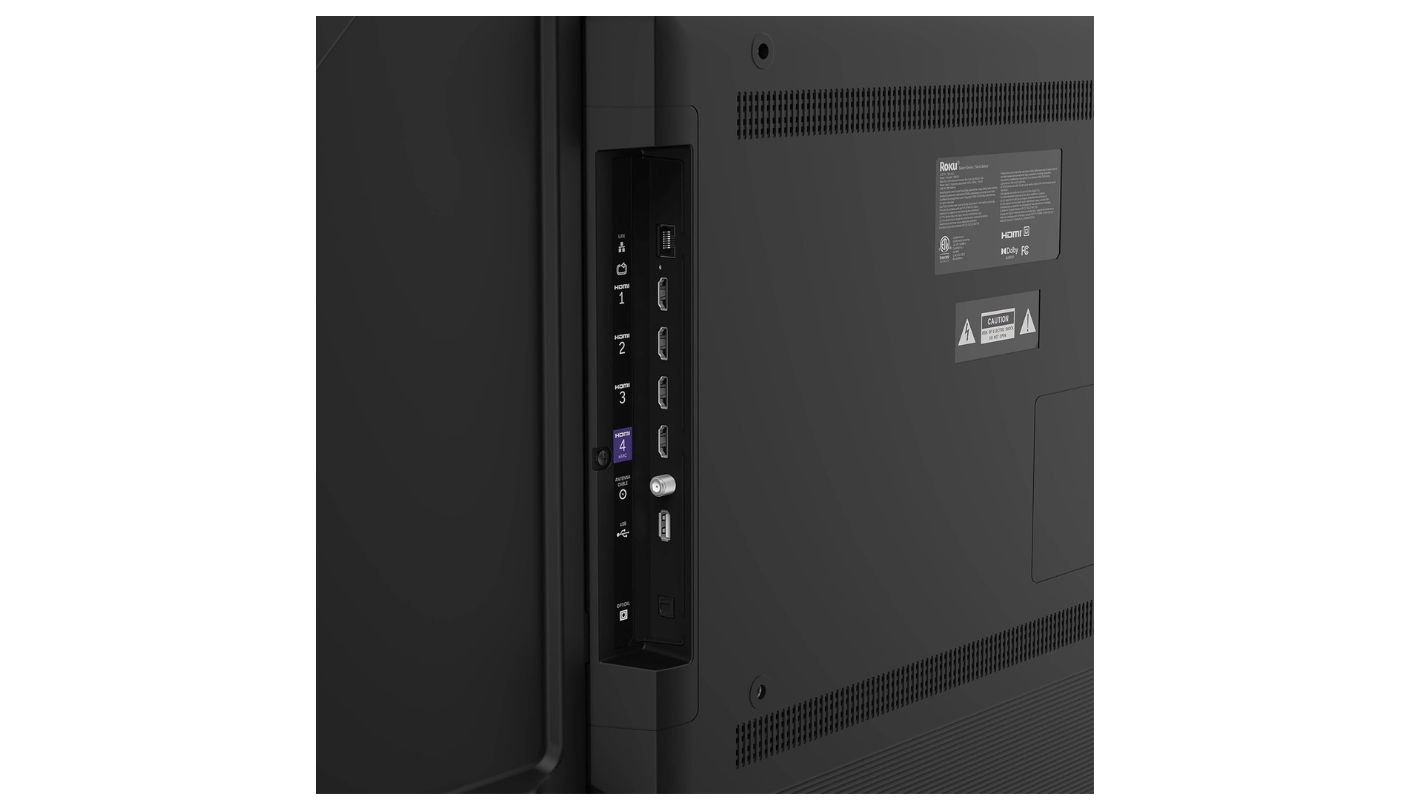
Audio is adequate rather than impressive - Dolby Audio processing handles dialogue clarity and standard stereo content without issues, but lacks the subwoofer output and spatial processing of the Hisense and TCL sets. For a household planning to connect a soundbar through the HDMI eARC port immediately, this does not matter. For a household that wants the TV's built-in audio to carry the room on its own, the Roku Select Series is the set where I would recommend a soundbar purchase at the same time rather than as a later addition. At its price relative to screen size, the Roku Select Series is the most straightforward large-screen QLED streaming television in this roundup.
Pros:
- Roku OS simplicity
- 500+ free channels
- 4K QLED color
- Bluetooth Headphone Mode
- Quick setup process
Cons:
- No local dimming
- HDR10 only (no Dolby Vision)
Summary: The Roku Select Series is the 75-inch QLED for households that want a large screen up and streaming in ten minutes - Roku's platform, free content, and clean 4K QLED picture without gaming ambitions or dark-room HDR requirements.
75-Inch TV Under $1,000: FAQ
Is a 75-inch TV too big for a living room?
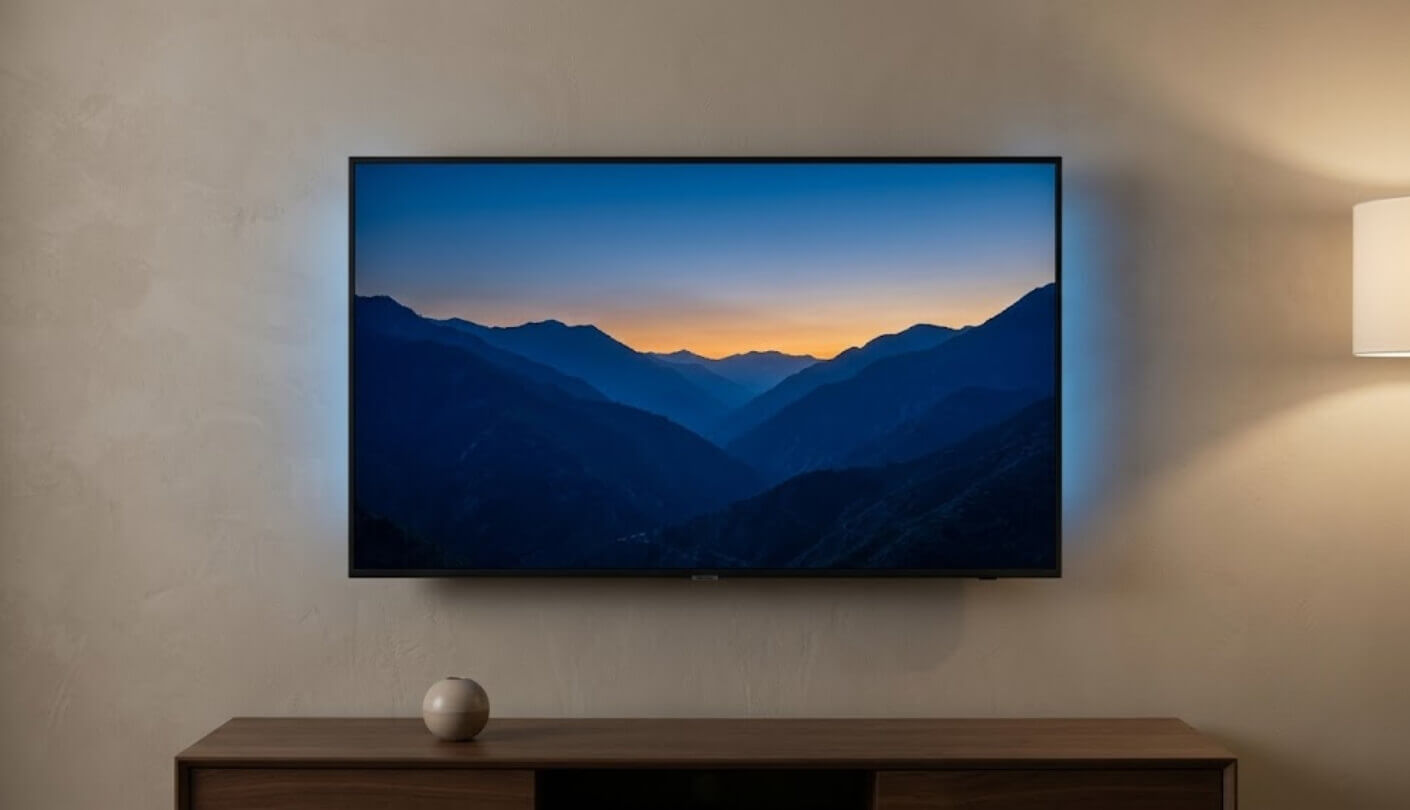
The standard guidance from display manufacturers is that a 75-inch TV is comfortable at a seating distance of approximately 8 to 10 feet for 4K content. At shorter distances the individual pixels in a 4K panel become visible, but 4K resolution at 75 inches maintains enough pixel density to remain sharp from most typical couch distances. The practical constraint is usually furniture placement and room geometry rather than screen size itself - a 75-inch TV requires a media console or wall mount that accommodates its width, and the stand feet on most 75-inch sets need a surface at least 55 inches wide.
Which TV in this roundup is best for a dark home theater room?
The Hisense U7 is the strongest performer in a dark room by a clear margin - 3,000 nits of Mini-LED peak brightness combined with up to 3,000 local dimming zones produces contrast that the Sony, Samsung, and Roku sets without local dimming cannot match. The TCL QM64L is the close second, with its Halo Control System delivering precise black levels at a 144Hz native panel. Both Mini-LED options show their advantage most clearly during night scene sequences where bright objects against dark backgrounds would cause visible glow on standard QLED sets without local dimming.
Do I need HDMI 2.1 for a PS5 or Xbox Series X?
For 4K gaming at 120fps, yes. Both consoles output 4K at 120fps on supported games, and that signal requires HDMI 2.1 bandwidth on the TV port. Without HDMI 2.1, the console caps at 4K 60fps. Variable Refresh Rate also requires HDMI 2.1 to function. The Hisense U7 includes HDMI 2.1 on all four ports. The TCL QM64L includes HDMI 2.1 capability. The Sony, Samsung, and Roku Select Series do not include HDMI 2.1, which means 4K 120fps gaming is not available on those three sets regardless of the console's output settings.
What is the difference between Dolby Vision and HDR10+?
Both are dynamic HDR formats that adjust tone mapping frame by frame rather than applying a fixed curve to an entire program. Dolby Vision is used by Netflix, Disney+, and Apple TV+ as the primary HDR format for original content. HDR10+ is favored by Amazon Prime Video and a growing library of UHD Blu-ray releases. A TV supporting only one of the two formats will display the other in standard HDR10, which is accurate but uses less precise tone mapping. The Sony BRAVIA 3, Hisense U7, and TCL QM64L all support Dolby Vision in this roundup. The Samsung Q7F supports HDR10+ only. The Roku Select Series supports HDR10 only.
How much does a TV's built-in audio matter at 75 inches?
At 75 inches, the speaker drivers are physically larger than on smaller sets, which gives manufacturers more room to include a subwoofer and up-firing channels without the cabinet becoming impractically thick. The Hisense U7's 2.1.2 configuration and the TCL QM64L's Onkyo 2.1 system with built-in subwoofer both fill a large living room volume without a soundbar as a prerequisite - which is meaningfully different from the Sony, Samsung, and Roku sets, which handle dialogue and standard audio adequately but require an external subwoofer for bass-heavy content. If a soundbar is already in the budget, the audio difference between sets matters less. If it is not, it matters considerably.
Is it worth paying more for Mini-LED over standard QLED at this size?
For dark room viewing, yes. For a bright living room, the answer is less clear-cut. Mini-LED's local dimming advantage is most visible in precisely controlled dark environments where bright objects against dark backgrounds reveal backlight uniformity. In a brightly lit room, ambient light reduces visible contrast differences between panel types, and the QLED color performance of the Samsung or Sony is competitive with Mini-LED sets for everyday viewing. The Hisense U7's 3,000-nit brightness advantage over the Sony and Samsung actually becomes more visible in bright rooms than dark ones, because its peak output overcomes ambient light more aggressively - which means Mini-LED is the right choice for both extremes at this size.
Which TV is best for sports watching?
The Hisense U7's native 165Hz panel handles fast lateral motion in sports broadcasts - panning shots, ball tracking, and player movement - with less blur than the 60Hz sets in this roundup, and its 3,000-nit brightness makes stadium lighting and grass color pop in HDR sports broadcasts. The TCL QM64L's 144Hz native panel is the close second for sports motion performance. For a sports viewer without gaming requirements, the Samsung Q7F's Object Tracking Sound Lite adds directional audio movement that follows on-screen action across the speaker array, which improves immersion during live sports without a soundbar.
How do I decide between Google TV, Tizen, Fire TV, and Roku at this size?
Map your current app habits against each platform's strengths. Google TV on the Sony and Hisense is best for households with multiple streaming subscriptions who want a unified content discovery feed and Google Assistant integration. Tizen on the Samsung suits households already using Samsung phones, SmartThings devices, and wanting free live channels through Samsung TV Plus. Fire TV on the TCL is the natural fit for Amazon Prime households who want Alexa+ voice control and deep Prime Video integration, with the caveat that Google apps are not natively available. Roku on the Select Series suits households that want the simplest possible interface without platform bias and prioritize Roku's free channel library. There is no universally best platform - the match to existing household habits is what determines daily satisfaction.
Picking the Right 75-Inch TV for Your Room
The Sony BRAVIA 3 and Samsung Q7F are the two sets for living rooms where factory calibration, platform cohesion, and brand trust matter more than gaming bandwidth or local dimming contrast. The Sony BRAVIA 3 has the edge in picture accuracy and PS5 integration. The Samsung Q7F has the edge in free live content and ecosystem depth for Samsung households.
Gaming and dark-room performance pull toward the other end of this field. The Hisense U7 is the set I would put in a gaming room - four HDMI 2.1 ports, 165Hz, and 3,000 nits of Mini-LED brightness at this price is a combination that is hard to find elsewhere at any size. The TCL QM64L is the choice for an Amazon household that wants Mini-LED contrast and premium audio from day one without a separate soundbar purchase.
And the Roku Select Series is the 75-inch QLED for the household that wants a large screen up and streaming in under fifteen minutes - no gaming demands, no dark-room ambitions, just clean 4K picture and five hundred free channels ready to scroll.

Meet James, our go-to tech guru and seasoned reviewer. His sharp attention to detail and love for gadgets drive his deep dives into the newest tech waves. James's insightful analysis and real zest for breakthroughs have earned him a solid reputation in the tech world.


